Developers building financial applications often face challenges in automating expense management and corporate payments. The Ramp API addresses these needs by providing programmatic access to Ramp's corporate card and spend management platform. This API enables businesses to automate transaction tracking, enforce spending policies, and generate real-time reports directly within their systems.
As you integrate the Ramp API into your workflows, tools like Apidog become essential for testing and documentation. Apidog simplifies API design, debugging, and collaboration, ensuring your Ramp API implementations run smoothly.
Understanding the Core Functions of the Ramp API
The Ramp API serves as a bridge between Ramp's backend infrastructure and external applications. Developers use it to interact with corporate cards, transactions, and compliance features programmatically. Specifically, the API handles data retrieval and manipulation for entities like users, cards, vendors, and transactions.
First, consider transaction management. The Ramp API allows retrieval of transaction details via endpoints such as /transactions. You can query by date range, merchant, or status to fetch JSON responses containing fields like amount, currency, merchant_name, and category. For instance, a GET request to /v1/transactions?start_date=2025-01-01&end_date=2025-12-07 returns an array of transaction objects. Each object includes metadata for reconciliation, such as external_id for linking to your internal systems.
Card management forms another pillar. The API supports issuing virtual and physical cards through POST requests to /v1/cards. Parameters include holder_name, spend_limit, and approval_policy_id. Ramp processes these requests asynchronously, returning a card_id for subsequent operations like updating limits or closing cards. This functionality proves invaluable for dynamic spend controls in expense-heavy applications.
Vendor synchronization represents yet another key capability. Developers pull vendor data using /v1/vendors, which categorizes suppliers and applies tax compliance rules. The response includes vendor_id, name, and category_id, enabling automated categorization in accounting software.
Additionally, the API enforces policy compliance. Endpoints under /v1/policies let you define and apply rules, such as location-based restrictions or budget caps. When a transaction violates a policy, the API flags it with a policy_violation field, triggering webhooks for real-time notifications.
Webhooks enhance these functions by pushing events to your endpoints. For example, a transaction.created event delivers payload with transaction_id and amount, allowing immediate processing without polling. To configure webhooks, POST to /v1/webhooks with your URL and subscribed events.
Overall, the Ramp API reduces manual intervention in financial operations. Businesses leverage it to integrate with ERPs like NetSuite or QuickBooks, automating data flows that previously required custom scripts. However, its RESTful design demands careful handling of rate limits—typically 100 requests per minute—to maintain performance.
Transitioning from theory to practice, accessing the Ramp API requires specific steps. These ensure secure and efficient connections.
Accessing the Ramp API: Step-by-Step Authentication and Setup
Developers access the Ramp API through a straightforward process involving account creation, key generation, and environment selection. Begin by signing up for a Ramp business account if you lack one. Ramp verifies businesses during onboarding, a process that typically spans 1-3 business days.
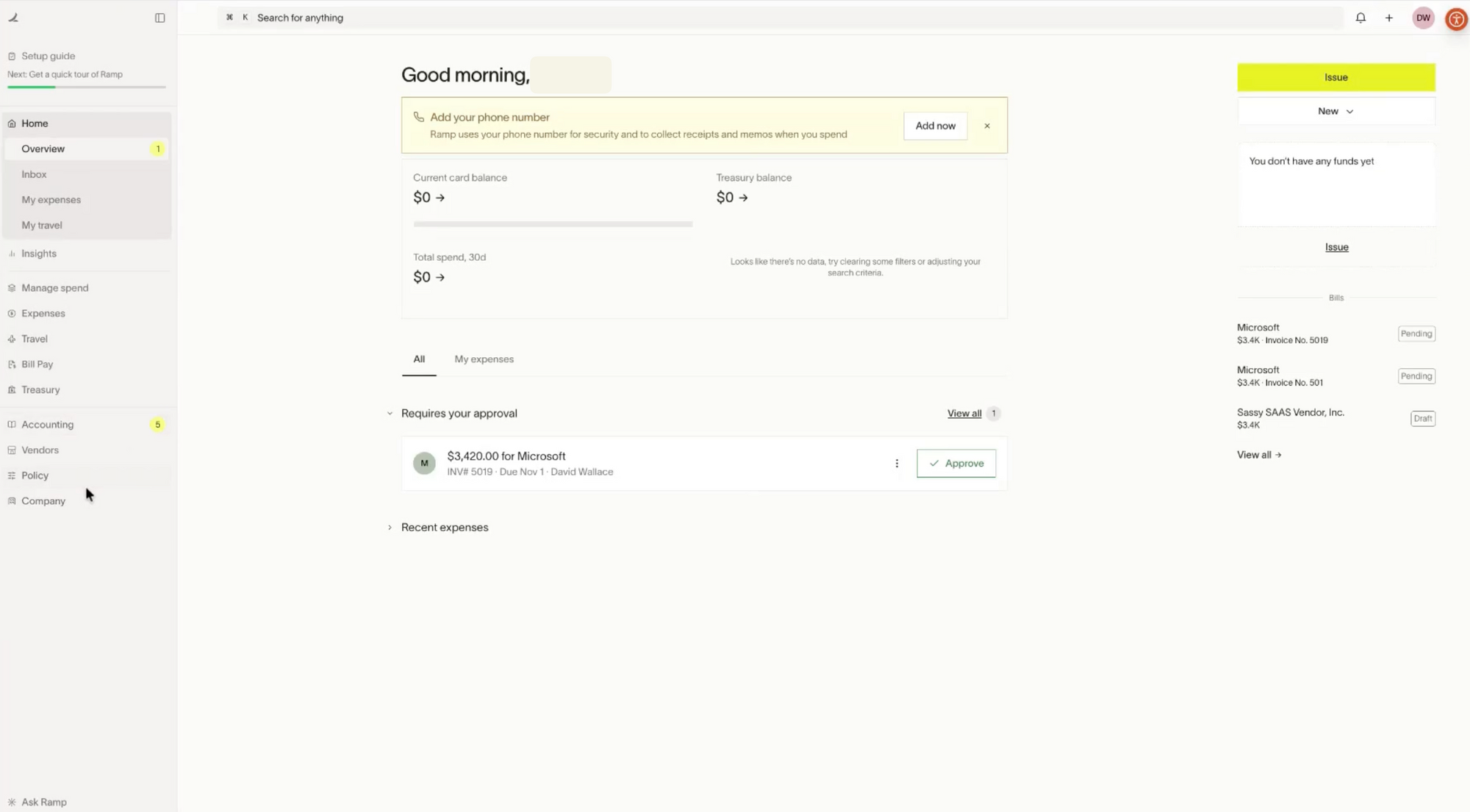
Once approved, navigate to the Ramp dashboard's "Developers" section.
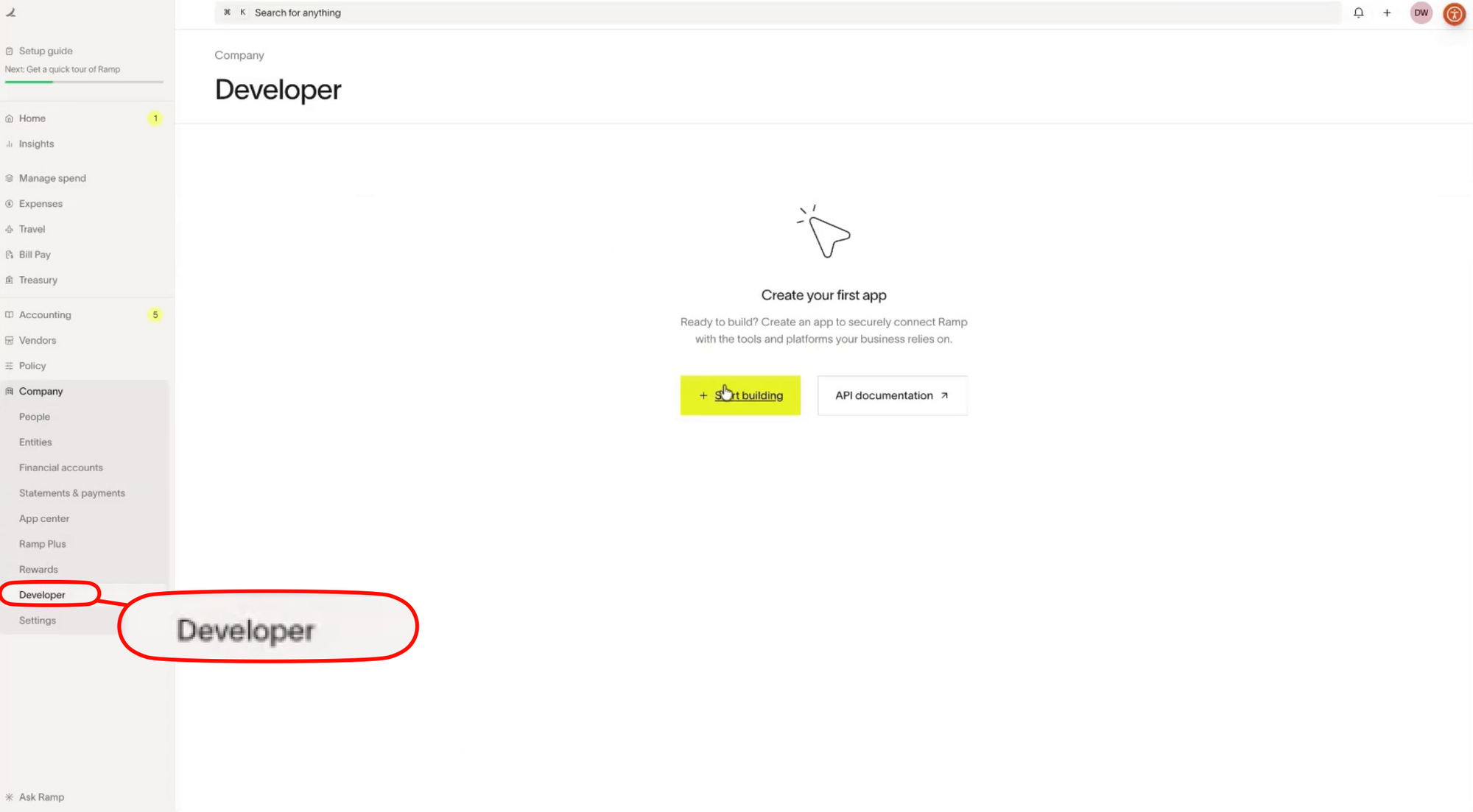
Here, generate an API key by selecting "Create API Key." The key, a string like rk_live_abc123def456, authenticates all requests.

Store it securely—Ramp recommends environment variables or secret managers like AWS Secrets Manager.
Authentication employs Bearer tokens. Include the key in headers: Authorization: Bearer rk_live_abc123def456. The API supports both live and sandbox environments. Use the sandbox base URL https://sandbox-api.ramp.com/v1/ for testing; switch to https://api.ramp.com/v1/ for production.
Next, configure your client. Most developers use HTTP libraries like Python's requests or Node.js's axios. A basic Python example illustrates this:
import requests

headers = {
    'Authorization': 'Bearer rk_live_abc123def456',
    'Content-Type': 'application/json'
}

response = requests.get('https://api.ramp.com/v1/transactions', headers=headers)
if response.status_code == 200:
    transactions = response.json()
    print(transactions)
else:
    print(f"Error: {response.status_code}")
This code fetches transactions and handles responses. Always check for 401 Unauthorized errors, which indicate invalid keys.
For advanced setups, implement OAuth 2.0 for user-specific access. Ramp's API supports client credentials flow: POST to /oauth/token with client_id, client_secret, and grant_type=client_credentials. The response yields an access token valid for one hour.
Testing follows setup. Ramp provides sandbox data, including mock transactions. Use tools like Apidog to import the OpenAPI spec from docs.ramp.com, simulate requests, and validate schemas. Apidog's visual interface lets you mock responses, debug payloads, and generate client code in multiple languages.
Rate limiting applies universally: 100 requests per minute per key. Exceed this, and you receive 429 Too Many Requests. Implement exponential backoff in your code to retry gracefully.
Sandbox-to-production migration involves swapping URLs and keys. Ramp advises thorough testing—simulate edge cases like declined transactions or policy violations.
With access secured, developers often wonder about costs. Pricing transparency helps budget integrations effectively.
Ramp API Pricing: Transparent Models for Scalable Integrations
Ramp structures its API pricing around the broader platform fees, ensuring predictability for developers. The core Ramp service operates on a no-monthly-fee model for card issuance, but API usage ties into transaction volumes.
Basic access to the API comes free with any Ramp account. You incur no additional charges for standard endpoints like transactions or cards. However, advanced features—such as custom webhook processing or high-volume data exports—may require enterprise plans.
Ramp's pricing emphasizes per-transaction savings rather than API-specific fees. The platform offers 1.5% cashback on all card spends, with no foreign transaction fees. For API-driven automations, this translates to cost efficiencies: automate reconciliations to cut accounting hours by up to 80%.
Integrating the Ramp API: Technical Strategies and Code Examples
Integration begins with mapping your application's needs to API endpoints. Suppose you build an expense tracker. Start by syncing users: POST to /v1/users with email and name to onboard employees.
const axios = require('axios');

const config = {
  headers: {
    'Authorization': 'Bearer rk_live_abc123def456',
    'Content-Type': 'application/json'
  }
};

const userData = {
  email: 'employee@example.com',
  name: 'John Doe'
};

axios.post('https://api.ramp.com/v1/users', userData, config)
  .then(response => console.log('User created:', response.data.user_id))
  .catch(error => console.error('Error:', error.response.status));
This snippet creates a user and logs the ID. Extend it to issue cards: Chain a POST to /v1/cards using the user_id.
Handle errors robustly. The API returns standardized JSON errors: { "error": { "code": "INVALID_REQUEST", "message": "Missing field" } }. Parse these in try-catch blocks.
For batch operations, use the /v1/transactions/bulk endpoint. Upload CSV files via multipart/form-data for mass imports. Ramp processes asynchronously, notifying via webhooks.
Security demands attention. Encrypt sensitive data before transmission—use HTTPS everywhere. Ramp complies with SOC 2 and PCI DSS, but you must validate inputs to prevent injection attacks.
Scale with caching. Redis stores frequent queries like vendor lists, reducing API hits. Implement idempotency keys in requests: Add Idempotency-Key: unique-string to avoid duplicates during retries.
Webhooks require verification. Ramp signs payloads with HMAC-SHA256 using your secret. Validate signatures in your handler:
import hmac
import hashlib

def verify_webhook(payload, signature, secret):
    expected = hmac.new(secret.encode(), payload, hashlib.sha256).hexdigest()
    return hmac.compare_digest(signature, f'sha256={expected}')
This function ensures payload integrity.
Apidog elevates integrations. Import Ramp's spec, generate mocks, and collaborate via shared collections. Its AI-assisted testing predicts edge cases, saving hours.
Common pitfalls include timezone mismatches—Ramp uses UTC, so convert locally. Also, paginate large responses: Use limit and after parameters.
As integrations mature, monitoring becomes crucial. Integrate with tools like Datadog for API latency tracking.
Enhancing Ramp API Workflows with Apidog: Testing and Documentation
Apidog pairs powerfully with the Ramp API, offering end-to-end management. Design endpoints visually, then test against Ramp's sandbox. Generate documentation automatically, including schemas and examples.
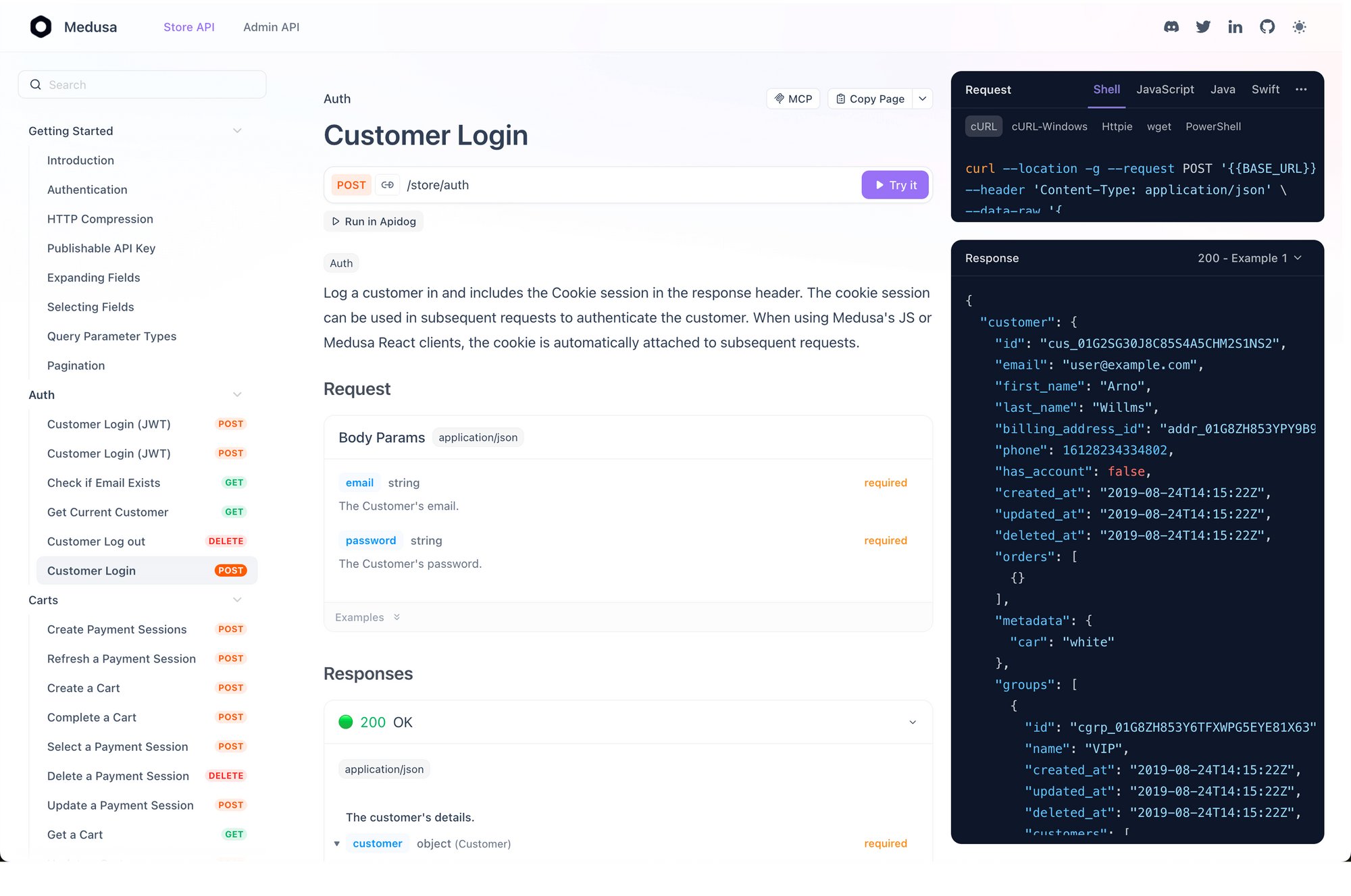
For instance, document the transactions endpoint: Apidog renders interactive docs with try-it buttons, pulling real responses. Collaborate by exporting Postman collections compatible with team workflows.
Debugging shines here. Apidog's console logs requests, highlighting issues like malformed JSON. For Ramp's policy endpoints, simulate violations to verify webhook triggers.
Free tier supports unlimited projects—download now to complement your Ramp API setup.
Conclusion: Deploy the Ramp API for Efficient Financial Automation
The Ramp API empowers developers to automate corporate finance with precision. It manages transactions, cards, and policies through intuitive REST endpoints, accessible via simple Bearer authentication. Pricing remains developer-friendly, with free basics and scalable enterprise options.
Implement these strategies to build robust integrations. Pair with Apidog for seamless testing, and watch your applications handle spend management flawlessly.
Ready to integrate? Generate your API key today and transform financial workflows.