Developers constantly seek ways to automate repetitive tasks, and AI tools have revolutionized this process. Claude Code, Anthropic's agentic coding assistant, stands out by integrating directly into your terminal to understand and modify codebases. However, the real game-changer emerges when you pair it with the Ralph Wiggum plugin, which introduces autonomous loops for persistent, iterative development. This plugin allows Claude Code to tackle complex tasks without constant human oversight, refining outputs through repeated cycles until success criteria meet expectations.
Understanding Claude Code: The Foundation for Advanced AI Assistance
Claude Code serves as a terminal-based AI agent that interacts with your codebase in real time. Anthropic designed it to handle routine coding tasks, such as refactoring, debugging, and generating new features. Unlike traditional code editors, Claude Code maintains context across sessions by observing file changes and git history. This capability enables it to make informed decisions based on the evolving state of your project.
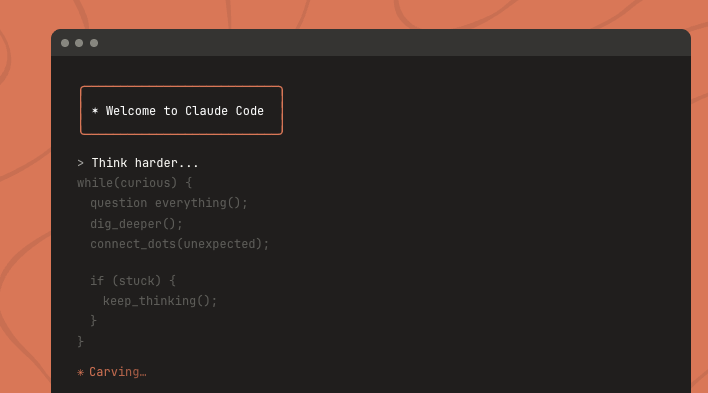
For instance, Claude Code executes commands, modifies files, and commits changes to git repositories. It processes prompts in natural language, translating them into actionable code. Engineers rely on it for speeding up development cycles, especially in large codebases where manual intervention becomes cumbersome.
Furthermore, Claude Code integrates with plugins to extend its functionality. These plugins, available through an official marketplace, add specialized features like version control enhancements or external tool integrations. The system uses a command-line interface where users input prompts, and Claude responds by performing the requested operations.
Transitioning to more advanced uses, Claude Code excels in scenarios requiring iterative refinement. However, without additional mechanisms, it typically completes tasks in a single pass. This limitation is where plugins like Ralph Wiggum enter the picture, transforming one-off interactions into sustained, autonomous processes.
Claude Code's architecture builds on large language models (LLMs) optimized for coding. It employs techniques such as chain-of-thought reasoning to break down complex problems. Users activate it via simple commands, and it outputs results directly in the terminal. This setup minimizes context switching, allowing developers to stay focused on high-level strategy.

Nevertheless, Claude Code's true potential unlocks when combined with tools that enable looping behaviors. Such extensions address the need for persistence in AI-driven development, where initial attempts might fail but subsequent iterations succeed based on learned adjustments.
Introducing Ralph Wiggum: The Persistent Coder in Claude Code
Ralph Wiggum draws its name from the iconic Simpsons character known for his endearing persistence despite frequent mishaps. In the context of Claude Code, this plugin embodies that spirit by creating autonomous loops that keep Claude working on a task until completion. Developers install Ralph Wiggum to automate mechanical coding chores, freeing them to handle creative or strategic elements.
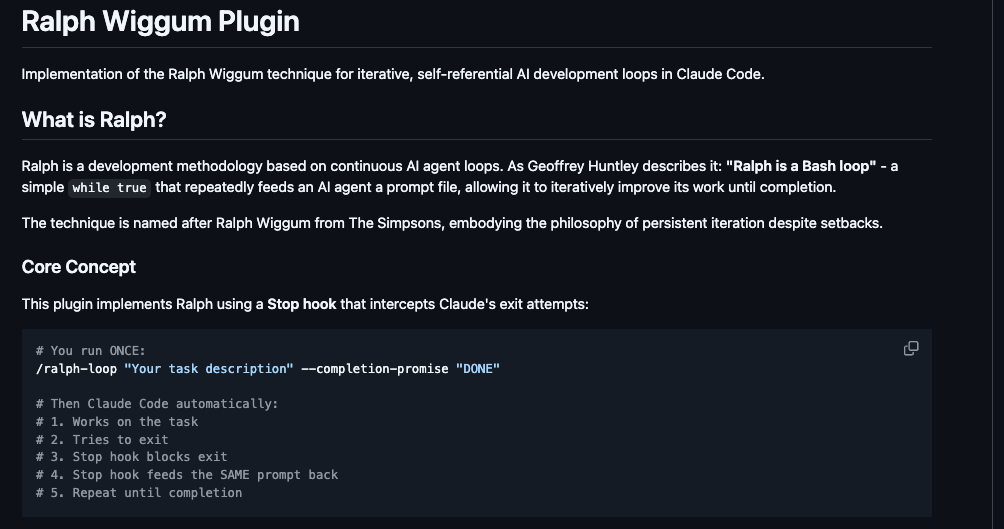
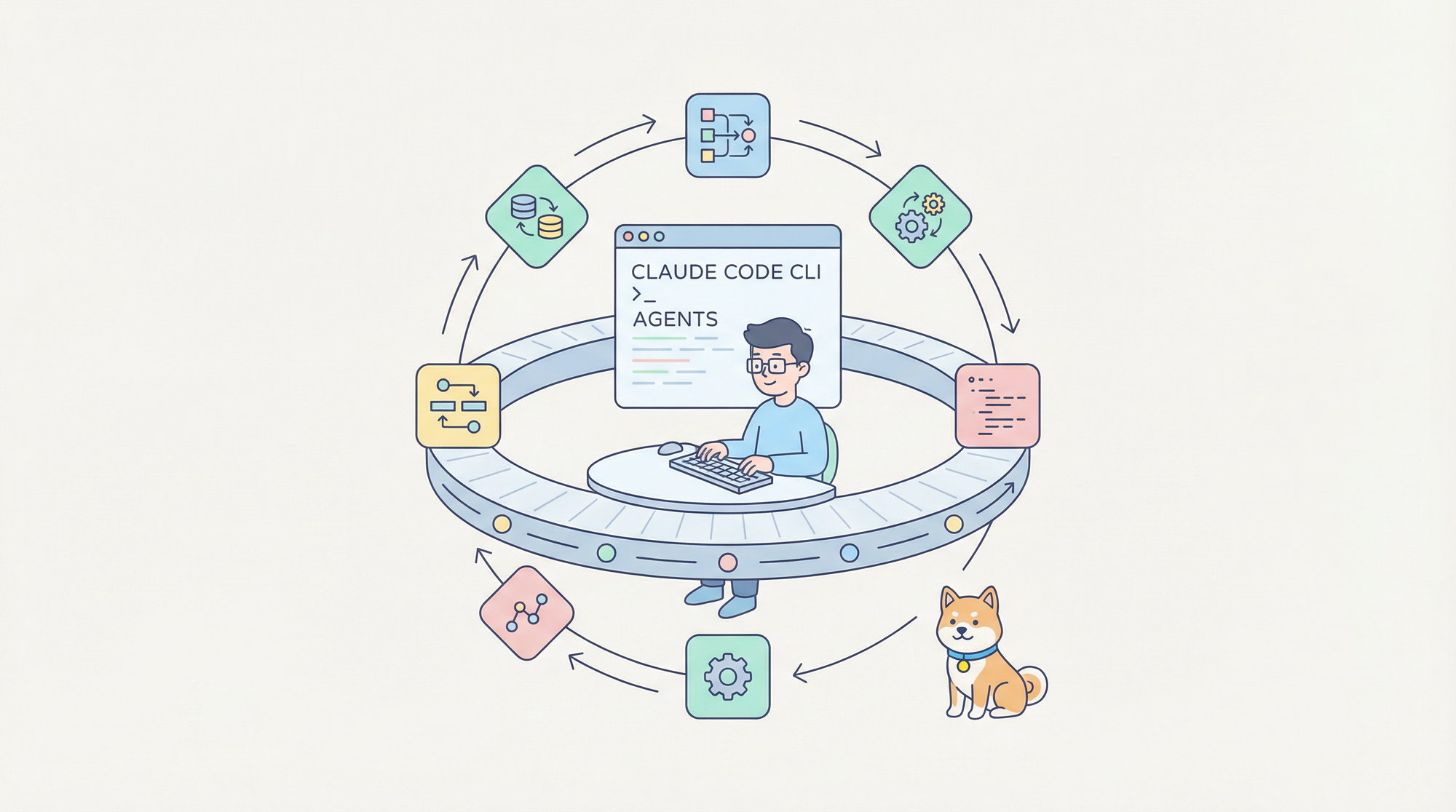
Essentially, Ralph Wiggum turns Claude Code into an indefatigable agent. It intercepts normal termination points and re-injects the original prompt, allowing the AI to build upon previous work. This approach contrasts with standard AI interactions, which often end after one response cycle.
The plugin incorporates safety features to prevent runaway processes. Users specify maximum iterations and completion promises—specific strings that signal task fulfillment. For example, Claude might output "All tests migrated" to halt the loop.
Community feedback highlights Ralph Wiggum's role in shifting development paradigms. Posts on platforms like X emphasize its "keep-it-simple-stupid" philosophy, enabling overnight progress on projects. One developer noted how it shipped multiple repositories while they slept, underscoring its practical impact.
Transitioning to its origins, Geoffrey Huntley and contributors developed the technique, which the Claude Code team formalized into a plugin. Available on GitHub, it includes hooks and scripts that integrate seamlessly with Claude's ecosystem.
Ralph Wiggum encourages a failure-as-data mindset. Each loop iteration provides feedback through file changes and logs, helping Claude refine its approach. This methodology aligns with modern agile practices, where rapid iteration trumps perfect planning.
How Ralph Wiggum Works ?
Ralph Wiggum operates through a clever use of hooks and loop mechanics within Claude Code. Users initiate it with the /ralph-loop command, followed by a prompt, optional max-iterations flag, and a completion-promise string. Claude then begins processing the task.
Subsequently, when Claude attempts to exit—believing it has finished—the Stop hook intervenes. This script, located in hooks/stop-hook.sh, checks for an exit code of 2 and blocks termination. Instead, it re-feeds the original prompt, prompting Claude to continue with the updated codebase.
For clarity, consider this pseudocode representation:
while iterations < max_iterations:
feed_prompt_to_claude()

if claude_outputs_completion_promise():

    break

else:

    intercept_exit_and_loop()
This structure ensures persistence. Claude observes modifications in files and git commits from prior iterations, using them to inform next steps.
Furthermore, the plugin handles interruptions gracefully. The /cancel-ralph command stops the loop mid-process, preventing resource waste. Dependencies like jq assist in parsing outputs, though users on certain platforms might encounter setup hurdles.
In technical terms, Ralph Wiggum leverages Claude Code's plugin architecture. The .claude-plugin file defines metadata, while commands/ directory houses executable scripts. This modular design allows easy extensions, as seen in community forks adding rate limiting or multi-AI support.
Additionally, performance metrics from real-world applications show efficiency. A hackathon team generated six repositories overnight for under $300 in API costs, demonstrating cost-effectiveness for well-defined tasks.
However, success hinges on prompt engineering. Users craft prompts with clear phases, verification steps, and escape conditions to avoid divergence. For instance, incorporating TDD ensures each loop validates progress via passing tests.
Setting Up and Installing Ralph Wiggum in Claude Code
Installation begins in Claude Code's plugin marketplace. Users type /plugin install ralph-wiggum@claude-plugins-official in the terminal. This command fetches the plugin from GitHub and integrates it.
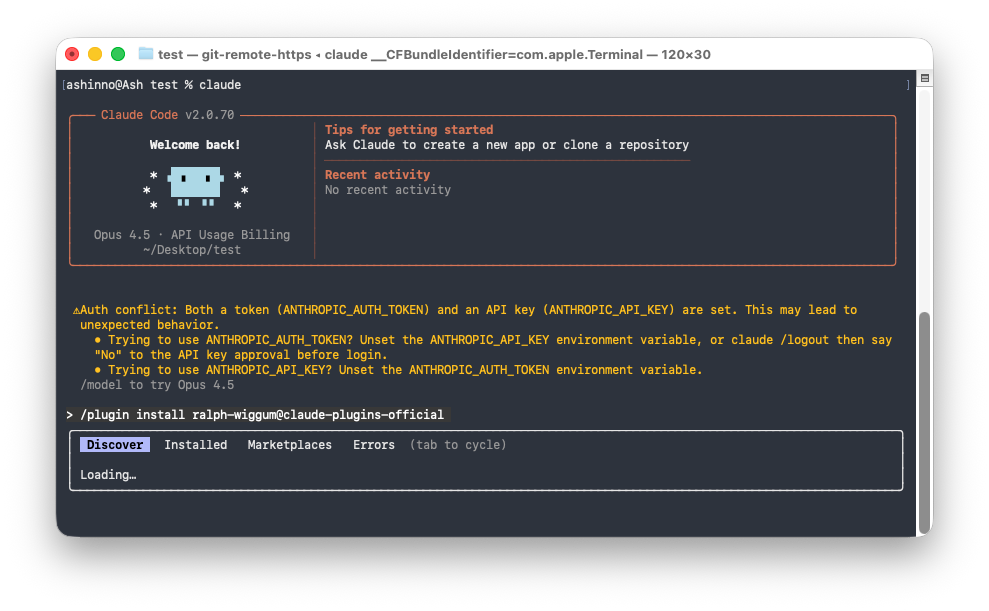
Next, verify dependencies. Ralph Wiggum requires jq for JSON processing; install it via package managers like brew or apt. Windows users might need adjustments for Git Bash compatibility.
Once installed, test with a simple loop: /ralph-loop "Write a basic Python script for hello world" --max-iterations 5 --completion-promise "Script complete". Claude executes, iterates if needed, and stops upon matching the promise.
Moreover, customize setups by forking the GitHub repository. Add features like token tracking to monitor costs. Community resources, such as AwesomeClaude, provide templates for advanced configurations.
Transitioning to integration, pair Ralph Wiggum with version control best practices. Commit changes per iteration to maintain history, enabling rollback if loops go awry.
In summary, setup takes minutes but yields hours of autonomous productivity. Developers report seamless adoption, especially in familiar terminal environments.
Practical Use Cases for Ralph Wiggum in Claude Code
Ralph Wiggum shines in scenarios with clear success metrics. For example, migrate tests from Jest to Vitest: /ralph-loop "Migrate all tests from Jest to Vitest" --max-iterations 50 --completion-promise "All tests migrated".
Claude identifies test files, converts syntax, runs suites, and fixes failures across iterations. This automates what might take days manually.
Another case involves API development. Claude builds RESTful endpoints, validates inputs, and adds tests. Here, Apidog complements by providing API specs that Claude references in loops.
Furthermore, use it for refactoring large codebases. Update deprecated libraries iteratively, ensuring builds succeed each time.
In greenfield projects, Ralph Wiggum scaffolds structures overnight. Start with high-level prompts, then refine through loops.
Additionally, batch operations like code style standardization benefit. Claude enforces lint rules across files, committing changes progressively.
Case studies from X posts illustrate success: One user reduced test runtime by migrating to unit tests autonomously.
However, avoid ambiguous tasks. Ralph Wiggum thrives on verifiable outcomes, not subjective designs.
Integrating Apidog with Claude Code and Ralph Wiggum for API Excellence
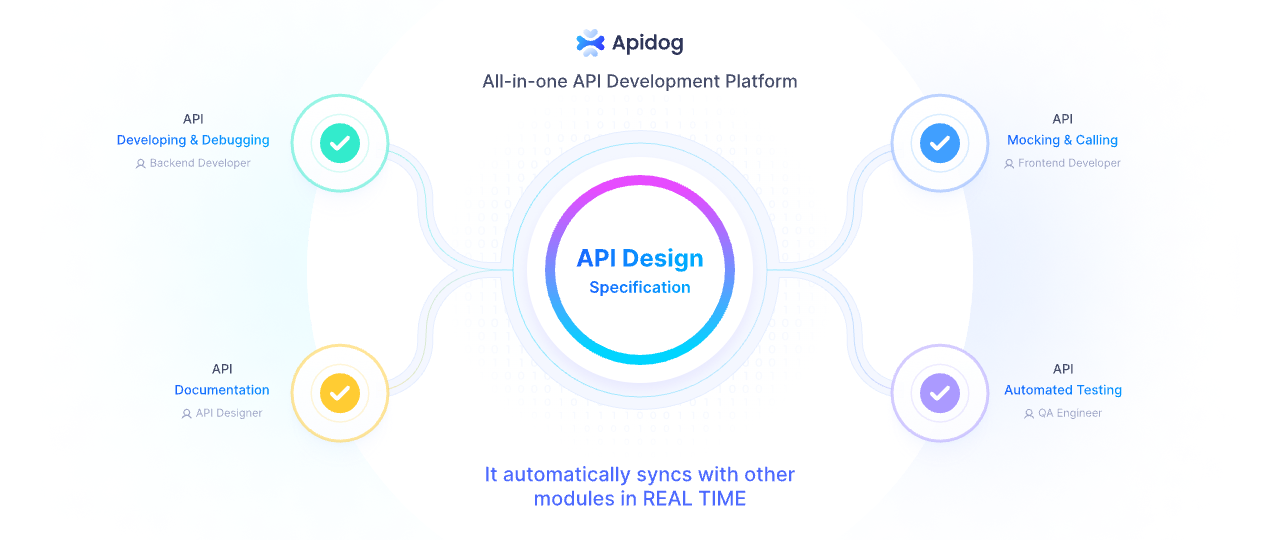
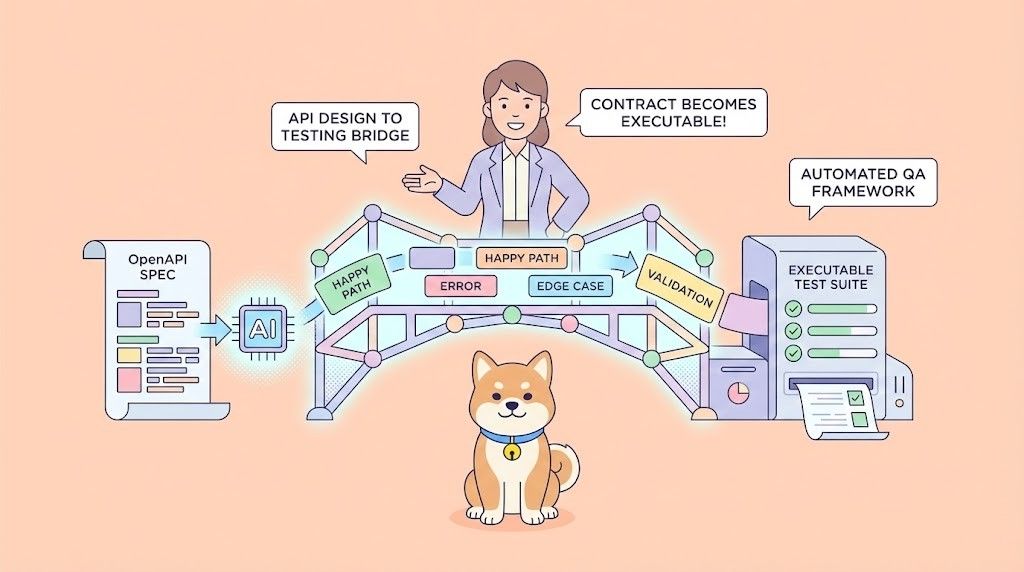
Apidog, an all-in-one API platform, enhances Ralph Wiggum's capabilities in API-centric projects. It designs, debugs, mocks, tests, and documents APIs, integrating AI for automated test case generation.
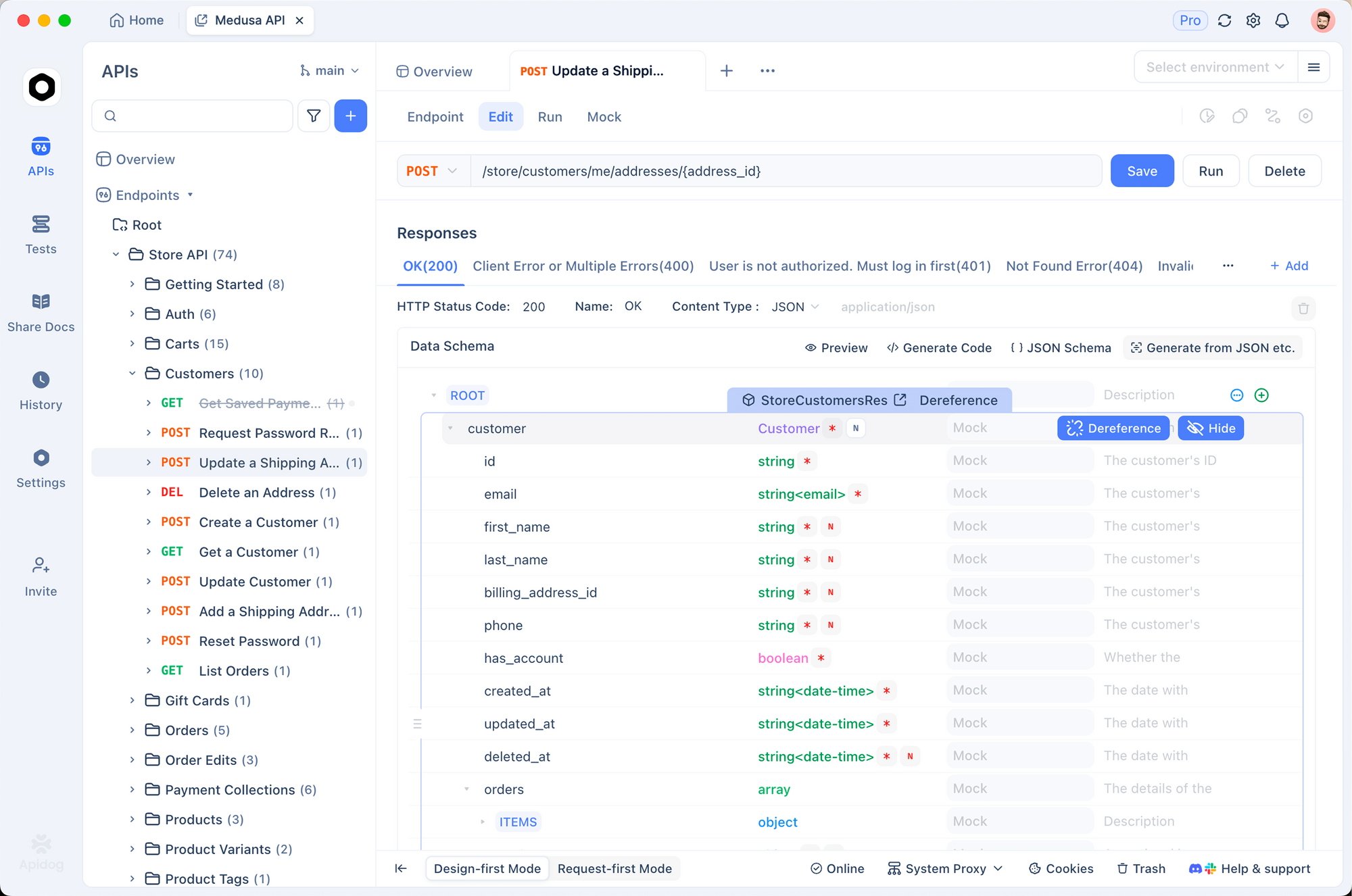
When Claude Code loops via Ralph Wiggum to build APIs, Apidog supplies specifications. Claude reads OpenAPI files from Apidog, implementing endpoints accordingly.
Apidog synchronizes changes, keeping docs current as Claude iterates.
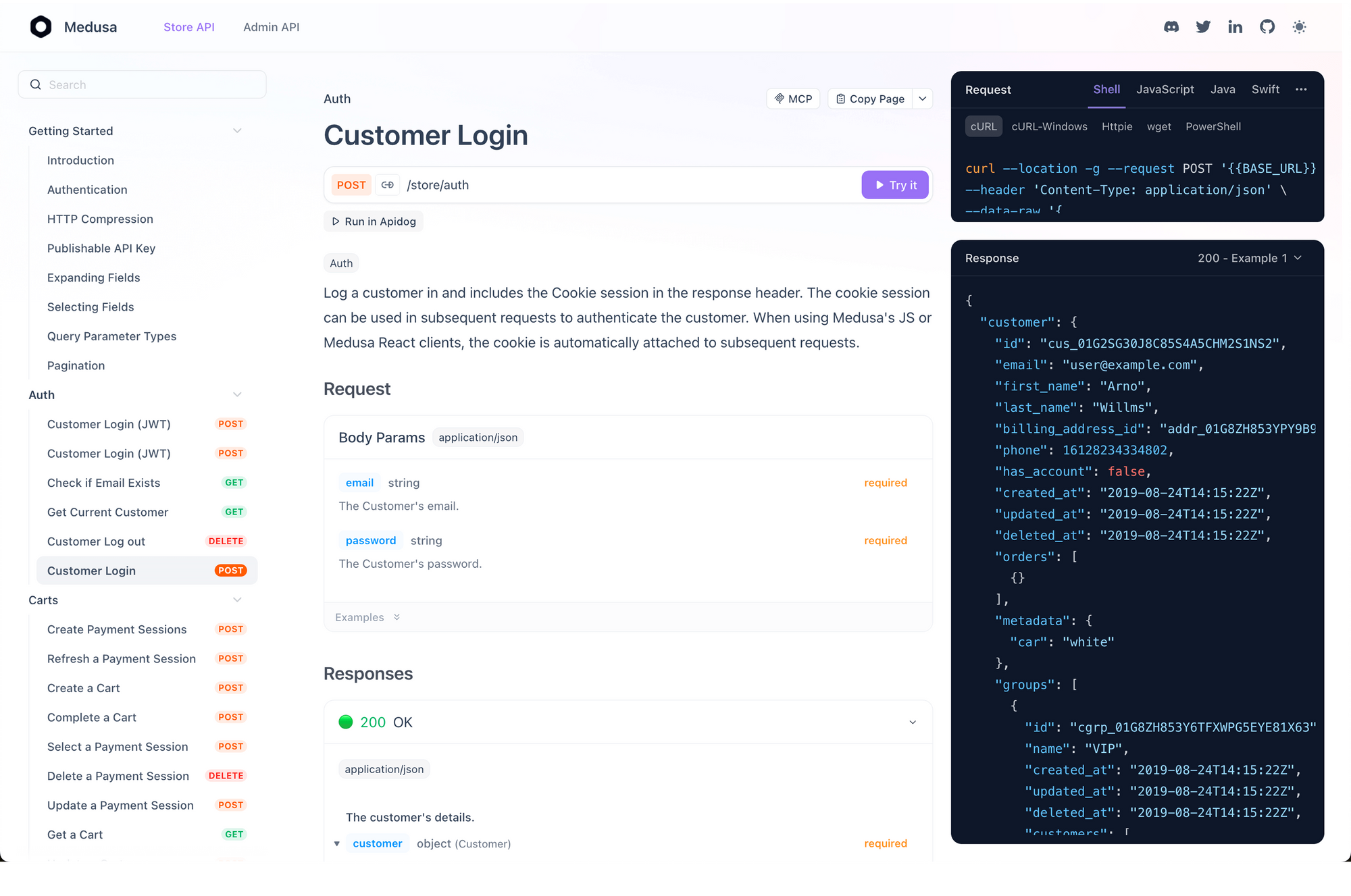
Developers appreciate this for full-stack workflows. Download Apidog free to experience seamless API-AI integration.
Benefits of Using Ralph Wiggum in Claude Code
Ralph Wiggum boosts efficiency by automating drudgery. Developers focus on architecture while AI handles implementation.
Cost savings emerge in scaled tasks. API calls accumulate, but results outweigh expenses compared to human labor.
Additionally, it fosters iterative learning. Claude improves with each loop, mirroring human debugging.
Productivity soars with overnight runs. Wake to completed features, accelerating timelines.
Furthermore, it democratizes coding. Non-experts leverage AI for complex projects.
Community extensions add value, like circuit breakers preventing cost overruns.
Overall, Ralph Wiggum redefines AI as a persistent collaborator.

Potential Limitations and Best Practices for Ralph Wiggum
Despite strengths, Ralph Wiggum incurs costs from repeated API calls. Set tight max-iterations to control spending.
Unreliable self-assessment poses risks; completion promises must match exactly, or loops continue indefinitely.
Moreover, it suits mechanical tasks, not those needing human insight like security audits.
Best practices include defining phases in prompts, using TDD, and monitoring logs.
Verify outputs post-loop with tests or reviews.
In addition, start small to test loops before scaling.
These steps mitigate issues, ensuring reliable use.
Conclusion: Embracing Persistence in AI-Driven Development
Ralph Wiggum empowers Claude Code to persist through challenges, delivering autonomous coding solutions. By mastering its loops, developers unlock new efficiencies.
Remember, subtle tweaks—like precise prompts—yield major outcomes. Integrate tools like Apidog to maximize impact.
As AI evolves, embrace these innovations to stay ahead.