TL;DR
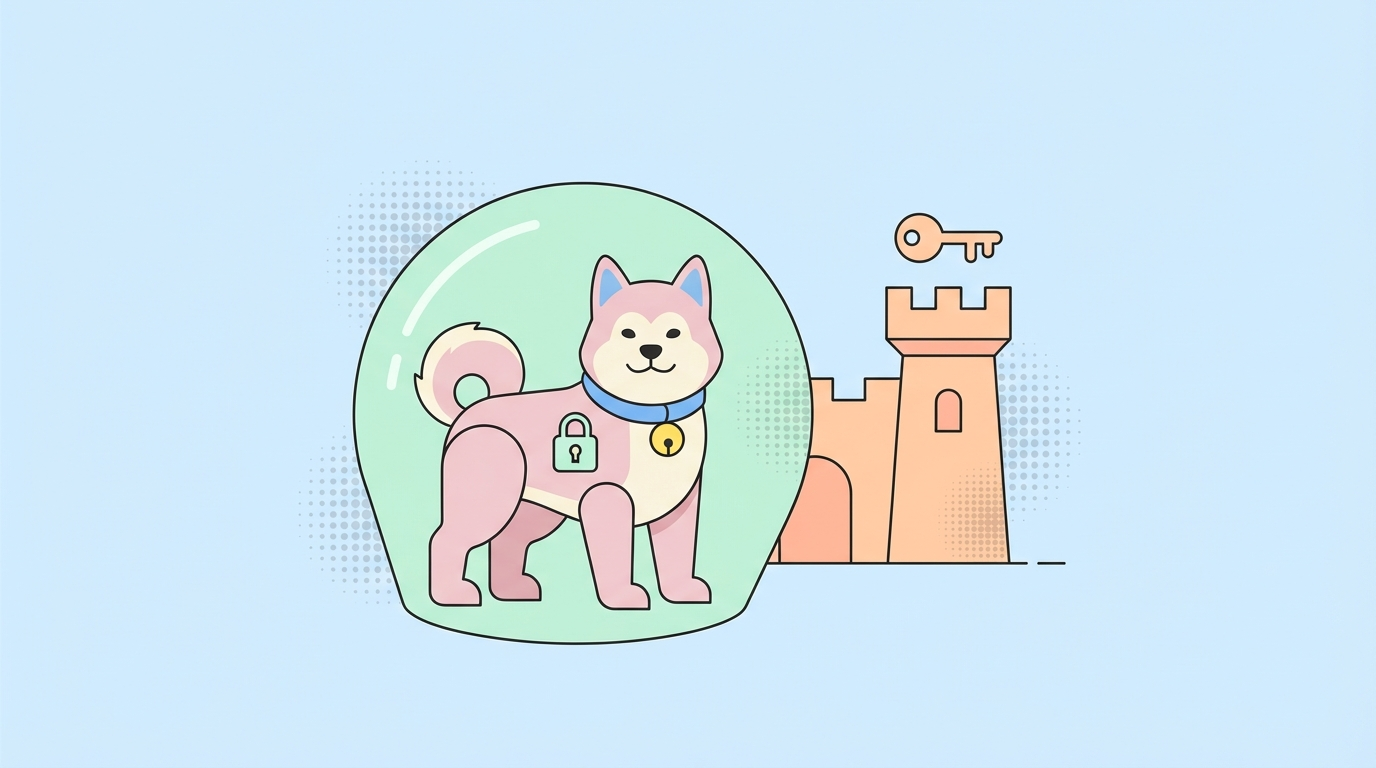
OpenClaw runs entirely locally, your conversations, code, and data never leave your machine. Unlike cloud AI assistants that store everything on remote servers, OpenClaw gives you complete control over your data. This guide explains exactly how OpenClaw handles your information, its security features, and best practices for keeping your AI assistant secure.
Introduction
Every time you use ChatGPT or Claude, your conversations travel to their servers. They're stored, can be used for training, and may be accessed under certain legal circumstances.

OpenClaw is different. It runs on your machine, using your hardware and your electricity. But what does that actually mean for your security and privacy?
Let's look at exactly what happens with your data.
How OpenClaw Handles Data
The Local Architecture
When you use OpenClaw:
- Your device runs everything
- Your model processes your input
- Your storage holds conversation history
- Your network connects to Ollama (if using local models)
Nothing goes to external servers by default.
Data Flow
User Input → OpenClaw → Local Model (Ollama) → Response
                    ↓
            Local Storage Only
            (conversation history)
Compare to cloud AI:
User Input → OpenClaw → Cloud API → Cloud Server → Model → Response
                              ↓
                    Stored on Server
                    (potentially for training)
What Stays Local
With OpenClaw, these stay on your machine:
- All conversations
- Code you share
- Files you process
- Personal information
- Business data
- Credentials (if you use them)
Local vs Cloud: The Privacy Difference
What Cloud AI Providers See
When using ChatGPT, Claude, or similar:
| Data | Cloud AI |
|---|---|
| Conversations | ✓ Stored |
| IP Address | ✓ Logged |
| Usage Patterns | ✓ Tracked |
| Device Info | ✓ Collected |
| Can Be Used for Training | ✓ (with opt-out) |
| May Be Subpoenaed | ✓ Possible |
What Stays Private with OpenClaw
| Data | OpenClaw |
|---|---|
| Conversations | Private (local only) |
| IP Address | Not shared |
| Usage Patterns | Private |
| Device Info | Private |
| Training | Not applicable |
| Subpoenas | No external data |
Real-World Scenarios
Scenario 1: Proprietary Code
Cloud AI: "Here's how to implement that feature" (your code was processed on their servers)
OpenClaw: "Here's how to implement that feature" (processed locally on your machine)
Scenario 2: Client Work Under NDA
Cloud AI: Potential breach of NDA data on third-party servers
OpenClaw: Safe data never leaves your environment
Scenario 3: Sensitive Conversations
Cloud AI: Stored, could be accessed legally
OpenClaw: Only exists on your encrypted hard drive
OpenClaw Security Features
Encryption
# Enable encryption for stored conversations
security:
  encrypt_history: true
  encryption_key: env:ENCRYPTION_KEY
- Conversation history can be encrypted
- Key stored in environment variables
- Protects against physical access
Access Control
# Control who can access your OpenClaw
security:
  allowed_users:
    - user_id_1
  require_auth: true
  rate_limit:
    max_requests_per_minute: 30
Network Security
When using Ollama locally:
- Server only binds to localhost
- Not accessible over network by default
- Can configure for local network if needed
Skill Permissions
Skills can request specific permissions:
# skill.yaml
permissions:
  - network    # Can access internet
  - filesystem # Can read/write files
  - execute    # Can run commands
Review permissions before installing skills.
Potential Security Concerns
1. Local Model Security
Concern: Can malicious models steal data?
Mitigation:
- Only use trusted model sources (Ollama library)
- Verify model hashes when possible
- Review model manifest
2. Skill Security
Concern: Could a malicious skill access my data?
Mitigation:
- Review skill permissions before installing
- Only install from trusted publishers
- Check skill source code
- Use sandbox mode
# Enable skill sandbox
security:
  skill_sandbox: true
3. Local Network Exposure
Concern: Could others access my OpenClaw?
Mitigation:
- Ollama binds to localhost by default
- Don't expose to network without authentication
- Use firewall rules
4. Physical Access
Concern: Someone could access my data physically?
Mitigation:
- Enable disk encryption (FileVault, LUKS)
- Use strong login passwords
- Enable encrypted conversation storage
5. Memory Attacks
Concern: Could model memory be extracted?
Mitigation:
- Models run in RAM, cleared on restart
- Don't inputsecrets into conversations
- Use environment variables for API keys
Best Practices
For Personal Use
Enable disk encryption
- macOS: FileVault
- Linux: LUKS
- Windows: BitLocker
- Use strong passwords
- Keep software updated
- Review skill permissions
- Don't paste secrets in conversations
For Business Use
- Network isolation
- Audit logs
logging:
  enabled: true
  level: info
  file: /var/log/openclaw.log
- Employee access controls
- Incident response plan
- Regular security reviews
For Sensitive Work
- Air-gapped setup
- Encrypted storage only
- No cloud integrations
- Secure credential management
# Use environment variables for sensitive data
export OPENCLAW_API_KEY="your-key-here"
export GITHUB_TOKEN="ghp_xxx"
Enterprise Considerations
Compliance
OpenClaw can help with compliance requirements:
| Requirement | OpenClaw | Cloud AI |
|---|---|---|
| GDPR | Easier | Complex |
| HIPAA | Easier | Requires BAA |
| SOC 2 | Easier | Audit needed |
| Data residency | ✓ Full control | Limited |
Deployment Options
Individual workstations
- Simplest deployment
- Full privacy
- Consistent with BYOD
Centralized server
- Easier management
- Requires network security
- Higher maintenance
Containerized
- Docker/Kubernetes
- Isolated environment
- Consistent across deployments
Testing APIs Securely
When building integrations with OpenClaw, you'll likely need to test APIs and webhooks. Apidog provides a secure, local-first approach to API testing that complements OpenClaw's privacy-focused architecture. Unlike cloud-based API tools that send your data to external servers, Apidog can test APIs locally without exposing sensitive data.
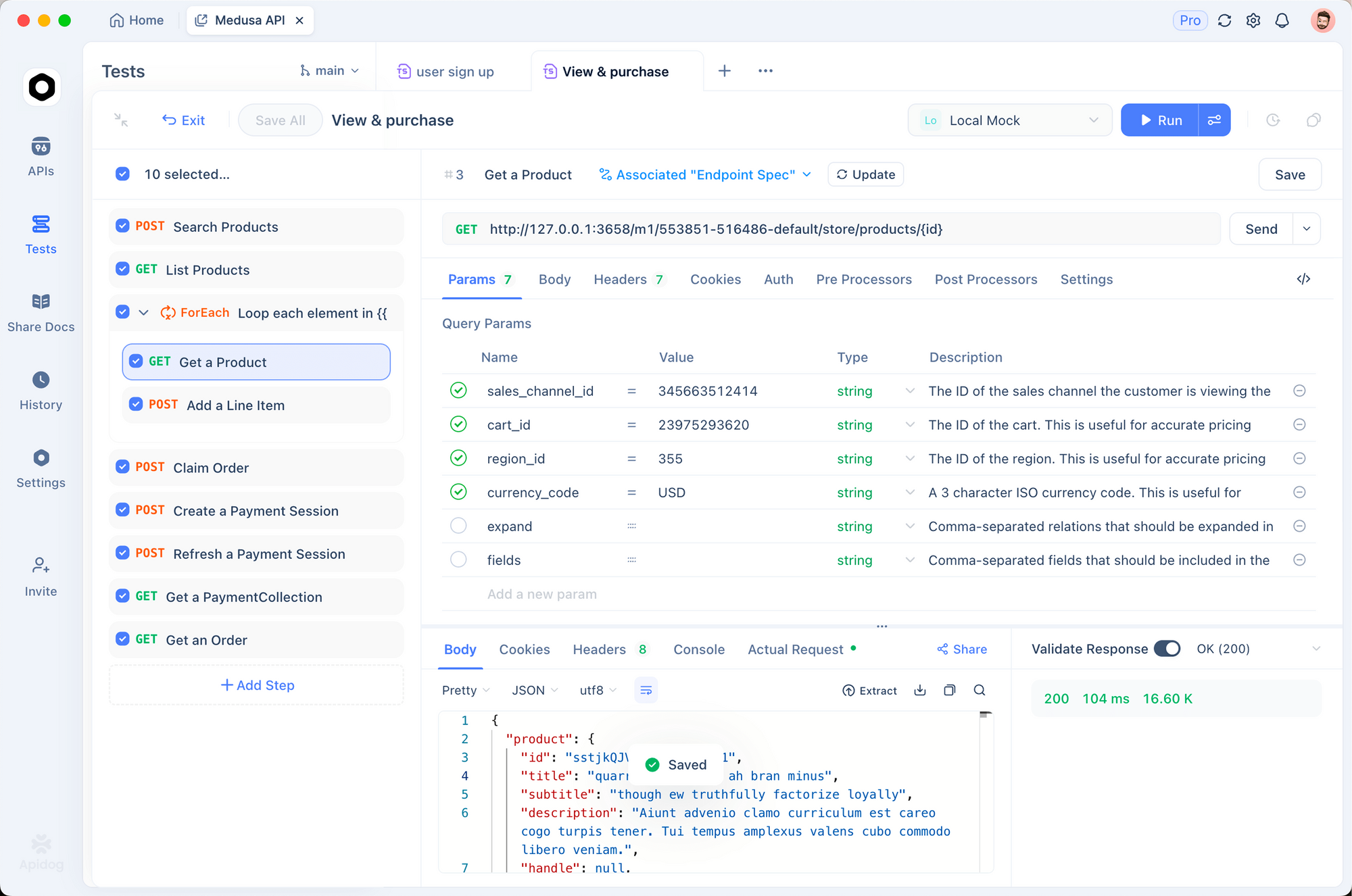
Key benefits of using Apidog with OpenClaw:
- Test OpenClaw's API endpoints locally
- Verify webhook integrations without data leakage
- Debug API calls in an isolated environment
- Maintain security compliance for sensitive projects
Cost of Security
With cloud AI, security is in someone else's hands. With OpenClaw:
- You control everything
- You manage security
- Hardware costs apply
- But no data breach liability
Conclusion
OpenClaw offers a fundamentally different privacy model than cloud AI. Your data stays on your machine, under your control, subject to your security measures.
The privacy advantage is real:
- No data sent to external servers
- Complete control over storage
- No training data concerns
- Much simpler compliance
But it's not automatic:
- You must secure your machine
- Review skill permissions
- Use encryption
- Follow best practices
For privacy-sensitive work client projects, proprietary code, regulated industries, OpenClaw's local architecture provides meaningful advantages over cloud alternatives.
Ready to secure your AI workflow? Download Apidog free to test and manage your AI integrations with a visual interface designed for developers.
FAQ
Does OpenClaw send any data to external servers?
By default, no. Your conversations stay local. However:
- If using cloud-based models (not recommended), data may be external
- Some skills may have network permissions
- Always review skill permissions
Can my conversations be accessed legally?
With cloud AI, yes providers can be subpoenaed. With OpenClaw:
- No external data to subpoena
- Only local law enforcement with physical access could request
- Much harder to compel disclosure
Is OpenClaw safe for client work?
Yes, this is one of its strongest use cases. Your client's code and data never leave your machine. Just ensure:
- Your machine is secure
- Disk encryption is enabled
- No cloud integrations are used
What about the ClawHavoc incident mentioned in other guides?
In early 2026, malicious skills were found on ClawHub. This highlights:
- Always review skill permissions
- Only install from trusted publishers
- Check source code when possible
- Use sandbox mode
Can I use OpenClaw for healthcare or legal work?
Yes! Local AI is ideal for sensitive professions. Just ensure:
- Your machine meets security requirements
- Client data stays local
- Proper access controls are in place