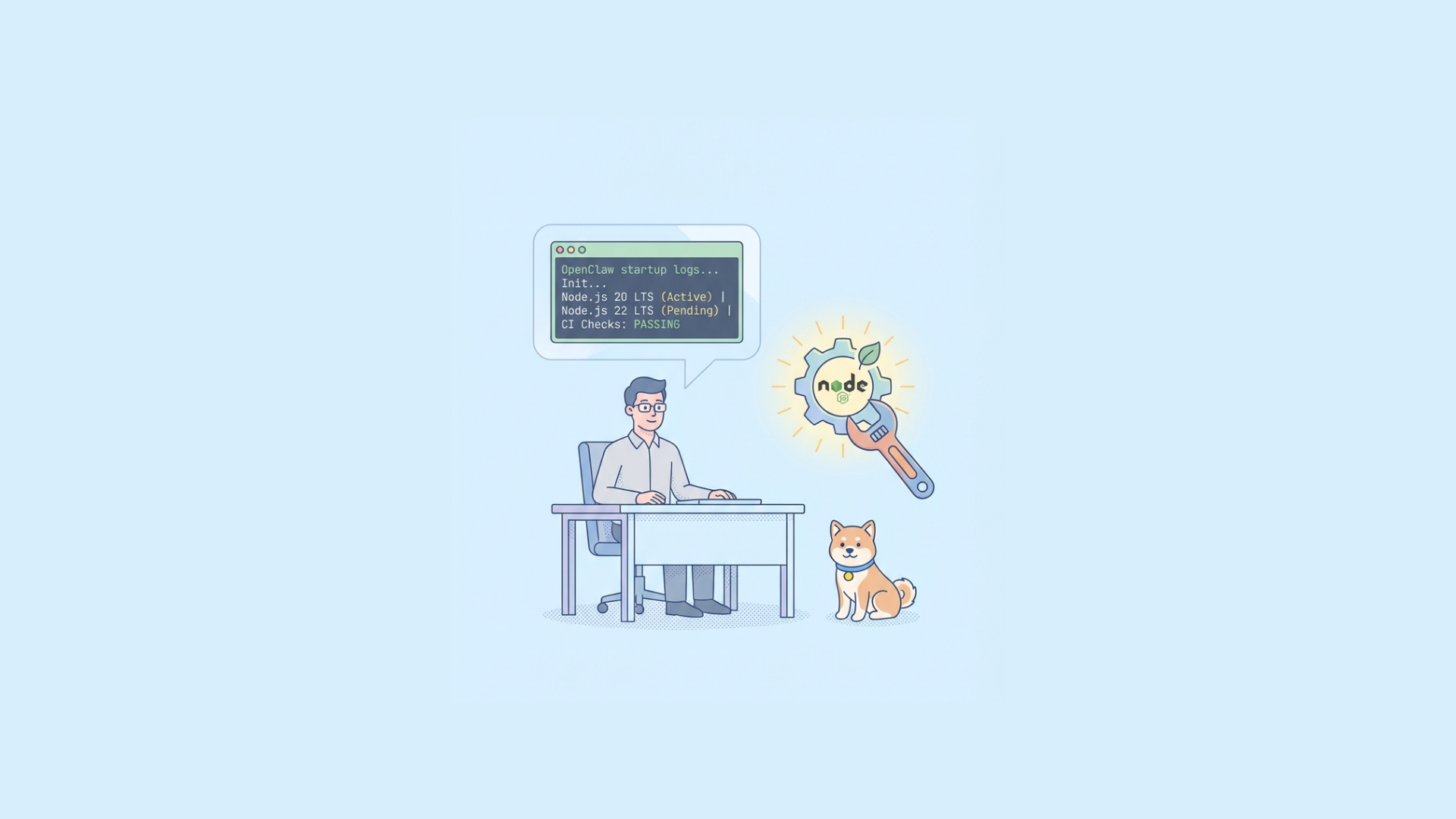
Yes, in most setups you do need Node.js to run OpenClaw (formerly Moltbot/Clawdbot).
If you want a stable default in 2026, use an active LTS release (commonly Node.js 22 LTS, with Node.js 20 LTS still widely supported in many repos). Avoid odd-numbered “current” versions in production unless the OpenClaw repo explicitly recommends one.
The exact requirement is repository-specific, so your first check should always be:
package.json→engines.node.nvmrcor.node-version- CI config (GitHub Actions, Dockerfile)
- Release notes/issues for breaking runtime changes
Why this question became common in the OpenClaw community
OpenClaw evolved quickly through branding and packaging changes (Moltbot → Clawdbot → OpenClaw), and many developers discovered it through viral community posts and tutorials. That speed created one predictable issue: runtime ambiguity.
Some contributors run OpenClaw from source, others use Docker, and others consume hosted variants. In practice, that means:
- Some users never install Node.js locally (container-only workflow).
- Some users need Node.js for CLI tools, plugin development, or local agent orchestration.
- Some users run mixed stacks (Python workers + Node API gateway + model adapters).
So the right question is not only “Do I need Node.js?” but also:
- Where is OpenClaw running? (local, CI, container, managed)
- Which OpenClaw package are you running? (core app, UI, CLI, extensions)
- Do you need build-time Node, runtime Node, or both?
When you do and do not need Node.js
You need Node.js when
- You run OpenClaw directly from source (
npm,pnpm, oryarnworkflows). - You run a Node-based OpenClaw service locally.
- You develop OpenClaw integrations/plugins using TypeScript/JavaScript.
- You execute OpenClaw scripts in CI/CD without a prebuilt container.
You may not need Node.js when
- You only run an official Docker image containing all runtime dependencies.
- You use a fully managed OpenClaw deployment where runtime is abstracted.
- You consume only remote OpenClaw APIs from another app.
Even then, installing Node locally is often useful for debugging, tooling parity, and reproducing production behavior.
Recommended Node.js version strategy for OpenClaw
Because OpenClaw moves fast, treat Node versions as an operational contract.
Baseline recommendation
- Prefer Node.js LTS (22 LTS preferred if supported by repo; 20 LTS as compatibility fallback).
- Pin exact minor/patch for production reproducibility.
- Use the same version in local dev, CI, and production containers.
Why LTS matters for OpenClaw workloads
OpenClaw-style agent systems typically rely on:
- long-running processes
- streaming I/O
- websocket/event traffic
- external provider SDKs
- frequent dependency updates
LTS reduces breakage from ecosystem churn and gives you a more predictable V8/runtime surface.
Practical version policy
Use a simple policy like this:
- Dev machines:
nvm usefrom.nvmrc - CI: explicit
node-versionpin - Prod containers: fixed base image tag (not
latest) - Dependency updates: run compatibility tests before bumping Node major
Production-safe Docker setup for OpenClaw
If you run OpenClaw in containers, pin Node image versions explicitly.
dockerfile FROM node:22.11.0-alpine AS base WORKDIR /app
COPY package.json package-lock.json ./ RUN npm ci --omit=dev
COPY . . EXPOSE 3000 CMD ["node", "server.js"]
Why this matters:
node:22-alpinecan still drift over time.node:22.11.0-alpineis reproducible.- reproducibility is critical for debugging agent behavior and memory/perf regressions.
Testing OpenClaw APIs during runtime upgrades (where Apidog helps)
When you bump Node, the biggest risk is not “app won’t start.” It’s behavior drift in API contracts and long-running flows.
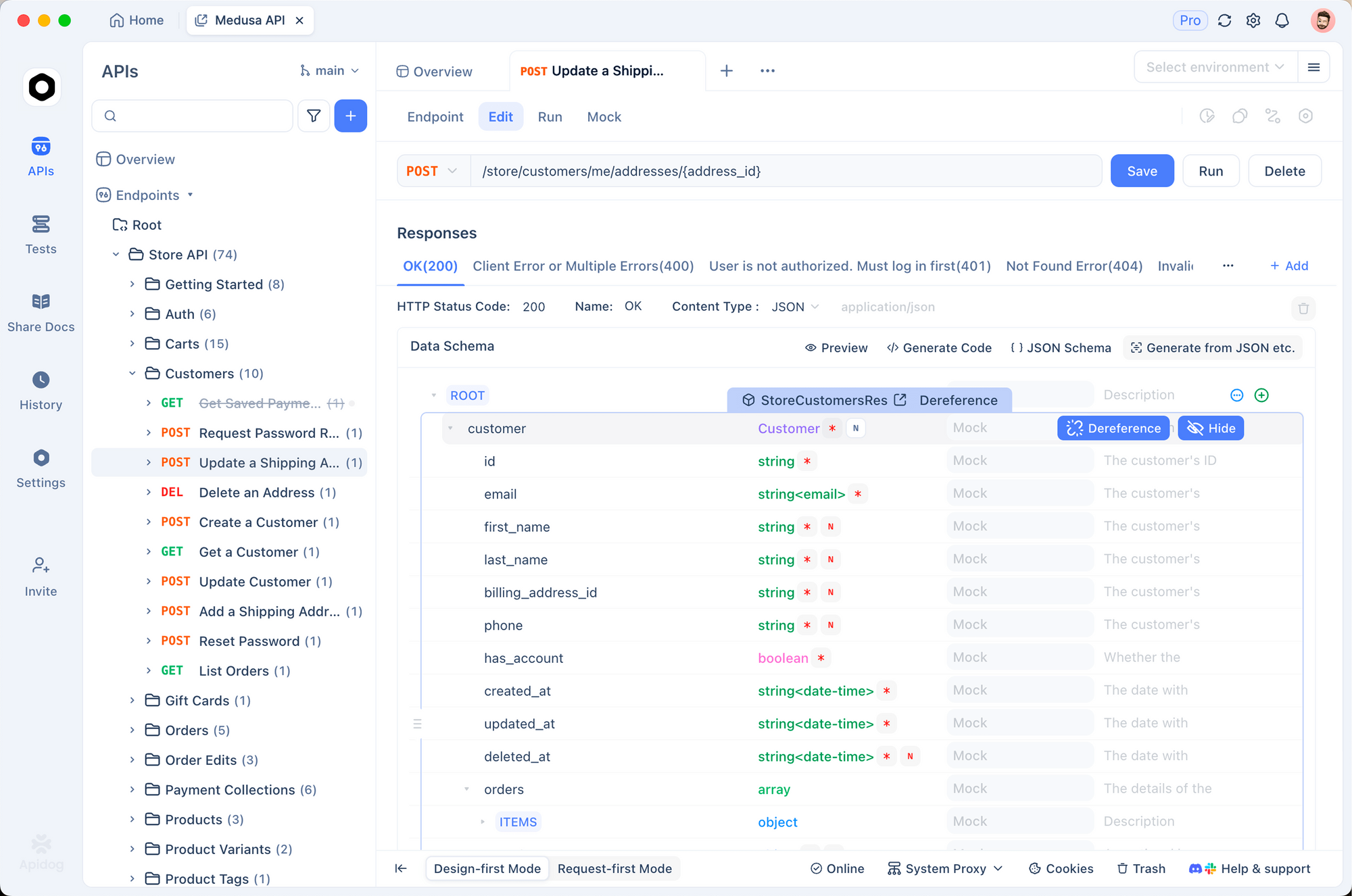
A robust approach:
- Define OpenClaw API contracts (OpenAPI where possible).
- Run scenario tests against old Node baseline.
- Run same test suite against new Node candidate.
- Compare payload shape, status code, latency bands, and retry semantics.
With Apidog, you can keep this in one workflow:
- Design: maintain schema-first API definitions.
- Debug: inspect request/response differences quickly.
- Test: automate regression checks in CI/CD.
- Mock: emulate provider failures/rate limits before touching production.
- Document: auto-generate internal docs so teams know runtime expectations.
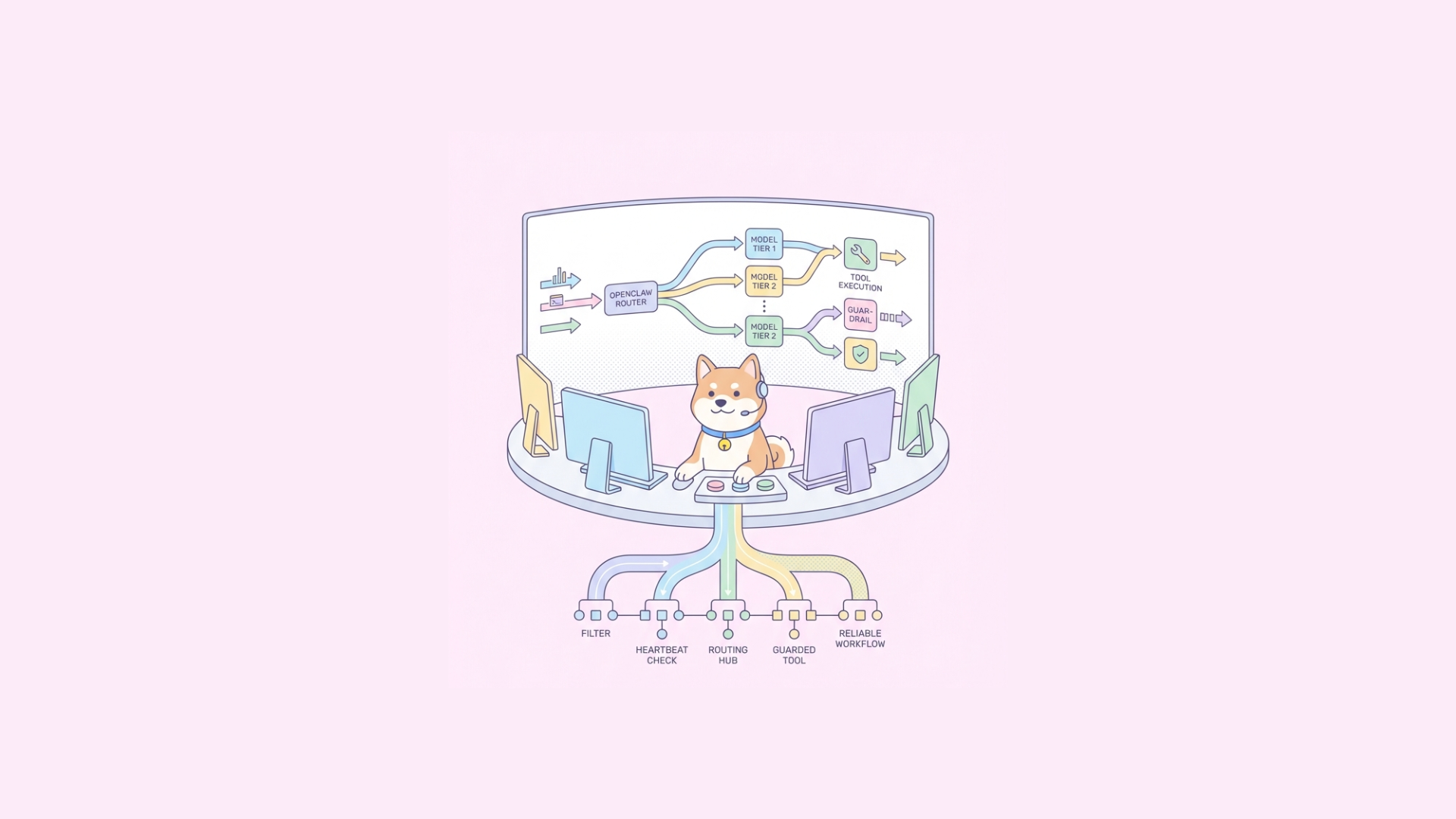
This is especially useful for OpenClaw’s heartbeat patterns and staged checks (cheap checks first, model calls only when needed), where timing and fallback logic must stay stable across runtime upgrades.
CI/CD template: enforce Node version and API quality gates
Example GitHub Actions skeleton:
yaml name: openclaw-ci on: [push, pull_request]
jobs: test: runs-on: ubuntu-latest strategy: matrix: node: [20.x, 22.x] steps: - uses: actions/checkout@v4 - uses: actions/setup-node@v4 with: node-version: ${{ matrix.node }} cache: npm - run: npm ci - run: npm run lint - run: npm test - run: npm run test:integration
Then set deployment gate policy:
- Merge allowed only if primary supported Node version passes.
- Optional matrix leg can be “allowed failure” for upcoming Node majors.
Edge cases advanced teams should plan for
Polyglot OpenClaw stacks
If OpenClaw coordinates Python tools or sandboxed runtimes, Node pinning alone is insufficient. You need a runtime matrix (Node, Python, system libs, container base).
Sandboxed execution
With secure sandbox approaches, host Node version and sandbox Node version may differ. Define which layer owns dependency resolution and enforce clear boundaries.
Apple Silicon vs x86
Prebuilt binaries and performance characteristics may differ. Validate both architectures if your dev/prod environments are mixed.
Long-lived agent sessions
Node upgrades can shift memory profile/GC behavior. Track heap usage and event loop lag under realistic session duration, not only short integration tests.
Decision checklist: which Node version should you use today?
Use this quick checklist:
- Does the repo declare
engines.node? Use that first. - Does CI pin a version? Match CI.
- No explicit policy? Choose latest LTS supported by dependencies.
- Running production agents? Prefer stability over novelty.
- Need new runtime feature? Test in canary before broad rollout.
Default for most teams: Node 22 LTS, fallback to Node 20 LTS if dependencies or plugins lag.
Final answer
So, do you need Node.js to run OpenClaw (Moltbot/Clawdbot)?
- Usually yes, unless you only use a prebuilt container or managed service.
- For version, use the project’s declared constraints first.
- If unclear, choose an LTS line (22, or 20 for compatibility) and pin it everywhere.
If you’re operating OpenClaw in production, combine runtime pinning with API regression tests. That’s the fastest way to avoid “it works on my machine” failures during upgrades.
If you want to operationalize that quickly, build your OpenClaw contract tests in Apidog and run them as CI quality gates before every Node bump. Try it free—no credit card required.