The AI coding assistant landscape has exploded in recent months, with new tools launching almost weekly. OpenClaw, the MCP-powered development tool, faces stiff competition from established players and innovative newcomers. Whether you need something lighter, more feature-rich, or optimized for a specific workflow, there’s likely an alternative that fits your needs better.
This guide compares nine AI coding assistants to help you find the best OpenClaw alternative for your development workflow.
Why Look for an OpenClaw Alternative?
OpenClaw brings MCP (Model Context Protocol) support to your terminal, but it might not be the right fit for everyone. Some developers want a GUI-based editor. Others need multi-LLM support. And many are looking for something with a smaller footprint or a different pricing model.
Before diving into the alternatives, let’s be clear about what you’re comparing against. OpenClaw excels at connecting Claude with external tools through MCP, but it requires Claude API access and works primarily through command-line interactions.
The 9 Best OpenClaw Alternatives
1. Claude Code — The Most Direct Alternative
Claude Code is Anthropic’s official CLI tool for AI-assisted coding, and it’s the closest thing to OpenClaw in philosophy. Both target developers who prefer terminal workflows.
What makes it different: Claude Code ships with Claude’s latest models and integrates directly with your development environment. Unlike OpenClaw, which acts as a middle layer, Claude Code is purpose-built by the model provider.
Key features:
- Native CLI experience
- Direct access to Claude 3.5 and 4 models
- Git integration
- Multi-file editing
- No additional API setup needed beyond Anthropic
Best for: Developers who want official support and tight model integration.
2. Nanobot — The Lightweight Champion
With 26,800+ GitHub stars, Nanobot has become one of the most popular open-source AI coding assistants. It’s written in just 4,000 lines of Python, making it 99% smaller than OpenClaw.

What makes it different: Nanobot prioritizes minimal resource usage. You can run it on a Raspberry Pi if you wanted to. It doesn’t require a beefy machine to operate effectively.
Key features:
- Ultra-lightweight (4K Python lines)
- Self-hosted option
- Multiple LLM backends
- Vim/Neovim integration
- Active community
Best for: Developers working with limited resources or wanting minimal overhead.
3. Anything LLM — The Self-Hosted Powerhouse
Anything LLM has amassed 30,000+ stars on GitHub, making it the most popular self-hosted AI assistant in this list. It’s more than just a coding tool—it’s a complete AI hub.
What makes it different: Anything LLM supports multiple LLMs simultaneously, includes RAG (Retrieval-Augmented Generation) capabilities, and offers a robust plugin system. You can use it for coding, document Q&A, and knowledge management.
Key features:
- Multi-LLM support (OpenAI, Anthropic, local models)
- RAG capabilities
- Self-hosted for complete privacy
- Plugin ecosystem
- Document embedding
Best for: Enterprises and developers who need privacy, customization, or multi-purpose AI usage.
4. SuperAGI — The Enterprise Choice
SuperAGI handles 15,000+ GitHub stars and is built for running multiple AI agents in parallel. It’s the go-to choice for enterprise teams needing coordinated AI assistance.
What makes it different: While most AI coding tools handle one task at a time, SuperAGI can manage multiple agents working on different parts of a project simultaneously.
Key features:
- Multi-agent orchestration
- Parallel execution
- Framework architecture
- Tool marketplace
- Enterprise-grade security
Best for: Teams needing multiple AI agents or enterprise features.
5. OpenCode — The Open-Source Power
OpenCode has 11,100+ stars and is written in Go, giving it performance advantages. It’s fully open-source with multi-LLM support.
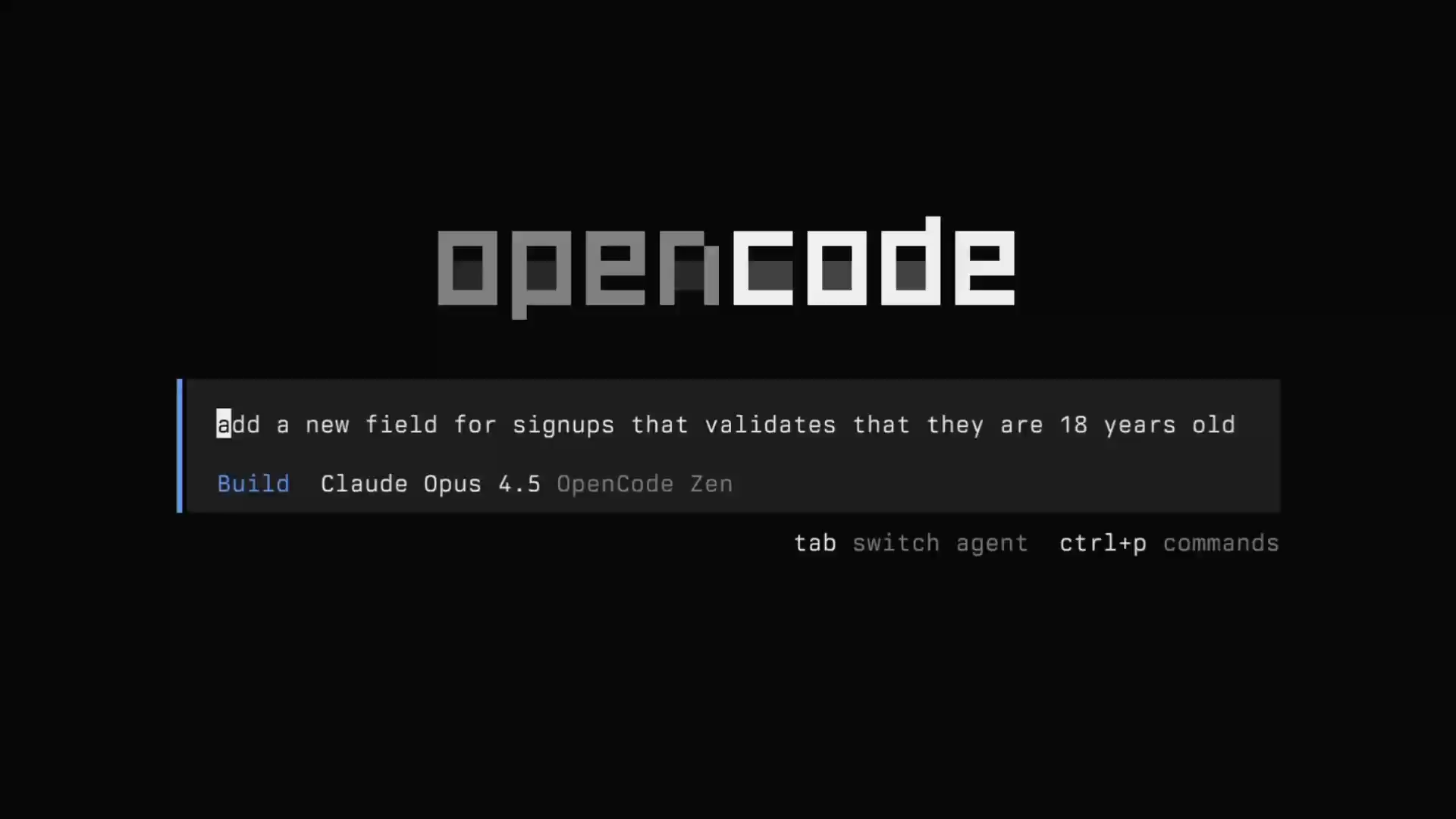
What makes it different: Unlike many alternatives that lock you into one provider, OpenCode lets you switch between multiple LLM backends. It’s the most flexible option for developers who want to experiment.
Key features:
- Go-based for speed
- Fully open-source
- Multi-LLM support
- Self-hostable
- VS Code integration
Best for: Developers who want open-source flexibility and multi-provider options.
6. NullClaw — The Minimalist Option
NullClaw stands out with its 678KB binary size—smaller than most images. Despite its tiny footprint, it supports 22+ LLM providers.

What makes it different: Built with Zig, NullClaw compiles to a single binary with no dependencies. You can copy it to any machine and run it immediately.
Key features:
- 678KB single binary
- 22+ LLM providers
- Zig-based (minimal dependencies)
- Edge computing ready
- Fast startup
Best for: Developers who value minimalism and portability.
7. NanoClaw — The Security-Focused Option
With 6,700+ GitHub stars, NanoClaw focuses on security-first AI coding with container isolation.
What makes it different: NanoClaw runs code in isolated containers by default, preventing malicious or buggy code from affecting your system. It also integrates with WhatsApp for notifications.
Key features:
- Container isolation
- Security-first design
- WhatsApp integration
- From Xiaomi
- Enterprise-ready
Best for: Security-conscious developers and enterprises.
8. memU — The Memory Champion
memU takes a unique approach with its knowledge graph-based architecture. It builds a persistent memory of your codebase over time.
What makes it different: Most AI assistants start fresh each session. memU remembers context across sessions, making it better at understanding your specific project structure and coding patterns.
Key features:
- Knowledge graph memory
- Proactive assistance
- Context retention
- Long-term project understanding
Best for: Developers working on large, long-term projects.
9. Meltworker — The Serverless Option
Meltworker runs entirely on Cloudflare Workers, meaning you don’t need local installation at all.
What makes it different: Everything happens in the cloud. Your local machine doesn’t need to run any AI processing.
Key features:
- No local installation
- Cloudflare Workers backend
- Zero local resource usage
- Instant setup
Best for: Developers who want zero local setup or have limited local resources.
Comparison Table
| Tool | Stars | Best For | Price |
|---|---|---|---|
| Claude Code | — | Official support | Free tier / Paid |
| Nanobot | 26.8k | Lightweight | Free |
| Anything LLM | 30k | Self-hosted | Free / $29/mo |
| SuperAGI | 15k | Enterprise | Free |
| OpenCode | 11.1k | Multi-LLM | Free |
| NullClaw | 2.6k | Minimal | Free |
| NanoClaw | 6.7k | Security | Free |
| memU | 6.9k | Memory | Free |
| Meltworker | — | Serverless | Free |
How to Choose the Right Alternative
For Beginners
If you’re just getting started with AI coding, Claude Code offers the smoothest onboarding. It works out of the box with minimal configuration.
For Privacy-Conscious Users
Anything LLM is your best bet. Self-host it and keep all your data local.
For Minimalists
NullClaw’s 678KB footprint is unmatched. If you want something that starts instantly and uses minimal resources, this is it.
For Enterprises
SuperAGI’s multi-agent capabilities make it the clear choice for teams needing coordinated AI assistance at scale.
For Open-Source Enthusiasts
OpenCode gives you full transparency and the ability to modify everything.
Conclusion
The best OpenClaw alternative depends entirely on your needs. Claude Code offers the most similar experience with official support. Nanobot wins on lightweight performance. Anything LLM leads in self-hosted capabilities. SuperAGI dominates for enterprise use cases.
All nine tools on this list are actively maintained and worth exploring. Start with the one that matches your primary concern, speed, privacy, features, or simplicity, and explore from there.
The AI coding assistant market continues evolving rapidly. What works best today might change tomorrow as new tools emerge and existing ones add features. The important thing is finding a tool that fits your workflow right now.