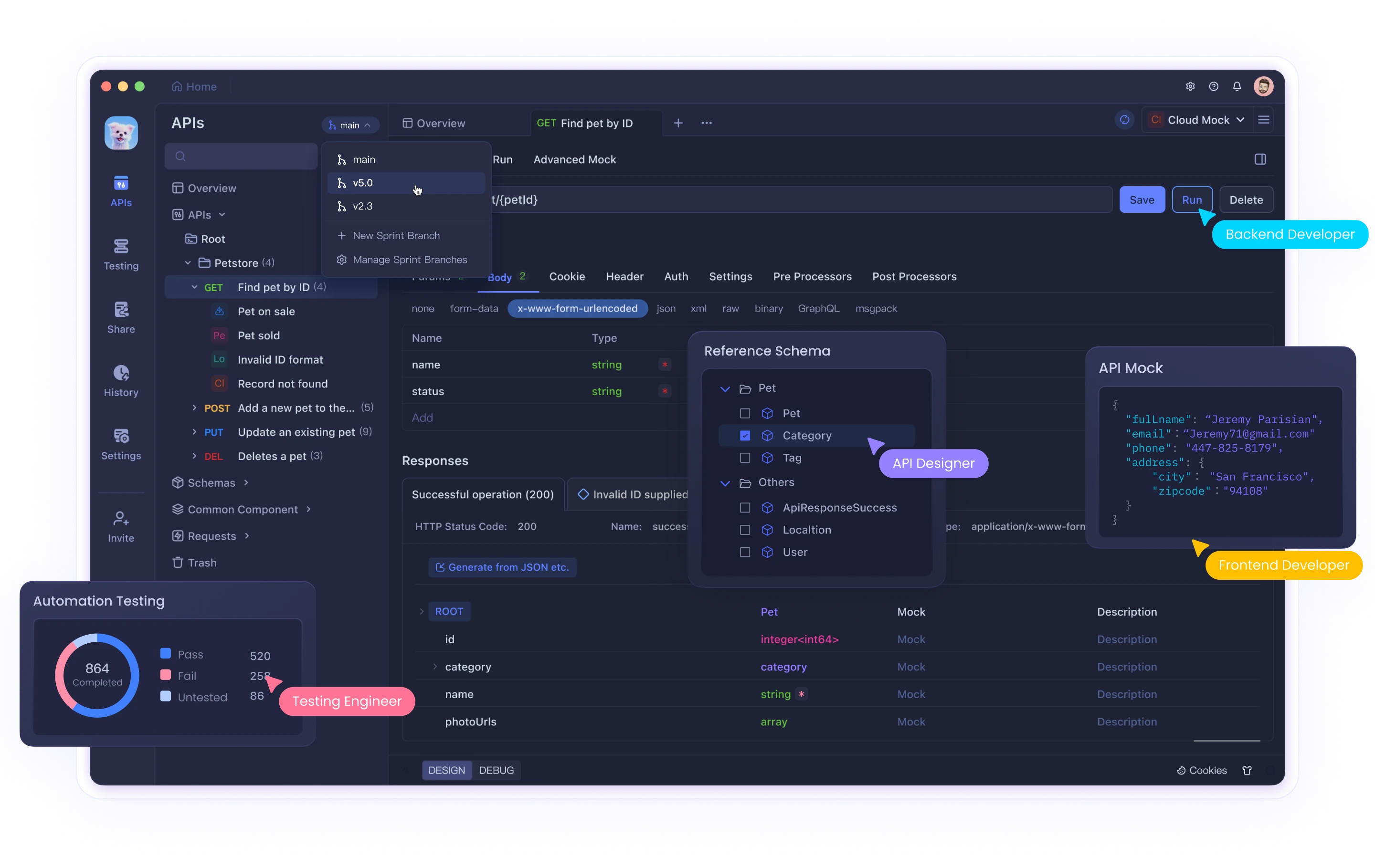
💡 Before diving in, download Apidog for free to streamline and automate your API testing—ideal for developers working with AI models and API integrations. Get Apidog here
For API developers, backend engineers, and technical teams exploring the latest AI capabilities, direct access to OpenAI’s APIs is crucial. However, cost and access restrictions can be a barrier—especially for experimentation, prototyping, or learning. This guide covers three reliable ways to obtain a free OpenAI API key with practical steps, code examples, and considerations to help you start building and testing AI solutions—without upfront investment.
1. OpenAI’s Official Free Trial: The Most Reliable Approach
The simplest and most secure way to get a free OpenAI API key is through OpenAI’s official free trial. OpenAI typically offers new users a limited amount of free credits, perfect for initial development and experimentation.
Step-by-Step: Claim Your Free OpenAI API Key
1. Register with OpenAI
- Go to the OpenAI website and create a new account.
- Complete the email and, if required, identity verification process.
- You’ll receive free trial credits and a personal API key.
2. Retrieve Your API Key
- Log in to your OpenAI account dashboard.
- Navigate to the API Keys section.
- Copy your API key and store it securely—never commit it to public code repositories.
3. Integrate and Test the API Key
Here’s a Python example for quick testing:
import openai

openai.api_key = "YOUR_OPENAI_API_KEY"

response = openai.Completion.create(
    engine="davinci-codex",
    prompt="Write an inspirational quote about technology.",
    max_tokens=50
)

print(response.choices[0].text.strip())
Why Use the Official Free Trial?
- Reliability: Direct from OpenAI, with full documentation and consistent performance.
- Security: No third-party risks.
- Support: Access to OpenAI’s help resources and community.
Note: The free trial is limited—usage beyond the credit requires payment.
2. Community-Shared API Keys: Fast Access for Experimentation
Open-source and developer communities sometimes share OpenAI API keys or access resources for educational purposes. While not suitable for production, these can be useful for quick prototyping or learning.
How to Find and Use Community API Keys
1. Join Developer Communities
- Explore GitHub, Discord, Reddit, and AI-focused forums.
- Search for repositories or threads mentioning “openai api key share” or “free openai api key”.
2. Locate a Shared API Key
- Look for open-source projects or educational resources that provide demo API keys.
- Always review licensing and usage guidelines.
3. Test and Integrate
Example Python script:
import openai

openai.api_key = "COMMUNITY_SHARED_API_KEY"

def generate_text(prompt):
    response = openai.Completion.create(
        engine="text-davinci-003",
        prompt=prompt,
        max_tokens=60
    )
    return response.choices[0].text.strip()

if __name__ == "__main__":
    print(generate_text("Describe the future of artificial intelligence in 2026."))
Cautions:
- Temporary Access: Keys may be rate-limited, revoked, or changed.
- Ethical Use: Only use keys with explicit permission and clear guidelines.
- Security: Never use shared keys for production or sensitive data.
For secure and repeatable API testing workflows, tools like Apidog can help centralize and manage access keys—making it easier to switch between environments or credentials.
3. Third-Party Platforms: Free API Integrations via Partners
Some tech platforms offer free OpenAI API access as part of educational programs, hackathons, or bundled services. These can provide a legitimate way to use OpenAI’s API without a direct account.
Steps to Access Free API Keys Through Third Parties
1. Identify Trusted Platforms
- Research cloud providers, developer platforms, or event partners that promote free API access.
- Verify the authenticity and terms of service.
2. Register and Obtain an API Key
- Create an account on the chosen third-party platform.
- Follow their process to generate an API key or access token.
3. Integrate with Your Application
Sample Node.js code:
const { Configuration, OpenAIApi } = require("openai");

const configuration = new Configuration({
  apiKey: "YOUR_THIRD_PARTY_GENERATED_API_KEY",
});

const openai = new OpenAIApi(configuration);

async function generateResponse(prompt) {
  try {
    const response = await openai.createCompletion({
      model: "text-davinci-003",
      prompt: prompt,
      max_tokens: 100,
    });
    console.log("Generated Text:", response.data.choices[0].text.trim());
  } catch (error) {
    console.error("Error calling the API:", error);
  }
}

generateResponse("Explain the impact of open ai key free initiatives on technology in 2026.");
Remember:
- Always review usage limits and terms.
- Some platforms bundle additional features or analytics.
Comparing the Methods: Which Is Best for Your Use Case?
| Option | Pros | Cons | Best For |
|---|---|---|---|
| Official Free Trial | Secure, reliable, well-documented | Limited credits, not unlimited | New users, production |
| Community-Shared Keys | Fast, free, good for demos or learning | Temporary, not secure, limited support | Students, hobbyists |
| Third-Party Platforms | Extra features, bundled tools, flexible access | Reliability varies, check terms closely | Hackathons, exploration |
Best Practices: Security and Efficiency
- Never expose API keys in public repos or code samples.
- Track usage and quotas to avoid unexpected interruptions.
- Adhere to all terms of use—whether from OpenAI, a community, or a third-party partner.
- Optimize your API calls to stay within free limits.
- Stay updated on access methods and pricing changes.
For teams handling multiple credentials or environments, Apidog helps you securely manage, test, and document API integrations—so you can focus on building and learning.
Conclusion
Getting a free OpenAI API key is possible—whether through the official free trial, community initiatives, or third-party partners. Each method serves different developer needs, from secure production testing to rapid prototyping. Whichever approach you choose, always prioritize security, ethical usage, and efficiency.
Ready to accelerate your AI API workflow? Try Apidog for seamless API testing and integration—especially valuable when working with dynamic or rotating API keys.