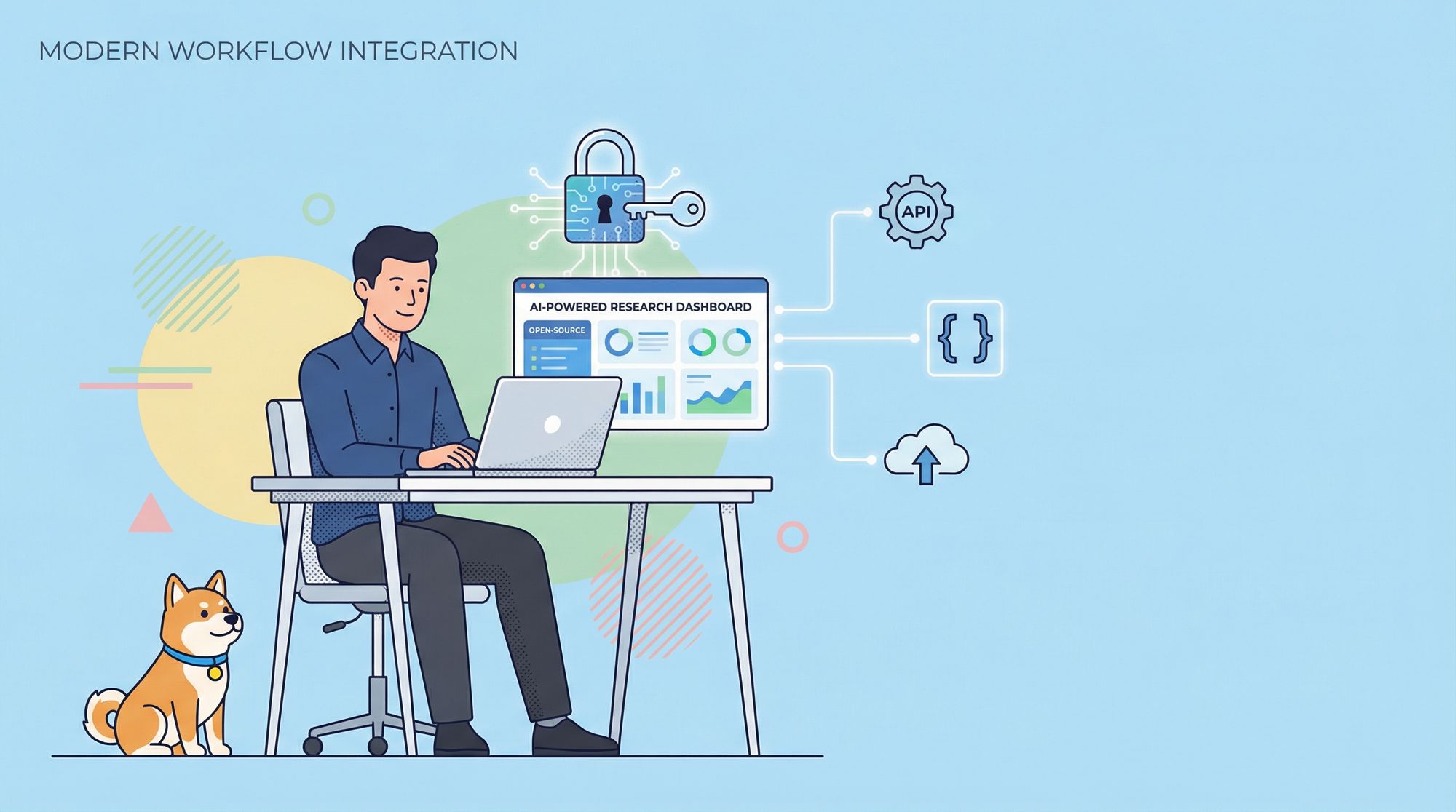
Unlock the full power of AI-driven research while retaining privacy and customization. This hands-on guide walks API developers and backend engineers through building a secure, open-source research assistant using the Gemini API—seamlessly integrating with Apidog for even greater productivity.
Why Open-Source Deep Research Tools Matter
Traditional, closed-source research assistants often limit customization and raise data privacy concerns—critical issues for API-focused teams and technical leads. Open-source solutions empower you to:
- Maintain full control of your research process and data
- Customize workflows and features for your unique needs
- Integrate with internal APIs and tools
By leveraging open-source, you avoid vendor lock-in and can tailor your environment to match exact project requirements.
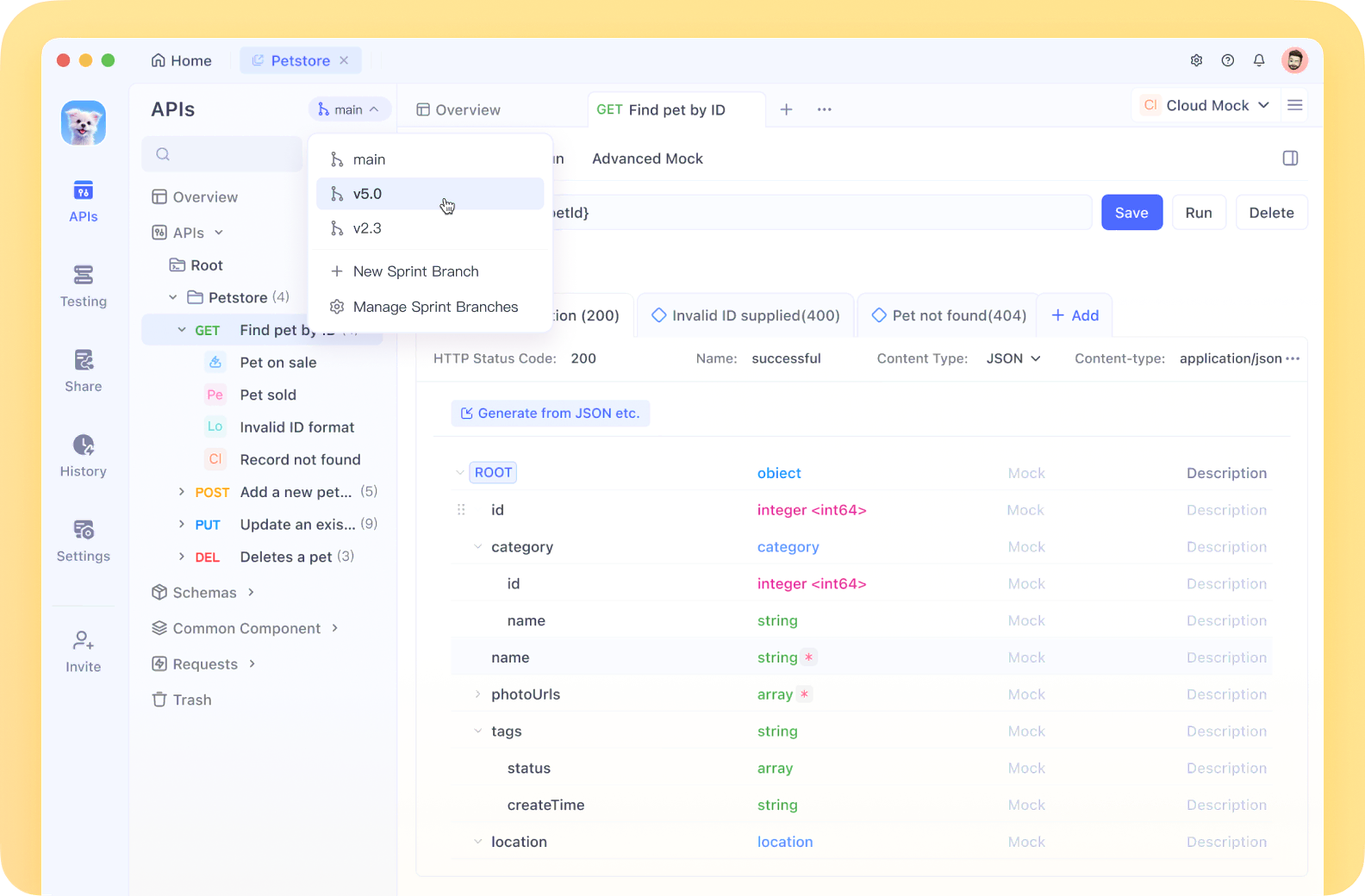
💡 Tip: Apidog MCP Server can be integrated seamlessly into your IDE, providing real-time access to API specifications. This allows your AI assistant to generate and modify code, search API docs, create data models/DTOs, and add context-aware comments—all aligned with your API design.
We’re pleased to announce that MCP support is coming soon to Apidog! The Apidog MCP Server enables direct feeding of API docs into Agentic AI, streamlining coding in tools like Cursor, Cline, and Windsurf.
Apidog (@ApidogHQ) — March 19, 2025
What Makes the Gemini API Ideal for Deep Research?
The Gemini API offers advanced AI capabilities that go beyond text:
- Multimodal Input: Analyze images, videos, and audio alongside text
- Intuitive Interactions: Get richer, context-aware insights
- Customizable: Adapt models and endpoints for your use case
- Strong Community & Docs: Accelerate integration and troubleshooting
By combining Gemini’s capabilities with open-source flexibility, you gain a research tool that meets enterprise standards for privacy and adaptability.
Example Use Case: Integrate Gemini 2.5 Pro into your development environment (e.g., Cursor) to generate efficient code, get smart suggestions, and solve problems—without subscription costs.
How to Add Gemini 2.5 Pro to Cursor for Free
Key Features of Your Open-Source Deep Research Tool
When building your AI-powered research assistant, consider these essential features:
- Rapid Insight Generation: Get answers in seconds
- Multi-Platform Support: Use on any device or OS
- Google Gemini-Powered: Access advanced AI analysis
- Intelligent Networking/Thinking Models: Surface hidden connections in data
- Visual Canvas: Organize research visually
- Research History: Track topics and revisit findings
- Local & Server API Support: Flexible deployment and data handling
- Privacy-First: Keep sensitive research secure
- Multi-API Key Support: Rotate or segment usage
- Multi-language: Supports English and 简体中文
- Modern Tech Stack: Efficient, high-performance architecture
Getting Started: Prerequisites and Setup
1. Obtain Your Gemini API Key
Visit Google AI Studio to sign up and secure your Gemini API key. This key unlocks Gemini’s full capabilities for your research tool.

2. One-Click Deployment (Optional)
For a fast start, deploy directly with:
- Vercel: Link your GitHub repository and Vercel account for instant deployment.
- Cloudflare: Follow the guide on how to deploy to Cloudflare Pages for serverless hosting.


For maximum control, proceed with local development as outlined below.
Local Development: Step-by-Step Guide
Prerequisites
- Node.js (v18.18.0+): Download here
- Package Manager: Use
pnpm,npm, oryarn. (This guide usespnpm.)
Installation Steps
-
Clone the Repository:
git clone https://github.com/u14app/deep-research.git cd deep-research -
Install Dependencies:
pnpm install # or npm install / yarn install -
Configure Environment Variables:
-
Create a
.envfile in the project root. -
Add these variables:
# Required for server API calls
GOOGLE_GENERATIVE_AI_API_KEY=YOUR_GEMINI_API_KEY

# Optional: Proxy base URL for API requests
API_PROXY_BASE_URL=

# Optional: Password for server-side API access
ACCESS_PASSWORD=

# Optional: Scripts for analytics, etc.
HEAD_SCRIPTS=
Security Note: Keep API keys and passwords private—never commit them to public repos. For multi-key support, separate keys by commas (e.g.,
key1,key2,key3). Multi-key is not supported on Cloudflare due to Next.js 15 limitations. -
-
Start the Development Server:
pnpm dev # or npm run dev / yarn devAccess your tool at http://localhost:3000.

Ask research questions and review AI-generated insights in real time.

Find more MCP servers at HiMCP.ai - Discover 1682+ MCP Servers
Deployment Options
When ready, deploy your tool for broader use:
1. Vercel
- Fastest deployment with GitHub integration.
2. Cloudflare Pages
- Follow the official deployment guide for serverless hosting.
3. Docker
- Requirements: Docker v20+
- Pull and Run Image:
docker pull xiangfa/deep-research:latest docker run -d --name deep-research -p 3333:3000 xiangfa/deep-research - With Custom Environment Variables:
docker run -d --name deep-research \ -p 3333:3000 \ -e GOOGLE_GENERATIVE_AI_API_KEY=AIzaSy... \ -e ACCESS_PASSWORD=your-password \ xiangfa/deep-research - Build and Run Your Own Image:
docker build -t deep-research . docker run -d --name deep-research -p 3333:3000 deep-research - With Docker Compose:
Then build with:version: '3.9' services: deep-research: image: xiangfa/deep-research container_name: deep-research environment: - GOOGLE_GENERATIVE_AI_API_KEY=AIzaSy... - ACCESS_PASSWORD=your-password ports: - 3333:3000docker compose -f docker-compose.yml build
4. Static Page Deployment
-
Build static assets:
pnpm build:export -
Upload the contents of the
outdirectory to any static hosting (GitHub Pages, Cloudflare, Vercel, etc.).
Tool Configuration Recap
For server-side API functionality, ensure the following variables are set:
GOOGLE_GENERATIVE_AI_API_KEYAPI_PROXY_BASE_URL(if needed)ACCESS_PASSWORD(recommended for production)
For local API calls, these are not required—boosting privacy and security. Always store sensitive credentials securely.
Apidog: Enhance Your API-Driven AI Workflow
Integrating Apidog with your research assistant offers:
- Direct API Specification Access: Instantly reference and modify project APIs within your IDE
- Automated Code Generation: Let your AI assistant write, search, and document code that matches your API design
- Streamlined Collaboration: Share, test, and validate APIs across teams securely
This synergy accelerates development, reduces manual errors, and keeps your research in sync with real API workflows.
Conclusion: Take Control of AI Research
By building your own open-source deep research tool powered by the Gemini API, you gain:
- Full ownership of your research process and data
- Flexible, privacy-first AI capabilities
- Seamless API integration and workflow automation with Apidog
Experiment with new models, connect custom APIs, and shape your tool to fit your team’s unique needs. The future of research is open, intelligent, and in your hands.