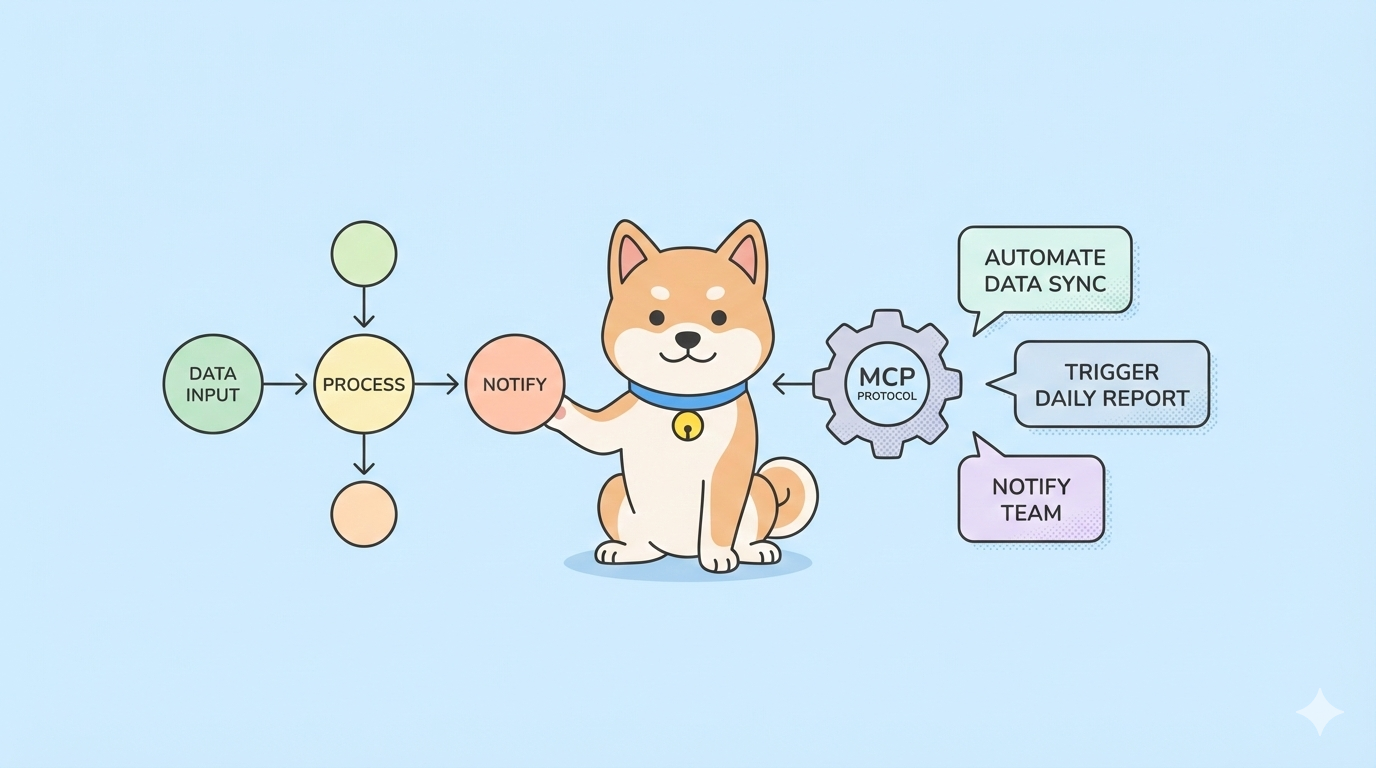
Claude Cowork promises seamless AI-assisted development but locks you into Anthropic's ecosystem at $20-30 per seat monthly. For teams building custom internal tools or integrating with existing infrastructure, that price tag adds up fast. These five open source alternatives deliver similar agentic capabilities while giving you full control over data, models, and integrations, without the vendor tax.
Why Claude Cowork Isn’t Always the Right Fit
Claude Cowork is a managed service that embeds Claude models directly into your IDE with context-aware suggestions, multi-file editing, and tool use. It excels at code generation but falls short on three critical fronts:
- Cost at scale: $20/user/month means a 50-person team spends $12,000 annually.
- Black box: You can’t inspect how it indexes your codebase or what data leaves your network.
- Limited extensibility: Custom tools require convoluted workarounds; you’re stuck with Anthropic’s integration choices.
Open-source alternatives solve these problems. You host them, extend them, and connect them to any model, e.g. Claude, GPT-5, or local LLMs. Here are the five tools developers are actually using in production.
Want an integrated, All-in-One platform for your Developer Team to work together with maximum productivity?
Apidog delivers all your demands, and replaces Postman at a much more affordable price!
1. Composio's Open Claude Cowork
GitHub: ComposioHQ/open-claude-cowork
Stars: 4.2k | Active Development: Yes | Language: TypeScript
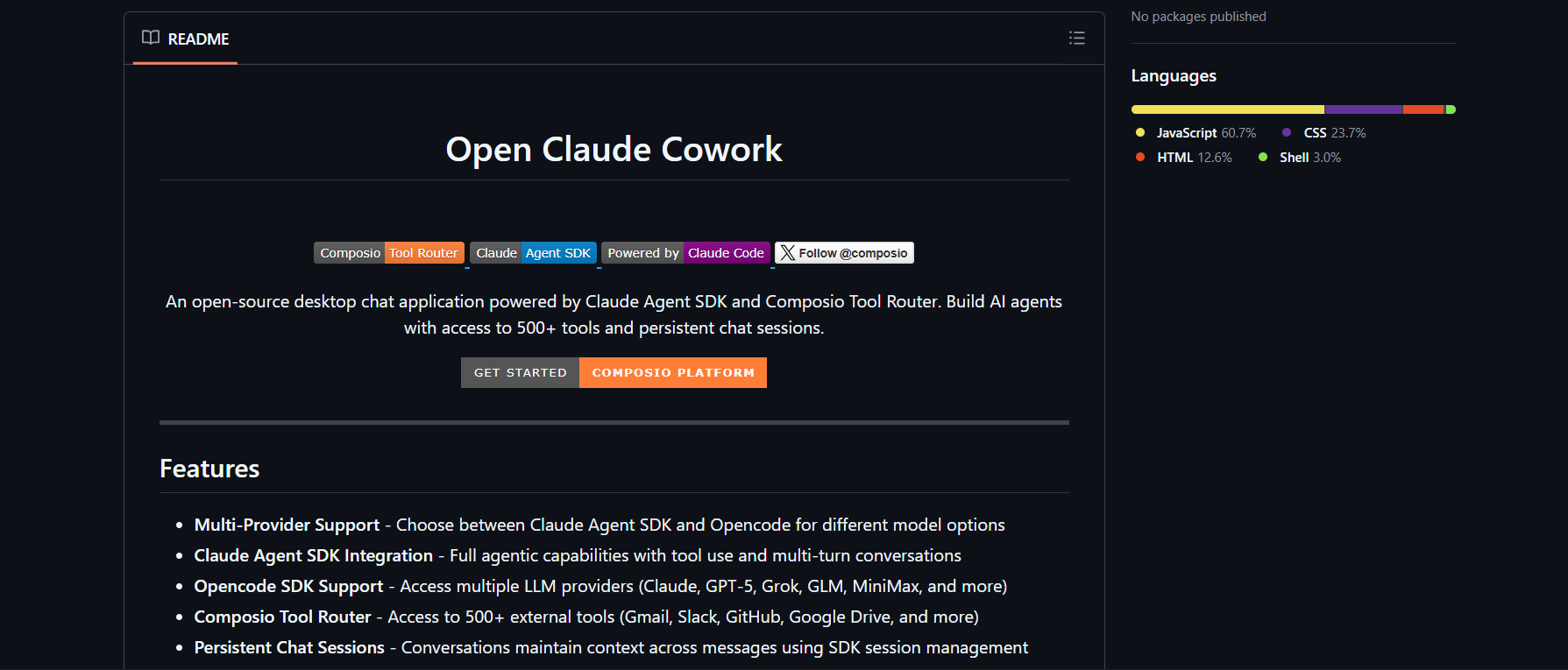
Composio’s take on Claude Cowork is the most feature-complete. It provides 100+ pre-built integrations (GitHub, Slack, Jira, Notion) with managed OAuth, so you don’t spend weeks wiring auth.
Key Features
- Managed authentication: One-click OAuth for all tools
- Tool chaining: Create workflows that call multiple APIs sequentially
- Multi-model support: Claude, GPT-4, or local models via LiteLLM
- Local indexing: Uses tree-sitter for accurate code context, no data exfiltration
Installation
# Clone and install
git clone https://github.com/ComposioHQ/open-claude-cowork.git
cd open-claude-cowork
npm install

# Configure environment
cp .env.example .env
Edit .env:
# .env
OPENAI_API_KEY=sk-ant-your-claude-key
COMPOSIO_API_KEY=composio-key-from-dashboard
Run the Service
# Start the MCP server
npm run start:mcp

# Or start the full IDE extension
npm run dev:vscode
The MCP server exposes tools like github-create-issue, slack-send-message, and jira-create-ticket. In Claude Code, configure:
// ~/.claude-code/config.json
{
  "mcpServers": {
    "composio": {
      "command": "node",
      "args": ["/path/to/open-claude-cowork/dist/mcp.js"],
      "env": { "COMPOSIO_API_KEY": "your-key" }
    }
  }
}
Use Case: Automated Bug Triage
Create a workflow that:
- Scans code for TODOs
- Creates GitHub issues
- Posts to Slack
- Adds Jira tickets
Claude Code can trigger this with one prompt: “Find all TODOs in src/ and create tickets.”
Pros: Battle-tested integrations, enterprise-grade auth, active community
Cons: Heavier than pure MCP servers, requires Composio account for some features
2. Openwork
GitHub: different-ai/openwork
Stars: 1.8k | Active Development: Yes | Language: Python
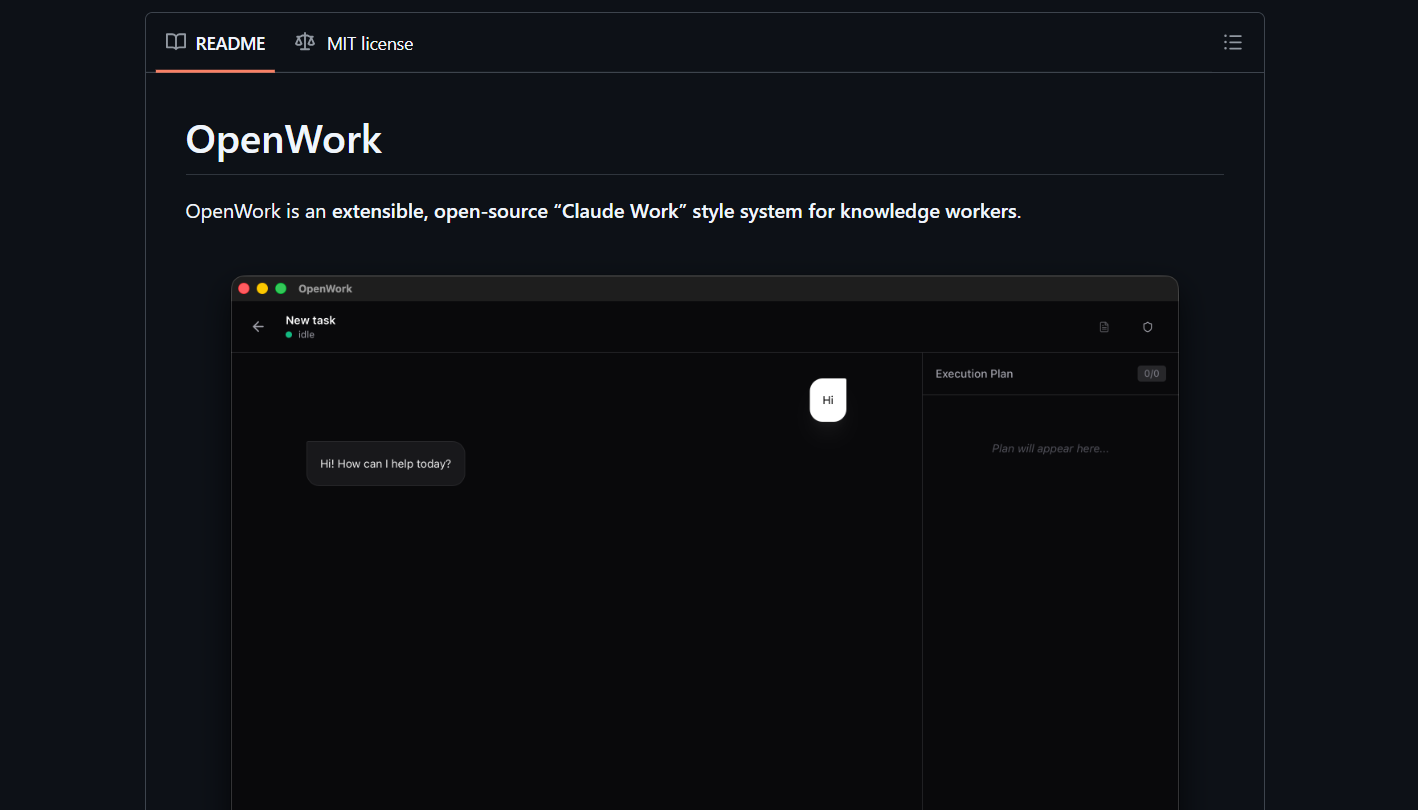
Openwork is a minimalist MCP server that exposes any command-line tool as a Claude-accessible function. It’s perfect for teams with existing scripts they want to democratize.
Key Features
- Command wrapping: Turn
curl,grep,jqinto Claude tools - Zero config: Auto-discovers tools in your PATH
- Sandboxed execution: Runs commands in isolated containers
- File system access: Read/write files with permission prompts
Installation
# Install via pip
pip install openwork

# Or clone for development
git clone https://github.com/different-ai/openwork.git
cd openwork
pip install -e .
Configuration
Create tools.yaml in your project root:
# tools.yaml
tools:
  search_code:
    command: "rg --json '{{query}}' {{path}}"
    description: "Search code using ripgrep"
    parameters:
      query: { type: string, required: true }
      path: { type: string, default: "." }

  curl_api:
    command: "curl -s '{{url}}' | jq ."
    description: "Fetch and parse JSON APIs"
    parameters:
      url: { type: string, required: true }
Run and Connect
# Start the server
openwork serve --config tools.yaml

# In Claude Code config
{
  "mcpServers": {
    "openwork": {
      "command": "openwork",
      "args": ["serve", "--config", "/path/to/tools.yaml"]
    }
  }
}
Use Case: API Exploration
# In Claude Code
Use the curl_api tool to fetch https://api.github.com/repos/different-ai/openwork
Claude gets structured JSON and can parse it for you.
Pros: Extremely flexible, language-agnostic, minimal overhead
Cons: Requires manual tool definition, no built-in auth management
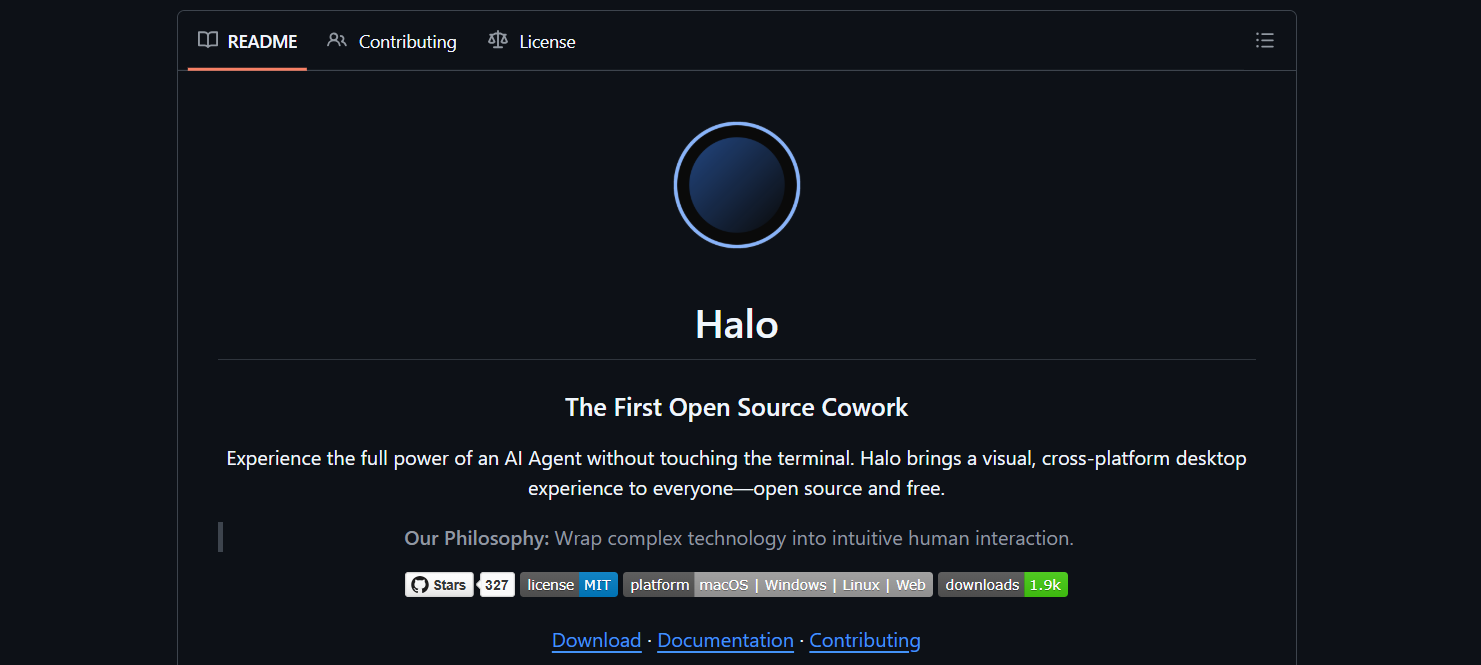
3. Halo
GitHub: openkursar/hello-halo
Stars: 892 | Active Development: Moderate | Language: Go
Halo is a single-binary MCP server focused on speed. Written in Go, it starts in under 100ms and uses negligible memory, making it ideal for local development.
Key Features
- Blazing fast: Go runtime, minimal dependencies
- Built-in tools: Git, file system, process manager
- Watch mode: Reloads tools on config change
- Cross-platform: Windows, macOS, Linux binaries
Installation
# Download binary (macOS ARM64 example)
curl -L https://github.com/openkursar/hello-halo/releases/latest/download/halo-darwin-arm64 -o halo
chmod +x halo
sudo mv halo /usr/local/bin/

# Or build from source
git clone https://github.com/openkursar/hello-halo.git
cd halo
go build -o halo cmd/halo/main.go
Configuration
Create halo.json in your project:
{
  "tools": [
    {
      "name": "git_branch",
      "command": "git branch --show-current",
      "description": "Get current git branch"
    },
    {
      "name": "file_append",
      "command": "echo '{{content}}' >> {{file}}",
      "description": "Append text to file",
      "parameters": {
        "file": { "type": "string", "required": true },
        "content": { "type": "string", "required": true }
      }
    }
  ]
}
Run
# Start server
halo serve --config halo.json

# Claude Code config
{
  "mcpServers": {
    "halo": {
      "command": "halo",
      "args": ["serve", "--config", "/path/to/halo.json"]
    }
  }
}
Use Case: Quick File Operations
Claude, use the file_append tool to add "TODO: Refactor auth" to notes.txt
Pros: Lightning fast, single binary, no runtime dependencies
Cons: Smaller community, limited built-in integrations
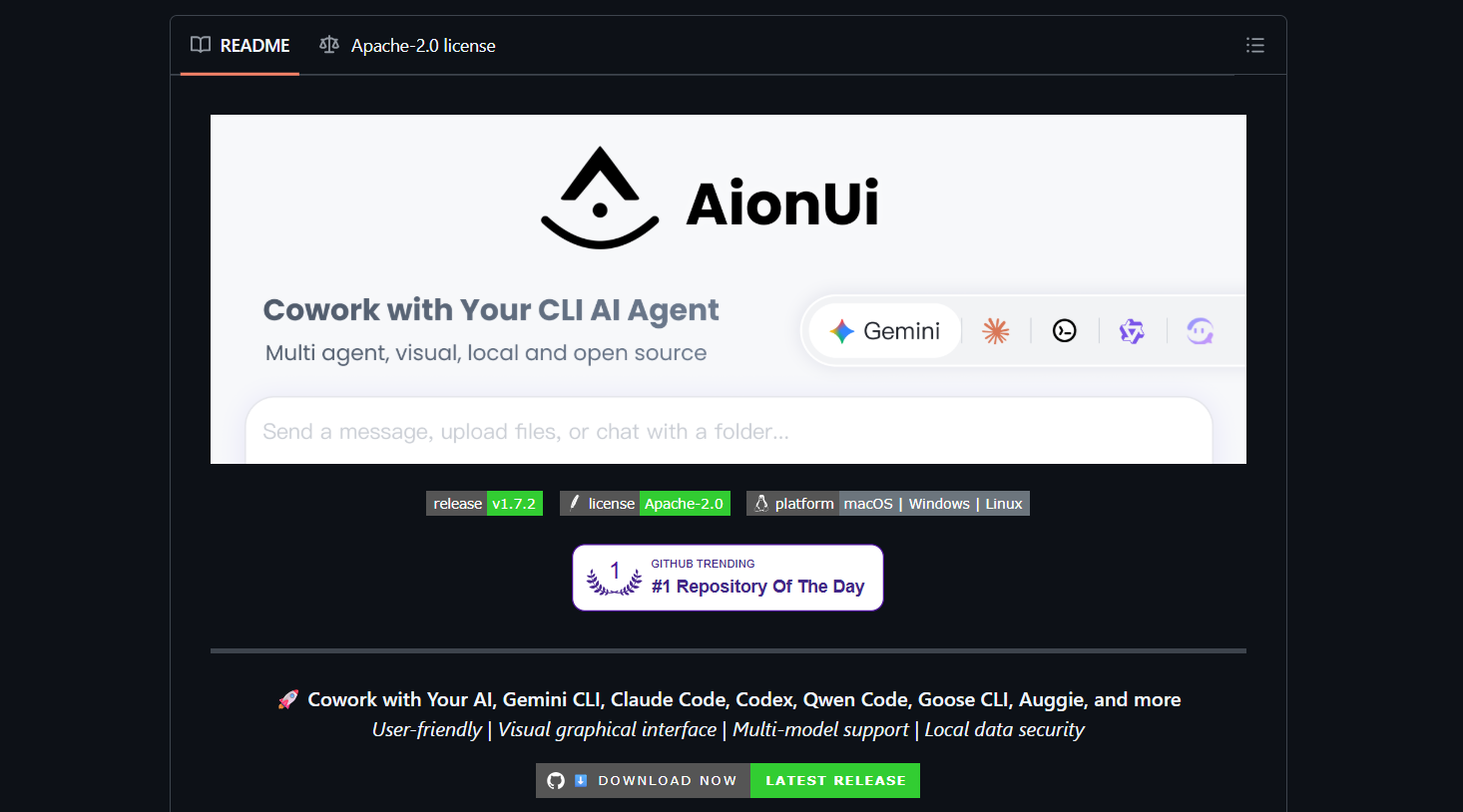
4. AionUI: Cowork with Your CLI AI Agent
GitHub: iOfficeAI/AionUi
Stars: 2.1k | Active Development: Yes | Language: TypeScript/React
AionUI combines an MCP server with a web-based dashboard for monitoring agent activities. It’s designed for teams that need visibility into what their AI assistants are doing.
Key Features
- Web dashboard: Real-time tool usage, token consumption, error logs
- Role-based access: Control who can execute which tools
- Audit trails: Full history of every tool call
- Custom UI components: Build tool-specific interfaces
Installation
# Clone and install
git clone https://github.com/iOfficeAI/AionUi.git
cd AionUi
npm install

# Build the UI
npm run build:ui
Configuration
Create aion.config.ts:
export default {
  tools: [
    {
      name: 'database-query',
      handler: './tools/db-query.ts',
      permissions: ['engineering', 'data-team']
    }
  ],
  server: {
    port: 3000,
    auth: {
      provider: 'jwt',
      secret: process.env.JWT_SECRET
    }
  }
};
Run
# Start server (serves both MCP and dashboard)
npm start

# Access dashboard at http://localhost:3000
Claude Code Integration
{
  "mcpServers": {
    "aion": {
      "command": "npm",
      "args": ["start"],
      "cwd": "/path/to/AionUi"
    }
  }
}
Use Case: Database Queries with Approval
An engineer asks: “Run database query to find slow queries.” AionUI logs the request, prompts a data team lead in the dashboard, and executes only after approval.
Pros: Enterprise visibility, audit compliance, role management
Cons: Heavier setup, requires React build step
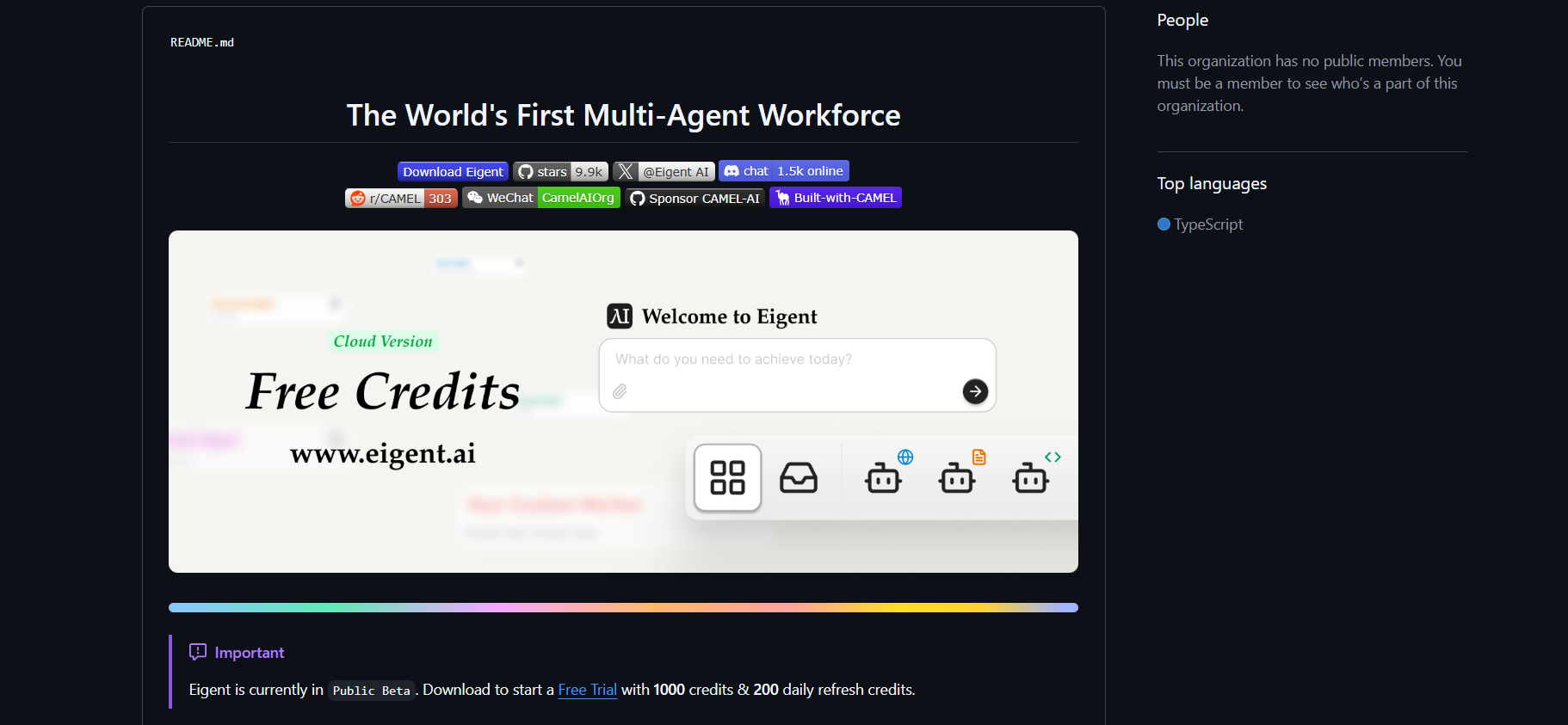
5. Eigent AI
GitHub: eigent-ai/.github (Mono-repo with multiple agents)
Stars: 567 | Active Development: Slow | Language: Python
Eigent AI is a research-oriented framework for running multiple Claude instances that collaborate on tasks. It’s less polished but offers unique orchestration patterns.
Key Features
- Agent swarms: Parallel Claude instances with different roles
- Task decomposition: Automatically splits complex tasks
- Consensus voting: Multiple agents verify critical decisions
- Research focus: Built for AI safety experiments
Installation
# Clone the mono-repo
git clone https://github.com/eigent-ai/.github.git eigent-ai
cd eigent-ai/agents/claude-cowork

# Install dependencies
pip install -r requirements.txt

# Configure multiple API keys
cp .env.example .env
Edit .env:
CLAUDE_API_KEYS=sk-ant-key1,sk-ant-key2,sk-ant-key3
MAX_CONCURRENT_AGENTS=3
Run
# Start the orchestrator
python orchestrator.py --task "Review this PR for security issues"
The orchestrator spawns three Claude instances:
- Reviewer 1: Checks for SQL injection
- Reviewer 2: Looks for auth bypasses
- Reviewer 3: Validates dependency vulnerabilities
They vote on findings and produce a consensus report.
Claude Code Integration
Eigent AI doesn’t expose a standard MCP server. Instead, wrap it:
// mcp-eigent-wrapper.ts
import { spawn } from 'child_process';

export function createEigentTool(task: string) {
  return new Promise((resolve, reject) => {
    const proc = spawn('python', ['orchestrator.py', '--task', task]);
    let output = '';
    proc.stdout.on('data', (data) => output += data);
    proc.on('close', (code) => {
      if (code === 0) resolve(JSON.parse(output));
      else reject(new Error(`Eigent failed: ${code}`));
    });
  });
}
Pros: Novel multi-agent patterns, research-backed
Cons: Experimental, minimal docs, slower development
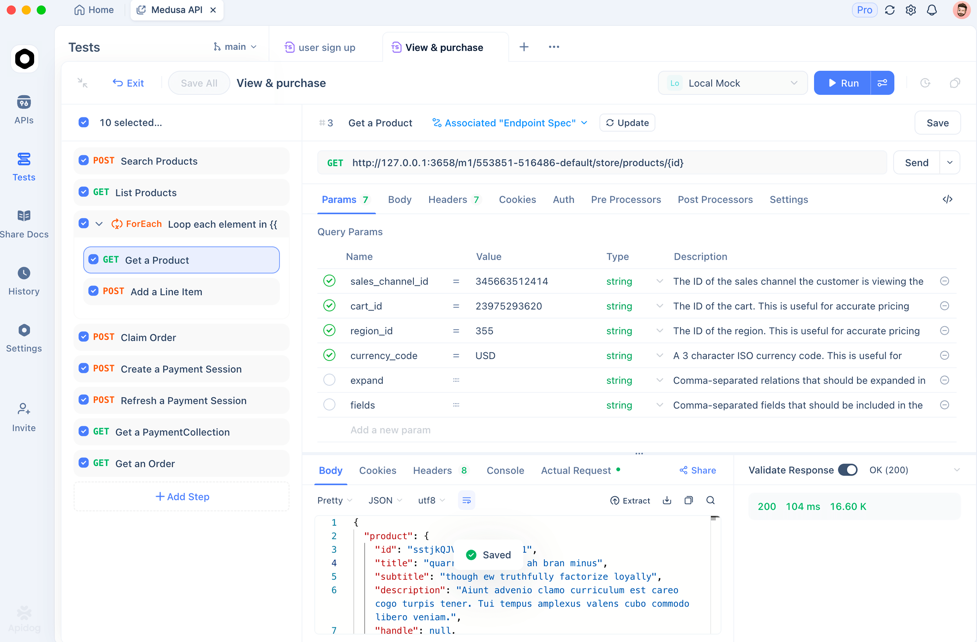
Test Your MCP Tool Contracts with Apidog
When you build custom tools for Claude Cowork alternatives, you’re defining an API contract. Does your database-query tool accept SELECT or SELECT *? Use Apidog to import your tool definitions and generate contract tests.
It validates parameter types, response shapes, and error handling—preventing silent failures when Claude calls your tools. It’s free to start, and it catches the edge cases that break agentic workflows.
Frequently Asked Questions
Q1. Can I use multiple Claude Cowork alternatives simultaneously?
Yes. Claude Code supports multiple MCP servers. Configure all five tools and Claude will intelligently choose based on your prompt.
Q2. Which alternative has the best Claude 4.5 support?
Composio and Openwork support any model via LiteLLM. Halo and AionUI require manual configuration for new models.
Q3. Are these safe for production use?
Composio and AionUI are production-ready. Openwork and Halo are best for internal tooling. Eigent AI is experimental.
Q4. How do I migrate from Claude Cowork to these tools?
Export your Claude Cowork history, identify frequently used prompts, then build equivalent tools in your chosen alternative. Start with one tool and expand.
Q5. Do these work with other AI assistants besides Claude Code?
Yes. Any MCP-compatible client (Cursor, Windsurf) can use these servers. The protocol is vendor-neutral.
Conclusion
Claude Cowork is convenient but rigid. These five open source alternatives give you the flexibility to build AI agents that match your workflow, not the other way around. Composio wins for integrations, Openwork for customization, Halo for speed, AionUI for enterprise oversight, and Eigent AI for multi-agent experimentation. Pick one, configure it in 30 minutes, and reclaim control over your AI tooling.
And when those tools hit external APIs, validate them with Apidog—because even open-source agents need reliable contracts.