Ever wished you could just tell an AI to build an automation workflow and have it show up ready in n8n? What if your AI assistant could directly create, update and execute n8n workflows without manually copying JSON or dragging nodes? Welcome to n8n-MCP with Claude Code, a system that turns natural language into real, deployable workflow automation.
What Is n8n-MCP and Why Should You Care?
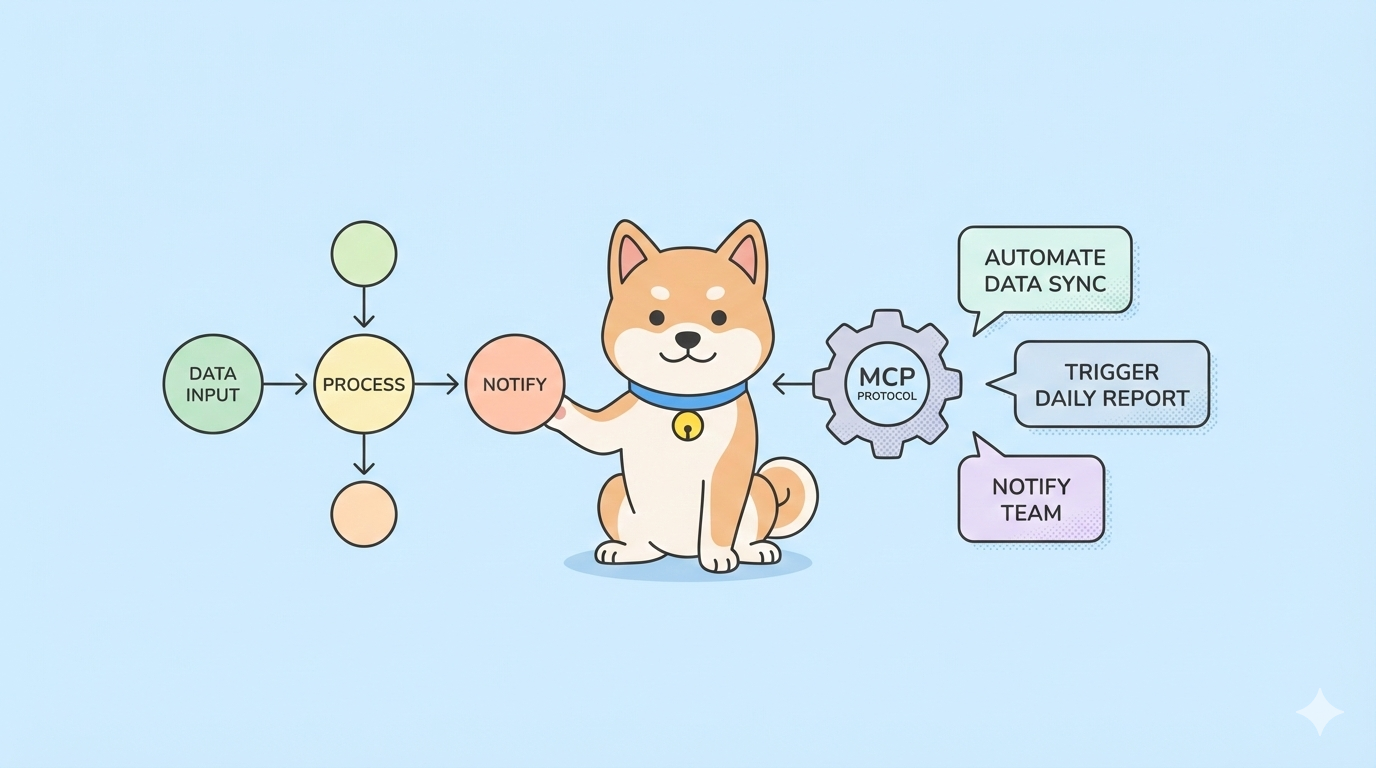
n8n-MCP is a Model Context Protocol server that exposes your n8n workflows as executable tools for AI assistants like Claude Code. Instead of manually running workflows through the n8n UI or REST API, you describe what you want in natural language, and Claude Code invokes the right workflow, passes parameters, and returns results.
The shift is subtle but massive. Traditional AI coding assistants generate code. With n8n-MCP, they execute workflows. Your web search workflow becomes a tool. Your data enrichment pipeline becomes a tool. Your Slack notification flow becomes a tool. Claude Code becomes an agent that orchestrates real systems, not just a code generator.
For developers building internal tools or automating research, this means you can:
- Query live APIs without writing fetch calls
- Trigger data pipelines from your editor
- Validate external data before committing code
- Build custom agents tailored to your stack
The protocol is simple: n8n-MCP translates Claude Code’s tool calls into HTTP requests to your n8n webhook nodes, then marshals responses back to Claude. You get the full power of n8n’s 400+ integrations inside your CLI workflow.
Want an integrated, All-in-One platform for your Developer Team to work together with maximum productivity?
Apidog delivers all your demands, and replaces Postman at a much more affordable price!
Step 1: Install n8n and Create a Web Search Workflow
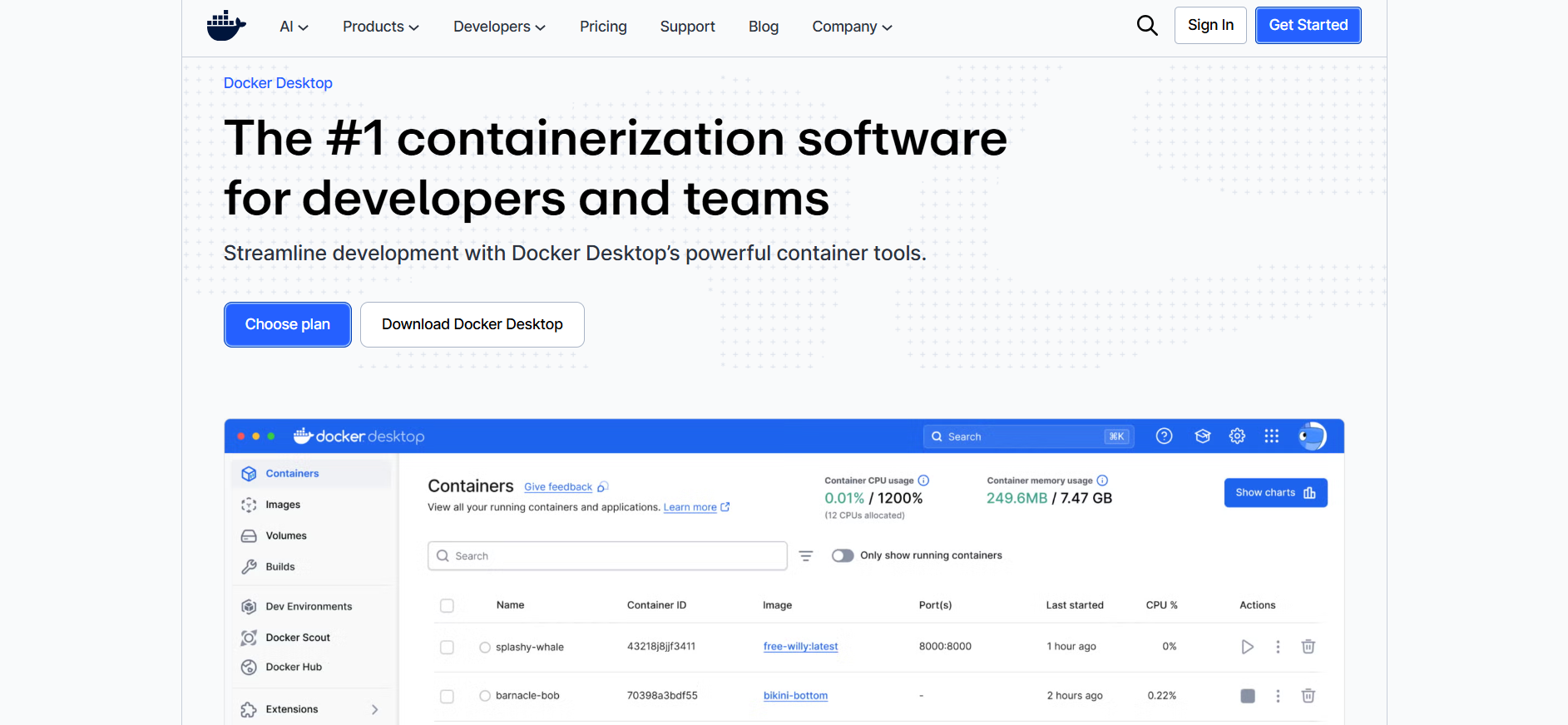
First, you need a running n8n instance. For local development, Docker is fastest.
# Create a directory for n8n data
mkdir ~/n8n-data && cd ~/n8n-data

# Start n8n with Docker
docker run -d --name n8n \
  -p 5678:5678 \
  -v $(pwd):/home/node/.n8n \
  --restart unless-stopped \
  docker.n8n.io/n8nio/n8n
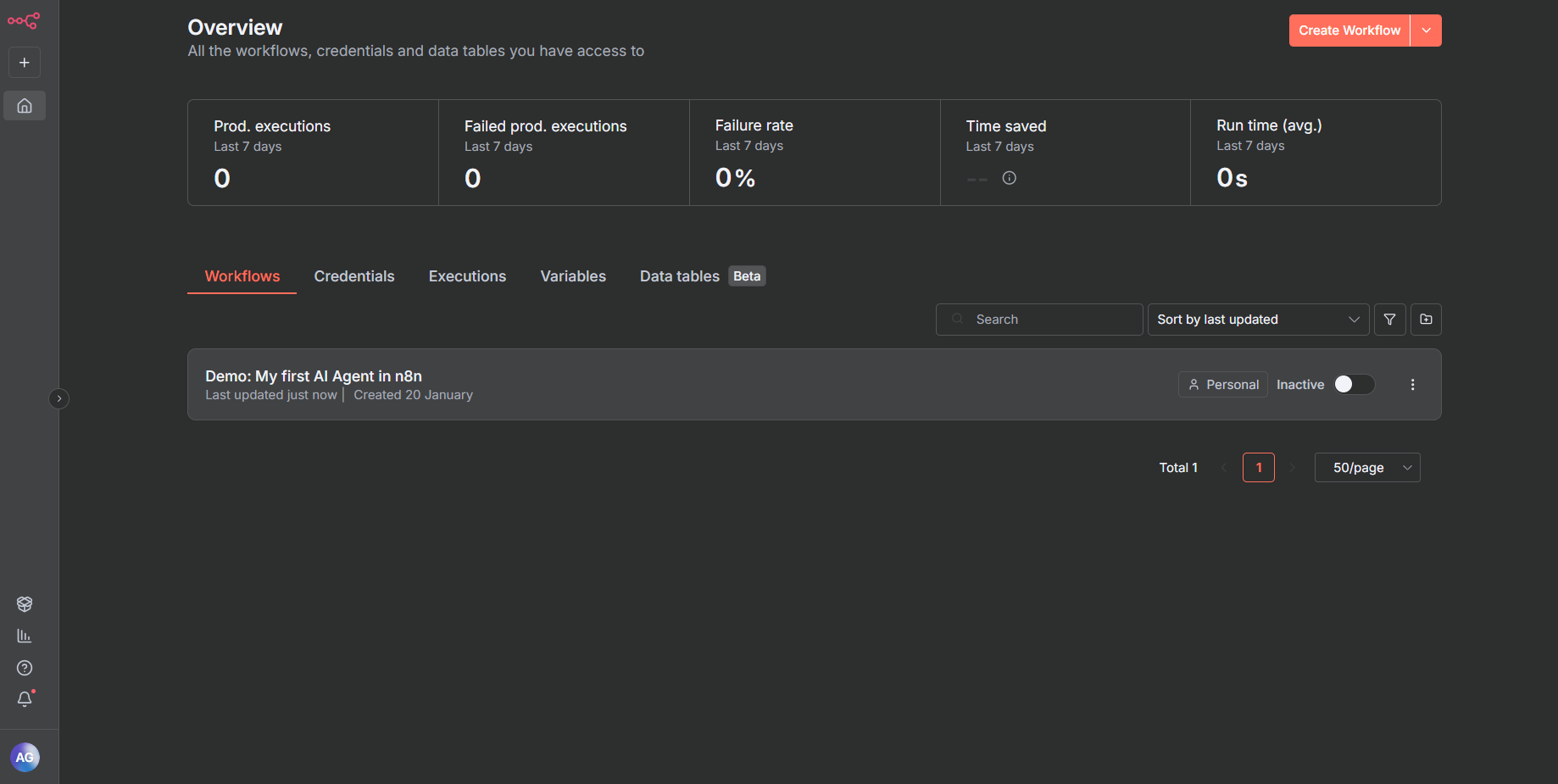
Open http://localhost:5678 and complete the setup. Create an admin account.
Build the Web Search Workflow
- Click New Workflow
- Add a Webhook node (trigger)
- HTTP Method:
POST - Path:
web-search - Response Mode:
When Last Node Finishes
3. Add an HTTP Request node
- URL:
https://duckduckgo.com/html/?q={{ $json.query }} - Method:
GET
4. Add a HTML Extract node
- Data Property:
data - Extraction Values:
- Key:
results - CSS Selector:
.result__a - Return Value:
Text
5. Add a Set node to format output
- Values to Set:
results:{{ $json.results }}
6. Connect webhook → HTTP → HTML Extract → Set
7. Activate the workflow (toggle in top-right)
Test it manually:
curl -X POST http://localhost:5678/webhook/web-search \
  -H "Content-Type: application/json" \
  -d '{"query":"trending AI topics 2026"}'
You should see a JSON array of search results. This workflow is now ready for MCP exposure.
Step 2: Install and Configure n8n-MCP
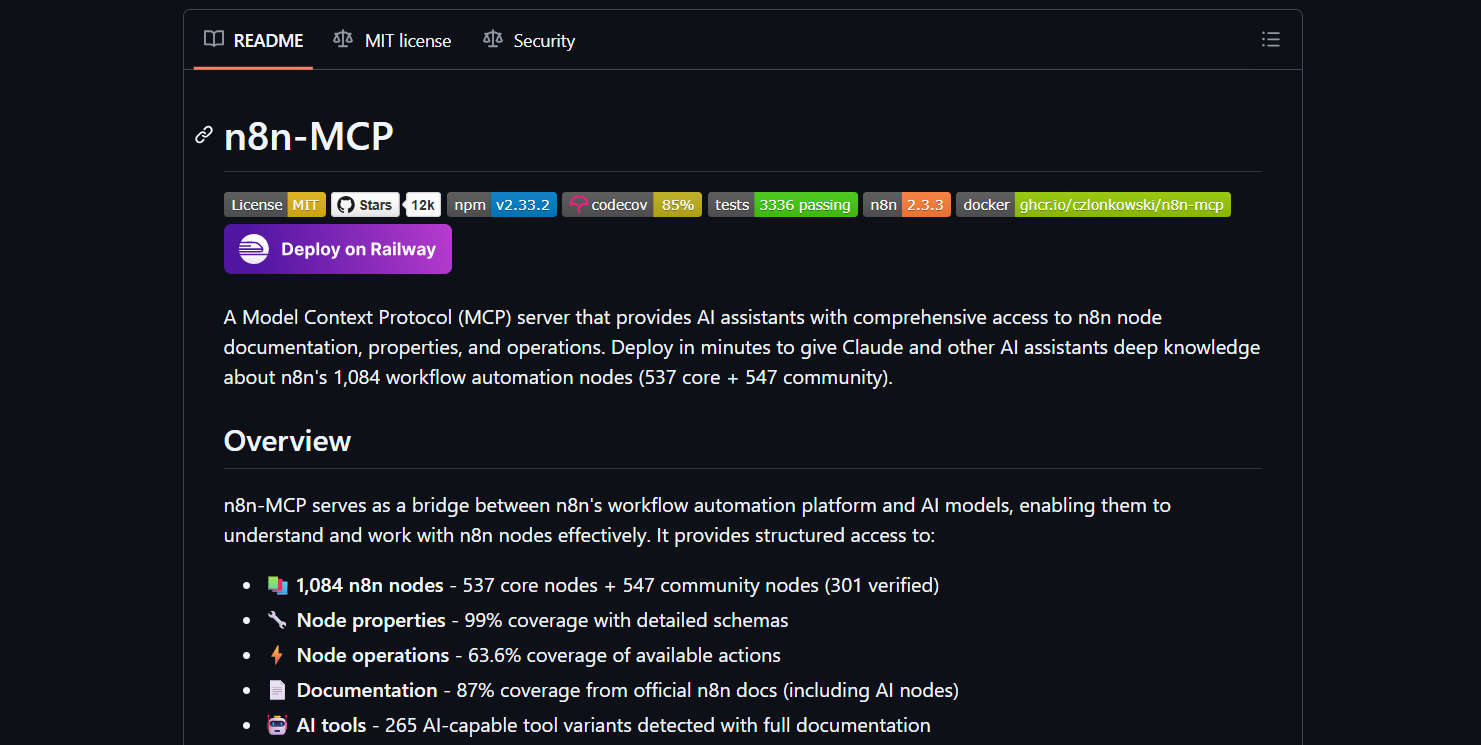
The n8n MCP server bridges n8n and Claude Code. Install it globally or in a project directory.
# Clone the n8n-MCP repository
git clone https://github.com/czlonkowski/n8n-mcp.git
cd n8n-mcp

# Install dependencies
npm install

# Build the project
npm run build
Configure Environment Variables
Create a .env file in the n8n-MCP directory:
# .env
N8N_API_URL=http://localhost:5678
N8N_API_KEY=n8n_api_key_here
Get your n8n API key from Settings → API in the n8n UI. If you don’t see an API key section, you may need to enable it via environment variable when starting n8n:
# Stop and restart n8n with API enabled
docker stop n8n
docker rm n8n

docker run -d --name n8n \
  -p 5678:5678 \
  -v $(pwd):/home/node/.n8n \
  -e N8N_BASIC_AUTH_ACTIVE=true \
  -e N8N_BASIC_AUTH_USER=admin \
  -e N8N_BASIC_AUTH_PASSWORD=yourpassword \
  --restart unless-stopped \
  docker.n8n.io/n8nio/n8n
Now generate an API key in the UI.
Start the MCP Server
# Start the MCP server
npm start
By default, it runs on http://localhost:3001. You should see:
n8n MCP Server running on http://localhost:3001
Available tools: [ 'web-search' ]
The server automatically discovers workflows with webhook paths and exposes them as tools.
Step 3: Configure Claude Code to Use n8n-MCP
Claude Code uses a configuration file to discover MCP tools. Create or edit your Claude Code config.
# Find Claude Code config directory
# macOS: ~/Library/Application Support/Claude Code
# Linux: ~/.config/Claude Code
# Windows: %APPDATA%/Claude Code

cd ~/Library/Application\ Support/Claude Code
Create a file named mcp.json:
{
  "mcpServers": {
    "n8n": {
      "command": "node",
      "args": ["/path/to/n8n-mcp/dist/index.js"],
      "env": {
        "N8N_API_URL": "http://localhost:5678",
        "N8N_API_KEY": "your_n8n_api_key"
      }
    }
  }
}
Critical: Use absolute paths for args. Relative paths fail when Claude Code spawns the process.
Verify the Connection
Start Claude Code in your project:
claude
Once loaded, type:
/list-tools
You should see:
Available tools:
- n8n:web-search (Executes the web-search workflow)
If the tool doesn’t appear, check the logs:
# In another terminal, tail Claude Code logs
tail -f ~/Library/Application\ Support/Claude\ Code/logs/mcp.log
Common issues:
- ENOENT: Wrong path to
n8n-mcp/dist/index.js - ECONNREFUSED: n8n not running on localhost:5678
- 401: Incorrect N8N_API_KEY
Step 4: Practical Application—Web Search from Claude Code
Now the magic happens. In any project directory, start Claude Code and run:
claude
At the prompt, type:
Using the web search tool in n8n, look up trending AI topics in 2026
Claude Code will:
- Recognize the
n8n:web-searchtool - Parse your intent ("trending AI topics in 2026")
- Extract the query parameter
- Call the MCP server
- The MCP server calls n8n webhook
- n8n runs the workflow and returns results
- MCP returns JSON to Claude Code
- Claude Code formats and displays the answer
Example Session
$ claude
> Using the web search tool in n8n, look up trending AI topics in 2026

I'll help you search for trending AI topics in 2026 using the n8n web search tool.

Calling n8n:web-search with query: "trending AI topics 2026"

Tool returned 8 results:
1. "Quantum AI Breakthroughs in 2026: What Developers Need to Know"
2. "Multimodal LLMs: Beyond Text and Images"
3. "Edge AI Deployment: Reducing Cloud Costs by 40%"
4. "AI Code Review Agents: Adoption Surge in Enterprise"
5. "Federated Learning: Privacy-First AI Training"
6. "Synthetic Data Generation: Quality vs. Quantity Debate"
7. "AI Hallucination Detection: New Open Source Tools"
8. "Neuromorphic Computing: Hardware-Software Co-Design Trends"

Based on these results, here are the key trending AI topics in 2026:
- Quantum AI integration becoming practical for developers
- Multimodal models extending beyond text/images to audio/video
- Edge AI deployment for cost reduction
- AI agents for code review gaining enterprise traction
- Privacy-preserving federated learning
- Synthetic data pipelines
- Hallucination detection tooling
- Neuromorphic hardware advances
Meanwhile, in your n8n UI, you’ll see the workflow execution appear in real-time, proving Claude Code triggered it remotely.
Advanced Patterns: Building Agentic Workflows
Pattern 1: Enrich Data from Multiple Sources
Create a workflow that fetches a GitHub user, then looks up their recent tweets:
- Webhook node (
enrich-user) - HTTP Request → GitHub API (
/users/{{ $json.username }}) - HTTP Request → X API (
/users/by/username/{{ $json.username }}) - Merge node (combine responses)
- Set node (format final object)
Now in Claude Code:
Enrich user profile for @johndoe using the enrich-user workflow
Claude automatically passes parameters and receives structured data.
Pattern 2: Conditional Tool Selection
Build multiple workflows and let Claude choose:
web-search-duckduckgo: Free but slowerweb-search-serpapi: Paid but structuredweb-search-google: Custom scraper
In your prompt:
Search for Python async patterns. Use the fastest web search tool available.
Claude reads the tool descriptions and picks based on your instruction.
Pattern 3: Chaining Workflows
One workflow’s output can trigger another. Create:
fetch-data: Gets raw dataanalyze-data: Accepts data, runs analysissummarize-data: Accepts analysis, produces summary
In Claude Code:
Fetch sales data, analyze Q1 trends, and summarize key insights
Claude will chain the three workflows sequentially, passing outputs between them.
Don't Forget to Secure Your Webhooks
Add authentication headers in n8n:
- Edit the Webhook node
- Set Authentication:
Header Auth - Name:
X-API-Key - Value:
your-secure-webhook-secret
Update .env for n8n-MCP:
N8N_WEBHOOK_SECRET=your-secure-webhook-secret
Modify the MCP server to pass headers (you’ll need to edit src/index.ts):
// In the tool execution function
const response = await fetch(webhookUrl, {
  method: 'POST',
  headers: {
    'Content-Type': 'application/json',
    'X-API-Key': process.env.N8N_WEBHOOK_SECRET
  },
  body: JSON.stringify(parameters)
});
Rate Limiting
Add a Redis cache layer to prevent abuse:
// In n8n-MCP, before calling webhook
import Redis from 'ioredis';
const redis = new Redis();

const rateLimitKey = `rate_limit:${toolName}:${Date.now() / 60000}`;
const count = await redis.incr(rateLimitKey);
if (count > 10) { // 10 calls per minute
  throw new Error('Rate limit exceeded');
}
await redis.expire(rateLimitKey, 60);
Error Handling
Enhance the MCP server to return structured errors:
try {
  const response = await fetch(webhookUrl, {...});
  if (!response.ok) {
    throw new Error(`HTTP ${response.status}: ${await response.text()}`);
  }
  return await response.json();
} catch (error) {
  return {
    error: error.message,
    status: 'failed'
  };
}
Claude Code will display the error and can retry automatically.
Conclusion
n8n-MCP turns n8n from a manual automation tool into a programmable agentic backend for Claude Code. You build workflows visually, expose them as tools, and orchestrate complex tasks with natural language. The setup is straightforward: install n8n, create a webhook workflow, run the MCP server, and configure Claude Code. The result is a custom AI agent that knows your stack and can execute real-world tasks. And when you build APIs in those workflows, test them with Apidog—because even AI agents need reliable contracts.