Artificial intelligence is evolving rapidly, but most AI tools still follow a familiar pattern: you give a model a prompt, and it generates a response.
Over the past few years, however, a new category of AI systems has started gaining attention multi-agent simulations, where many AI agents interact with each other inside a shared digital environment.
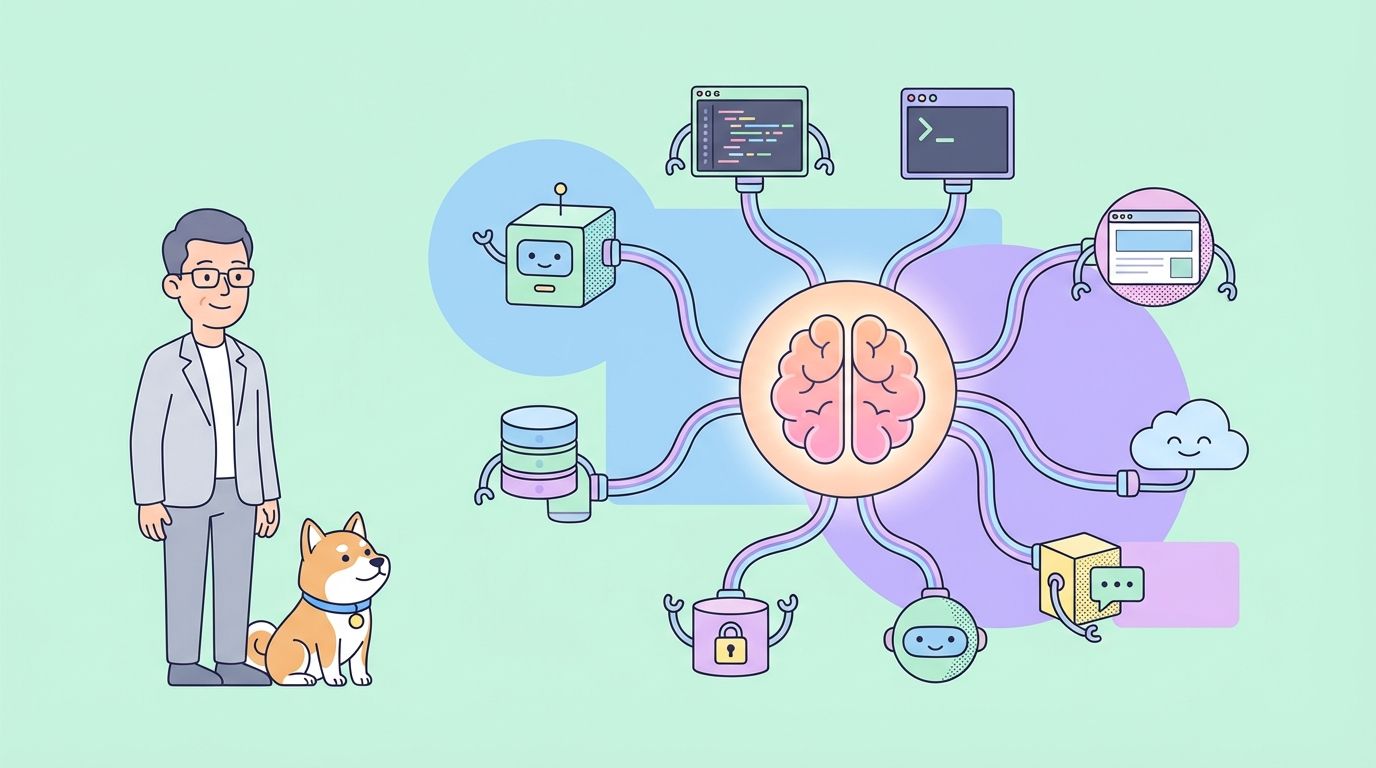
Instead of a single model trying to predict or generate an answer, these systems simulate entire groups of autonomous agents that exchange information, form opinions, and influence one another.
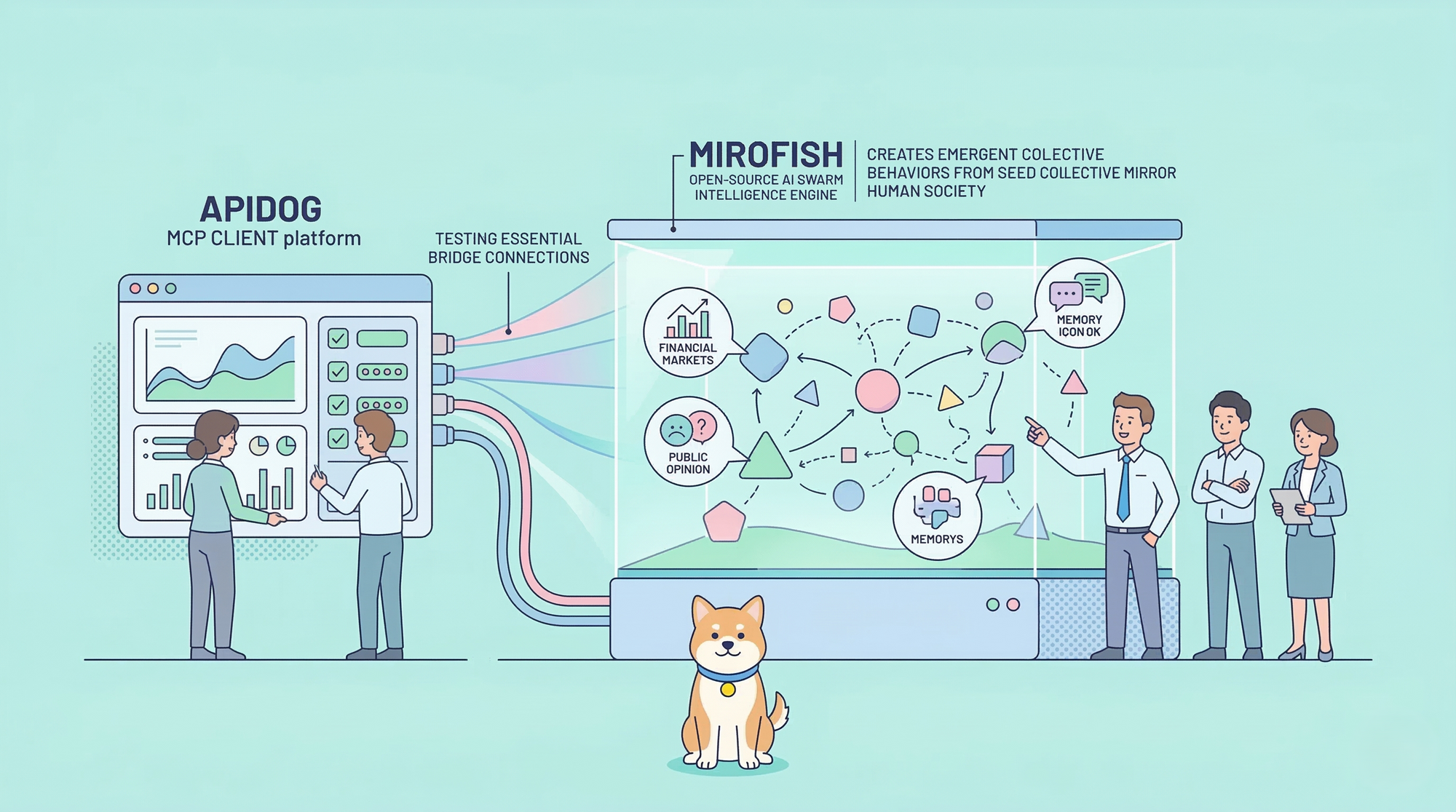
One of the most talked-about projects in this space recently is MiroFish, an open-source swarm intelligence engine designed to simulate real-world scenarios using thousands of AI agents. The project has quickly gained traction among developers and AI enthusiasts because of its ambitious goal: creating a digital sandbox where complex events financial markets, public opinion shifts, policy reactions, and even fictional narratives can be simulated before they happen in the real world.
Unlike traditional AI tools that generate answers directly, MiroFish builds an entire digital society of AI agents. Each agent has its own memory, personality traits, and decision-making logic. When a new event is introduced such as breaking news, a policy proposal, or a financial signal the agents begin interacting with one another, reacting to the information and influencing each other’s behavior.
Over time, their interactions create patterns that resemble how real groups of people react to events. These patterns can reveal possible outcomes, emerging narratives, or shifts in sentiment, making the system a powerful environment for experimentation and forecasting.
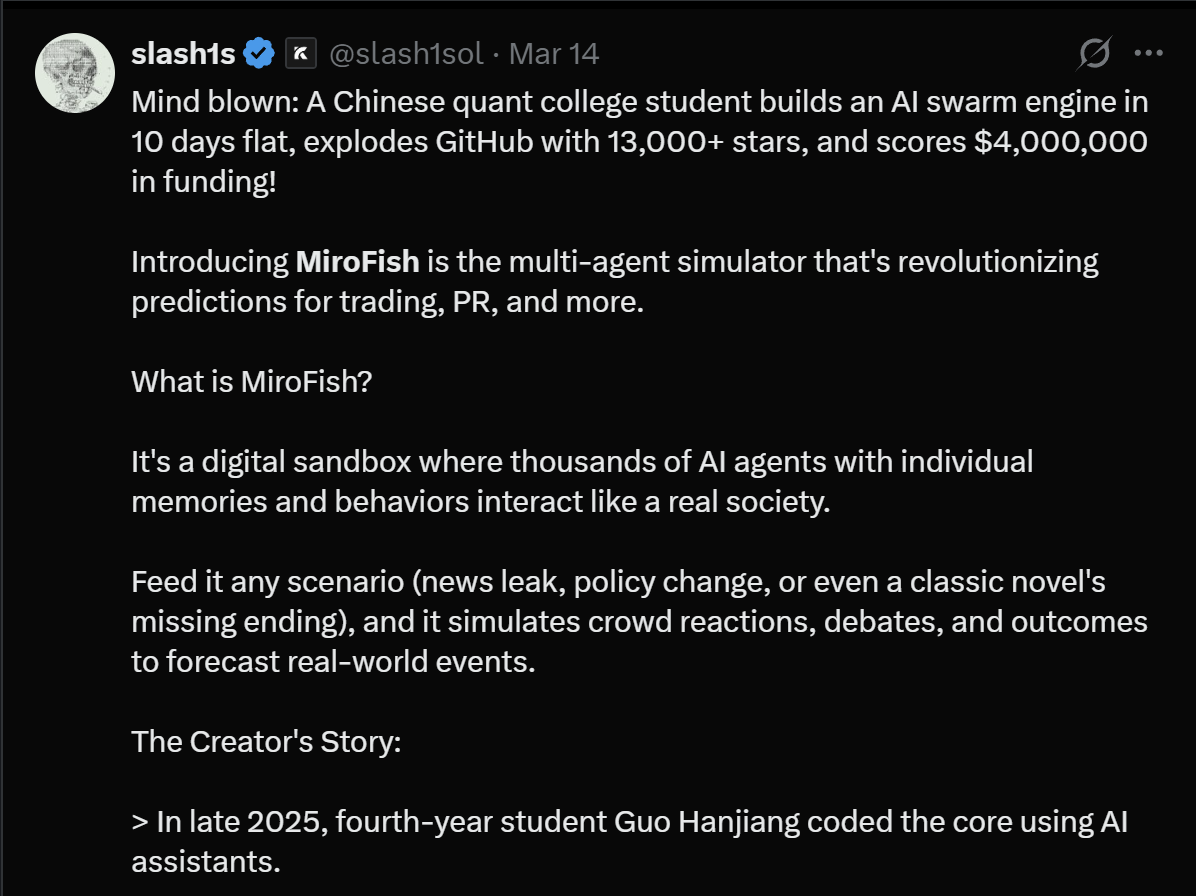
Source: X
What Is MiroFish?
At its core, MiroFish is a swarm intelligence simulation engine built around multi-agent artificial intelligence.
Instead of relying on a single AI model, the platform generates a large population of autonomous agents that exist inside a simulated digital environment. Each of these agents represents an individual participant in a virtual society.
Every agent has its own:
- personality traits
- behavioral rules
- long-term memory
- social relationships
- decision-making processes
When agents interact with one another, they exchange information, form opinions, and respond to events. This creates emergent behavior, meaning large-scale outcomes arise naturally from many individual interactions.
The concept mirrors real human societies. In the real world, public opinion, market movements, and social trends often emerge from millions of individual decisions. By simulating these interactions digitally, MiroFish attempts to model how events may unfold before they happen.
In simple terms, the platform acts as a digital sandbox for exploring “what-if” scenarios.
The Vision: A Mirror of Collective Intelligence
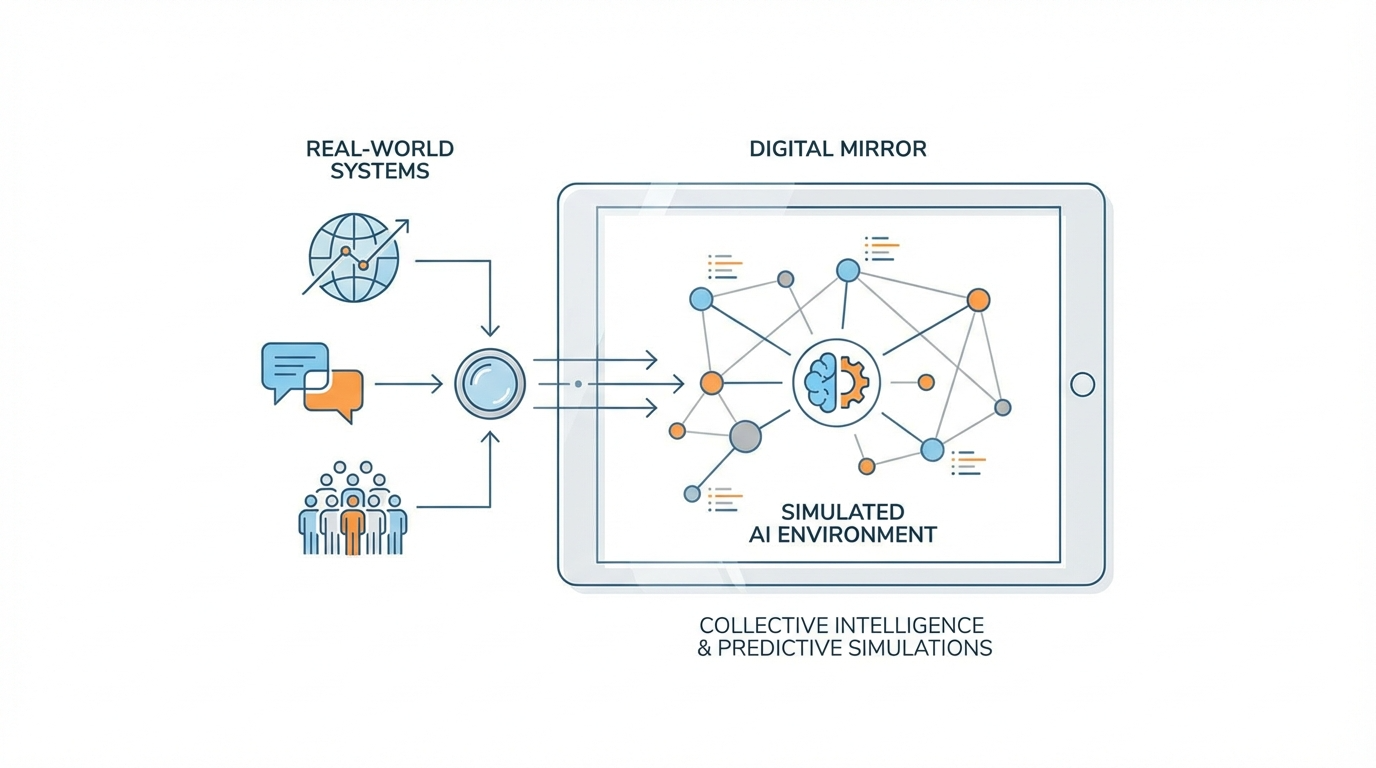
The vision behind MiroFish is to create what the developers describe as a collective intelligence mirror of the real world.
Traditional predictive systems often rely heavily on historical data and statistical models. While these approaches can work well in stable environments, they often struggle when human behavior becomes unpredictable.
Many real-world events are shaped by social interactions rather than numerical patterns alone.
For example:
- financial markets can swing due to investor sentiment
- social media trends can spread unpredictably
- public reactions to policies can change rapidly
MiroFish approaches prediction differently. Instead of trying to compute the future directly from data, the system recreates a digital environment where individuals interact and influence each other.
The idea is that complex outcomes can emerge naturally from these interactions.
By observing how simulated agents respond to events, the platform can generate insights into potential real-world outcomes.
From Seed Data to a Digital World
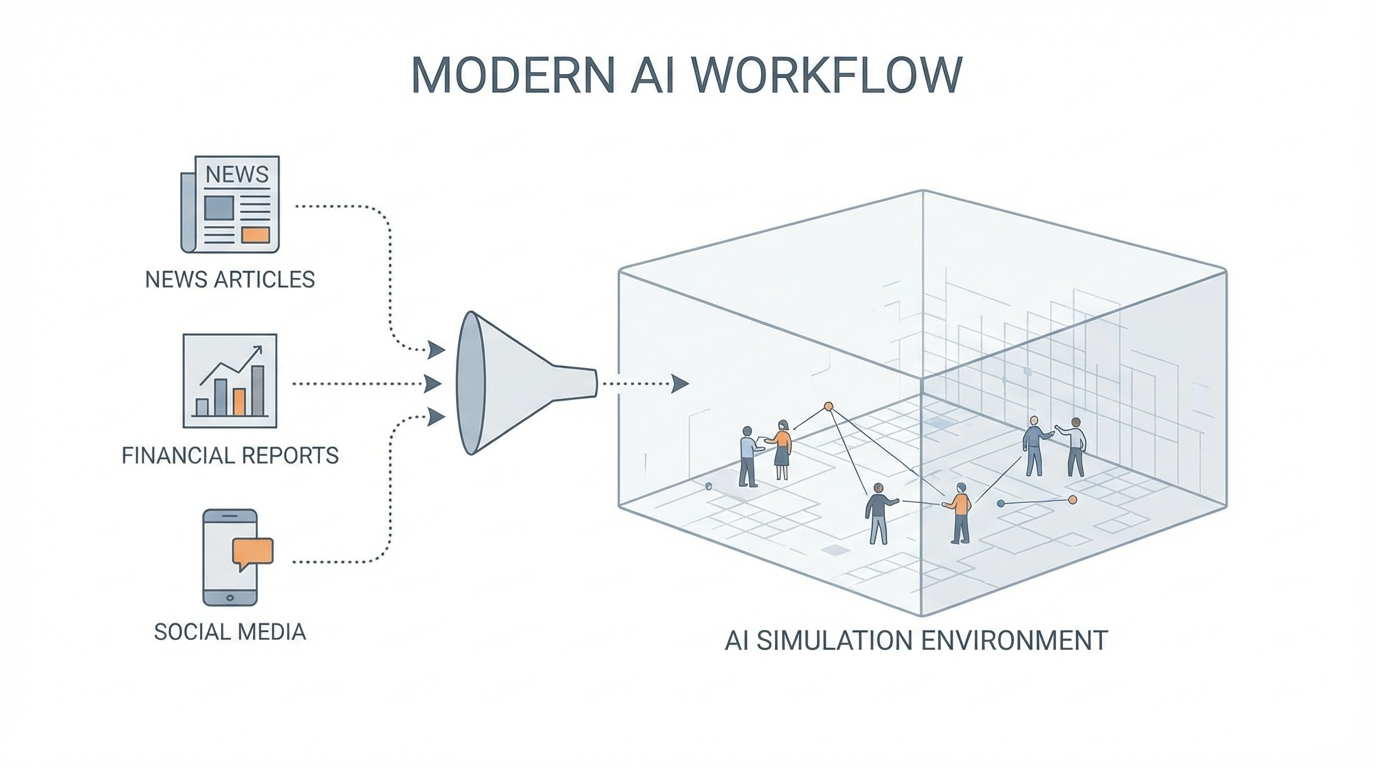
Running a simulation in MiroFish begins with what the system calls seed material.
Seed material is the information that defines the scenario to be simulated. This could include:
- breaking news articles
- financial reports
- policy documents
- research papers
- social media discussions
- or even fictional stories
Users upload the material and describe their prediction goal using natural language.
For example, someone might ask the system to simulate:
- how markets will react to a new policy announcement
- how the public will respond to a controversial statement
- how a story might unfold if missing chapters were completed
Using this information, MiroFish constructs a digital environment where agents can begin interacting.
The system essentially creates a parallel digital world where the scenario can play out.
MiroFish Workflow: How the Simulation Pipeline Works
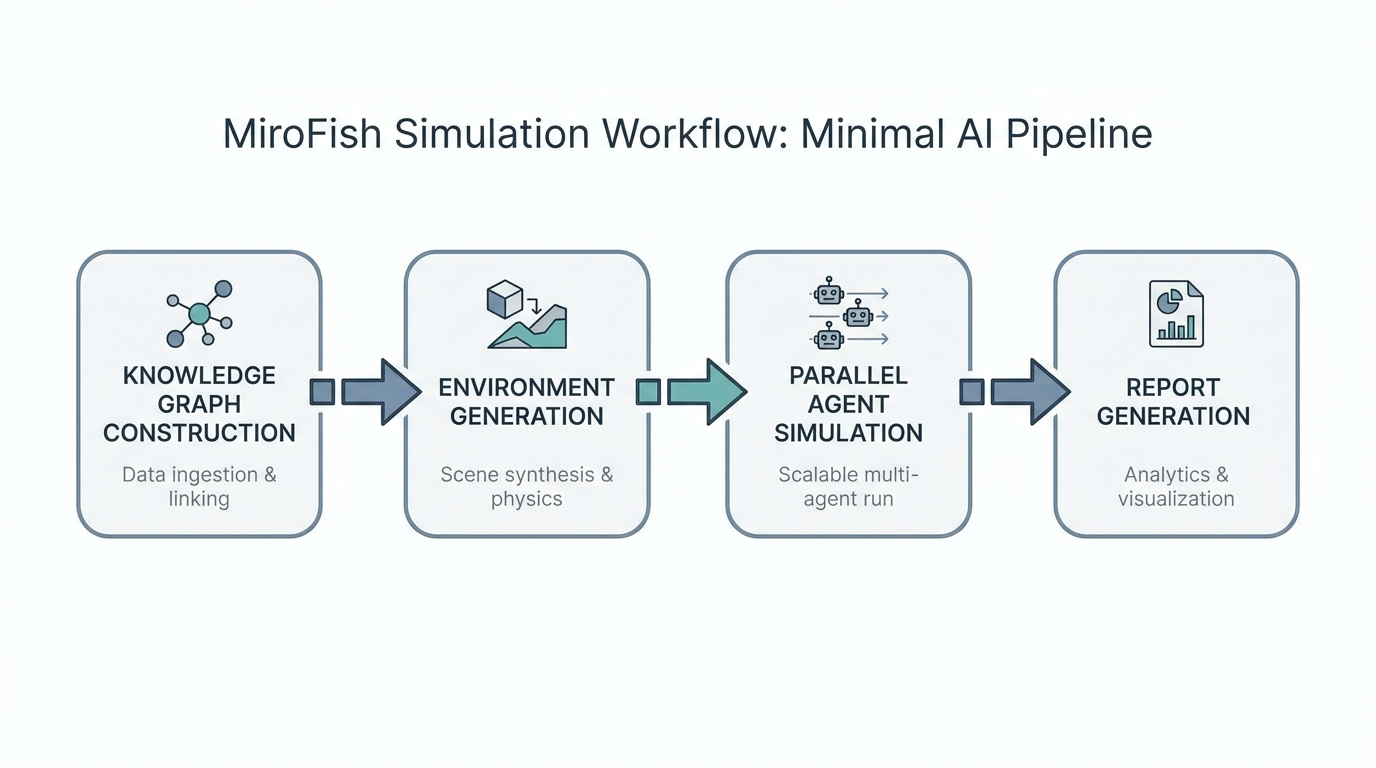
Behind the scenes, MiroFish follows a structured pipeline that transforms real-world data into a dynamic simulation environment. Each stage prepares the information needed for agents to interact and produce meaningful outcomes.
1. Knowledge Graph Construction
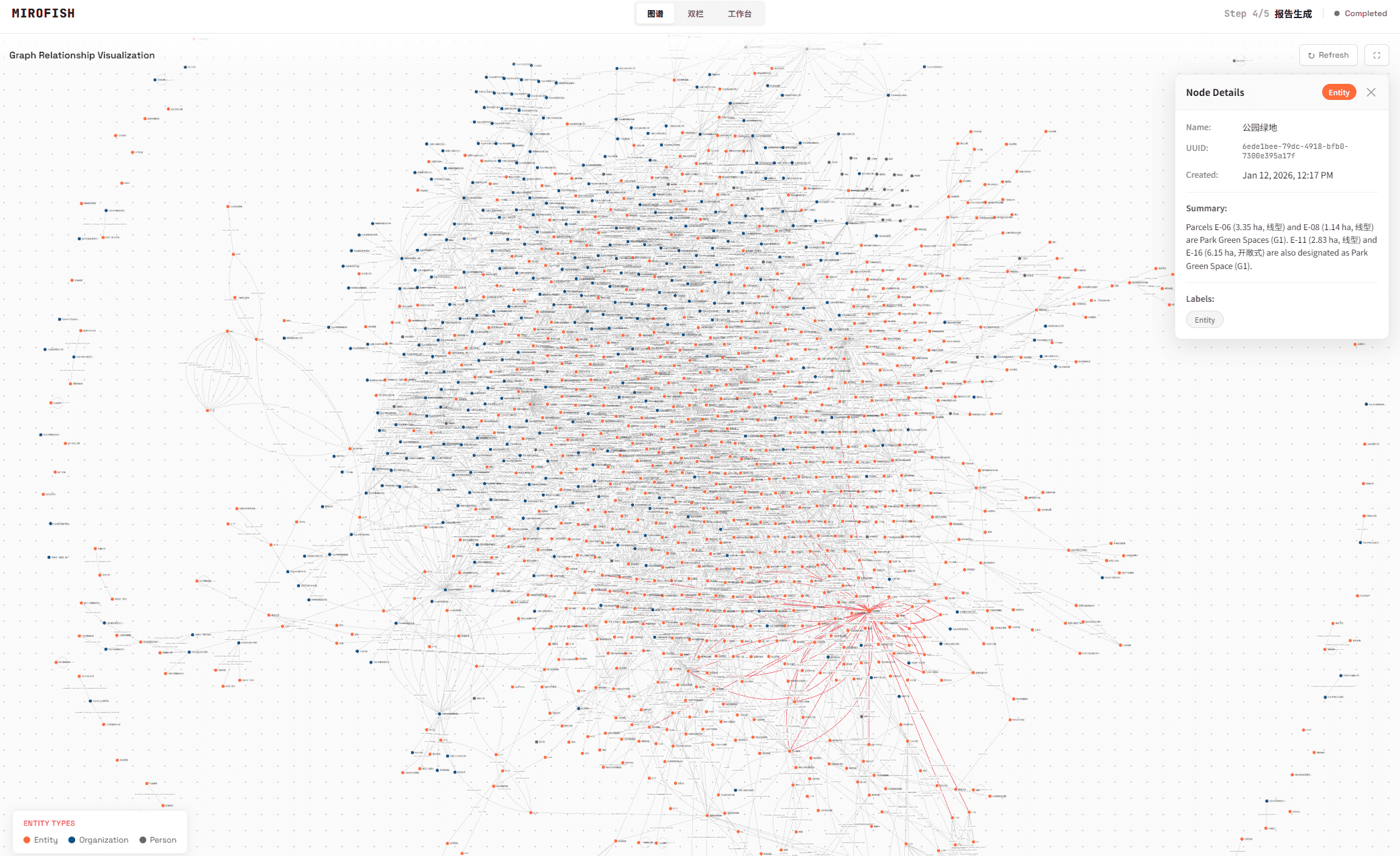
The first stage extracts seed information from real-world data sources.
These sources may include:
- breaking news events
- financial reports
- policy drafts
- research documents
- social discussions
The system then builds a knowledge graph using a GraphRAG architecture. This graph organizes entities, relationships, and contextual information that agents will use during the simulation.
In addition to structured data, both individual and group memory structures are injected into the simulation so agents can retain historical context.
2. Environment Generation
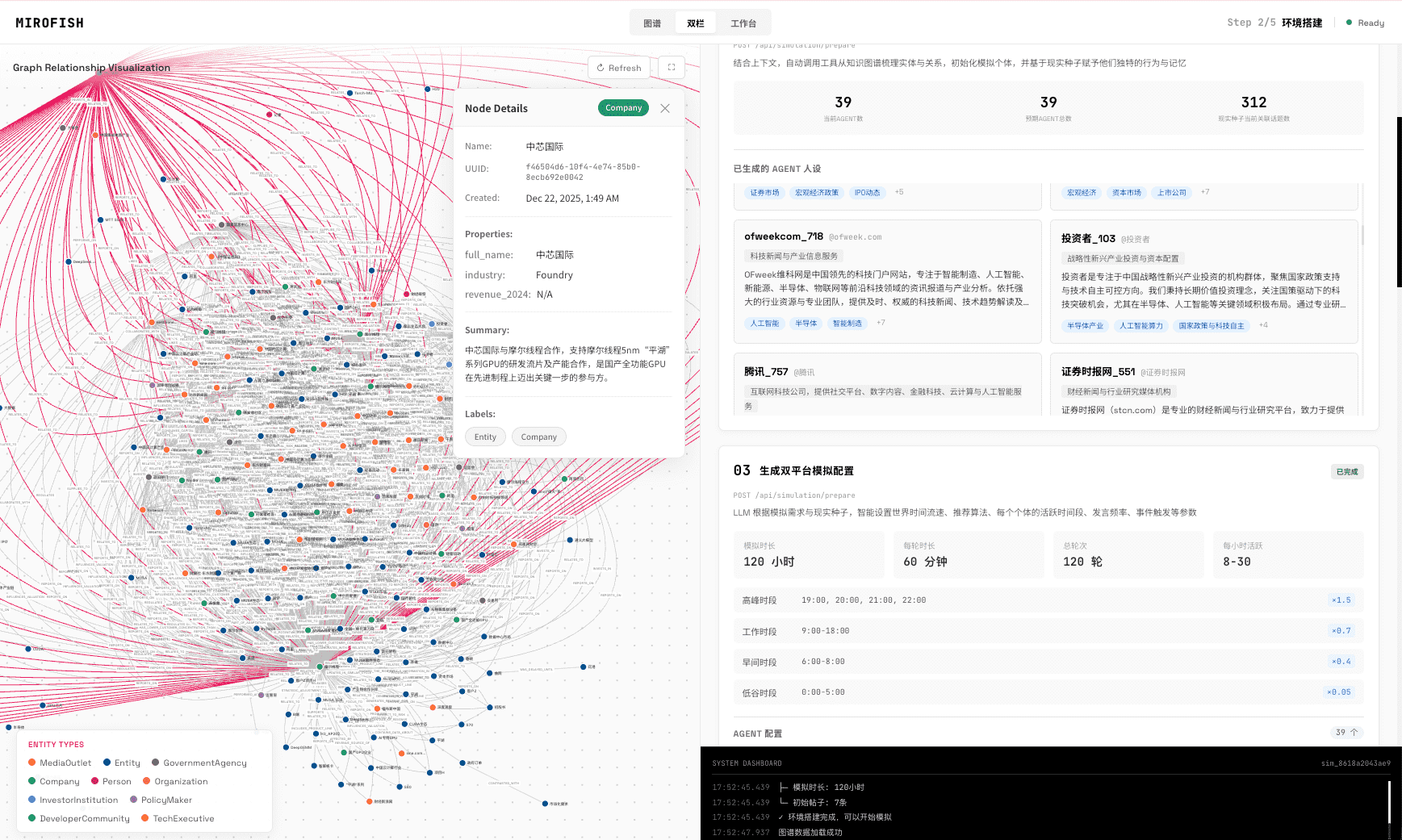
Once the knowledge graph is built, the platform constructs the simulation environment.
During this stage, the system performs several tasks:
- entity and relationship extraction
- agent persona generation
- social network construction
- simulation parameter configuration
Agents are assigned identities, backgrounds, and behavioral rules. This ensures that interactions between agents resemble real social dynamics.
3. Parallel Simulation Execution
After the environment is ready, the simulation begins.
Thousands of agents operate simultaneously across the environment, responding to events and interacting with each other. The platform runs simulations across parallel systems, allowing large numbers of agents to operate at the same time.
During this phase the system automatically:
- interprets the prediction request
- simulates social interactions
- updates time-based memory for each agent
- evolves the environment dynamically
The result is a living simulation where narratives, opinions, and behaviors evolve over time.
4. Report Generation
Once the simulation has progressed through multiple cycles, a specialized AI component called ReportAgent analyzes the results.
ReportAgent has access to a rich set of analytical tools and can interact deeply with the simulation environment. It generates a structured prediction report that summarizes:
- key outcomes
- emerging trends
- behavioral insights
- possible risks
This report helps users interpret what happened during the simulation and understand potential real-world implications.
5. Deep Interaction with the Simulation
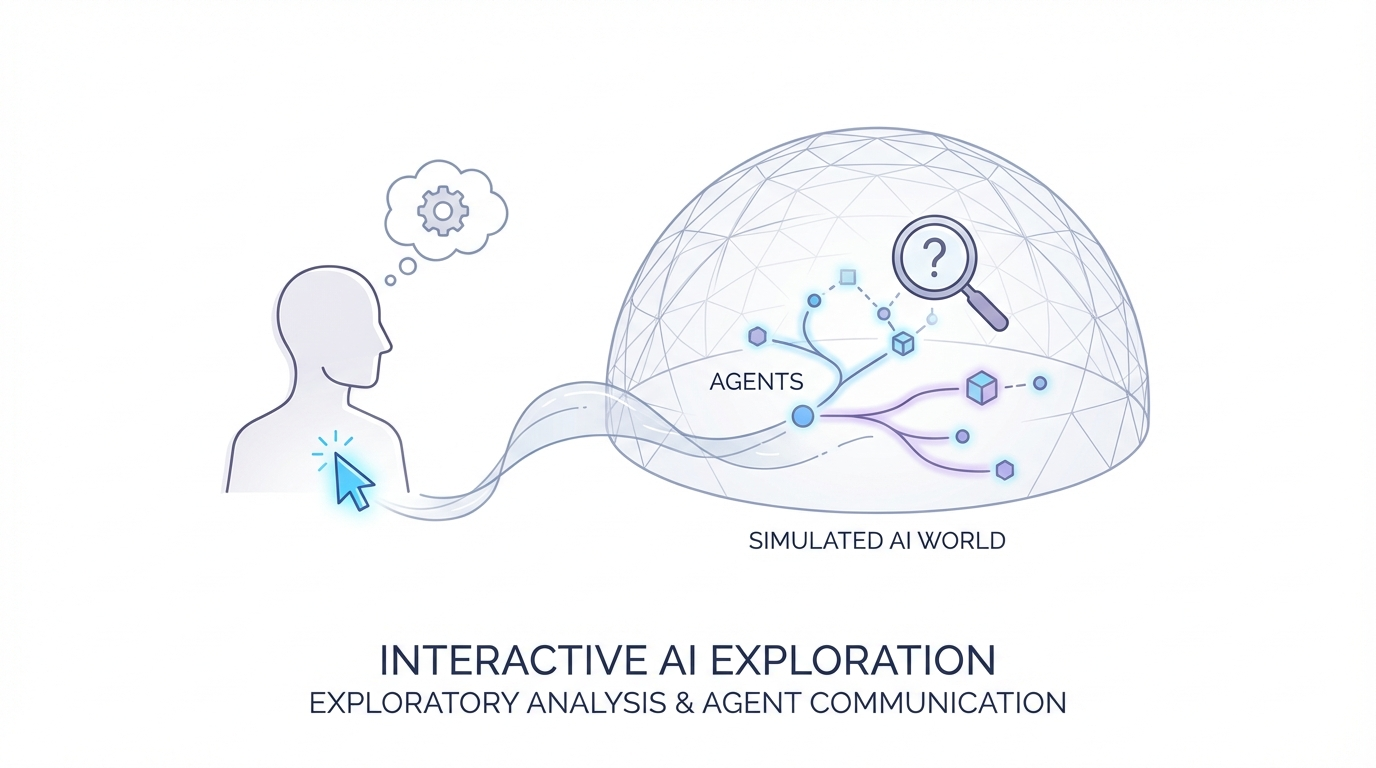
One of the unique features of MiroFish is that users can interact directly with the simulated world.
Instead of simply reading a prediction report, users can:
- talk with individual agents
- ask questions about their decisions
- explore social dynamics inside the simulation
Users can also communicate with ReportAgent to ask follow-up questions or request deeper analysis.
This interactive layer makes the simulation environment far more flexible than traditional forecasting tools.
Quick Start: Running MiroFish Locally
Developers who want to experiment with the platform can deploy MiroFish locally using either source deployment or Docker deployment.
System Requirements
Before installing the platform, developers need the following tools installed:
| Tool | Version | Purpose |
|---|---|---|
| Node.js | 18+ | Frontend runtime environment |
| Python | 3.11–3.12 | Backend runtime environment |
| uv | Latest version | Python package manager |
To verify installation:
node -v
python --version
uv --version
Step 1: Configure Environment Variables
First, copy the example configuration file.
cp .env.example .env
Next, edit the .env file and add the required API keys.
LLM API Configuration:
MiroFish supports any LLM API compatible with the OpenAI SDK format.
Example configuration:
LLM_API_KEY=your_api_key
LLM_BASE_URL=https://dashscope.aliyuncs.com/compatible-mode/v1
LLM_MODEL_NAME=qwen-plus
The documentation recommends using the Qwen model from Alibaba’s Bailian platform.
Since large simulations can consume significant compute resources, it is recommended to start with simulations of fewer than 40 rounds.
Memory System Configuration:
MiroFish uses Zep Cloud to manage long-term memory for agents.
Example configuration:
ZEP_API_KEY=your_zep_api_key
The free tier of Zep Cloud is usually sufficient for smaller experiments.
Step 2: Install Dependencies
Developers can install all required dependencies with a single command:
npm run setup:all
Alternatively, the installation can be done step by step.
Install Node dependencies:
npm run setup
Install Python backend dependencies:
npm run setup:backend
This command automatically creates the required Python virtual environment.
Step 3: Launch the Platform
After installation, developers can start both the frontend and backend services with a single command.
npm run dev
Once running, the services are available at:
Frontend interface:
<http://localhost:3000>
Backend API:
<http://localhost:5001>
Developers can also start the services separately if needed.
Start only the backend:
npm run backend
Start only the frontend:
npm run frontend
Docker Deployment
For teams that prefer containerized environments, MiroFish also supports Docker deployment.
First configure the environment variables as described earlier.
cp .env.example .env
Then start the containers using Docker Compose.
docker compose up -d
By default, the platform maps the following ports:
- 3000 for the frontend interface
- 5001 for the backend API
The Docker configuration file also includes commented mirror sources that can be used to speed up container image downloads if needed.
Final Thoughts
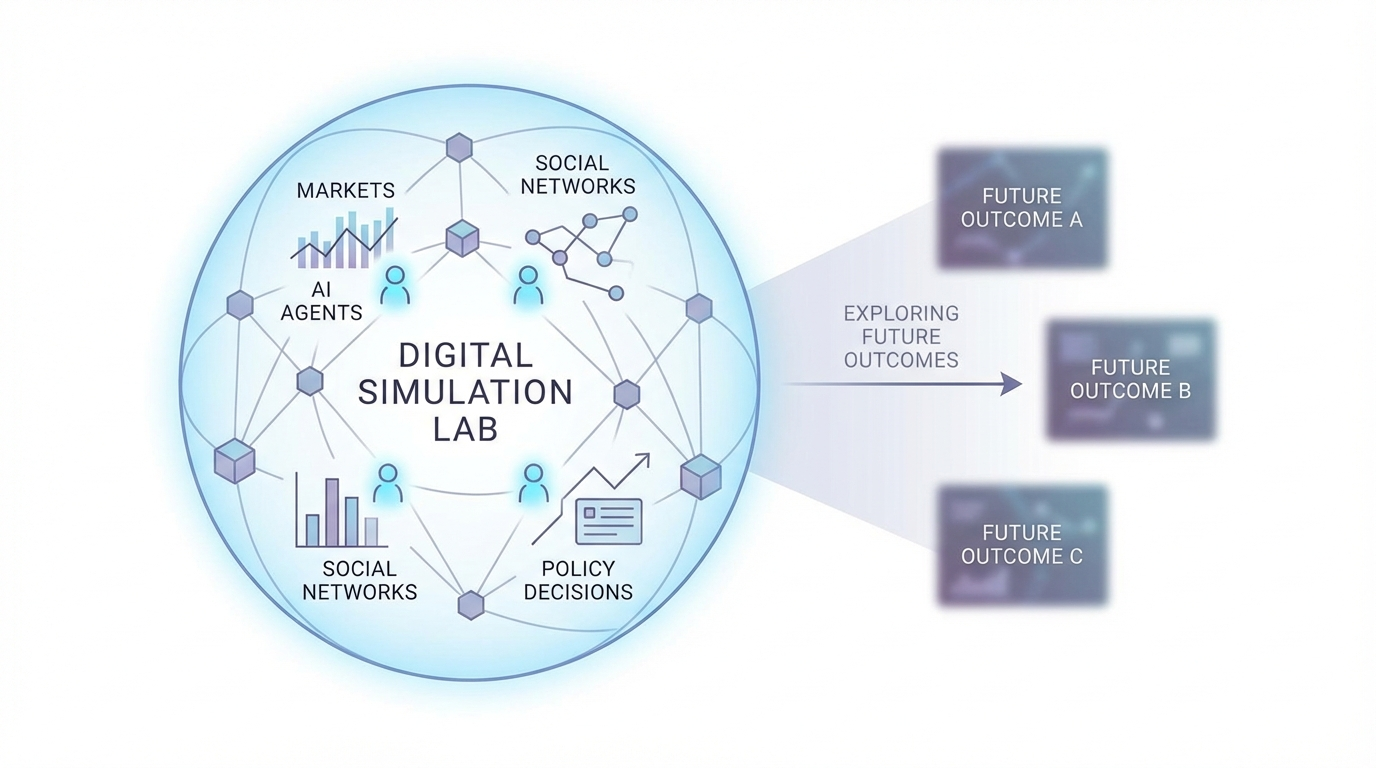
While still early in development, swarm intelligence platforms hint at a future where AI systems can simulate complex social environments. Imagine being able to test policies before implementing them, explore market reactions before financial announcements, or examine how information might spread through social networks. Such tools could become powerful decision-support systems for businesses, governments, and researchers. Of course, no simulation can perfectly capture the complexity of real human behavior. Unexpected events and cultural nuances can always influence outcomes.
But platforms like MiroFish show how AI may eventually evolve beyond answering questions and begin modeling entire societies. What began as an experimental open-source project has already sparked significant discussion among developers and researchers. And if multi-agent simulation continues to advance, tools like MiroFish may represent an early step toward a new generation of predictive technologies ones capable of exploring the future inside a digital world before it unfolds in reality.