The rise of AI-powered agents and developer tools has made the Model Context Protocol (MCP) a core standard for secure integrations. But with great power comes great responsibility. Failing to apply the essential security policies to implement in MCP can expose your organization to credential theft, prompt injection, data leaks, and more. This comprehensive guide explains exactly which essential security policies to implement in MCP, why they matter, and how to enforce them for robust, real-world protection.
What Are Essential Security Policies to Implement in MCP?
Essential security policies to implement in MCP are a set of technical and administrative controls designed to protect Model Context Protocol servers, clients, and data exchanges. MCP is a protocol that enables AI agents and tools to communicate with APIs, files, and other services. Its flexibility makes it powerful—but also a prime target for attacks if not properly secured.
Implementing these essential security policies in MCP environments is crucial to:
- Prevent unauthorized access or misuse (e.g., by malicious agents or attackers)
- Protect sensitive credentials (like OAuth tokens, API keys)
- Mitigate prompt injection and code execution risks
- Maintain compliance and privacy boundaries between tools and users
Without these controls, a single compromised MCP server or misconfigured policy can cascade into widespread vulnerabilities—impacting not just one tool, but your entire AI development ecosystem.
Why Essential Security Policies Matter in MCP Environments
Before diving into the specific essential security policies to implement in MCP, it’s important to understand the unique risks:
- Centralized Credential Storage: MCP servers often store tokens and secrets for multiple services.
- Privilege Aggregation: Overly broad permissions can turn the MCP into a single point of failure.
- Dynamic Agent Behavior: AI agents may inadvertently expose or misuse data based on user inputs or plugin logic.
- Prompt Injection: Malicious input can hijack agent behavior, triggering unauthorized actions.
The right security policies in MCP don’t just block attacks—they enable safe, scalable AI innovation. Tools like Apidog can also help enforce these policies by providing structured API design, documentation, and testing environments for your MCP implementations.
The Core Essential Security Policies to Implement in MCP
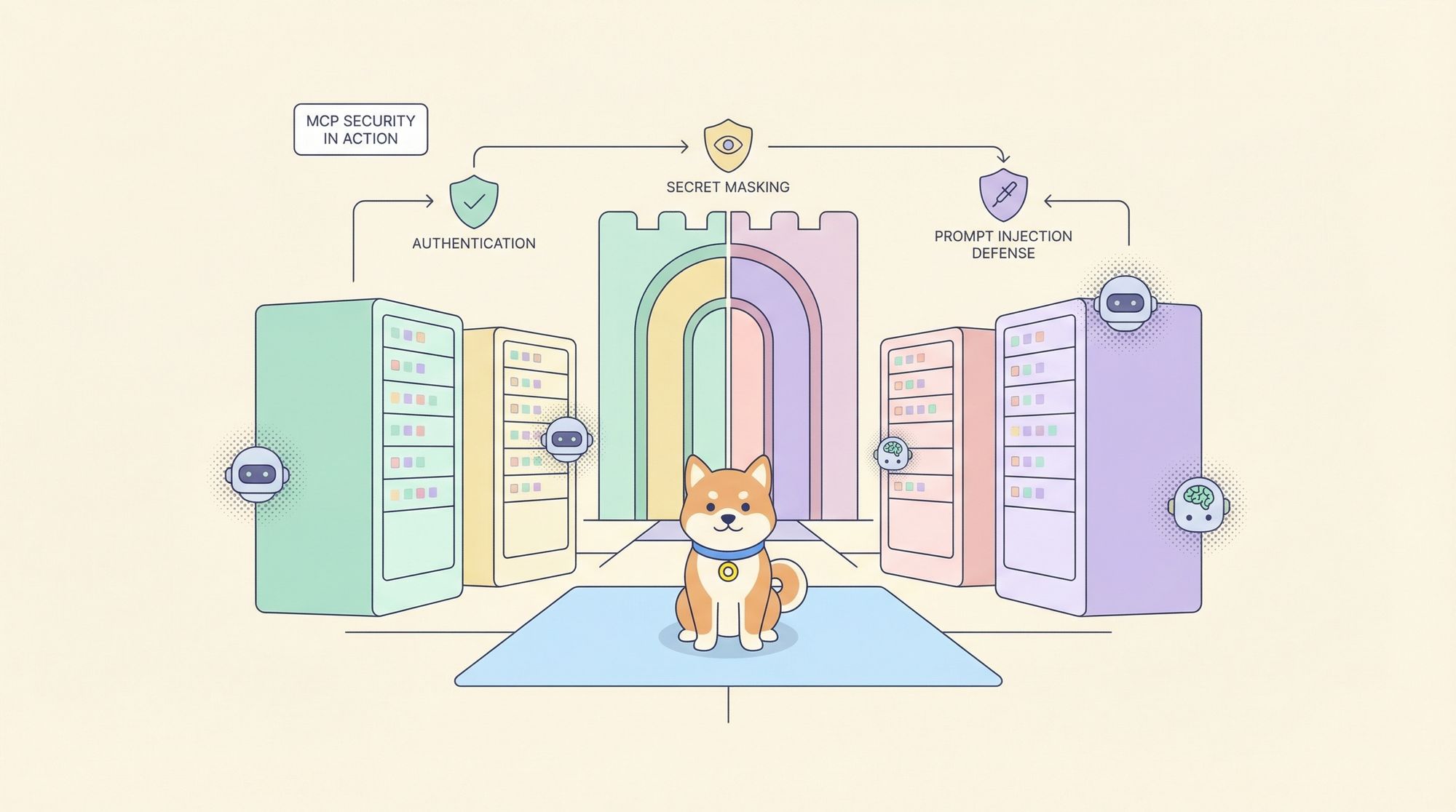
Let’s break down the essential security policies to implement in MCP into actionable categories. Each policy is directly tied to real-world MCP risks and is a must-have for secure deployments.
1. Strong Authentication and Authorization
Policy: Require robust authentication (OAuth 2.0, JWT, mTLS) for all MCP clients and servers. Enforce least privilege through role-based access control (RBAC) and fine-grained scopes.
Why it’s essential: Prevents unauthorized tools or agents from accessing sensitive APIs and data. Ensures only legitimate users/agents can invoke MCP functionality.
Best practices:
- Use short-lived tokens, rotating secrets, and dynamic scope assignment.
- Restrict each agent/server to the minimal required access.
- Integrate with identity providers (IdP) for centralized management.
Apidog can help document and test your API authentication flows, ensuring all endpoints in your MCP implementation require and validate proper credentials.
2. Secure Secret Storage and Masking
Policy: Store all credentials, API keys, and tokens in encrypted vaults. Mask secrets in logs, responses, and outbound requests.
Why it’s essential: MCP servers act as bridges to sensitive systems; a leak here exposes your entire stack.
Best practices:
- Use secret managers (e.g., HashiCorp Vault, AWS Secrets Manager).
- Mask sensitive fields in API responses and logs (e.g., never display full tokens).
- Implement secret masking policies for outbound requests, especially when agents interact with external APIs.
MCP Example
def mask_secrets(data):
    secret_patterns = [r"zpka_[a-zA-Z0-9]+", r"ghp_[a-zA-Z0-9]+", r"BEGIN PRIVATE KEY"]
    for pattern in secret_patterns:
        data = re.sub(pattern, "[REDACTED]", data)
    return data
3. Prompt Injection Detection and Mitigation
Policy: Analyze all inbound and outbound content for prompt injection patterns. Block or sanitize malicious instructions that could hijack agent behavior.
Why it’s essential: Prompt injection is a novel attack vector unique to LLM-powered agents using MCP. Attackers can craft inputs that subvert intended actions.
Best practices:
- Integrate prompt injection detection (using LLM-powered or rules-based filters).
- Return clear error messages when injection is detected.
- Log all rejected attempts for audit and tuning.
MCP Example:
// Rejected prompt example in an MCP server response
{
  "error": "Prompt injection detected: forbidden instruction pattern"
}
4. Endpoint and Plugin Validation
Policy: Validate all MCP endpoints, plugins, and extensions before allowing agent access. Enforce allowlists and verify signatures of third-party tools.
Why it’s essential: Unverified endpoints or malicious plugins can introduce backdoors or unsafe code paths into your MCP deployment.
Best practices:
- Maintain an allowlist of trusted endpoints and plugins.
- Require digital signatures or pre-approval for new integrations.
- Regularly audit agent-server interactions for unexpected behavior.
5. Principle of Least Privilege (PoLP)
Policy: Grant agents, clients, and servers only the minimum permissions required for their tasks.
Why it’s essential: Overly broad permission scopes in MCP can lead to massive data exposure if compromised.
Best practices:
- Use fine-grained API scopes (e.g., “read:calendar” instead of “read:all”).
- Regularly review and tighten permissions as integrations evolve.
- Isolate MCP environments (dev/stage/prod) with separate credentials and access controls.
6. Continuous Auditing and Monitoring
Policy: Log all access, actions, and errors within the MCP layer. Continuously audit logs for anomalies or suspicious usage.
Why it’s essential: Real-time detection is critical for fast response to breaches or misbehavior.
Best practices:
- Centralize logs and apply automated alerting (e.g., SIEM integration).
- Regularly review logs for unauthorized usage or data access patterns.
- Use tools like Apidog’s API traffic monitoring to visualize and inspect MCP interactions.
7. Secure Configuration and Isolation
Policy: Harden MCP server configurations against common exploits. Isolate environments and restrict network access.
Why it’s essential: Misconfigured servers are a top vector for attacks (e.g., open ports, debug endpoints).
Best practices:
- Disable unused features and ports.
- Use containerization or VMs to isolate MCP servers.
- Apply security patches and updates promptly.
8. Regular Security Testing and Updating
Policy: Conduct regular penetration testing, vulnerability scans, and code reviews for all MCP components.
Why it’s essential: Threats evolve; static policies aren’t enough.
Best practices:
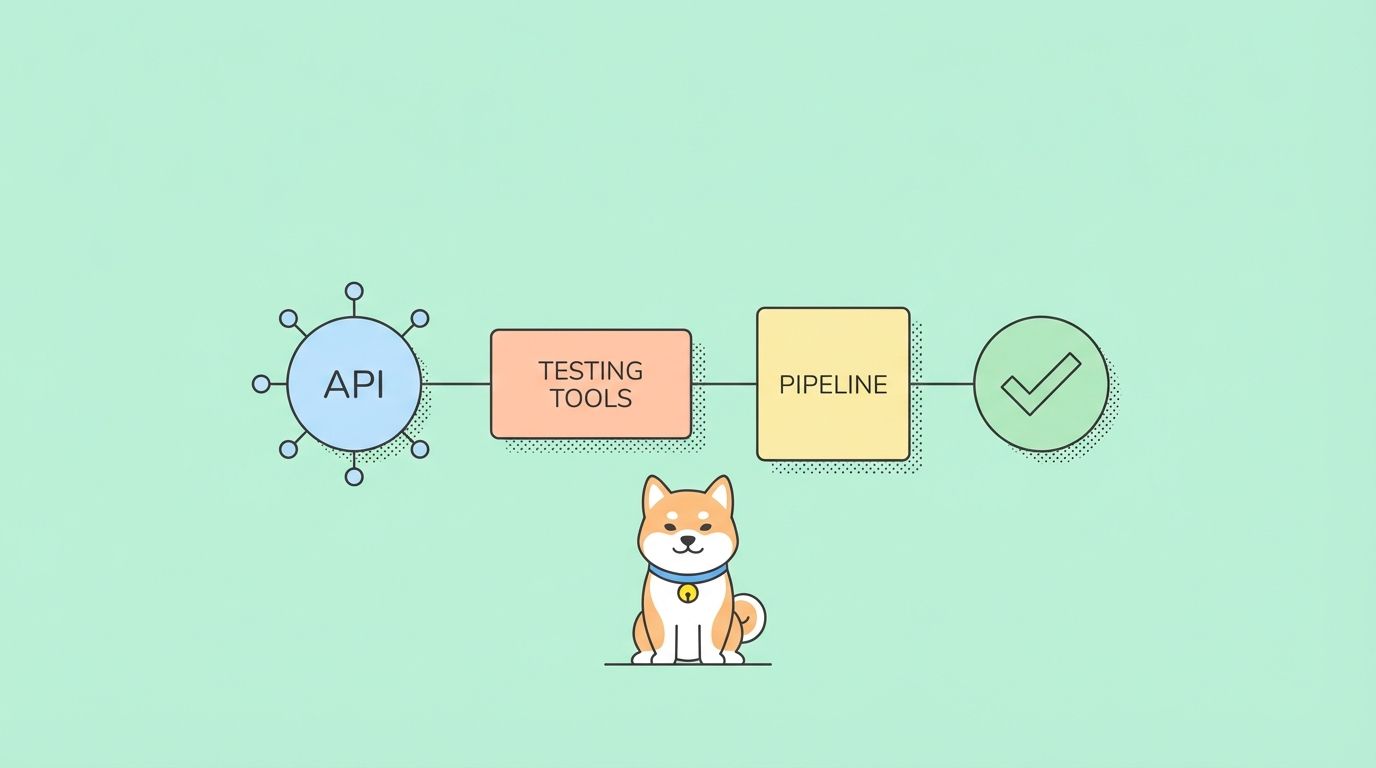
- Automate vulnerability scanning in your CI/CD pipeline.
- Use Apidog to model, mock, and test your MCP API surface for security gaps.
- Continuously update policies as new attack vectors emerge.
Real-World Applications: Essential Security Policies in MCP
Let’s look at how these essential security policies to implement in MCP play out in practice.
Scenario 1: Protecting OAuth Tokens in a Gmail MCP Server
Risk: If an MCP server storing OAuth tokens is compromised, attackers can send emails as users.
Solution: Store tokens in an encrypted vault, apply strict RBAC, and audit access logs. Use Apidog to simulate endpoint calls and verify that no token data is exposed in responses or logs.
Scenario 2: Preventing Prompt Injection in AI Coding Agents
Risk: Malicious users submit crafted text to an agent, causing it to execute unauthorized code or leak data via MCP.
Solution: Integrate prompt injection detection on both inbound and outbound messages. Block or sanitize dangerous patterns before passing instructions to the MCP layer.
Scenario 3: Isolating Environments for SaaS MCP Deployments
Risk: A bug in a staging MCP server accidentally exposes production credentials or data.
Solution: Apply the principle of least privilege and strict environment isolation. Use separate secrets, networks, and access controls for dev, staging, and production MCP servers.
Scenario 4: Auditing Plugin Use in Large Language Model Workflows
Risk: An unverified third-party plugin is added to the MCP server, introducing a vulnerability.
Solution: Enforce a plugin allowlist and require digital signatures for all extensions. Regularly audit plugin use and agent interactions through centralized logs.
Conclusion: Your Next Steps for Secure MCP Deployments
Adopting the essential security policies to implement in MCP is non-negotiable for any organization leveraging AI agents, developer tools, or LLM-powered integrations. From authentication and secret masking to prompt injection detection, each policy directly addresses a unique risk of the MCP ecosystem.
By applying these policies—and using tools like Apidog to model, test, and monitor your MCP APIs—you can confidently build secure, scalable, and innovative AI solutions. Remember: security is an ongoing process. Continuously review, test, and update your MCP security policies as threats evolve.