Managing a single API integration is challenging enough. But in today’s interconnected world, most businesses and development teams must juggle multiple APIs—each with its own protocols, authentication, and evolving documentation. Without the right strategies, this can lead to chaos, bugs, and technical debt. This guide will show you how to manage multiple API integrations efficiently, so you can scale faster, reduce errors, and keep your systems robust.
What Does "Managing Multiple API Integrations Efficiently" Mean?
At its core, managing multiple API integrations efficiently is about organizing, monitoring, and maintaining several APIs in a way that minimizes complexity, maximizes uptime, and streamlines development. It involves:
- Centralizing API documentation and testing
- Automating error handling and monitoring
- Ensuring up-to-date integrations and version control
- Reducing manual intervention
- Scaling integrations as business needs grow
Efficient management means less firefighting and more innovation.
Why Efficient Management of Multiple API Integrations Matters
The digital ecosystem is only as strong as its weakest API connection. Here’s what’s at stake:
- Downtime costs: An unnoticed change in one API can break your app.
- Security risks: Inconsistent authentication management can expose vulnerabilities.
- Developer productivity: Manual tracking of endpoints, keys, and changes drains resources.
- Customer experience: Slow or buggy integrations can frustrate users and partners.
That’s why learning how to manage multiple API integrations efficiently is not just helpful—it's essential for modern development.
Core Principles: How to Manage Multiple API Integrations Efficiently
1. Centralized API Documentation
Managing documentation for dozens of APIs can get messy quickly. Centralizing your API docs allows your team to:
- Track all endpoints, methods, and parameters in one place
- Quickly onboard new team members or partners
- Reduce miscommunication and errors
Tip: Use platforms like Apidog to import and generate interactive, always-updated documentation for all your APIs.
2. Standardize Integration Workflows
With each new API, complexity multiplies. Standardize how your team:
- Designs integration flows
- Handles authentication (OAuth, API keys, etc.)
- Sets up error handling and retries
- Logs requests and responses
By creating reusable templates or scripts, you avoid reinventing the wheel for every new integration.
3. Version Control for API Definitions
APIs evolve. If you’re not tracking changes, sudden updates can break your app. Efficient management requires:
- Keeping a versioned record of all API schemas
- Notifying team members of breaking changes
- Testing integrations against new API versions in a sandboxed environment
Platforms like Apidog let you import Swagger/OpenAPI definitions and track changes visually.
4. Automate Testing and Monitoring
Manual testing is error-prone and unsustainable. For truly efficient API integration management:
- Automate integration tests for each API endpoint
- Set up health checks and monitors for uptime and latency
- Use alerting systems to notify you of failures
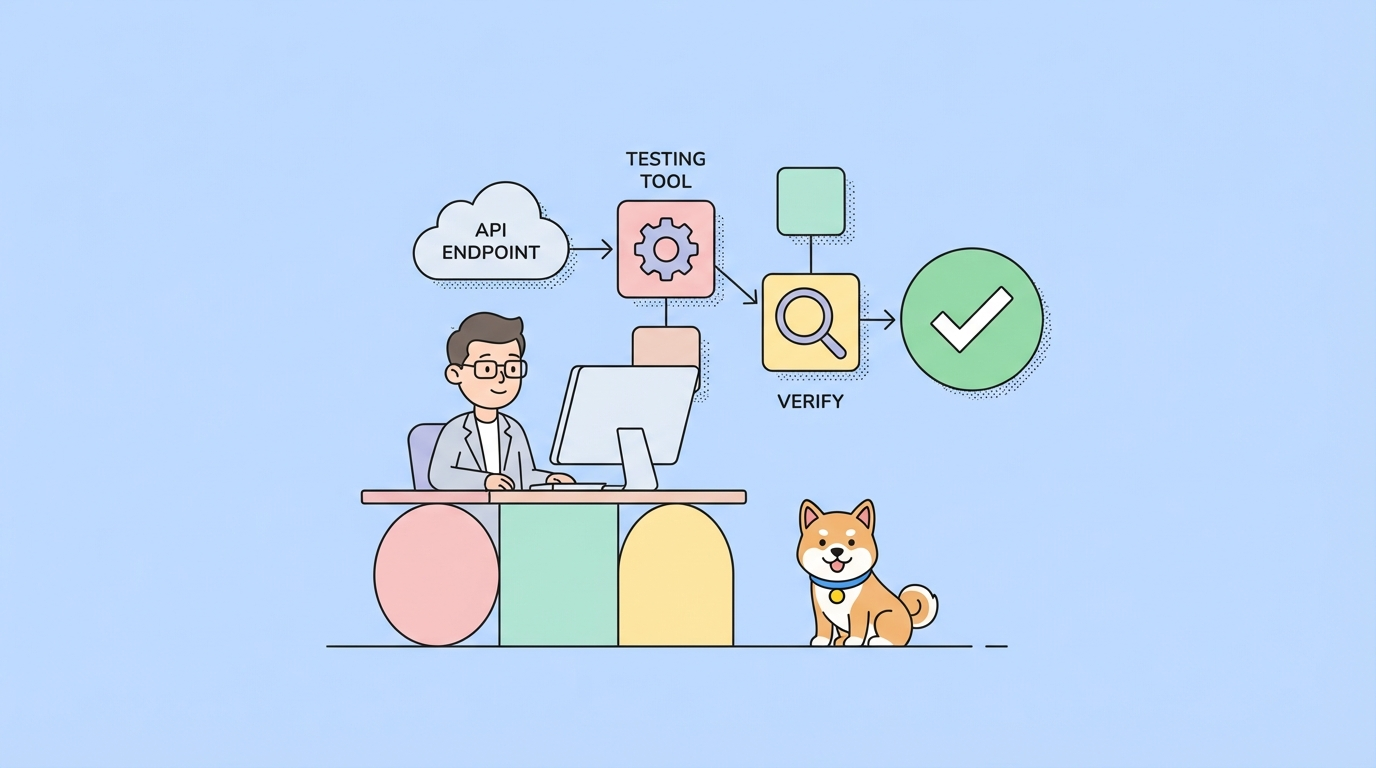
You can use tools like Apidog to automate testing and visualize request/response flows for every integration.
5. Secure and Rotate Credentials Efficiently
Security is non-negotiable. With multiple APIs, credentials can sprawl across systems. Efficient management means:
- Storing API keys and secrets in a secure vault
- Automating key rotation and revocation
- Auditing access regularly
6. Use Mocking and Sandbox Environments
Developers, QA, and partners often need to work with APIs before they’re fully live. Efficient management includes:
- Using mock servers to simulate API responses
- Providing sandbox environments for safe testing
- Ensuring mock data aligns with production specs
Apidog's built-in mocking features make this seamless for multiple APIs at once.
Practical Examples: Efficient Multiple API Integration in Action
Example 1: SaaS Platform Integrating with CRM, Email, and Payment APIs
A SaaS product needs to connect with Salesforce (CRM), SendGrid (email), and Stripe (payments). Here’s how to manage these multiple API integrations efficiently:
1. Centralize Documentation: Import all API schemas into Apidog, so the team can see endpoints, required fields, and authentication in one dashboard.
2. Standardize Error Handling: Use a shared middleware module to catch and log errors for all outgoing requests.
3. Automate Testing: Set up scheduled tests in Apidog to verify that each integration is up and returning expected data.
4. Monitor Usage: Implement rate limit monitoring and alerting to avoid hitting third-party API limits.
5. Mocking for Development: Use Apidog’s mock servers so frontend developers can work even if the payment API is down.
Example 2: E-commerce Integrator with Multiple Marketplaces
An e-commerce company wants to list its products on Amazon, eBay, and Shopify. Each platform’s API is different.
- Template-Driven Integrations: Build a core integration template that handles authentication, CRUD operations, and pagination for each API.
- Versioned API Definitions: Track each marketplace’s API versions with visual diffs using Apidog.
- Automated Regression Testing: After every update, run integration tests against all APIs to spot breaking changes instantly.
Example 3: Enterprise Data Aggregation Platform
A data aggregation platform pulls information from dozens of financial and social APIs.
- Credential Management: Store all API credentials centrally and automate rotation.
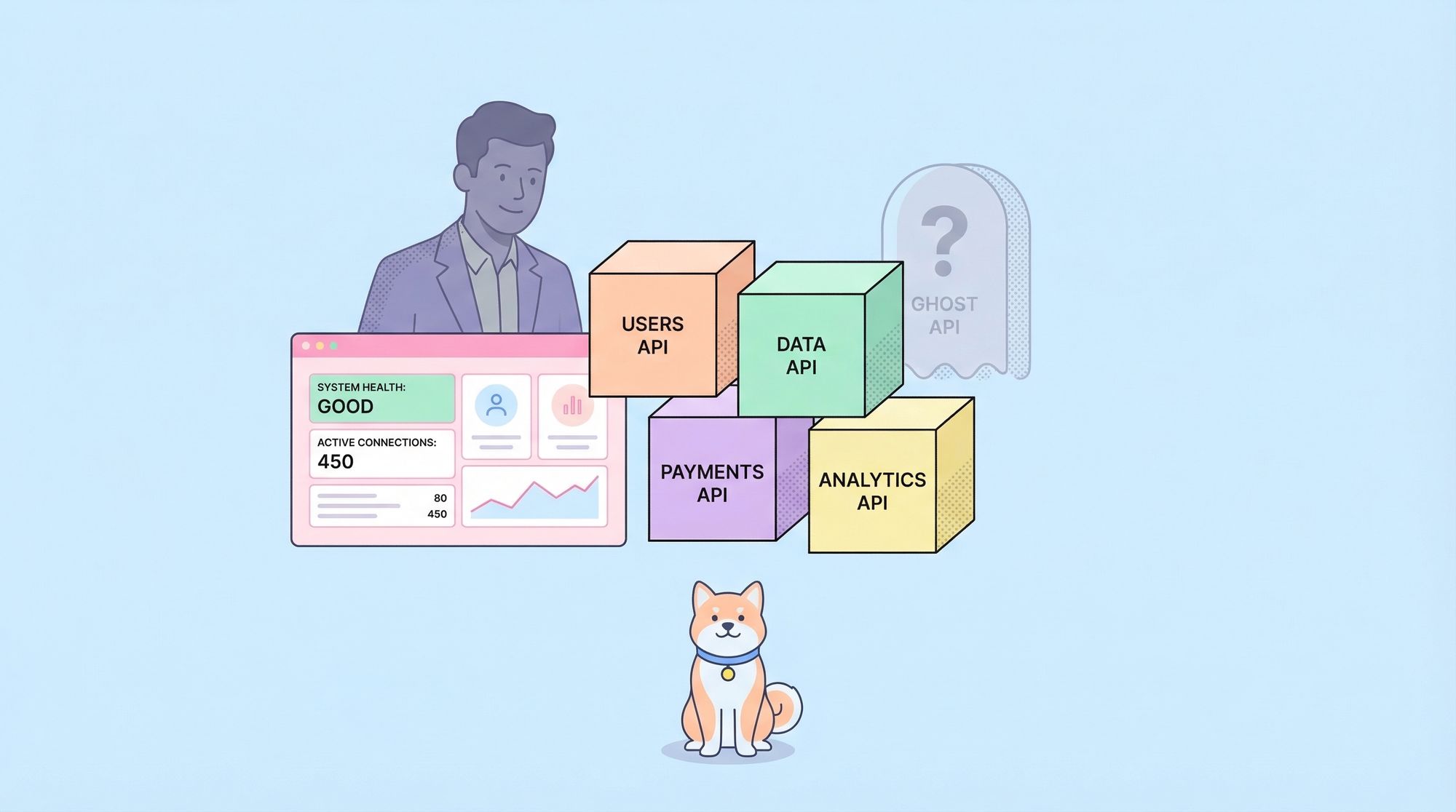
- Unified Monitoring: Use dashboards to track latency, error rates, and uptime for every API.
- Change Notification: Subscribe to API changelogs and adjust integration logic proactively.
Tools and Platforms That Enable Efficient API Integration Management
Apidog: The All-in-One Solution
Apidog is purpose-built for managing multiple API integrations efficiently. Here’s why teams love it:
- API Importing: Bring in OpenAPI, Swagger, Postman, and other API definitions in seconds.
- Centralized Projects: Organize your APIs by project, workspace, or integration type.
- Automated Documentation: Generate interactive docs that update in real time as your integrations evolve.
- Mock Servers: Instantly spin up mock endpoints for all your APIs to accelerate development.
- Automated Testing: Run scheduled integration tests and visualize results in one place.
For teams seeking to optimize how to manage multiple API integrations efficiently, Apidog is an essential addition to your toolkit.
Step-by-Step: How to Manage Multiple API Integrations Efficiently
Here’s a practical checklist you can follow:
1. Inventory Your APIs: List every API your system touches.
2. Centralize Documentation: Import definitions into a tool like Apidog.
3. Standardize Workflows: Create shared scripts, templates, and modules for integration.
4. Automate Testing and Monitoring: Set up automated tests for each API and configure alerts for failures.
5. Secure Credentials: Use a vault for all keys/secrets and automate rotation.
6. Mock Where Needed: Provide mock endpoints for development and partner integrations.
7. Track Changes: Keep a changelog or subscribe to vendor updates. Update your schemas accordingly.
8. Review Regularly: Audit integrations for redundancy, outdated endpoints, or security holes.
Advanced Tips for Managing Multiple API Integrations Efficiently
- Decouple Integrations: Use microservices to isolate API connectors, reducing blast radius.
- Leverage API Gateways: For traffic shaping, caching, and consolidated security policies.
- Establish SLAs: Track uptime and responsiveness for each integration; escalate when thresholds are breached.
- Automate Dependency Updates: Use bots or scripts to alert you when API SDKs or schemas change.
Conclusion: Mastering How to Manage Multiple API Integrations Efficiently
Efficiently managing multiple API integrations isn’t just about tools—it’s about adopting the right mindset and workflows. By centralizing documentation, automating testing, securing credentials, and using platforms like Apidog, you can transform API chaos into a scalable, reliable integration layer for your business.