If you’ve spent any time in modern software development, you’ve probably heard the term Kubernetes tossed around as a must-have technology. But what does Kubernetes do, exactly? Why is it so essential, and how does it transform the way teams build, deploy, and maintain applications? This guide will demystify Kubernetes, offering a direct, practical look into its real-world capabilities.

What Does Kubernetes Do? A Clear Definition
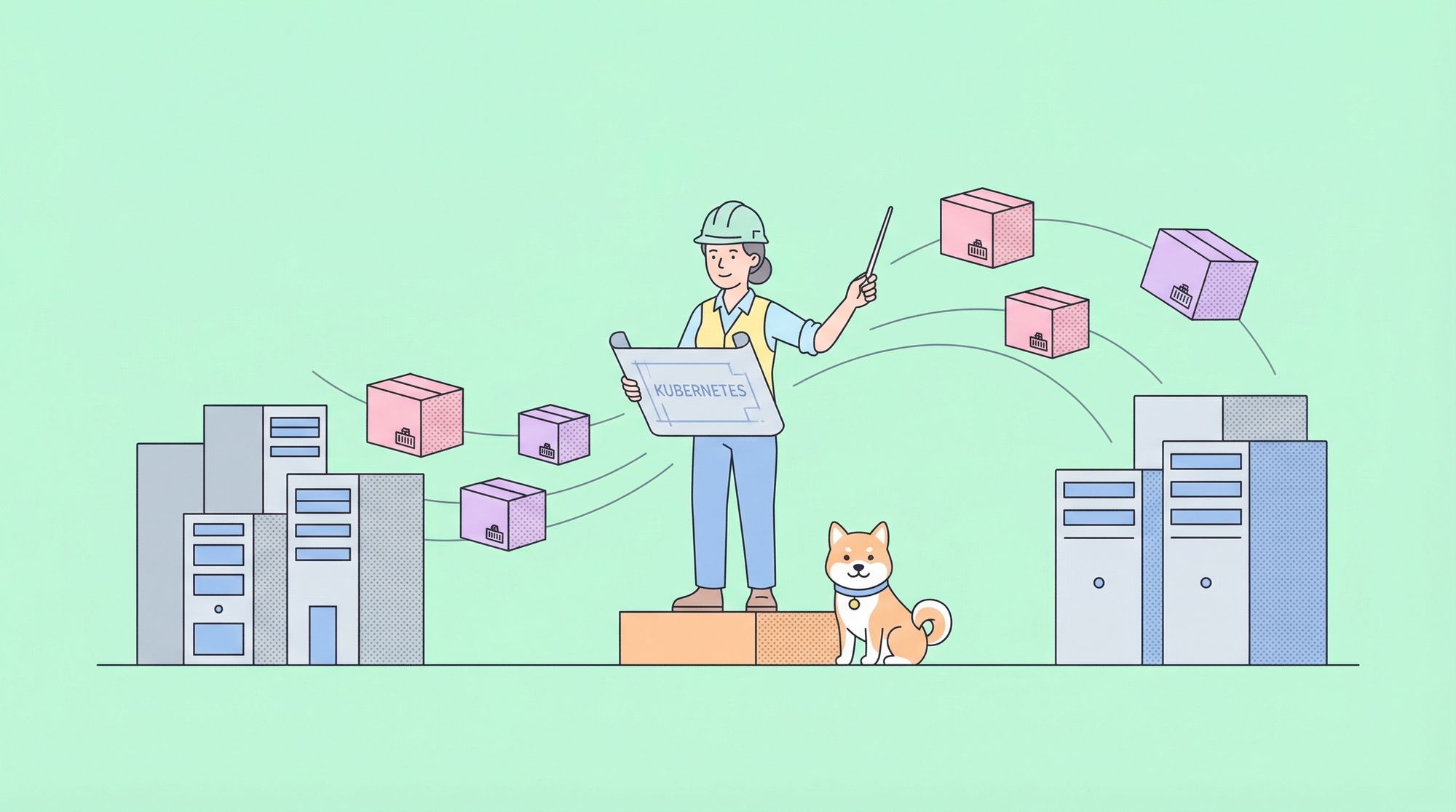
At its core, Kubernetes is an open-source platform designed to automate the deployment, scaling, and management of containerized applications. Containers are lightweight, portable environments that package up code and dependencies, ensuring software runs consistently across different computing environments. Kubernetes orchestrates these containers, making sure your applications are running smoothly no matter the underlying infrastructure.
So, what does Kubernetes do in practice?
- It schedules and runs containers across clusters of machines.
- It monitors application health, automatically restarting or replacing containers if something goes wrong.
- It balances loads and scales resources up or down based on demand, ensuring optimal performance and cost-efficiency.
Kubernetes takes the manual, error-prone work out of deploying and operating complex applications, empowering teams to deliver features faster and more reliably.
Why Does Kubernetes Matter? The Problems It Solves
To truly grasp what Kubernetes does, it helps to understand the challenges of modern software deployment:
- Manual deployment is slow and risky.
- Scaling applications to handle variable traffic is complicated.
- Ensuring uptime and quick recovery from failure is hard.
- Managing applications across multiple environments is complex.
Kubernetes was created to solve these exact problems. By automating the heavy lifting, it allows teams to focus on delivering value rather than fighting infrastructure fires.
Core Functions: What Does Kubernetes Do for You?
Let’s break down the specific tasks Kubernetes handles for developers and operations teams:
1. Automated Container Orchestration
The main thing Kubernetes does is orchestrate containers. Imagine you have dozens or hundreds of containers that need to work together. Kubernetes:
- Decides where to run each container
- Ensures the right number of containers are always running
- Deals with hardware or software failures by rescheduling containers as needed
This orchestration happens through a control plane that constantly monitors the system, reacting to changes automatically.
2. Self-Healing and Health Monitoring
If a container crashes or becomes unresponsive, Kubernetes detects the issue and restarts or replaces the container. This self-healing ensures high availability without human intervention.
3. Automated Scaling
Kubernetes can scale applications up or down based on real-time demand. For example, if your API experiences a traffic spike, Kubernetes will spin up more containers to handle the load. When demand drops, it scales back, saving resources.
4. Service Discovery and Load Balancing
Kubernetes assigns each set of containers (called a service) a stable network identity, even as the underlying containers come and go. It can load balance traffic to ensure no single container is overwhelmed.
5. Rolling Updates and Rollbacks
Want to update your application without downtime? Kubernetes enables rolling updates, gradually replacing old containers with new ones while keeping the service available. If something goes wrong, it quickly rolls back to a previous version.
6. Declarative Configuration Management
Kubernetes allows you to define the desired state of your system using YAML or JSON files. You describe what you want (e.g., "I need 5 copies of this API running"), and Kubernetes works to make it so. This declarative approach makes infrastructure predictable and version-controlled.
7. Secret and Configuration Management
Kubernetes manages sensitive data like passwords and API keys using Secrets, and handles environment-specific configuration using ConfigMaps—keeping your app secure and flexible.
How Kubernetes Works: The Components at Play
To better understand what Kubernetes does, let’s map out its key components:
- Node: A single machine (virtual or physical) that runs containers.
- Pod: The smallest deployable unit in Kubernetes, usually one or more containers.
- Cluster: A group of nodes managed by Kubernetes.
- Deployment: Describes how many replicas of your app to run and how to update them.
- Service: Defines network access to a set of pods.
- Ingress: Manages external access (like HTTP/HTTPS) to services.
Together, these components let you describe, deploy, and operate applications at scale.
What Does Kubernetes Do for API Development?
API-driven applications are the backbone of modern systems. Kubernetes is especially valuable for API development because it:
- Ensures APIs are always available, handling restarts and failures automatically.
- Makes it easy to scale APIs in response to traffic surges.
- Supports blue-green and canary deployments for seamless API versioning and updates.
If you’re using a tool like Apidog for API design, testing, and documentation, Kubernetes complements your workflow by running your APIs in a highly reliable, automated environment. Apidog’s ability to generate and test APIs pairs perfectly with Kubernetes’ deployment and scaling powers.
Real-World Examples: What Does Kubernetes Do in Practice?
Let’s look at some scenarios to see what Kubernetes does in action.
Example 1: E-commerce Platform Scaling
An online store faces variable traffic. During a flash sale, traffic spikes. What does Kubernetes do? It automatically launches extra container replicas to handle the surge, then scales down after the sale, saving on cloud costs.
Example 2: Continuous Deployment for APIs
A development team uses Apidog to design and test APIs. When a new API version is ready, they update their Kubernetes deployment. Kubernetes performs a rolling update, replacing old containers with new ones, all without downtime. If a bug is detected, Kubernetes can instantly roll back to the previous version.
Example 3: Multi-Cloud and Hybrid Cloud Flexibility
A SaaS company wants to deploy its application across both AWS and on-premises servers. What does Kubernetes do? It provides a unified control plane, making it easy to run and manage the same application in multiple environments.
Kubernetes in the Developer Workflow
Here’s how Kubernetes fits into a typical modern development pipeline:
1. Develop and test APIs using a platform like Apidog.
2. Containerize your application (using Docker, for example).
3. Define your deployment in Kubernetes YAML files.
4. Deploy to your Kubernetes cluster—on-premises, in the cloud, or both.
5. Kubernetes manages scaling, health, and updates automatically.
Kubernetes removes manual steps and enables rapid, reliable software delivery.
Common Misconceptions: What Does Kubernetes NOT Do?
Focusing on what does Kubernetes do is crucial, but it’s also worth clarifying what it doesn’t do:
- Kubernetes does not build or package your containers (that’s the job of tools like Docker).
- Kubernetes is not a traditional PaaS (Platform as a Service); it’s more flexible, but requires some setup.
- Kubernetes does not directly manage your application code—it orchestrates the containers that run your code.
Integrating Apidog with Kubernetes for API Success
If you’re building APIs, tools like Apidog and Kubernetes are a powerful duo. Apidog streamlines API design, testing, and documentation. Once your API is production-ready, Kubernetes ensures it runs reliably at scale.
For example, you can use Apidog to:
- Design and mock your API endpoints
- Generate and import API specs in formats like Swagger or OpenAPI
- Automatically document and test APIs
Then, you deploy those APIs as containers managed by Kubernetes. Kubernetes keeps your APIs healthy and highly available, scaling resources as needed.
Conclusion: Why Knowing What Kubernetes Does Matters
Understanding what does Kubernetes do is essential for anyone involved in modern software development, especially for teams building APIs and scalable applications. Kubernetes automates the hardest parts of running software at scale: deployment, health checks, scaling, and updates.
When paired with tools like Apidog for API design and testing, Kubernetes forms the backbone of a robust, efficient development lifecycle.
Ready to take your API development to the next level? Try integrating Apidog for seamless API design, then deploy with Kubernetes for world-class orchestration. Knowing what Kubernetes does—and how to use it—will set your team apart in today’s fast-moving tech landscape.
Frequently Asked Questions on What Does Kubernetes Do
Q: Can I use Kubernetes for small projects?
A: Yes! While Kubernetes shines at scale, it’s also useful for small projects that expect to grow or need high reliability.
Q: Does Kubernetes only work with Docker?
A: No, Kubernetes supports multiple container runtimes, though Docker is the most common.
Q: Is Kubernetes hard to learn?
A: There’s a learning curve, but tools like Apidog can simplify API development, letting you focus on deploying and managing with Kubernetes.