

Kling AI remains a powerhouse in text-to-video and image-to-video generation, powered by Kuaishou's advanced diffusion models that deliver 1080p clips with exceptional motion realism and physics simulation. Developers increasingly explore Kling AI alternatives for advantages like lower latency, open-weight models for fine-tuning, broader API availability, or cost-effective scaling.
Want to Build AI Apps at lightening fast speed? There is an awesome AI Infra start that provides AI Talking Avatar API at fast speed at the lowest cost, and you need to know of: Hypereal AI.


1. Runway ML: A Leader in Multi-Modal Video Synthesis
Runway ML stands out among Kling AI alternatives for its comprehensive suite of generative tools. The platform employs a generative adversarial network (GAN) hybrid with diffusion models to produce high-fidelity videos from text prompts. Specifically, Runway's Gen-4.5 architecture integrates temporal consistency layers that maintain object coherence across frames, achieving up to 1080p resolution at 30 FPS.
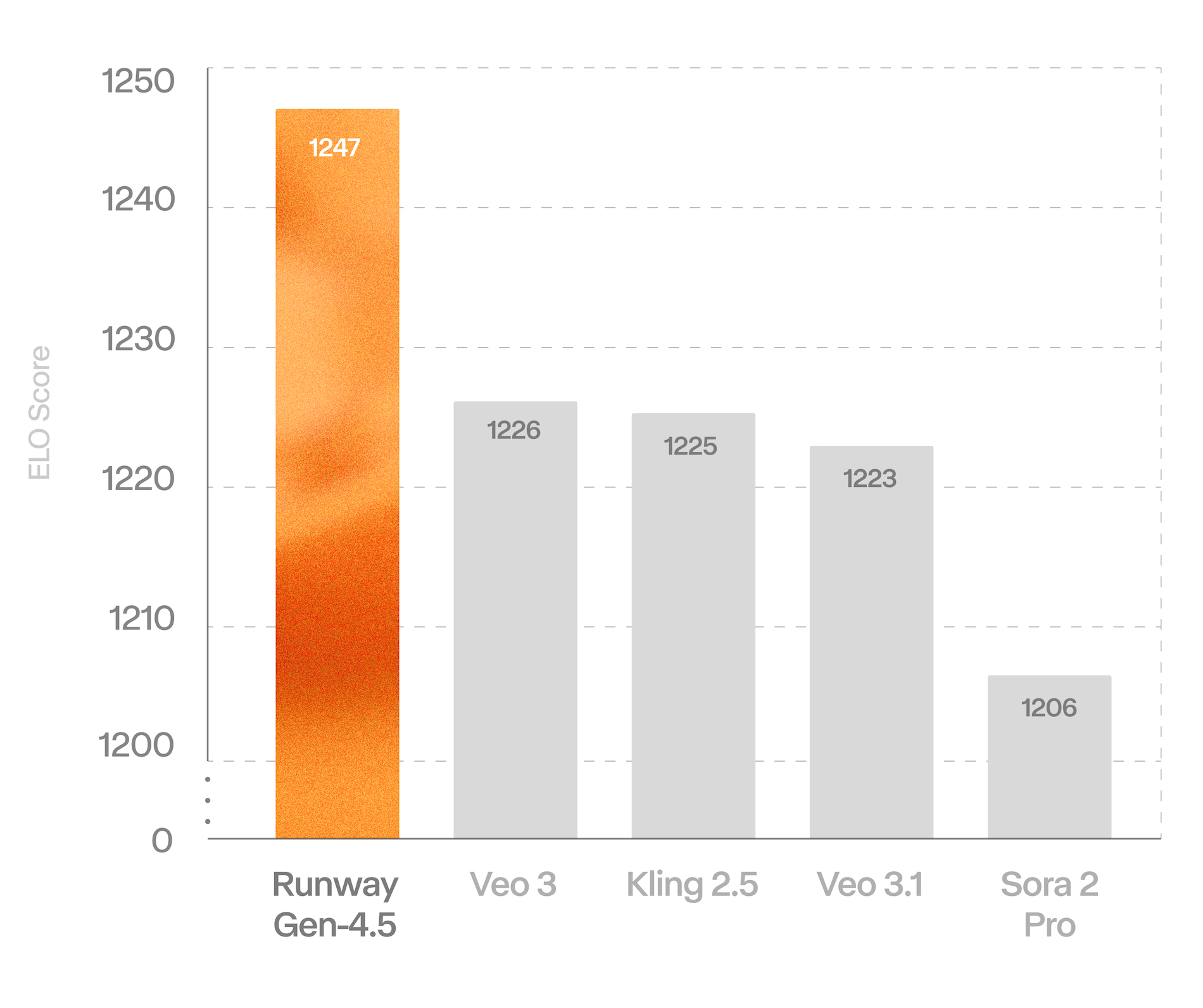
Developers appreciate Runway's API, which supports batch processing and custom fine-tuning. For example, users send POST requests to the /generate endpoint with JSON payloads containing prompts and parameters like frame rate. This setup demands at least 16GB VRAM for optimal performance, making it suitable for cloud-based deployments on AWS or Google Cloud.
In comparison to Kling AI, Runway excels in editing workflows. It allows frame-by-frame inpainting, where algorithms fill masked regions using contextual embeddings. Consequently, this feature enables precise modifications, such as altering backgrounds without regenerating entire sequences.
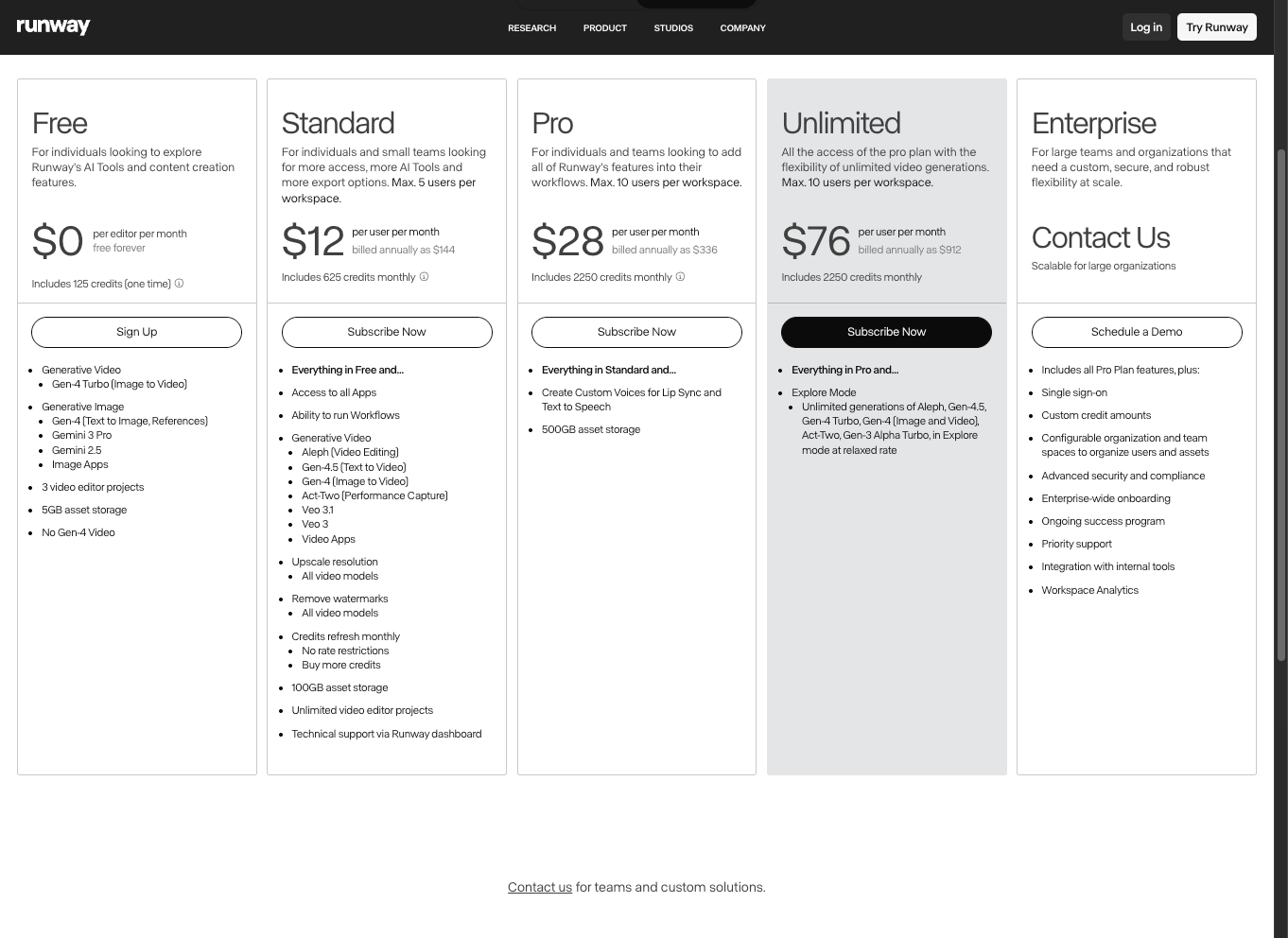
However, Runway's pricing starts at $12 per month for basic access, scaling to enterprise tiers with unlimited generations. Pros include robust community support and integration with tools like Adobe Premiere. On the downside, latency can reach 10-20 seconds per clip during peak usage. Nevertheless, for projects requiring advanced control, Runway proves indispensable.
2. Wan 2.2: Open-Source Innovation in Mixture of Experts Architecture
Wan 2.2 represents a breakthrough in open-source Kling AI alternatives, utilizing a Mixture of Experts (MoE) framework to enhance efficiency. This model routes inputs through specialized sub-networks, activating only relevant experts per query, which reduces computational overhead by up to 40% compared to monolithic designs.
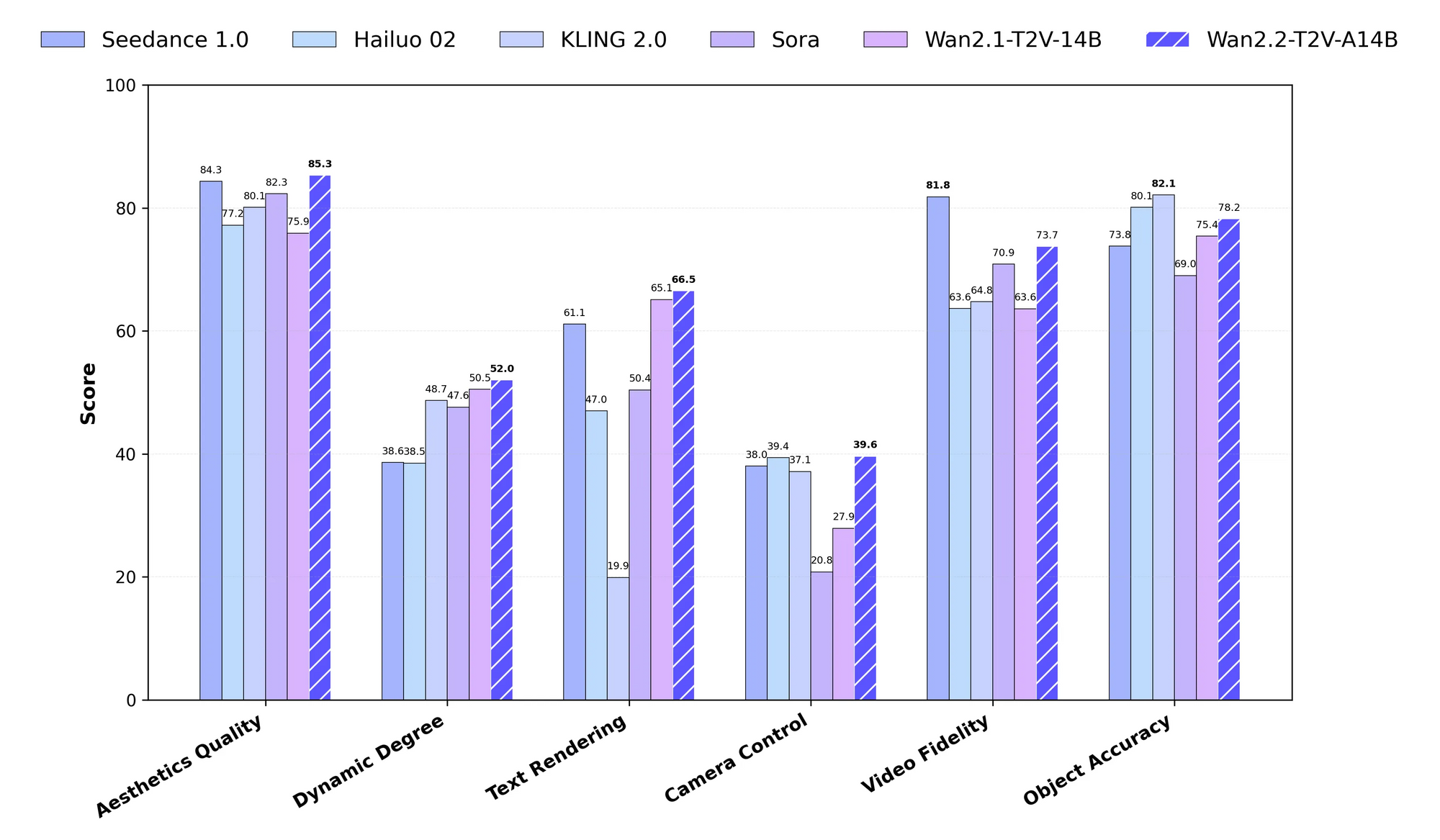
At its core, Wan 2.2 processes text-to-video tasks via a two-stage pipeline: high-noise diffusion for initial structure and low-noise refinement for details. It supports resolutions up to 720p and clip lengths of 16 seconds, with extensions via looping mechanisms. Developers access the model through ComfyUI workflows or direct Hugging Face integrations, requiring PyTorch 2.0+ and at least 12GB GPU memory.
Unlike Kling AI's proprietary ecosystem, Wan 2.2 encourages community contributions, fostering rapid iterations. For instance, users fine-tune on custom datasets using LoRA adapters, adapting the model for niche domains like animation or surveillance.
API-wise, Wan 2.2 offers flexible endpoints for static image-to-video conversions, blending audio inputs for synchronized outputs. This multi-modal capability shines in educational content creation, where scripts generate narrated visuals.
Pros encompass cost-free usage and full transparency, allowing audits of model biases. Cons involve setup complexity for non-experts. Still, for technical teams, Wan 2.2 delivers unmatched customization, making it a top choice among Kling AI alternatives.
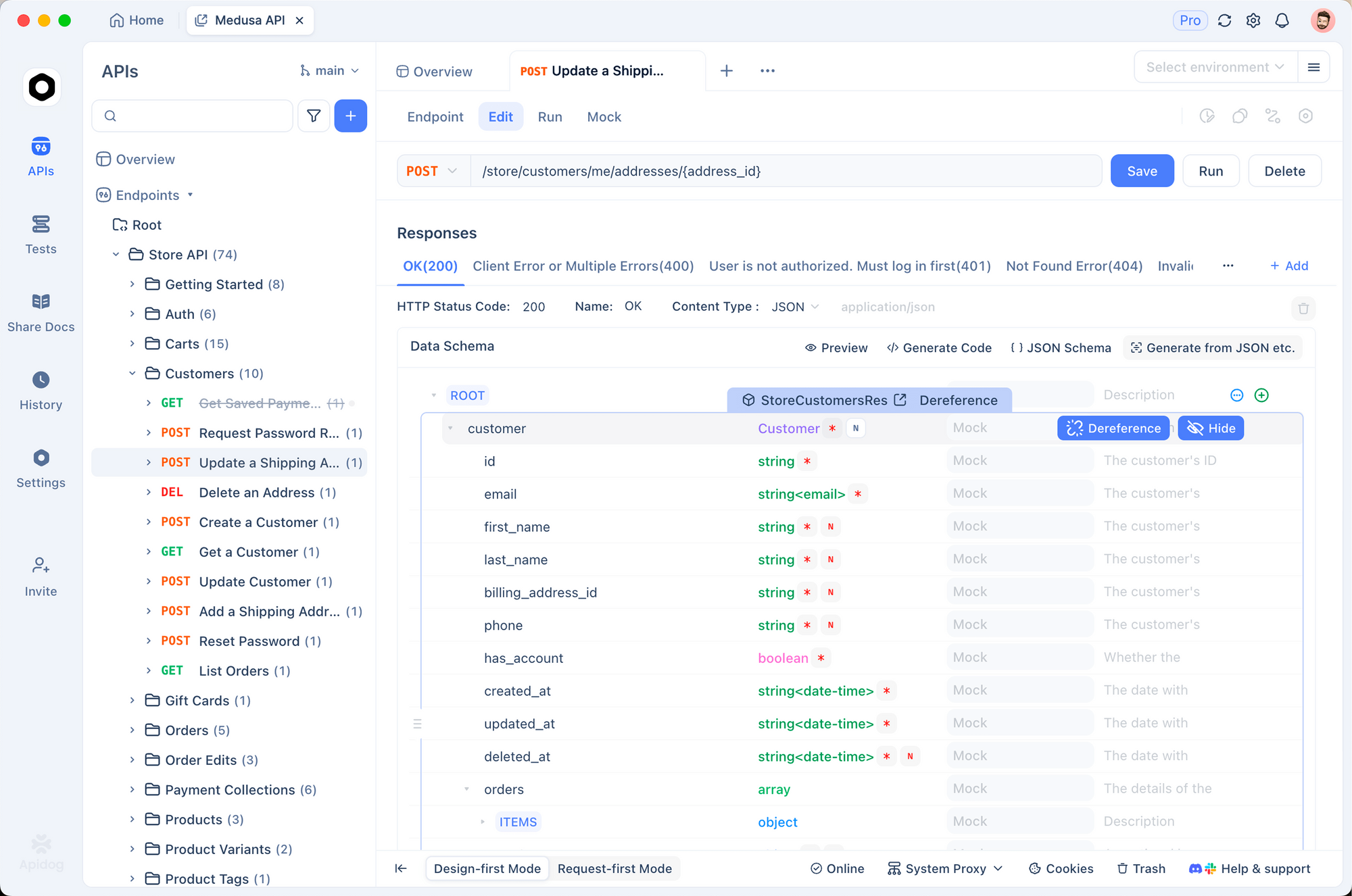
In practice, integrating Wan 2.2 with Apidog simplifies endpoint testing. Developers mock API responses to iterate designs without incurring generation costs.
3. Google Veo: Scalable Cloud-Based Video Generation
Google Veo emerges as a formidable contender in the realm of Kling AI alternatives, backed by Google's vast infrastructure. Veo 3.1 employs a video diffusion transformer (ViT) that handles extended sequences, generating up to 60-second clips at 4K resolution. The model incorporates physics simulations for realistic motion, drawing from massive datasets like YouTube subsets.
Engineers interact with Veo via the Google Cloud AI API, authenticating with OAuth and specifying parameters like aspect ratio in HTTP requests. This requires a Vertex AI setup, with quotas managed through console dashboards. Computationally, Veo leverages TPUs for inference, minimizing latency to under 5 seconds for short clips.
Compared to Kling AI, Veo superiorly manages complex scenes, such as crowd dynamics, thanks to its attention mechanisms that prioritize salient features. Additionally, it supports style transfer, applying artistic filters via prompt modifiers.
Pricing follows a pay-per-use model, starting at $0.02 per second of generated video. Advantages include seamless integration with Google Workspace and high security compliance. Drawbacks feature dependency on internet connectivity and potential data privacy concerns.
4. Luma AI Dream Machine: Focus on Photorealistic Outputs
Luma AI's Dream Machine ranks highly among Kling AI alternatives for its emphasis on photorealism. The system uses a cascaded diffusion model, starting with low-resolution sketches and upscaling through super-resolution networks. This yields videos at 1080p with lifelike textures, supporting inputs like images or 3D meshes.
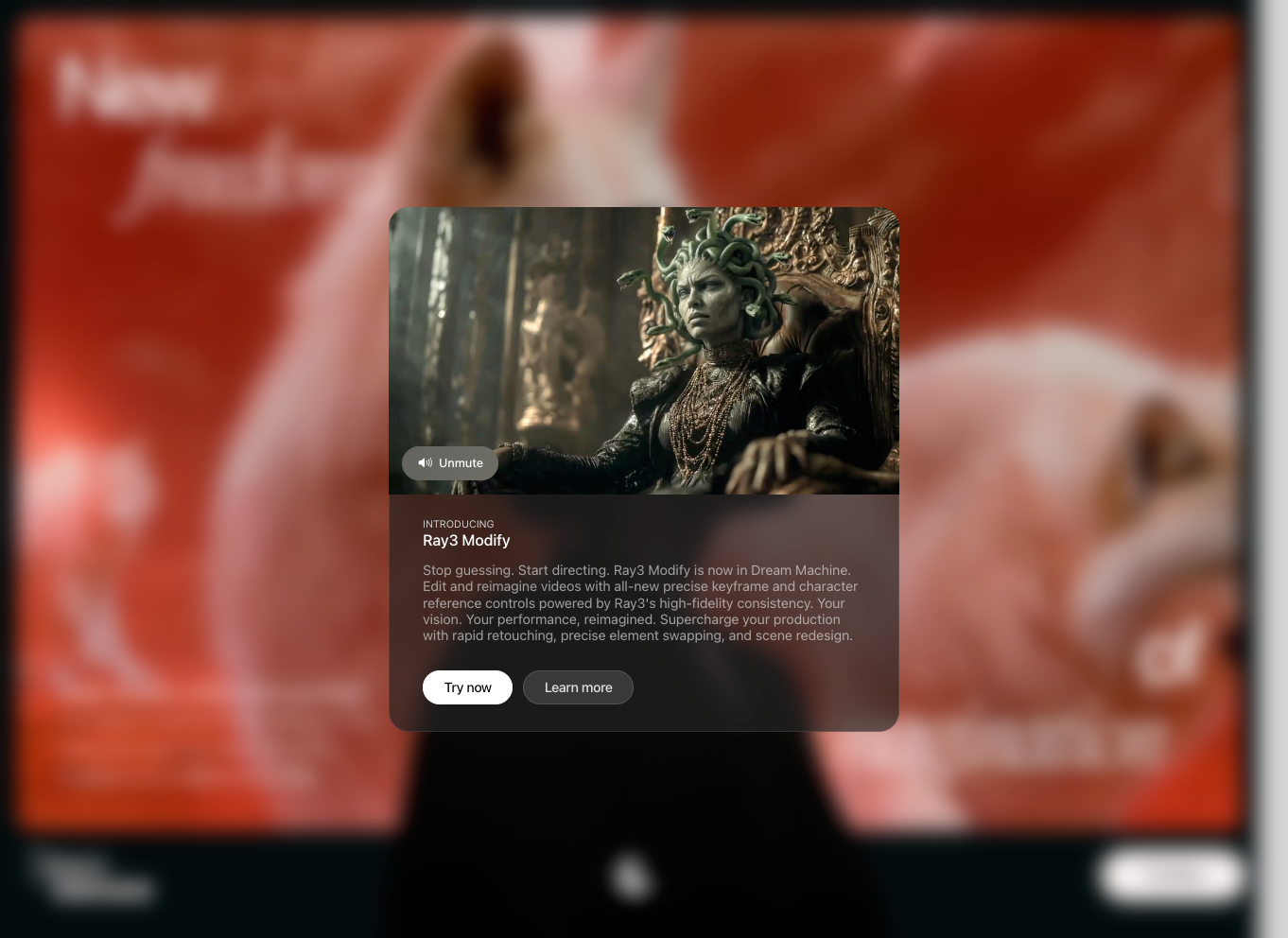
Technically, Dream Machine's API exposes endpoints for asynchronous generation, polling status via GET requests. It demands CUDA-compatible GPUs, with recommendations for RTX 40-series cards to handle 8K upscaling extensions.
In contrast to Kling AI, Dream Machine integrates depth estimation for better spatial awareness, preventing artifacts in dynamic scenes. Moreover, it features motion interpolation, smoothing transitions between keyframes.
Subscription tiers begin at $29/month, offering 120 generations. Strengths lie in its user-friendly interface and export options to formats like MP4 or GIF. Limitations include occasional over-smoothing in fast-motion clips.
As such, developers apply Dream Machine in AR/VR content, generating immersive environments from textual descriptions.
5. Hailuo AI: Efficient for Mobile-Optimized Videos
Hailuo AI provides efficient Kling AI alternatives tailored for mobile deployment. Its 2.3 version employs lightweight transformers optimized for edge computing, generating 480p videos on devices with 4GB RAM. The architecture prunes redundant layers, achieving 2x faster inference than competitors.
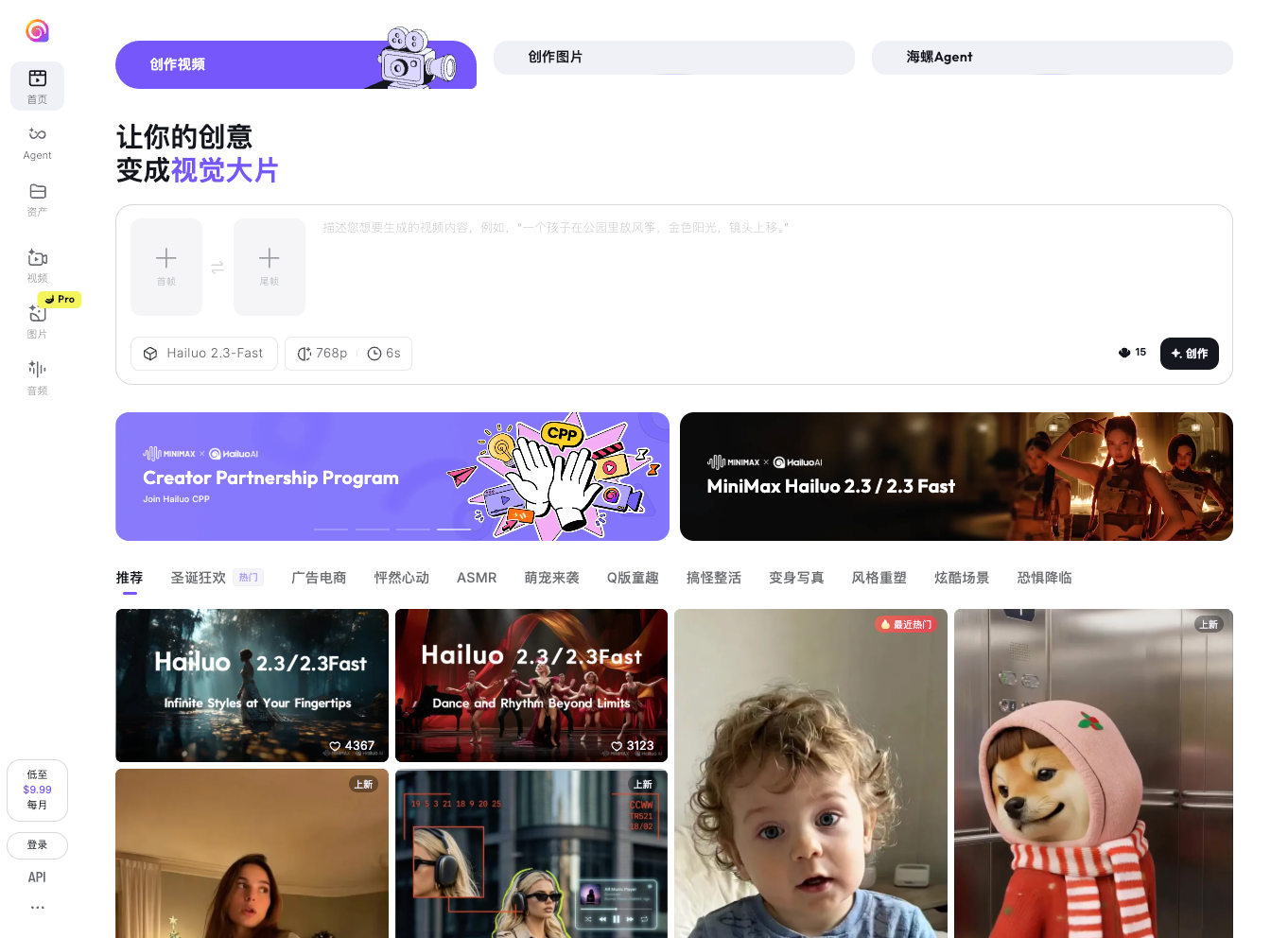
API integration involves SDKs for iOS and Android, with endpoints supporting real-time streaming. This setup facilitates apps like social media filters, where prompts trigger instant outputs.
Relative to Kling AI, Hailuo shines in low-bandwidth scenarios, compressing models without quality loss. It also handles multilingual prompts, leveraging NLP pre-processing.
Costs range from free tiers to $9.99/month pro plans. Benefits include energy efficiency and broad device compatibility. Shortcomings encompass lower resolution caps.
Hence, Hailuo fits consumer apps, enabling on-the-fly video creation.
6. PixVerse: Versatile for Creative Workflows
PixVerse v5 distinguishes itself in Kling AI alternatives through versatile input handling. It combines VAE encoders with recurrent networks for sequence prediction, supporting text, audio, and sketch inputs. Outputs reach 1440p, with customizable frame rates up to 60 FPS.
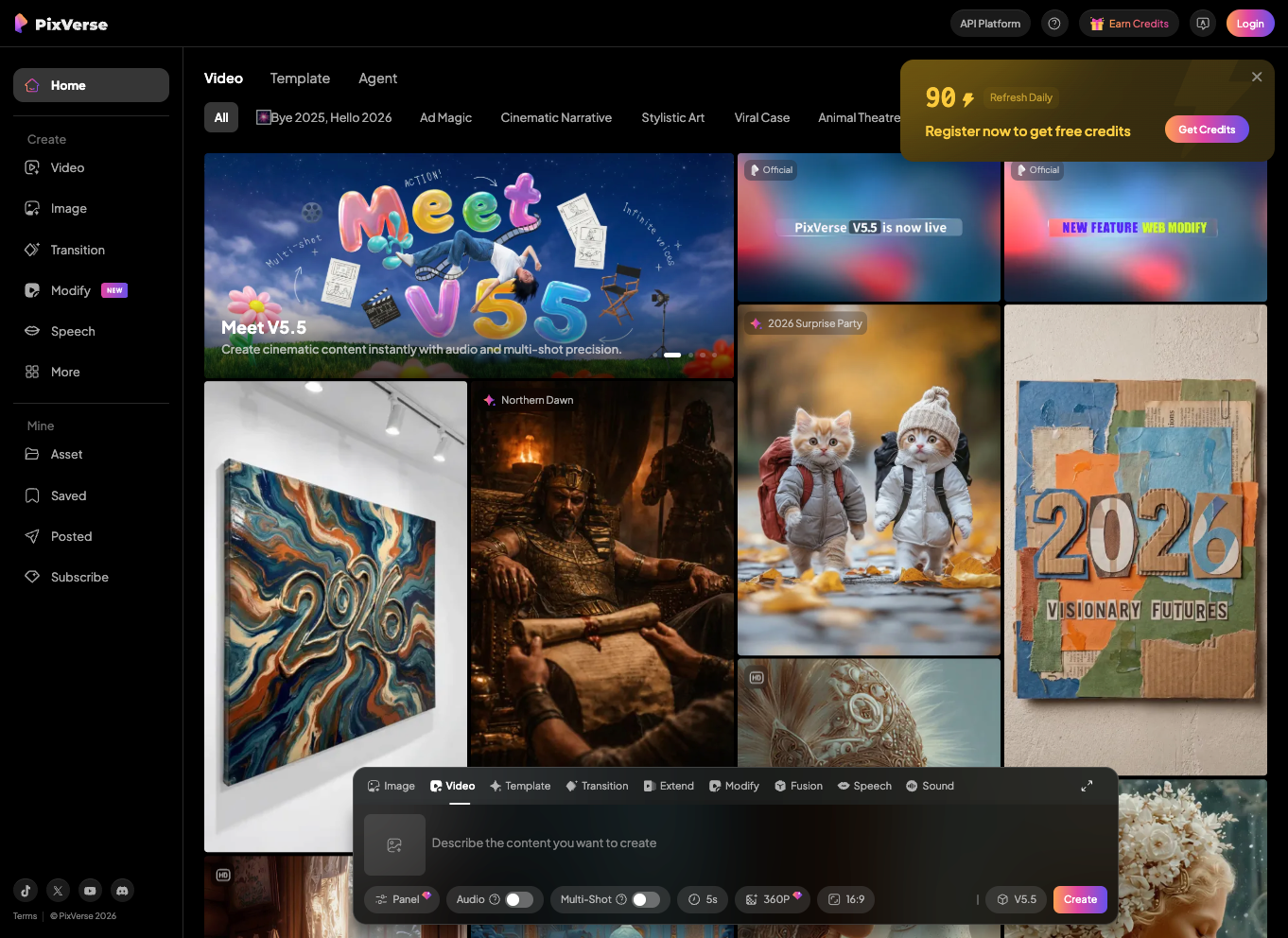
The platform's REST API allows parameter tuning, such as noise levels in diffusion steps. Deployment requires 8GB VRAM minimum, ideal for mid-range setups.
PixVerse outperforms Kling AI in artistic styles, applying filters via style embeddings. Additionally, it offers collaborative editing, syncing changes across teams.
Pricing at $20/month provides unlimited access. Pros feature creative freedom; cons note higher learning curves.
Thus, PixVerse aids in digital art production, streamlining ideation to final render.
7. HeyGen: Avatar-Centric Video Production
HeyGen specializes in avatar-driven Kling AI alternatives. Its system uses GANs for lip-sync and expression mapping, creating talking-head videos from scripts. Version 3 integrates emotion detection for nuanced performances.
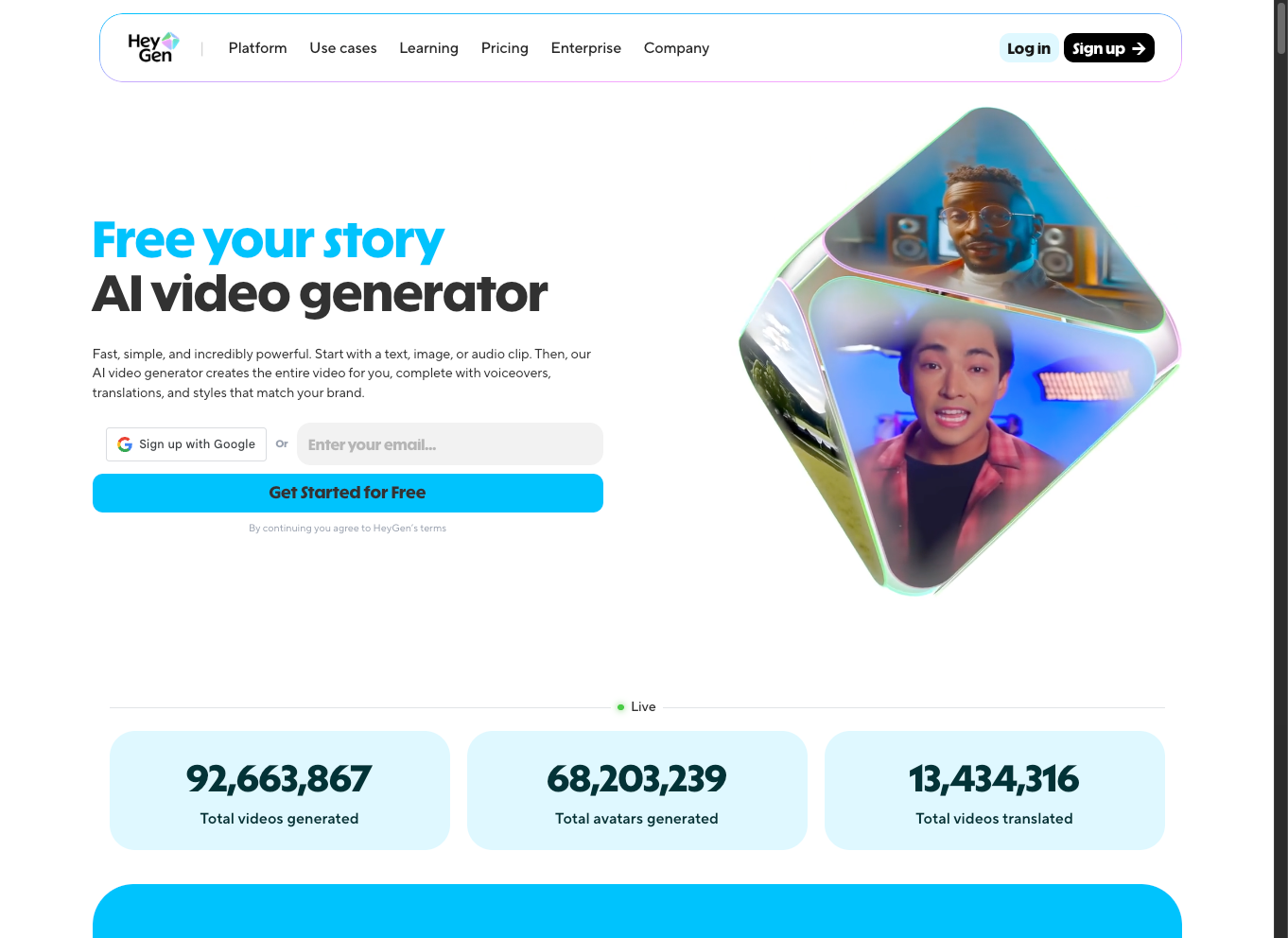
API calls involve uploading audio and selecting avatars, with responses in WebM format. It supports cloud rendering, offloading compute to servers.
HeyGen exceeds Kling AI in personalization, cloning voices and faces ethically. It also scales for batch processing.
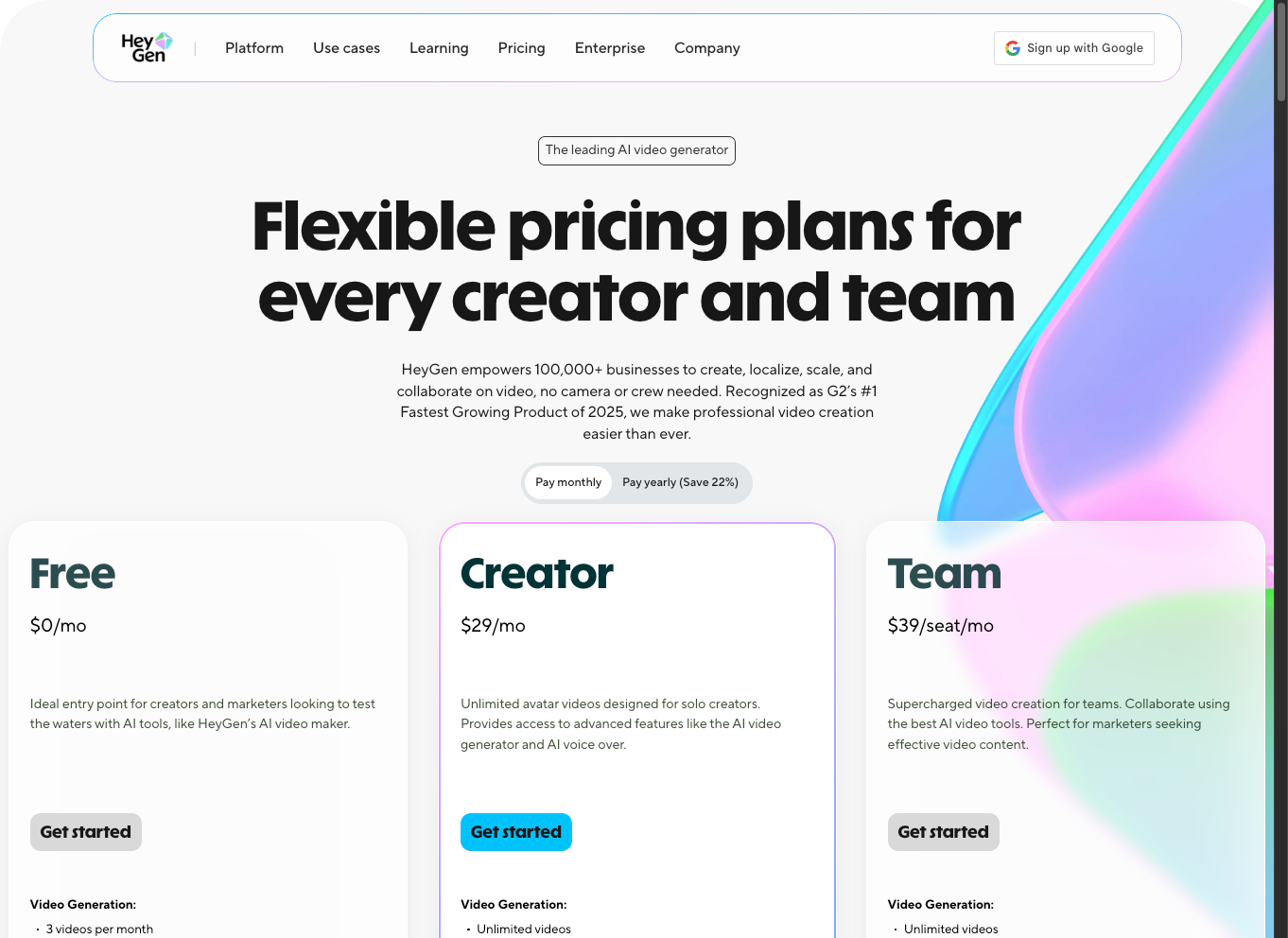
Plans start at $24/month. Advantages include ease of use; disadvantages cover limited non-avatar scenarios.
Accordingly, HeyGen powers e-learning modules, automating lecture videos.
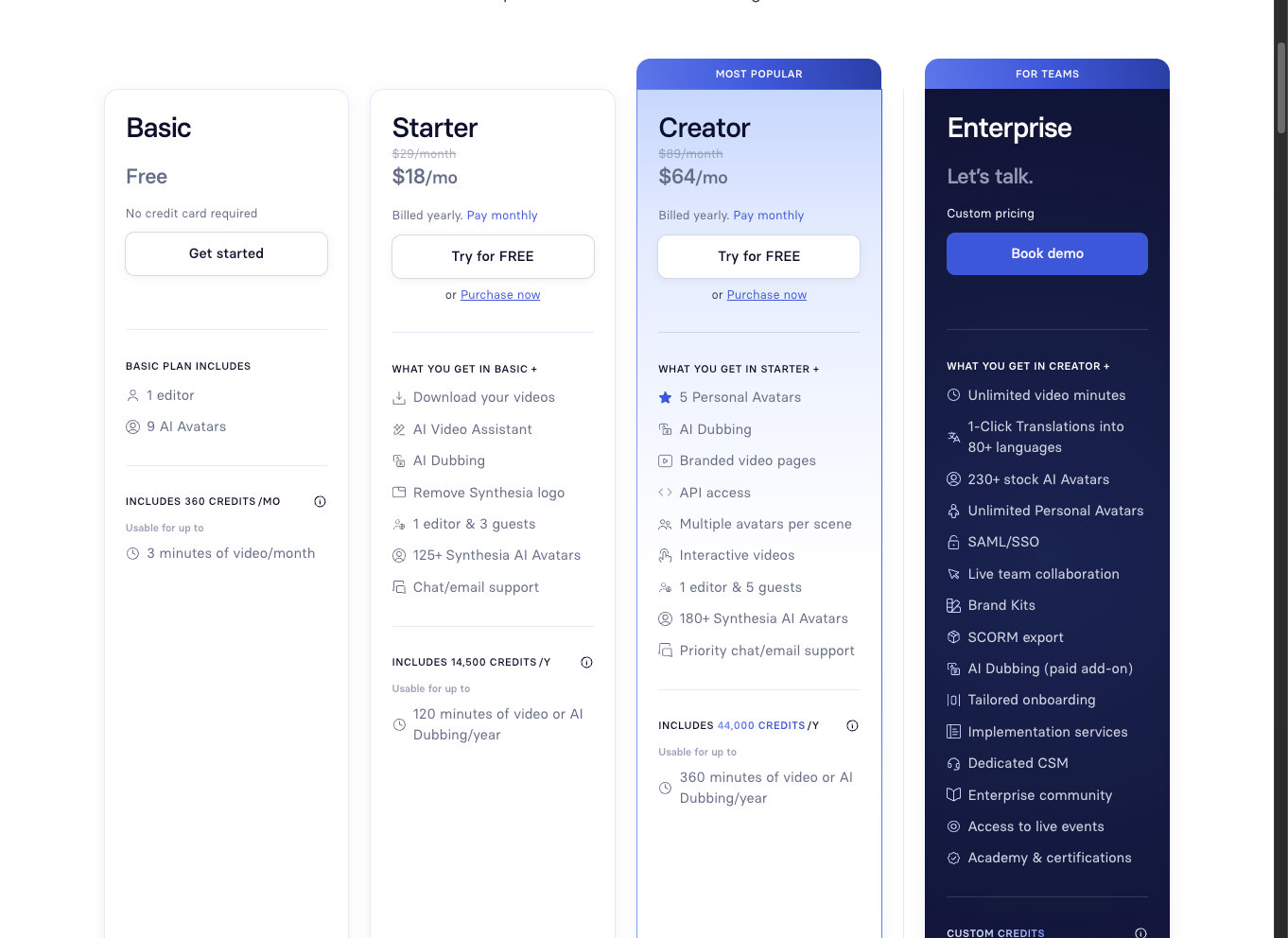
8. Synthesia: Enterprise-Grade Script-to-Video
Synthesia offers enterprise-focused Kling AI alternatives, converting scripts to videos with AI actors. The platform employs deepfake tech tempered with ethical safeguards, ensuring consent-based avatars.
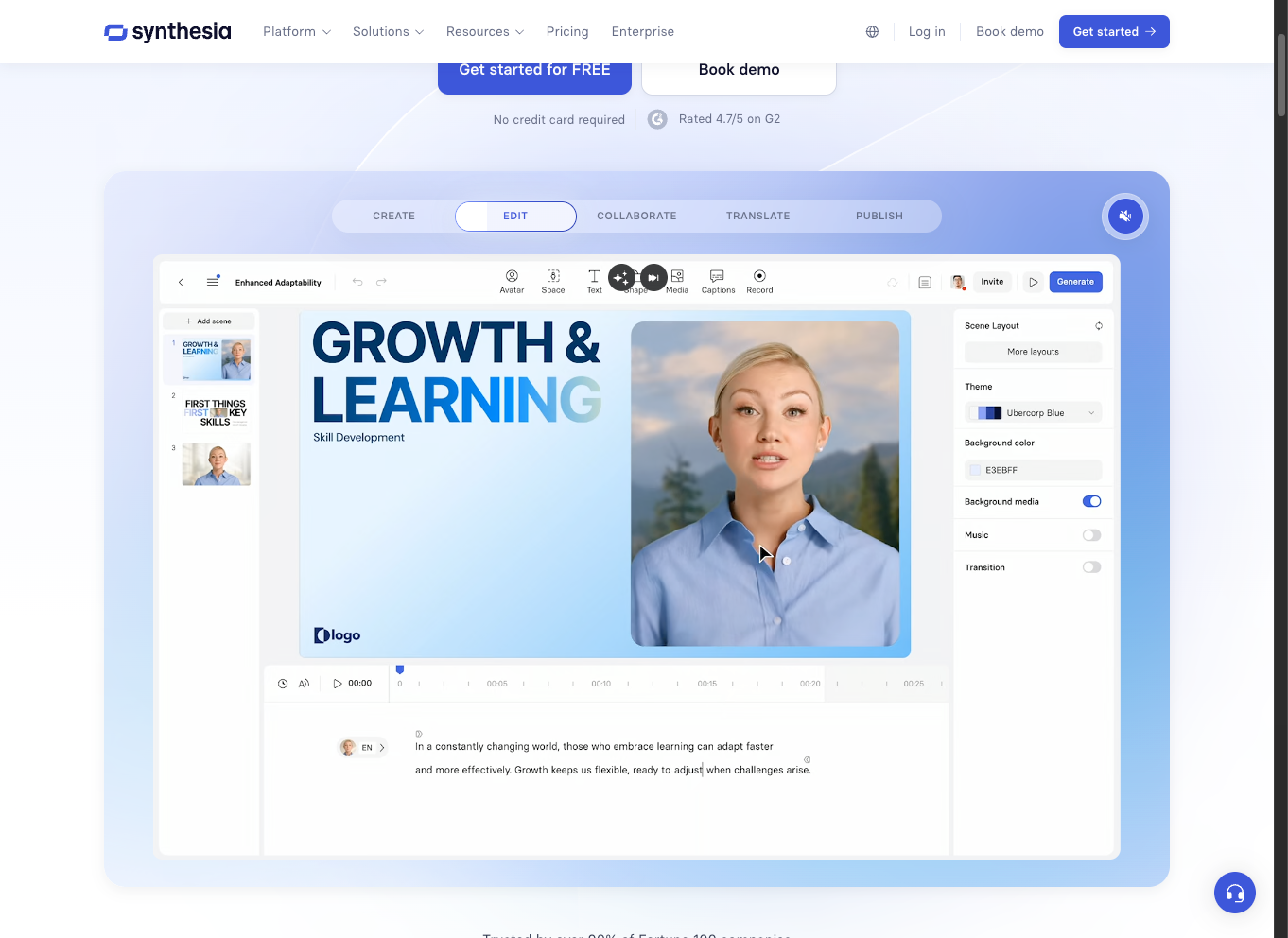
Technically, it uses sequence-to-sequence models for timing alignment. API endpoints accept CSV inputs for bulk generation.
Synthesia provides better scalability than Kling AI for corporate use, with SOC 2 compliance.
Tiers from $30/month. Strengths: Professional quality; weaknesses: Higher costs.
Therefore, it serves HR training, generating compliant content.
9. Pika Labs: Fast Prototyping Tool
Pika Labs accelerates prototyping in Kling AI alternatives. Its diffusion-based engine generates shorts in seconds, focusing on 720p clips.
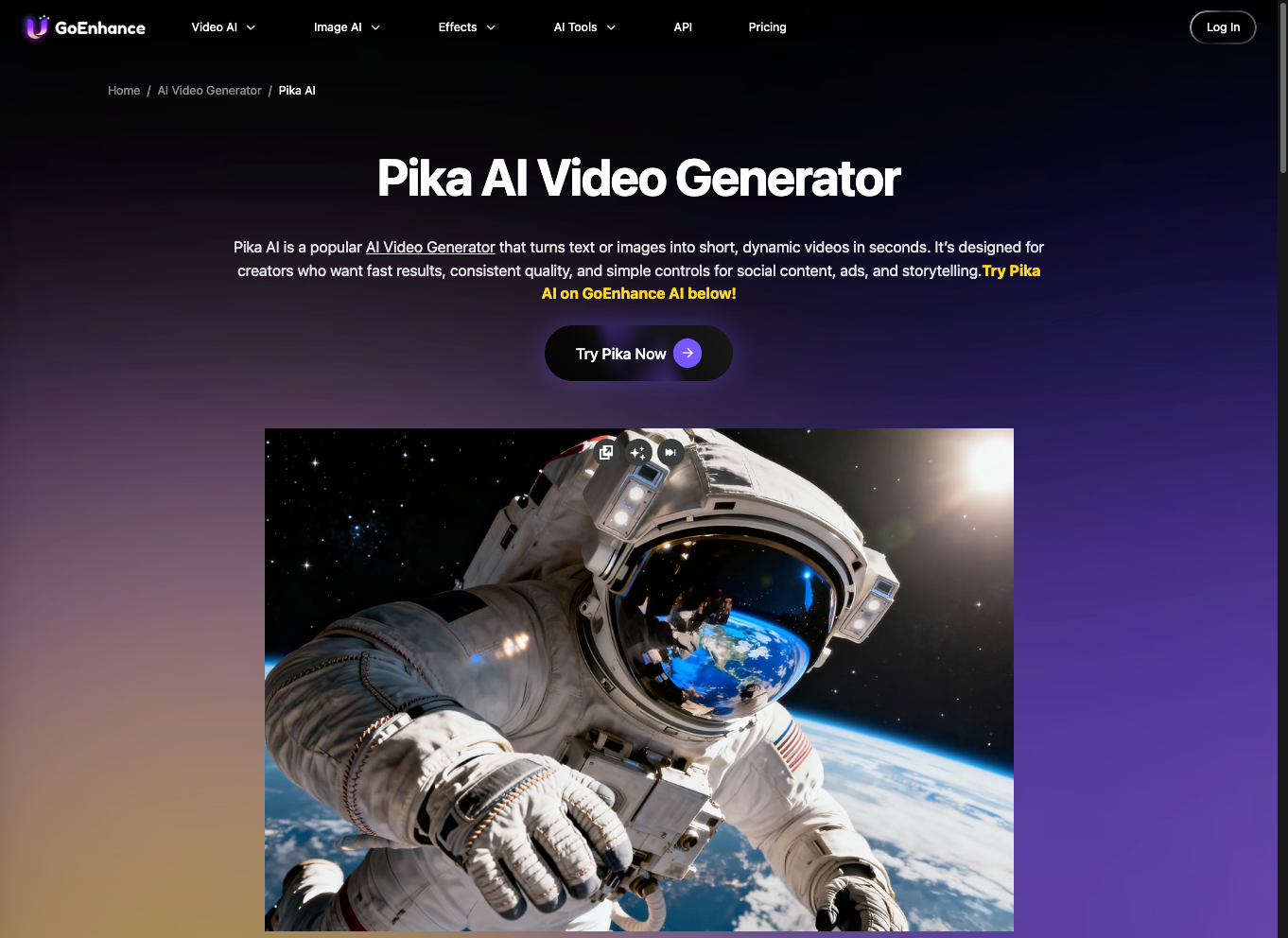
API features webhook notifications for completion. Low resource needs make it accessible.
Pika edges Kling AI in speed, ideal for iterations.
Free with paid upgrades at $8/month. Pros: Quick turnaround; cons: Basic features.
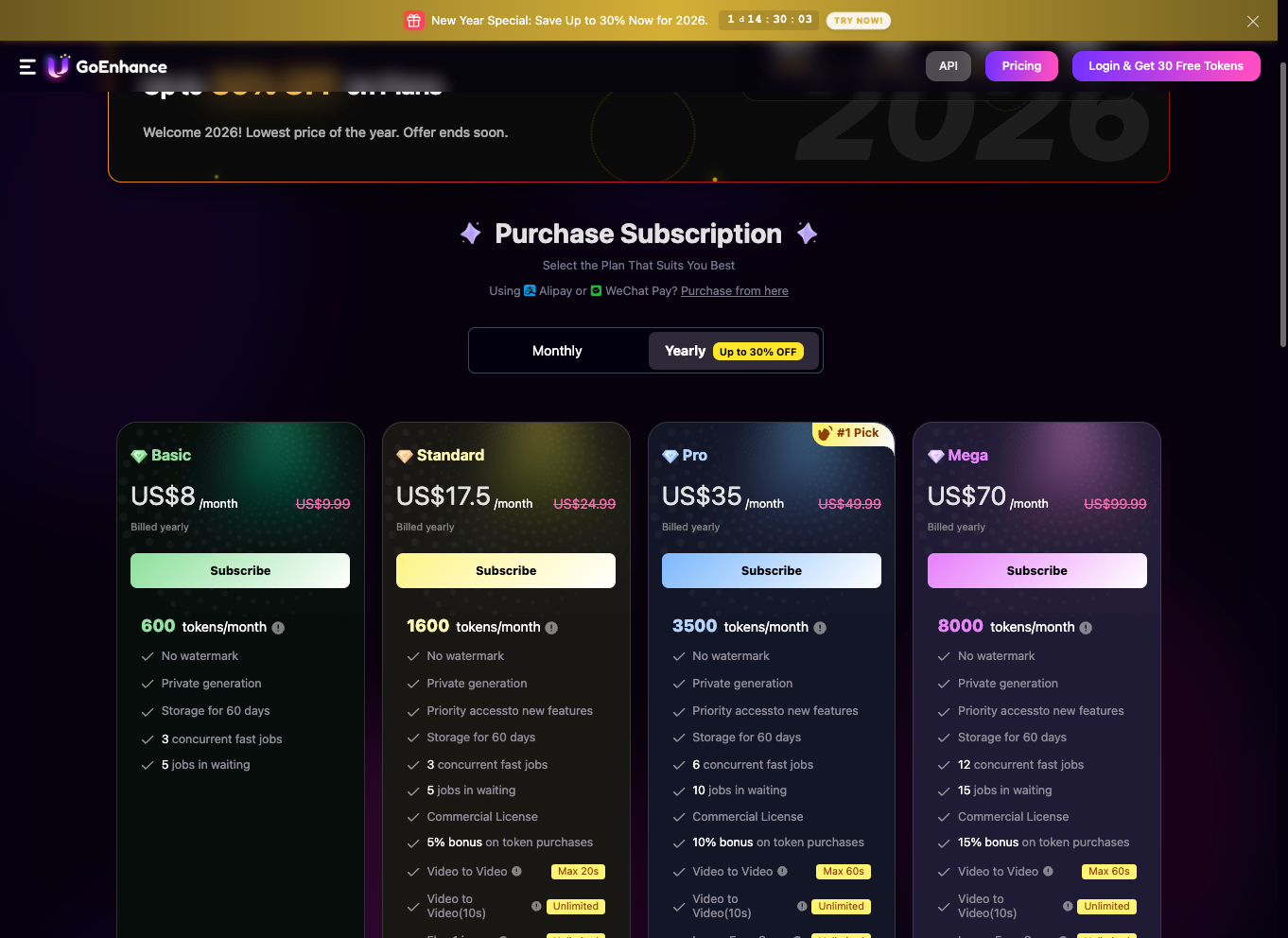
It thus supports rapid content ideation in advertising.
10. Seedance: Advanced Physics Simulation
Seedance 1.5 Pro rounds out the Kling AI alternatives with physics-aware generation. It simulates gravity and collisions using integrated engines, enhancing realism.
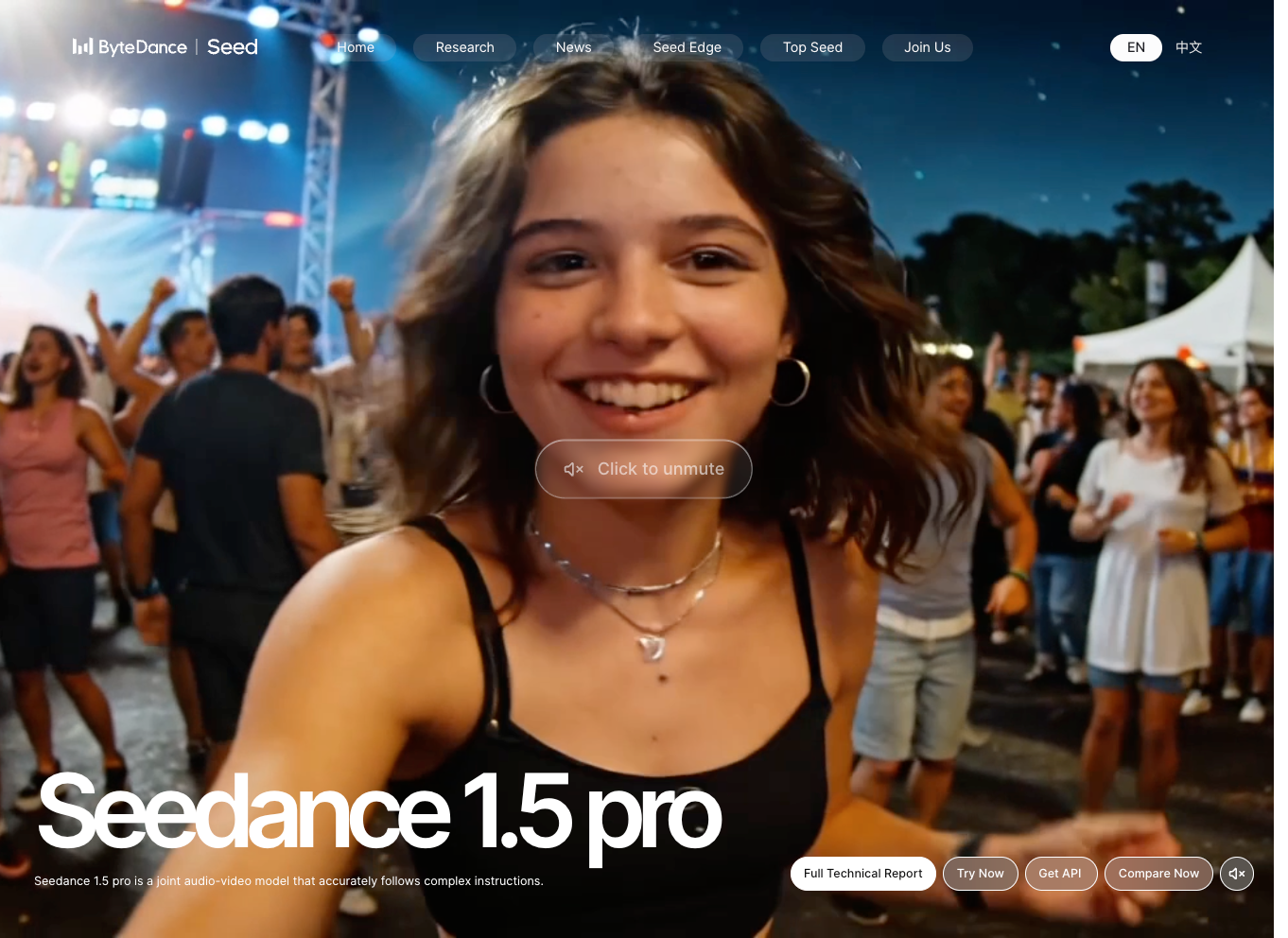
The MoE-like structure handles diverse prompts. API supports parameter overrides for simulations.
Seedance surpasses Kling AI in scientific visuals.
Pricing: $19/month. Benefits: Accuracy; drawbacks: Complexity.
It applies to engineering demos, visualizing concepts.
Comparison Table: Key Metrics of Kling AI Alternatives
| Alternative | Resolution | Clip Length | API Support | Pricing | Key Strength |
|---|---|---|---|---|---|
| Runway ML | 1080p | 30s | Yes | $15/mo | Editing tools |
| Wan 2.2 | 720p | 16s | Open-source | Free | Customization |
| Google Veo | 4K | 60s | Yes | Pay-per-use | Scalability |
| Luma AI | 1080p | Variable | Yes | $29/mo | Photorealism |
| Hailuo AI | 480p | Short | SDK | $9.99/mo | Mobile optimization |
| PixVerse | 1440p | Variable | Yes | $20/mo | Versatility |
| HeyGen | HD | Script-based | Yes | $24/mo | Avatars |
| Synthesia | HD | Script-based | Yes | $30/mo | Enterprise compliance |
| Pika Labs | 720p | Shorts | Yes | $8/mo | Speed |
| Seedance | HD | Variable | Yes | $19/mo | Physics simulation |
This table highlights differentiators, aiding selection based on needs.
Conclusion: Choosing the Right Kling AI Alternative
Selecting among these Kling AI alternatives depends on project specifics. For open-source enthusiasts, Wan 2.2 offers flexibility, while enterprises favor Google Veo. Throughout, tools like Apidog facilitate integration, ensuring smooth API interactions.
Ultimately, test multiple options to align with your technical stack. As AI evolves, these platforms will continue advancing, providing even more capabilities.


