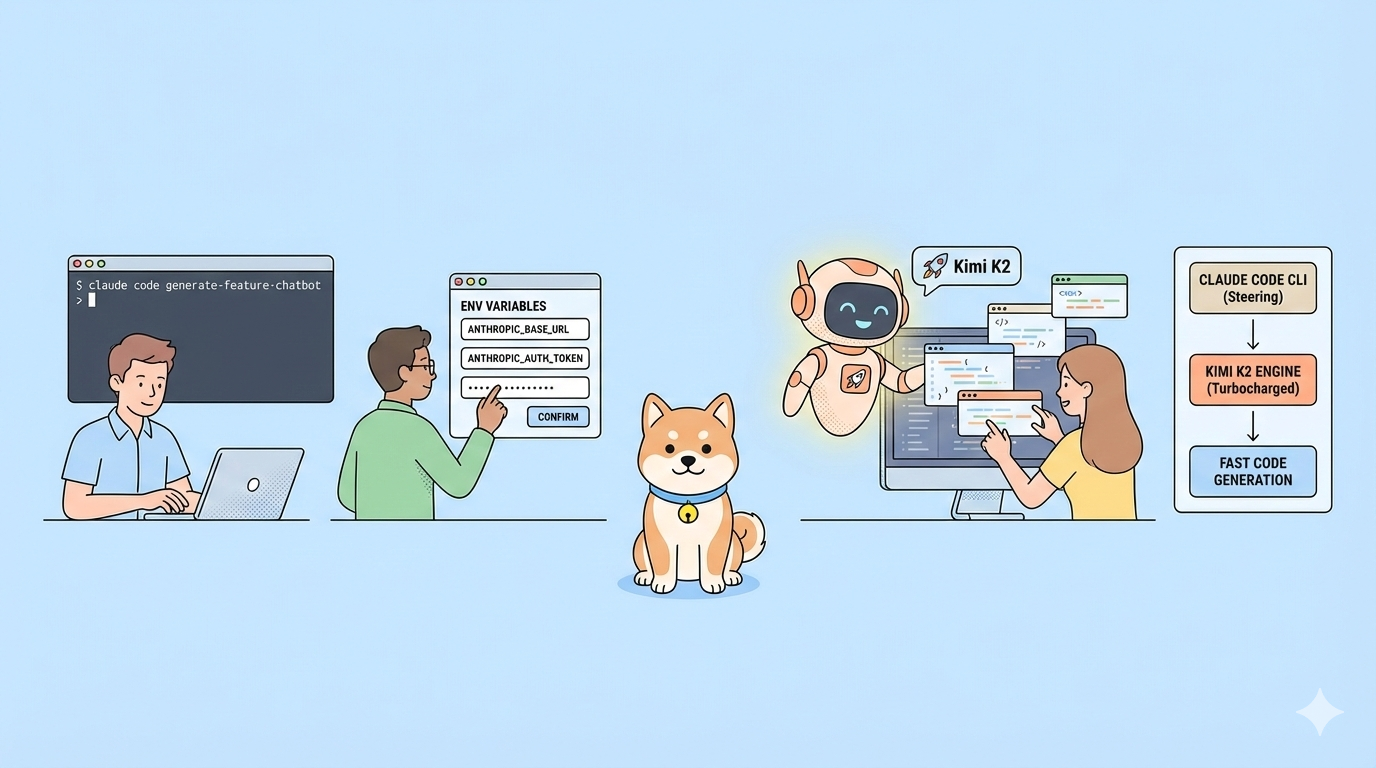
What if you could retain Claude Code's elegant agentic workflow while leveraging Kimi K2.5's trillion-parameter reasoning engine? By routing Claude Code's Anthropic Messages API calls through Moonshot's compatible endpoint, you combine one of the best coding interfaces with one of the most capable open-source models available today.
The Opportunity: Breaking the Vendor Lock-in
Claude Code has established itself as the premier agentic coding tool, offering sophisticated repository scanning, intelligent file editing, and seamless terminal integration. However, developers increasingly face constraints with proprietary model providers—rate limits, geographic restrictions, or pricing concerns. Meanwhile, Moonshot AI's Kimi K2.5 delivers comparable coding performance with its 15 trillion-token training dataset, native multimodal capabilities, and full API compatibility.
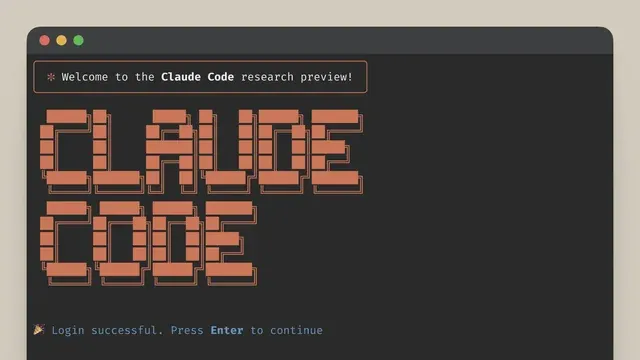
The integration works because Claude Code communicates via the Anthropic Messages API specification, and Moonshot exposes an identical endpoint at /anthropic/v1/messages. Consequently, you redirect Claude Code's backend traffic to Kimi K2.5 without modifying the CLI tool itself, preserving your existing muscle memory while unlocking an alternative model provider.
Want an integrated, All-in-One platform for your Developer Team to work together with maximum productivity?
Apidog delivers all your demands, and replaces Postman at a much more affordable price!
Understanding the Anthropic's Claude Code Compatibility Layer
Before diving into configuration, you must understand how this integration functions under the hood. Claude Code expects an Anthropic-style API response structure, including specific message formatting, streaming protocols, and tool-calling conventions. Moonshot's compatibility layer translates between these formats, allowing Kimi K2.5 to respond to prompts as if it were Claude Sonnet or Opus.
Moonshot operates two primary domains depending on your location:
- Global:
https://api.moonshot.ai/anthropic - China:
https://api.moonshot.cn/anthropic
Both endpoints route to the same underlying infrastructure but optimize for regional latency and compliance requirements. Furthermore, Moonshot supports both OpenAI-compatible (/v1/chat/completions) and Anthropic-compatible (/anthropic/v1/messages) endpoints simultaneously, though Claude Code specifically requires the latter.
When configured correctly, Claude Code sends its standard payload (complete with system prompts, conversation history, and tool definitions) to Moonshot's endpoint. The Kimi K2.5 model processes these requests and returns responses that Claude Code interprets natively, enabling features like file editing, bash command execution, and codebase analysis to function without modification.
Environment Variable Configuration (Quick Claude Code Setup)
For immediate testing or temporary usage, environment variables provide the fastest path to integration. This approach requires no file modifications and works across any terminal session.
First, ensure you possess a valid Moonshot API key from the Moonshot Open Platform.
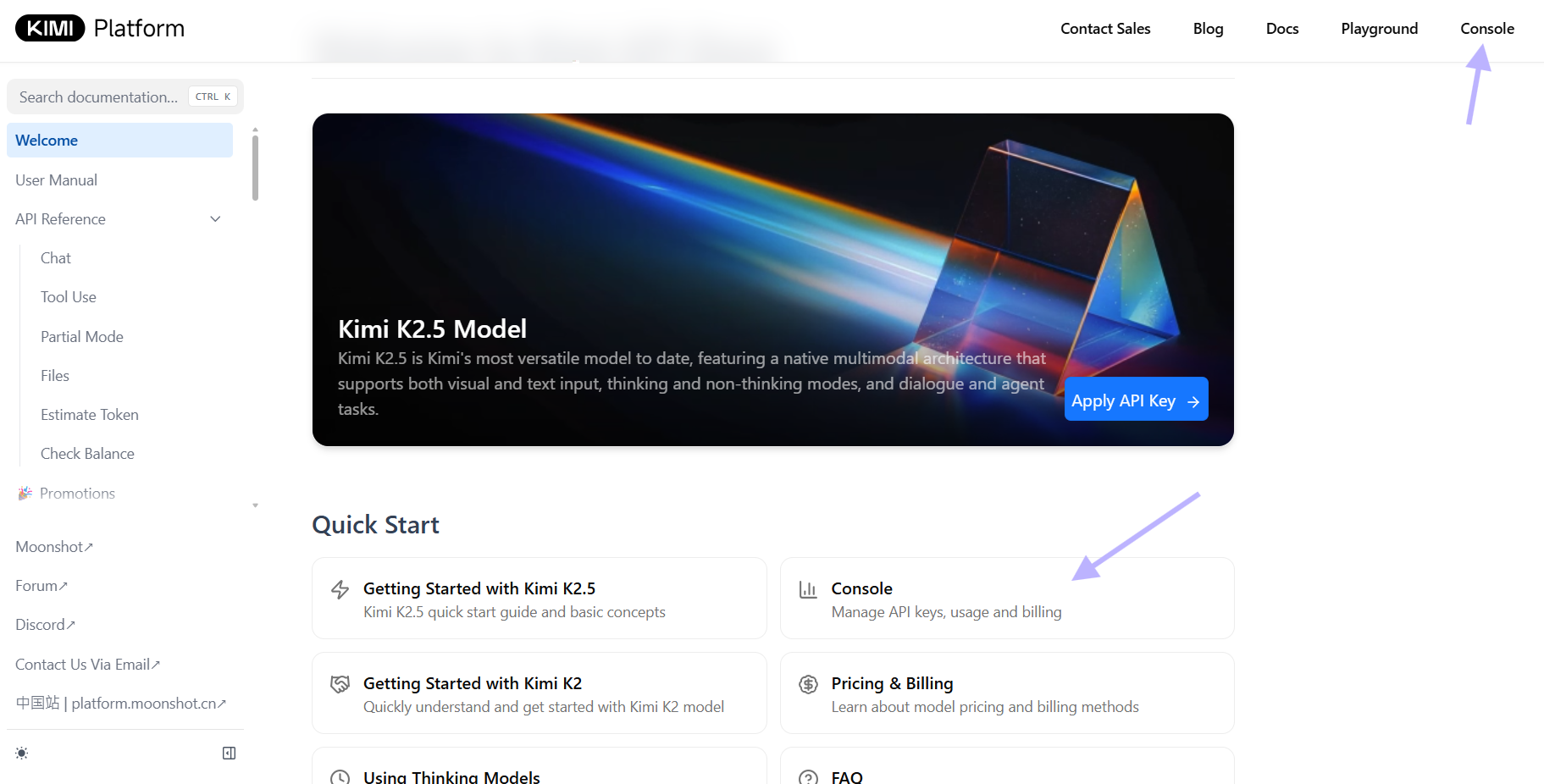
Then, export the following variables in your terminal:
# Route Claude Code to Moonshot's Anthropic-compatible endpoint
export ANTHROPIC_BASE_URL="https://api.moonshot.ai/anthropic"

# Authenticate using your Moonshot key (Claude Code interprets this as Anthropic auth)
export ANTHROPIC_AUTH_TOKEN="YOUR_MOONSHOT_API_KEY"

# Specify Kimi K2.5 as the primary model
export ANTHROPIC_MODEL="kimi-k2.5"

# Ensure fast operations also use K2.5 (avoids model switching errors)
export ANTHROPIC_SMALL_FAST_MODEL="kimi-k2.5"

# Optional: Reduce non-essential API traffic for cleaner logs
export CLAUDE_CODE_DISABLE_NONESSENTIAL_TRAFFIC=1

# Optional: Extend timeout for complex reasoning tasks (10 minutes)
export API_TIMEOUT_MS=600000

# Launch Claude Code
claude
If you operate within mainland China, substitute the base URL:
export ANTHROPIC_BASE_URL="https://api.moonshot.cn/anthropic"
These variables instruct Claude Code to direct all API traffic to Moonshot's servers rather than Anthropic's infrastructure. The ANTHROPIC_AUTH_TOKEN variable accepts your Moonshot key because Claude Code uses this token in the Authorization header, which Moonshot validates against its own key database.
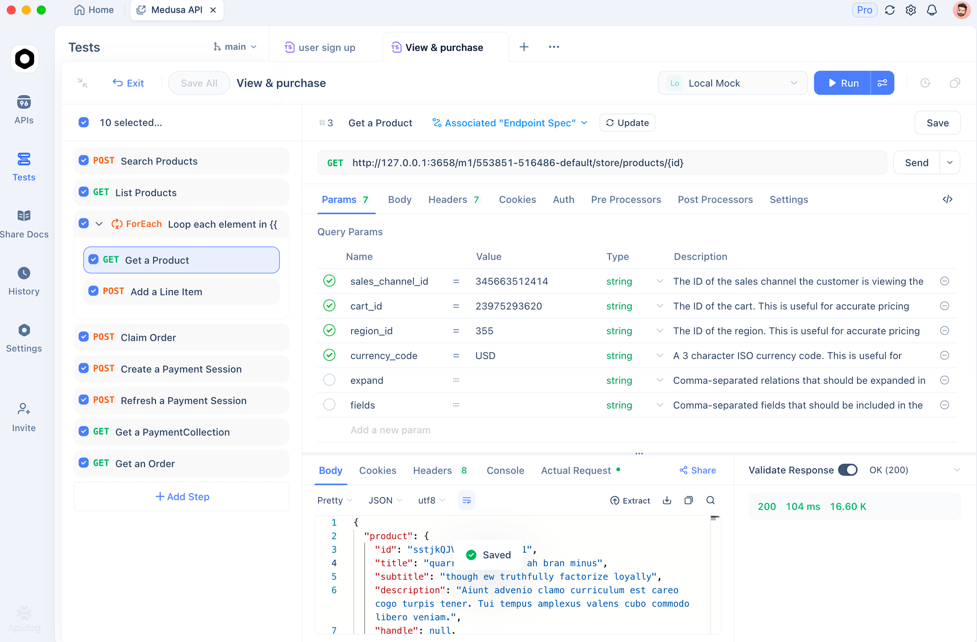
💡Pro Tip: Test your API key in Apidog before editing configuration files. This prevents downtime from authentication errors.
Persistent Configuration with Claude Code's settings.json
Environment variables work for single sessions but maintaining them across terminal restarts proves tedious. Claude Code supports hierarchical JSON configuration through settings.json files, providing persistent, project-specific, or user-global configuration.
Create or edit ~/.claude/settings.json in your home directory:
{
  "$schema": "https://json.schemastore.org/claude-code-settings.json",
  "env": {
    "ANTHROPIC_BASE_URL": "https://api.moonshot.ai/anthropic",
    "ANTHROPIC_AUTH_TOKEN": "YOUR_MOONSHOT_API_KEY",
    "ANTHROPIC_MODEL": "kimi-k2.5",
    "ANTHROPIC_SMALL_FAST_MODEL": "kimi-k2.5",
    "CLAUDE_CODE_DISABLE_NONESSENTIAL_TRAFFIC": "1",
    "API_TIMEOUT_MS": "600000"
  }
}
This configuration applies globally across all projects. However, Claude Code's configuration hierarchy allows granular control:
- Managed settings (
/etc/claude-code/or/Library/Application Support/ClaudeCode/) – Organization-wide policies - User settings (
~/.claude/settings.json) – Your personal defaults - Project settings (
.claude/settings.json) – Shared team configuration - Local project settings (
.claude/settings.local.json) – Personal project overrides
For team environments, commit .claude/settings.json to your repository with shared configuration, while keeping individual API keys in .claude/settings.local.json (which Claude Code automatically gitignes). For example:
.claude/settings.json (committed):
{
  "env": {
    "ANTHROPIC_BASE_URL": "https://api.moonshot.ai/anthropic",
    "ANTHROPIC_MODEL": "kimi-k2.5",
    "ANTHROPIC_SMALL_FAST_MODEL": "kimi-k2.5"
  }
}
.claude/settings.local.json (gitignored, personal):
{
  "env": {
    "ANTHROPIC_AUTH_TOKEN": "YOUR_PRIVATE_MOONSHOT_KEY"
  }
}
After modifying these files, completely exit Claude Code and restart your terminal to ensure the configuration loads fresh. Unlike environment variables, settings.json changes persist across system reboots and apply automatically whenever you launch claude.
Verification and Troubleshooting
Once configured, verify the integration before trusting it with production code. Upon launching Claude Code, initiate a test conversation:
> What model are you currently running, and which API endpoint are you connected to?
Kimi K2.5 should respond with its model identifier and confirm the Moonshot endpoint. If you receive errors, systematically check these common issues:
Authentication Failures (401 errors)
- Verify you use
ANTHROPIC_AUTH_TOKEN(notANTHROPIC_API_KEY) when using third-party endpoints - Confirm your Moonshot API key is active and has available credits
- Ensure the base URL ends with
/anthropic(not/v1or trailing slashes)
Model Recognition Errors
- Check that
ANTHROPIC_MODELandANTHROPIC_SMALL_FAST_MODELboth specifykimi-k2.5 - If Claude Code defaults to Anthropic's models, your environment variables aren't loading—verify your shell exports or JSON syntax
Timeouts During Long Operations
- Increase
API_TIMEOUT_MSbeyond 600000 for extensive refactoring tasks - Add
CLAUDE_CODE_DISABLE_NONESSENTIAL_TRAFFIC=1to reduce background API calls competing with your primary requests
Permission and Context Issues
- If Claude Code prompts for login despite configuration, check that
hasCompletedOnboardingis set totruein~/.claude.json(a known issue on Windows) - Verify no conflicting
ANTHROPIC_API_KEYenvironment variable overrides yourANTHROPIC_AUTH_TOKEN
For debugging, launch Claude Code with verbose logging or check the /doctor command within the CLI to inspect which configuration files loaded and their precedence order.
Optimizing Performance and Reliability When Working with Kimi K2.5
With Kimi K2.5 handling your requests, you can optimize the integration for specific workflows. Kimi K2.5 supports a 256,000-token context window, matching Claude's capabilities for large codebase analysis. However, network latency between your location and Moonshot's servers may differ from Anthropic's infrastructure.
To minimize latency:
- Use the geographic endpoint closest to your location (
api.moonshot.aifor global,api.moonshot.cnfor China) - Enable
CLAUDE_CODE_DISABLE_NONESSENTIAL_TRAFFICto prevent background model calls from consuming bandwidth - Configure appropriate timeout values—Kimi K2.5's reasoning capabilities sometimes require longer processing for complex architectural tasks
Additionally, Kimi K2.5 offers a "thinking mode" that you can control through the same interface. While Claude Code doesn't natively expose thinking budget controls for third-party models, you can adjust the MAX_THINKING_TOKENS environment variable if Moonshot's compatibility layer supports extended reasoning parameters.
For teams managing multiple projects, consider scripting the configuration. Create a shell alias that sets these variables for specific directories:
alias claude-kimi='export ANTHROPIC_BASE_URL="https://api.moonshot.ai/anthropic" && export ANTHROPIC_MODEL="kimi-k2.5" && claude'
This approach lets you switch between Anthropic and Moonshot backends by choosing different aliases or launch scripts depending on project requirements.
Conclusion
Integrating Kimi K2.5 with Claude Code demonstrates the power of API compatibility standards—enabling developers to swap underlying models while preserving superior tooling. By routing Claude Code's Anthropic-compatible requests through Moonshot's infrastructure, you gain access to Kimi K2.5's advanced reasoning capabilities without sacrificing Claude Code's agentic workflow, repository management, or terminal integration.
When working with APIs—whether testing Moonshot's endpoints, debugging Claude Code configurations, or building integrations—streamline your development workflow with Apidog. It provides visual API testing, automatic documentation generation, and collaborative debugging tools that eliminate boilerplate code. Download Apidog today to accelerate your API development and testing processes.