TL;DR
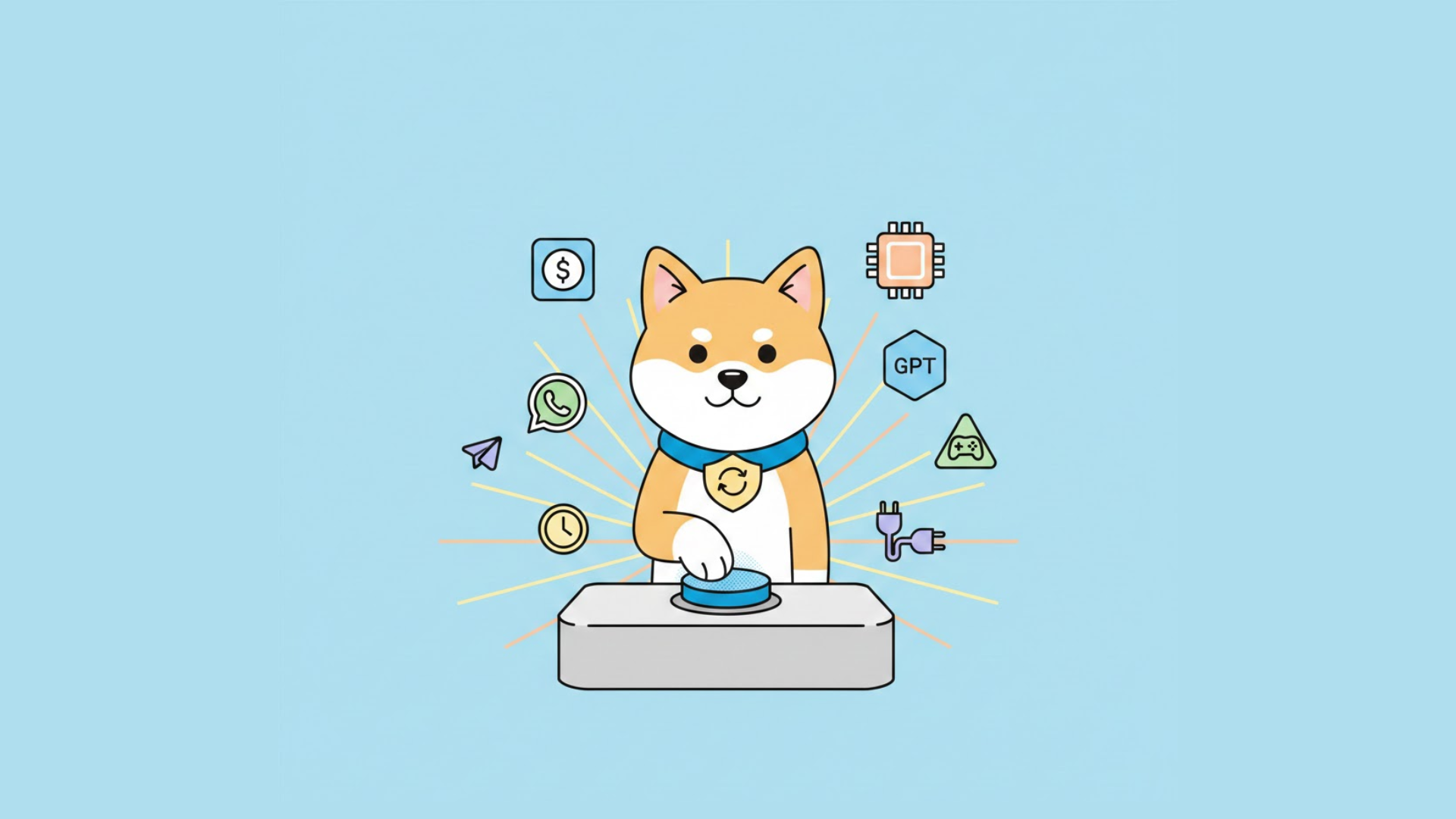
KiloClaw is the hosted version of OpenClaw, you get the same powerful AI agent capabilities but with zero infrastructure management. KiloClaw deploys in under 60 seconds with 500+ AI models and 50+ platform integrations. OpenClaw is free and self-hosted, giving you full control but requiring Docker, server setup, and manual maintenance. Choose KiloClaw for simplicity and team features; choose OpenClaw for maximum control and cost optimization at scale.
Introduction
If you've been following the AI agent space in 2026, you've likely heard of OpenClaw, the open-source project that became the fastest-growing AI project in history, amassing 230,000+ GitHub stars in under two weeks. Created by Peter Steinberger (now at OpenAI), OpenClaw lets you run a personal AI assistant that connects to the tools and platforms you use daily.
But here's the catch: OpenClaw is designed to be self-hosted. That means you need Docker, a server, and some technical know-how to get it running. That's where KiloClaw comes in.
In this guide, we'll break down exactly what distinguishes KiloClaw from OpenClaw, so you can decide which option fits your needs.
What is OpenClaw?
OpenClaw is an open-source AI agent that went viral in February 2026. It started as a personal project called "Clawdbot" and evolved through several name changes (Moltbot, due to trademark concerns with Anthropic) before settling on OpenClaw.
Key Capabilities
OpenClaw functions as your personal AI assistant that runs locally and connects to the tools you already use:
| Capability | Description |
|---|---|
| Multi-Platform Integration | Works with WhatsApp, Telegram, Discord, Slack, Signal, iMessage, Microsoft Teams, Matrix, and 50+ platforms |
| Shell Command Execution | Runs terminal commands, executes scripts, and automates system tasks |
| Browser Control | Navigates websites, fills forms, and extracts data |
| File Management | Reads, writes, and organizes files across your system |
| Persistent Memory | Stores conversation history and user preferences in Markdown files |
| Voice Interaction | Supports voice commands on macOS, iOS, and Android |
| 100+ AgentSkills | Pre-built automation capabilities for common tasks |
Model Support
OpenClaw supports multiple AI providers:
- Anthropic's Claude (including Claude 3.5 Sonnet, Opus 4)
- OpenAI's GPT (GPT-4o, GPT-4 Turbo)
- Google's Gemini
- Any model accessible via OpenAI-compatible APIs
The Trade-off
OpenClaw is free to use, but you're responsible for:
- Server infrastructure (local machine or cloud VPS)
- Docker installation and configuration
- Ongoing maintenance and updates
- Security hardening
- Process monitoring (to restart if it crashes)
What is KiloClaw?
KiloClaw is a fully managed hosting service for OpenClaw, launched by Kilo Code (a platform serving 1.5 million+ developers). It takes the powerful OpenClaw agent and handles all the infrastructure complexity for you.

Core Value Proposition
Instead of spending 30-60 minutes configuring servers, Docker, and environment variables, you can deploy a production-ready OpenClaw instance in under 60 seconds.
Here's what KiloClaw handles automatically:
- Server provisioning and maintenance
- Docker container management
- Security configuration
- Auto-updates
- Process monitoring and auto-restart
- Unified billing through Kilo Gateway
Additional Features
KiloClaw includes several enhancements over the base OpenClaw:
- 500+ AI Models via Kilo Gateway: Access an enormous selection including Claude, GPT, Gemini, and open-source models
- Enterprise Features: SSO, audit logs, team management
- Scheduled Tasks: Automate workflows with cron jobs
- Bring Your Own Keys: Use existing Anthropic/OpenAI/Gemini keys
Feature-by-Feature Comparison
| Feature | KiloClaw (Hosted) | OpenClaw (Self-Hosted) |
|---|---|---|
| Setup Time | Under 60 seconds | 30-60+ minutes |
| AI Models Available | 500+ via Kilo Gateway | 1 at a time (manual switch) |
| Platform Integrations | 50+ pre-configured | 50+ (manual setup each) |
| Auto-Restart on Crash | ✓ Built-in | ✗ Requires supervisor/supervisord |
| Updates | Automatic | Manual (git pull + rebuild) |
| Process Monitoring | Built-in | Manual setup |
| Team Management | ✓ | ✗ |
| SSO | ✓ Enterprise | ✗ |
| Audit Logs | ✓ Enterprise | ✗ |
| Scheduled Tasks | ✓ Built-in | ✗ Requires separate setup |
| Bring Your Own Keys | ✓ Automatic | Manual configuration |
| Unified Billing | ✓ Via Kilo Gateway | ✗ |
| Cost | Compute + token costs | Free (you pay for infrastructure) |
Detailed Breakdown
AI Model Access
KiloClaw: Access 500+ models through Kilo Gateway with unified billing. Switch between models instantly through the dashboard.
OpenClaw: Configure one model at a time in your environment variables. Switching requires editing configuration and restarting the container.
Platform Connections
KiloClaw: Connect platforms through a unified dashboard with OAuth flows for supported platforms.
OpenClaw: Set up each platform individually, generating bot tokens, configuring webhooks, and managing environment variables for each.
Maintenance
KiloClaw: Updates are deployed automatically. If the agent crashes, it restarts within seconds.
OpenClaw: You must manually pull updates, rebuild the Docker image, and set up process supervision (like supervisord) to handle crashes.
Pricing Comparison
KiloClaw Pricing
| Tier | Features | Cost |
|---|---|---|
| Free Trial | 7 days of compute | Free (no credit card) |
| Standard | Pay-as-you-go compute + AI tokens | Usage-based |
| Enterprise | SSO, audit logs, team management | Custom pricing |
AI token costs have zero markup, you pay exactly what the model providers charge.
OpenClaw Costs
| Item | Cost |
|---|---|
| Software | Free (open-source) |
| Server/Cloud | $5-50/month (VPS or cloud VM) |
| AI API Keys | Pay directly to Anthropic/OpenAI/Google |
| Electricity (local) | Minimal |
Break-even point: For personal use, OpenClaw is essentially free (except your time). For teams, KiloClaw's managed hosting often costs less than the labor required to maintain self-hosted infrastructure.
Setup and Deployment
KiloClaw Deployment (60 seconds)
- Visit app.kilo.ai/claw and sign in
- Choose deployment type (Quick Start or Custom)
- Select chat platforms to connect
- Choose AI model (Kilo Gateway or bring your own key)
- Click Deploy
Your AI assistant is live.
OpenClaw Deployment (30-60 minutes)
- Install Docker on your machine or VPS
- Clone the OpenClaw repository
- Create environment configuration file
- Generate and configure bot tokens for each platform
- Build the Docker image
- Set up process supervision (supervisord, systemd)
- Configure firewall and security settings
- Test and verify connectivity
Security and Privacy
KiloClaw Security
- API Key Protection: Keys proxied through Kilo infrastructure, never exposed
- VM Isolation: Each instance runs in an isolated virtual machine
- Network Security: Traffic encrypted in transit
- Sandboxing: Agent actions restricted to intended boundaries
OpenClaw Security
- Full Control: You manage all security configuration
- Local Execution: Data stays on your infrastructure
- Custom Hardening: Implement your own security policies
- No Third-Party Access: Your data never leaves your servers
When to Choose Which
| Concern | Best Choice |
|---|---|
| Data must stay on-premises | OpenClaw |
| Need compliance certifications | KiloClaw (Enterprise) |
| Want latest security patches automatically | KiloClaw |
| Have security team to manage infrastructure | OpenClaw |
Use Case Recommendations
Choose KiloClaw If:
- You're new to self-hosting: You want AI agent capabilities without learning Docker and server management
- You need team features: Multiple people need access, or you require audit logs for compliance
- You value time over money: You'd rather pay for managed hosting than spend hours maintaining infrastructure
- You want enterprise support: Your organization requires SLA guarantees and dedicated support
Choose OpenClaw If:
- You need full control: You want visibility into every aspect of the system
- Data sovereignty is critical: Your data must stay entirely within your infrastructure
- You're cost-optimizing at scale: Running many instances and want to minimize compute costs
- You enjoy self-hosting: You have the skills and time to maintain your own infrastructure
Migration Path
Good news: these aren't mutually exclusive. Many users start with KiloClaw for quick deployment and migrate to OpenClaw (or vice versa) as needs evolve.
From KiloClaw to OpenClaw:
- Export your configuration from KiloClaw dashboard
- Set up Docker on your target infrastructure
- Clone OpenClaw repository
- Apply your configuration
- Update platform webhooks to point to your new instance
From OpenClaw to KiloClaw:
- Document your current configuration (environment variables, platform settings)
- Create KiloClaw account
- Replicate settings in KiloClaw dashboard
- Update platform webhooks to point to KiloClaw
Conclusion
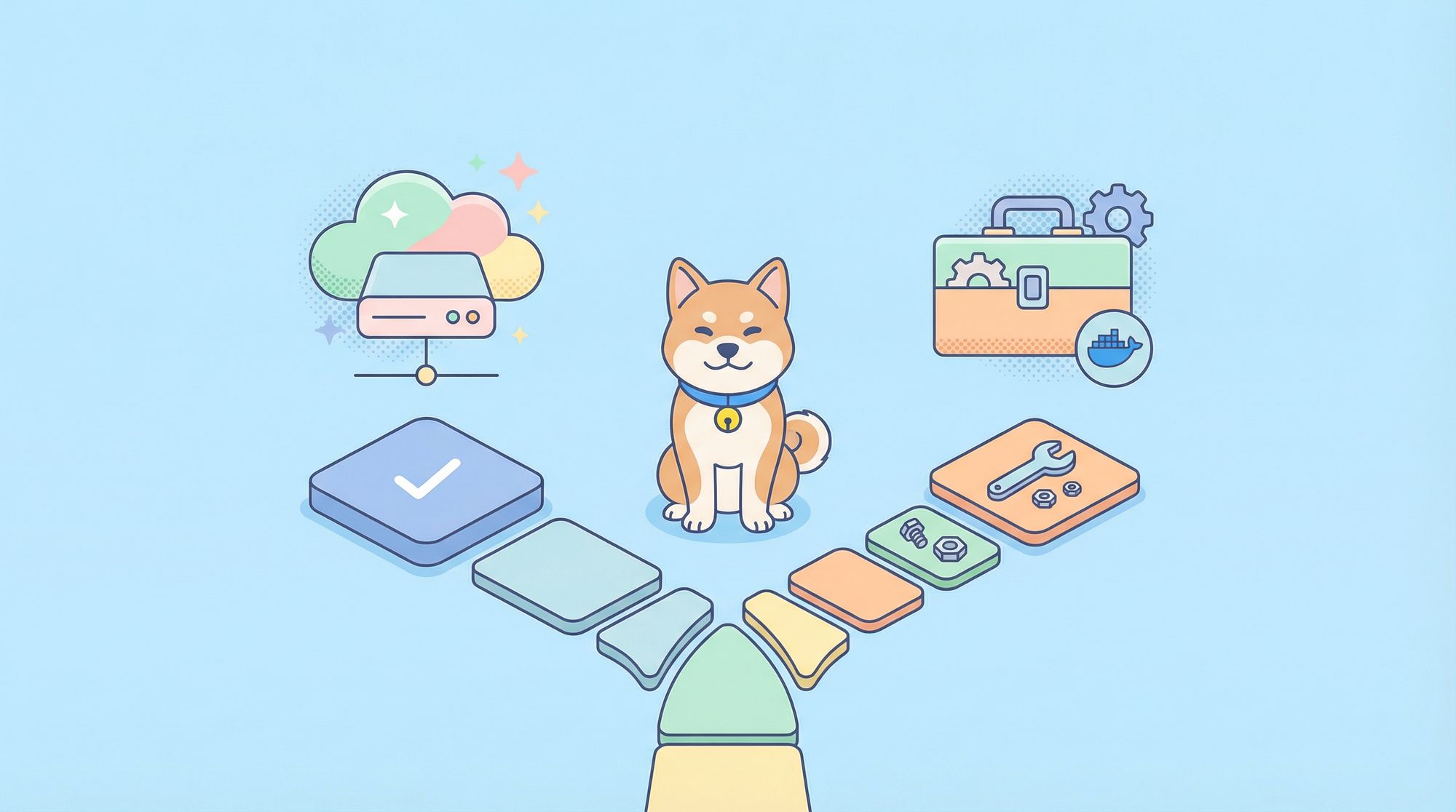
KiloClaw and OpenClaw represent two approaches to the same powerful technology:
- KiloClaw removes the complexity of self-hosting, offering one-click deployment, automatic updates, and team features. It's ideal if you value time savings and simplicity over total control.
- OpenClaw gives you full ownership of your AI agent infrastructure. It's perfect if you have technical skills, need data sovereignty, or want to optimize costs at scale.
Both are excellent choices, it just depends on your priorities. Try KiloClaw's free trial to see if it fits your workflow. If you decide you need more control, OpenClaw is always there.
Ready to get started? Test your AI agent's API integrations with Apidog. Import your Postman collections and debug every request your assistant makes.
FAQ
What is the main difference between KiloClaw and OpenClaw?
KiloClaw is a hosted (managed) version of OpenClaw, you deploy through their dashboard and they handle all infrastructure. OpenClaw is the open-source project you self-host on your own servers or local machine.
Is KiloClaw free to use?
KiloClaw offers 7 days of free compute for new users with no credit card required. After that, you pay for compute time and AI tokens at Kilo Gateway rates (with zero markup on token costs).
Can I use my own API keys with KiloClaw?
Yes. KiloClaw supports bringing your own keys from Anthropic, OpenAI, Google, or any OpenAI-compatible API while using Kilo's infrastructure.
Is OpenClaw difficult to set up?
OpenClaw requires Docker knowledge and typically takes 30-60 minutes to configure properly. You'll need to generate bot tokens for each platform, configure environment variables, and set up process supervision.
Which is better for teams?
KiloClaw is better for teams because it includes team management, audit logs (Enterprise), and SSO. OpenClaw doesn't have built-in collaboration features.
Can I switch from OpenClaw to KiloClaw later?
Yes. You can migrate your configuration between the two. KiloClaw provides an import feature for existing OpenClaw configurations.
Does KiloClaw add any features beyond OpenClaw?
KiloClaw adds 500+ AI models via Kilo Gateway, scheduled tasks, built-in auto-restart, and enterprise features like SSO and audit logs.
Which is more secure?
Both can be secure when properly configured. OpenClaw gives you more control over security, while KiloClaw handles security hardening automatically and provides VM isolation.