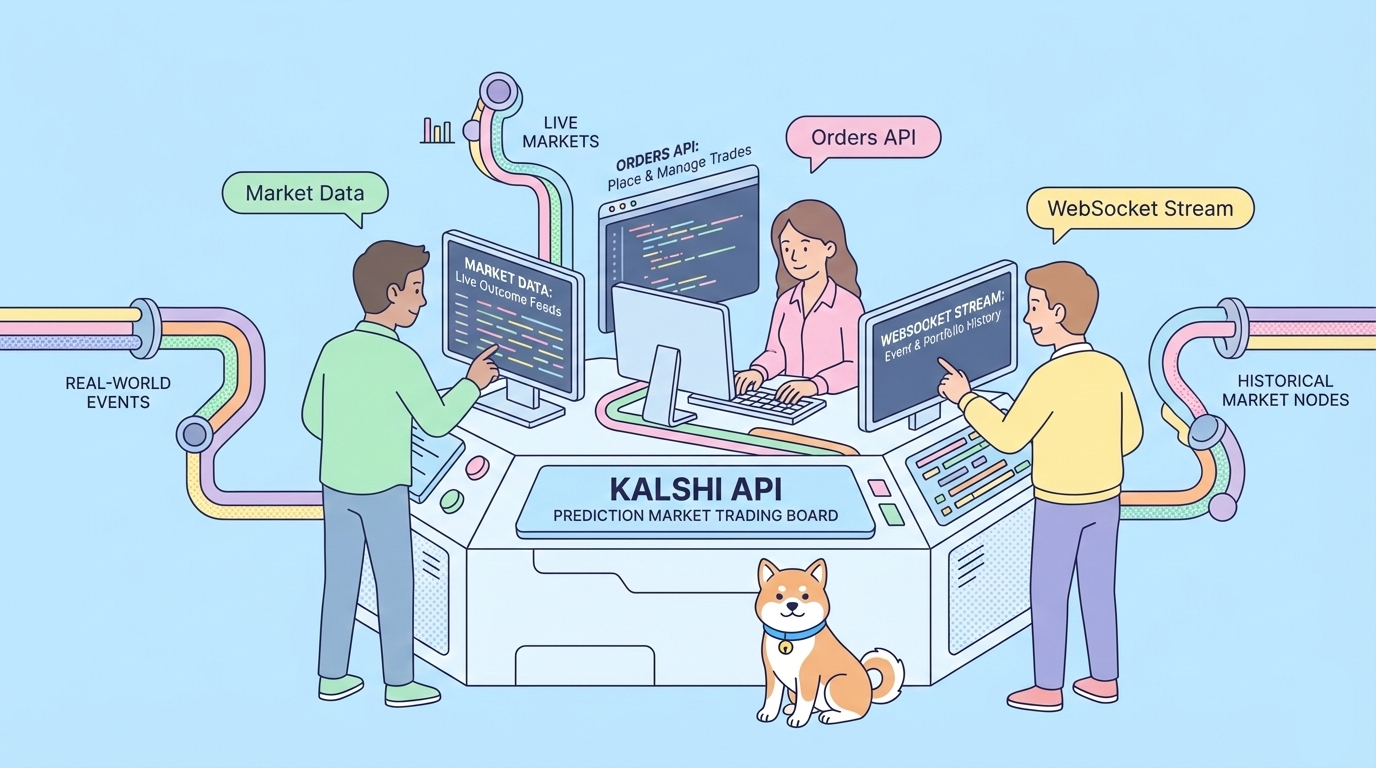
What if you could use institutional-grade APIs on a CFTC-regulated exchange to trade prediction markets programmatically? Offering REST, WebSocket, and FIX 4.4 interfaces to the first federally authorized prediction market in the US, Kalshi does just that. In the first half of 2025 alone, the company produced over $200 million in revenue.
Prediction markets have exploded in popularity, but developers face a choice between regulated infrastructure and crypto-native flexibility. Unregulated platforms operate in legal gray zones, require blockchain wallets, and expose users to smart contract risks. Kalshi eliminates these friction points by operating as a Designated Contract Market under CFTC oversight, offering fiat-based settlement, traditional API patterns, and compliance with U.S. financial regulations. You build trading applications that institutions can actually use.
Table of Contents:
- Understanding Kalshi's Architecture
- Authentication and Setup
- Core API Endpoints
- Real-Time Data with WebSocket
- Kalshi vs Polymarket for Developers
- Conclusion
Understanding Kalshi's Architecture
Kalshi operates as a centralized exchange with self-certified event contracts. Understanding this architecture helps you design robust integrations.
Designated Contract Market Status
Kalshi holds a CFTC license enabling it to offer event contracts legally across all 50 U.S. states. Unlike state-regulated sports betting, Kalshi operates under federal jurisdiction, bypassing the fragmented patchwork of state gambling laws. This status requires strict compliance: every market undergoes CFTC review, settlement follows published rulebooks, and the exchange maintains surveillance systems to detect manipulation.
Central Limit Order Book (CLOB)
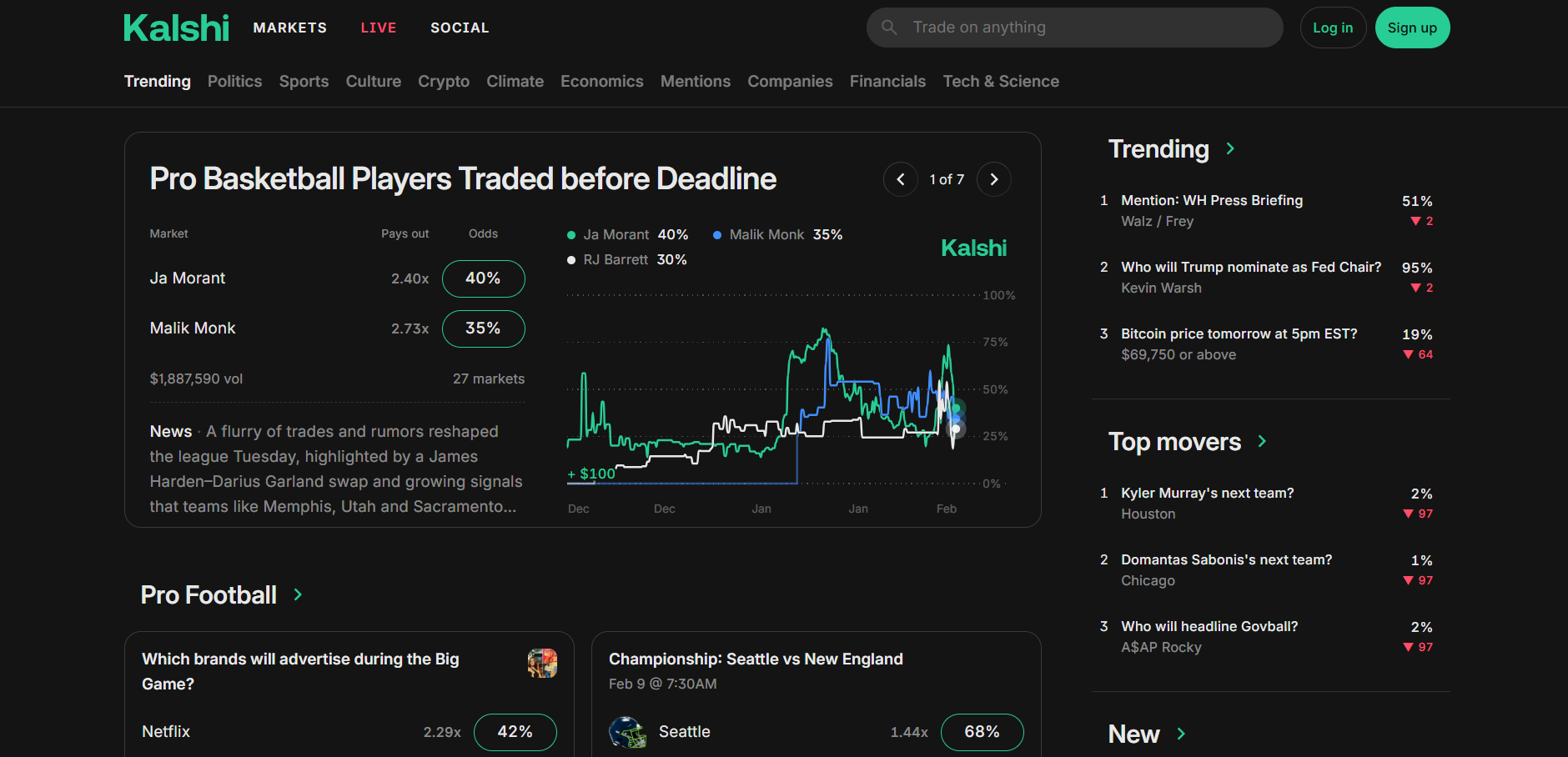
Kalshi matches orders through a traditional CLOB—bids and asks meet at specified prices with visible depth. This differs from automated market makers (AMMs) used by decentralized exchanges. The CLOB provides price transparency, allows limit orders, and enables market making strategies. Market makers receive approximately $35,000 daily in liquidity incentives (annualized ~$12.7 million), ensuring tight spreads even in less active markets.
Event Contracts Structure
Each contract represents a binary outcome: Yes pays $1.00, No pays $0.00. Prices fluctuate between $0.01 and $0.99, reflecting market-implied probabilities. A contract trading at $0.63 implies a 63% chance of the event occurring. Settlement occurs at $1.00 or $0.00 after outcome verification.
Contracts specify exact settlement conditions: the event definition, authoritative data source, and resolution methodology. For example, a "Will CPI exceed 3.5% in January?" contract specifies the exact Bureau of Labor Statistics release and how to interpret seasonal adjustments.
Oracle and Settlement
Kalshi uses a centralized oracle operated by the exchange staff. Outcomes resolve based on official sources—government reports, reputable data providers, or established news organizations. Resolution typically completes within hours of the event conclusion. This centralized model prioritizes speed and clarity over decentralization, with CFTC oversight providing accountability.
Authentication and Setup
Kalshi's authentication requires RSA-signed requests using private keys generated in your account dashboard. This provides cryptographic verification of API calls.
Environment Setup
Kalshi provides two environments:
- Demo:
https://demo-api.kalshi.co/v1— Test with play money - Production:
https://api.kalshi.com/v1— Real trading with USD
Always develop against demo first. The environments are functionally identical, but demo markets may have simulated liquidity.
Generating API Keys
Navigate to Settings → API in your Kalshi dashboard. Create a new key pair:
- Click "Generate API Key"
- Store the API Key ID (starts with
kalshi_prod_orkalshi_demo_) - Download the private key immediately—Kalshi never displays it again
- Secure the private key with file permissions (
chmod 600)
The private key uses RSA-PSS signing. Kalshi provides official SDKs that handle signing automatically, or you can implement it manually using standard cryptographic libraries.
SDK Installation
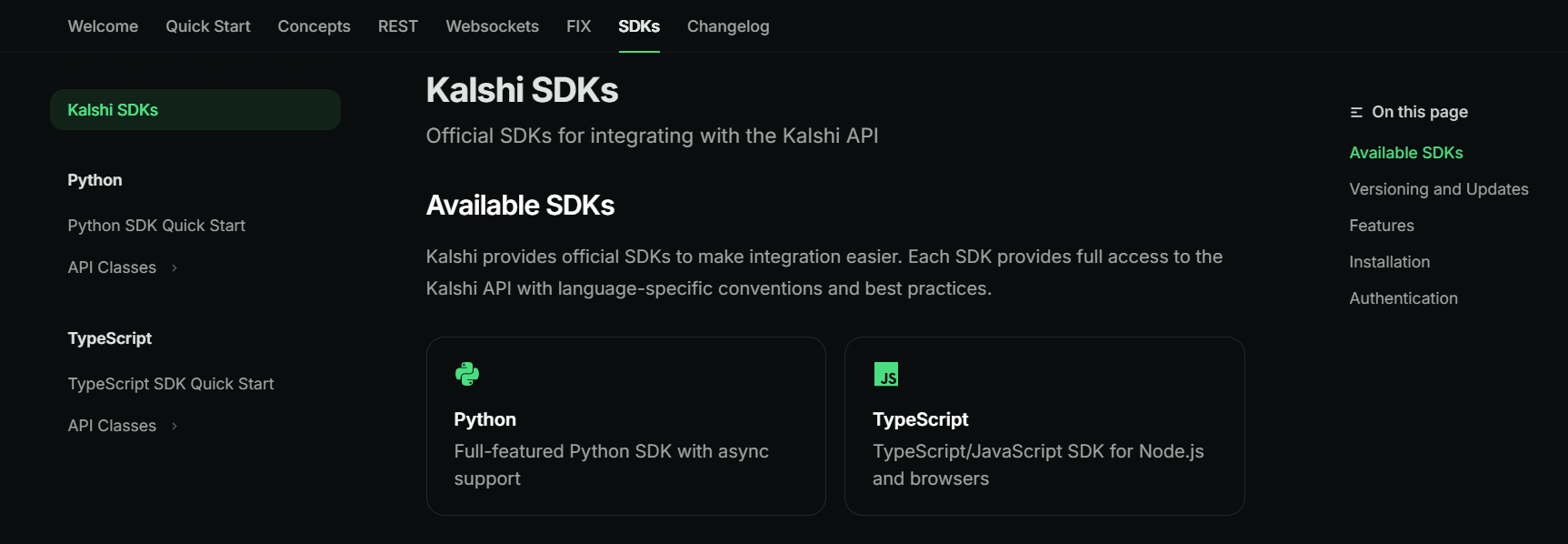
Kalshi offers official SDKs for Python (sync and async) and TypeScript:
# Python synchronous
pip install kalshi-python-sync

# Python asynchronous
pip install kalshi-python-async

# TypeScript/Node.js
npm install @kalshi/sdk
Community SDKs exist for Go and other languages, but official SDKs provide the most reliable signing implementations and type safety.
Manual Authentication (Without SDK)
If implementing custom signing, follow this flow:
import requests
from cryptography.hazmat.primitives import hashes, serialization
from cryptography.hazmat.primitives.asymmetric import padding
import base64
import json
from datetime import datetime, timezone

class KalshiAuth:
    def __init__(self, api_key_id, private_key_path):
        self.api_key_id = api_key_id
        with open(private_key_path, "rb") as key_file:
            self.private_key = serialization.load_pem_private_key(
                key_file.read(),
                password=None
            )
        self.base_url = "https://api.kalshi.com/v1"

    def sign_request(self, method, path, body=None):
        # Create timestamp
        timestamp = datetime.now(timezone.utc).strftime("%Y-%m-%dT%H:%M:%S.%fZ")[:-3] + "Z"

        # Build string to sign
        string_to_sign = f"{timestamp}{method}{path}"
        if body:
            string_to_sign += json.dumps(body, separators=(',', ':'))

        # Sign with RSA-PSS
        signature = self.private_key.sign(
            string_to_sign.encode('utf-8'),
            padding.PSS(mgf=padding.MGF1(hashes.SHA256()), salt_length=32),
            hashes.SHA256()
        )

        return {
            "KALSHI-ACCESS-KEY": self.api_key_id,
            "KALSHI-ACCESS-TIMESTAMP": timestamp,
            "KALSHI-ACCESS-SIGNATURE": base64.b64encode(signature).decode('utf-8'),
            "Content-Type": "application/json"
        }

    def request(self, method, path, body=None):
        url = f"{self.base_url}{path}"
        headers = self.sign_request(method, path, body)

        if method == "GET":
            response = requests.get(url, headers=headers)
        elif method == "POST":
            response = requests.post(url, headers=headers, json=body)
        elif method == "DELETE":
            response = requests.delete(url, headers=headers)

        return response.json()

# Usage
kalshi = KalshiAuth(
    api_key_id="kalshi_prod_abc123",
    private_key_path="~/.kalshi/private_key.pem"
)

# Get markets
markets = kalshi.request("GET", "/markets")
print(markets)
The signing string combines timestamp, HTTP method, path, and JSON body (if present). RSA-PSS with SHA-256 provides cryptographic verification that requests originate from your account.
Token-Based Sessions
After initial authentication, obtain a session token for subsequent requests:
# Login to get session token
login_response = kalshi.request("POST", "/log_in")
session_token = login_response["token"]

# Use token for subsequent requests (valid for 30 minutes)
headers = {
    "Authorization": f"Bearer {session_token}",
    "Content-Type": "application/json"
}
Tokens expire every 30 minutes. Implement automatic refresh logic before expiration to maintain continuous sessions.
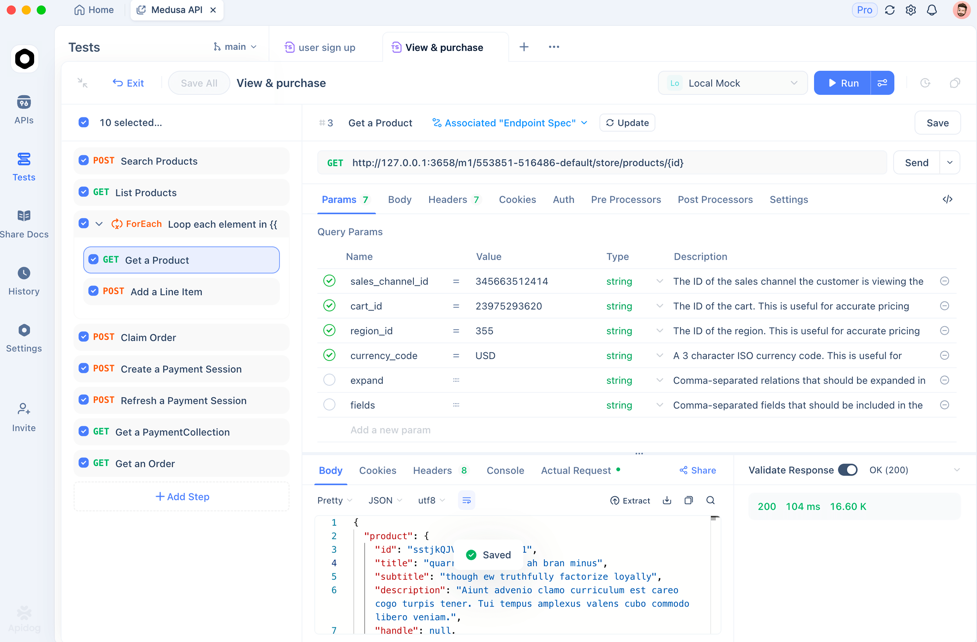
Pro tip: Use Apidog to validate RSA signature generation and test authentication flows without writing custom signing code.
Core API Endpoints
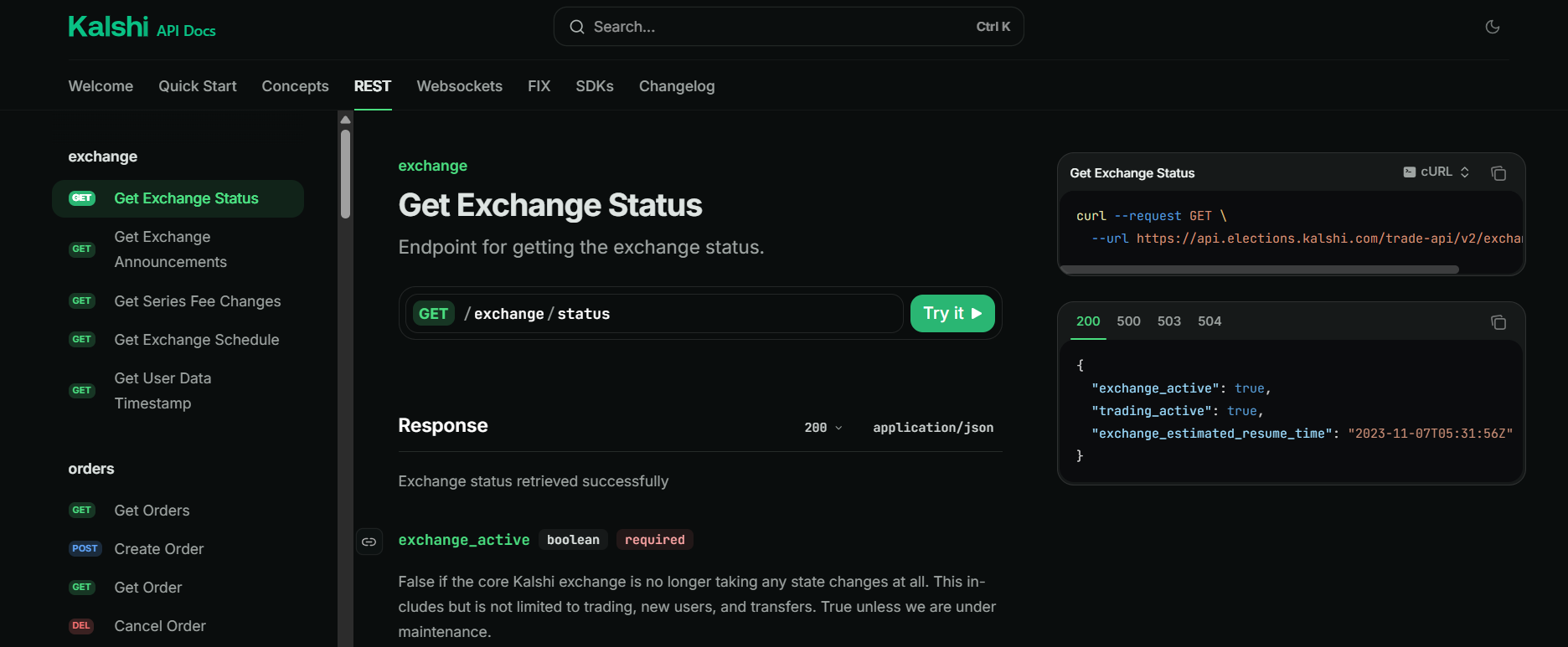
Kalshi's REST API follows standard conventions with logical endpoint structure by resource type.
Market Data (Public)
Retrieve available markets:
curl "https://api.kalshi.com/v1/markets" \
  -H "Content-Type: application/json"
Get specific market details:
curl "https://api.kalshi.com/v1/markets/INXCHI-25JAN31-T69.5" \
  -H "Content-Type: application/json"
The ticker format encodes contract details: INXCHI-25JAN31-T69.5 represents an Inflation/Chicago Fed National Activity Index market expiring January 31, 2025, with a threshold of 69.5.
Query order book depth:
curl "https://api.kalshi.com/v1/markets/INXCHI-25JAN31-T69.5/orderbook" \
  -H "Content-Type: application/json"
The response returns bid and ask levels with quantities, enabling you to assess liquidity before placing orders.
Tip: Apidog's response comparison tools help you verify order book data and track position changes across trading sessions.
Trading Operations (Authenticated)
Place a buy order:
order = kalshi.request("POST", "/orders", {
    "market_id": "INXCHI-25JAN31-T69.5",
    "side": "yes",
    "order_type": "limit",
    "price": 6500,  # $0.65 in cents
    "quantity": 100,  # Number of contracts
    "client_order_id": "my-strategy-001"  # Optional tracking ID
})
Kalshi prices are in cents (1 = $0.01). A limit order at 6500 executes at $0.65 or better.
Cancel an open order:
kalshi.request("DELETE", f"/orders/{order['id']}")
List your open orders:
curl "https://api.kalshi.com/v1/orders" \
  -H "Authorization: Bearer $SESSION_TOKEN"
Portfolio and Account
Check account balance:
curl "https://api.kalshi.com/v1/portfolio/balance" \
  -H "Authorization: Bearer $SESSION_TOKEN"
Retrieve positions:
curl "https://api.kalshi.com/v1/portfolio/positions" \
  -H "Authorization: Bearer $SESSION_TOKEN"
The positions endpoint returns your current holdings across all markets, including unrealized P&L based on last traded prices.
Get trade history:
curl "https://api.kalshi.com/v1/portfolio/fills" \
  -H "Authorization: Bearer $SESSION_TOKEN"
Fills include executed orders with timestamps, prices, and fees paid.
Settlement and Resolution
Query settlement status for expired markets:
curl "https://api.kalshi.com/v1/markets/INXCHI-25JAN31-T69.5/settlement" \
  -H "Authorization: Bearer $SESSION_TOKEN"
After resolution, winning contracts credit $1.00 per share to your account; losing positions settle at $0.00.
Real-Time Data with WebSocket
REST polling introduces latency. Kalshi's WebSocket API streams real-time order book updates, trade executions, and market status changes.
Connecting to WebSocket
const WebSocket = require('ws');

const ws = new WebSocket('wss://api.kalshi.com/v1/ws', {
  headers: {
    'Authorization': `Bearer ${sessionToken}`
  }
});

ws.on('open', () => {
  console.log('Connected to Kalshi WebSocket');

  // Subscribe to order book updates for specific market
  ws.send(JSON.stringify({
    type: 'subscribe',
    channels: ['orderbook:INXCHI-25JAN31-T69.5']
  }));
});

ws.on('message', (data) => {
  const message = JSON.parse(data);

  switch(message.type) {
    case 'orderbook_update':
      console.log('Order book changed:', message.data);
      break;
    case 'trade':
      console.log('Trade executed:', message.data);
      break;
    case 'market_status':
      console.log('Market status:', message.data);
      break;
  }
});

// Heartbeat to maintain connection
setInterval(() => {
  ws.send(JSON.stringify({ type: 'ping' }));
}, 30000);
WebSocket connections require periodic heartbeats (every 30 seconds) to prevent timeout. Implement automatic reconnection logic for production applications.
Subscription Channels
Available channels include:
orderbook:{market_id}— Bid/ask updatestrades:{market_id}— Recent executionsmarket_status:{market_id}— Trading halts, settlementsuser_orders— Your order status changesuser_fills— Your trade executions
Subscribe to multiple channels in a single message for efficient data streaming.
When debugging WebSocket subscriptions, Apidog's message inspection features make it easy to verify channel data formats.
Kalshi vs Polymarket for Developers
Both platforms offer prediction market APIs, but their architectures serve different use cases.
Regulatory Status
Kalshi operates as a CFTC-regulated Designated Contract Market. This provides legal clarity for U.S. users but requires KYC/AML compliance and restricts access to 42 states (excluding Arizona, Illinois, Massachusetts, Maryland, Michigan, Montana, New Jersey, Ohio).
Polymarket recently obtained CFTC approval through acquisition of QCX LLC and holds a DCM license with No-Action Letter. It currently operates internationally with limited U.S. availability pending full rollout. Previously fined $1.4 million for operating without registration (January 2022).
Technical Architecture
Kalshi uses centralized infrastructure with off-chain order matching and fiat USD settlement. API access follows traditional patterns: REST over HTTPS, WebSocket for streaming, FIX 4.4 for institutional trading. Response times measured in milliseconds.
Polymarket operates on Polygon blockchain with hybrid CLOB architecture—off-chain order matching, on-chain settlement via Conditional Tokens Framework. Integration requires blockchain interaction: EIP-712 signed orders, smart contract calls, USDC transactions. Settlement finality requires blockchain confirmation (seconds to minutes).
Authentication Models
Kalshi uses RSA-PSS signed requests with API keys, token-based sessions expiring every 30 minutes. Requires secure private key storage and cryptographic signing.
Polymarket uses blockchain wallet signatures (MetaMask, WalletConnect). Users sign orders with private keys controlling their Polygon addresses. No session tokens—each transaction requires fresh signature.
Settlement Currency
Kalshi settles in USD via bank transfer, ACH, debit card, PayPal, Apple Pay, Google Pay. Minimum withdrawal typically $10. Processing time 1-3 business days for ACH, faster for wires.
Polymarket settles in USDC on Polygon blockchain. Instant settlement upon resolution, but requires crypto wallet and on-ramp/off-ramp infrastructure. Gas fees apply for withdrawals.
API Protocols
Kalshi offers three protocols:
- REST: Standard HTTP for all operations
- WebSocket: Real-time streaming for market data and order updates
- FIX 4.4: Industry-standard protocol for institutional high-frequency trading
Polymarket requires:
- GraphQL: Flexible queries for blockchain data
- EIP-712: Typed data signing for orders
- Smart Contract Calls: Direct blockchain interaction for settlement
Use Case Recommendations
Choose Kalshi for:
- Institutional trading desks requiring regulatory compliance
- Applications serving U.S. retail users
- Fiat on/off ramps without crypto complexity
- Low-latency algorithmic trading
- Traditional finance integrations
Choose Polymarket for:
- DeFi protocols requiring smart contract composability
- Global users outside U.S. jurisdictions
- Crypto-native applications with existing wallet infrastructure
- Rapid market creation (hours vs. days for approval)
- On-chain verification and transparency
Integration Complexity
Kalshi integration requires 2-4 weeks for basic market data and trading functionality, assuming REST API experience. The familiar HTTP patterns reduce learning curve.
Polymarket integration requires 3-6 months for production-ready smart contract markets, including security auditing ($50K-$200K budget), oracle integration, and liquidity bootstrapping. Blockchain expertise is mandatory.
Cost Structure
Kalshi charges trading fees based on expected earnings (0.7-3.5%, averaging 0.8%). API access is free—you only pay trading fees. No withdrawal fees for ACH.
Polymarket charges 0.01% taker fee on core markets, with gas fees for blockchain transactions. No fees on some markets, but network costs apply.
Conclusion
Kalshi's API provides regulated access to prediction markets through familiar REST and WebSocket protocols. You authenticate with RSA-signed requests, trade event contracts via central limit order book, and settle in USD through traditional banking. The CFTC oversight ensures legal compliance for U.S. applications, while the $200 million revenue run rate demonstrates institutional viability.
Start with the demo environment to test integration patterns. Implement proper key management and request signing before moving to production. Use WebSocket streaming for real-time applications requiring low latency. Monitor the 30-minute token expiration and implement refresh logic for continuous operation.
Get started with Apidog today—import your Kalshi API endpoints in seconds and start testing your prediction market strategies with zero configuration.