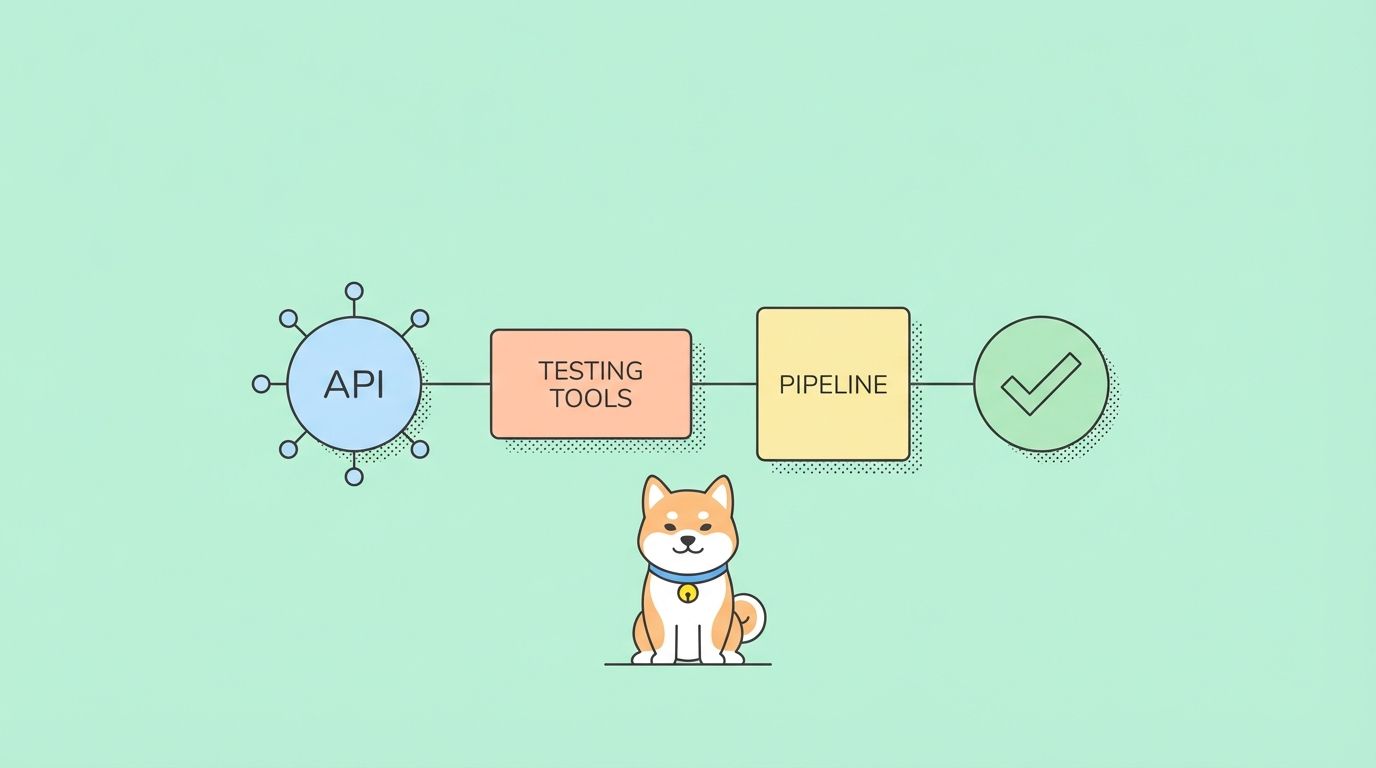
Are you searching for a JavaScript web framework that's blazingly fast, lightweight, and easy to use across any environment? Meet Hono.js—a rising star designed for API developers and backend engineers who need performance without complexity. Whether you're building APIs, microservices, or scalable serverless apps, Hono.js empowers you to deliver more with less code.
💡 Looking for a seamless API development workflow? Create stunning API documentation, boost your team's productivity, and transition smoothly from Postman with Apidog—the all-in-one platform for modern API teams.
What is Hono.js?
Hono (meaning "flame" 🔥 in Japanese) is a minimal, ultrafast JavaScript web framework built on Web Standards. It runs everywhere JavaScript runs: Cloudflare Workers, Deno, Bun, Node.js, Vercel, AWS Lambda, and more. By using familiar APIs like Request, Response, and fetch, Hono lets you write portable code that deploys anywhere—making it ideal for cloud-native API development.
A basic Hono app looks like this:
import { Hono } from 'hono'
const app = new Hono()

app.get('/', (c) => c.text('Hono!'))

export default app
If you want simplicity, speed, and flexibility, Hono.js is worth your attention.
Getting Started: Installing Hono.js with Bun
Prerequisites
- Bun installed (see official Bun website)
- Basic JavaScript or TypeScript knowledge
Set Up a New Hono.js Project
The fastest path: use Bun’s scaffolding tool.
bun create hono@latest my-hono-app
- Choose the
buntemplate when prompted. - Move into your project directory and install dependencies:
cd my-hono-app
bun install
Adding Hono to an Existing Bun Project
Already have a Bun project? Add Hono with:
bun add hono
Building Your First Hono.js Application
Let's create a simple "Hello Hono!" API endpoint.
- Create or open
src/index.ts(TypeScript is recommended):
import { Hono } from 'hono'

const app = new Hono()

app.get('/', (c) => {
  return c.text('Hello Hono!')
})

export default app
- Run your app in development mode:
bun run dev
By default, your server runs at http://localhost:3000 and responds with "Hello Hono!".
Changing the Port
You can specify a different port in your export:
export default {
  port: 8080,
  fetch: app.fetch,
}
Now your server runs at http://localhost:8080.
Designing Robust APIs with Hono.js
Hono makes API development intuitive and productive for backend engineers.
Route Basics and Parameters
- GET Route:
app.get('/hello', (c) => c.text('Hello, world!'))
- Path Parameters:
app.get('/users/:id', (c) => {
  const userId = c.req.param('id')
  return c.text(`User ID: ${userId}`)
})
- Query Parameters:
app.get('/search', (c) => {
  const category = c.req.query('category')
  const limit = c.req.query('limit')
  return c.text(`Searching in category: ${category}, Limit: ${limit}`)
})
RESTful API Example
Create a mini blog API:
app.get('/posts', (c) => {
  const posts = [
    { id: '1', title: 'Getting Started with Hono' },
    { id: '2', title: 'Advanced Hono Techniques' },
  ];
  return c.json(posts)
})

app.get('/posts/:id', (c) => {
  const id = c.req.param('id')
  const post = { id, title: `Post ${id}`, content: 'This is the content...' }
  return c.json(post)
})

app.post('/posts', async (c) => {
  const body = await c.req.json()
  return c.json({ message: 'Post created successfully!', data: body }, 201)
})

app.put('/posts/:id', async (c) => {
  const id = c.req.param('id')
  const body = await c.req.json()
  return c.json({ message: `Post ${id} updated successfully!`, data: body })
})

app.delete('/posts/:id', (c) => {
  const id = c.req.param('id')
  return c.json({ message: `Post ${id} deleted successfully!` })
})
Context Object (c): Request & Response
c.req.url,c.req.method,c.req.header(),c.req.param(),c.req.query()c.text(),c.json(),c.html(),c.redirect(),c.notFound()
Add Custom Response Headers:
app.get('/custom-header', (c) => {
  c.header('X-Powered-By', 'HonoJS-Flame')
  c.header('Cache-Control', 'no-cache')
  return c.text('Check the response headers!')
})
Middleware in Hono.js: Power and Flexibility
Middleware is essential for logging, authentication, validation, and more in scalable APIs.
Using Built-in Middleware
- Logger, ETag, and Pretty JSON:
import { logger } from 'hono/logger'
import { etag } from 'hono/etag'
import { prettyJSON } from 'hono/pretty-json'

app.use(logger())
app.use(etag())
app.use(prettyJSON())
- Other Useful Middleware:
cors(CORS support)basicAuth(Basic authentication)jwt(JWT authentication)compress(Response compression)cache(HTTP caching)secureHeaders,bodyLimit, and more
Writing Custom Middleware
Request Timing Example:
app.use(async (c, next) => {
  const start = Date.now()
  await next()
  const ms = Date.now() - start
  c.header('X-Response-Time', `${ms}ms`)
})
API Key Authentication Example:
import { HTTPException } from 'hono/http-exception'

const API_KEY = "supersecretapikey"

const apiKeyAuth = async (c, next) => {
  const apiKeyHeader = c.req.header('X-API-KEY')
  if (apiKeyHeader === API_KEY) {
    await next()
  } else {
    throw new HTTPException(401, { message: 'Unauthorized: Invalid API Key' })
  }
}

app.use('/api/v1/*', apiKeyAuth)
- Test with and without the API key header to verify access control.
Improving Reusability with Factory Middleware:
Organize your middleware into separate files using createMiddleware from hono/factory for modular and type-safe code.
Testing Hono.js APIs with Bun and Modern Tools
Quality API development requires solid testing. Hono and Bun make this easy for backend and QA engineers.
Using Bun’s Test Runner
- Basic Usage:
// src/index.test.ts
import { describe, expect, it } from 'bun:test'
import app from '.'

describe('Hono API', () => {
  it('GET / returns Hello Hono!', async () => {
    const req = new Request('http://localhost/')
    const res = await app.fetch(req)
    expect(res.status).toBe(200)
    expect(await res.text()).toBe('Hello Hono!')
  })
})
- Run tests:
bun test
Using Hono’s app.request()
Simplify tests by directly calling routes:
const res = await app.request('/posts')
expect(res.status).toBe(200)
const json = await res.json()
Type-Safe Testing with testClient()
For advanced, type-safe API testing, use testClient from hono/testing and validators like Zod:
import { testClient } from 'hono/testing'
import appWithChainedRoutes from './app-for-test-client'

const client = testClient(appWithChainedRoutes)
const res = await client.search.$get({ query: { q: 'hono rocks' } })
expect((await res.json()).query).toBe('hono rocks')
This approach enables autocompletion and enforces API contract correctness—critical for large API teams.
Why Fast, Reliable API Development Matters
For API developers, productivity and reliability are everything. Hono.js gives you:
- Ultrafast startup and response times
- Minimal dependencies, easy to audit and maintain
- First-class TypeScript support
- Seamless portability across serverless, edge, and traditional environments
When paired with tools like Apidog, you can design, test, and document APIs in record time, ensuring your team delivers at scale.
💡 Generate beautiful API documentation, collaborate efficiently, and move beyond Postman with Apidog—trusted by leading development teams.
Conclusion
Hono.js is a modern web framework that delivers speed, portability, and simplicity for API and backend development. Its minimal core, intuitive routing, and robust middleware make it the perfect fit for teams who value efficiency and maintainability. Combine Hono.js with Apidog’s integrated API tools to accelerate your workflow from design to deployment.
Explore advanced features like server-side rendering, database integration, and RPC-style APIs as you grow. Check out the official Hono documentation and stay ahead in the world of modern API development.