Creating professional-grade video content has traditionally required expertise in cinematography, editing, and sound design, making it complex and costly for most developer teams. Generative AI is rapidly changing that landscape. With models like Google Veo 3, you can now produce cinematic video, b-roll, marketing assets, or animated explainers directly from text or image prompts—no film crew required.
For API developers and product-focused engineering teams, integrating AI-generated video into workflows is now a real possibility. This guide explains how Google Veo 3 works, outlines practical ways to access the API via Vertex AI, and shares best practices for prompt engineering. If your team builds or tests APIs, you’ll also see why an all-in-one API platform like Apidog is the ideal companion for rapid prototyping and collaboration.
What is Google Veo 3? Key Features for API Developers
Veo 3 is Google DeepMind’s latest video generation model, available through Vertex AI. It enables developers to create high-quality, realistic videos from both text and image inputs, with support for built-in speech and audio. Notable upgrades for technical teams include:
- Superior Video Realism: Veo 3 generates sharper textures, smoother motion, and more accurate translations of complex prompts—crucial for projects requiring production-quality output.
- Integrated Speech Generation: Add dialogue or narration directly into AI-generated video, streamlining workflows for training, marketing, or product demos.
- Rapid Iteration: According to early adopters like Klarna, tasks that once took weeks can now be scaled down to hours, enabling agile content development.
Google Veo 3 realism just broke the Internet yesterday. This is 100% AI. 10 wild examples: 1. Street interview that never happened
— Min Choi (@minchoi) May 22, 2025
For teams already using API-driven tools, Veo 3’s API-first approach fits naturally into CI/CD pipelines and content automation strategies.
How to Access Google Veo 3 API: Step-by-Step Methods
Below are three proven ways for technical users and developer teams to start using Google Veo 3 through Vertex AI.
Method 1: Generate Videos with Google Flow
Google Flow is a dedicated AI filmmaking tool built for rapid prototyping with Veo, Imagen, and Gemini models. It’s ideal for developers who want to skip manual API calls and leverage an intuitive, prompt-driven UI.
Flow – Where the next wave of storytelling happens with Veo.

Flow Highlights:
- Natural-Language Prompting: Use Gemini-powered prompts to describe your video vision.
- Camera & Scene Control: Fine-tune camera angles, motion, and scene continuity.
- Asset Management: Organize video elements and prompts efficiently.
- Community Showcase: Browse Flow TV for prompt inspiration and shared techniques.
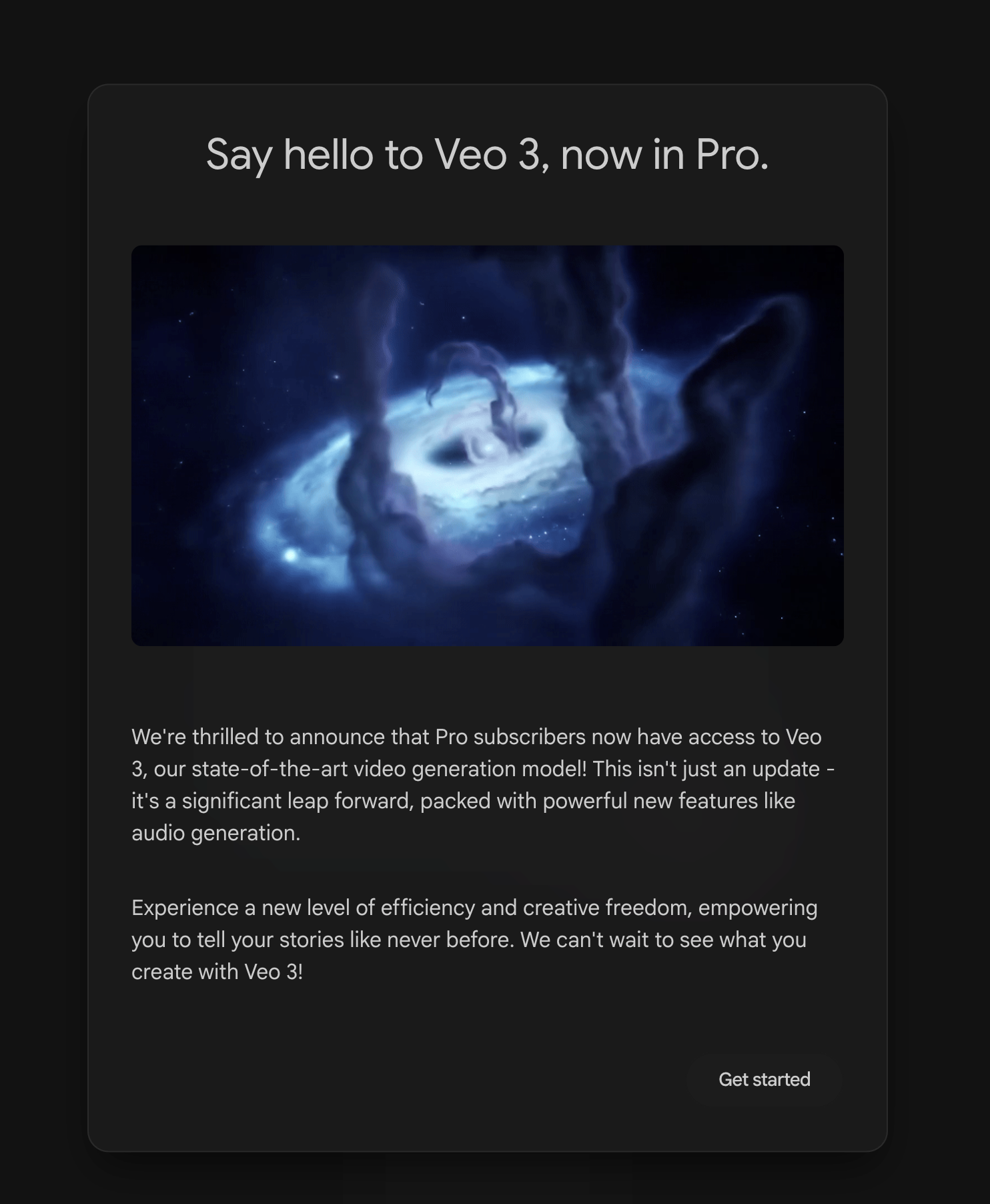
Pricing & Access:
- AI Pro Plan: 100 generations/month, standard Flow features.
- AI Ultra Plan: Highest limits, early access to Veo 3, and native audio generation (environmental sounds, character dialogue).
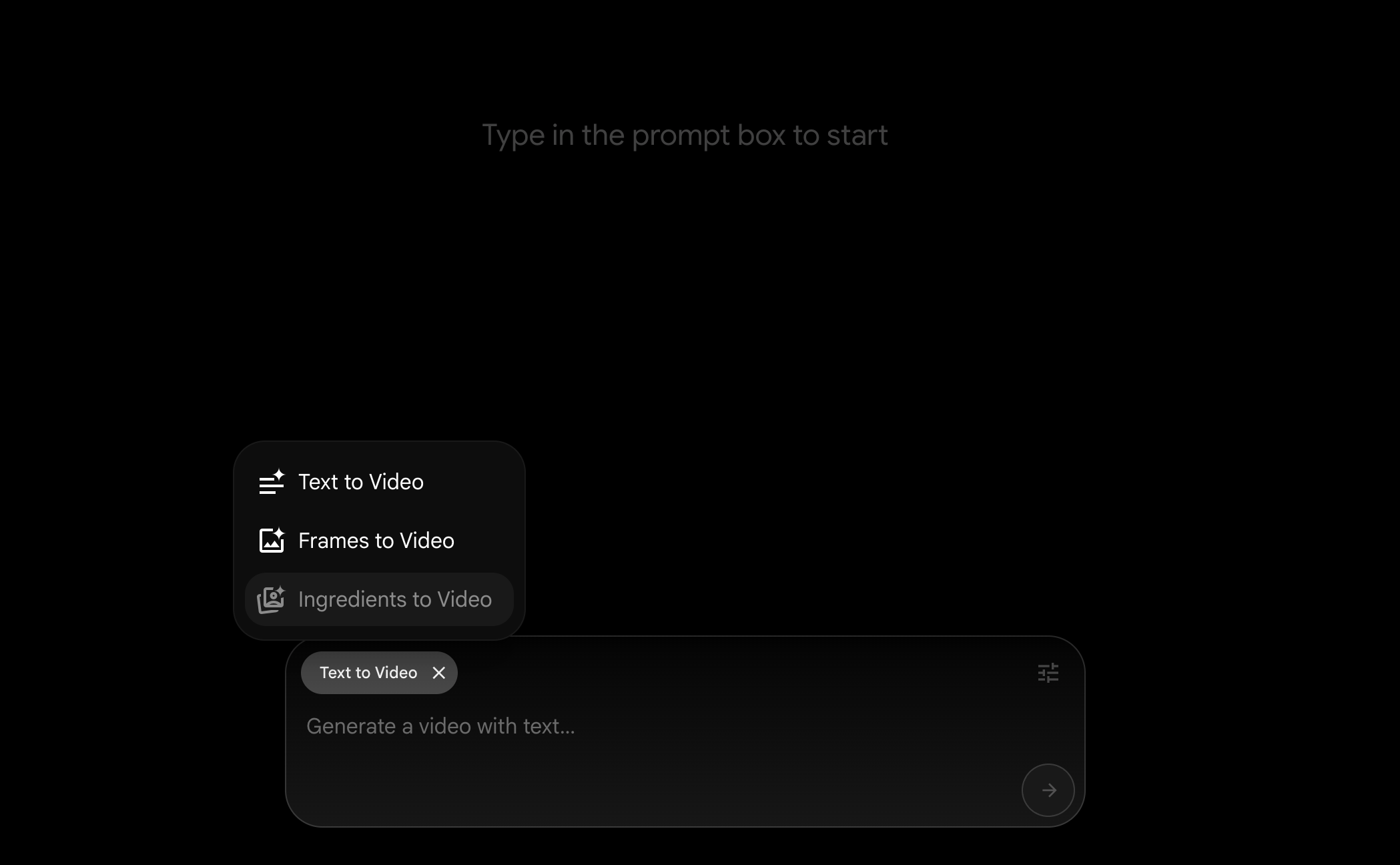
Availability: Flow is currently for U.S. subscribers, with global rollout planned.
Best for: Teams needing fast, UI-driven video prototyping without direct API integration.
Method 2: Use Google Cloud’s $300 Free Credits
Cloud Computing Services | Google Cloud


If you want direct API access for programmatic video generation, Google Cloud offers $300 in free credits for new accounts—ideal for experimentation and proof-of-concept builds.
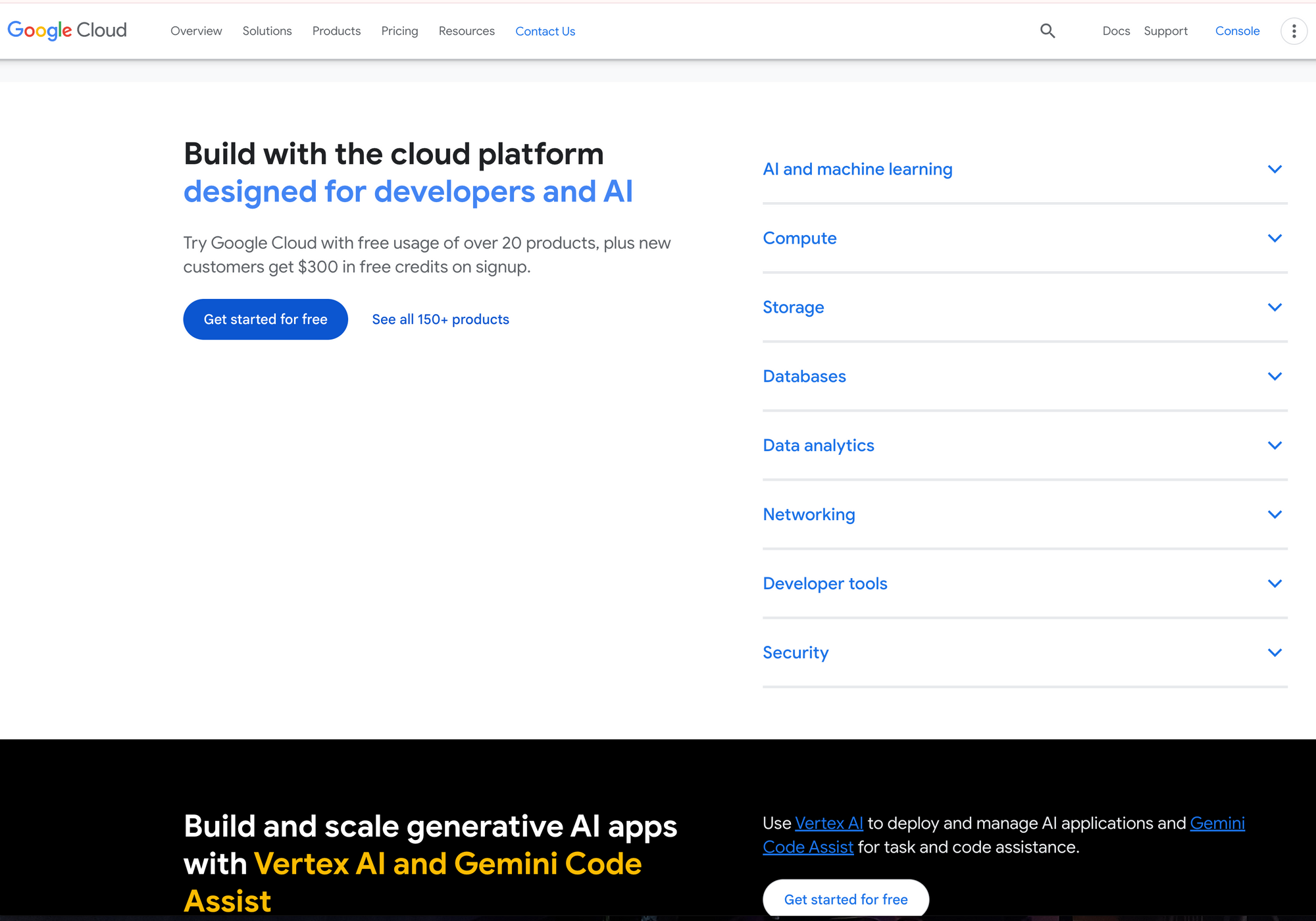
Quick Start Steps:
- Create a Google Cloud account – Requires identity verification.
- Set up a new project in the Google Cloud console.
- Enable the Vertex AI API for your project.
- Apply Credits to test Veo 3 and other Vertex AI models.
0
Accessing Veo 3 via API
- Model Name:
veo-3.0-generate-preview(Preview status, allowlist required) - Capabilities: Text-to-video and image-to-video
- Limits: 16:9 aspect ratio, 720p, 24 FPS, max 8 seconds, 10 requests/minute/project
See the Official Docs – Veo 3 Generate 001 Preview allowlist
1
2
Note: You must join the waitlist for preview access.
Method 3: Student Discounts for Google AI Pro
3
If you’re a student or educator, special pricing or free access may be available.
How to Access:
- Sign up for a Google One plan
Google AI Plans and Features – Google One
4
5 - Choose the “15 Month free” option for University Students.
- Verify with your educational email and documentation.
- Once approved, access Veo 3 via Google Gemini’s Video Option.
6
7
8
Notes:
- Eligibility varies by region and institution.
- If you see “This account isn’t eligible for Google AI Pro plan,” check your status or institution’s partnership.
Best Practices: Writing Effective Prompts for Veo 3
9
Veo 3’s output quality is tightly linked to your prompt engineering. For developer teams, crafting precise prompts can mean the difference between generic output and content tailored to your use case.
Prompt Tips:
- Be Specific: Include details on subjects, actions, setting, camera style, and desired mood.
- Integrate Sound: For supported models, specify dialogue or sound effects.
- Use the Built-in Prompt Rewriter: Veo enhances prompts automatically to improve video quality, especially if they’re short or vague. For
veo-3.0-generate-preview, this enhancement is always enabled.
Sample Prompt (for an API demo):
A software engineer presenting a new API product on a modern stage, smooth camera pan, audience clapping, professional lighting, upbeat mood. Include voice-over: “Introducing our all-in-one API testing platform.”
API Note: For other models, you can disable prompt enhancement by setting enhancePrompt=false in your API call. For Veo 3 preview, this setting is mandatory.
Integrating Veo 3 into API Workflows with Apidog
💡Want a great API Testing tool that generates beautiful API Documentation? Need an integrated, all-in-one platform for your developer team to maximize productivity? Apidog combines collaboration, API testing, and documentation—offering a streamlined alternative to Postman at a better price. If your team is building video generation applications or automating content pipelines, Apidog’s robust API management features accelerate your workflow.
API credits cost real money, though, and it's worth prototyping before you commit — there are ways to use Google Veo 3 for free while you validate your use case.
To see where Veo 3 sits in the broader landscape,a head-to-head benchmark against Seedance 1.0maps quality, latency, and cost across both APIs so you can choose the right model for your pipeline.
Once you have Veo 3 integrated into your pipeline,a head-to-head comparison between Hailuo AI and Veo 3 can help you benchmark output quality and decide which model fits each production use case.
Conclusion
Google Veo 3 unlocks advanced video generation for developer teams via Vertex AI and intuitive tools like Flow. With a range of access options, built-in prompt enhancement, and robust API capabilities, Veo 3 makes AI-powered video creation accessible for technical workflows. For teams focused on API integration, platforms like Apidog provide the essential tooling to document, test, and collaborate on your next video AI project—helping you move from prototype to production with speed and confidence.