Google Genie 3 represents a monumental leap in generative AI. Google Genie 3 creates entire interactive 3D worlds from simple text prompts or single images. Where previous models generated static content, Google Genie 3 builds explorable environments with physics, objects, and real-time interaction. Google Genie 3 doesn't just imagine worlds; it simulates them.
Google DeepMind unveiled Google Genie 3 as the successor to Genie 2, and the improvements are staggering. Google Genie 3 generates persistent worlds that maintain consistency as users navigate through them. Google Genie 3 understands spatial relationships, object permanence, and environmental logic. This makes Google Genie 3 the most capable world-generation AI ever released.
What Is Google Genie 3?
Google Genie 3 Overview
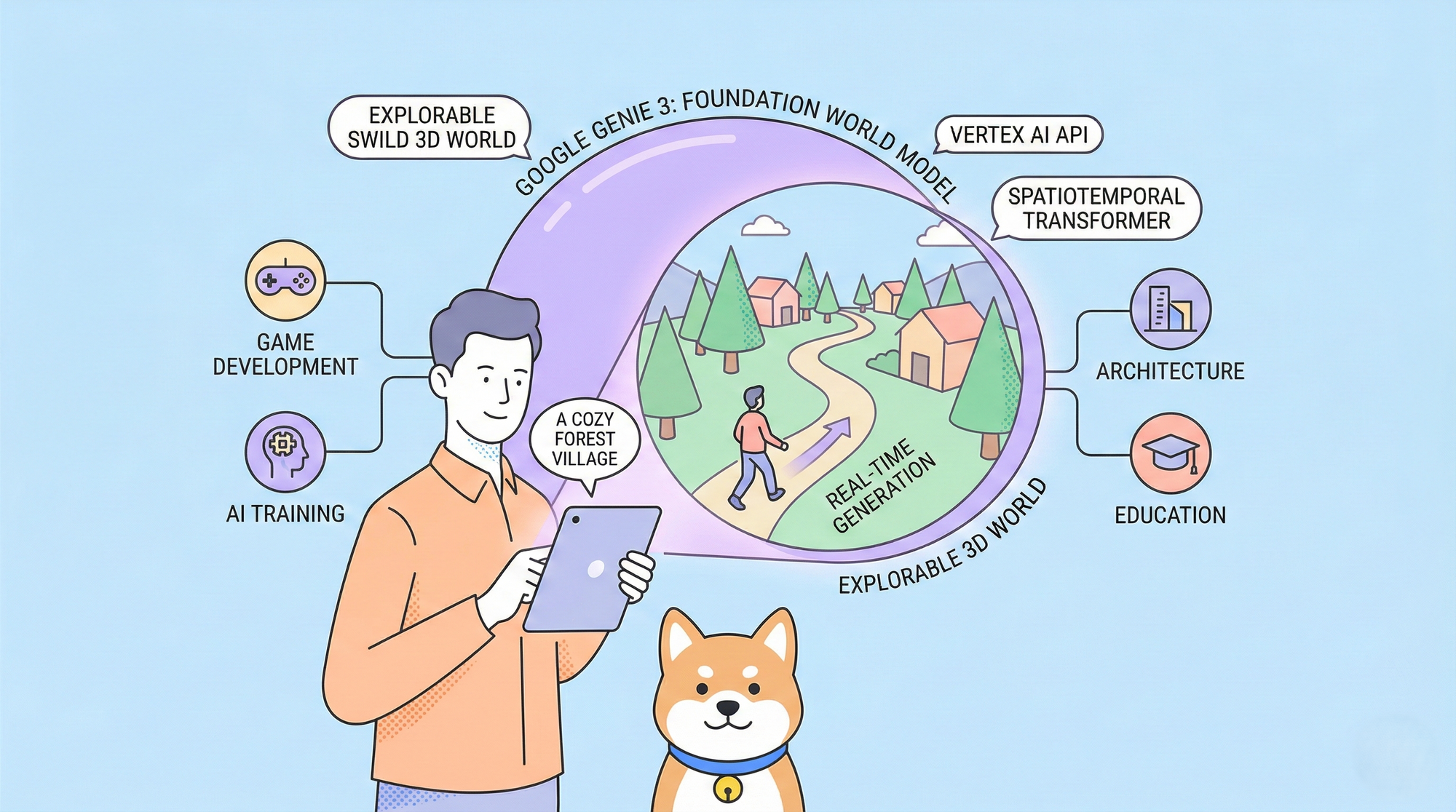
Google Genie 3 is a foundation world model developed by Google DeepMind. Google Genie 3 generates interactive, explorable 3D environments from minimal input. Unlike image generators that produce static pictures, Google Genie 3 creates worlds you can move through, interact with, and modify in real time.
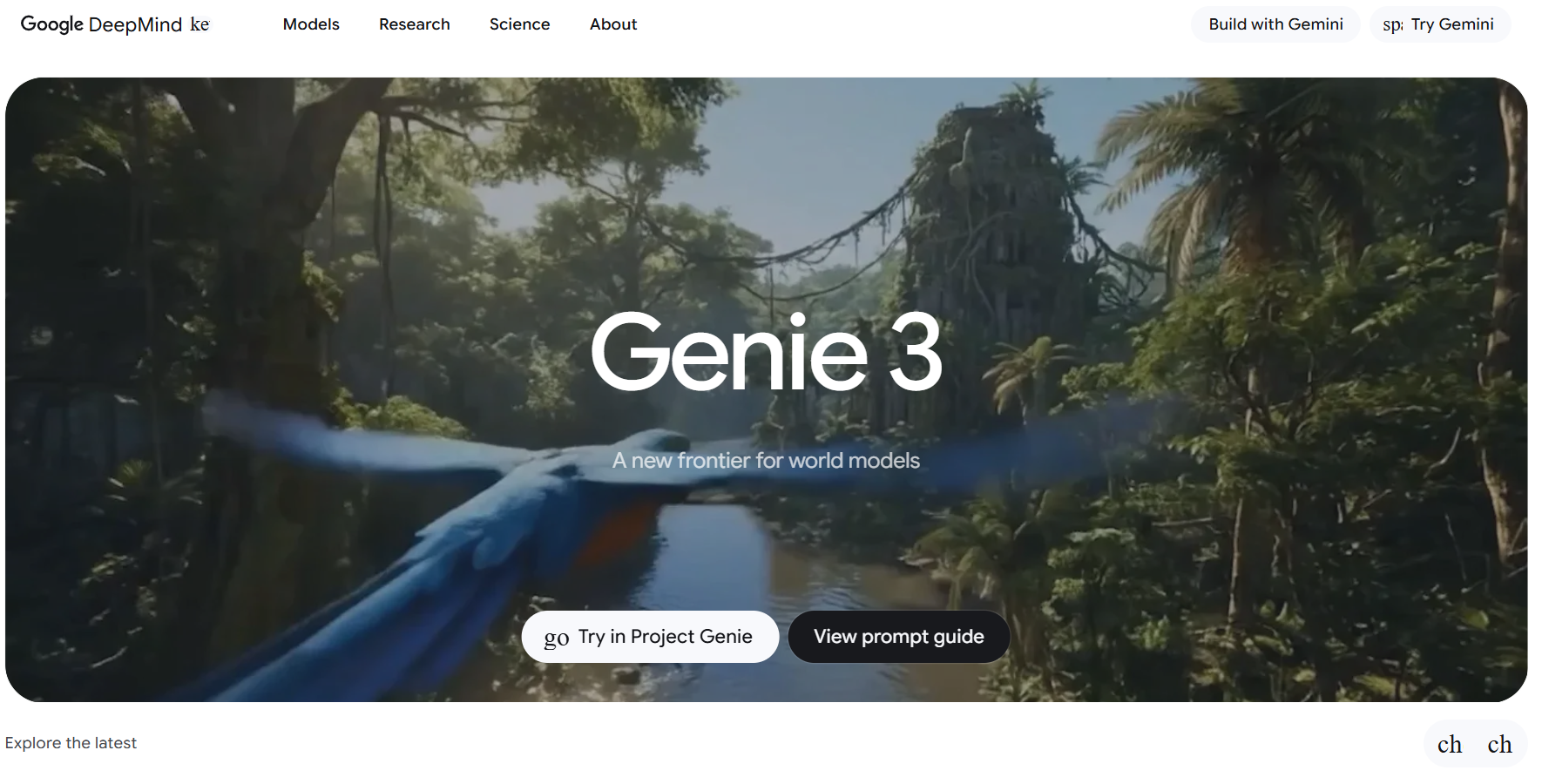
Google Genie 3 accepts multiple input types:
| Input Type | Output Generated by Google Genie 3 |
|---|---|
| Text prompt | Complete explorable 3D world |
| Single image | Interactive environment extrapolated from the image |
| Sketch or drawing | Fully realized 3D world |
| Video frame | Interactive continuation of the scene |
How Google Genie 3 Works
Google Genie 3 operates through three core components:
- Spatiotemporal Transformer - Google Genie 3 uses this to understand how environments change over time and space
- Latent Action Model - Google Genie 3 infers what actions are possible within generated worlds
- Video Tokenizer - Google Genie 3 converts visual information into tokens for processing
When you prompt Google Genie 3, it doesn't generate a single frame. Google Genie 3 creates a latent representation of an entire world, then renders views as you explore. This architecture allows Google Genie 3 to maintain consistency walk around a building in a Google Genie 3 world, and it remains the same building from every angle.
Google Genie 3 vs Previous Versions
Google Genie 3 dramatically outperforms its predecessors:
| Feature | Genie 1 | Genie 2 | Google Genie 3 |
| World dimension | 2D | 2.5D | Full 3D |
| Persistence | Seconds | Minutes | Hours+ |
| Resolution | 256px | 720p | 4K |
| Physics | Basic | Improved | Realistic |
| Interaction | Limited | Moderate | Advanced |
| Generation speed | Slow | Fast | Real‑time |
Google Genie 3 achieves real-time generation, meaning worlds render as fast as you can explore them.
Google Genie 3 Architecture Deep Dive
Google Genie 3 Training Data
Google Genie 3 trained on unprecedented amounts of video data. Google DeepMind fed Google Genie 3 millions of hours of video content, including:
- Video games and interactive media
- Real-world footage from diverse environments
- Synthetic 3D renders with physics
- Robotics and embodied AI recordings
This diverse training taught Google Genie 3 how worlds look, how they behave, and how agents interact with them.
Google Genie 3 Model Size
Google Genie 3 is massive. While Google hasn't disclosed exact parameters, estimates suggest Google Genie 3 contains:
- Tens of billions of parameters for the core world model
- Specialized sub-networks for physics and interaction
- Hierarchical latent spaces for multi-scale world representation
The scale of Google Genie 3 enables its remarkable capabilities. Smaller models lack the capacity to maintain persistent, coherent worlds Google Genie 3's size is essential to its function.
Google Genie 3 Inference Requirements
Running Google Genie 3 requires significant compute. Google offers Google Genie 3 through cloud APIs, handling infrastructure complexity. For local deployment, Google Genie 3 demands:
| Component | Google Genie 3 Requirement |
|---|---|
| GPU | H100 or equivalent |
| VRAM | 80GB+ |
| RAM | 256GB+ |
| Storage | NVMe SSD for latent caching |
Most developers access Google Genie 3 through Google's API rather than self-hosting.
Google Genie 3 Use Cases
Google Genie 3 for Game Development
Game studios leverage Google Genie 3 to accelerate content creation. Google Genie 3 generates:
- Procedural game levels with consistent themes
- Open worlds that expand as players explore
- Training environments for game AI
- Prototype worlds for design iteration
A designer prompts Google Genie 3 with a concept, explores the generated world, provides feedback, and iterates. Google Genie 3 cuts level design time from weeks to hours.
Google Genie 3 for AI Training
Google Genie 3 creates training environments for embodied AI agents. Robotics researchers use Google Genie 3 to:
- Generate diverse training scenarios
- Test navigation and manipulation
- Simulate edge cases safely
- Scale training data infinitely
Because Google Genie 3 worlds are interactive and physics-based, AI agents trained in Google Genie 3 environments transfer better to real-world applications.
Google Genie 3 for Film and Media
Virtual production teams adopt Google Genie 3 for creating digital sets. Google Genie 3 offers:
- Instant environment generation from concept art
- Persistent sets that maintain continuity
- Real-time changes during filming
- Cost reduction versus physical sets
Directors describe scenes to Google Genie 3, which generates explorable environments for virtual camera work.
Google Genie 3 for Education
Educational platforms integrate Google Genie 3 to create immersive learning experiences:
- Historical recreations students can explore
- Scientific simulations with accurate physics
- Language learning environments
- Safety training scenarios
Google Genie 3 makes abstract concepts tangible by generating interactive representations.
Google Genie 3 for Architecture and Design
Architects and designers use Google Genie 3 to visualize concepts:
- Generate building interiors from floor plans
- Explore spaces before construction
- Test lighting and materials virtually
- Present designs to clients interactively
Google Genie 3 transforms static blueprints into walkable spaces.
Google Genie 3 API Integration
Google provides Google Genie 3 through Vertex AI. Developers interact with it via cloud APIs to generate and stream worlds in real time.
To streamline development and testing, tools like Apidog help developers:
- Test Google Genie 3 endpoints
- Inspect complex response structures
- Mock world data without API costs
- Debug streaming and interaction workflows
Apidog makes integrating advanced APIs like Google Genie 3 faster and more reliable.
Google Genie 3 vs Competitors
- Runway focuses on video, not persistent worlds
- Meta world models remain research‑only
- OpenAI Sora generates cinematic video, not interactive environments
Google Genie 3 stands apart by combining interactivity, persistence, physics, and real‑time generation.
Google Genie 3 Limitations
Despite its capabilities, Google Genie 3 has constraints:
- Compute cost - Google Genie 3 requires expensive infrastructure
- Generation time - Complex Google Genie 3 worlds take time to initialize
- Coherence limits - Very large Google Genie 3 worlds may have consistency issues at edges
- Training bias - Google Genie 3 reflects biases in training data
- API dependency - Most users rely on Google's Google Genie 3 hosting
Google continues improving Google Genie 3, addressing limitations with each update.
The Future of Google Genie 3
Google Genie 3 Roadmap
Google DeepMind has outlined future Google Genie 3 developments:
- Google Genie 3 Turbo - Faster generation for real-time applications
- Google Genie 3 Pro - Higher fidelity for professional use
- Google Genie 3 Edge - Optimized version for local deployment
- Google Genie 3 API v2 - Enhanced developer tools and SDKs
Google Genie 3 Impact on Industries
Google Genie 3 will reshape multiple sectors:
- Gaming - Google Genie 3 enables infinite procedural content
- Metaverse - Google Genie 3 generates persistent virtual spaces
- Robotics - Google Genie 3 provides unlimited training environments
- Entertainment - Google Genie 3 transforms content creation
Conclusion: Google Genie 3 Sets a New Standard
Google Genie 3 establishes a new benchmark for world-generation AI. Google Genie 3 creates persistent, interactive, physics-based 3D environments from simple prompts. No other model matches Google Genie 3's combination of fidelity, persistence, and real-time interaction.
For developers, Google Genie 3 opens unprecedented possibilities. Game designers, AI researchers, architects, and content creators all benefit from Google Genie 3's capabilities. The Google Genie 3 API makes these capabilities accessible through standard cloud integration patterns.
Ready to explore Google Genie 3? Download Apidog to test Google Genie 3 endpoints and accelerate your integration. Google Genie 3 represents the future of generative AI and that future is explorable.
Google Genie 3 doesn't just generate content. Google Genie 3 generates worlds.