In the fast-changing world of software development, AI is no longer a distant dream—it's a set of tools you can use right now. Google AI Studio, alongside a powerful suite of free AI services, puts advanced artificial intelligence capabilities directly into the hands of developers, backend engineers, and API teams. Whether you're building prototypes, integrating AI into real products, or exploring what’s possible, Google’s ecosystem lowers the barrier to entry for modern AI-driven development.
Why Google AI Tools Matter for API Developers
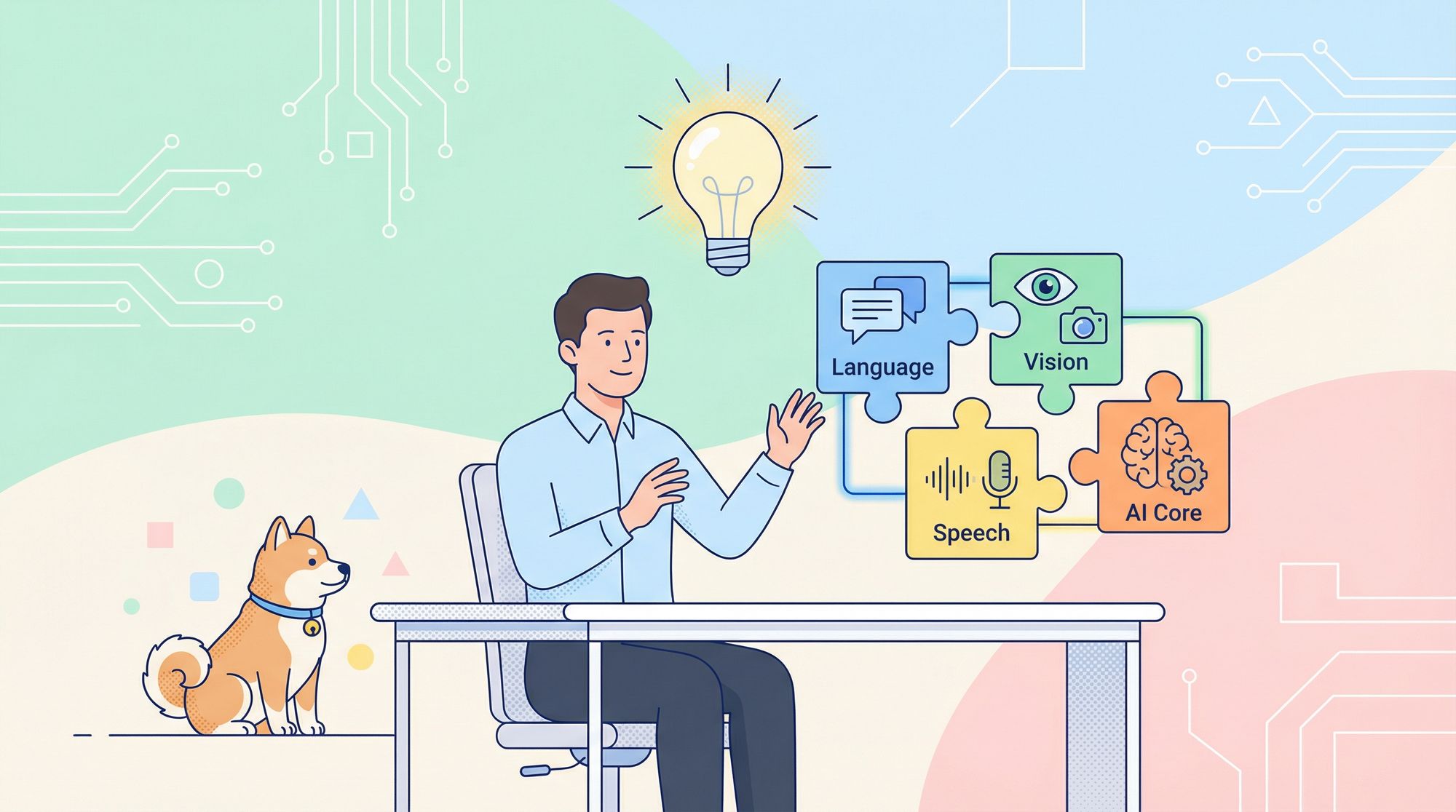
For technical teams working with APIs, integrating cutting-edge AI features—like language translation, natural language understanding, speech recognition, and computer vision—can dramatically improve user experience and automation. However, connecting to these endpoints efficiently and securely is crucial.
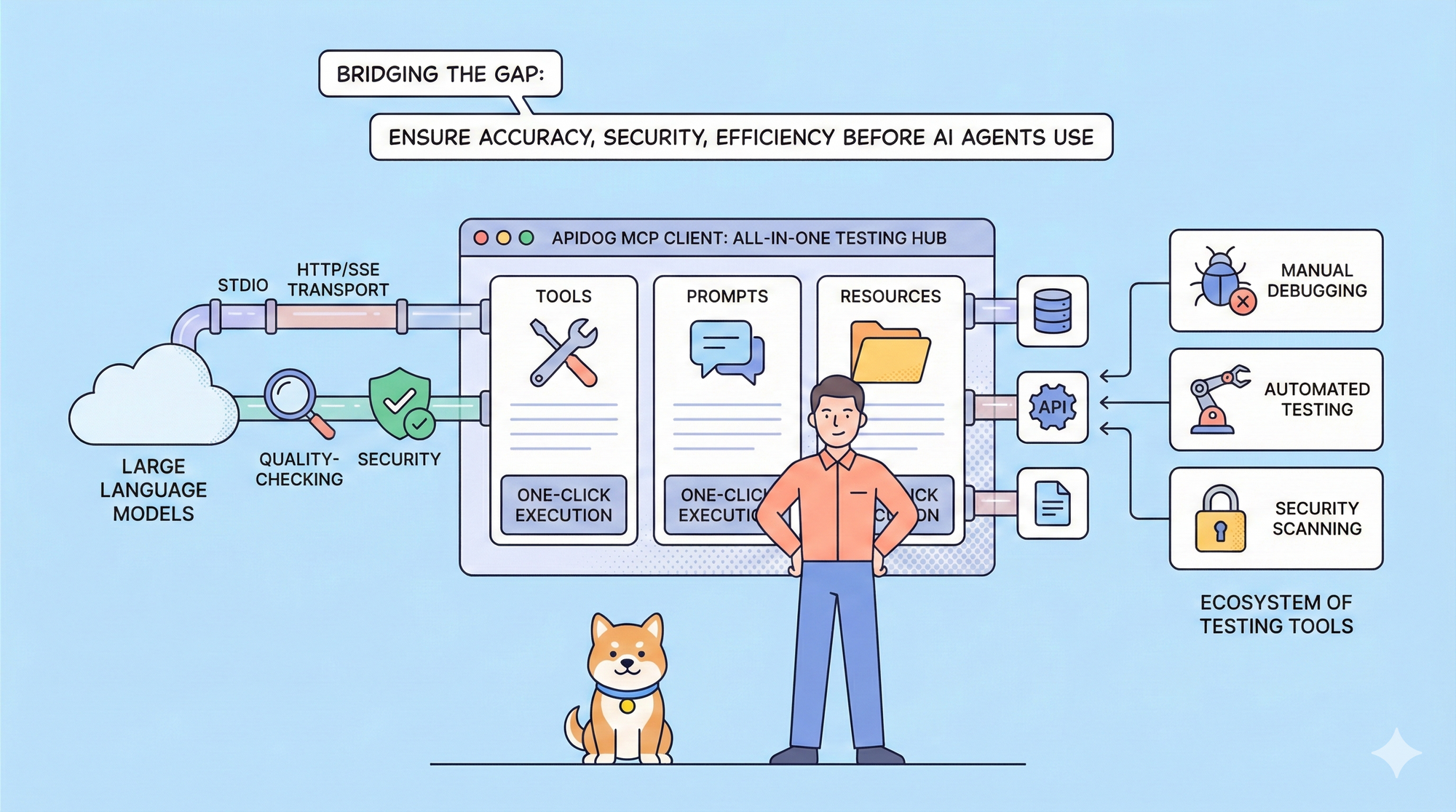
💡 With Apidog, you can streamline the entire process of testing and integrating Google AI APIs. Apidog serves as a unified API development platform, letting you configure, authenticate, and validate Google AI endpoints visually—no code required. Easily manage requests, parameters, and payloads, then inspect responses in real time. Learn how Apidog simplifies API workflows.
What Is Google AI Studio?
Google AI Studio is an interactive platform for building and experimenting with AI using Google's Gemini models. It’s designed for both seasoned API professionals and those new to AI, providing direct access to the Gemini Developer API.
Key Features
- No-cost access: Use Google AI Studio for free in all supported regions, with lower limits ideal for development and testing.
- Developer-first: Integrate Gemini’s advanced models into your apps by calling the API, using clear documentation and sample code.
- Rapid prototyping: Test prompts, tune AI responses, and explore model capabilities within a web-based interface.
Overview: Google’s Best Free AI Tools for Developers
Beyond Gemini, Google Cloud offers a robust set of AI APIs, each with a generous free tier. Here’s a breakdown of the most relevant tools for API and backend developers:
1. Google AI Studio (Gemini API)
- Use case: Prompt engineering, rapid AI prototyping, and integrating LLMs into apps.
- Free tier: Access Gemini models with low rate limits for testing; available globally.
2. NotebookLM
- Use case: Custom AI assistants for data analysis across text, audio, and video.
- Free tier: Early access, no charge; ideal for researchers managing complex data.
3. Translation Basic API
- Use case: Real-time translation/localization in apps, chat, or content platforms.
- Free tier: 500,000 characters/month, no expiration.
4. Translation Advanced API
- Use case: Batch translation, handling formatted docs, or custom translation models.
- Free tier: 500,000 characters/month.
5. Cloud Vision API
- Use case: Image analysis—detect faces, text, objects, and more.
- Free tier: 1,000 units/month, suitable for prototyping or moderate use.
6. Speech-to-Text API
- Use case: Converting voice to text for accessibility, voice bots, or transcription.
- Free tier: 60 minutes/month, using domain-optimized models.
7. Text-to-Speech API
- Use case: Synthesizing natural-sounding speech for assistants or accessibility.
- Free tier: 4 million standard or 1 million WaveNet characters/month.
8. Natural Language API
- Use case: Entity detection, sentiment analysis, automated text categorization.
- Free tier: 5,000 units/month—process up to 5 million characters.
9. Video Intelligence API
- Use case: Analyzing video content for moderation, search, or metadata.
- Free tier: 1,000 minutes/month.
10. Dialogflow
- Use case: Building conversational agents and chatbots.
- Free credit: $600 for new customers (valid for 12 months).
11. Compute Engine
- Use case: Deploying AI workloads or running backend services.
- Free tier: One e2-micro VM (US regions), no expiration.
12. Cloud Storage
- Use case: Storing training data, models, or user uploads.
- Free tier: 5 GiB/month, US regional, no expiration.
Practical Examples: How API Teams Use Google’s Free AI Suite
Prototyping with Gemini
- Scenario: Quickly test prompt engineering or LLM-powered features without deploying infrastructure.
- Workflow: Use Google AI Studio’s web UI, or call the Gemini API via Apidog to simulate production requests and analyze responses.
Building Multilingual Apps
- Scenario: Localize user content or chat in real time.
- Workflow: Connect to the Translation API, pass user-generated text, and process results—500,000 free characters monthly supports MVPs and pilot features.
Computer Vision in Moderation
- Scenario: Flag inappropriate images or extract metadata for search.
- Workflow: Send images to Cloud Vision API, automate tagging or moderation logic, and validate results in Apidog’s interface.
Voice and Speech Features
- Scenario: Add voice input/output to bots or accessibility tools.
- Workflow: Use Speech-to-Text for transcription; Text-to-Speech for playback—test and iterate API calls seamlessly.
Text Analysis & Automation
- Scenario: Automatically extract entities or analyze user feedback.
- Workflow: Integrate Natural Language API endpoints, analyze sentiment or topics, and pipe results into dashboards or workflows.
Quickstart: Using Google AI APIs in Your Stack
- Sign up / Log in: Access your Google Cloud account.
- Select APIs: Browse and enable desired AI services in the Google Cloud Console.
- Create credentials: Generate API keys or OAuth tokens for authentication.
- Integrate & test: Use Apidog or your preferred tools to configure requests, set parameters, and validate responses.
- Review quotas: Stay within free tier limits during development.
- Build & deploy: Move from testing to production once requirements are met.
Beyond Free Tiers: Scaling Up
As usage grows, Google Cloud’s services remain cost-effective:
- Gemini API: Priced per token (input/output).
- Translation: Starts at $20 per million characters.
- Vision, Video, Speech: Pay-as-you-go, no up-front commitment.
- Vertex AI: Generative AI (text, chat, code) from $0.0001/1,000 characters; $300 free credits for new accounts.
Seamless Integration for End-to-End AI Solutions
Google’s APIs are designed for interoperability:
- Store assets in Cloud Storage (5 GiB free).
- Run models or backend logic on Compute Engine (free VM).
- Build chatbots with Dialogflow (free trial credits).
- Validate and manage all API integrations in Apidog for efficient, error-free workflows.
Bringing these tools together lets you build robust, scalable AI-powered applications without managing complex infrastructure from scratch.
Conclusion: Empowering API Teams with Free AI
Google AI Studio and its suite of free AI APIs make enterprise-grade AI accessible for developers and technical teams. With generous free usage, clear documentation, and easy integration, you can prototype, test, and ship AI features faster than ever. And with Apidog, connecting and validating these endpoints becomes a seamless part of your development process.
Whether you’re experimenting or shipping production features, Google’s free AI tools—combined with modern API platforms—put powerful capabilities within every API developer’s reach.