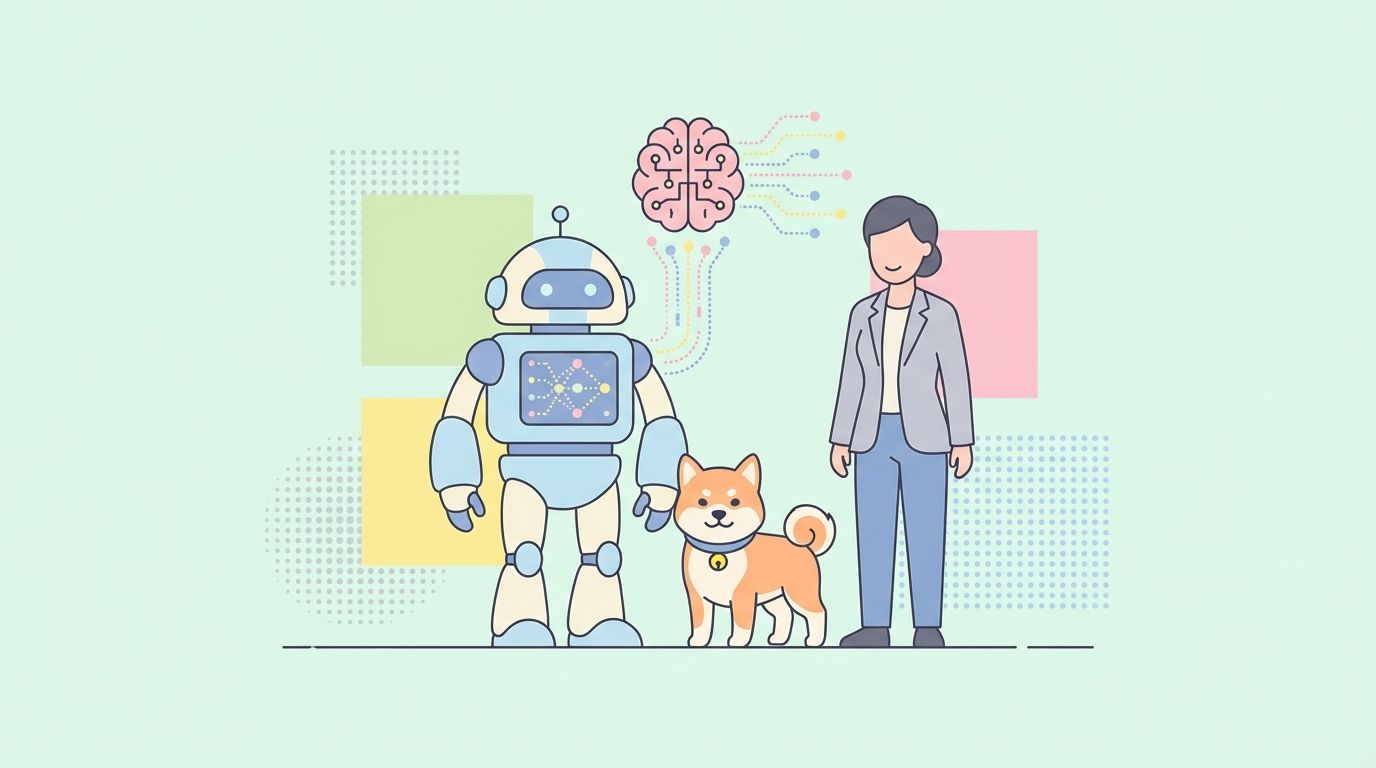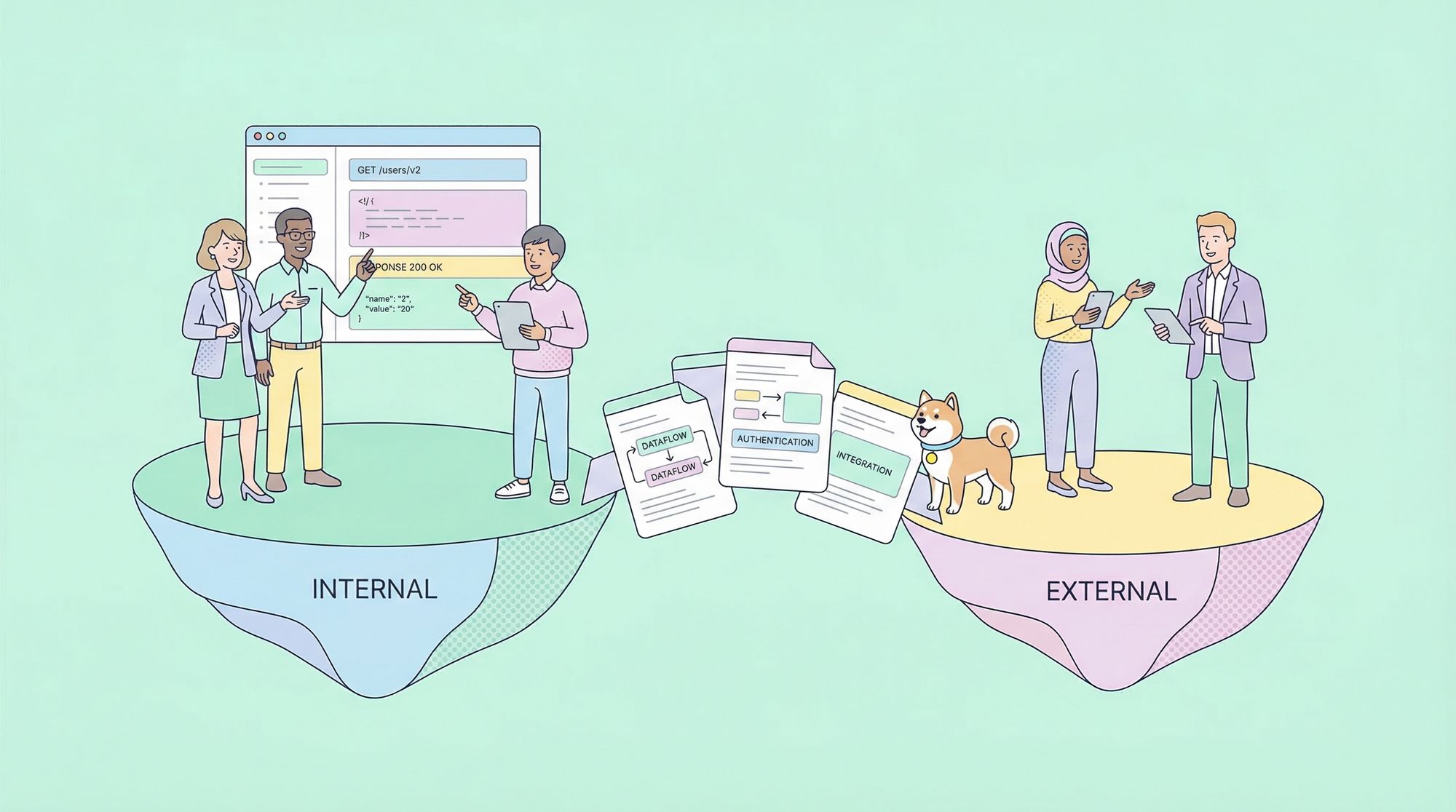
Developers constantly seek efficient ways to integrate advanced AI models into applications. The Gemini 3 Flash API provides a powerful option that balances high intelligence with speed and cost-effectiveness.
Google continues to advance its generative AI offerings. Additionally, the Gemini 3 Flash model stands out in the current lineup. Engineers access it through the Gemini API, enabling rapid prototyping and production deployment.
Obtaining Your Gemini API Key
You start by acquiring an API key. First, navigate to Google AI Studio at aistudio.google.com. Sign in with your Google account if necessary. Next, select the Gemini 3 Flash preview model from the available options. Then, click the option to generate an API key.
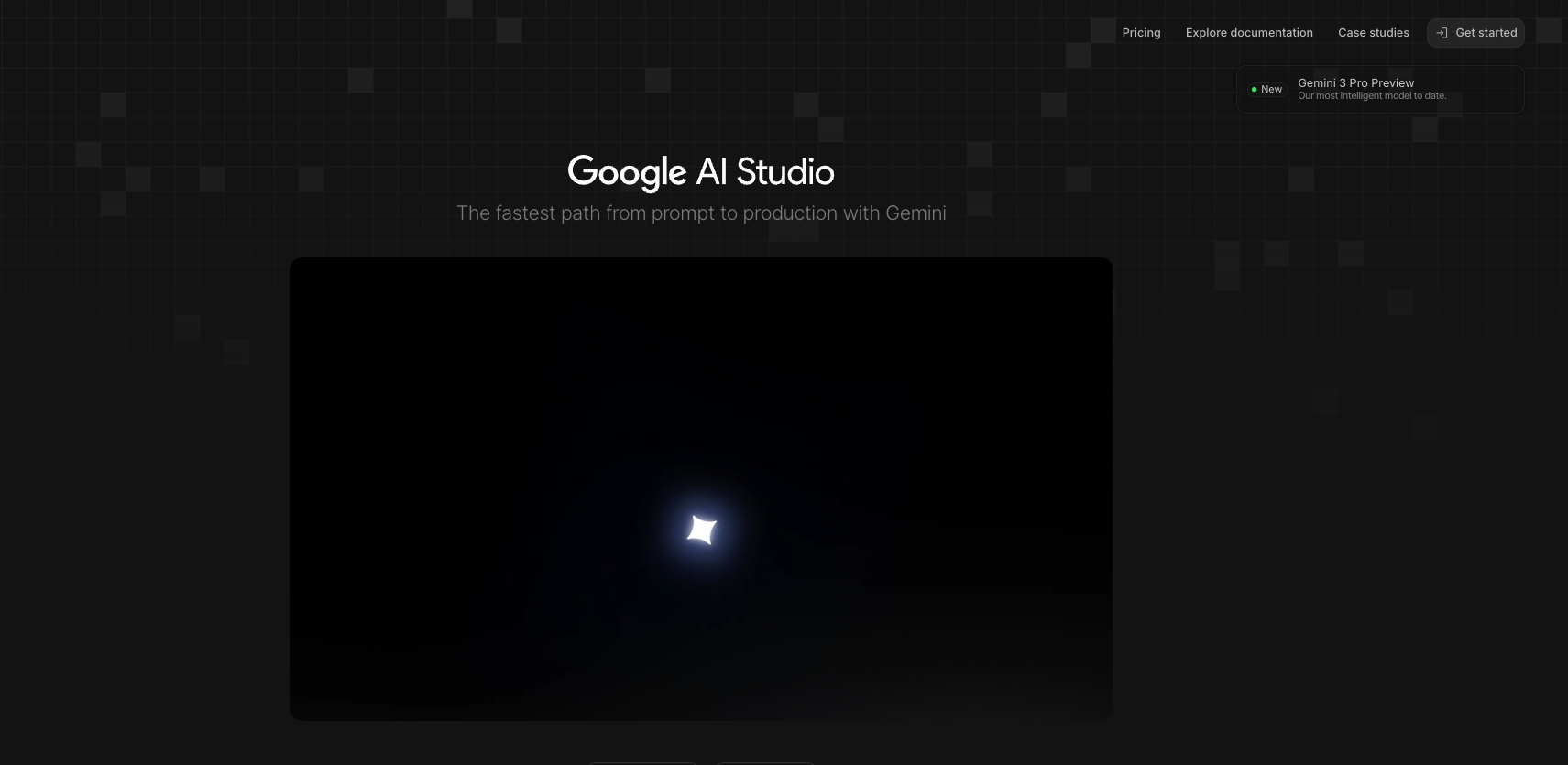
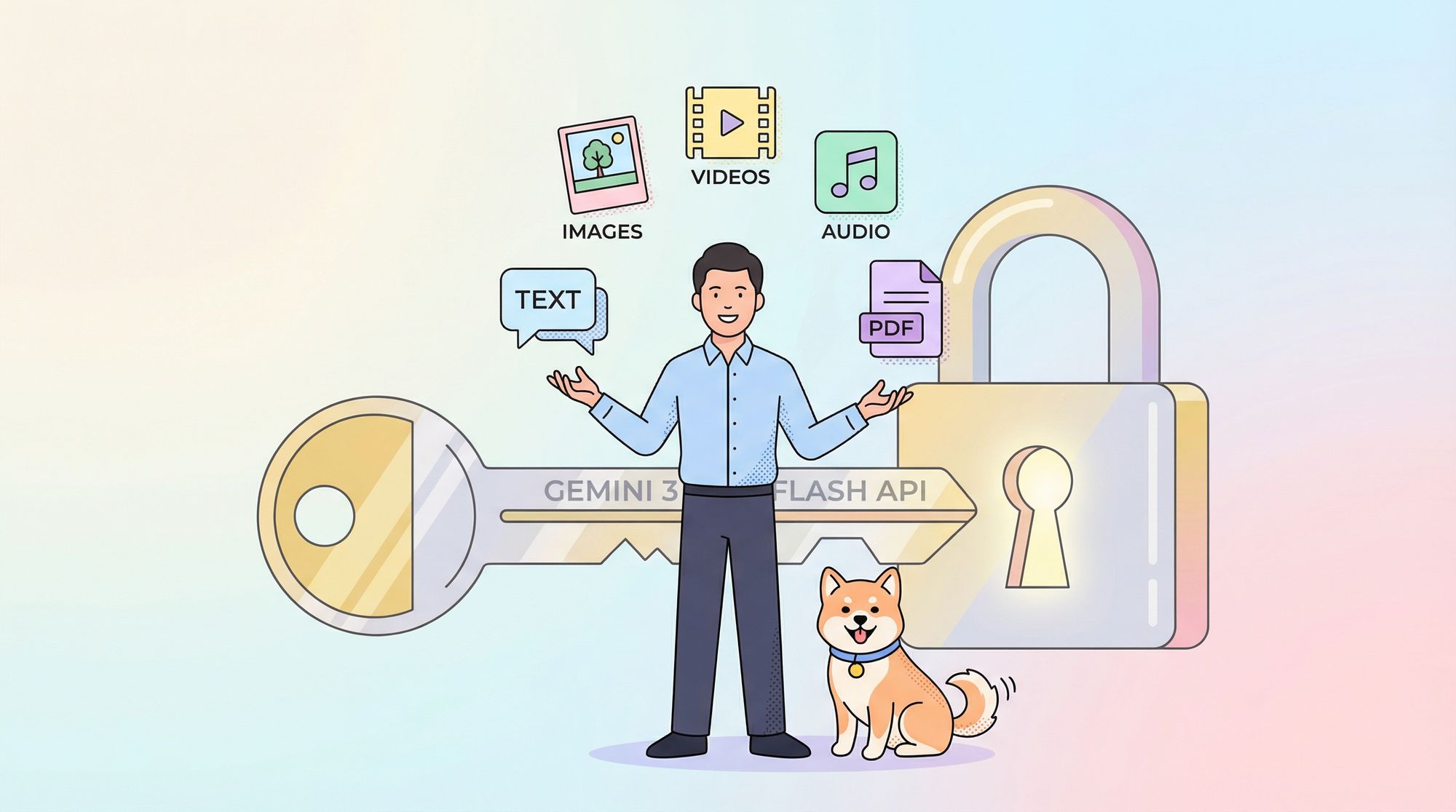
Google provides this key instantly. Moreover, store it securely—treat it as sensitive credentials. You use it in the x-goog-api-key header for all requests. Alternatively, set it as an environment variable for convenience in scripts.
Without a valid key, requests fail immediately with authentication errors. Therefore, verify key functionality early by testing in Google AI Studio's interactive interface.
Understanding Gemini 3 Flash Capabilities
Gemini 3 Flash delivers Pro-level intelligence at Flash speeds. Specifically, the model ID remains gemini-3-flash-preview during its preview phase. It supports a massive 1,048,576-token input context window and 65,536-token output limit.
Furthermore, it handles multimodal inputs effectively. You supply text, images, videos, audio, and PDFs. Outputs consist primarily of text, with options for structured JSON via schema enforcement.
Key features include built-in reasoning control. Developers adjust thinking depth using the thinking_level parameter: minimal, low, medium, or high (default). High maximizes reasoning quality, while lower levels prioritize latency for high-throughput scenarios.
Additionally, control media resolution for vision tasks. Options range from low to ultra_high, influencing token consumption per frame or image. Choose appropriately—high for detailed images, medium for documents.
The model integrates tools like Google Search grounding, code execution, and function calling. However, it excludes image generation and certain advanced robotics tools.
Pricing for Gemini 3 Flash API
Cost management matters in API integrations. Gemini 3 Flash operates on a pay-as-you-go model. Input tokens cost $0.50 per million, while output tokens (including thinking tokens) cost $3 per million.
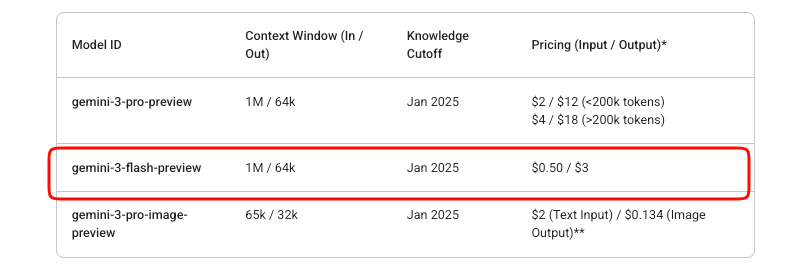
Google offers free experimentation in AI Studio. However, production API usage incurs charges once billing enables. No free tier exists beyond Studio trials for this preview model.
Context caching and batch processing help optimize costs further. Caching reduces redundant token processing for repeated contexts. Batch API suits asynchronous high-volume jobs.
Monitor usage via Google Cloud Billing dashboards. Sudden spikes often stem from high media_resolution settings or extensive reasoning.
Making Your First API Request
You begin with simple text generation. The endpoint is https://generativelanguage.googleapis.com/v1beta/models/gemini-3-flash-preview:generateContent.
Construct a POST request. Include your API key in headers. The body contains contents as an array of role-part objects.
Here is a basic cURL example:
curl "https://generativelanguage.googleapis.com/v1beta/models/gemini-3-flash-preview:generateContent" \
  -H "x-goog-api-key: YOUR_API_KEY" \
  -H "Content-Type: application/json" \
  -X POST \
  -d '{
    "contents": [{
      "parts": [{"text": "Explain quantum entanglement briefly."}]
    }]
  }'
The response returns candidates with text parts. Additionally, handle usage metadata for token counts.
For streaming responses, use the :streamGenerateContent endpoint. This yields partial results incrementally, improving perceived latency in applications.
Integrating with Official SDKs
Google maintains SDKs that simplify interactions. Install the Python package via pip install google-generativeai.
Initialize the client:
import google.generativeai as genai

genai.configure(api_key="YOUR_API_KEY")

model = genai.GenerativeModel("gemini-3-flash-preview")
response = model.generate_content("Summarize recent AI advancements.")
print(response.text)
The SDK automatically manages thought signatures for multi-turn conversations and tool use. Consequently, prefer SDKs over raw HTTP for production code.
Node.js users access similar convenience through @google/generative-ai.
Handling Multimodal Inputs
Gemini 3 Flash excels at multimodal processing. Upload files or provide inline data URIs.
In Python:
model = genai.GenerativeModel("gemini-3-flash-preview")

image = genai.upload_file("diagram.png")
response = model.generate_content(["Describe this image in detail.", image])
print(response.text)
Adjust media_resolution in generation config for token efficiency:
generation_config = {
    "media_resolution": "media_resolution_high"
}
Videos and PDFs follow similar patterns. Moreover, combine multiple modalities in one request for complex analysis tasks.
Advanced Features: Thinking Levels and Tools
Control reasoning explicitly. Set thinking_level to "low" for fast responses:
"generationConfig": {
  "thinking_level": "low"
}
High thinking enables deeper chain-of-thought processing internally.
Enable tools like function calling. Define functions in the request; the model returns calls when appropriate.
Structured outputs enforce JSON schemas:
"generationConfig": {
  "response_mime_type": "application/json",
  "response_schema": {...}
}
Combine these for agentic workflows. For instance, ground responses with real-time search.
Testing and Debugging with Apidog
Effective testing ensures reliable integrations. Apidog emerges as a robust tool for this purpose. It combines API design, debugging, mocking, and automated testing in one platform.
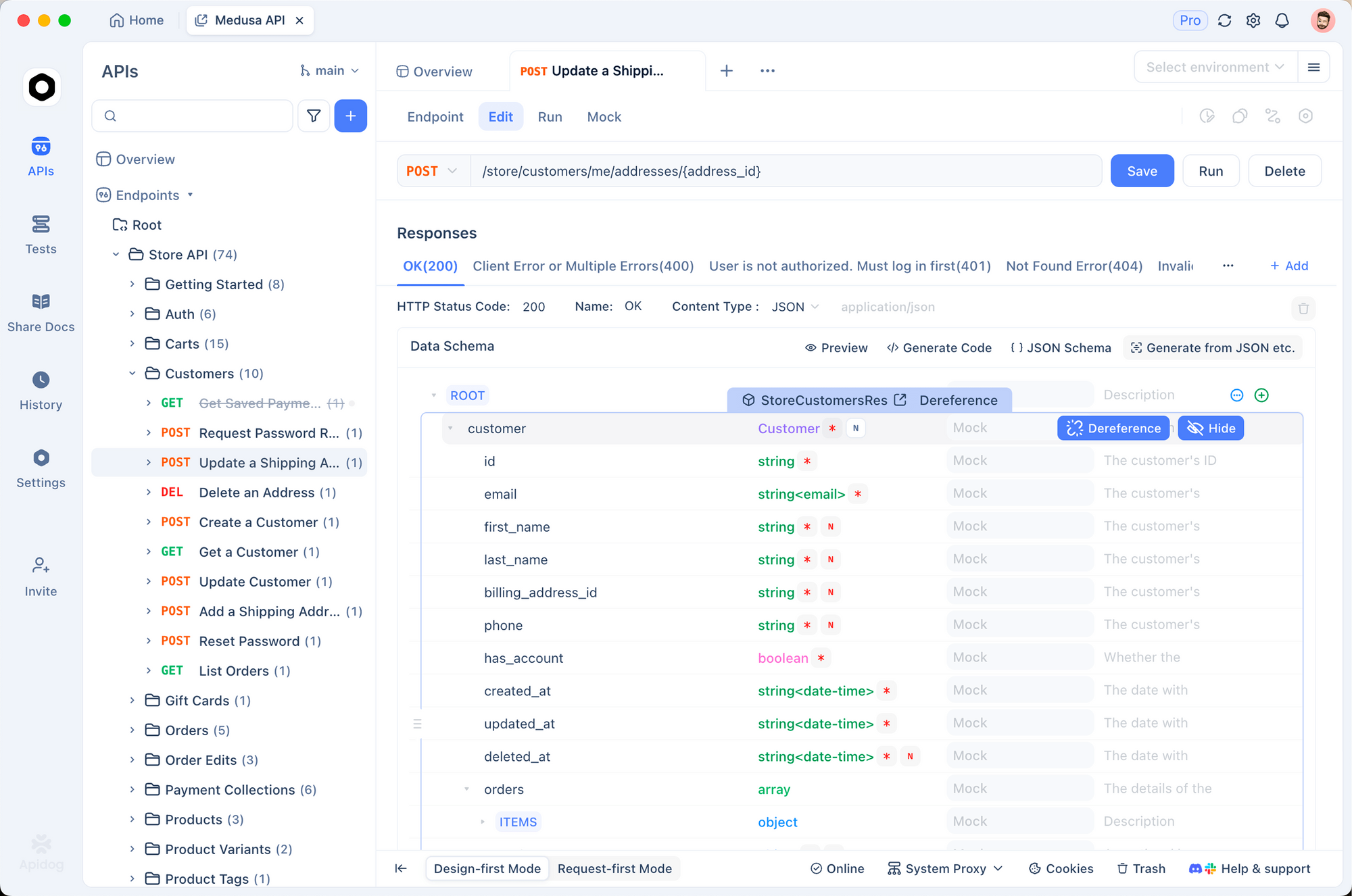
First, import the Gemini endpoint into Apidog. Create a new request pointing to the generateContent method. Store your API key as an environment variable—Apidog supports multiple environments for dev, staging, and prod.
Send requests visually. Apidog displays responses clearly, highlighting token usage and errors. Additionally, set up assertions to validate response structures automatically.
For multi-turn chats, maintain conversation history across requests using Apidog's scripting or variables. This simulates real user sessions efficiently.
Apidog also generates mock servers. Simulate Gemini responses during frontend development without consuming quota.
Furthermore, automate test suites. Define scenarios covering different thinking levels, multimodal inputs, and error cases. Run them in CI/CD pipelines.
Many developers find Apidog reduces debugging time significantly compared to raw cURL or basic clients. Its intuitive interface handles complex JSON bodies effortlessly.
Best Practices for Production Use
Implement retry logic with exponential backoff. Rate limits apply, especially in preview.
Cache contexts where possible to minimize tokens. Use thought signatures precisely in raw requests to avoid validation errors.
Monitor costs proactively. Log input/output token counts per request.
Keep temperature at default 1.0—deviations degrade reasoning performance.
Finally, stay updated via official docs. Preview models evolve; plan for potential breaking changes.
Conclusion
You now possess the knowledge to integrate Gemini 3 Flash effectively. Start with simple requests, then scale to multimodal and tool-enhanced applications. Leverage tools like Apidog to streamline development workflows.
Gemini 3 Flash empowers builders to create intelligent, responsive systems affordably. Experiment freely in AI Studio, then transition to API for deployment.