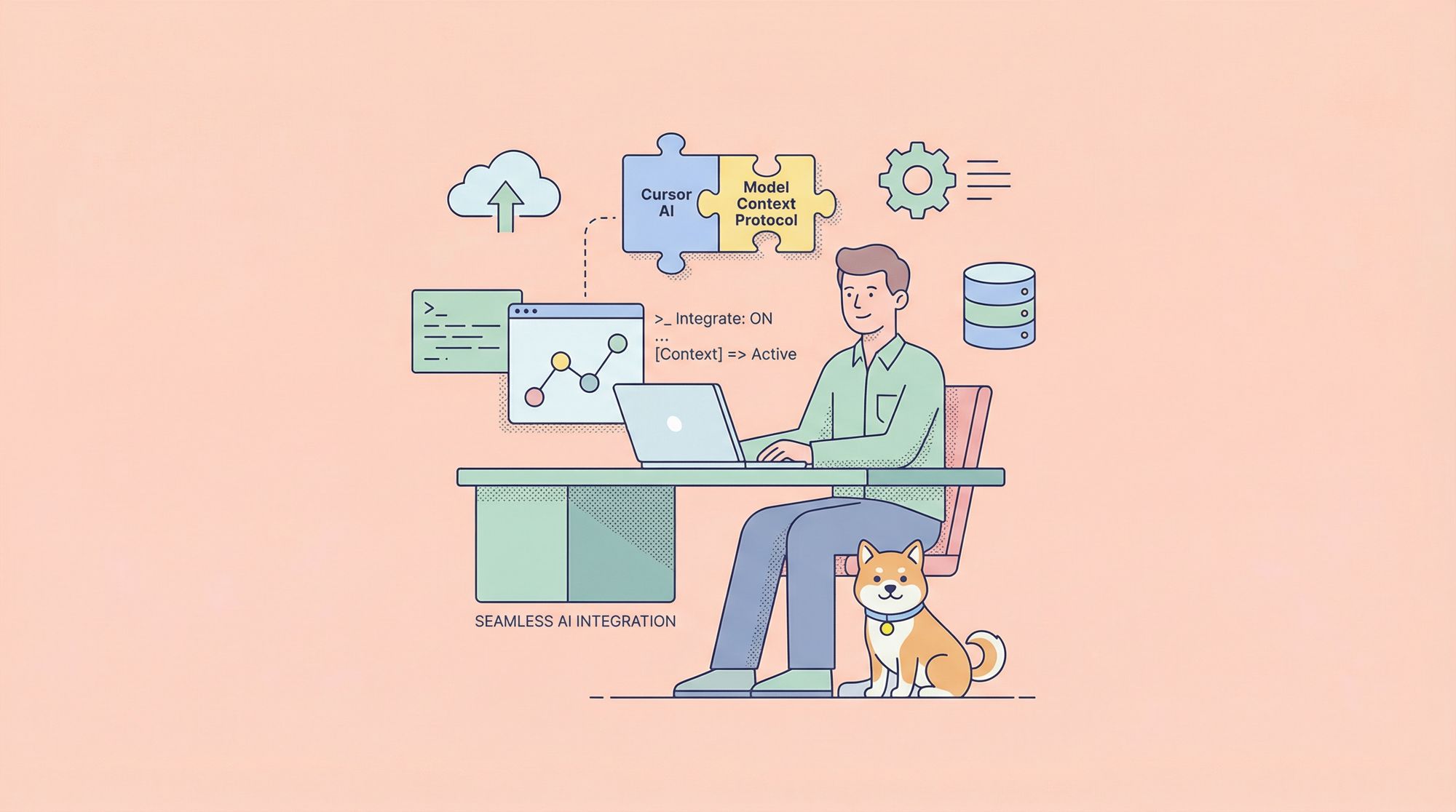
Welcome to your practical guide on leveraging Cursor AI and the Model Context Protocol (MCP) for advanced AI application development. Whether you're building intelligent APIs or integrating context-aware models, this walkthrough explains how Cursor AI and MCP can streamline your workflow—no matter your coding background.
If you’re looking to simplify API testing while working with these tools, download Apidog for free today. Apidog is purpose-built for developers who need fast, reliable API testing—ideal when experimenting with new AI models and integrations.
What is Cursor AI? Your AI-Powered IDE Explained
Cursor AI is a next-gen code editor that integrates intelligent tooling directly into your development environment. Think of it as a coding assistant within your IDE, designed to accelerate building, debugging, and deploying AI-driven applications.

Key features of Cursor AI IDE:
- Code Autocompletion: Real-time suggestions for functions, variables, and snippets.
- Error Detection: Instantly flags bugs and code issues as you type.
- Code Refactoring: Streamlines code optimization and cleanup.
- Automated Documentation: Generates clear comments and code explanations.
Cursor AI’s seamless interface and AI-augmented workflow make it a strong choice for teams building complex, context-rich applications.
What is MCP (Model Context Protocol)?
The Model Context Protocol (MCP), developed by Anthropic, standardizes how AI tools interact with data sources—whether APIs, cloud databases, or local files. MCP acts as a bridge, ensuring your models receive the right context to deliver more accurate, relevant results.

Why MCP matters for developers:
- Context Management: Pass structured, relevant context to models for better decision-making.
- Plug-and-Play Integration: Quickly connect MCP to Cursor AI without complex setup.
- Boosted Model Performance: Models handle nuanced, data-rich tasks like advanced NLP more effectively.
- Flexible Configuration: Adapt MCP to connect to your unique data sources and workflows.
By adopting MCP, teams can deliver smarter applications that use real-world context—improving both functionality and user experience.
Setting Up Cursor AI IDE: Quick Start Guide
Before taking advantage of MCP, you’ll need to set up the Cursor AI IDE. Here’s how to get up and running efficiently:
1. Installation & Setup
- Download: Visit the official Cursor AI website and select the appropriate installer for Windows, macOS, or Linux.
- Install: Run the installer and follow step-by-step prompts.
- Launch: Open the IDE to access a modern, intuitive interface designed for productivity.

2. Start Your First Project
- Create/Open Project: Start a new project or open an existing one. Choose your preferred language (e.g., Python, JavaScript).
- Configure Environment: Select needed libraries and dependencies.
- Explore Workspace: Get familiar with sections for editing, debugging, error highlighting, and the integrated AI Chat Panel.

Cursor AI is now ready for advanced enhancements like MCP integration.
Integrating and Configuring MCP
Once Cursor AI is running, adding MCP extends your IDE with robust context handling. Here’s how to connect and configure MCP for your workflow:
1. Install an MCP Server
- Find a Server: Browse platforms like Smithery AI for open-source MCP servers.
- Choose & Copy Command: Select an MCP server (e.g., Sequential Thinking MCP) and copy its install command.

2. Configure MCP in Cursor AI
- Open IDE Settings: In Cursor AI, go to settings and locate MCP configuration options.
- Add New Server: Click "Add New MCP Server", assign a clear name (e.g., “Sequential Thinking MCP”), and paste the command link.
- Finish Setup: Click “Add” to connect the server to your IDE.

3. Test MCP Connectivity
Verify MCP is working by running a context-aware function in the AI Chat Panel. For example:
Prompt: "I want to build a game; let's plan it using sequential-thinking. Don't write any code yet."
AI Response:
- Game Concept & Core Mechanics
- What type of game? (shooter, puzzle, RPG)
- Main gameplay loop?
- Unique features?
- Technical Requirements
- Programming language/framework?
- Minimum system specs?
- 2D or 3D? Target platforms?
- Game Elements
- Player characters, NPCs, items, environment, UI elements
If this structured context appears in your Chat Panel, MCP is correctly configured and ready for real-world development tasks.
Why Cursor AI + MCP Works for All Experience Levels
Whether you’re a beginner or an advanced engineer, Cursor AI and MCP streamline the development of intelligent applications:
- For New Developers: Intuitive UI, built-in tutorials, and no requirement for advanced AI skills.
- For Experienced Teams: Automated context management, scalable integrations, and support for collaborative workflows.
- For Enterprises: Consistent project outcomes, robust testing, and process standardization across teams.
Cursor AI and MCP together empower you to build sophisticated, reliable, and context-aware AI solutions faster.
Enhance API Workflows with Apidog
Smart API development requires more than just code—it demands robust testing and documentation. Apidog seamlessly fits into this process, providing:
- Design, Test, and Document APIs: All in one unified platform.
- Streamlined Collaboration: Share work easily across teams.
- Accelerated Deployment: Quickly iterate and release well-tested APIs.
Pairing Apidog with Cursor AI allows you to test, document, and refine your APIs efficiently, ensuring robust integrations with AI-powered workflows.

Conclusion: Building Smarter AI Applications, Faster
Cursor AI and MCP represent a powerful combination for anyone building modern, intelligent software. Their integration delivers seamless context management, simplified development, and rapid deployment of advanced AI solutions.
Apidog complements this stack by offering a unified environment for API testing, debugging, and documentation—making it a robust alternative to legacy tools like Postman. By adopting these tools, you’ll streamline your workflows, reduce errors, and accelerate project delivery.
Ready to take your AI development to the next level? Download Apidog and start streamlining your API and AI integration process today.