It's 2 AM in San Francisco. A critical API endpoint starts returning 500 Internal Server Error for your European customers. Your frontend developer in Warsaw sees the alerts first, but the backend engineer who built the endpoint is asleep in California. The DevOps person who can check the logs is in Singapore, just starting their lunch break.
This is the modern reality of global development teams. API issues don't respect time zones, and debugging them shouldn't either. The old way screenshots in Slack, copied JSON snippets in email, and endless "can you check the logs?" messages is painfully inefficient across continents.
The solution? Collaborative API debugging tools designed for distributed teams. These platforms turn what was a frustrating, asynchronous puzzle into a synchronized, efficient investigation.
If you're part of a team spread across the globe, mastering collaborative debugging is essential for your velocity and sanity.
Now, let's explore the top tools that help bridge time zones and turn API debugging from a solitary struggle into a team sport.
1. Apidog: The Collaborative Hub for API Debugging
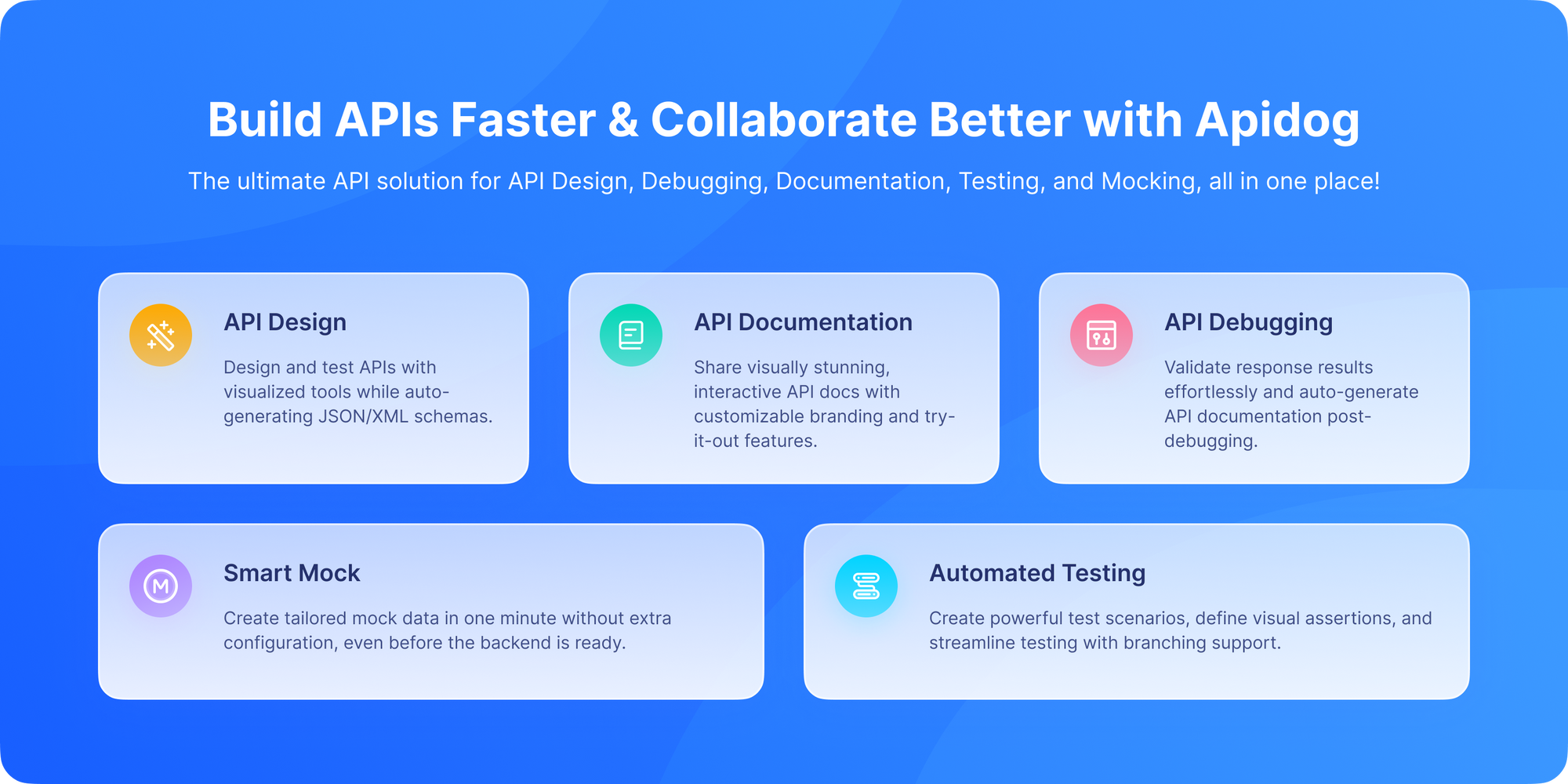
Unlike legacy tools that bolt collaboration onto an old architecture, Apidog was designed for distributed teams from day one. Every feature from request sharing to environment management is built with global collaboration in mind.
Here's why global teams love it:
Real-Time Co-Editing
Multiple developers can debug the same API request simultaneously. See your teammate's cursor, edits, and test runs in real time like Google Docs for APIs.
Shared Environments with Role-Based Access
Define environments (dev, staging, prod) once, and share them securely. Sensitive variables like {{api_key}} or {{jwt_token}} are encrypted and only visible to authorized roles. No more "I can't reproduce your bug because I don't have your .env file."
Threaded Comments on Requests
Found a bug? Click "Comment" on the request, tag your backend dev, and link to the Jira ticket. The conversation lives right where the problem is not buried in Slack.
Automatic OpenAPI Sync
Your API spec is always in sync. When a backend engineer updates an endpoint in the OpenAPI file, the frontend team instantly sees the change in their collection — no manual updates needed.
Built-In Mocking & Debug Logs
Can‘t wait for the backend to be ready? Generate a mock server from your spec in one click. Or, when debugging a real call, view full request/response logs with headers, timing, and error traces, all shareable via secure link.
And perhaps most importantly: Apidog is free to download and use, even for teams. No paywall for collaboration.
Best for: Global teams that want one platform for design, test, debug, document, and collaborate without switching tools or time zones.
2. Postman: The Legacy API Platform

Postman is the OG of API tools, and it’s still widely used especially in large enterprises. Its Team Workspaces allow multiple users to share collections, environments, and monitors.
But there’s a catch: real collaboration requires a paid plan. On the free tier, you’re limited to public workspaces or manual JSON exports (a collaboration nightmare).
In paid tiers, you get:
- Shared collections with version history
- Environment templates with variable masking
- Basic commenting (though not request-specific)
- Integration with Slack, Jira, and GitHub
However, real-time co-editing? Still missing. And syncing across regions can be slow due to Postman’s centralized cloud architecture.
Plus, remember the 2021 incident where thousands of private workspaces were accidentally made public? While Postman has improved security, it’s a reminder that legacy systems carry legacy risks.
Watch out for: Assuming “shared” means “secure.” Always double-check workspace privacy settings and user permissions.
Best for: Established teams already invested in Postman’s ecosystem and willing to pay for collaboration features.
3. Insomnia: Git-First API Debugging for Dev-Centric Teams

Insomnia takes a different approach: collaboration through Git.
Instead of relying on a cloud workspace, Insomnia lets you store your collections and environments directly in your code repository. This gives you:
- Full version control via Git
- Pull requests for API changes
- Branch-based debugging workflows
- Native integration with CI/CD pipelines
For global teams using GitLab, GitHub, or Bitbucket, this means debugging context is always tied to code no context switching.
Security-wise, you inherit your repo’s access controls. Only authorized devs can view or modify the API definitions.
That said, Insomnia lacks real-time chat or live co-editing. Collaboration happens asynchronously via PRs and comments great for documentation, less ideal for urgent debugging.
Pro tip: Pair Insomnia with a team convention like “always include a failing test case in the PR” to speed up global debugging.
Best for: Dev-first teams practicing GitOps who prioritize code-level collaboration over real-time interaction.
4. Bruno: The New Wave of File-System-First Debugging
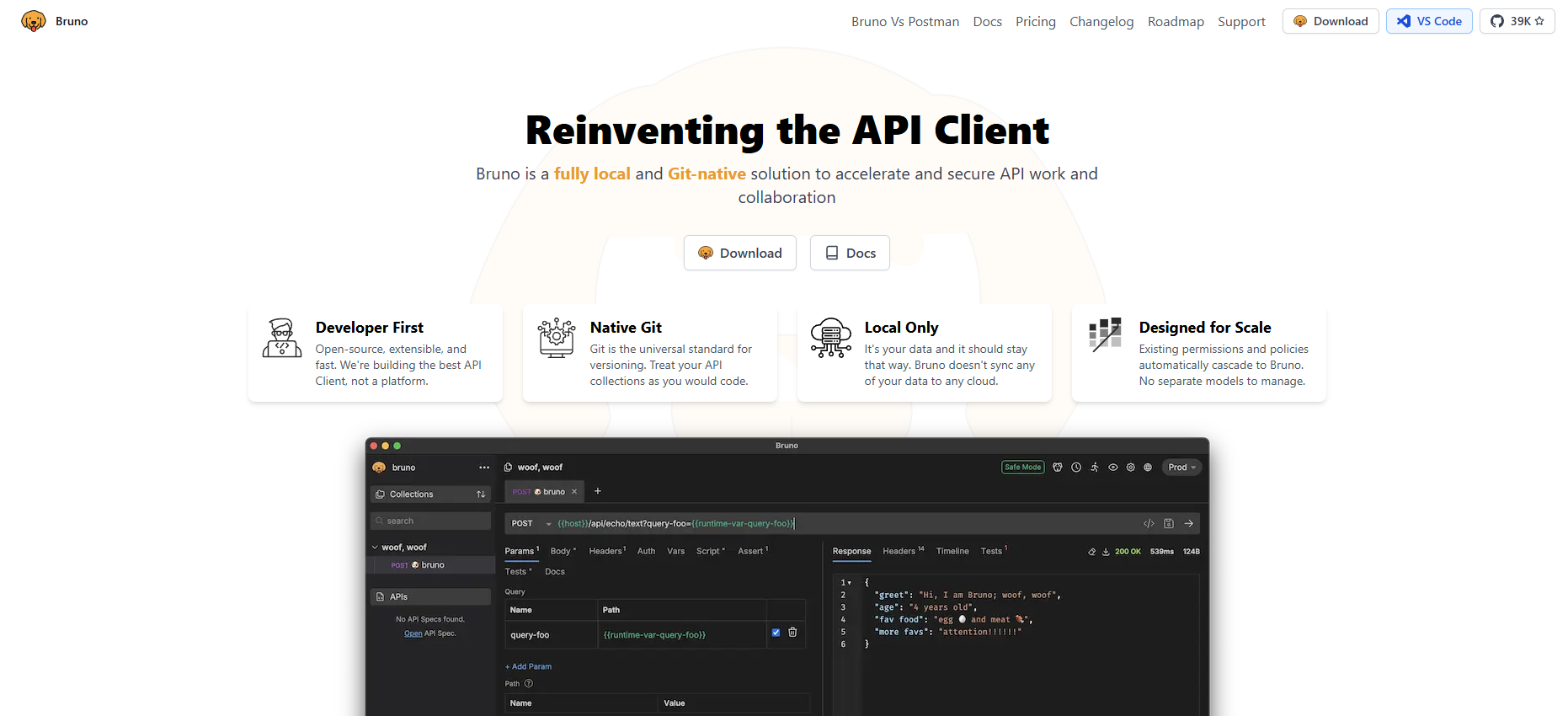
Bruno is a breath of fresh air in the API tooling space. It treats your API collection as a folder of plain-text files (YAML/JSON) on your local machine just like source code.
Sharing? You commit to Git. Debugging together? You open the same branch.
Why this works for global teams:
- No vendor lock-in
- Full transparency (you can diff collections like code)
- Offline-first: works even with spotty internet
- Built-in test scripting with JavaScript
Because everything is file-based, your CI pipeline can even run API tests on every PR, catching regressions before they reach your teammate in another time zone.
However, Bruno doesn't offer real-time sync or in-app chat. Collaboration is async but highly reliable and auditable.
Ideal workflow: Frontend dev in Tokyo pushes a failing test case → backend dev in Toronto reviews and fixes it → CI confirms the fix → merged by morning in Europe.
Best for: Distributed teams that value simplicity, transparency, and Git-native workflows over flashy UI features.
5. Thunder Client: API Debugging Inside VS Code
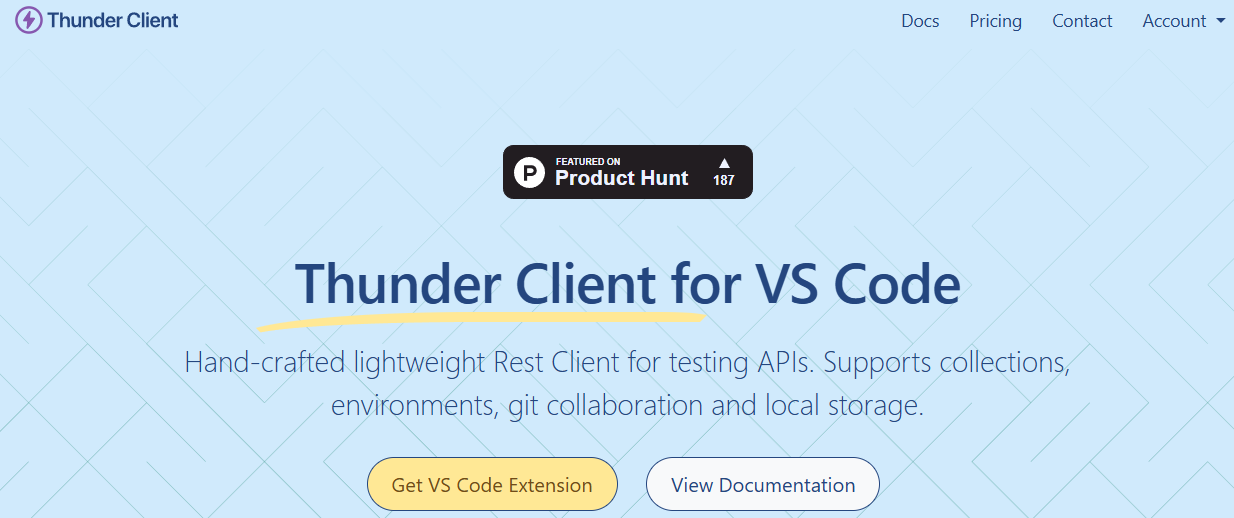
If your global team lives in VS Code, Thunder Client might be your secret weapon.
It's a lightweight REST client embedded directly in your IDE. Collections are stored as .json files in your project so they're version-controlled, searchable, and always in context.
Collaboration happens through your existing Git flow:
- Push a collection with a failing request
- Tag a teammate in the PR description
- They pull, debug locally, and push a fix
No context switching. No new logins. Just code, requests, and commits.
Security is inherited from your repo permissions. And since it’s local-first, there’s no risk of cloud leaks.
The downside? No real-time collaboration. But for many teams, the trade-off is worth it for the seamless developer experience.
Best for: Remote-first engineering teams standardized on VS Code who want debugging as close to their code as possible.
6. Hoppscotch: Open Source API Debugging Tool

Hoppscotch is a fast, open-source, browser-based API client that’s perfect for teams that need privacy and control.
While the public version is great for individual use, the real power for global teams comes from self-hosting.
When you host Hoppscotch on your own servers:
- You control all data
- You integrate with your SSO (e.g., Okta, Auth0)
- You define who can access which endpoints
- You can even add custom debugging middleware
Sharing is manual (export/import), but you can pair it with internal wikis or ticketing systems to maintain context.
It’s not as polished as Apidog for real-time teamwork, but for regulated industries (finance, healthcare) or privacy-conscious orgs, it’s a strong choice.
Best for: Global teams in regulated industries that require full data sovereignty and are comfortable self-hosting tools.
7. Stoplight Studio: Design-First API Debugging Tool

Stoplight Studio flips the script: instead of debugging from a broken request, you debug from your OpenAPI spec.
Teams collaborate on the API contract first, then generate testable requests directly from it. This ensures everyone is debugging against the same source of truth.
Key collaboration features:
- Shared projects in Stoplight Cloud (private by default)
- Role-based access
- Visual diffing of spec changes
- Auto-generated mock servers for testing before implementation
When a frontend dev in São Paulo reports a 400 error, the backend team in Seoul can instantly see if the request matches the spec—and fix either the code or the contract. The downside? It’s less suited for exploratory debugging or legacy APIs without specs.
Best for: API-first organizations practicing design-first development with global alignment on contracts.
Conclusion: API Debugging From Fragmented to Unified
API debugging for global teams has evolved from a fragmented, frustrating process into a structured, collaborative discipline. By leveraging tools designed for teamwork especially all-in-one platforms like Apidog, you transform time zone differences from a liability into an asset. Your API issues can be investigated around the clock, not just around someone's desk.
The goal is no longer just to fix the bug, but to build a shared understanding of your systems that makes the next bug easier to solve, no matter where your team members are logging in from.
Ready to stop pasting curl commands into Slack and start debugging together? Download Apidog for free and give your global team the collaborative workspace it needs to build and maintain APIs at the speed of modern development.