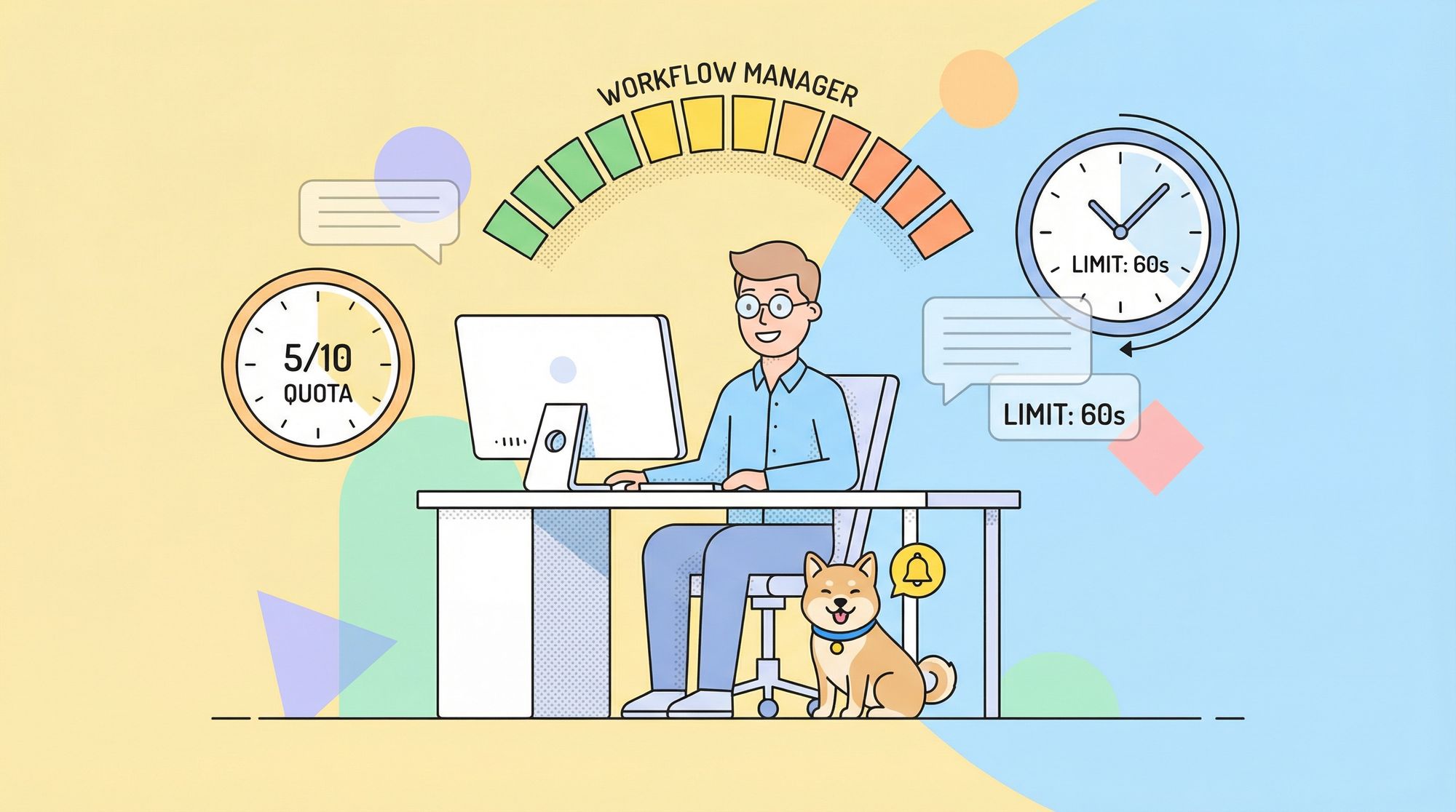
OpenAI Codex has rapidly become a go-to AI coding assistant for developers. Whether you’re scaffolding features, refactoring large codebases, or generating tests, Codex’s CLI usage limits and rate limits directly impact your workflow performance and session planning.
In this guide, we walk through Codex usage quotas, rate limits, how they’re measured, how they reset, and how to plan around them, all delivered in a conversational but highly technical tone. By the end, you’ll know exactly what to expect when using Codex in the terminal or IDE and how to avoid interruptions.
What Are Codex Usage Limits?
Unlike token-based rate limits you see in more general AI APIs, Codex usage limits in the CLI are based on message quotas — which define how many interactions you can send to the agent in a given time window. These quotas vary by your ChatGPT plan and task type (local versus cloud tasks).
In Codex CLI and IDE workflows, a “message” typically corresponds to one prompt you give Codex — for example:
codex edit src/api/user.js
Or:
codex explain src/utils/math.ts
Each of these counts toward your allotment.
Local vs Cloud Tasks with Codex
Codex differentiates between two execution contexts:
- Local Tasks — Running Codex entirely on your machine via CLI or IDE extension, where the model operates with local code context.
- Cloud Tasks — Delegated tasks where Codex runs in a remote sandbox, potentially offering stronger context handling and background execution.
Your quota and how quickly it depletes can differ substantially between these two modes.
How Usage Limits Are Structured
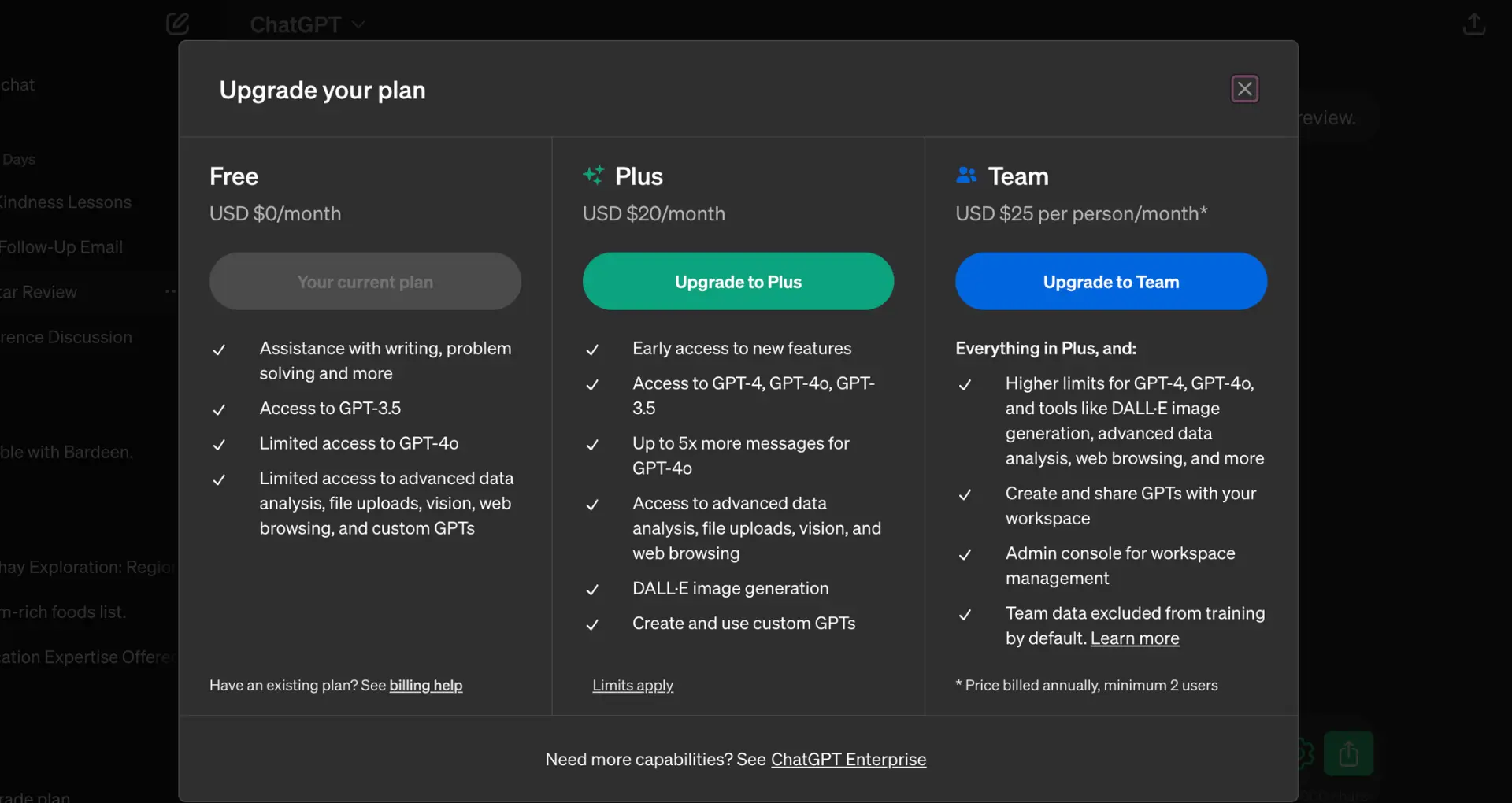
Codex usage limits are measured in 5-hour windows and weekly quotas. Here’s the typical range based on your ChatGPT plan:
| Plan | Local Messages / 5h | Cloud Tasks / 5h | Code Reviews / Week |
|---|---|---|---|
| ChatGPT Plus | ~30–150 | ~10–60 | ~10–25 |
| ChatGPT Pro | ~300–1500 | ~50–400 | ~100–250 |
| ChatGPT Business | ~45–225 | ~10–60 | ~10–25 |
| Enterprise & Edu (Flexible) | Shared credits no fixed limit | — | — |
| API Key Usage | Usage-based, no built-in task limits | Not supported | Not supported |
These are approximate ranges averaged over typical tasks. Actual quotas vary by session content and context complexity.
💡 The local messages and cloud tasks share the same 5-hour bucket. If you consume many local messages, your available cloud tasks for that window will decline.
What Happens When You Hit Your Limit?
When Codex reaches its quota:
- Local usage stops accepting new tasks until the current 5-hour window resets.
- Cloud tasks behave similarly.
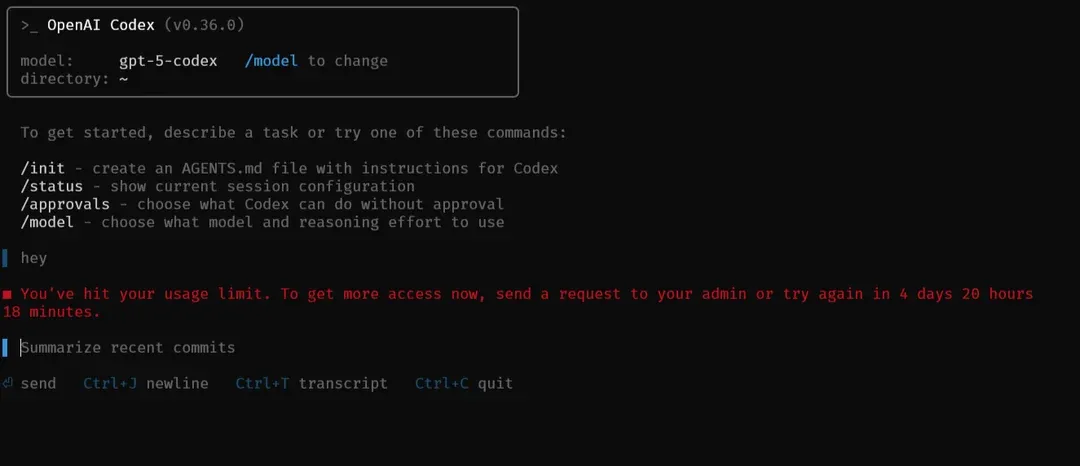
- You may see a prompt indicating the quota is exhausted, and you’ll need to wait for the reset or use extra credits if available.
For example:
Codex CLI: You’ve reached your 5-hour message limit. Try again in 3h 42m.
This means Codex will not accept further commands that count against usage until the rolling window clears.
Codex Weekly Quotas and Long-Term Planning
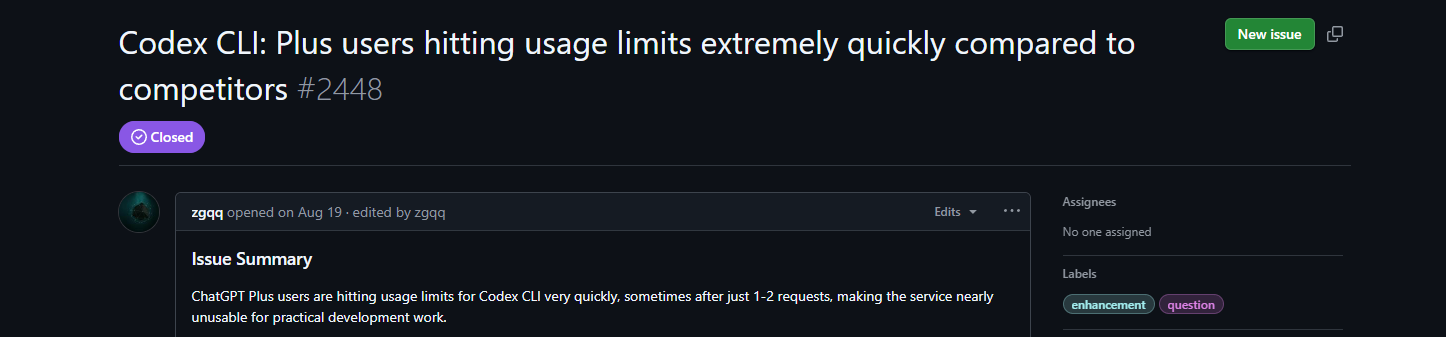
Separate from the 5-hour window, your plan may enforce a weekly usage cap — a cumulative limit across all windows during a seven-day cycle. Most developers hit the 5-hour limit often before the weekly cap, but keeping track of both helps in planning heavy coding days.
You can track your current usage via:
codex /status
This command shows remaining local and cloud message counts. (Updated pricing is listed at OpenAI Developers)
Using Credits to Extend Codex Usage
If your included quota runs out, you can extend usage by purchasing additional credits. Credits act as a backup pool that your usage draws from after plan limits are exhausted. This is especially useful for bursts of heavy coding or complex refactoring.
Example:
| Use Case | Credits Consumed |
|---|---|
| Local task (one message) | ~5 credits |
| Cloud task (one message) | ~25 credits |
| Code review per PR | ~25 credits |
Credits let you keep working even if your local messages or cloud tasks are temporarily blocked.
Tips for Optimizing Your Codex Quota
Efficient usage helps stretch your quota further:
1. Smaller and Focused Prompts: Avoid sending huge context blobs unless necessary. Smaller, precise prompts consume fewer credits/messages.
2. Use GPT-5-Codex-Mini When Appropriate: Codex can automatically switch to GPT-5-Codex-Mini when you approach your 90% usage mark. This mini model uses roughly 1 credit per local message, extending your available quota significantly.
3. Schedule Cloud Tasks Wisely: Cloud tasks consume more credits per message than local tasks (~25 credits). Reserve them for background or complex jobs.
4. Monitor Usage Early: Run /status before a long session to ensure you have enough quota for your planned tasks.
CLI Usage Within Development Workflows
Here are some practical CLI scenarios that count toward usage:
Refactoring with Codex:
codex edit src/api/user-service.ts
Each recursive or deep change here counts as one local message, even if multiple files are involved.
Running Tests via Codex:
codex exec npm test
This also counts as a local message, so batching related tasks helps preserve quota.
Generate Test Cases:
codex write tests
Again, this is one message; how much context it includes determines credits consumed.
What Doesn’t Count Toward Your Codex Quota?
- Codex suggestions generated while reviewing your own private pull requests (during the limited promotional period) don’t currently count toward usage limits (view more at the OpenAI Help Center).
- Non-Codex ChatGPT conversations (e.g., regular chatting or planning code) do not affect Codex quotas unless explicitly invoking Codex agents.
Codex's Billing and Visibility
Your Codex plan’s usage dashboard shows:
- Messages consumed per window
- Credits used
- Remaining quota and resets
- Overall weekly usage
This dashboard is accessible in the Codex settings within your ChatGPT account.
Using Apidog for API Testing while Working Around Codex's Quota and Rate Limits
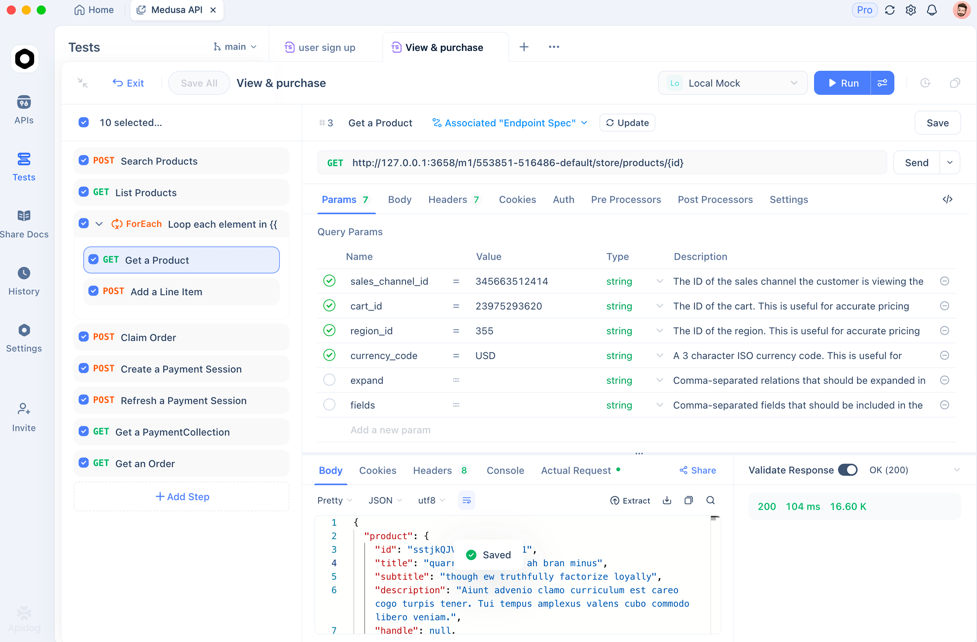
While Codex focuses on code generation and refactoring, API behavior often requires runtime validation. That’s where Apidog complements your workflow:
- API Testing: Validate endpoints Codex generates
- Test Case Generation: Automatically create robust API test suites
- Contract Testing: Ensure API changes don’t break clients
Start with Apidog for free to integrate API correctness into your coding workflow.
Frequently Asked Questions
Q1. Does every Codex prompt count toward my quota?
Yes — most Codex CLI interactions count as a “message” and deduct from your applicable limits.
Q2. How often do limits reset?
Quotas reset every 5 hours per window. Some weekly limits also apply.
Q3. Can I see my remaining quota in the terminal?
Yes — use:
codex /status
to check remaining local and cloud messages.
Q4. What happens if I hit the weekly cap?
You’ll have to wait until the weekly reset or purchase additional credits to continue.
Q5. Are usage limits different between Plus and Pro?
Yes — Pro offers significantly higher local message quota and cloud tasks than Plus.
Conclusion
So, is there a quota or rate limit for Codex usage? Yes — OpenAI Codex has a quota and rate limits, especially for CLI usage. These limits are tied to your ChatGPT plan and measured in local messages, cloud tasks, and weekly quotas. While generous for focused coding sessions, large teams or heavy automation workflows should monitor usage proactively, use credits to extend capacity, and optimize prompts to stretch quotas efficiently.
When building APIs or integrating generated code into services, pair Codex with Apidog for automated API testing and contract verification. This ensures your code works as intended in real applications.
Try Apidog for free and make API correctness part of your development routine!