Are you looking to accelerate code generation, reduce debugging time, and automate repetitive tasks in your API or backend projects? Integrating OpenAI Codex into your development workflow can transform how your team writes, reviews, and tests code. This guide covers practical, step-by-step strategies to connect Codex with GitHub, terminals, and CI/CD pipelines—helping you unlock higher productivity while maintaining code quality and project standards.
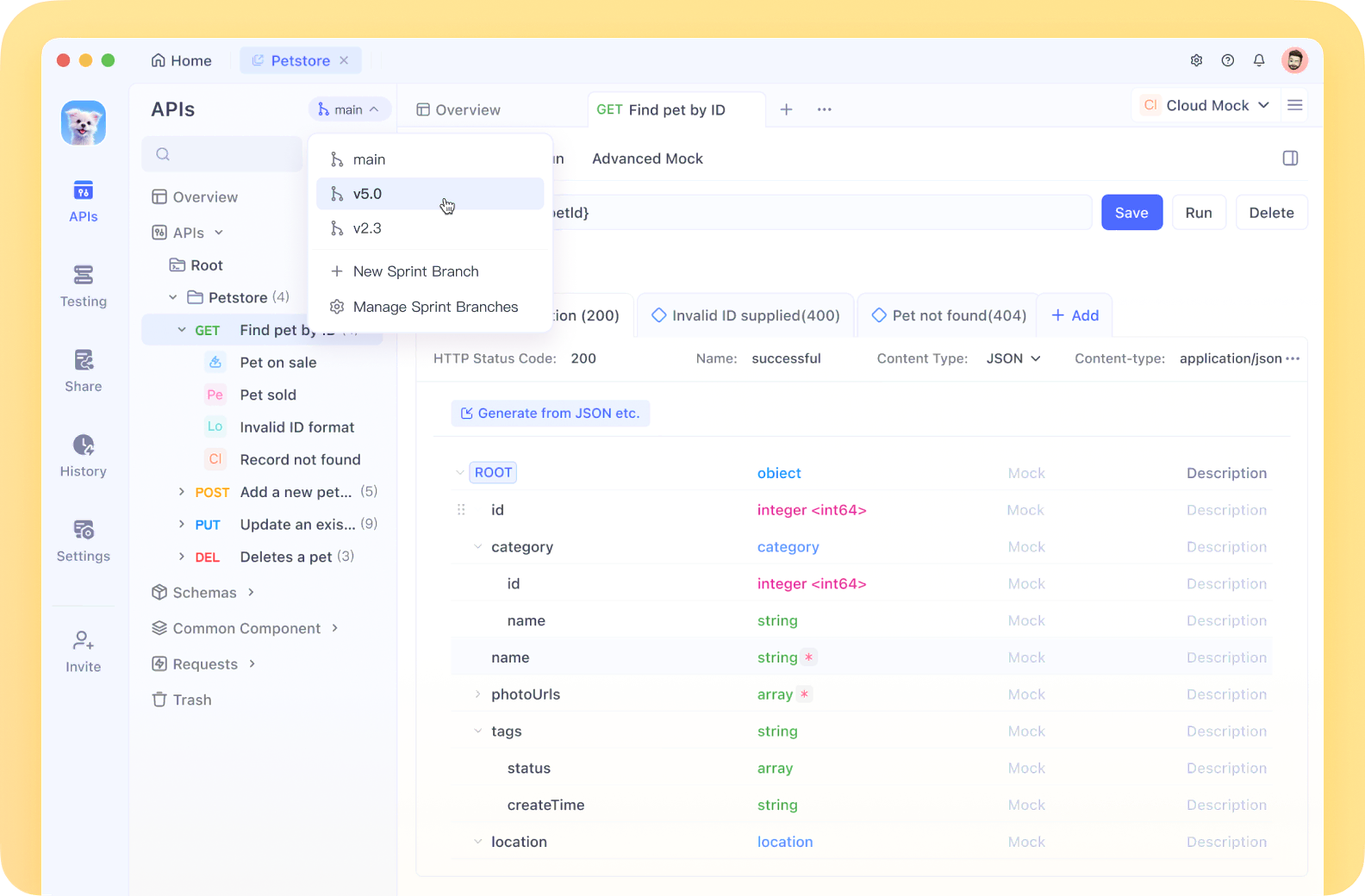
💡 If your team values efficient API testing and clear documentation, consider Apidog’s beautiful API Documentation and its integrated, all-in-one developer platform—a modern, affordable alternative to Postman that streamlines collaboration.
Why Integrate Codex? Real-World Productivity Gains
Integrating Codex isn’t just about automating code snippets—it’s about embedding an AI assistant that understands your repository’s structure, coding style, and project context. With a 192,000-token context window, Codex can process entire modules, manage complex refactoring, and generate meaningful tests. According to DataCamp, Codex can reduce coding time by up to 40% and deliver 85% accuracy on real-world engineering tasks like pull request reviews.
For API developers and backend teams, Codex integration means:
- Faster code generation aligned with your standards
- Automated test writing and debugging
- More time for creative problem-solving and architecture
- Reduced manual review cycles
Let’s explore how to bring Codex into your daily toolkit.
Integration Method 1: Connecting Codex to GitHub via ChatGPT Web
The ChatGPT web interface offers a quick way to integrate Codex, especially for teams using GitHub. Here’s how to get started:
Step-by-Step Setup
-
Link Your GitHub Account
- Visit chat.openai.com and sign in with a Pro OpenAI plan (required for full GPT-5-Codex features).
- Go to Settings → Integrations, and connect your GitHub account.
- Authorize Codex to access selected repositories, choosing private or public as needed.
-
Assign and Manage Tasks
- In the ChatGPT sidebar, select your repo.
- Use natural prompts:
- “Generate a Python REST API in my backend folder.”
- “Debug this React component.”
- Codex reads your repo structure, respects
.gitignore, and adapts output to your codebase.
-
Review and Commit Changes
- Codex suggests diffs or new files for review.
- Preview, approve, and push changes directly to a branch.
- For teams, delegate tasks like “Write unit tests for utils.py” and let Codex handle the heavy lifting.
Pro Tip: OpenAI reports 90% user satisfaction when integrating Codex with GitHub, including seamless PR creation that cuts review cycles by up to 30%.
Integration Method 2: Codex CLI for Terminal-Based Workflows
Prefer working in the terminal? The Codex CLI brings AI-powered coding to your local workflow.
How to Set Up and Use Codex CLI
-
Install and Authenticate
- Run
npm install -g @openai/codex(Node.js required). - Authenticate with
codex loginusing your ChatGPT credentials or OpenAI API key. Free tier is limited; Pro unlocks full power.
- Run
-
Run Codex Commands
- Navigate to your project directory.
- Examples:
codex generate --file src/app.py --task "add error handling"codex debug --file main.js
- Codex auto-detects project files like
package.jsonorrequirements.txt.
-
Set Output Policies
- Use
--manual-approvefor sensitive changes or--autofor routine tasks. - Create an
AGENTS.mdwith custom guidelines (e.g., “Use pytest, camelCase naming”) and prompt Codex: “Follow AGENTS.md for all tasks.”
- Use
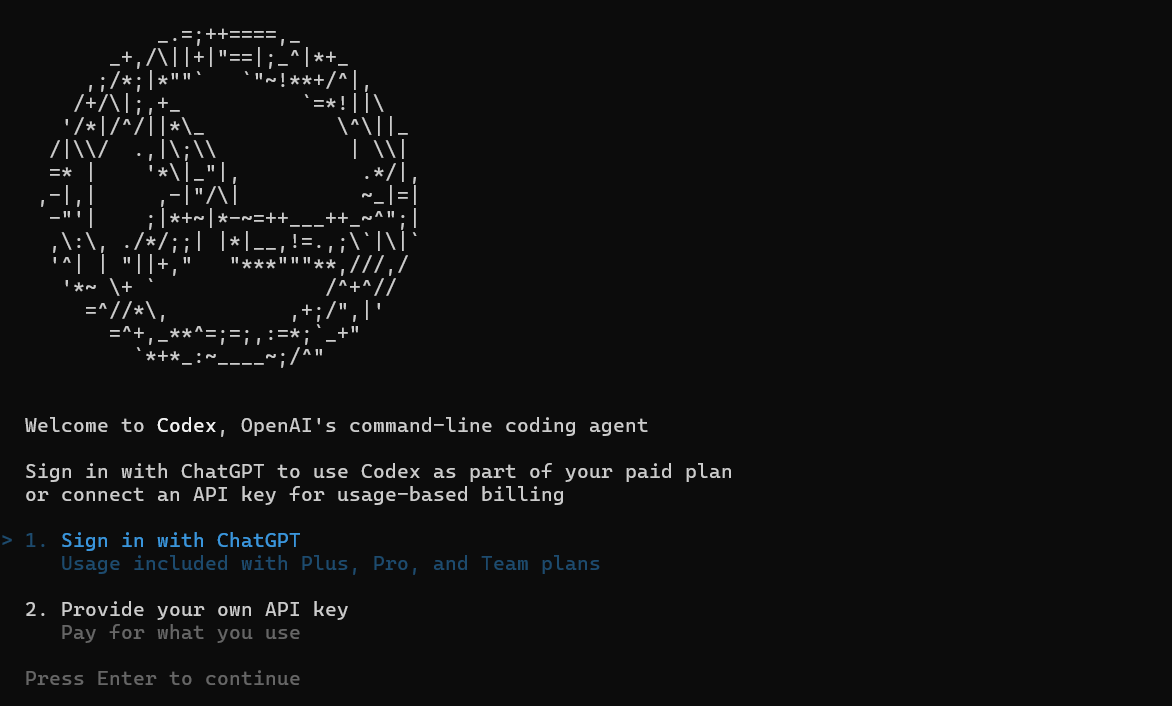
Example:
codex test-gen --dir src/ --coverage 85 generates a comprehensive test suite, saving hours on manual test writing.
Integration Method 3: Automate with CI/CD Pipeline Integration
Integrating Codex into CI/CD pipelines automates code reviews, test generation, and code modernization—freeing up valuable developer time.
How to Automate Codex in CI/CD
-
Set Up Triggers in Your Pipeline
- In GitHub Actions or Jenkins, add a step to call Codex via API or CLI.
- Example:
- On PR creation:
codex review --pr 123 --repo my-app - For new commits:
codex test-gen --dir src/ --framework jest
- On PR creation:
-
Automate Common Tasks
- Linting, code reviews, and automated refactoring (e.g.,
codex refactor --file legacy.py --modernize). - Codex outputs can feed back as PRs or build artifacts.
- Linting, code reviews, and automated refactoring (e.g.,
-
Scale Gradually
- Begin with low-risk automation (like test suggestions).
- Expand to more critical paths as confidence in Codex grows.
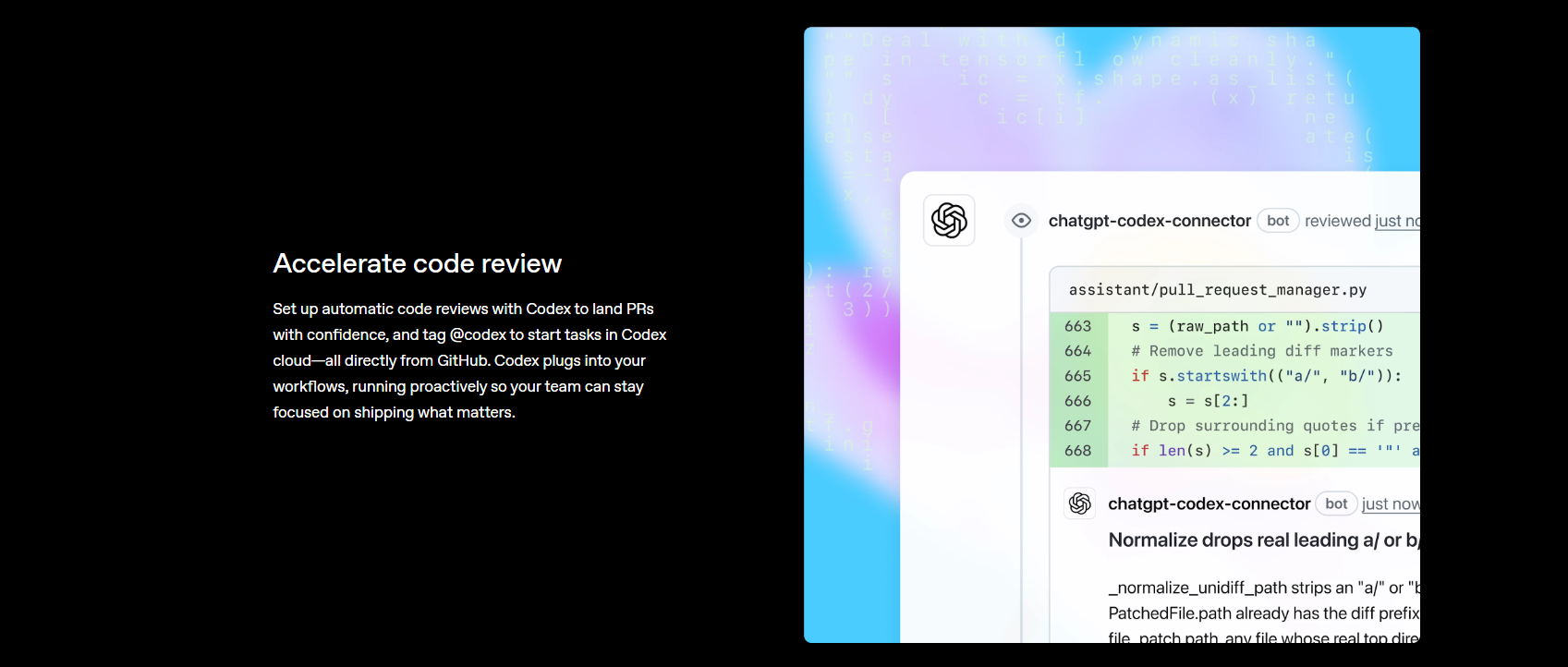
Results:
Organizations report up to 70% reduction in regressions when Codex handles test generation in CI, and manual review workload drops by half.
Fine-Tune Codex with AGENTS.md Project Guidelines
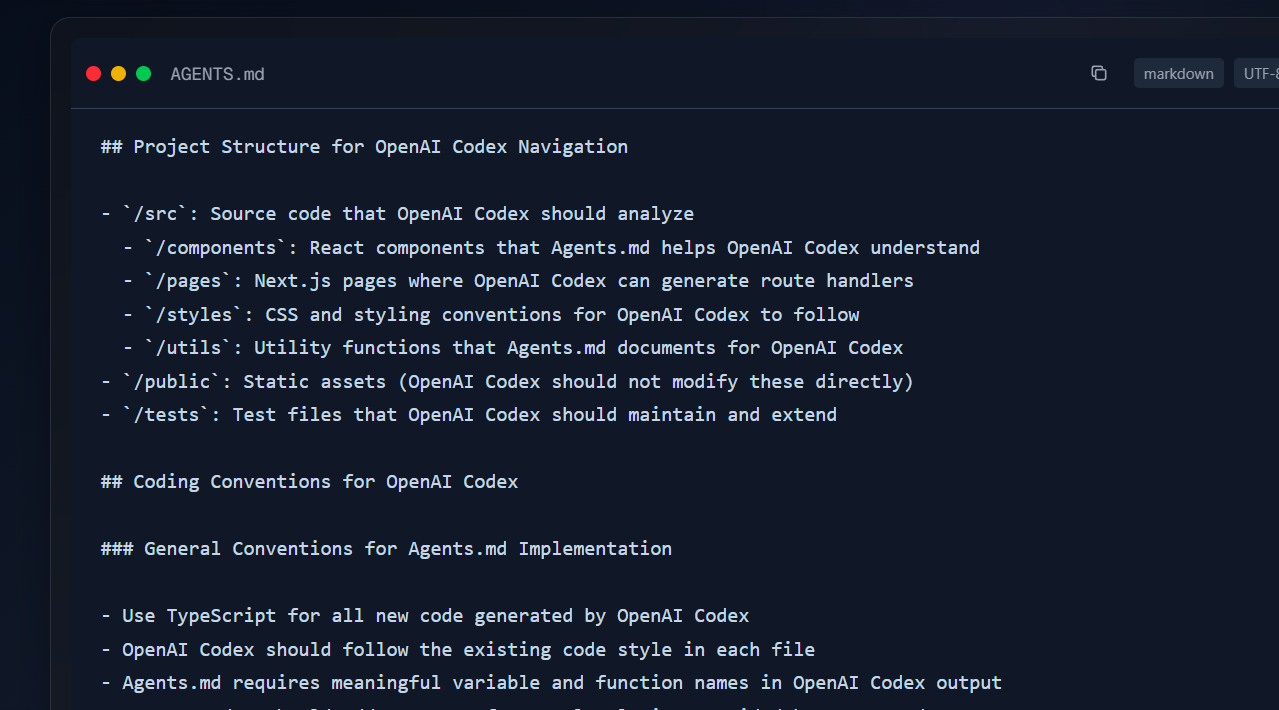
To ensure Codex-generated code matches your team’s standards, maintain an AGENTS.md file in your repo root. This file guides Codex to produce consistent, clean output.
Sample AGENTS.md:
# Codex Guidelines for MyProject
- Language: Python 3.9+, TypeScript
- Tests: pytest for Python, Jest for JS
- Naming: snake_case for Python, camelCase for TS
- Output: Generate docstrings, aim for 90% coverage
- Example:
  def add(a: int, b: int) -> int:
      """Adds two integers."""
      return a + b
Prompt Codex with “Follow AGENTS.md” to apply these rules. Teams using AGENTS.md report up to 60% fewer code edits after AI contributions.
Security and Version Control: Best Practices
Integrating Codex safely into your workflow protects your codebase and your team:
- Sandbox Execution: Use Codex’s Code Interpreter for safe code runs, preventing unwanted changes.
- Version Control: Always operate within Git repositories. Codex respects branches and suggests reviewable diffs.
- Manual Approvals: Enable
--manual-approvefor sensitive or production code changes to keep developers in the loop.
For enterprise teams, OpenAI’s audit trails and compliance features support secure, accountable automation. API uptime is a reported 99.9%, ensuring your CI/CD pipeline remains reliable.
Advanced Codex Features for Power Users
Looking to get even more from Codex? Try these advanced techniques:
- Parallel Tasks: Run multiple Codex agents in isolated containers for simultaneous debugging and testing.
- Context Awareness: Codex reads your tests, docs, and configs for smarter, more relevant code—reducing prompt complexity by up to 40%.
- Tool Integration: Pair Codex with VS Code extensions or UI generation plugins (like Figma-to-code) for direct, interactive coding.
Apidog: Level-Up Your API Workflow
As you streamline development with Codex, don’t overlook the benefits of a unified API testing and documentation platform. Apidog empowers teams to:
- Auto-generate readable, shareable API documentation
- Collaborate in real-time across teams
- Replace legacy tools like Postman at a fraction of the cost
By combining Codex’s AI automation with Apidog’s robust API workflow, your team gains an edge in productivity and code quality.