
Artificial intelligence is reshaping the way development teams code, test, and collaborate. Among the new generation of AI assistants, Anthropic's Claude AI stands out for its advanced language capabilities, safety-first approach, and developer-friendly integrations. But as you evaluate AI tools for API design, code review, or workflow automation, the question quickly arises: Is Claude Pro worth the upgrade, or does the free plan cover your needs?
In this in-depth comparison, we break down everything API developers, backend engineers, and technical leads need to know about Claude Free vs Pro—including usage limits, model access, context windows, and practical use cases. Whether you're experimenting with AI-driven documentation or seeking a reliable coding partner, this guide will help you select the best Claude plan for your workflow.
💡 Looking for an API platform that streamlines your workflow? Try Apidog for beautiful API documentation, a unified workspace for developer teams, and a feature-rich alternative to Postman at a lower price. 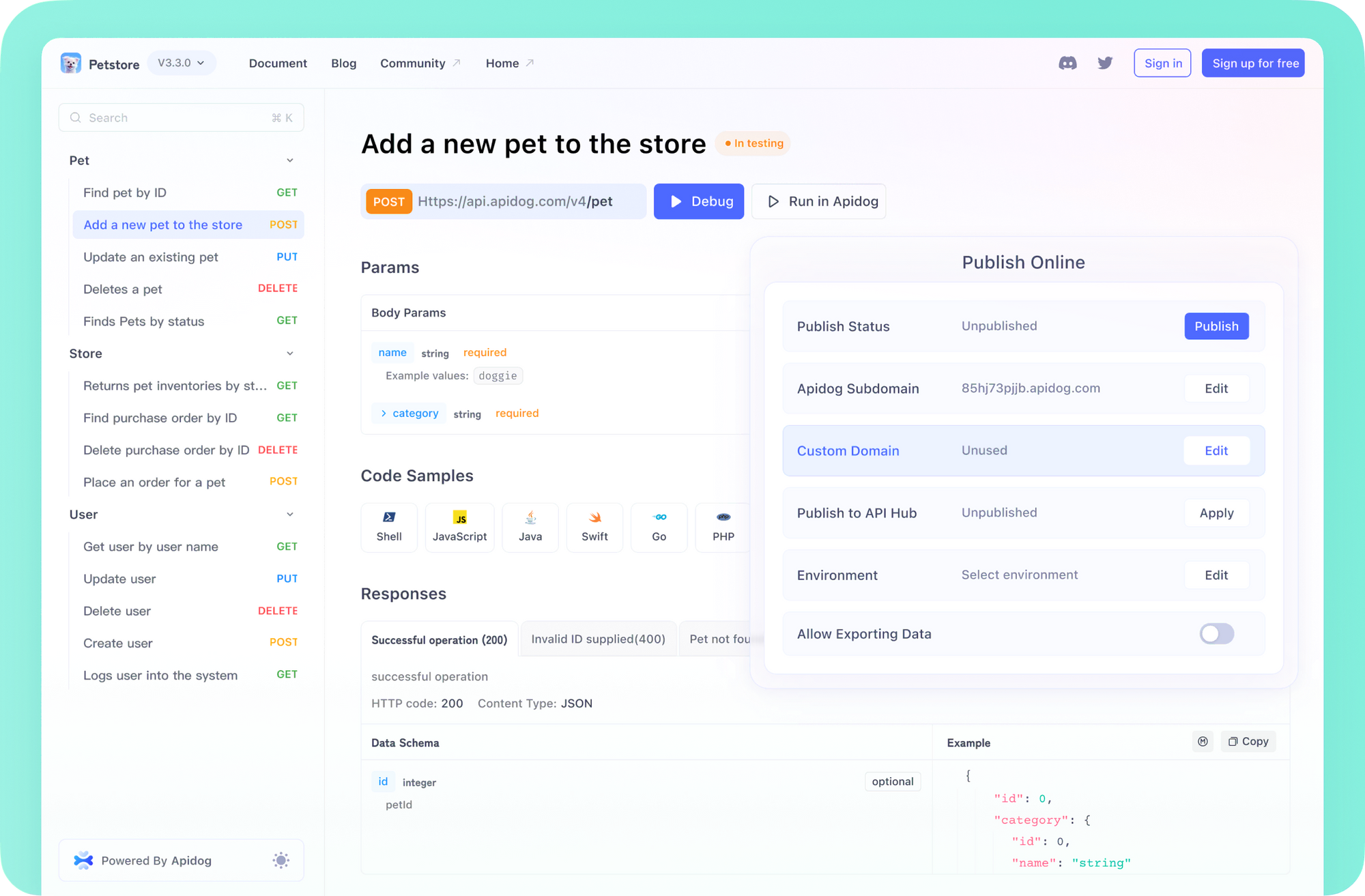
What is Claude AI? A Quick Primer for Engineers
Before diving into the plan comparison, let's clarify what makes Claude relevant for technical teams. Developed by Anthropic, Claude is an AI assistant designed for clarity, safety, and transparency—qualities valued by engineering teams handling sensitive data and complex logic.
Key Claude Models:
- Claude 3.7 Sonnet: Anthropic's most advanced model, excelling at complex reasoning, code generation, and multilingual support. Its "extended thinking" feature surfaces intermediate reasoning, making it ideal for debugging or architectural analysis. It supports a 200K token context window, with up to 128K tokens in beta for very large outputs.
- Claude 3.5 Haiku: Optimized for speed, this model is perfect for chatbots, fast prototyping, or quick code suggestions, also with a 200K token window.
- Claude 3.5 Sonnet: A smart balance of performance and speed for general developer tasks.
- Claude 3 Opus: Anthropic's powerhouse for deep technical tasks, particularly suited for nuanced code reviews or large document processing.

Model Access by Plan:
- Claude Free: You interact with a capable Claude model, but you can't manually choose which version (e.g., Sonnet vs Haiku). Anthropic assigns models based on demand and rollout priorities.
- Claude Pro: Unlock the model selector. Choose the exact model that matches your use case—speed, reasoning, or document handling—essential for developers needing predictable, repeatable results.
Claude Free Plan: Capabilities and Constraints
The Claude Free plan is ideal for developers and teams new to AI, offering hands-on experience with advanced language models at no cost.

What Developers Get with Claude Free
- Web & Mobile Access: Use Claude via claude.ai or the mobile apps (iOS/Android).
- Core AI Features: Chat, code, analyze text, and ask technical questions. Great for lightweight use or initial prototyping.
- No Financial Commitment: Test Claude's potential before investing.
Key Free Tier Limitations
- Daily Message Caps: Free users face a flexible daily message limit. This can disrupt workflows if you're iterating on code or troubleshooting APIs throughout the day. Limits reset each morning.
- Variable Context Window: The amount of code, documentation, or chat history Claude can "remember" may shrink during busy periods. This impacts the ability to process large files or multi-step debugging sessions.
- No Priority Access: Expect slower responses or brief unavailability during peak times, as paying users receive server priority.
Best for:
- Engineers evaluating AI tools
- Occasional coding support
- Students, hobbyists, and API newcomers
- Teams exploring proof-of-concept integrations
If you often hit daily caps or need uninterrupted access for technical work, it's time to evaluate Claude Pro.
Claude Pro Plan: Power, Consistency, and Advanced Features
For professionals integrating AI into daily development, Claude Pro delivers higher usage limits, model flexibility, and advanced organization tools.

What Engineers Unlock with Claude Pro
- 5x Higher Usage: Send significantly more messages each day—ideal for code reviews, long debugging sessions, or when collaborating with teammates. While not unlimited, the quota suits most intensive workflows.
- Priority Server Access: Stay productive even during high demand. Faster, more reliable responses under load.
- Early Access to Features: Be among the first to try new Claude capabilities—valuable for teams seeking an innovation edge.
- Model Selector: Choose between models (Sonnet, Haiku, Opus) to optimize for code generation, speed, or deep analysis.
- Larger Context Window: Process up to 200K+ tokens (about 500 pages of text/code) per interaction. Parse API specs, review entire documentation sets, or handle complex support tickets in a single conversation.
- Projects & Knowledge Bases: Organize chats and uploads by project, giving Claude persistent context for ongoing API design, QA, or documentation work.
Claude Pro Pricing
- $20/month billed monthly, or $17/month with annual prepay. (Check Anthropic's pricing page for updates.)
Best for:
- API and backend developers needing consistent, high-availability AI
- Technical leads handling large codebases or documentation
- Teams collaborating on complex projects
- Professionals leveraging AI for routine coding, QA, or documentation workflows
Claude Free vs Pro: Feature Comparison Table

| Feature | Claude Free | Claude Pro |
|---|---|---|
| Usage Limits | Limited daily messages (variable, resets daily) | 5x more daily messages; suitable for regular, intensive use |
| Access | May experience delays or downtime at peak times | Priority server access; reliable during high demand |
| Features | Core chat, code, and Q&A functions | All Free features plus model selector, Projects, Knowledge Bases, early access to new features |
| Context Window | Variable (often smaller under load); may limit large documents/conversations | 200K+ tokens per chat (approx. 500 pages); excellent for large code/doc review |
| Cost | $0 | $20/month (or $17/month annual) |
Practical Tips for Maximizing Claude Usage
- Batch Requests: Combine related code reviews or API questions to save messages.
- Be Direct: Clear, concise prompts lead to better output and fewer follow-ups.
- Leverage Context: Reference prior messages; Claude maintains session memory within a chat.
- Organize by Project (Pro): Use Knowledge Bases to keep documentation and context grouped for ongoing work.
- Start Fresh for New Topics: Prevent context bloat by creating new chats for unrelated issues.
Is Claude Pro Worth It for API Developers?

Common Questions Answered:
What's the main difference between Claude Free and Pro?
Pro offers 5x more daily messages, priority access, a larger context window, and advanced features like model selection and project organization.
Is Claude Pro usage better than free?
Yes—especially for developers who require reliability, higher throughput, or need to process large code/document files.
Is the paid version worth it?
If you regularly rely on AI for coding, documentation, or troubleshooting—and often hit free tier limits—Pro easily pays for itself in productivity gains.
Can I use Claude AI for free?
Yes, the free plan remains available on claude.ai and mobile, perfect for new users or light workloads.
Is Claude 3 free or paid?
Access to specific Claude 3 models may be available on both plans, but Pro lets you choose the model, which is crucial for repeatable technical workflows.
Beyond Pro: Claude Max and Enterprise Solutions

If your team needs even more capacity or collaborative features:
- Claude Max: 5–20x the usage of Pro, higher output, access to beta features like Research. Designed for heavy technical teams. Starts at ~$100/person/month.
- Team & Enterprise: Adds admin controls, advanced collaboration, and potentially even larger context windows (up to 500K tokens for Enterprise). Ideal for organizations standardizing AI across workflows.
Final Thoughts: Choosing the Right Claude Plan for Your Workflow
For API developers, backend engineers, and technical leads, picking between Claude Free and Pro comes down to your daily usage and project complexity.
- Stay Free: If you're exploring AI, have light needs, or are building proofs-of-concept.
- Upgrade to Pro: When you need reliable, high-volume access, advanced project tools, or the ability to process large files and long conversations—common in API development and QA.
💡 Want to further streamline your API workflow? Explore Apidog for beautiful docs, a collaborative team platform, and a cost-effective alternative to Postman. Learn more.