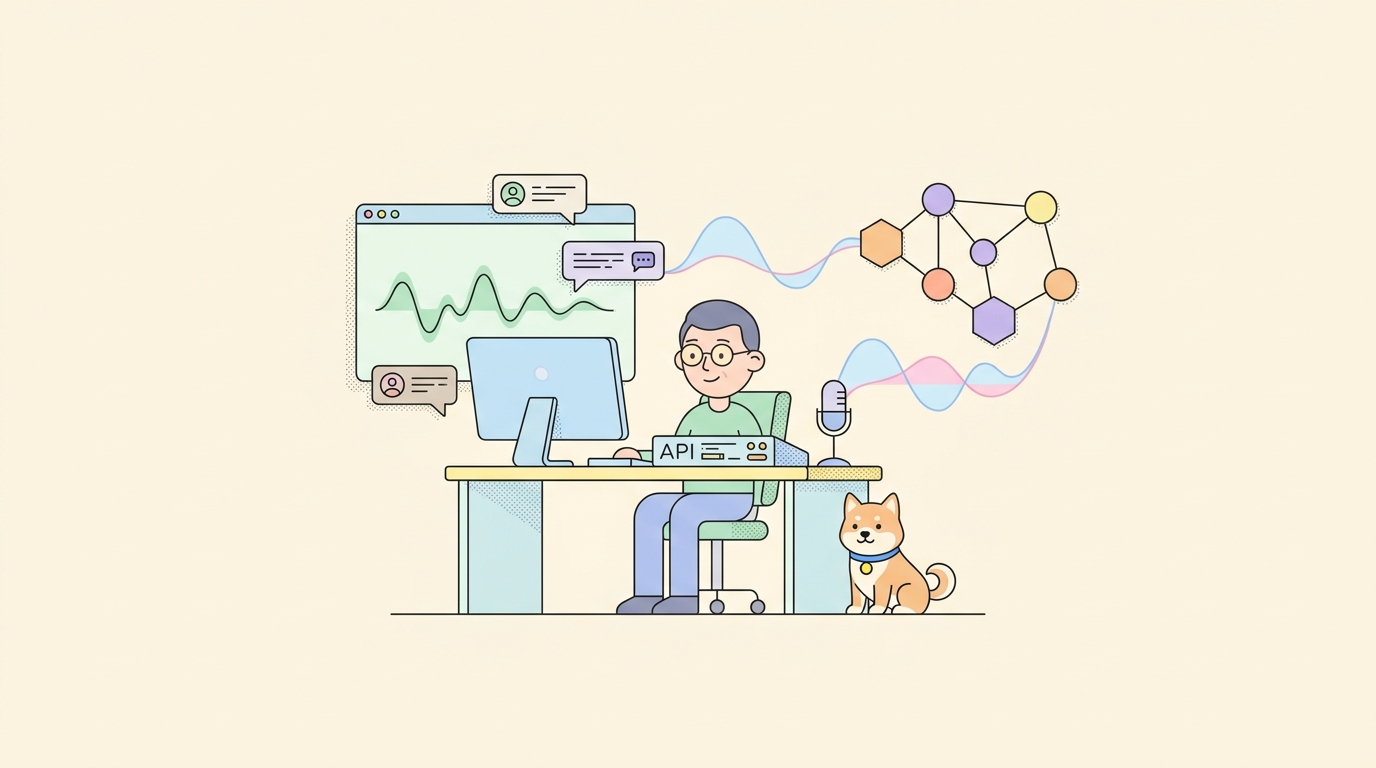
Claude Design turned heads the moment it landed. Type one sentence and a finished pitch deck, landing page, or mobile mockup renders back at you in seconds. No dragging rectangles around a canvas, no nudging pixels by hand. Then you hit the wall. It’s paid, cloud-only, and locked to Anthropic’s stack. So when people search for how to use Claude Design for free, they usually find a dead end.
An open-source project called Open Design rebuilds the same artifact-first design loop, runs on your own machine, and costs nothing to install. This guide walks through what Open Design is, how to set it up three different ways, and how to point it at an AI agent you may already pay for.
TL;DR: how to use Claude Design for free
Claude Design is Anthropic’s paid, closed-source design tool. To get the same experience for free, install Open Design, an Apache-2.0 open-source alternative with more than 48,000 GitHub stars. It recreates the artifact-first design workflow, runs locally or self-hosted, and uses a coding-agent CLI as its design engine. Claude Code, Codex, Gemini CLI, Cursor, and about a dozen others all work. The software costs nothing. You pay only for the AI model you point it at, and if you drive it with an agent you already subscribe to, even that cost drops to zero.
Why “Claude Design for free” needs one honest caveat
Let’s clear up the search query first, because the phrasing hides a small trap.
Claude Design is a product Anthropic ships. By every account, it’s a paid subscription, it runs in Anthropic’s cloud, and the source code is closed. There’s no free tier that unlocks the full artifact-generation experience, no self-host option, and no way to swap in a different model. If you want the literal Claude Design product, you pay Anthropic.
So “use Claude Design for free” comes down to one of two things. Either you want the workflow (describe a design in plain language, get a polished artifact back) without the bill, or you want to keep your data and model choice under your own control. Open Design answers both. It’s the open-source alternative that copies the artifact-first mental model and removes the lock-in.
What is Open Design?
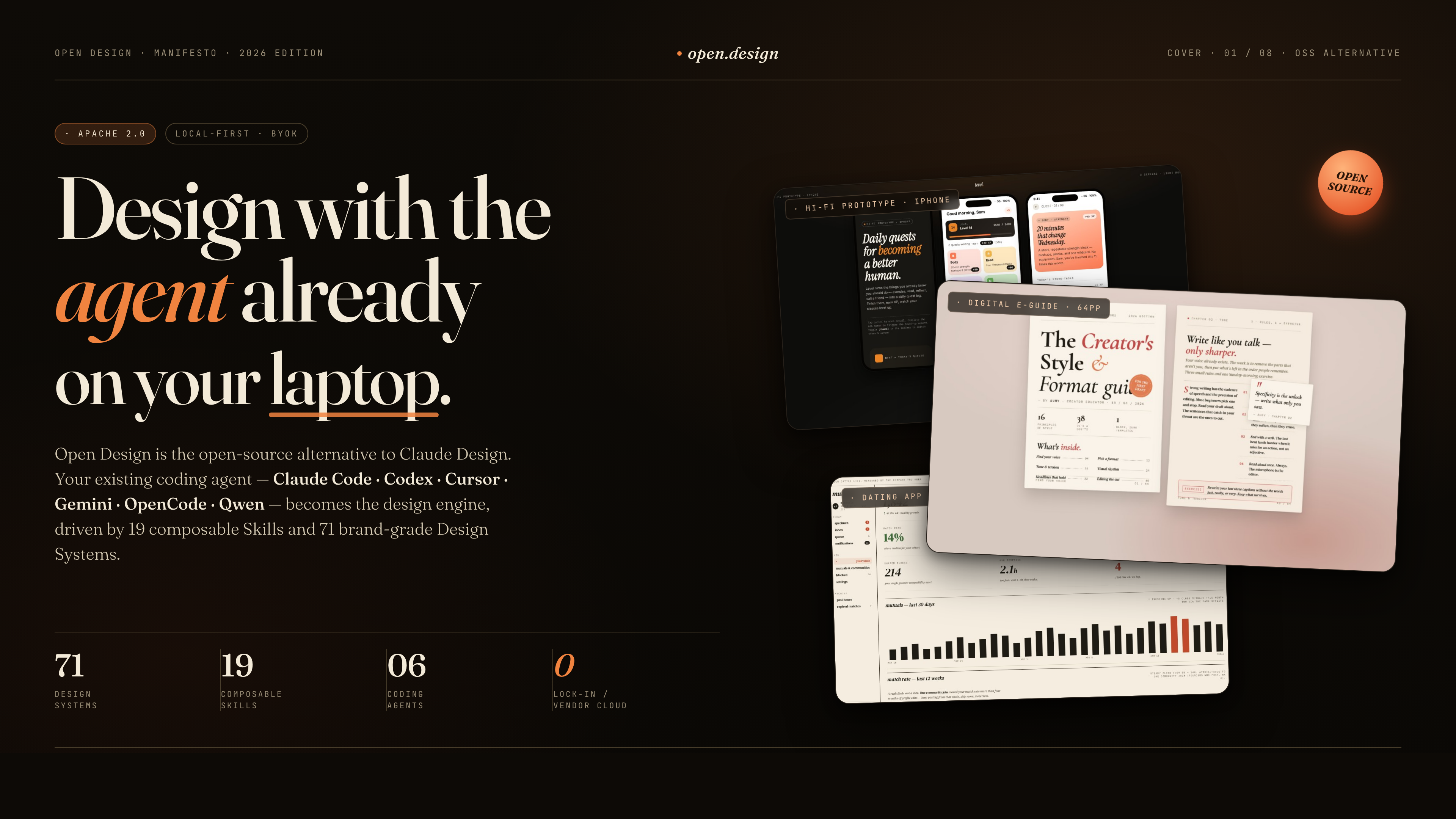
Open Design (the team shortens it to OD) is a local-first, open-source design environment. The GitHub repository describes it plainly: an open, agent-native alternative to Claude Design. It picked up tens of thousands of stars within weeks of launch, which tells you how many people were waiting for exactly this.
The architecture has three layers, and understanding them helps you see why it works:
- A web front end built on Next.js. This is the chat-and-canvas interface you actually use. It can run in any browser and even deploy to Vercel.
- A local daemon, a small Node.js server with a SQLite database. It tracks your projects, conversations, and artifacts, and it scans your system for installed coding agents.
- An agent runtime. The daemon spawns a coding-agent CLI with your project folder as its working directory. That agent reads design templates, writes files, and produces the finished artifact.
That third layer is the clever part. Open Design doesn’t ship its own model. It borrows the strong coding agents already sitting on developer laptops. The daemon auto-detects roughly 16 of them on your PATH: Claude Code, Codex, Cursor Agent, Gemini CLI, OpenCode, Qwen, GitHub Copilot CLI, Kimi, and more. Whichever one you have becomes the design engine. If you understand how these tools operate under the hood, our piece on the Claude Code agent harness architecture is a useful companion read.
On top of the agent sit two libraries that do the heavy lifting on quality. The first is a set of composable skills: web prototypes, dashboards, mobile apps, SaaS landing pages, email layouts, social carousels, and presentation decks. The second is a catalog of design systems modeled on real brands like Linear, Stripe, Vercel, Notion, and Apple, each captured as a portable Markdown file covering color, typography, spacing, motion, and voice. The agent reads a skill and a design system before it generates anything, which is why the output looks intentional instead of random. This pattern of feeding structured design guidance to an AI agent is the same idea behind DESIGN.md files for coding agents.
Open Design generates web, desktop, and mobile prototypes, slide decks, images, and short videos. It previews everything in a sandboxed iframe and exports to HTML, PDF, PPTX, ZIP, Markdown, and MP4. The whole project ships under the Apache 2.0 license, so commercial use is fine.
How to use Claude Design for free: install Open Design three ways
You have three install paths. Pick based on how much control you want. All three end in the same place: a local design studio running in your browser at no cost.
Option 1: the desktop app (fastest)
If you want the shortest route, grab the prebuilt desktop app. Open Design publishes signed binaries for macOS (both Apple Silicon and Intel) and Windows.
- Visit the project site at open-design.ai or the GitHub releases page.
- Download the build for your operating system.
- Install and launch it like any normal app.
On first launch, the app scans your machine for coding agents, loads its skills and design systems, and creates a runtime folder for your projects. No terminal, no build step. This is the right choice if you’re a designer or product manager who wants the Claude Design experience without touching a command line.
Option 2: Docker
If you’d rather run Open Design as a contained service, perhaps on a home server or a shared box, Docker is clean and repeatable.
git clone https://github.com/nexu-io/open-design.git
cd open-design/deploy
docker compose up -d
Once the containers are up, open http://localhost:7456 in your browser. Docker keeps the install isolated from the rest of your system and makes upgrades a one-line affair. If you’re new to containerized tools, the official Docker documentation covers the basics of compose.
Option 3: from source
Running from source gives you the newest code and the option to modify skills or design systems yourself. Open Design moves fast, with active development happening on the main branch, so source installs see new features first.
You’ll need Node.js version 24 or close to it, and pnpm 10.33.x. Then:
git clone https://github.com/nexu-io/open-design.git
cd open-design
corepack enable
corepack pnpm --version    # verify it reports 10.33.x
pnpm install
pnpm tools-dev run web
The tools-dev command is Open Design’s process manager. run web starts the daemon and the web front end together in the foreground. A few sibling commands are worth knowing:
| Command | What it does |
|---|---|
pnpm tools-dev run web |
Start daemon plus web, foreground |
pnpm tools-dev start web |
Start daemon plus web, background |
pnpm tools-dev status |
Show which services are running |
pnpm tools-dev logs |
Tail the daemon and web logs |
pnpm tools-dev stop |
Stop everything |
If you’ve used pnpm before, none of this will surprise you. If you haven’t, corepack enable handles the version pinning so you don’t fight your package manager.
First run: connecting Claude Code as your design engine
However you installed it, the first run is the same. Open Design needs an engine, and you have two ways to give it one.
Path A, a CLI agent. This is the recommended route and the cheapest. Make sure a supported coding agent is installed and on your PATH. If you want the closest match to Claude Design, install Claude Code, since both run on Anthropic’s models. The daemon detects it automatically; no configuration file to edit. Codex, Gemini CLI, and Cursor Agent work the same way. The agent runs with your Claude or OpenAI or Google subscription, so Open Design adds zero cost on top. Setting up Claude Code itself is covered in our Claude Agent SDK and Claude plan setup guide.
Path B, the BYOK proxy. No CLI on your machine? Open Design ships an OpenAI-compatible proxy. You paste an API key for Anthropic, OpenAI, Azure OpenAI, Google Gemini, Ollama, or a local model server, and the daemon routes requests through it. The proxy blocks server-side request forgery at its edge, so it’s safe to expose internally. This path costs per token, but it works without installing a single agent. If you’re handling API keys, treat them with care; our note on API key security in editor extensions applies here too.
Ollama deserves a callout. Point Open Design at a local Ollama model and the entire loop runs offline with no API bill at all. That’s the most literal version of “Claude Design for free” you can build.
Generate your first design artifact
With an engine connected, the workflow is short. Here’s the loop, start to finish.
- Pick a skill. Choose what you’re making: a SaaS landing page, a dashboard, a mobile app screen, a marketing email, or a slide deck. The skill tells the agent which templates and checklists to load.
- Pick a design system. Want it to feel like Linear? Stripe? Pick the matching system. The agent will respect that brand’s color, type, and spacing rules. Skip this and Open Design offers five curated visual directions instead: Editorial, Modern Minimal, Tech Utility, Brutalist, and Soft Warm, each with a deterministic color palette and font stack.
- Type your brief. Plain language. Something like
make me a magazine-style pitch deck for our seed roundordesign a pricing page for a developer API tool. - Answer the discovery form. Before the model generates a single pixel, a short question form pops up. It locks in the surface, the audience, the tone, and any brand context. This is the step that separates Open Design from a generic prompt box. It forces the decisions a senior designer would ask about first.
- Watch the plan stream. The agent posts a live todo list into the UI and checks items off as it works. You see the build happen instead of staring at a spinner.
- Preview in the sandbox. The finished artifact renders in a sandboxed iframe within seconds. The sandboxing matters; generated code runs isolated from your system, an idea we covered in what CubeSandbox means for AI agents.
- Export. Download as HTML, PDF, PPTX, ZIP, Markdown, or MP4. Artifacts also live on disk in the project folder, so you can open and edit the files directly.
The discovery-form step is the quiet hero here. Most AI design tools improvise the moment you hit enter, and you spend the next twenty minutes correcting wrong assumptions. Open Design front-loads those questions, so the first draft is usually close to what you wanted.
Going further: skills, design systems, BYOK, and the MCP server
Once the basics click, a few features make Open Design feel less like a toy and more like a studio.
Skills are editable. Each skill is a folder with a SKILL.md file and supporting assets. Open one up, change the checklist, add a layout template, and the agent follows your version next time. If your company has a house style, you can encode it once and reuse it across every project.
Design systems are portable Markdown. A design system in Open Design isn’t a binary file locked inside an app. It’s plain Markdown describing color tokens, type scale, spacing, components, and voice. You can write your own from your brand guidelines in an afternoon, drop it in the design-systems folder, and every artifact you generate after that respects it.
The BYOK proxy is multi-provider. The same proxy that unblocks the no-CLI path also lets you switch models freely. Run an expensive frontier model for a client pitch, then switch to a cheap or local model for rough drafts. You’re never married to one vendor. If you want to compare what the big models cost and deliver, our Gemini 3.5 vs GPT-5.5 vs Opus 4.7 comparison is a fair starting point.
An MCP server ships in the box. Open Design includes a Model Context Protocol server. Other coding agents can wire into it and query your design files directly, fetching a generated artifact or a design-system file without any export-import dance. This is what makes Open Design a citizen of a larger toolchain rather than an island.
Media generation is built in. Beyond layouts, Open Design generates images for posters and avatars, and short cinematic videos from a text prompt. It also supports HTML-to-MP4 motion graphics. A design deck can ship with its own hero imagery, all from the same window.
From prototype to product: pair Open Design with Apidog
Here’s the gap nobody mentions in the demos. Open Design hands you a beautiful front end. A landing page, a dashboard, a mobile app screen. But a prototype filled with hardcoded placeholder data isn’t a product. The moment a real user clicks a button, that screen needs an API behind it.
This is where the design workflow meets the API workflow, and where Apidog fits naturally into the picture.
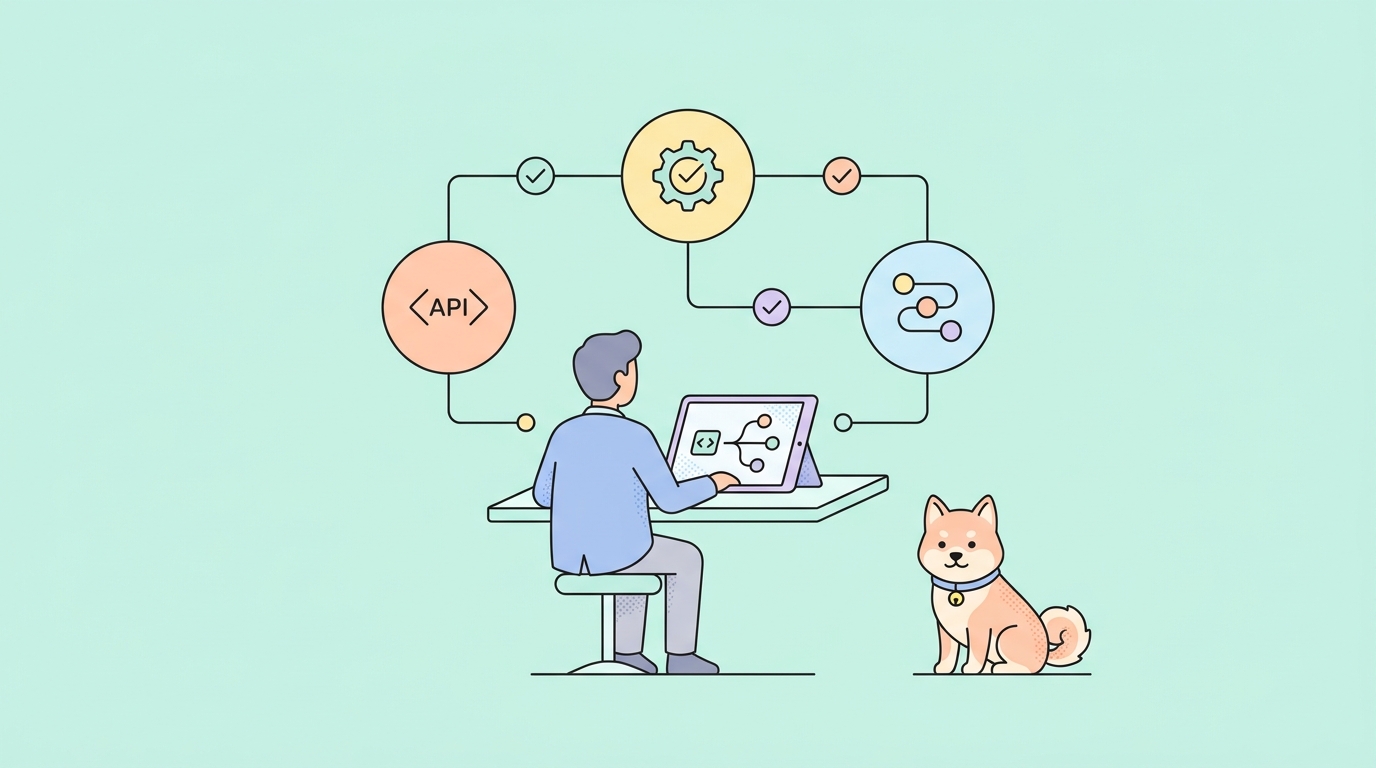
Say Open Design generated a developer-tool dashboard with a usage chart, a billing panel, and a settings page. To make it real, you need endpoints for usage data, billing records, and account settings. Apidog lets you design those APIs visually, with a schema-first editor that produces clean OpenAPI specs. You define the shape of the data once.
Then comes the part that pairs perfectly with rapid prototyping: mocking. Apidog generates a mock server from your API design automatically. Instead of the fake numbers Open Design baked into the prototype, your front end can call a live mock endpoint that returns realistic, structured responses. The prototype starts behaving like the real product before a single line of backend code exists. Front-end and back-end work proceed in parallel instead of one waiting on the other.
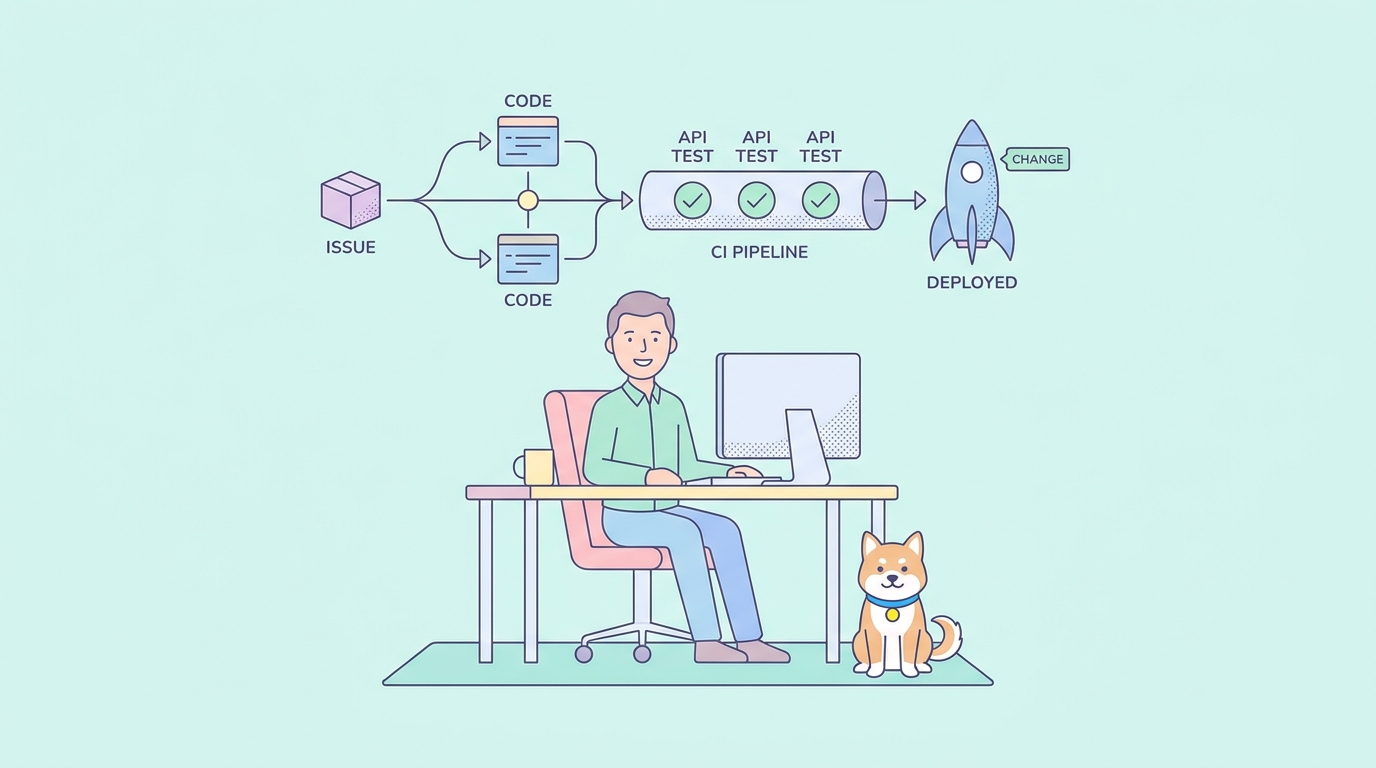
When the real backend gets written, Apidog handles testing too. You build automated test scenarios with visual assertions, no scripting required, and wire them into CI/CD so the endpoints powering your design stay correct as the product grows. The spec-first mode in Apidog keeps the design and the implementation in sync the whole way.
There’s a tidy symmetry here. Open Design uses a coding agent driven by skills and an MCP server. Apidog also exposes its capabilities to AI agents and ships an AI agent debugger for inspecting how those agents call your endpoints. The same agent that designs your interface can read your API spec and reason about both halves of the app. Design the front with Open Design, design the API with Apidog, and one toolchain carries you from prompt to working product. Download Apidog and you can mock the first endpoint in the time it takes Open Design to render its first artifact.
Open Design vs Claude Design vs Figma
A quick, fair comparison. Each tool is good at something different.
| Factor | Open Design | Claude Design | Figma |
|---|---|---|---|
| Price | Free, Apache 2.0 | Paid subscription | Free tier plus paid plans |
| Source code | Open | Closed | Closed |
| Hosting | Local, self-host, or Vercel | Cloud only | Cloud |
| AI engine | Any agent, BYOK, or local model | Anthropic models only | Manual, AI features add-on |
| Output | Code artifacts, decks, images, video | Design artifacts | Editable design files |
| Works offline | Yes, with a local model | No | Limited |
| Best for | Developers and teams wanting control | Quickest hosted experience | Hands-on visual design |
Claude Design wins on convenience. It’s hosted, polished, and there’s nothing to install. If you’ll happily pay for that and never need self-hosting, it’s a fine choice. Figma remains the tool for designers who want pixel-level manual control and mature collaboration. Open Design wins on freedom: no bill for the software, no lock-in, your choice of model, and the option to run the whole stack on your own hardware. For developers who already live in a coding-agent CLI, it’s the obvious pick.
Common mistakes to avoid
A few traps catch first-time users. Skip them and your setup goes smoothly.
- No agent on your
PATH. Open Design can’t detect what isn’t installed. If the daemon reports no engine, install a supported CLI or configure the BYOK proxy. Runningwhich claudeorwhich geminiconfirms the agent is visible. - Wrong Node or pnpm version. Source installs need Node around version 24 and pnpm 10.33.x. An older Node throws cryptic build errors. Run
corepack enableand let it pin the right pnpm. - Expecting zero cost with a paid API key. The software is free; a metered API key is not. If you plug in an Anthropic or OpenAI key through the BYOK proxy, you pay per token. For genuine zero cost, use an agent you already subscribe to, a free-tier CLI, or a local Ollama model.
- Skipping the discovery form. It’s tempting to rush past those questions. Don’t. The form is what makes the first draft accurate. Two minutes of answers saves twenty minutes of corrections.
- Treating the preview as production code. Open Design output is a strong starting point, not a finished, audited codebase. Review it, refactor it, and wire it to real APIs before shipping. Pair it with proper API testing so the endpoints behind your design hold up.
- Ignoring the
mainbranch. Open Design iterates fast. If a feature in the docs isn’t in your build, you may be on an older release. Source users can pullmain; binary users should check for updates.
Conclusion
You can’t get Anthropic’s Claude Design product for free, and pretending otherwise wastes your time. What you can get for free is the workflow that made Claude Design worth talking about: describe a design, get a polished artifact, ship it.
Key takeaways:
- Open Design is the open-source, Apache-2.0 alternative that recreates the Claude Design workflow at no software cost.
- It runs locally, via Docker, or from source, and the desktop app needs no terminal at all.
- It uses a coding-agent CLI as its engine, so if you already have Claude Code, Codex, or the Gemini CLI, you pay nothing extra.
- A local Ollama model makes the entire loop free and offline.
- Editable skills and portable Markdown design systems let you encode your own brand once and reuse it everywhere.
- A generated front end still needs a backend; design the API and mock it with Apidog so your prototype behaves like a real product.
Next step: install Open Design through whichever path fits you, point it at an agent, and generate one artifact. Then download Apidog, design the API behind that artifact, and spin up a mock server. Two free tools, one path from idea to working product.