Local-first AI tooling is gaining momentum among developers who want more control over their workflows, data, and costs. Eigent AI fits squarely into that shift. It’s an open-source desktop cowork app that uses multiple AI agents to collaborate on real tasks—without forcing you into a cloud-only model or a single chat interface.
This article explains what Eigent AI is, how it works, how to get started, and where it makes the most sense compared to tools like Claude. The focus is practical and technical, aimed at developers who want to evaluate and actually use it.
What Is Eigent AI, the Open Source Claude Cowork Alternative?
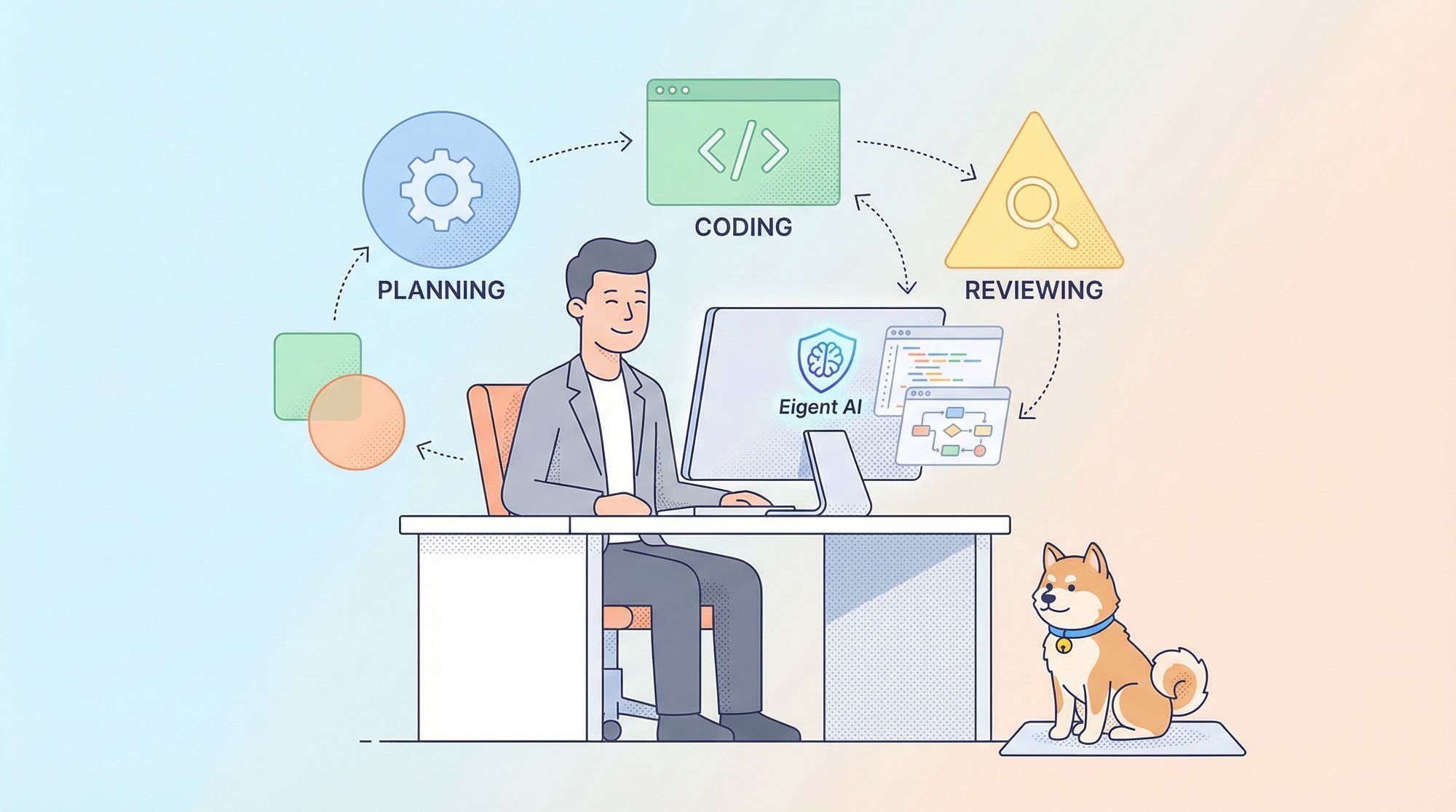
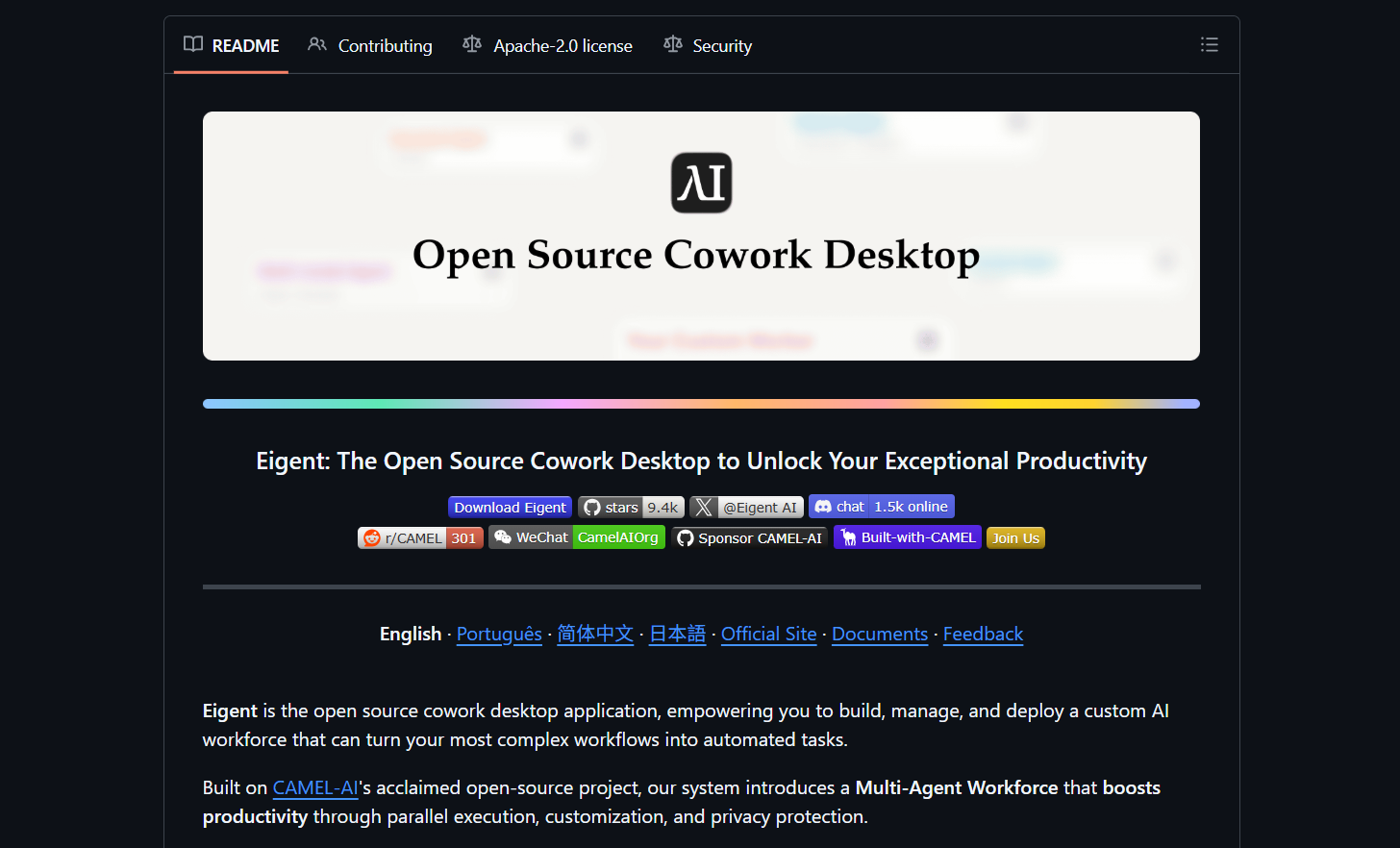
Eigent AI is an open-source, local-first, multi-agent AI cowork application. Instead of interacting with a single AI assistant through chat, you work with a team of agents, each responsible for specific roles such as planning, coding, reviewing, or researching.
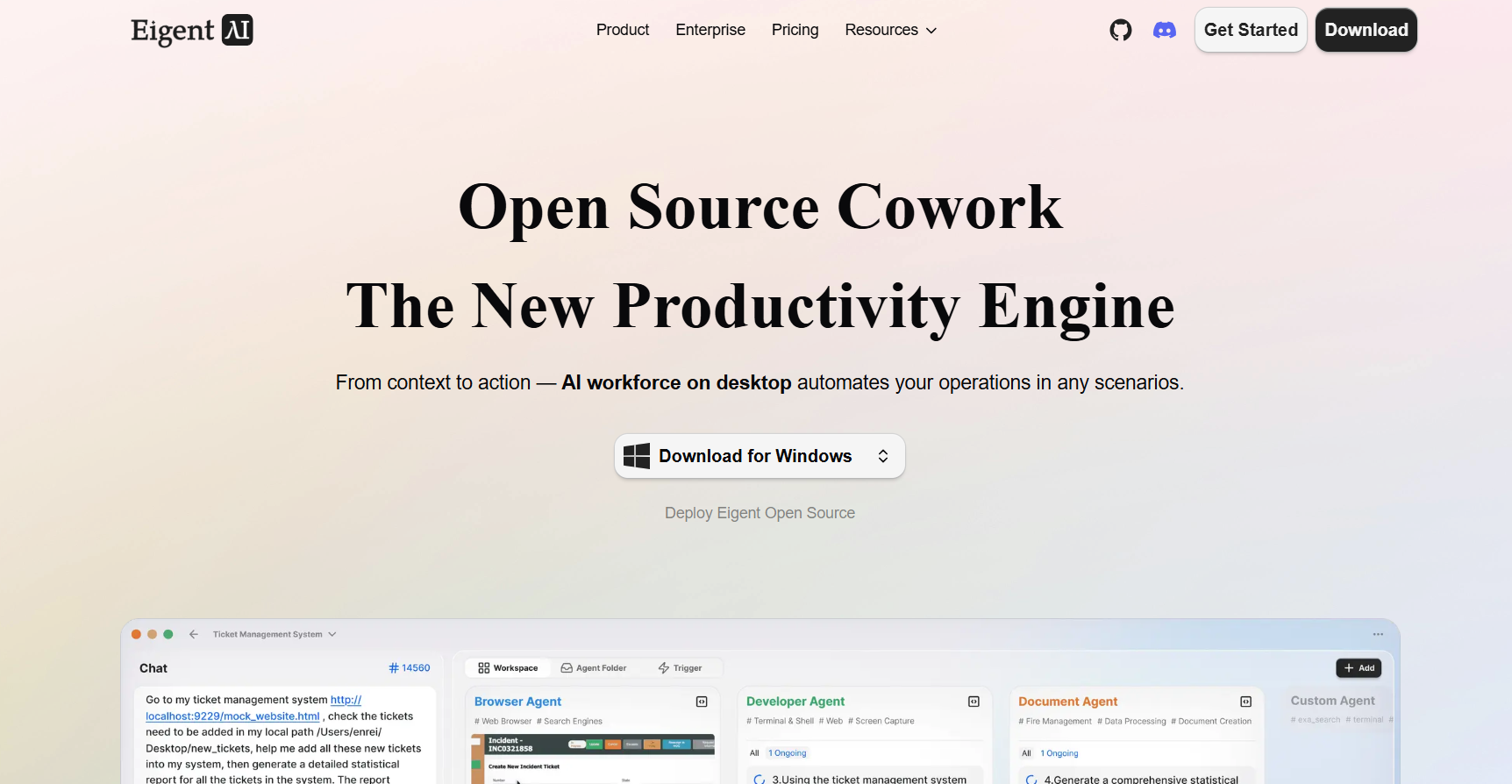
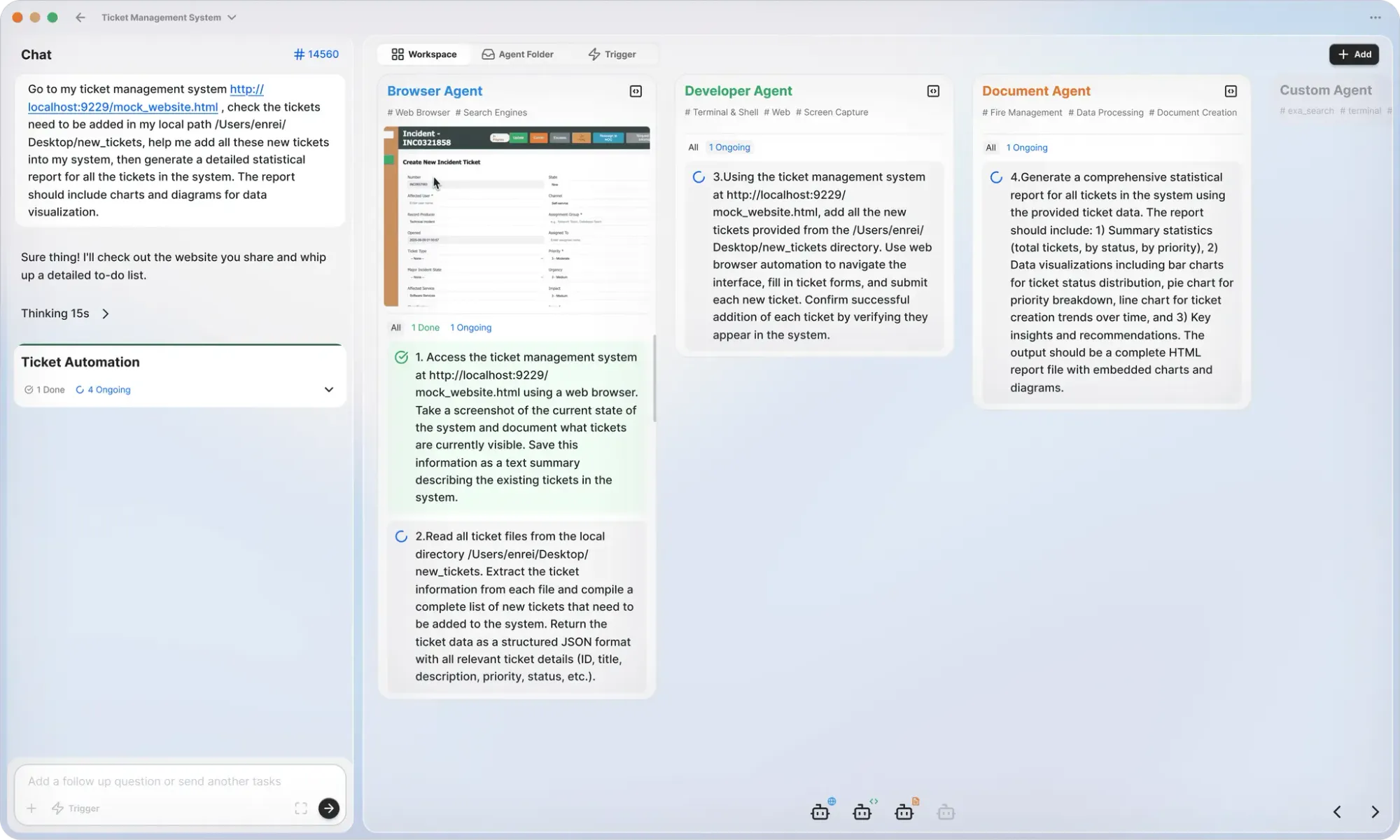
Think of Eigent AI less as a chatbot and more as a desktop workspace where AI agents collaborate, similar to how human teammates divide responsibilities.
Key ideas behind Eigent AI:
- Multi-agent workflows, not single prompts
- Local-first execution, with optional model flexibility
- Task-oriented collaboration, not conversation-only UX
- Open-source and inspectable, no black-box behavior
This design makes Eigent AI appealing to experienced developers who already understand LLMs and want to orchestrate them more effectively.
The Core Mental Model: AI Coworkers, Not AI Chat
To understand Eigent AI, it helps to discard the “AI assistant” mindset.
In Eigent AI:
- You create agents
- Each agent has a role
- Tasks are delegated
- Agents collaborate asynchronously
For example:
- One agent plans a feature
- Another writes code
- A third reviews logic
- A fourth documents outcomes
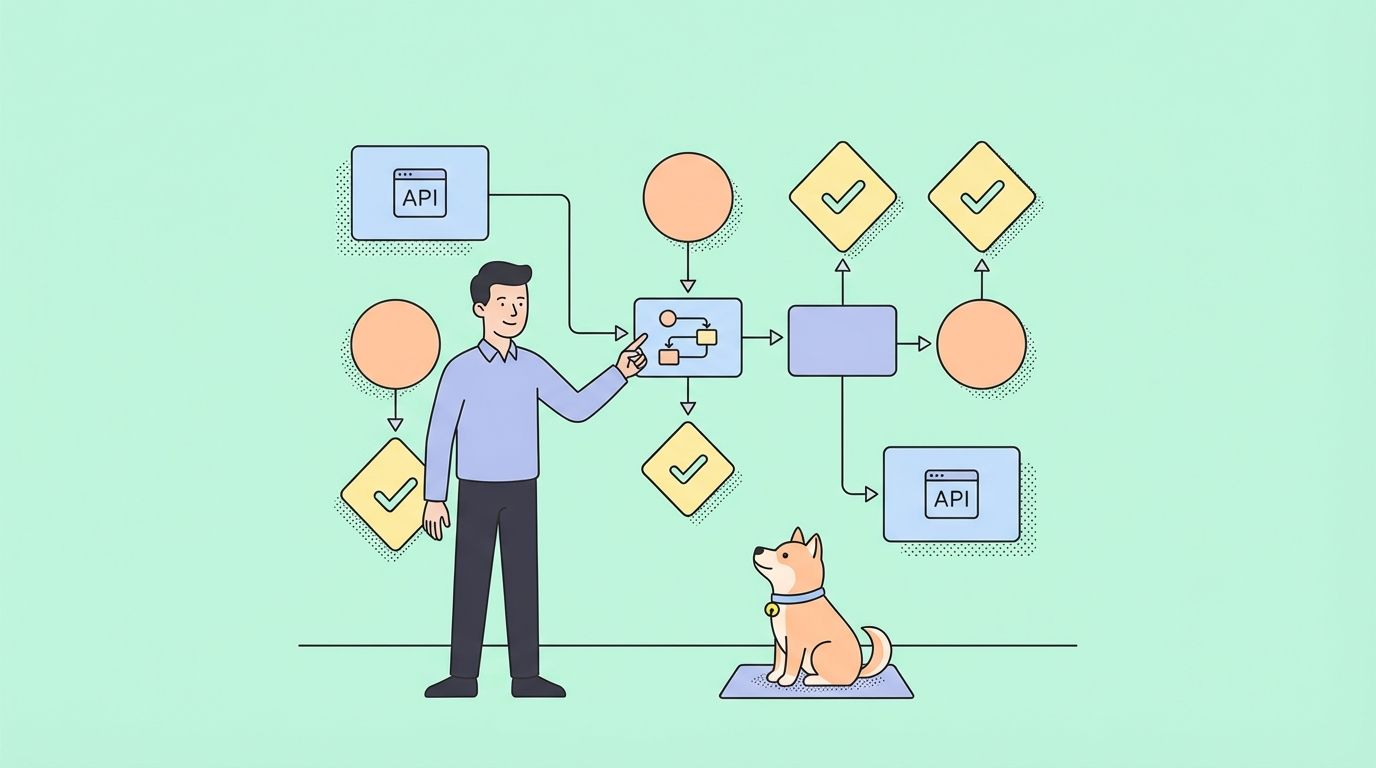
The value isn’t that each agent is smarter, but rather that coordination reduces cognitive load and mirrors real development workflows.
Architecture Overview
Eigent AI is designed for developers who care about control, privacy, and extensibility.
Desktop-First and Local-First
Eigent runs as a desktop application, not a hosted SaaS UI. This allows:
- Local file access
- Persistent workspace context
- Integration with local models
Data stays on your machine unless you decide otherwise.
Model Flexibility
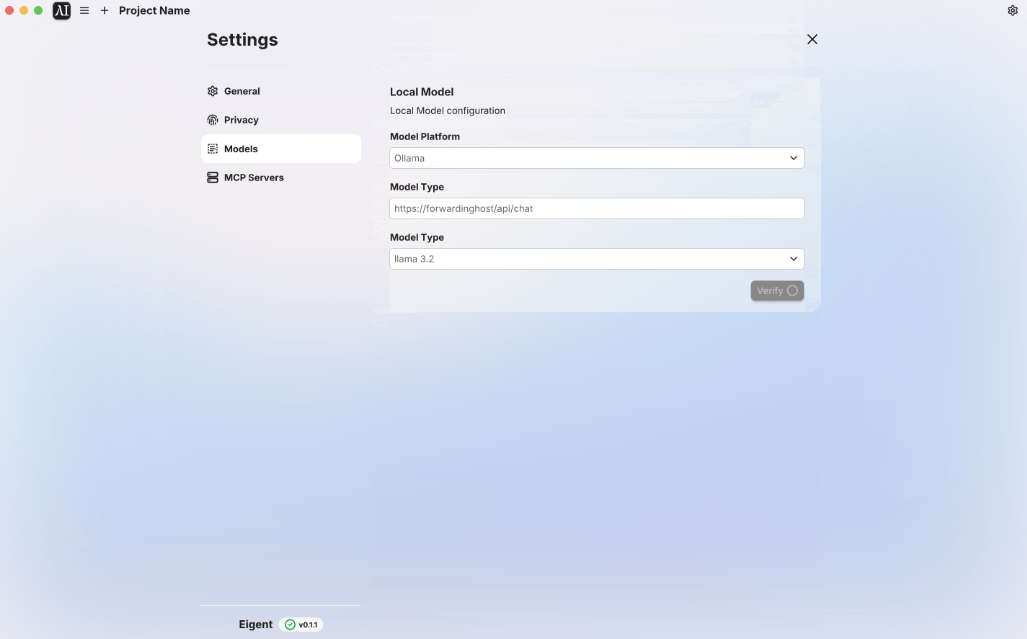
Eigent AI supports:
- Local LLMs (via tools like Ollama)
- Optional remote models
This makes it suitable for:
- Offline work
- Sensitive codebases
- Teams with strict data policies
Open-Source Core
Because Eigent AI is open source:
- You can inspect agent behavior
- Extend or modify workflows
- Build custom agents
- Avoid vendor lock-in
For experienced developers, this is often a deciding factor.
Key Features That Matter to Developers
Multi-Agent Collaboration
Eigent AI’s defining feature is its multi-agent workforce.
Instead of one prompt doing everything:
- Tasks are decomposed
- Agents operate in parallel
- Output is more structured and reviewable
This approach scales better for:
- Large repositories
- Multi-step workflows
- Research-heavy tasks
Local-First Privacy Model
Eigent AI doesn’t assume cloud usage by default.
Benefits include:
- No forced data uploads
- Full control over models
- Safer handling of proprietary code
This is particularly useful in regulated or enterprise environments.
Open and Hackable
As a result of Eigent AI being open source (you can find the Eigent.ai repo on github):
- Agents are configurable
- Workflows are scriptable
- Behavior is transparent
You’re not limited to the defaults.
Workspace-Oriented UX
Eigent AI behaves more like a workspace than a chat window:
- Tasks persist
- Context is maintained
- Outputs are structured
This aligns better with how developers actually work.
How to Install Eigent AI
Eigent AI is available via both its website and GitHub repository.
General Steps
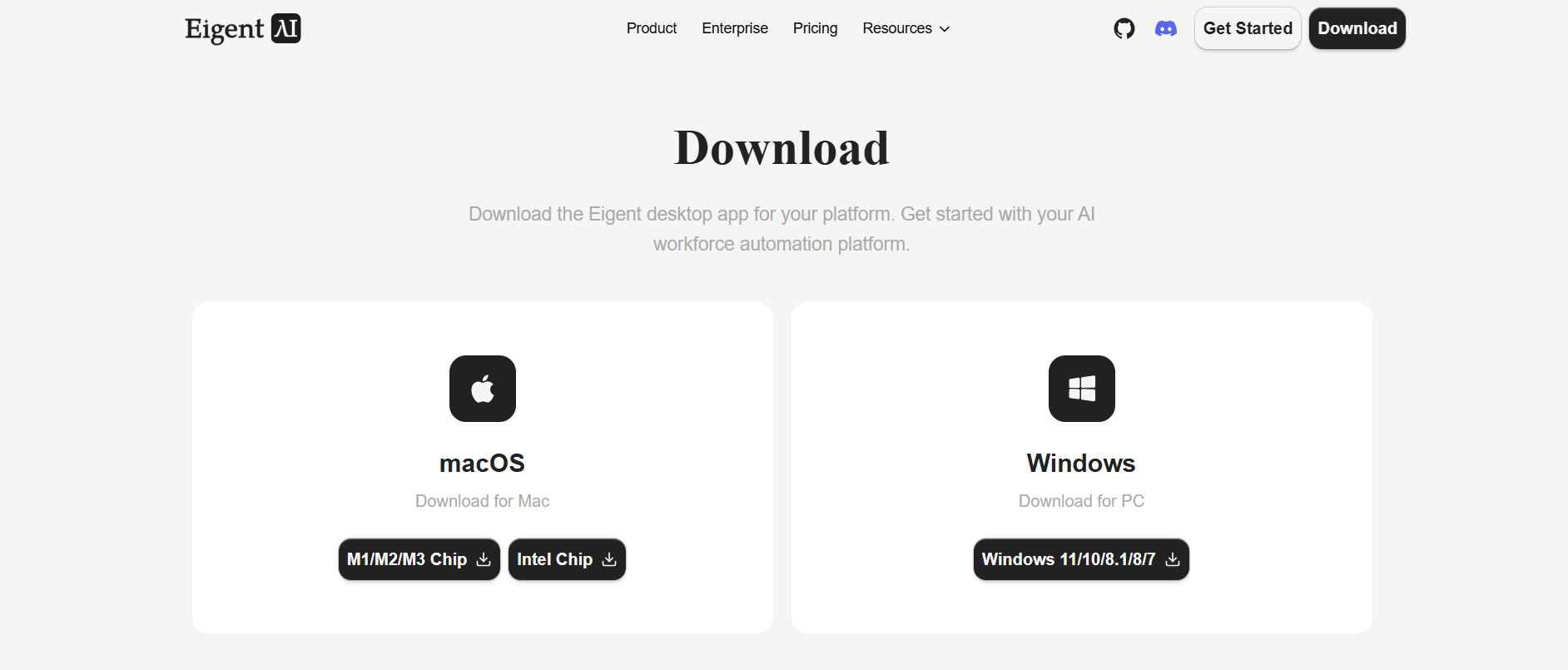
- Download the desktop application at eigent.ai
- Install it for your platform (Windows, macOS, Linux)
- Launch the app
- Configure your preferred model
If you plan to run locally, you’ll typically need a local model runtime such as Ollama.
Example: Running with a Local Model
ollama pull llama3
ollama run llama3
Once the model is available, you can connect it inside Eigent AI’s configuration.
Let's Run Your First Eigent AI Workflow
After installation, a basic workflow looks like this:
Create agents
- Planner
- Developer
- Reviewer
Assign roles
- Planner breaks down tasks
- Developer writes code
- Reviewer checks logic and edge cases
Run a task
- Provide a goal instead of a single prompt
- Observe agent collaboration
This simple setup already demonstrates why multi-agent systems are more effective for complex tasks.
Practical Use Cases for Eigent AI
1. Local Codebase Analysis
Eigent AI excels at repository-level reasoning.
Example:
- One agent scans structure
- One summarizes architecture
- One identifies risks or debt
This works well for onboarding or refactoring.
2. Feature Planning and Implementation
Instead of jumping straight to code:
- Planner agent defines scope
- Developer agent implements
- Reviewer agent validates
The separation improves quality and traceability.
3. Research and Prototyping
You can delegate:
- Research to one agent
- Implementation to another
- Validation to a third
This parallelism speeds up exploration without overwhelming a single model.
4. Privacy-Sensitive Development
Because Eigent AI can run fully locally, it’s suitable for:
- Internal tooling
- Proprietary systems
- Compliance-heavy environments
No prompts need to leave your machine.
Where Apidog Fits in This Workflow
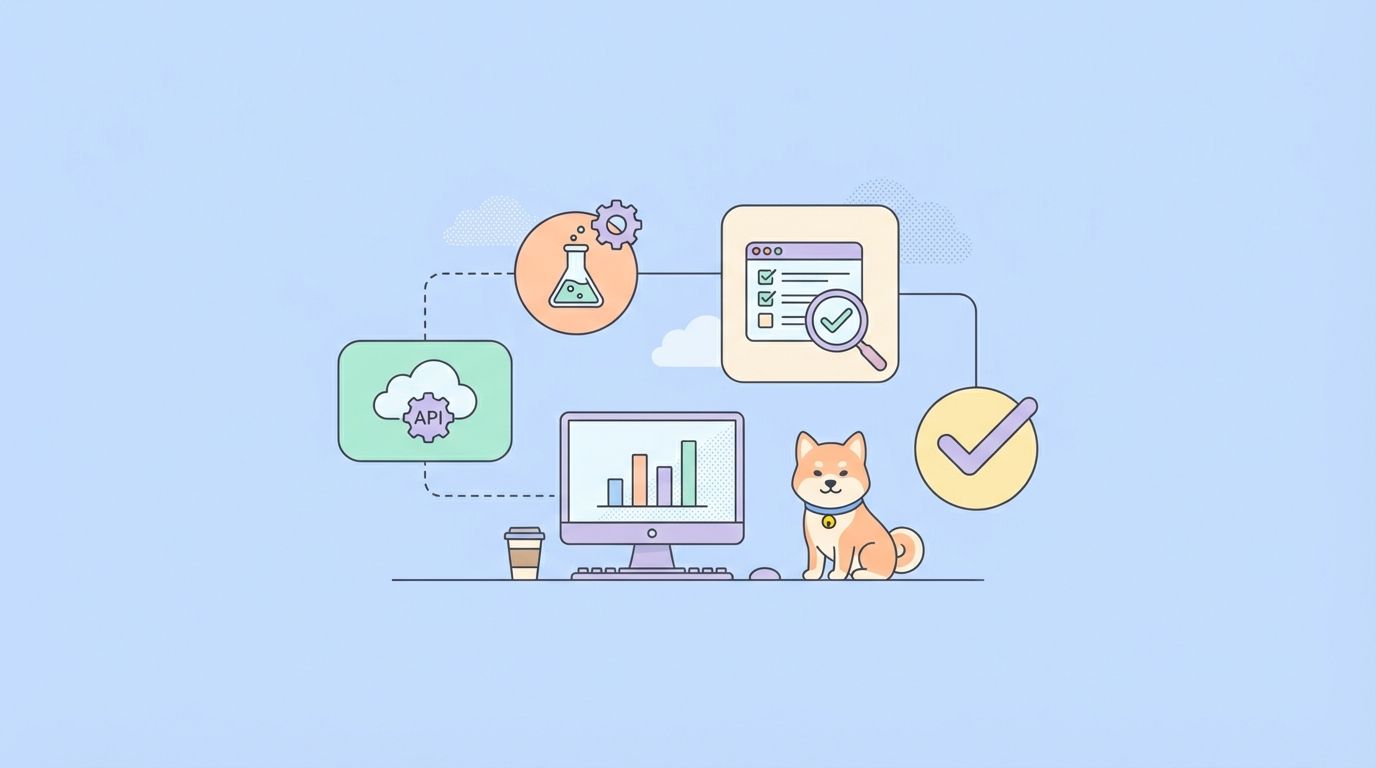
Many workflows powered by Eigent AI involve APIs—designing them, testing them, or generating integrations.
This is where Apidog fits naturally.
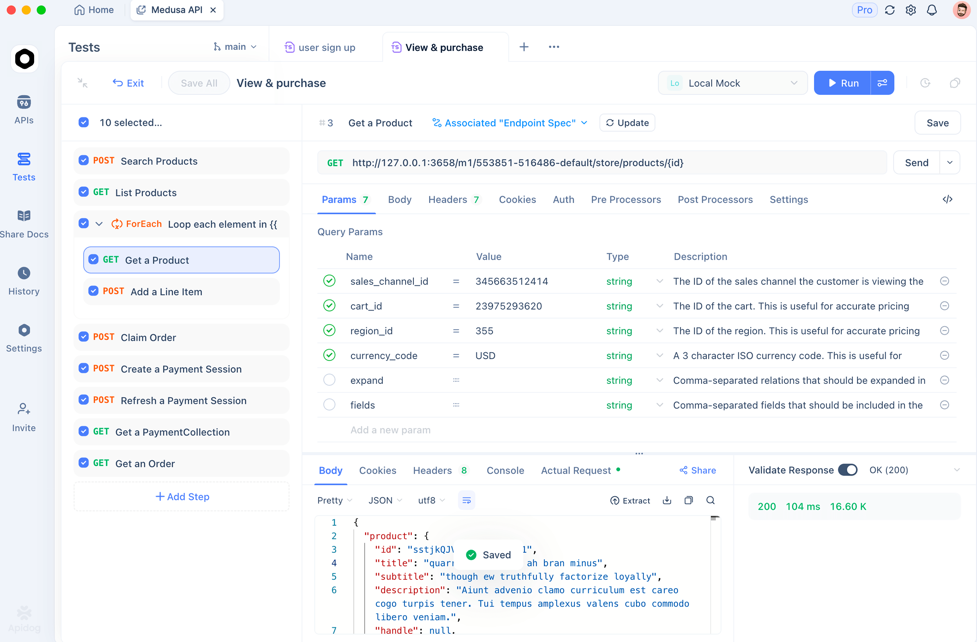
Apidog helps developers:
- Test API endpoints efficiently
- Generate API test cases automatically
- Perform API contract testing
- Keep frontend and backend aligned
If you’re building or validating APIs with the help of AI agents, Apidog is a practical companion—and you can get started for free.
Eigent AI Limitations and Trade-Offs
Eigent AI isn’t for everyone.
Things to consider:
- Setup requires more effort than Claude
- Local models depend on your hardware
- The ecosystem is still evolving
For power users, these trade-offs are often acceptable.
Conclusion
Eigent AI represents a different way of working with AI—one that prioritizes local execution, multi-agent collaboration, and developer control. It’s not the fastest tool to set up, but it rewards users who want deeper, more structured AI-assisted workflows.
When those workflows involve APIs, pairing Eigent AI with Apidog makes sense. Apidog helps you test, validate, and maintain API contracts efficiently—and it’s free to get started.