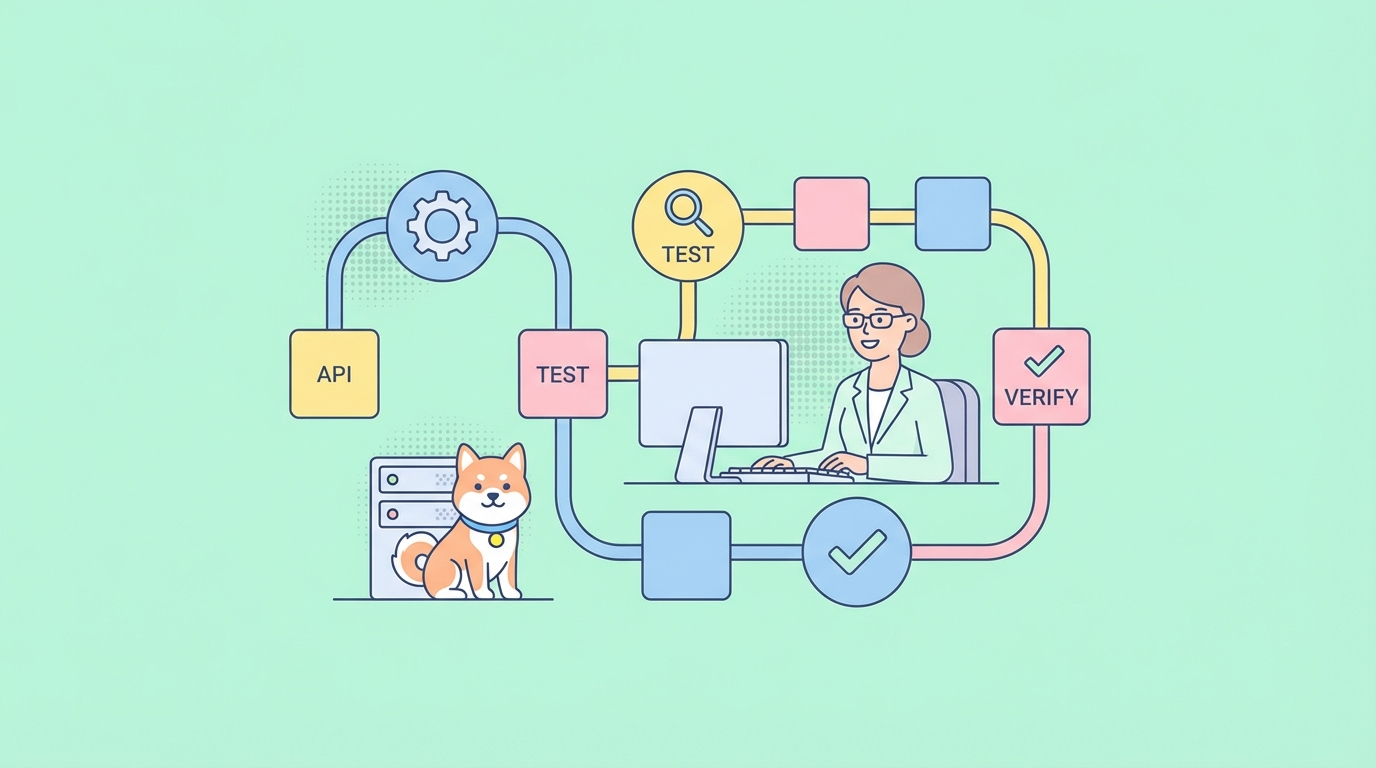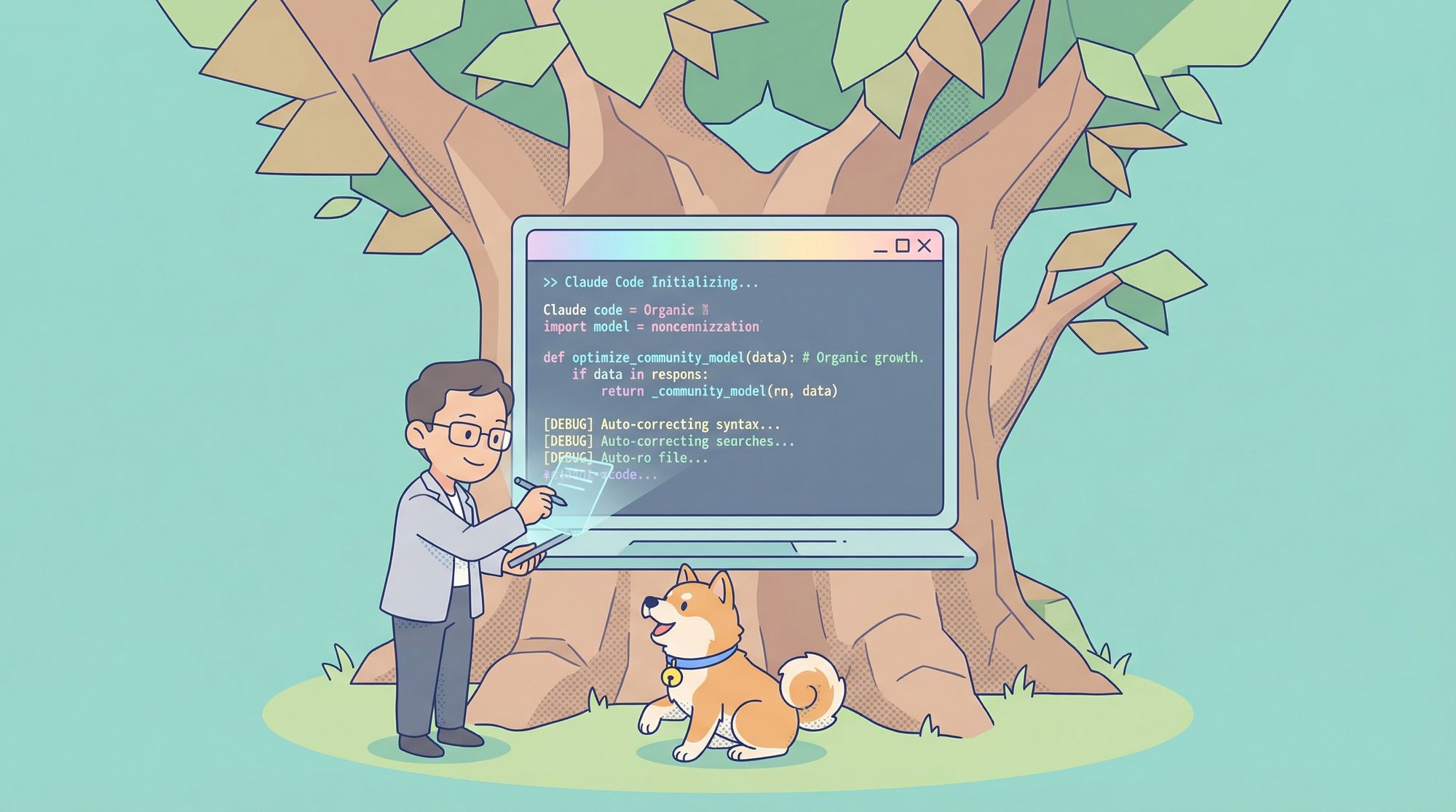
Developers constantly seek tools that enhance productivity while maintaining control over their environments. Claude Code emerges as a powerful agentic coding assistant that operates directly in the terminal, enabling seamless code generation, editing, and debugging. When paired with open-source models through Ollama, it transforms into a cost-effective, privacy-centric solution for local AI-driven development. This approach eliminates reliance on proprietary cloud services, allowing teams to iterate quickly on hardware they control.
What is Claude Code?
Engineers design Claude Code as a terminal-based tool that leverages AI to assist in coding tasks. It functions like an interactive copilot, responding to natural language prompts to create, modify, or analyze code. Users interact with it via commands, and it maintains context across sessions, making it suitable for iterative development.
Claude Code supports multi-turn conversations, where developers build upon previous responses. For example, you start by requesting a basic function, then refine it with additional specifications. It also incorporates extended thinking, allowing the AI to reason step-by-step before generating output. Additionally, it handles tool calling, enabling integration with external functions like file operations or API queries.
When developers use Claude Code with open-source models, they retain these capabilities but shift the backend to local resources. Ollama acts as the bridge, emulating the Anthropic API endpoint. This means Claude Code sends requests to http://localhost:11434 instead of Anthropic's servers. As a result, open-source models process the inputs, delivering responses tailored to coding needs.
Critically, Claude Code's interface remains intuitive. It displays prompts, AI suggestions, and options to accept or reject changes. Developers apply edits directly to files using keyboard shortcuts, streamlining the workflow. However, success depends on selecting models optimized for coding, as general-purpose ones may underperform in syntax accuracy or logic.
Understanding Open-Source Models in This Context
Open-source models represent community-driven AI alternatives to proprietary systems. Projects like Qwen from Alibaba provide pre-trained weights that users fine-tune or deploy as-is. In the realm of coding, models such as qwen3-coder excel due to their training on vast code repositories, enabling them to generate syntactically correct snippets in languages like Python, JavaScript, or HTML.
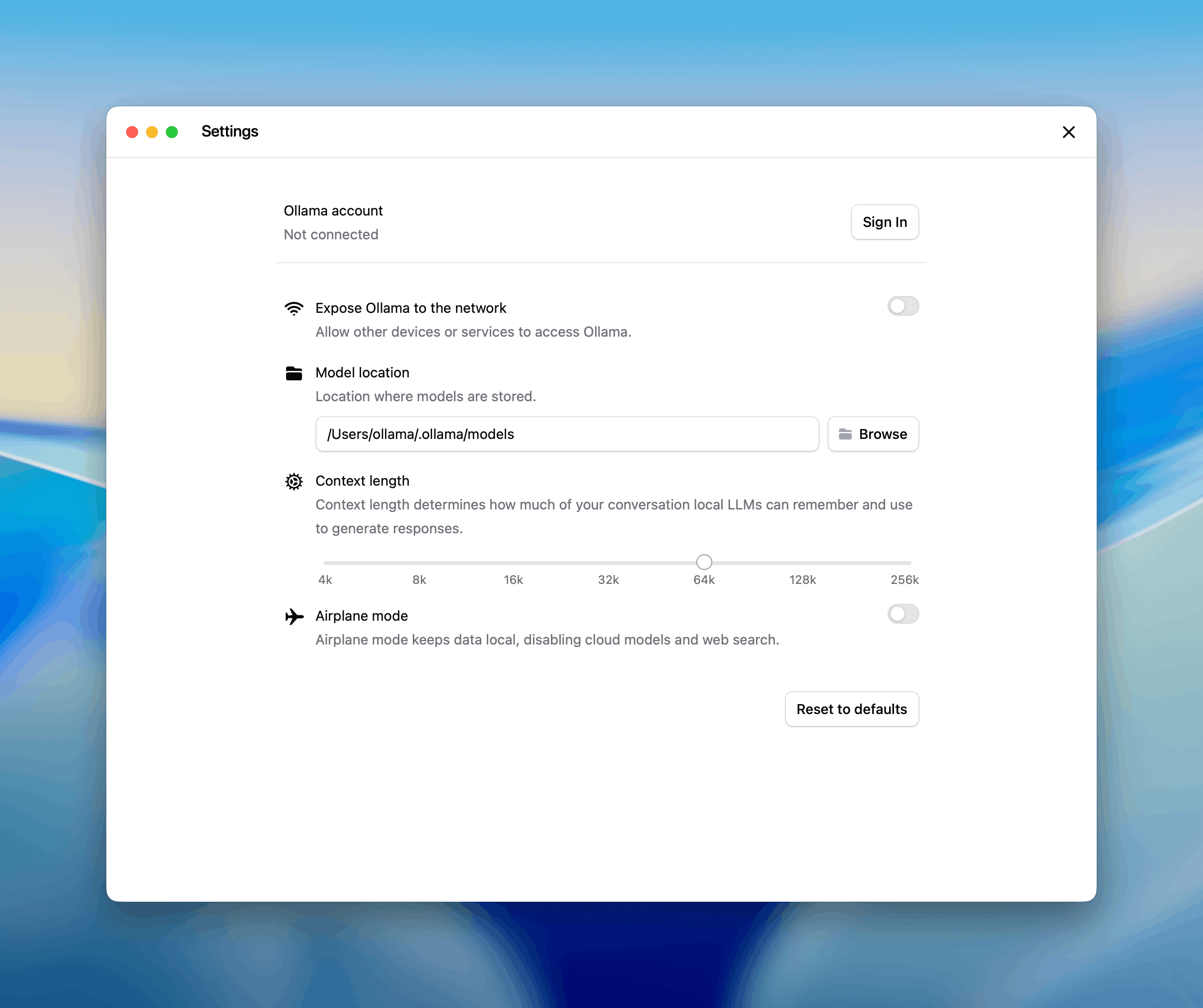
Ollama simplifies deployment of these models. It downloads, installs, and runs them on local hardware, supporting both CPU and GPU acceleration. For Claude Code integration, models need at least 64k token context lengths to handle large codebases effectively. Examples include gpt-oss:20b for general tasks and qwen3-coder for specialized coding.
However, challenges exist. Open-source models may require initial setup time and hardware investment. Additionally, they sometimes lag behind proprietary ones in reasoning depth for edge cases. Nevertheless, the benefits—customizability, no vendor lock-in, and community support—outweigh these for many users.
Setting Up Ollama for Local Model Execution
Users begin by installing Ollama, which serves as the foundation for running open-source models. Download the latest version from the official website, ensuring compatibility with your operating system—macOS, Linux, or Windows.
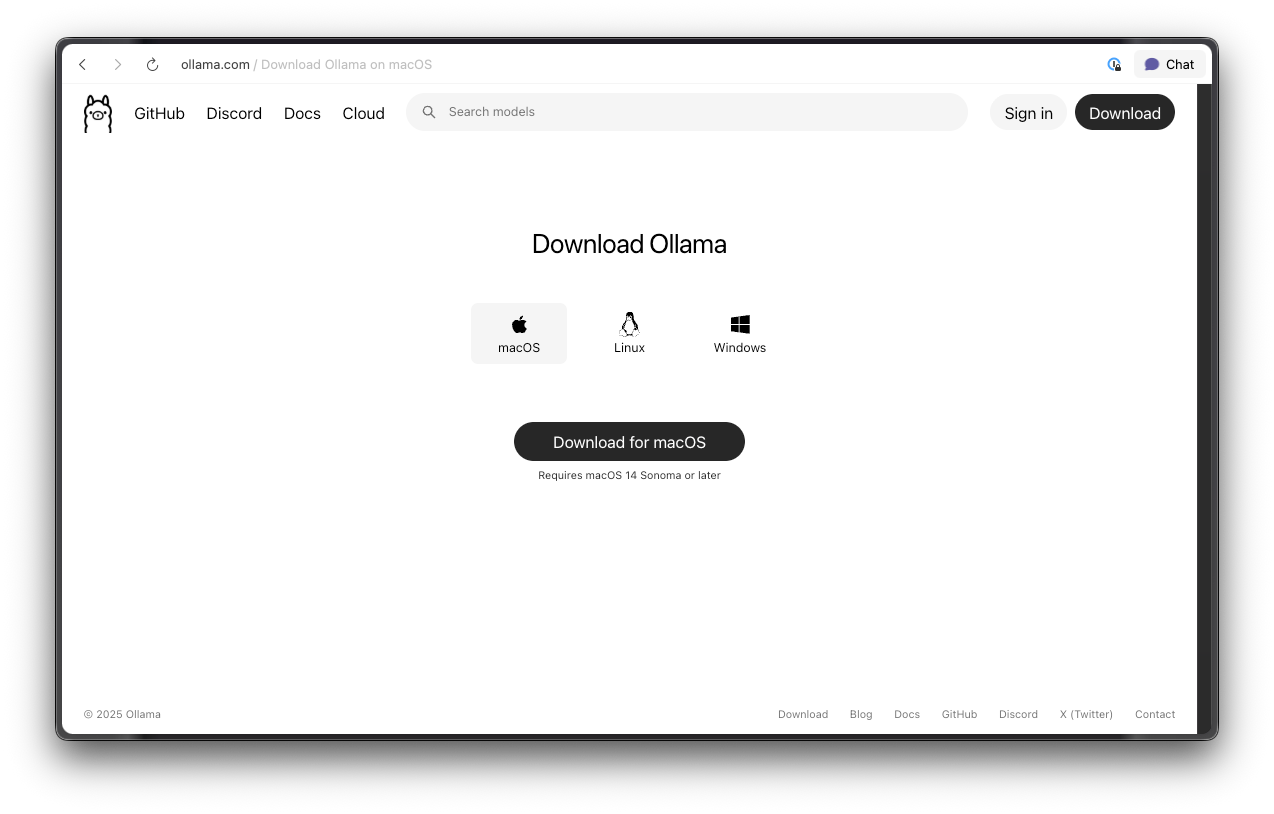
For macOS and Linux, execute the curl command: curl -fsSL https://ollama.com/install.sh | sh. Windows users utilize the installer executable.
Once installed, Ollama starts a local server at port 11434. Developers verify this by running ollama list, which displays available models.
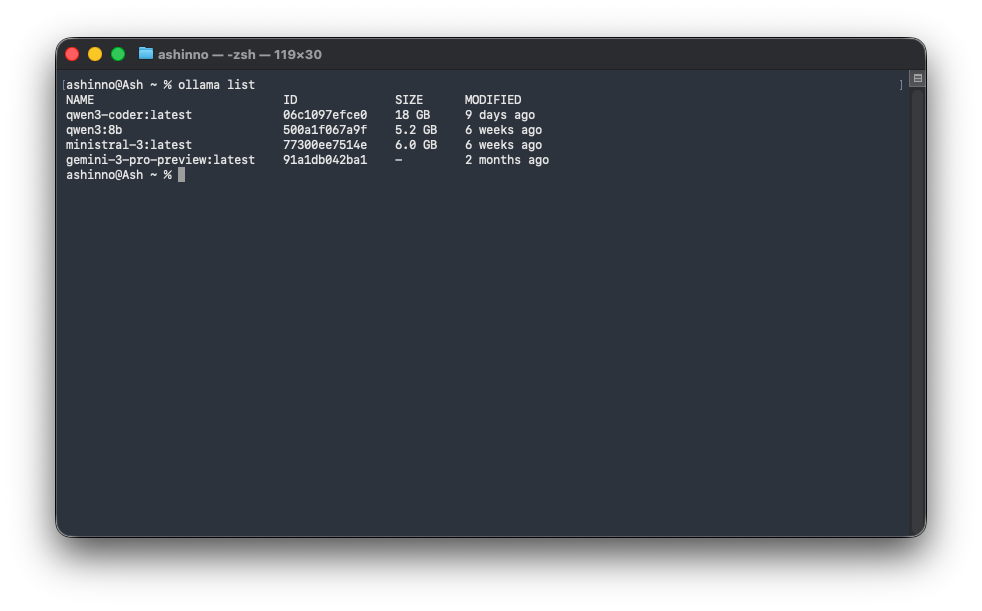
Next, pull a coding-optimized model: ollama pull qwen3-coder. This downloads the model weights, which may take time depending on internet speed and model size.
Configure Ollama for optimal performance. Edit the configuration file to enable GPU usage if available: set OLLAMA_GPU=1 in your environment variables. Additionally, adjust context length via model parameters to meet Claude Code's 64k minimum. Test the setup by querying the model directly: ollama run qwen3-coder "Write a Python function to sort a list". The response confirms functionality.
Furthermore, explore cloud options if local hardware limits you. Ollama's cloud service hosts models like glm-4.7:cloud, accessible via API keys. However, for pure open-source workflows, stick to local deployments. This setup not only powers Claude Code but also integrates with other tools, enhancing overall development ecosystems.
Troubleshooting common issues proves essential. If models fail to load, check disk space and RAM. Ensure no port conflicts exist. Developers often resolve these by restarting the Ollama service or updating to the latest version.
Installing Claude Code
Developers install Claude Code to leverage its terminal interface. Anthropic provides platform-specific scripts for seamless setup. For macOS and Linux, run: curl -fsSL https://claude.ai/install.sh | bash. Windows PowerShell users execute: irm https://claude.ai/install.ps1 | iex. Alternatively, CMD users download and run the batch file.
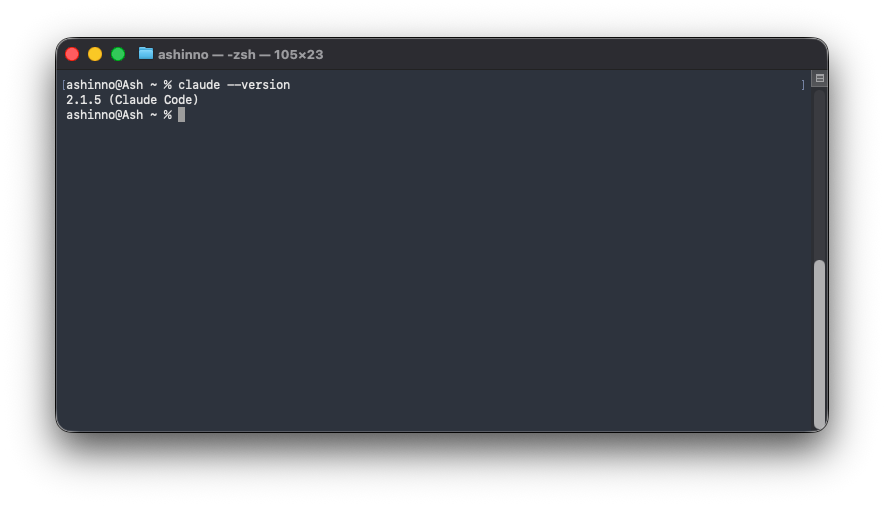
Post-installation, verify by typing claude --version, which outputs the current release, such as v2.1.9. Claude Code installs dependencies automatically, including any required libraries for API communication.
Customize the installation if needed. Set environment variables for proxy support or custom paths. For instance, export CLAUDE_HOME=~/custom/dir to relocate configuration files. This flexibility aids in enterprise environments with strict policies.
Once installed, launch Claude Code without a model: claude. It prompts for configuration, but for open-source use, proceed to integration steps. Developers appreciate this straightforward process, as it minimizes barriers to entry.
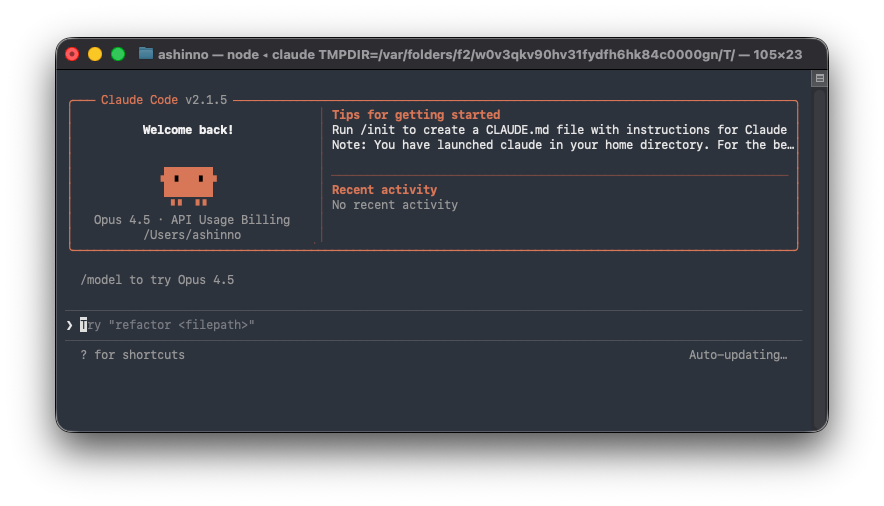
However, note that Claude Code requires an internet connection for initial setup but operates offline thereafter with local models. This hybrid approach balances ease with privacy.
Configuring Claude Code with Ollama
Integration begins with environment variables. Set ANTHROPIC_AUTH_TOKEN=ollama to bypass authentication checks, as Ollama ignores the key. Then, point to the local server: export ANTHROPIC_BASE_URL=http://localhost:11434. These commands redirect all API calls to Ollama.
Launch Claude Code.
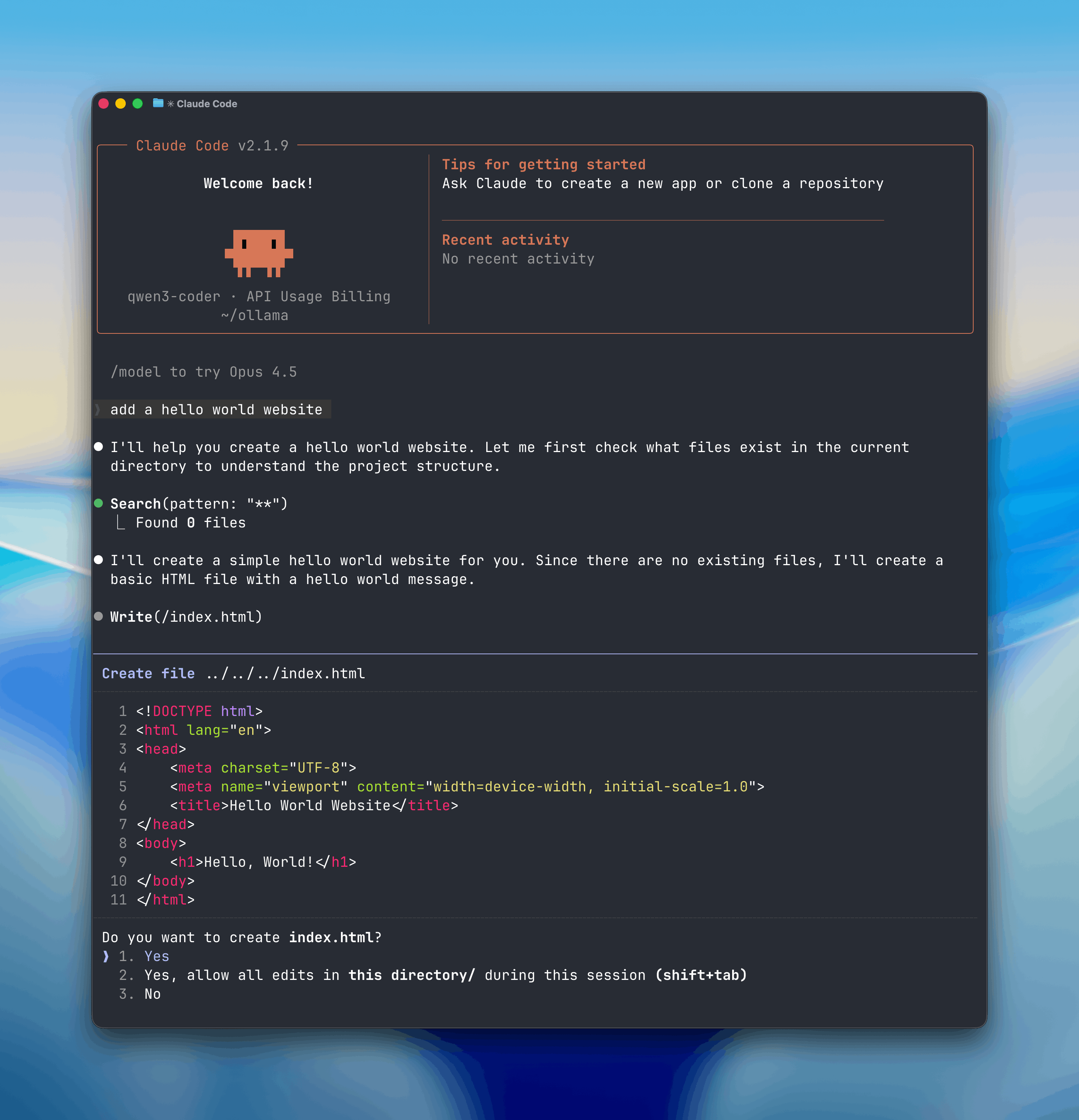
Test the configuration. Request a simple task: "Create a hello world website." Claude Code, powered by qwen3-coder, scans the directory, suggests files, and generates code. Accept edits with keyboard inputs, applying changes instantly.
Furthermore, handle multi-model setups. Ollama allows running multiple instances, so configure Claude Code to switch models dynamically via command-line flags. This enables A/B testing between models like gpt-oss:20b and minimax-m2.1:cloud.
Address potential errors. If connections fail, confirm Ollama runs and the port is open. Use netstat to check. Developers often script these variables in shell profiles for persistent setups, ensuring smooth sessions.
Selecting and Using Open-Source Models Effectively
Choosing the right model drives success. Prioritize coding-specific ones: qwen3-coder shines in generating clean, efficient code across languages. For broader tasks, gpt-oss:20b offers versatility. Evaluate based on parameter count—larger models handle complexity better but consume more resources.
Pull models via Ollama: ollama pull gpt-oss:20b. Run benchmarks: time responses to standard prompts like "Implement a binary search algorithm in JavaScript." Compare accuracy and speed.
In practice, developers use models for specific workflows. For web development, prompt: "Build a responsive HTML page with CSS." Claude Code generates index.html, applying viewport meta tags. Refine: "Add JavaScript for interactivity." The AI iterates, maintaining context.
Additionally, leverage vision capabilities with models supporting image inputs. Upload a screenshot of code, asking: "Debug this error." This multimodal approach accelerates troubleshooting.
Optimize usage by combining models. Use a lightweight one for quick edits and switch to heavy-duty for architecture design. This strategy maximizes efficiency while minimizing hardware strain.
Advanced Features of Claude Code with Open-Source Models
Claude Code excels in advanced functionalities when backed by capable models. Tool calling stands out: define functions in prompts, and the AI invokes them. For example, create a "get_weather" tool; the model extracts parameters and calls it during reasoning.
Implement this in Python: Use the Anthropic SDK, setting base_url to Ollama. Code: client.messages.create(model='qwen3-coder', tools=[{'name': 'get_weather', ...}], messages=[{'role': 'user', 'content': "What's the weather?"}]). The response includes tool inputs.
Streaming responses enhance interactivity: outputs appear in real-time, ideal for long generations. System prompts customize behavior: "Act as a Python expert" biases outputs accordingly.
Extended thinking allows step-by-step reasoning: the AI "thinks" internally before responding, improving accuracy for complex problems like algorithm optimization.
Vision integration processes images: prompt with base64-encoded data, enabling tasks like "Describe this UML diagram in code."
However, ensure models support these—qwen3-coder does for most. Developers extend features via scripts, integrating Claude Code into IDEs like VS Code.
Integrating Apidog for API Development in Your Projects
As Claude Code generates code involving APIs, Apidog complements by providing robust testing and design tools. Apidog streamlines the API lifecycle: design specifications visually, debug requests, and automate tests.
Start by importing OpenAPI specs generated from Claude Code sessions. Apidog's interface auto-generates request params and mock data, validating against schemas.
For instance, if Claude Code builds a REST endpoint, use Apidog to send requests: select method, add headers, and execute. It catches errors instantly, ensuring consistency.
Furthermore, Apidog's automated testing integrates with CI/CD, running scenarios post-code generation. Create test cases from specs, asserting responses.
Interactive documentation turns specs into Notion-style sites, shareable with teams. This aids collaboration when Claude Code outputs API blueprints.
Mock servers simulate endpoints: frontend developers test against mocks while backend iterates with Claude Code.
Apidog supports WebSocket and GraphQL, expanding beyond REST. Developers appreciate its free tier for personal use, scaling to teams.
Incorporate Apidog early: after Claude Code suggests API code, prototype in Apidog. This loop refines implementations, boosting project quality.
Conclusion
Mastering Claude Code with open-source models via Ollama empowers developers with local, efficient AI assistance. From setup to advanced integrations, this guide equips you to build robust projects. Experiment, iterate, and integrate tools like Apidog to elevate your development process.