Large Language Models (LLMs) like Anthropic’s Claude series are transforming how software teams write, debug, and reason about code. Yet, accessing leading models through official APIs can be prohibitively expensive, limiting experimentation for students, independent developers, and even small engineering teams.
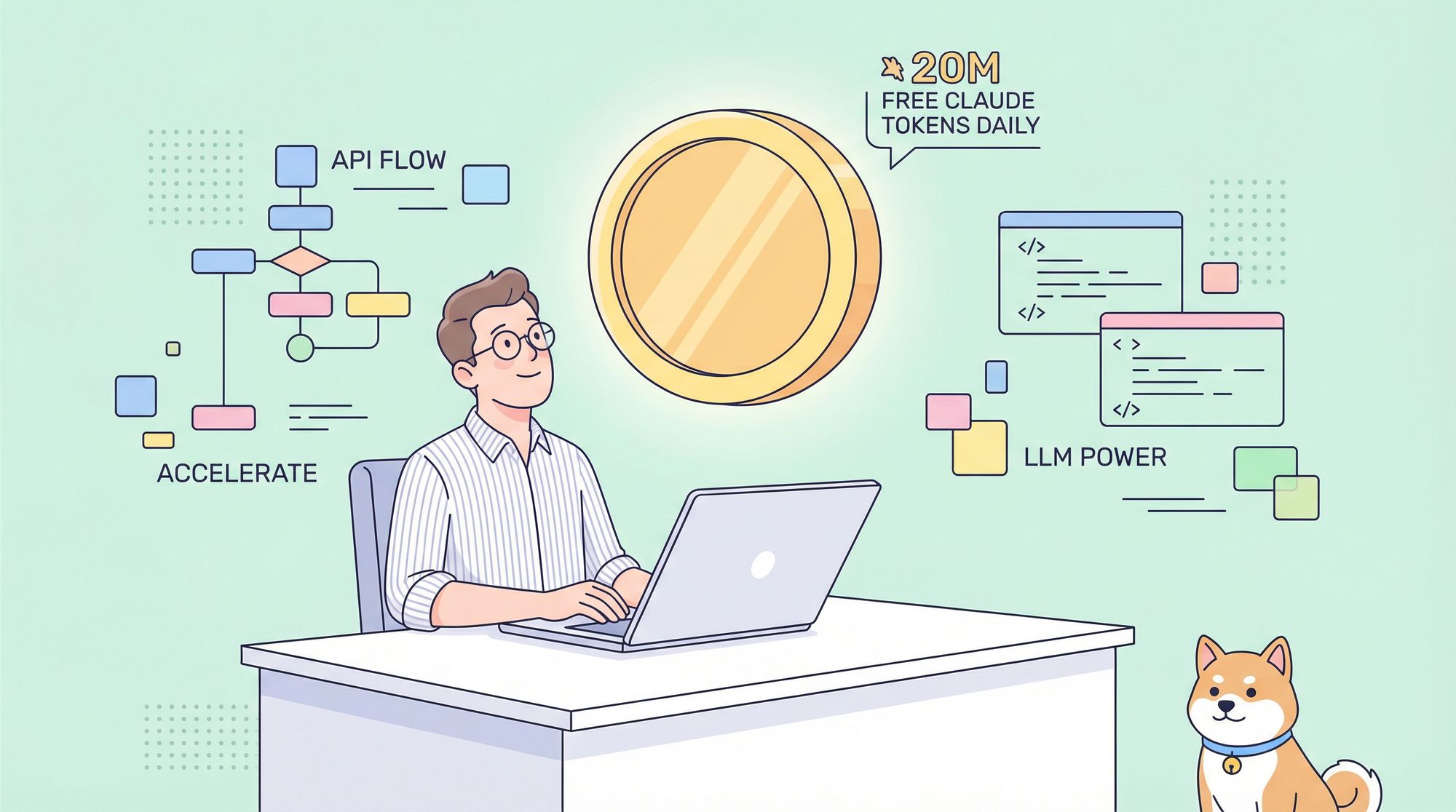
Recently, the developer community was abuzz with excitement after a viral Reddit post highlighted a new tool—Rovo Dev by Atlassian—offering a staggering 20 million free Claude tokens every day. For API enthusiasts and backend engineers, this is an unprecedented opportunity to access a state-of-the-art code assistant at no cost—for now.
In this deep dive, we’ll cover:
- Exactly what Rovo Dev is and why it matters for developers
- How its token system works (and how to maximize your usage)
- Evidence that you’re truly accessing Claude 4 Sonnet
- A step-by-step setup guide for your environment
- Tips for scaling usage beyond the daily token cap
Throughout, we’ll also highlight how tools like Apidog empower API teams to build, test, and document faster, making the most of modern LLM-powered workflows.
What is Rovo Dev and Why Should Developers Care?

Rovo Dev is a command-line AI agent released by Atlassian (creators of Jira and Confluence). Upon installation, it gives each user an eye-popping daily quota:
[rovo-dev ⚡ 10.5K/20.0M]—that’s 20 million tokens to use every single day.
Why Is This Token Allowance a Game Changer?
To put it in perspective, using Claude 3 Sonnet via API typically costs ~$3 per million input tokens and ~$15 per million output tokens. At 20 million tokens a day, Rovo Dev’s offer could easily equate to hundreds or even thousands of dollars a month—completely free.
Developers on Reddit quickly noted, “No way they can sustain this, right?”—making this a rare window to access a premium code assistant at scale.
How Rovo Dev Consumes Tokens
- Every new session begins with a hefty ~10.5k token system prompt (not a bug, but by design).
- This initial prompt defines the AI’s developer persona, tool integrations, and context awareness—making it highly effective for code tasks.
- Each message (input + output) further consumes tokens; understanding this flow is key to maximizing your daily usage.
Tip: The large initial system prompt means even a simple “hello” uses over 10,000 tokens.
And, Rovo Dev is open source—see the code here.
Is Rovo Dev Really Using Claude 4 Sonnet?
A common question among technical users: What model powers Rovo Dev under the hood?
Community Investigation Results
- Provider: Anthropic—confirmed by model self-disclosure and Atlassian documentation.
- Model Family: Claude 4—answers reference recent events beyond older model cutoffs.
- Variant: Claude 4 Sonnet—token generation speeds (>70 tokens/sec) match Sonnet, not the slower Opus.
- Context Window: ~8,192 output tokens per message, observed via truncation points.
For backend engineers and QA teams, this means you’re not getting a stripped-down version—you have access to a high-powered Claude model, perfect for code review, automated testing, and API design tasks.
How to Set Up Rovo Dev and Claim Your Free Tokens
Getting started takes just a few steps. Here’s how technical teams can deploy Rovo Dev in their workflows:
Prerequisites
- Atlassian Cloud site (Jira/Confluence Premium or Enterprise plan)
- Admin access to enable the Rovo Dev agent
- Source code integration (Bitbucket Cloud or GitHub)
- macOS, Linux, or Windows (WSL recommended) terminal
Step 1: Install the Atlassian CLI
- macOS (Homebrew):
brew tap atlassian/tap brew install acli - Linux & Windows (WSL):
curl -L https://product-dist.atlassian.io/products/acli/v1/acli_installer.sh | bash - Follow the script prompts to complete installation.
Step 2: Enable Rovo Dev Agents
- Go to your admin portal:
admin.atlassian.com - Select your site under Products
- Click Discover more products, find Rovo Dev Agents, then Try it now
Step 3: Generate Your API Token
- In Atlassian account settings:
Security > API token - Click Create API token, label it (e.g., “rovo-cli”), and save the token securely
Step 4: Authenticate and Launch Rovo Dev
- Run in terminal:
acli login- Enter your site URL, email, and API token
- Start the agent:
acli rovodev run - You’ll see your usage counter:
[usage]/20.0M

Maximizing Your 20 Million Free Tokens
The 20M token limit is shared between input and output. Here’s how to get the most from it:
Single Session vs. Multiple Sessions
- Single long session:
Each message adds to the context window, quickly using tokens (approx. 69 in-depth messages/day). - Multiple short sessions:
Start new sessions for big tasks; context resets, allowing over 1,000 high-output messages daily.
Pro Tip: For code reviews or API design, prefer single-use sessions for large outputs—ideal for backend and QA engineers running batch tasks.
Unlocking “Infinite” Tokens with Multi-Account Strategy
Power users have discovered the user token limit is account-based:
- Create several free Atlassian accounts
- Install multiple copies of the CLI, renaming each (e.g.,
acli.exe,acli2.exe) - Login to each with a different account and API token in separate terminals
This lets you run parallel Rovo Dev instances, each with its own 20M daily quota—a throughput rivaling even Anthropic’s top-tier paid plans.
Will This Free Claude Access Last?
Developers should treat this as a temporary gold rush:
- Subsidized Beta: Atlassian is shouldering the cost to attract feedback and usage data.
- Limited Time: This is a beta—expect signups to close or for a paid model to roll out soon.
If you’re building, testing, or experimenting with AI-powered workflows, now is the time to take advantage.
Supercharge Your API Workflow with Apidog
While LLMs like Claude 4 Sonnet can accelerate code generation and review, robust API development still demands a unified platform for design, testing, and documentation. That’s where Apidog fits in—offering:
- Rapid API test suite creation
- Automated, beautiful API documentation (see example)
- Real-time collaboration for developer teams
- Seamless replacement for legacy tools like Postman—at a more accessible price (compare here)
Explore how Apidog complements your LLM-powered development stack and helps your team deliver APIs with confidence.