Anthropic's Claude AI continues to evolve, introducing features that bridge the gap between conversational AI and practical, hands-on computing tasks. At the forefront of this advancement stands Claude Code Cowork, a tool that empowers users to delegate complex coding and file-related operations to an AI agent. This feature builds directly on Claude's foundational coding capabilities, extending them into everyday workflows. Developers and non-technical users alike leverage it to automate repetitive tasks, such as reorganizing directories or drafting reports from raw data.
What Exactly Defines Claude Code Cowork?
Claude Code Cowork represents an extension of Anthropic's Claude AI, specifically designed to handle coding tasks with enhanced agency and file access. Anthropic engineers built it on the same architectural foundations as Claude Code, which focuses on agentic coding—where the AI autonomously plans and executes code-based solutions. However, Cowork broadens this scope to include non-coding activities, making it accessible to a wider audience beyond developers.
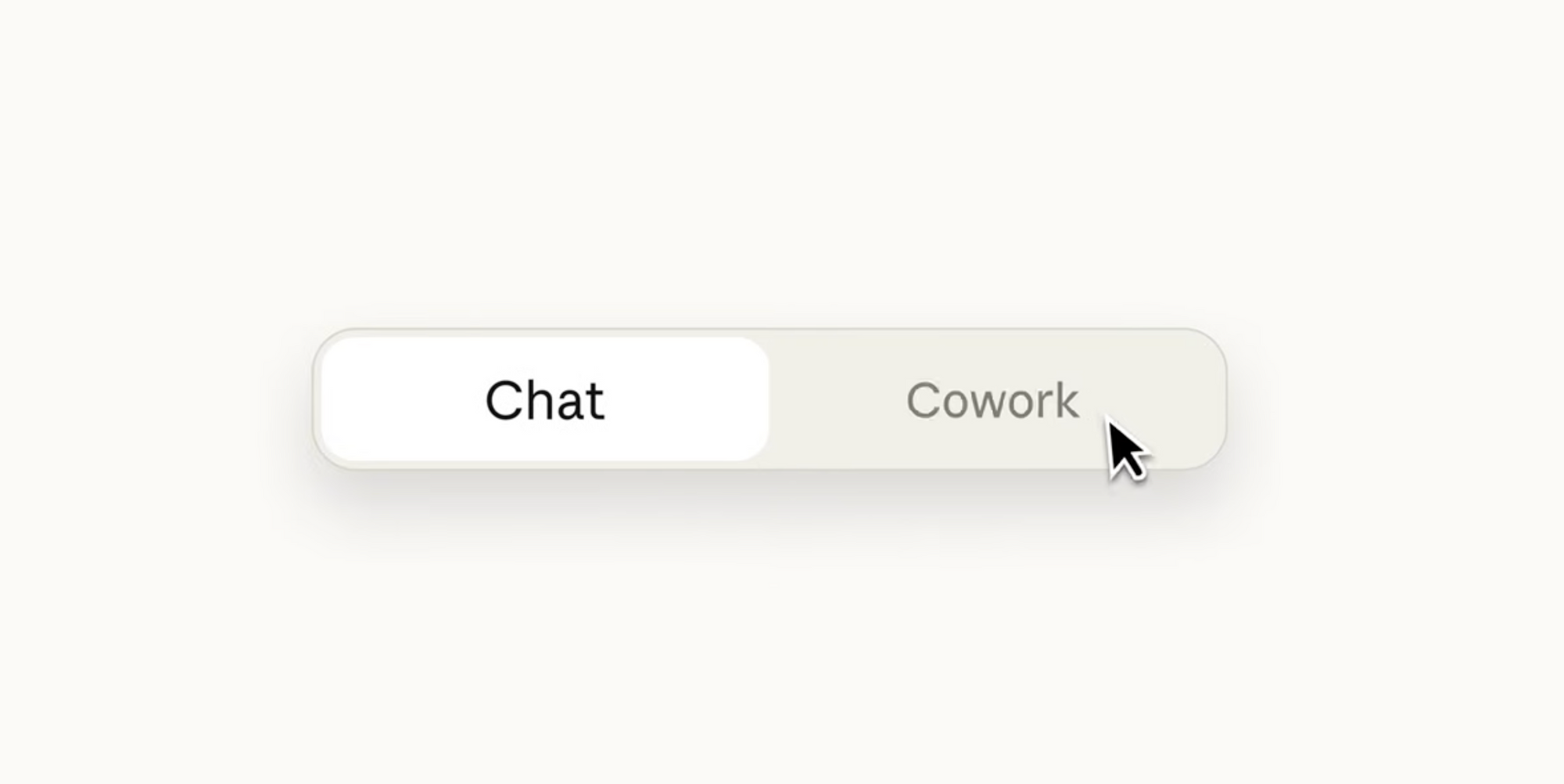
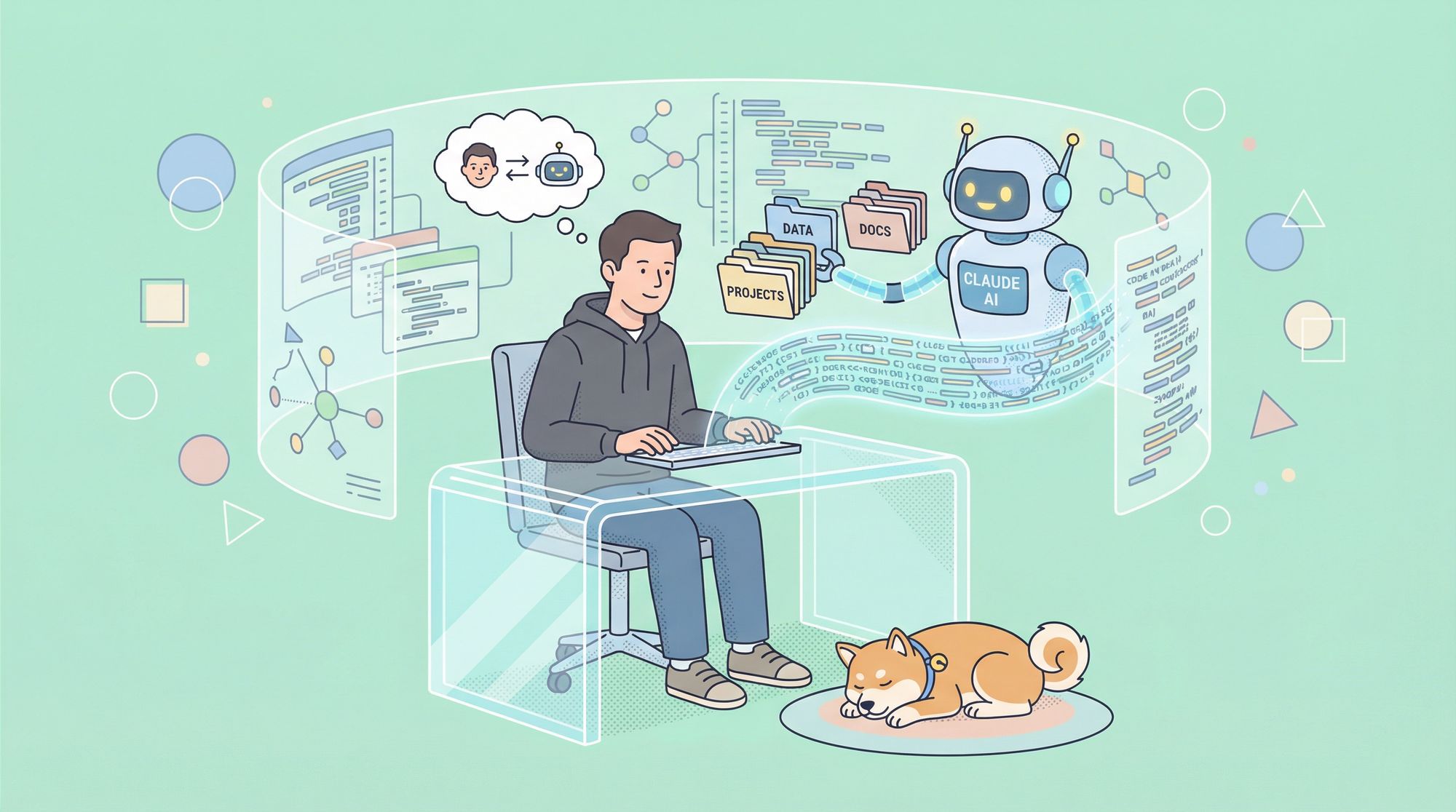
At its essence, Claude Code Cowork grants the AI permission to interact with a user-specified folder on your local machine. This interaction includes reading existing files, editing content, creating new documents, and even reorganizing structures. For example, the AI might scan a folder of expense receipts, extract data, and compile it into a formatted spreadsheet. This capability stems from Claude's underlying agent SDK, which equips the model with tools for task decomposition and execution.
Cowork introduces a paradigm shift. Instead of constant back-and-forth exchanges, users issue instructions, and Claude proceeds independently, providing updates as it progresses. This mimics a human coworker dynamic, where you assign work and review outputs later. Consequently, it boosts efficiency for tasks that require persistence, such as debugging code or processing batches of files.
From a technical standpoint, Claude Code Cowork operates within a research preview phase, available primarily to Claude Max subscribers via the macOS app. Anthropic plans expansions, including Windows support and cross-device synchronization, based on user feedback. This iterative approach ensures the tool matures while addressing real-world needs.
How Does Claude Code Cowork Function Technically?
Understanding the inner workings of Claude Code Cowork requires examining its integration with Claude's broader ecosystem. The process begins when you select a folder through the Claude app interface. Claude then gains read-write access, but only to that directory—safeguards prevent unauthorized exploration. This controlled environment relies on the Claude Agent SDK, a framework that allows the AI to break down instructions into actionable steps.
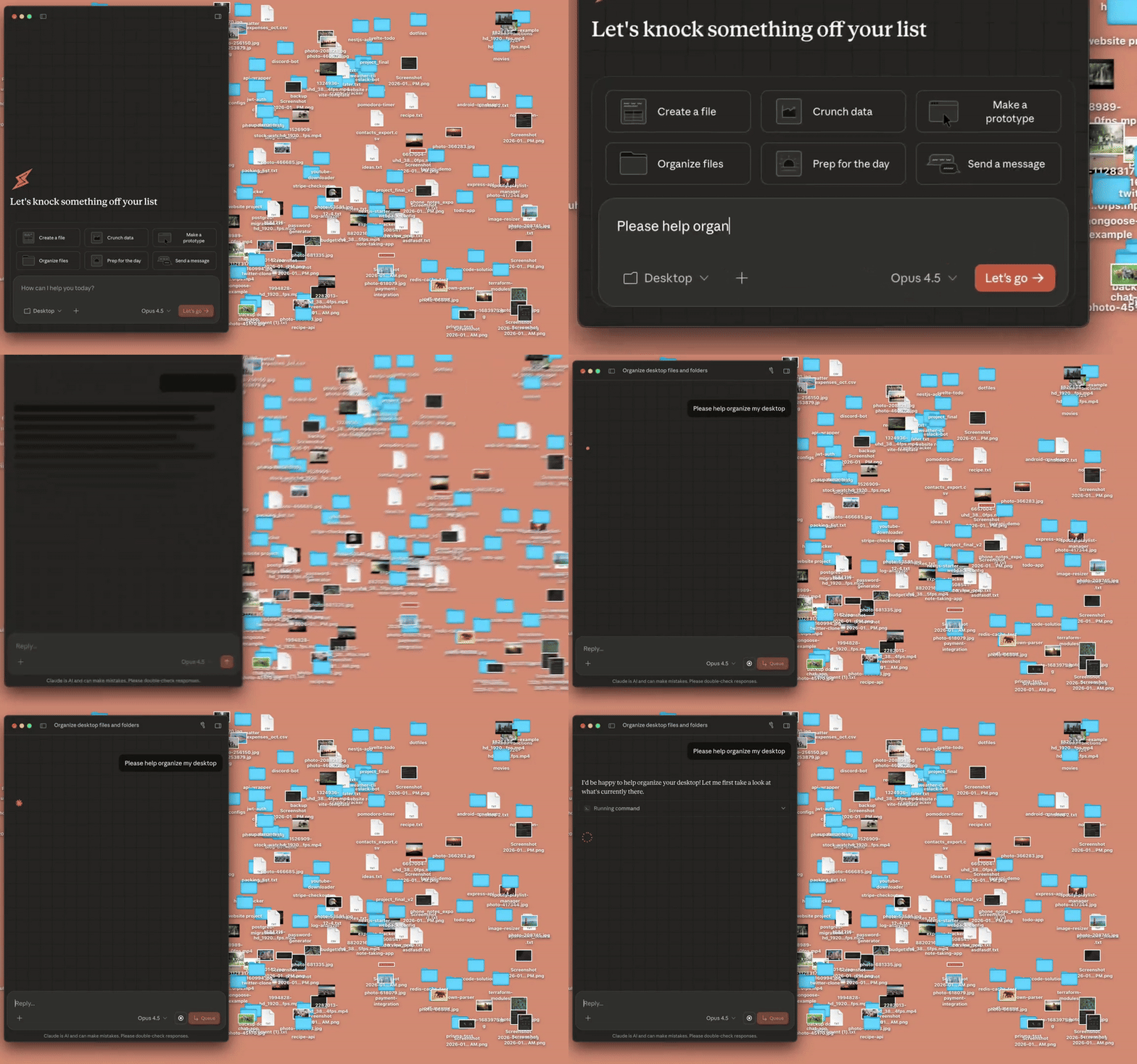
For instance, upon receiving a command like "Organize these code snippets into a modular Python project," Claude first formulates a plan. It outlines steps such as analyzing file contents, identifying dependencies, and structuring directories. Next, it executes these steps using built-in tools for file manipulation and code generation. Transition words like "subsequently" or "following that" in its internal reasoning help maintain logical flow, though users see only the high-level progress.
Claude Code Cowork leverages connectors for external data sources, enhancing its versatility. If a task involves API calls, the AI can incorporate real-time data from approved services. This is where tools like Apidog become invaluable. Apidog, an all-in-one API platform, supports designing, debugging, and testing APIs visually. When Claude generates API-related code through Cowork, you import it into Apidog for validation against OpenAPI specs, ensuring compliance and reducing errors.
Claude analyzes the folder, identifies patterns, and modifies files accordingly. For coding-specific tasks, it employs best practices from Anthropic's guidelines, such as iterative debugging and environment awareness. However, it pauses for user confirmation on potentially destructive actions, like deletions, to maintain safety.
Additionally, the feature integrates with Claude's skills library, which includes predefined abilities for creating documents, presentations, and spreadsheets. These skills draw from large language model training, allowing Claude to generate formatted outputs, such as Markdown reports or Excel files, without external software.
Key Features of Claude Code Cowork
Claude Code Cowork boasts several standout features that set it apart in the AI landscape. First, its autonomous agency enables parallel task handling—you queue multiple instructions, and Claude processes them without constant supervision. This proves particularly useful in coding scenarios, where debugging one module occurs alongside refactoring another.
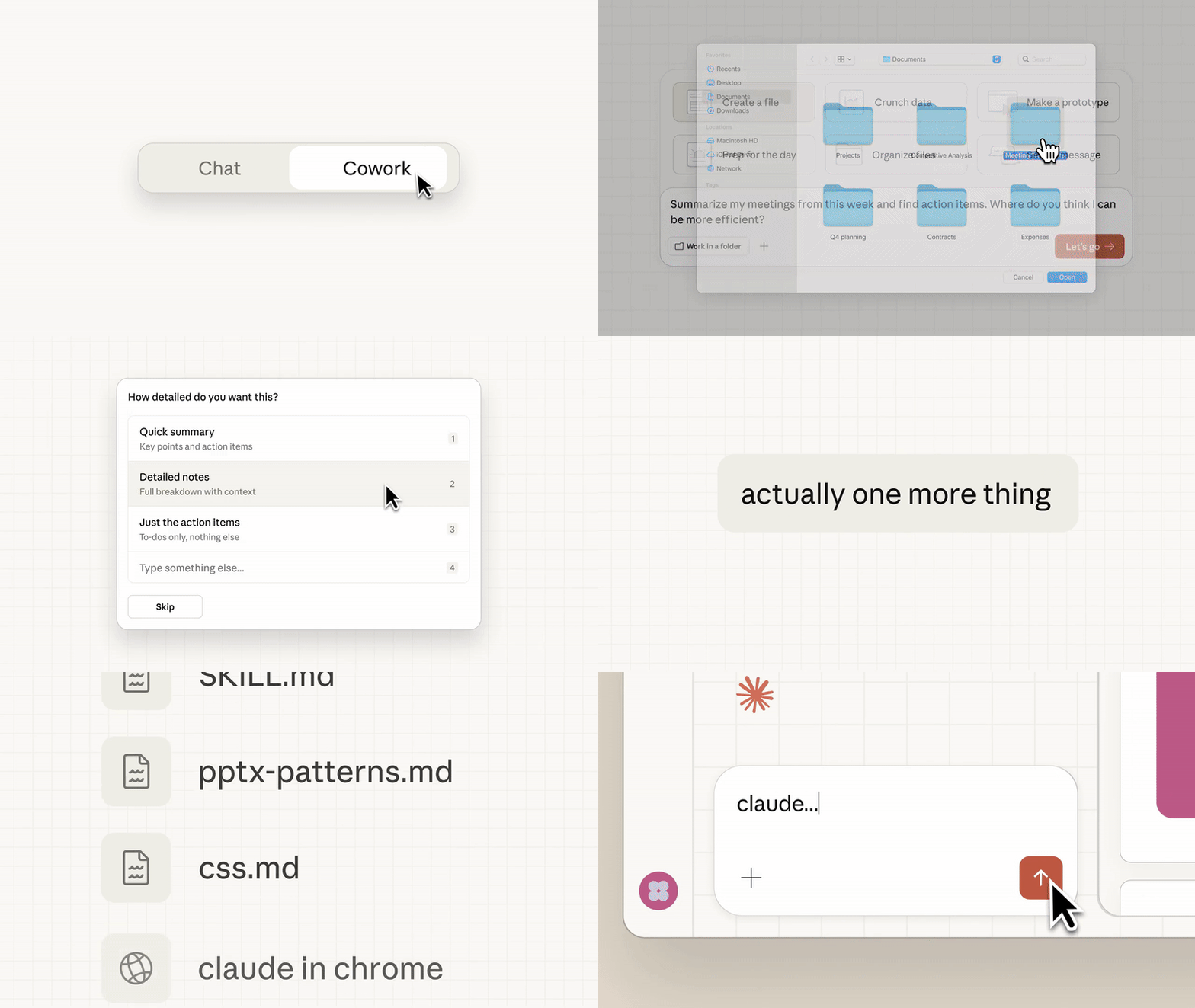
Second, file creation and editing capabilities extend beyond text. Claude builds spreadsheets from images or notes, using optical character recognition implicitly through its model. For developers, this means generating boilerplate code, such as API endpoints, directly in your project folder.
Third, integration with browser tools like Claude in Chrome allows web scraping or data fetching within Cowork sessions. Consequently, tasks involving real-time information, like pulling API docs, become streamlined.
Furthermore, security features ensure controlled access. Users define permissions, and Claude adheres to them strictly. This mitigates risks in enterprise settings, where data sensitivity matters.
In terms of customization, Anthropic provides tutorials for optimizing prompts, which enhance Cowork's performance in specialized domains like software engineering. For API work, combining this with Apidog's mocking servers allows simulating endpoints that Claude can code against, fostering a design-first approach.
To illustrate, consider a feature comparison table:
| Feature | Description | Benefit for Users |
|---|---|---|
| Folder Access | Read, write, create files in selected directories | Automates file management without manual intervention |
| Agentic Planning | Breaks tasks into steps and executes autonomously | Saves time on repetitive coding or organization |
| Skills Integration | Built-in tools for docs, spreadsheets, presentations | Enables end-to-end workflow automation |
| Connectors | Links to external APIs and data sources | Expands scope to include real-world data |
| Security Controls | User-defined permissions and confirmations | Prevents unintended changes or data leaks |
This table highlights how these elements interconnect, providing a robust platform for technical users.
Practical Use Cases and Examples
Claude Code Cowork shines in diverse scenarios, particularly those blending coding with file operations. One common use case involves code organization. Developers upload a messy repository folder, and Claude restructures it—creating subdirectories for modules, adding docstrings, and even suggesting optimizations. For example, in a Python project, it identifies unused imports and removes them, then generates a README based on code analysis.
Another example targets data processing. Users provide screenshots of invoices, and Claude extracts details to populate a CSV file. Transitioning to advanced applications, this extends to building financial models, where Claude pulls market data via connectors and computes projections in a spreadsheet.
In API development, Claude Code Cowork generates client code for endpoints. Suppose you instruct it to "Create a Python script that interacts with a REST API for user authentication." Claude plans the structure, imports libraries like requests, and writes the functions. You then test this in Apidog, which offers automated scenarios to validate responses against specs. This synergy accelerates prototyping.
For non-coding users, Cowork drafts reports. It compiles scattered notes into a cohesive document, adding charts if data permits. Enterprises benefit here, as it handles bulk file sorting, such as renaming downloads by content type.
Tutorials from Anthropic demonstrate these in action. In one, Claude automates workflow with skills like file creation, showing how to chain commands for complex outcomes. Users report efficiency gains, with tasks that once took hours now completing in minutes.
To expand, let's walk through a step-by-step example of using Claude Code Cowork for API code generation:
Select your project folder in the Claude app.
Issue the command: "Generate a Node.js script to fetch data from a weather API and save it to JSON."
Claude plans: Verify API endpoint, handle authentication, parse response, write to file.
It executes, creating the script and testing it locally if possible.
Review and iterate: Provide feedback like "Add error handling."
Integrating Apidog, you mock the weather API for testing, ensuring the script's robustness before deployment.
Integrating Claude Code Cowork with Tools Like Apidog
Effective use of Claude Code Cowork often involves complementary tools, and Apidog stands out for API-focused workflows. Apidog provides visual design for APIs, allowing you to create specs that Claude can reference in Cowork. For instance, export an OpenAPI file from Apidog, place it in your Cowork folder, and instruct Claude to generate compliant code.
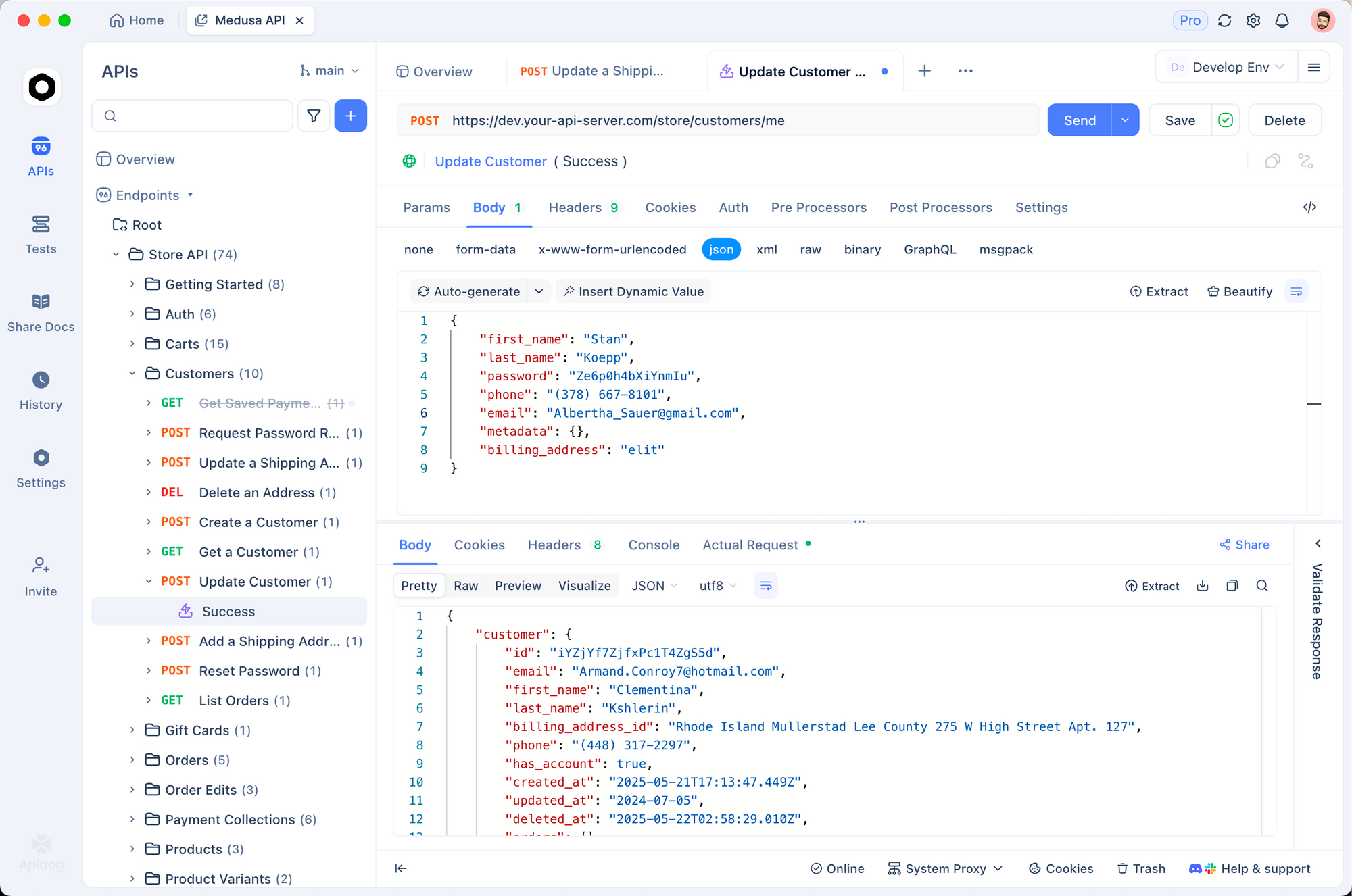
This integration addresses common pain points in development. Claude handles the coding logic, while Apidog manages debugging and documentation. Automated testing in Apidog verifies Claude's outputs, catching discrepancies early.
Moreover, Apidog's mock servers simulate endpoints, enabling Claude to test code iteratively without live services. This loop—generate with Claude, validate with Apidog—streamlines iterations.
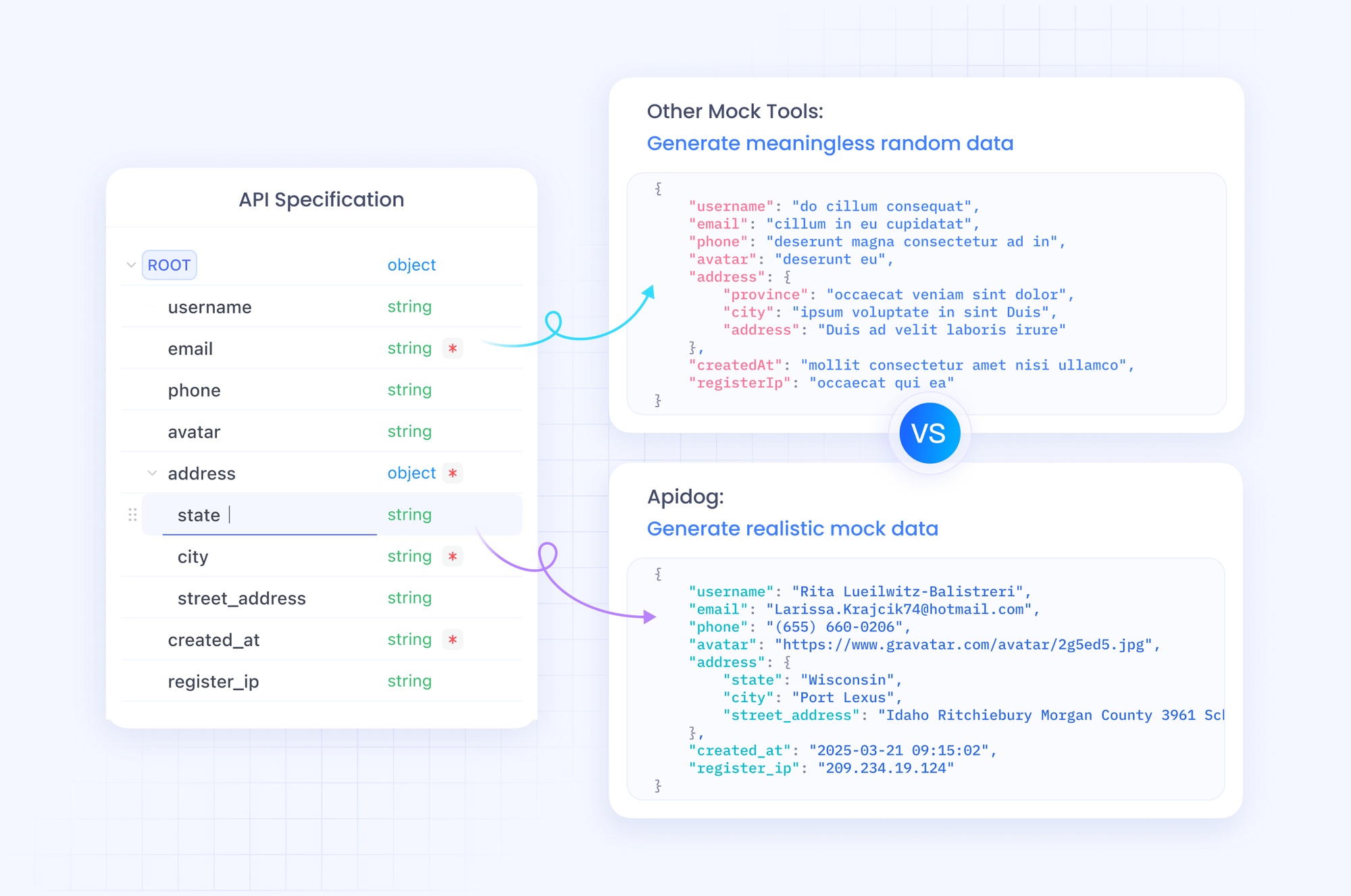
From a technical perspective, Apidog supports CI/CD pipelines, so code from Cowork integrates into automated builds. Developers appreciate this for maintaining code quality.
Case in point: Building a full-stack app. Claude creates backend routes, Apidog tests them, and Claude refines based on results. This collaborative setup maximizes efficiency.
Limitations and Safety Considerations
Despite its strengths, Claude Code Cowork carries limitations inherent to its preview status. It risks destructive actions if instructions lack clarity—Claude might delete files unintentionally. To counter this, always specify safeguards in prompts.
Additionally, prompt injections from external content could alter behavior, though Anthropic implements defenses. Users mitigate this by vetting inputs.
Platform-wise, it's macOS-only for now, limiting accessibility. Performance varies with task complexity; large folders may slow processing.
Best practices include explicit instructions and regular reviews. For API integrations, cross-check with tools like Apidog to avoid spec drifts.
Conclusion
Claude Code Cowork redefines AI assistance by merging coding prowess with file management agency. It empowers users to tackle tasks efficiently, from code generation to document creation. By integrating tools like Apidog, you amplify its potential in API development. As Anthropic refines this feature, it promises even greater impact. Experiment with it today to see the difference in your workflows.