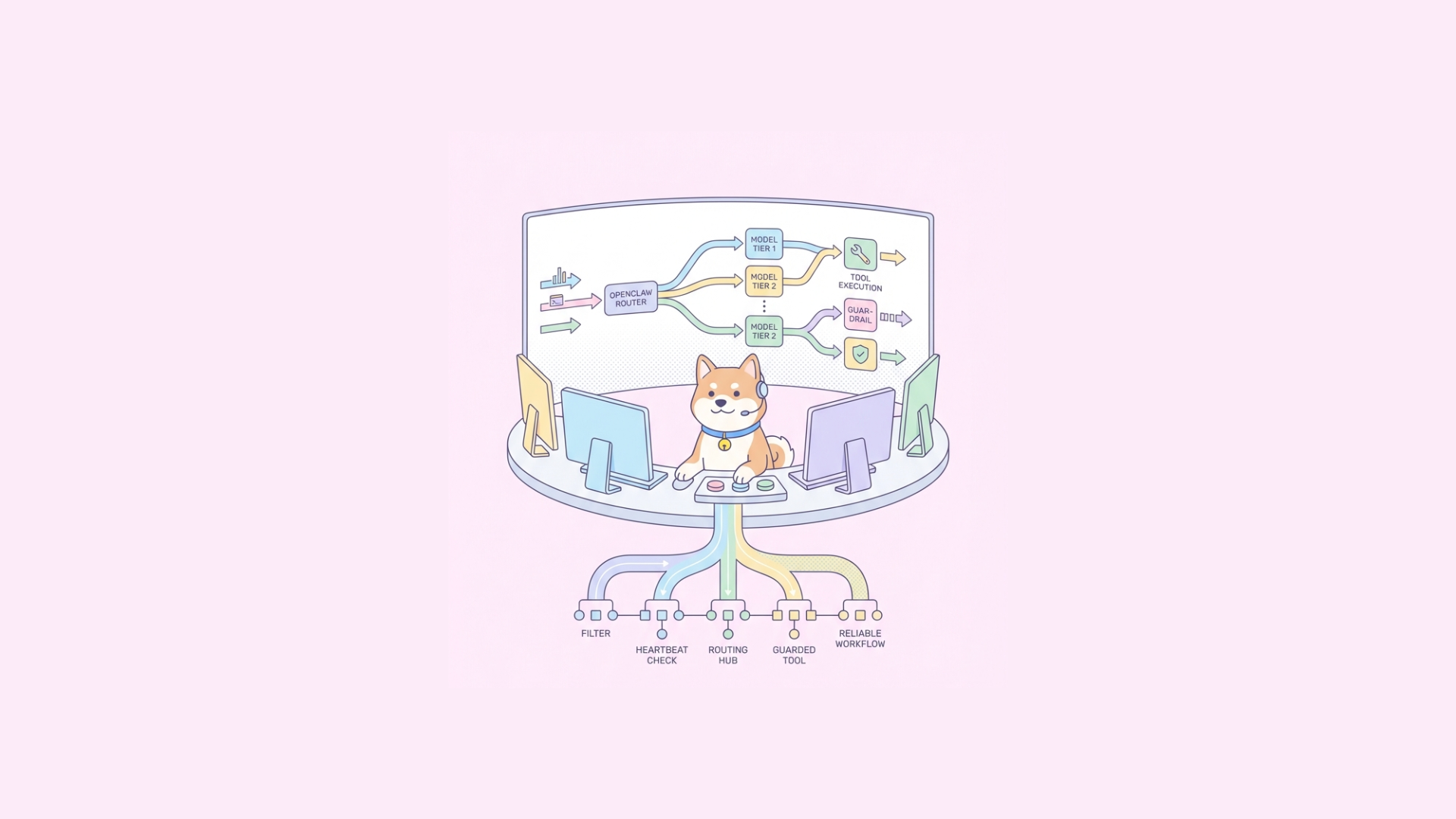
Claude Code sessions timeout or stall when they reach completion, require human responses, or hit internal limits. The problem most developers face is that Claude Code stops working as soon as it reaches a natural "done" state or prompts for input! Which is great for short bursts, but terrible when you want long-running autonomous tasks (e.g., code refactoring, CI/CD automation, full project development). This guide shows proven techniques to make Claude Code Continuously Running with minimal babysitting.
The Concept: Why Standard Claude Code Sessions Need Babysitting
Standard Claude Code sessions are stateless in operational terms: the model responds to a prompt, then stops when it believes the goal is reached. You have to manually feed new inputs or handle continuation. This is fine for one-off interactions, but inadequate for continuous or iterative development.
The solution is to wrap Claude Code in a loop or agentic workflow that detects termination conditions and restarts or continues automatically—either via plugins (like Ralph) that handle exit codes and iterations, or via agent workflows that manage state externally (e.g., todo lists & subagents). These techniques effectively keep Claude working on a problem until explicit criteria are met.
Method 1: The Ralph Wiggum Plugin — Autonomous Claude Loops
The Ralph Wiggum plugin integrates with Claude Code to create persistent looping behavior. Instead of running Claude once and stopping, Ralph intercepts exit conditions and keeps re-feeding the prompt until the task is truly complete or safety limits are reached. This is especially useful for iterative tasks that require refinement across multiple Claude Code runs (e.g., adding features, refactoring code).
How does It Work?
Under the hood, the plugin uses Claude Code’s stop hooks and iterative loop strategy. When Claude Code attempts to exit (e.g., because it thinks it’s done), Ralph detects this and re-invokes the prompt—preserving context, incremental outputs, and any file changes. You can set iteration limits or completion promises to avoid runaway loops.
Installing Ralph
# Clone and install the Ralph plugin from the repo
git clone https://github.com/frankbria/ralph-claude-code.git
cd ralph-claude-code
./install.sh
This adds global commands such as ralph and ralph-monitor to your path.
Running an Autonomous Loop
# Start a loop with max iterations
/ralph-loop "Implement continuous CI/CD pipeline automation" --max-iterations 50

# Start with a promise to stop once output contains "ALL TESTS PASSING"
/ralph-loop "Implement full test suite coverage" --max-iterations 100 --completion-promise "ALL TESTS PASSING"
You can also cancel an active loop:
/cancel-ralph
This setup is ideal for simple, iterative loops with predictable checkpoints via --completion-promise.
Best Use Cases
| Task Type | Recommended |
|---|---|
| Iterative code improvement | ✔️ |
| Refactoring with multiple passes | ✔️ |
| Robust multi-step tasks | ⚠️ (Use with agent method) |
| Tasks requiring complex state | ⚠️ (Better with agents) |
Use Ralph when your loop logic can be controlled with iteration limits or termination keywords to avoid token runaway, excessive cost, and hang-ups.
Method 2: Agents & Slash Commands — The Motlin Method
Rather than rely on a simple loop, you can structure autonomous execution using Claude Code slash commands and agents—much like a task scheduler. Slash commands let you define reusable tasks (/todo, /todo-all), and subagents (e.g., @do-todo) run in isolated contexts so verbose logs, builds, or errors do not bloat the main session or eat your context window.
Slash Commands & Task Files
You define tasks in Markdown or todo files. For example:
echo "- Fix bug #1234" >> todo.md
echo "- Write unit tests for new feature" >> todo.md
Then create a simple Slash Command file in .claude/commands called todo.md that picks the next todo item.
# .claude/commands/todo.md
Find and describe the next task from todo.md, then mark it complete.
Invoking:
/todo
runs this in Claude Code. However, one slash command alone still requires manual repeats.
Introducing Agents
Instead of manual loops, convert your slash command logic (/todo, /todo-all) into a fleet of agents:
/todo-all → launches @do-todo agent until all todo.md entries are done.
Each @do-todo agent:
- Fetches the next task (
todo-get) - Implements the task
- Performs builds/tests
- Marks the task complete (
todo-complete) - Loops until no tasks remain (motlin.com)
This approach uses Context Isolation: each agent runs in its own context, so large transcripts, logs, and build outputs don’t pollute the main session or overwhelm the context window.
An Example Workflow
# Run the primary loop command
/todo-all

# Behind the scenes:
# @do-todo agent runs each task in sequence
Agents orchestrate task execution, maintain state, and persist to files like todo.md and @taskstatus.md, so you can run Claude Code continuously until a whole list is complete.
Monitoring & Notifications
Long-running autonomous loops need observability:
Alerts on Finish/Failure
You can extend loop runners or agent scripts with webhook/notifications:
Using a Bash hook script
#!/bin/bash
# After loop finishes
pushover_message="Claude loop finished at $(date)"
curl -s \
  -F "token=$PUSHOVER_TOKEN" \
  -F "user=$PUSHOVER_USER" \
  -F "message=$pushover_message" \
  https://api.pushover.net/1/messages.json
This notifies your phone when loops finish or fail.
Logging & Monitoring
- Use
ralph-monitoror custom logs in your loop scripts. - Periodically dump loop status to JSON for dashboards.
- Track metrics like iterations, API usage, and errors.
Safety & Cost Considerations
Autonomous loops can consume a lot of tokens quickly:
- Unbounded loops risk high bills.
- Always set iteration limits or completion criteria.
- Combine with monitoring to pause/alert on failures.
Also be aware of Claude Code’s built-in sandboxing and permission-prompt mechanics that can break continuous non-interactive loops unless configured accordingly.
Using Continuous Claude Code With API-Heavy Projects + Apidog
When running Claude Code Continuously Running loops on large, API-centric development projects (e-commerce platforms, order management systems, user dashboards, SaaS backends, IoT services, etc.), you’re usually generating or modifying lots of endpoints and services. These projects often involve user authentication APIs, product catalogs, cart and checkout flows, search and recommendation services, and more.
The challenge is not only keeping Claude operating autonomously on the core development tasks, but also ensuring those APIs are reliable and conformant as they evolve. This is where pairing continuous Claude loops with a dedicated API testing platform like Apidog adds real value:
- Automated API validation: Apidog lets you set up structured test scenarios that cover all major endpoints (functional, regression, integration), verifying responses, error handling, and edge cases as your AI-generated code changes evolve.

- CI/CD integration: You can automatically run these API tests on each commit or deployment, so you catch broken or misbehaving services as early as possible in the loop.
- Mock services & data-driven checks: While Claude generated new API handlers or shifts logic, Apidog can simulate dependent services or inject varied data sets to stress test your flows before they reach production. apidog
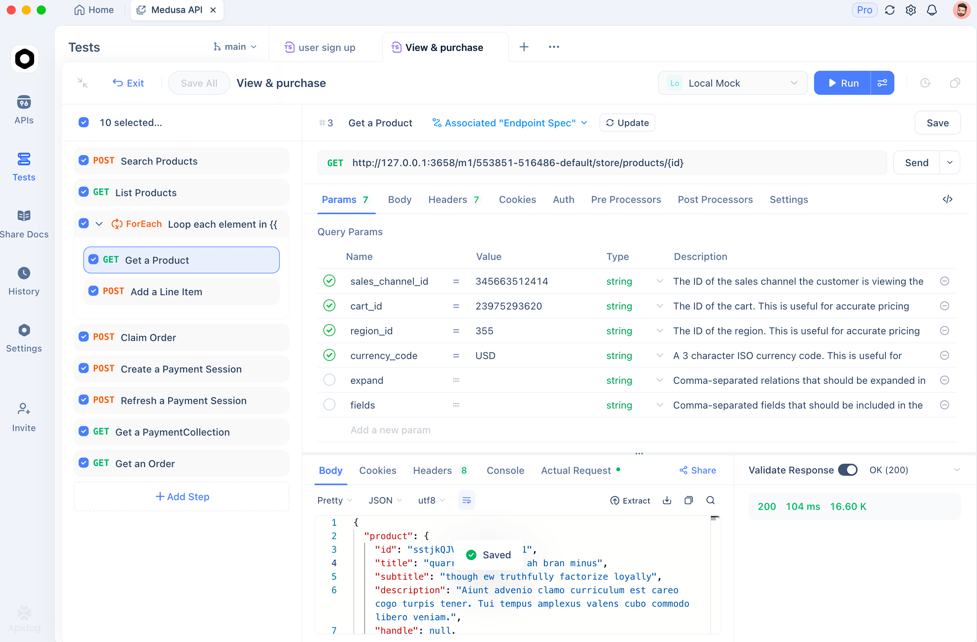
By combining continuous Claude Code loops with Apidog testing, teams building complex applications that rely on APIs get both continual development throughput and robust automated testing coverage, reducing manual QA bottlenecks and improving release confidence.
Frequently Asked Questions
Q1. How much does this cost in tokens?
Costs are proportional to the number and length of Claude Code invocations. Autonomous loops can be expensive without limits—use --max-iterations or budget constraints.
Q2. What happens if the loop gets stuck?
Both Ralph and agent patterns can detect inactivity or logical exit codes. You can implement timeouts and circuit breakers to exit loops gracefully.
Q3. Can Claude Code run indefinitely?
Not truly indefinitely—platform limits like context window sizes, session timeouts, and API quotas still apply. These patterns extend runtime significantly but not forever.
Q4. How do I stop a rogue loop?
With Ralph: /cancel-ralph. With agents: kill the agent process or interrupt the CLI. Always test loops on small tasks first.
Q5. Are there safety risks?
Yes. Autonomous AI loops can execute unintended actions on your filesystem or infrastructure. Use sandboxing and strict allowed-tools settings.
Conclusion
To make Claude Code Continuously Running without babysitting, you have two main options:
- Ralph Wiggum plugin: best for controlled loops with clear completion signals.
- Agents & Slash Commands: best for structured autonomous workflows that require state tracking and context isolation.
Both extend Claude Code’s natural behavior into autonomous execution—just choose the pattern that fits your complexity and safety requirements.