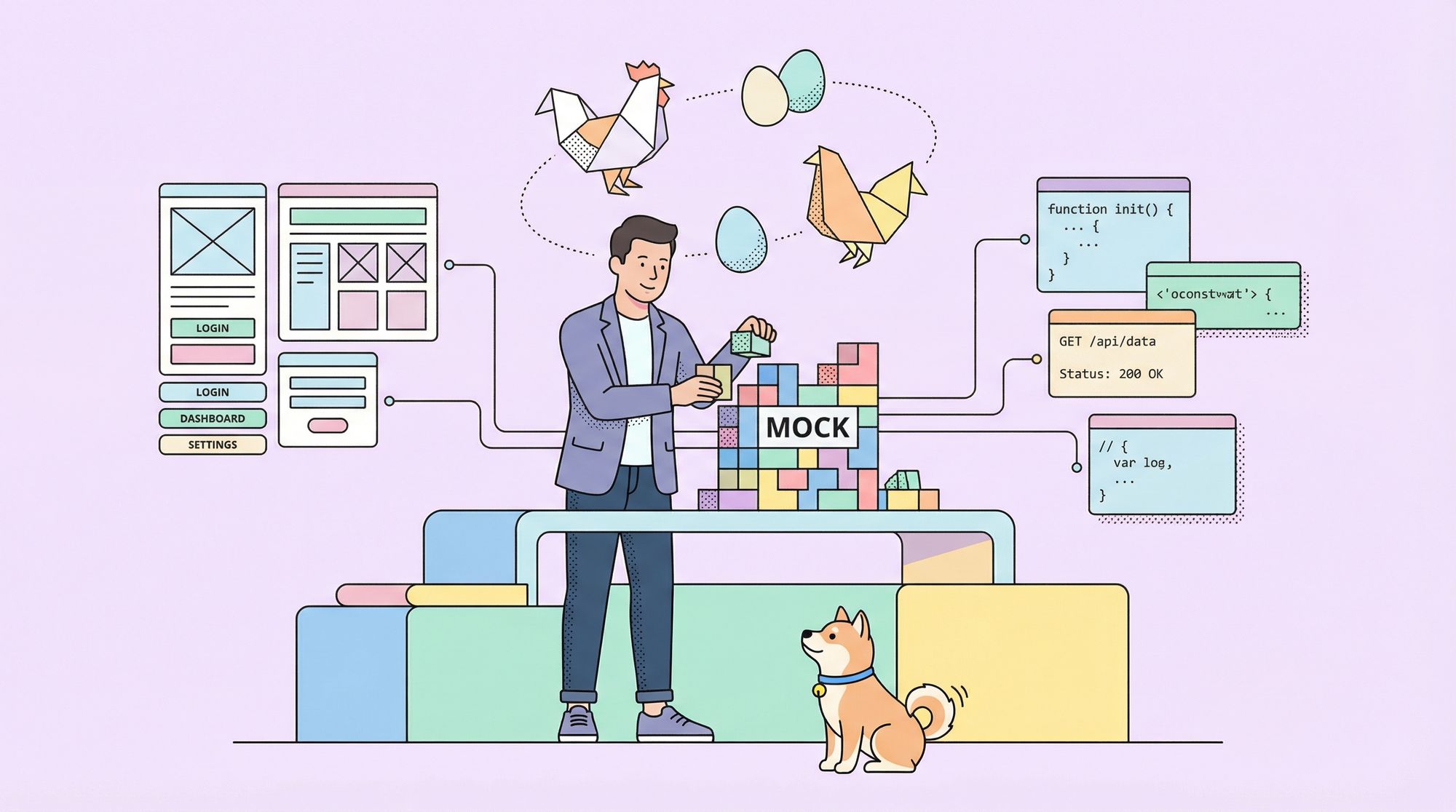
You're a startup founder or a developer on a small, scrappy team. You have a brilliant app idea that depends on a complex backend API. There's just one problem: your backend developer won't start for another two weeks, and your frontend developer is sitting idle, unable to build the UI that depends on data that doesn't exist yet.
Sound familiar? This is the classic chicken-and-egg problem of software development. And the solution is a mock API server.
A mock server is a fake version of your real API that you can spin up instantly. It returns realistic, structured responses based on rules you define. This allows your frontend and mobile teams to start building, testing, and even demoing the product before a single line of backend code is written.
For a startup, this parallel development isn't just a nice-to-have it's a survival tactic. It means shipping faster, validating ideas quicker, and making the most of your limited resources. The best part? You can achieve this with tools that are free or incredibly cheap.
Now, let's explore why mock servers are a startup superpower and review the best budget-friendly options available today.
Why Every Startup Should Use Mock Servers Early On
Before we get to tools, I want to make sure you understand why mock servers are not optional and in fact often the smartest decision for a startup.
1. Parallel Development: Let Frontend and Backend Progress Side-by-Side
If UI dev waits for backend endpoints: you stall.
With mocks: frontend can build UI, UX, and interactions while backend is being developed, refactored, or delayed.
2. Faster Iteration, Faster Prototyping
You can iterate UI designs quickly, mock different edge cases, simulate errors all without backend changes. Losing time = losing money; mocks help save both.
3. Safer Testing & Onboarding
Testers or new devs can work against mocks instead of fragile real endpoints. No risk of accidentally affecting production or messing with real data.
4. Clear API Contracts Before Implementation
Mocks help you define what requests/responses should look like which leads to cleaner backend implementation and fewer surprises down the line.
5. Lower Infrastructure Costs During Early Stages
Instead of spinning up staging servers, databases, or full backend stacks, mock servers let you prototype with minimal overhead. Perfect for early-stage budgets.
Because of these benefits, many successful startups treat mocks as a first-class part of their dev stack, not a hack or hackathon trick.
What to Look for in a “Startup-Friendly” (Cheap or Free) Mock Server
When you're evaluating mock server solutions, especially for early-stage or bootstrapped projects, the ideal tool should check as many of these boxes as possible:
- Free or freemium: no upfront cost, generous usage limits
- Low operational overhead: minimal setup, easy to run locally or via Docker
- Supports REST (and ideally GraphQL): flexible enough for common APIs
- Simple configuration: quick route definitions or ability to auto-generate from schema
- Mock data support: ability to return realistic dummy responses, with examples, nested JSON, arrays, etc.
- Ability to simulate delays / errors: helpful for testing UI edge cases
- Easy for multiple devs or team members to run or share: local or cloud, depending on your needs
- Collaboration: Allows your team to share and work on mock definitions together.
- Integration: Works with your existing workflow (Git, CI/CD, design tools).
- Open source (ideally): optional ownership, no vendor lock-in
- Option to upgrade later: if project scales, you may want better tooling or hosted solutions
Best Free & Cheap Mock Servers for Startups
Let's break down the top options, weighing their pros, cons, and ideal use cases.
1. Apidog: The All-in-One API Powerhouse (Freemium)
Pricing: Generous free plan for small teams. Paid plans scale with your needs.
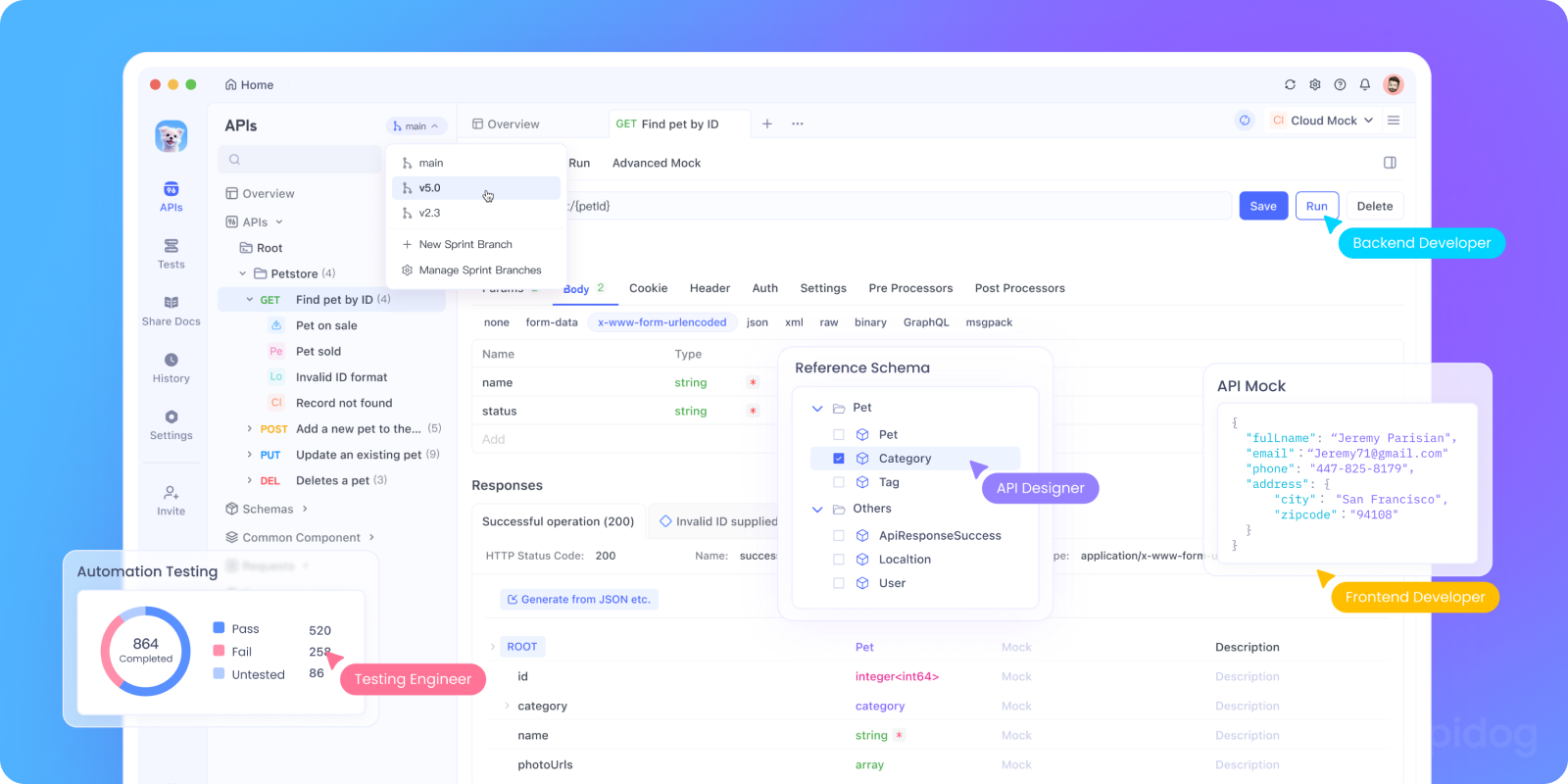
Apidog isn't just a mock server; it's an integrated API platform. This is its greatest strength for startups trying to consolidate tools.
How it works for mocking:
- Design your API in Apidog's visual editor (or import an OpenAPI spec).
- Click "Generate Mock Server." Instantly, you get a unique, public URL for your mock API.
- Define dynamic responses using built-in mock rules and a powerful mock scripting syntax.
Key Features for Startups:
- Zero-Config Mocks: The mock server is automatically generated from your API design. No separate configuration needed.
- Realistic Dynamic Data: Use
@email,@name,@integer(1,100)to generate realistic fake data in responses. - Team Collaboration: Share projects, comment on endpoints, and manage versions together on the free plan.
- Integrated Workflow: Design -> Mock -> Test -> Document in one place. This eliminates catastrophic context-switching.
- OpenAPI Native: Fully import/export OpenAPI specs, making it future-proof.
Why Apidog is Startup-Friendly:
- You can start with a free plan no lock-in
- It lets you mock endpoints based on request definitions or schemas
- Works for REST (and supports more advanced API types)
- Supports environment variables, enabling easy switching between dev, staging, mock-API, etc.
- Easy enough for solo developers or small teams
- As you grow, you get built-in documentation, collaboration, versioning, and test automation
Best for: Startups that want to standardize their entire API workflow (design, mock, test, docs) in one cost-effective, collaborative platform and avoid tool fragmentation.
2. Mockoon: The Fantastic Open-Source Mock Tool

Pricing: Completely free and open-source.
Mockoon is a beloved, standalone desktop application. You download it, create your mock APIs locally, and run them.
Key Features:
- 100% Free & Offline: No accounts, no subscriptions, no internet required. Perfect for IP-sensitive work.
- Very Easy to Use: Clean, intuitive UI. You can be creating mock endpoints in under a minute.
- Advanced Mocking Rules: Supports templating (Handlebars), dynamic rules based on request parameters, and file serving.
- Proxy Mode: Can proxy unmatched requests to your real API, which is great for incremental backend development.
Limitations:
- Local Only (by default): The free version runs on your local machine. To share mocks with teammates, you need to host the Mockoon CLI on a server yourself (extra work) or use their paid cloud service.
- No Built-in Collaboration: Sharing mock configurations requires manually exporting/importing JSON files or using Git.
- Just a Mock Server: It doesn't help with API design, testing, or documentation.
What makes Mockoon great:
- Desktop app (no need to tinker with code)
- Create routes, define request/responses via UI
- Support for different HTTP methods, query parameters, headers
- Export/Import of JSON easy to commit along with project
- Good for quick front-end workflows, especially when backend is unavailable
Best for: Individual developers or very small teams who need a powerful, free, local-first mock server and don't mind managing sharing manually (e.g., via a Git repo).
Best used when:
- You don’t want to write YAML or JSON
- Team members prefer visual tools
- You need quick "fake backend" for front-end dev or demos
Drawbacks are similar to JSON Server: limited dynamic logic, no advanced mocking built-in, no enterprise-grade features but for what it offers, Mockoon is a solid free tool.
3. JSON Server: The Developer's Free Code-Based Mock
Pricing: Free (it's an open-source Node.js library).
JSON Server isn't a hosted service or an app; it's a code library. You create a db.json file with your data structure, run a command, and get a full fake REST API with CRUD operations.
Key Features:
- Zero Code CRUD API: It automatically creates GET, POST, PUT, PATCH, DELETE endpoints based on your JSON file. Need
/postsand/comments? Just add them to your JSON. - Incredibly Simple: The fastest way to get a realistic, interactive REST API.
- Full Control: Since it's code, you can customize it, add middleware, and integrate it into your development scripts.
Why start-ups love JSON Server
- Install via npm:
npm install -g json-server - Create a simple
db.jsonfile with sample data - Run
json-server db.json→ instant REST API with CRUD endpoints - No configuration overhead
- Great for rapid prototyping, UI mockups, early-stage UX testing
When JSON Server works best
- For mock data with static or semi-static shape
- Early feature prototypes
- Local development with no backend yet
Limitations:
- Requires Coding Comfort: You need to be comfortable with Node.js, the terminal, and potentially writing custom routes.
- Local by Default: You need to host it yourself to make it available to your team (e.g., on a cheap VPS like DigitalOcean Droplet).
- Basic Logic: Out of the box, it's not great for complex conditional responses or advanced mocking logic without custom middleware.
Best for: Developers and tiny teams who are comfortable with code and need a quick, functional REST API for prototyping a CRUD-heavy application. It's more of a "fake backend" than a pure mock server.
4. Postman Mock Servers (Freemium)
Pricing: Free plan with limits (e.g., 1000 mock API calls per month).
If your team already uses Postman for API testing, its built-in mock server feature is a natural choice.
Key Features:
- Integrated with Collections: Create a mock server directly from a Postman Collection. If you've defined your requests in Postman, you're 90% there.
- Easy to Set Up: A few clicks from the Postman UI.
- Example-Based: Mocks return the examples you save in your request.
Limitations:
- Call Limits: The free plan's 1000 calls/month can be exhausted quickly in active development or CI/CD.
- Limited Dynamic Logic: Primarily returns static example responses. Advanced dynamic behavior is clunky.
- Part of a Testing Tool: It feels like a feature bolted onto a testing tool, not a dedicated mock solution.
Best for: Teams already deeply invested in the Postman ecosystem who have simple mocking needs and can stay within the free call limits.
5. Stoplight Prism (Open-Source)
Pricing: Free and open-source.
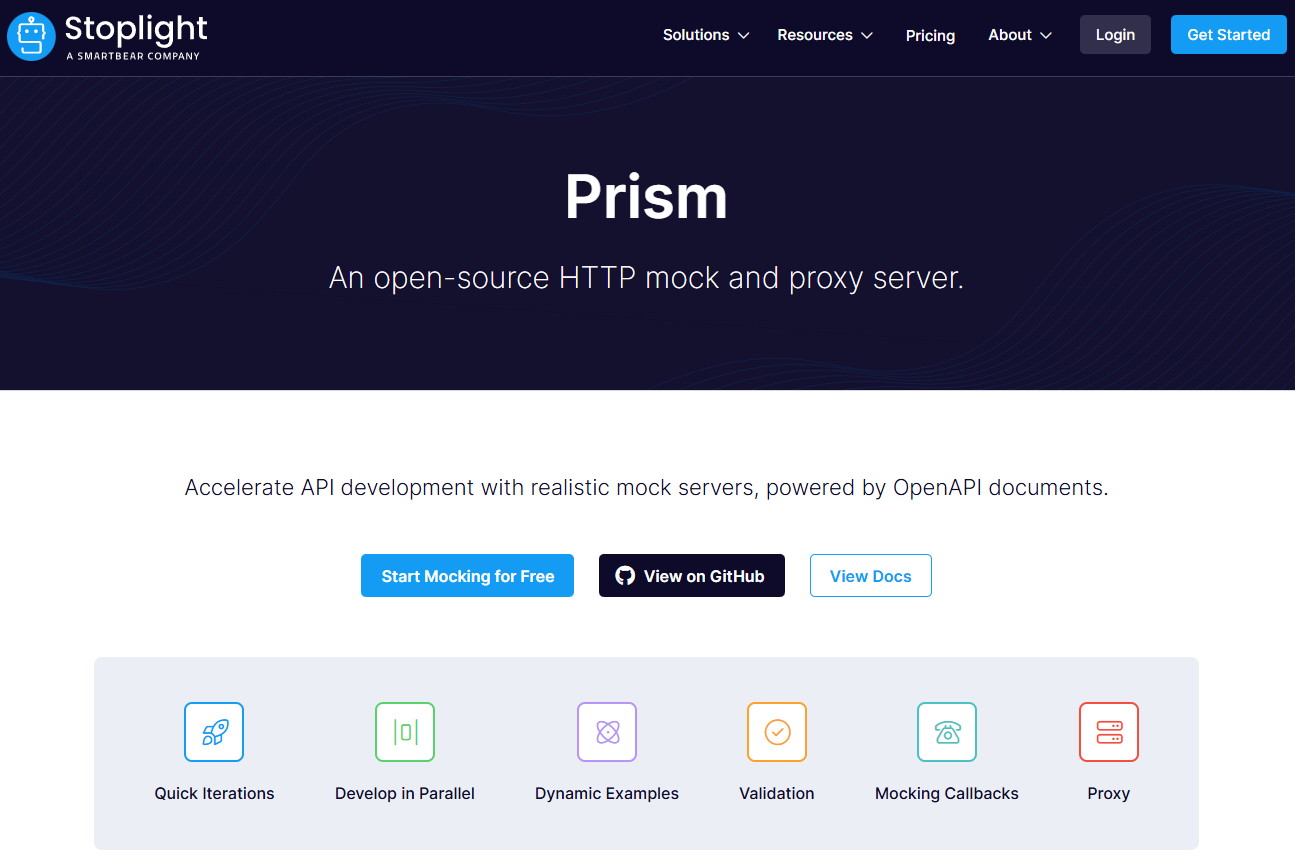
Stoplight Prism is a powerful, open-source mock server that is specification-first. It takes an OpenAPI (Swagger) document and creates a mock server that validates requests against the spec.
Key Features:
- Specification-First & Validating: It will return mock errors if you send an invalid request (wrong type, missing required field), which is fantastic for catching bugs early.
- Very Powerful Dynamic Mocking: Can generate realistic, structured data based on your OpenAPI spec's schema definitions.
- Command-Line Tool: Can be easily integrated into scripts and CI/CD pipelines.
Why Prism is startup-friendly
- Reads your OpenAPI/Swagger definitions
- Automatically mocks responses according to schema
- Validates requests for compliance (good QA safety)
- Easy to run via CLI or Docker
When Prism shines
- Schema-first workflows
- When you want contract testing early on
- When using TypeScript / strict typing + code generation
Limitations:
- High Learning Curve: Requires understanding OpenAPI specification in detail. It's a tool for API professionals.
- Developer-Centric: No GUI for managing mocks; it's all YAML and command line.
- You Host It: Requires running it as a process.
Best for: API-focused startups with strong OpenAPI knowledge who need a rigorous, validating mock server for contract testing and don't mind the operational overhead.
Still, for a team serious about API design from the get-go, this is one of the strongest open-source tools available.
6. OpenAPI Generator Mock Server Template
If your startup is using OpenAPI and you need not only mocks but also SDKs or server stubs, OpenAPI Generator is an underappreciated but powerful free tool.
What you get:
- Generate server stubs based on OpenAPI
- Generate mock server implementations (in multiple languages)
- Generate client SDKs for easy consumption
This helps reduce boilerplate, speed up backend work, and ensure consistency across teams and languages especially valuable if you're building multi-platform products or microservices.
7. Static JSON + Simple HTTP Server (Zero Cost, Full Control)
This is the minimalist option: create a folder of JSON files (e.g., users.json, posts.json, comments.json) and serve them via a basic HTTP server (e.g., using Node, Python, Go, or even python -m http.server).
When this works well:
- Prototype-level work
- Landing pages or simple project shells
- Minimal API needs (e.g., only GET operations)
- No need for complex logic
Pros
- Zero cost
- Zero dependencies
- Full control over data
Cons
- Very limited capabilities
- No dynamic responses
- Not suitable for complex flows or POST/PUT
- Not scalable long-term
But for very early hacks or side projects, this is sometimes just enough especially when paired with simple front-end prototypes.
8. Beeceptor: Free Tier for Simple Mocking
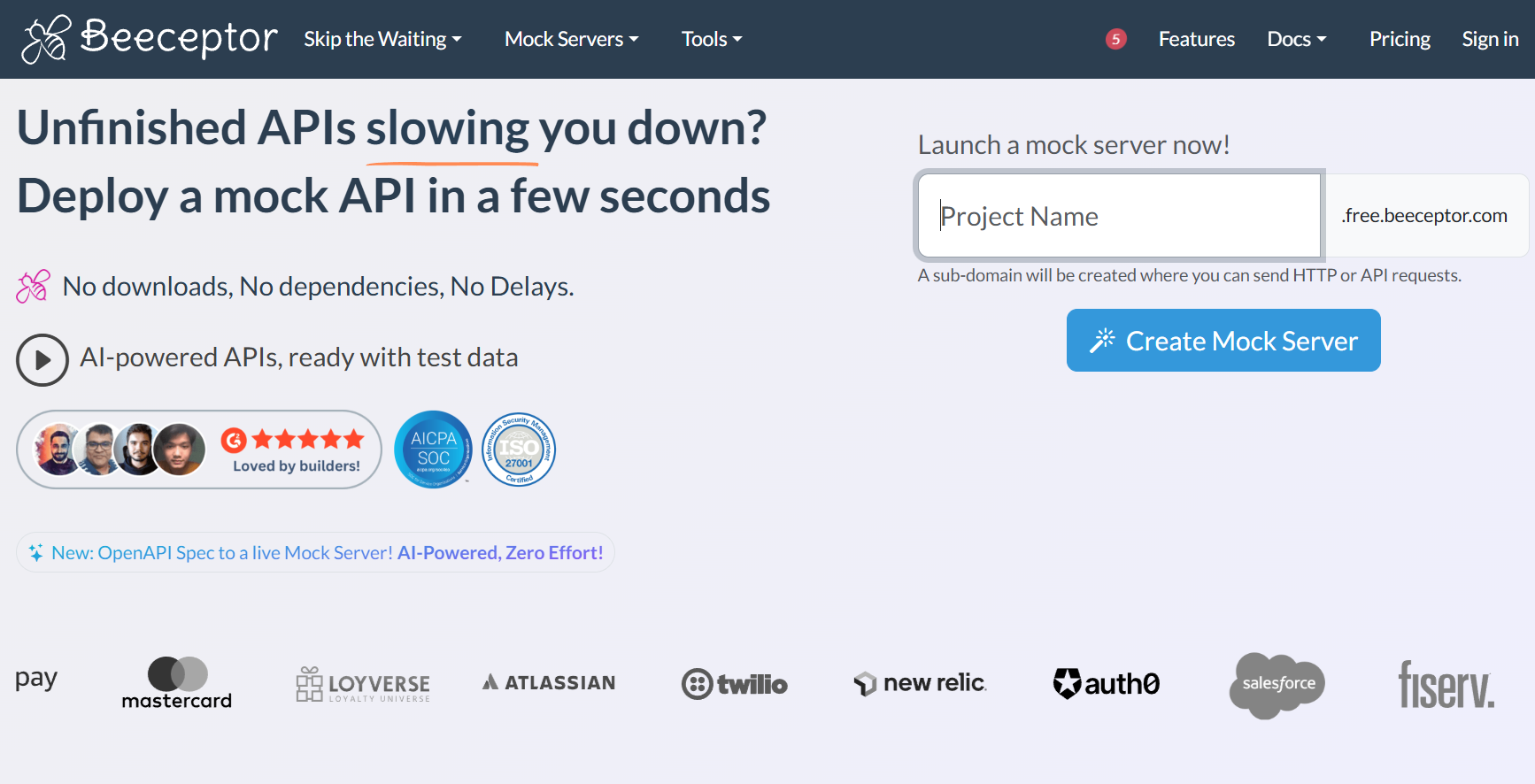
If you prefer a cloud-based mock endpoint with a generous free tier and minimal setup, Beeceptor is worth a look.
Why Beeceptor is attractive to early startups
- Simple UI to define endpoint and mock responses
- Works via browser no server setup required
- Can mock JSON endpoints quickly for frontend or mobile prototypes
- Good for external demos, rapid testing, or small team collabs
Considerations
- Cloud-based (so may not fit very sensitive data)
- Limited logic and performance limitations
- Free tier may have rate or data-size limits
Still, for early-stage demoing or quick API mocks for frontend testing, Beeceptor can save time and effort.
Conclusion: Mock Servers Are Essential Even for Bootstrapped Startups
For a startup, speed and efficiency are your currency. A free or cheap mock API server is one of the highest-ROI investments you can make in your development process. It eliminates bottlenecks, enables faster iteration, and improves product quality.
While tools like Mockoon (free and fantastic) and JSON Server (incredibly simple) are excellent for specific needs, startups aiming to build a scalable, collaborative API culture should strongly consider an integrated platform like Apidog. Its free tier provides not just mocking, but the foundation for a professional API lifecycle design, testing, documentation, and collaboration all in one place, preventing the tool sprawl that plagues so many growing teams.
Stop waiting for the backend. Start mocking, start building, and start shipping. Your future customers (and your impatient frontend developers) will thank you.