As a developer, I've lost count of how many times I've been stuck without internet while trying to test an API. Planes, trains, company firewalls, or just bad Wi-Fi—it happens more often than you'd think. And when it does, having an API client that works reliably offline is a must.
Postman has been the default choice for years, but its offline mode has always felt like a stripped-down backup plan rather than a real solution. The good news is that today, there are several tools built with offline workflows in mind. Some even make working offline a core feature, not an afterthought.
Here are 10 API clients I've tried (or seen other devs swear by) that actually hold up when the internet doesn't.
1. Apidog Offline Space
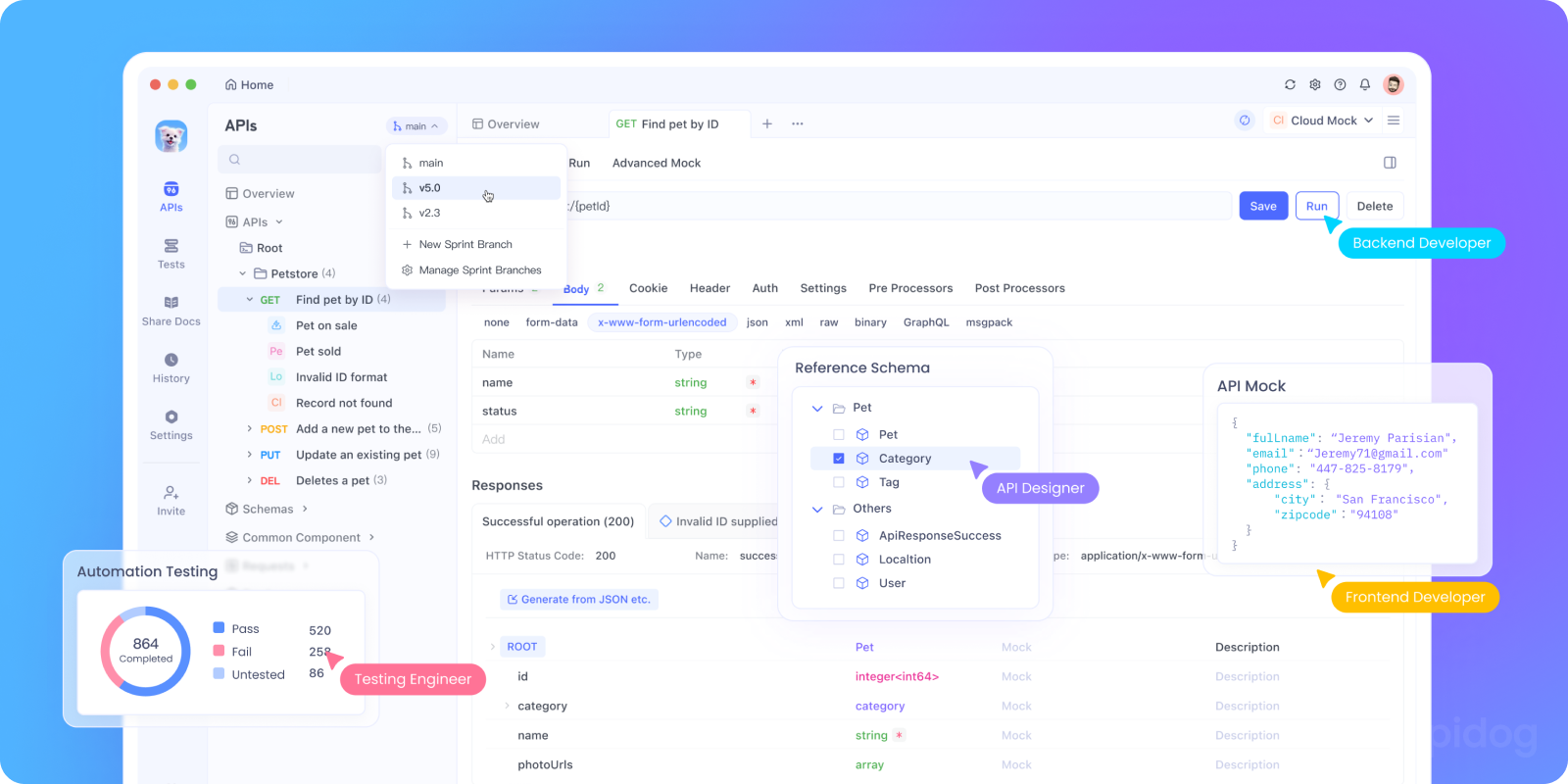
Apidog is the closest thing I've seen to a fully-featured Postman replacement that actually works offline long-term. It's not just a temporary "cache until you reconnect" model—the Offline Space is permanent and self-contained.
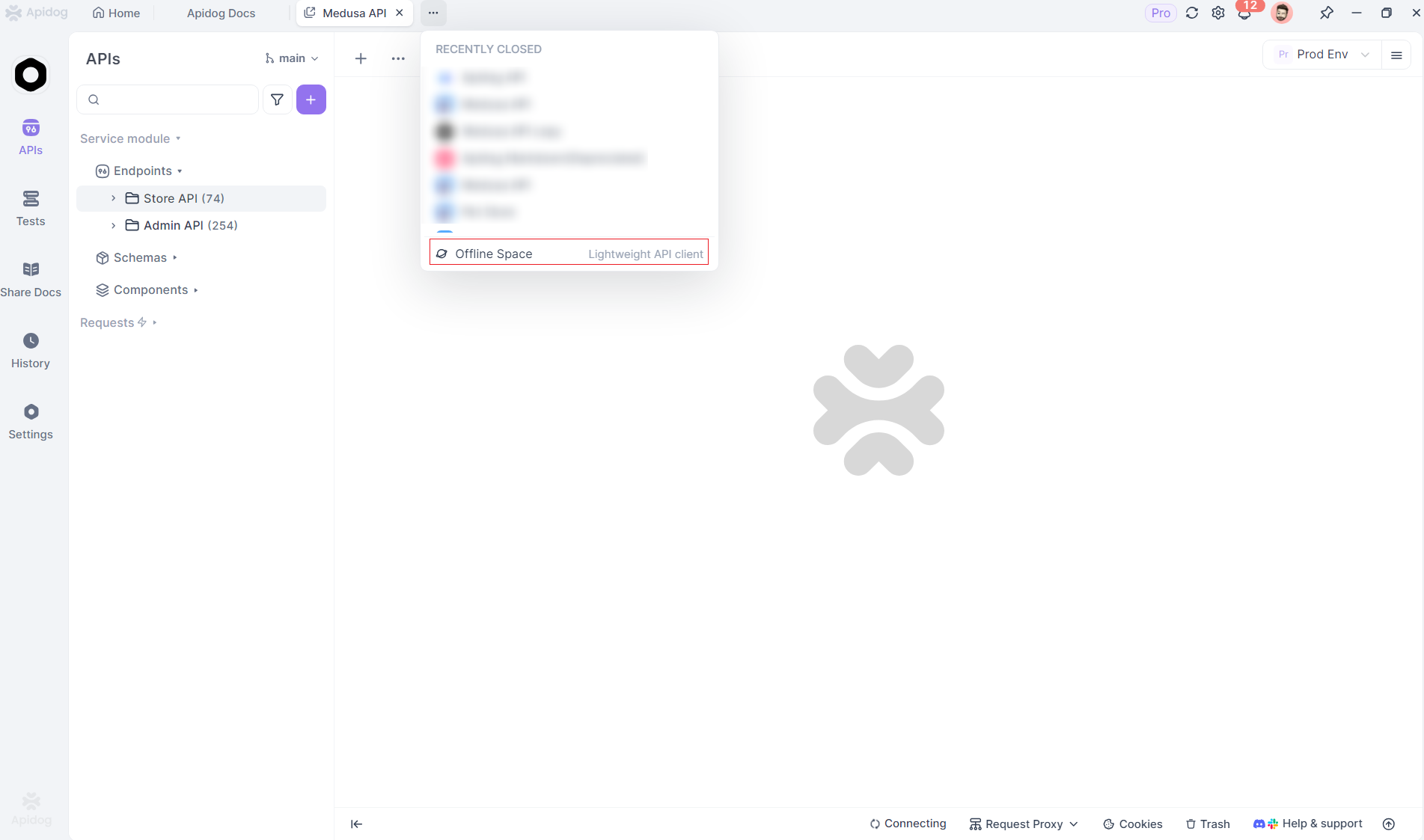
What stands out:
- All data is stored locally, never synced to the cloud.
- Debugging is solid, with detailed request/response analysis.
- Built-in security: nothing leaves your machine.
- Collection management is robust, with smooth import/export.
👉 Getting started is straightforward: download the desktop app, enable "Offline Space", and you're good to go. No workarounds.
2. Apicat
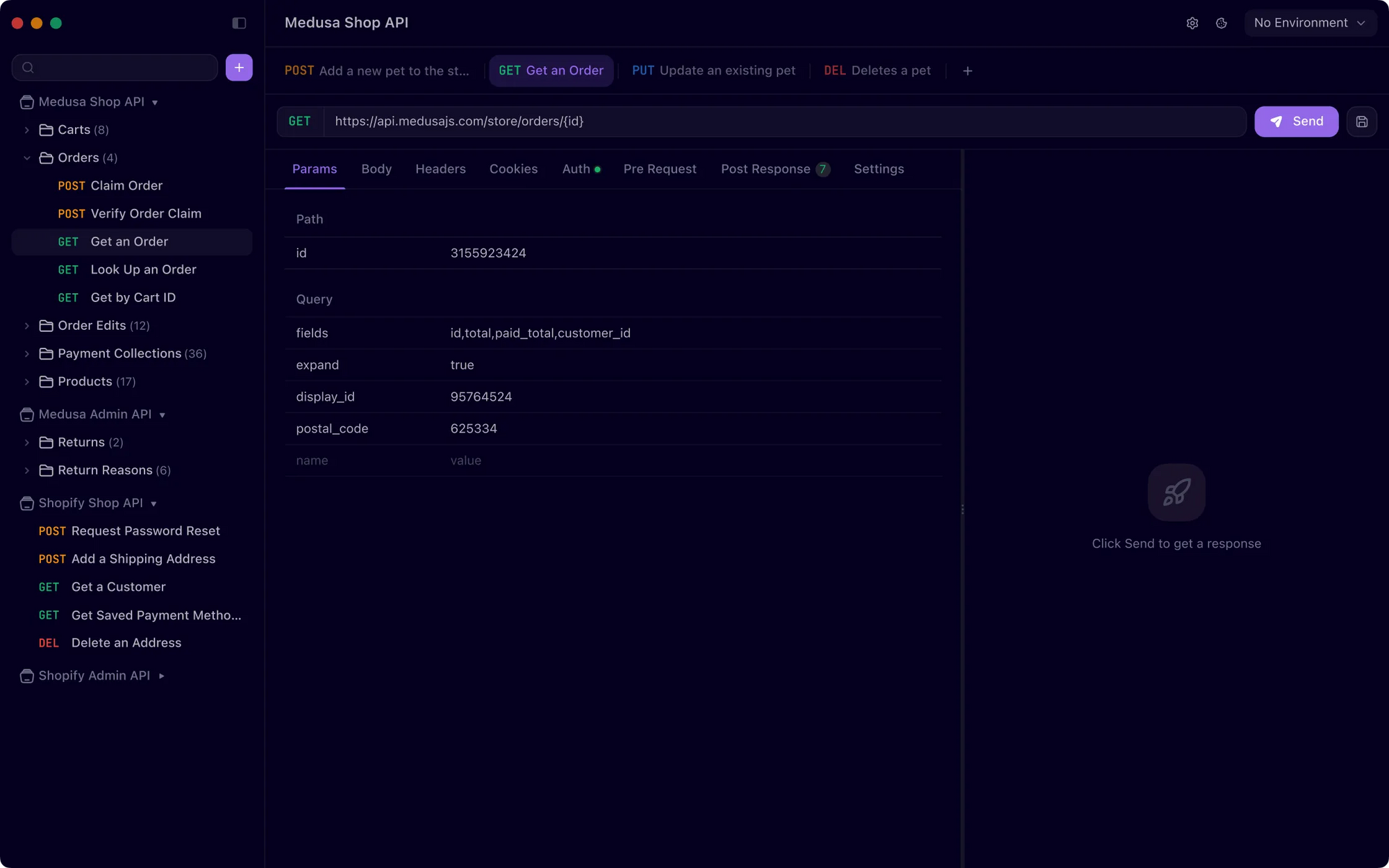
Apicat positions itself as the "ultimate offline Postman alternative" and it's hard to argue with that claim. This lightweight, open-source tool stores everything locally in .http files, making it both Git-friendly and completely offline-capable.
What makes it special:
- Stores API collections as local
.httpfiles (perfect for version control). - Full Postman compatibility—scripts work with the same
pmobject. - Unlimited collection runs (unlike Postman's restrictions).
- Supports REST, GraphQL, SSE, and gRPC out of the box.
- Batch request sending and request chaining capabilities.
The tool feels familiar if you're coming from Postman, but without the bloat or online dependencies. I particularly like how it handles environments and variables—everything works exactly like you'd expect, but stays on your machine.
3. Postman Offline
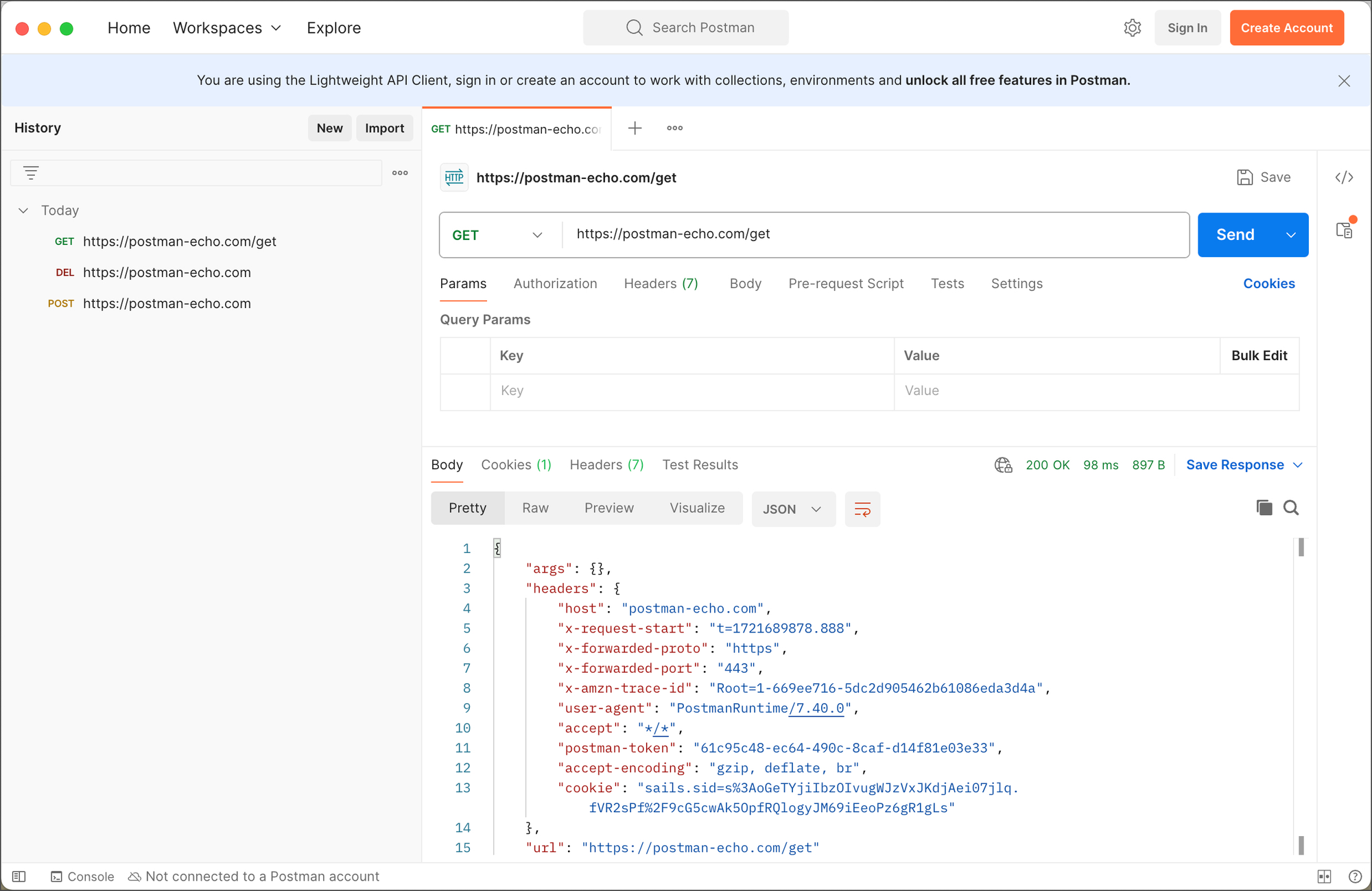
The old favorite. Yes, you can use Postman offline, but let's be real—without sync or shared workspaces, it feels more like "solo mode".
Offline caveats:
- No cloud sync (changes stay on that one machine).
- Collaboration features vanish.
- Manual syncing is required once you're online again.
Good for quick local tests, but if you're serious about offline development, the limitations are frustrating.
4. Bruno
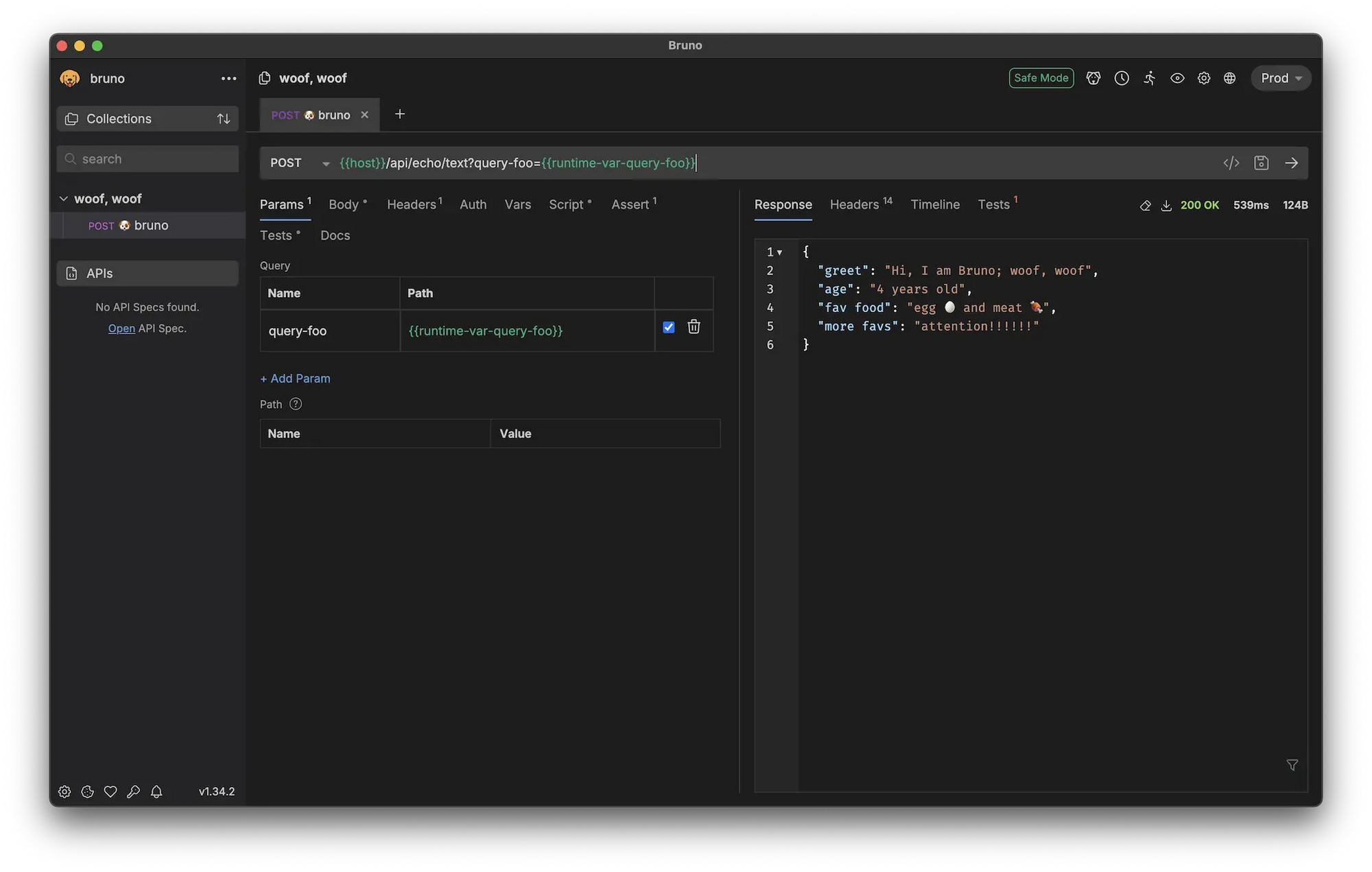
Bruno is one of my favorites for side projects. It takes a "local-first" approach—everything is stored as plain text .bru files, which makes it Git-friendly out of the box.
Why I like it:
- No accounts, no logins—just open and go.
- Git integration feels natural (API collections as code).
- Total data ownership, nothing hidden away in the cloud.
- Great if you want version control baked directly into your API workflow.
5. Hoppscotch
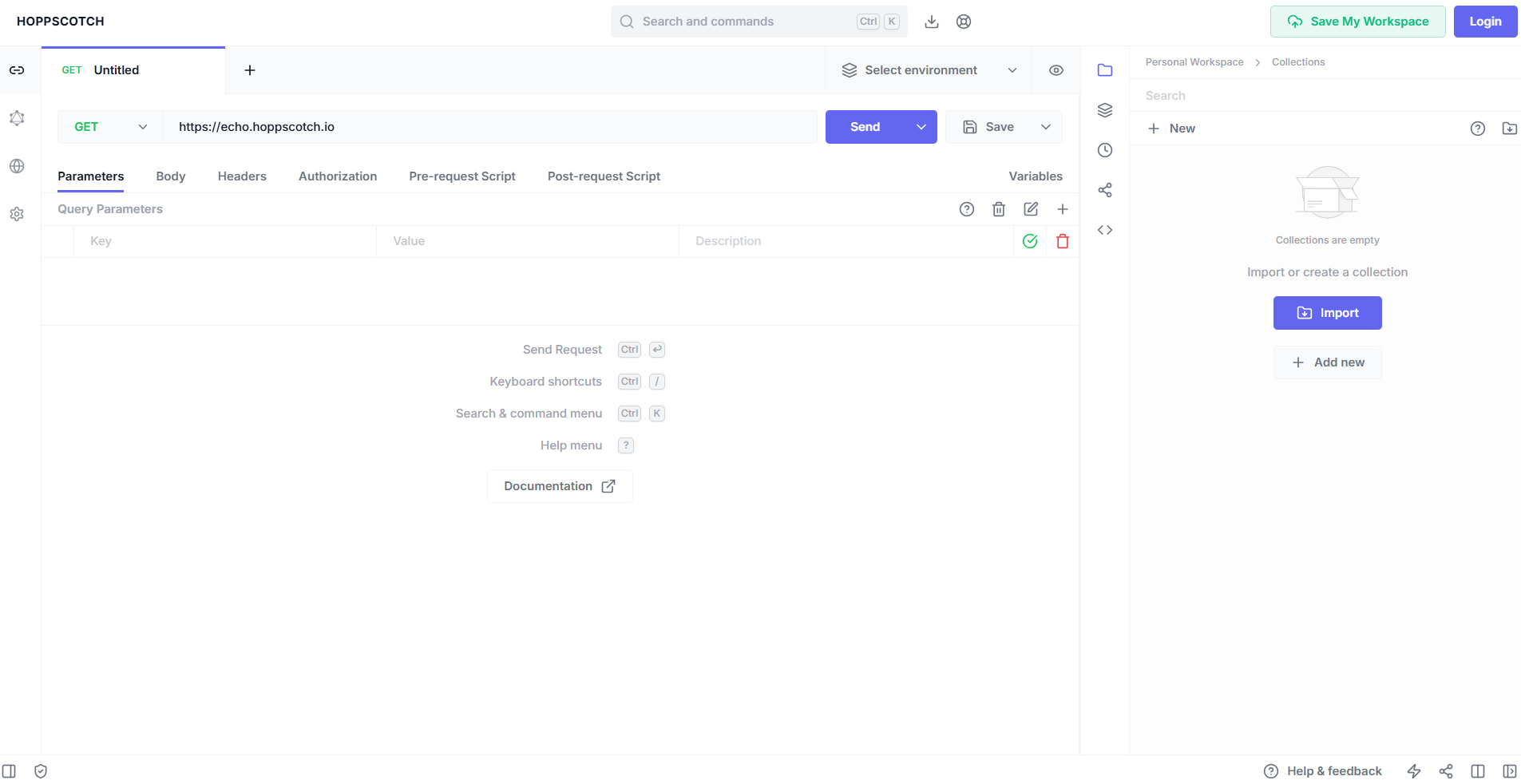
Hoppscotch is a lightweight, open-source tool that feels modern. Its PWA (Progressive Web App) runs offline right in your browser after the first load, and you can self-host it if you're in a locked-down environment.
Highlights:
- Works offline in the browser once cached.
- Desktop app available for a more native feel.
- Self-hosting gives you full control.
I usually recommend Hoppscotch to devs who want something light, hackable, and easy to run in custom environments.
6. Insomnia
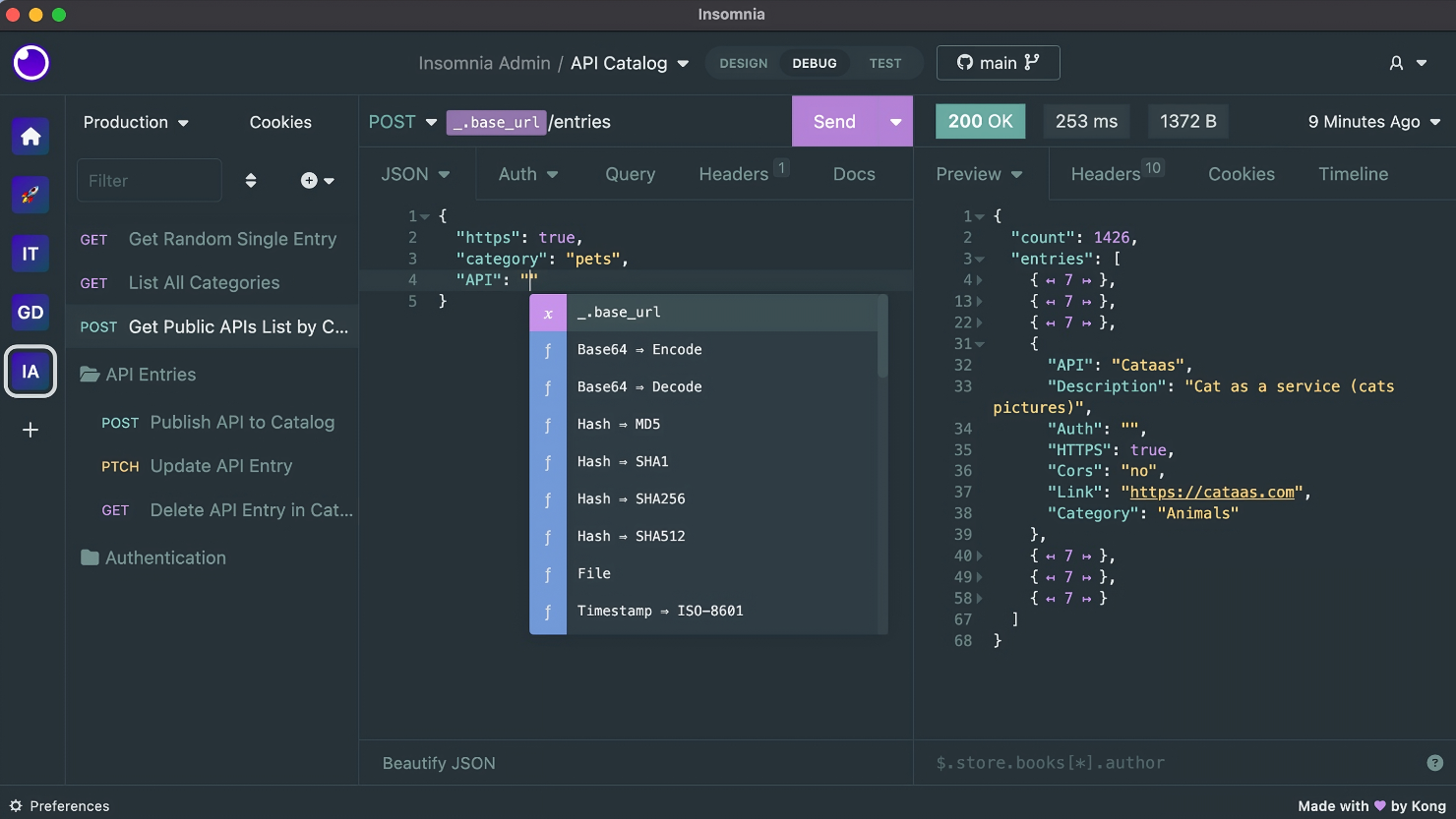
Insomnia is popular for its clean UI and protocol support (REST, GraphQL, gRPC). For offline work, the Scratch Pad and Local Vault options keep everything on your device.
Offline perks:
- Scratch Pad = fully local projects.
- Local Vault = sensitive data stays on your machine.
- Professional-grade interface.
This is a solid choice for teams who want a polished tool but still need strong offline capabilities.
7. HTTPie
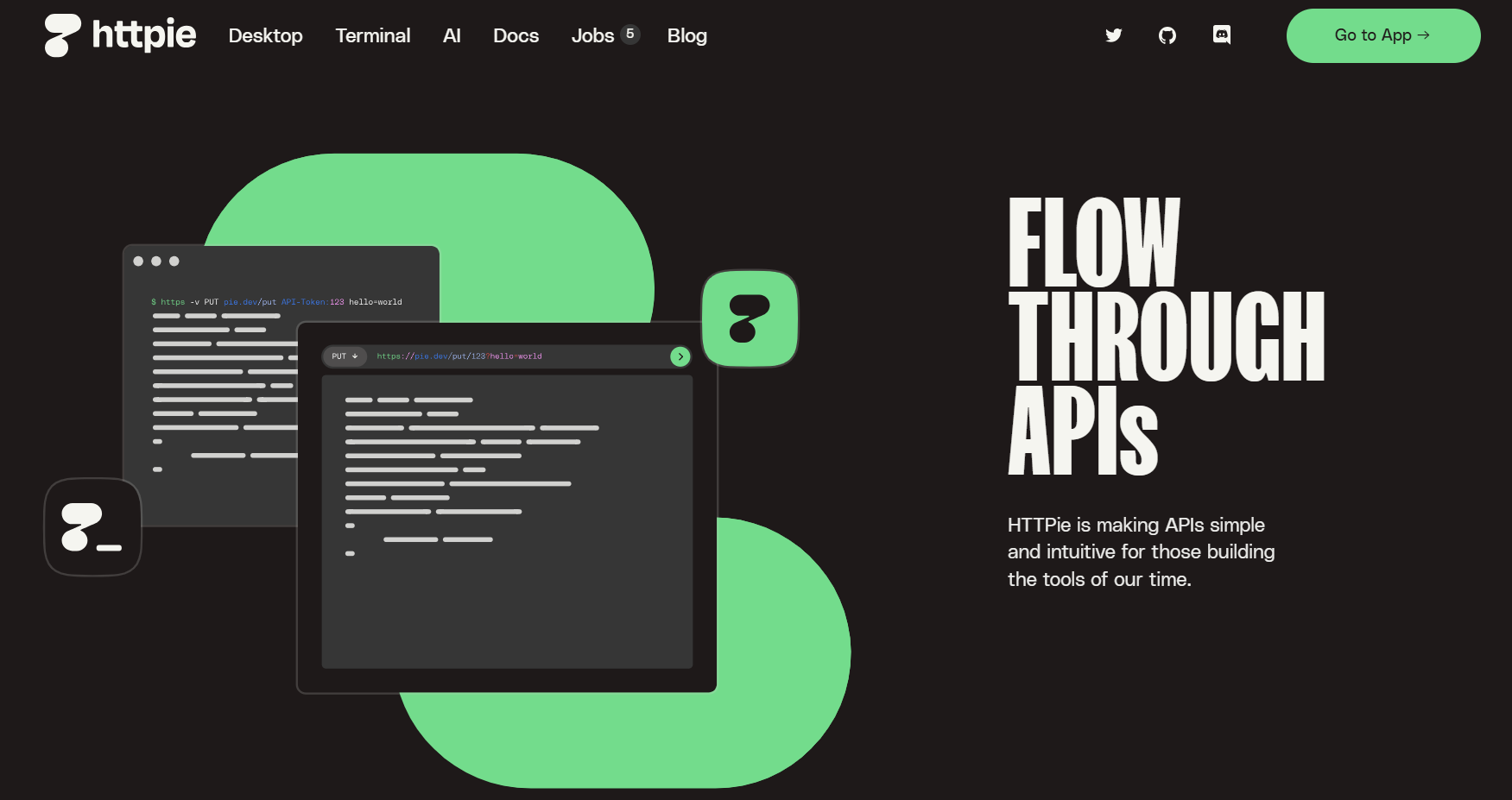
If you're a command-line fan, HTTPie is basically curl but friendlier. Its --offline flag is surprisingly useful when you just want to draft and validate requests without sending them.
Why devs love it:
- CLI syntax is intuitive and readable.
- Works offline with request construction.
- GUI versions also store data locally.
It's the tool I reach for when scripting quick experiments.
8. cURL
The OG of API tools. cURL has been around forever and while it's not "offline first", you can still use it with local servers, file inputs, and scripting.
Use cases offline:
- Local environment testing.
- File manipulation for requests/responses.
- Works on literally any OS.
- Not flashy, but sometimes the old hammer gets the job done best.
9. Thunder Client (VS Code Extension)
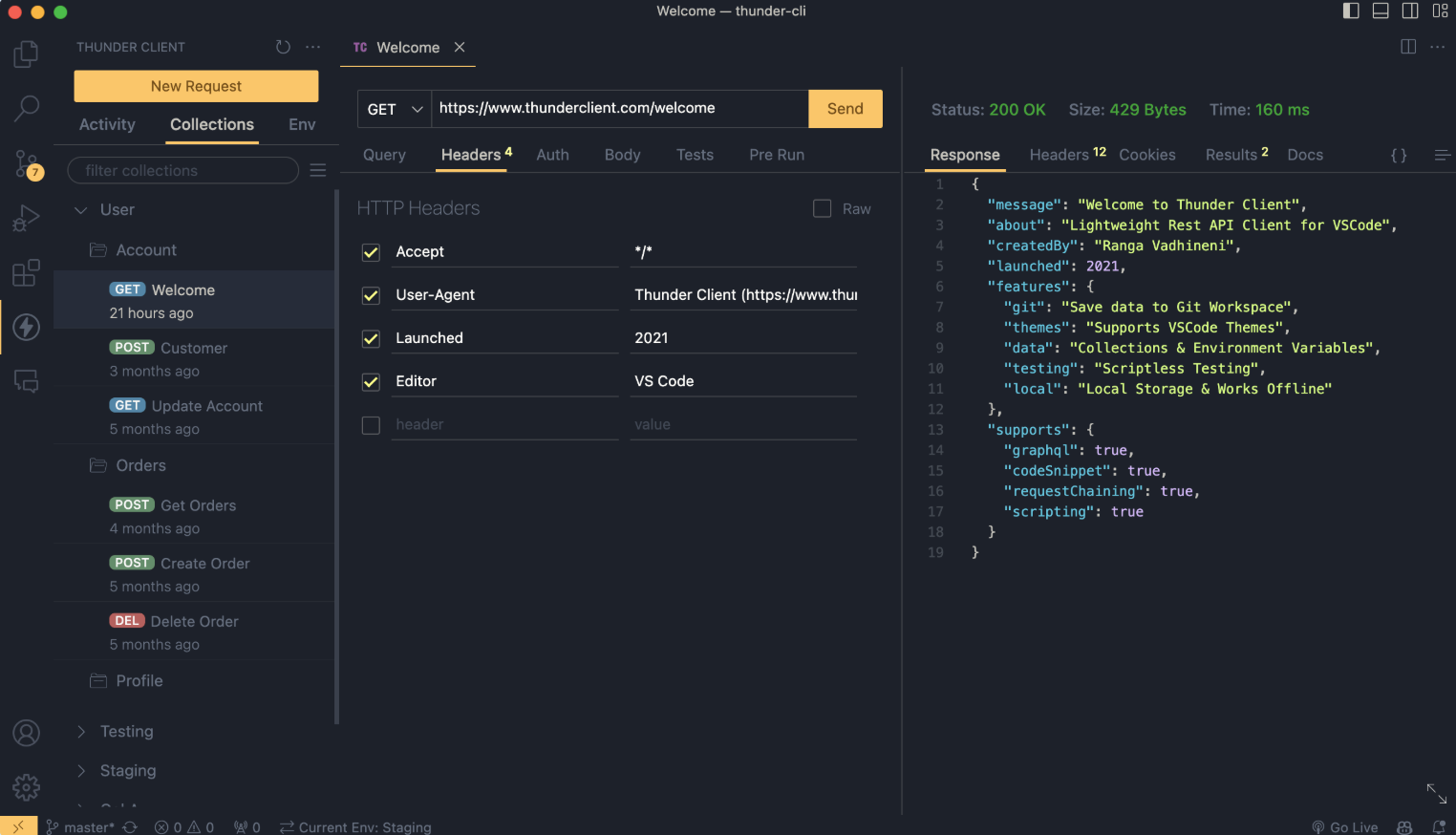
If you live inside VS Code, Thunder Client is a lifesaver. It brings API testing straight into your editor—no separate app needed.
Offline features:
- Requests and collections live locally in VS Code.
- Works even in air-gapped setups (premium mode).
- Super smooth IDE integration.
- It's a good "always-there" option since you don't have to leave your coding environment.
10. REST Client (VS Code Extension)
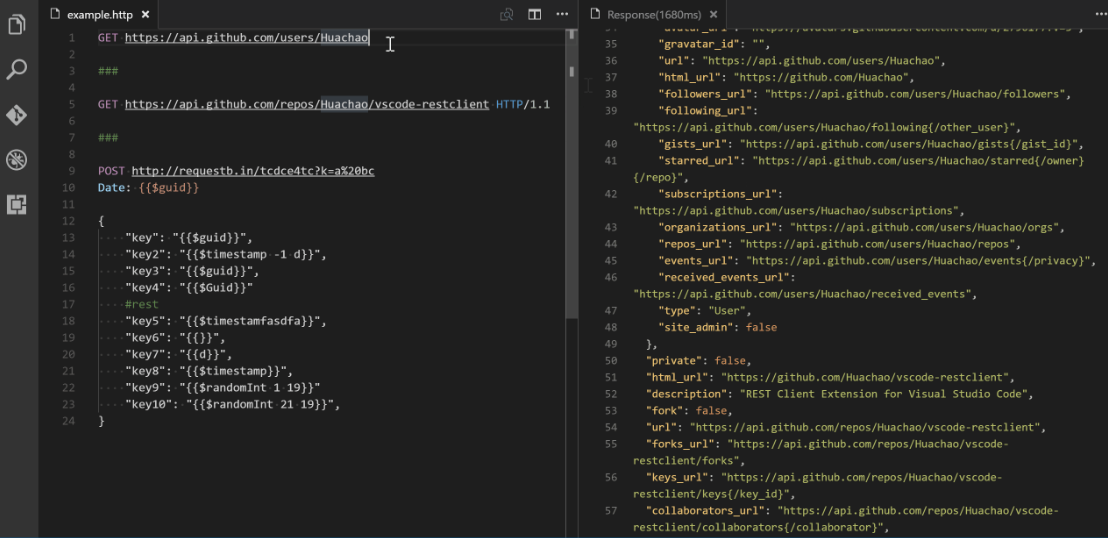
Another VS Code option, REST Client, is file-based. You write requests inside .http files and run them directly.
Why it works well offline:
- Requests as files = easy version control.
- No external dependencies.
- Fully offline once installed.
- I like using this for quick experiments that I want under Git control.
Final Thoughts: Which One to Pick?
Choosing the right offline API client comes down to your workflow:
- Want a full offline Postman replacement? → Apidog Offline Space.
- Love Git-integrated workflows? → Bruno.
- Need lightweight + self-hosted? → Hoppscotch.
- Enterprise-grade polish? → Insomnia.
- Command-line power? → HTTPie or cURL.
- VS Code-centric dev? → Thunder Client or REST Client.
Personally, I've found Apidog's Offline Space to be the most complete solution when I need everything—debugging, storage, security—without internet. But depending on your style, any of these could be the right fit.