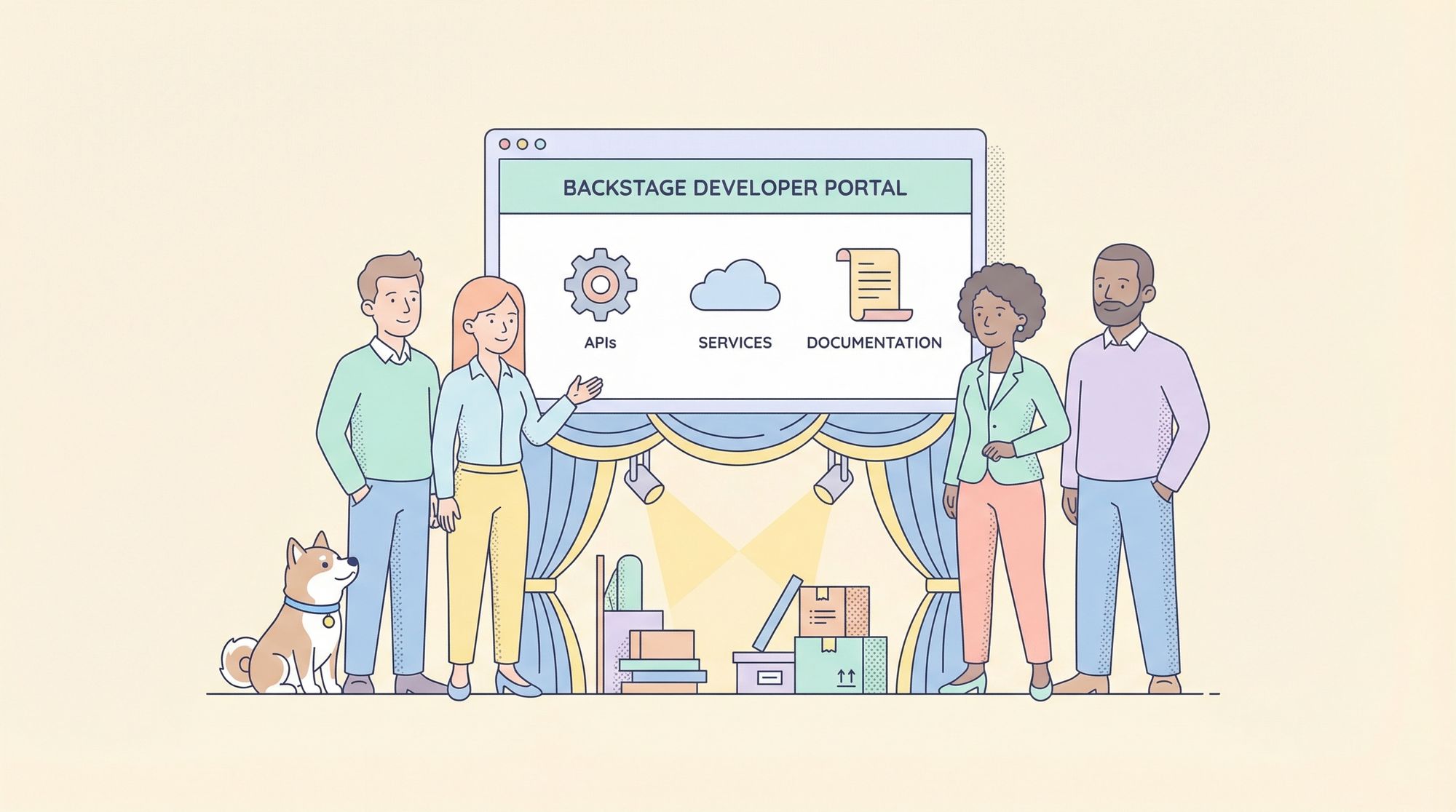
The Backstage developer portal is an open-source platform originally created by Spotify to address the complexity of modern software development at scale. It acts as a unified hub where engineering teams can discover, document, manage, and operate all their software components, APIs, services, and infrastructure from a single interface.
As organizations grow, services proliferate, and teams become more specialized, developers often struggle to find documentation, track ownership, or understand dependencies. The Backstage developer portal solves this by providing a central, customizable platform for visibility, discoverability, and self-service—empowering developers to move faster with less friction.
Why the Backstage Developer Portal Matters
A Backstage developer portal isn't just another internal wiki or dashboard. It's a strategic investment in developer productivity and operational excellence. Here’s why it’s become the go-to solution for platform engineering teams at companies like Spotify, Wise, and Netflix:
- Centralization of Knowledge: Consolidates documentation, API specs, ownership details, and infrastructure tools in one place.
- Improved Developer Experience: Reduces cognitive load by making it easy to find resources, onboard to projects, and follow best practices.
- Self-Service Automation: Enables developers to create, deploy, and manage services or APIs without manual bottlenecks.
- Consistency & Compliance: Enforces organizational standards via templates, scorecards, and automated checks.
- Scalability: Adapts to organizations with hundreds or thousands of microservices and teams.
A well-implemented Backstage developer portal is the backbone of a high-velocity, low-friction engineering organization.
Core Features of the Backstage Developer Portal
To understand the power of the Backstage developer portal, let’s dive into its key features:
1. Software Catalog
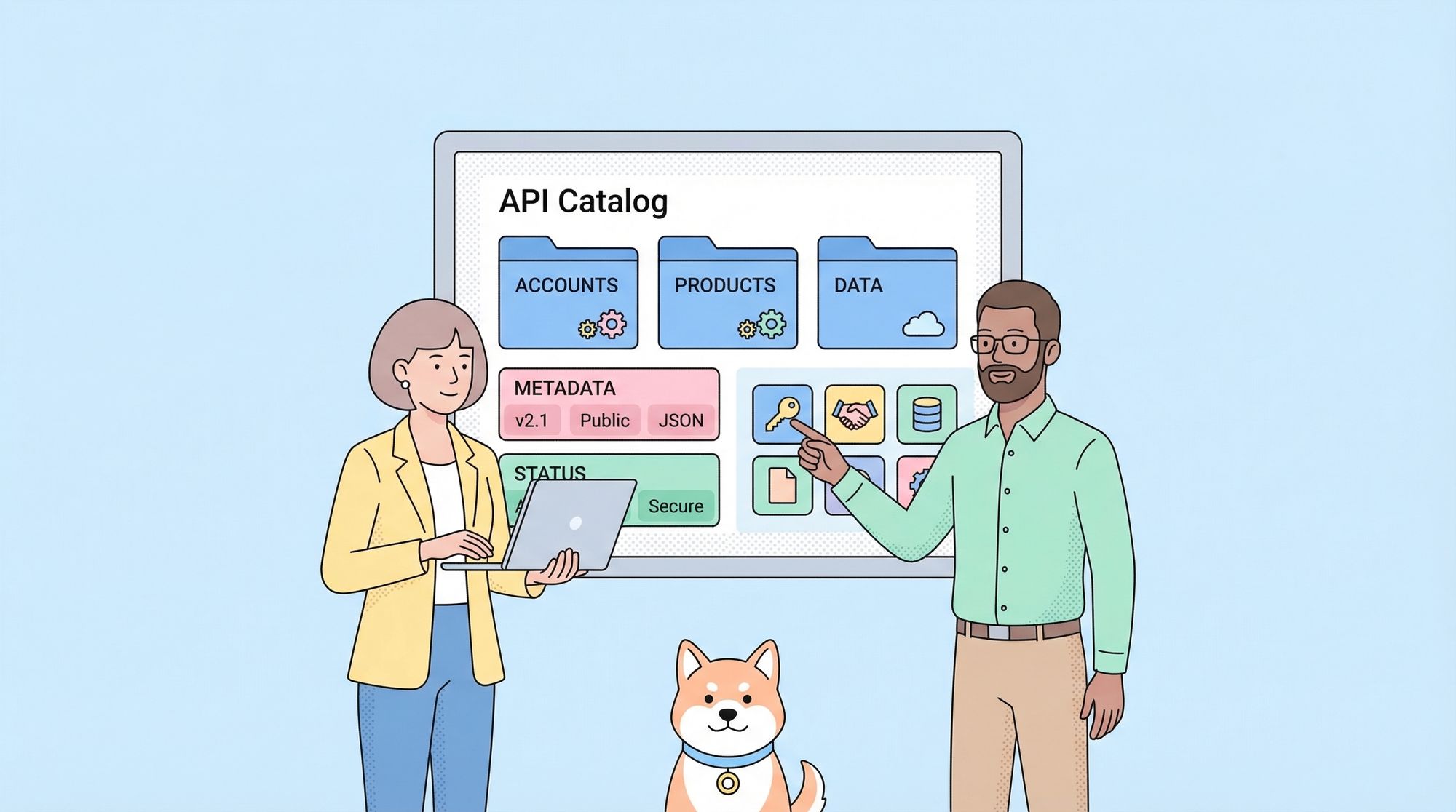
At the heart of every Backstage developer portal is the Software Catalog—a centralized inventory of all software components: services, libraries, APIs, data pipelines, and more. Each catalog entry provides details like:
- Ownership (team, squad, or individual)
- Description and links to documentation
- Source code repositories
- Deployment status and environments
- Related resources and dependencies
This visibility eliminates the confusion of “who owns what” and enables easy discovery of reusable components.
2. API Management
With the rise of APIs and microservices, managing API documentation and usage is critical. The Backstage developer portal integrates seamlessly with API specifications (OpenAPI, Swagger, GraphQL, etc.), displaying interactive API docs alongside code and ownership information.
Tip: Tools like Apidog dovetail perfectly here—designing and documenting APIs in Apidog, then surfacing them via Backstage, creates a robust end-to-end API lifecycle.
3. Software Templates
Backstage developer portals provide Software Templates that allow teams to bootstrap new services, libraries, or infrastructure components with best practices baked in. Templates can enforce:
- Tech stack choices (Node.js, Go, Python, etc.)
- Security and compliance checks
- Standardized documentation
- Integration with CI/CD pipelines
This ensures new projects start right—reducing onboarding time and technical debt.
4. Plugins Ecosystem
A signature strength of the Backstage developer portal is its extensibility. The community maintains hundreds of plugins that integrate with popular DevOps tools, cloud providers, monitoring systems, security scanners, and more. Common integrations include:
- Kubernetes clusters and deployments
- CI/CD pipelines (Jenkins, GitHub Actions, GitLab CI)
- Incident management (PagerDuty, Opsgenie)
- API documentation generators (like Apidog)
- Security and compliance dashboards
5. Search and Discovery
Backstage developer portals offer powerful search capabilities, making it easy to find services, APIs, repositories, documentation, or owners—no more digging through Slack or outdated spreadsheets.
6. Documentation Hub
Documentation is a first-class citizen in the Backstage developer portal. Teams can author docs-as-code (Markdown or similar) and render them alongside services, ensuring that up-to-date information is always a click away.
How Organizations Use the Backstage Developer Portal
Let’s look at some practical, real-world applications of the Backstage developer portal:
Onboarding New Developers
At companies like Spotify and Wise, new hires use the Backstage developer portal to:
- Browse the catalog of services and APIs
- Understand team ownership and project dependencies
- Access up-to-date onboarding guides and runbooks
- Quickly create new services using approved templates
This dramatically reduces onboarding time and confusion.
Service Ownership and Accountability
By surfacing clear ownership and documentation, the Backstage developer portal helps teams:
- Avoid “orphaned” services with unclear maintainers
- Route incidents and questions to the right people
- Track service health, deployments, and incidents
API Design and Documentation
Teams use tools like Apidog to design and document APIs, then expose these APIs within their Backstage developer portal for easy discovery, testing, and collaboration. API consumers no longer hunt for specs—they’re always available and linked to the code and owning team.
Self-Service Infrastructure
Engineers can spin up new environments, provision cloud resources, or deploy microservices through self-service actions in the Backstage developer portal—no more waiting for ops tickets!
Engineering Metrics and Standards
Backstage developer portals integrate scorecards and quality dashboards, helping teams track:
- Code quality and test coverage
- Compliance with organizational standards
- Security vulnerabilities and remediation status
Setting Up a Backstage Developer Portal: Best Practices
1. Start with a Clear Catalog
Begin by populating your Software Catalog with all existing services, APIs, and libraries. Assign clear ownership and ensure documentation links are available.
2. Integrate API Tools
Link your API design and documentation process into the portal. For example, use Apidog for API modeling and testing, then import documentation directly into Backstage for unified visibility.
3. Enforce Standardization with Templates
Develop templates for new projects, ensuring every service starts with best practices for security, compliance, and documentation.
4. Prioritize User Experience
Customize the Backstage developer portal’s UI and navigation to match your organization’s workflows. Use branding, shortcuts, and plugins that developers will actually use.
5. Foster a Culture of Documentation
Encourage teams to maintain up-to-date docs-as-code, leveraging Backstage’s documentation features. Make documentation updates part of your development workflow.
6. Automate Where Possible
Automate onboarding, service creation, and common operations through Backstage plugins and integrations. Reduce manual bottlenecks and empower developers to self-serve.
Real-World Example: Wise and the Backstage Developer Portal
Wise (formerly TransferWise) adopted the Backstage developer portal to combat challenges like low documentation quality, poor discoverability, and high cognitive load among engineers. By implementing Backstage:
- They centralized all service and API docs, making discovery instant.
- Ownership and team mappings were standardized, improving incident resolution.
- API design and documentation—using tools like Apidog—became part of the standard workflow.
- Self-service templates allowed teams to create new services quickly, following organizational best practices.
The result: improved developer satisfaction, faster onboarding, and increased engineering velocity.
Integrating Apidog with the Backstage Developer Portal
A powerful workflow emerges when organizations combine Apidog—for API design, testing, and documentation—with the Backstage developer portal:
1. Design and Test APIs in Apidog: Use Apidog’s visual interface to design API endpoints, generate mock responses, and create interactive documentation.
2. Export API Specs to Backstage: Import Swagger/OpenAPI definitions from Apidog into the Backstage developer portal, surfacing them alongside code and ownership details.
3. Enable API Discovery and Governance: Developers can search, explore, and interact with APIs directly in Backstage, ensuring consistent usage and compliance.
This integration shortens development cycles, boosts API adoption, and aligns documentation with real-world usage.
Frequently Asked Questions About the Backstage Developer Portal
What types of organizations benefit most from a Backstage developer portal?
Any organization with multiple services, APIs, or engineering teams will benefit—but especially those experiencing challenges with discoverability, documentation sprawl, or self-service bottlenecks.
Is the Backstage developer portal open source?
Yes! Backstage is open source under the Apache 2.0 license. There are also managed and commercial offerings (e.g., Spotify Portal, Roadie) for teams that want hosted solutions.
Can the Backstage developer portal be customized?
Absolutely. The portal is highly extensible via plugins, theming, and custom workflows to match your organization’s unique needs.
How does the Backstage developer portal relate to API management?
It provides a unified place to discover, document, and operate APIs. Integrating tools like Apidog enhances the API experience with better design, testing, and documentation capabilities.
Conclusion: Supercharge Your Engineering Team with the Backstage Developer Portal
The Backstage developer portal is transforming how modern engineering organizations operate. By centralizing knowledge, streamlining onboarding, enforcing standards, and empowering self-service, it removes friction and accelerates delivery.
Whether you’re just starting or scaling to hundreds of services, investing in a Backstage developer portal—and integrating it with best-in-class tools like Apidog for API development—will boost developer happiness, reduce operational overhead, and keep your business moving fast.