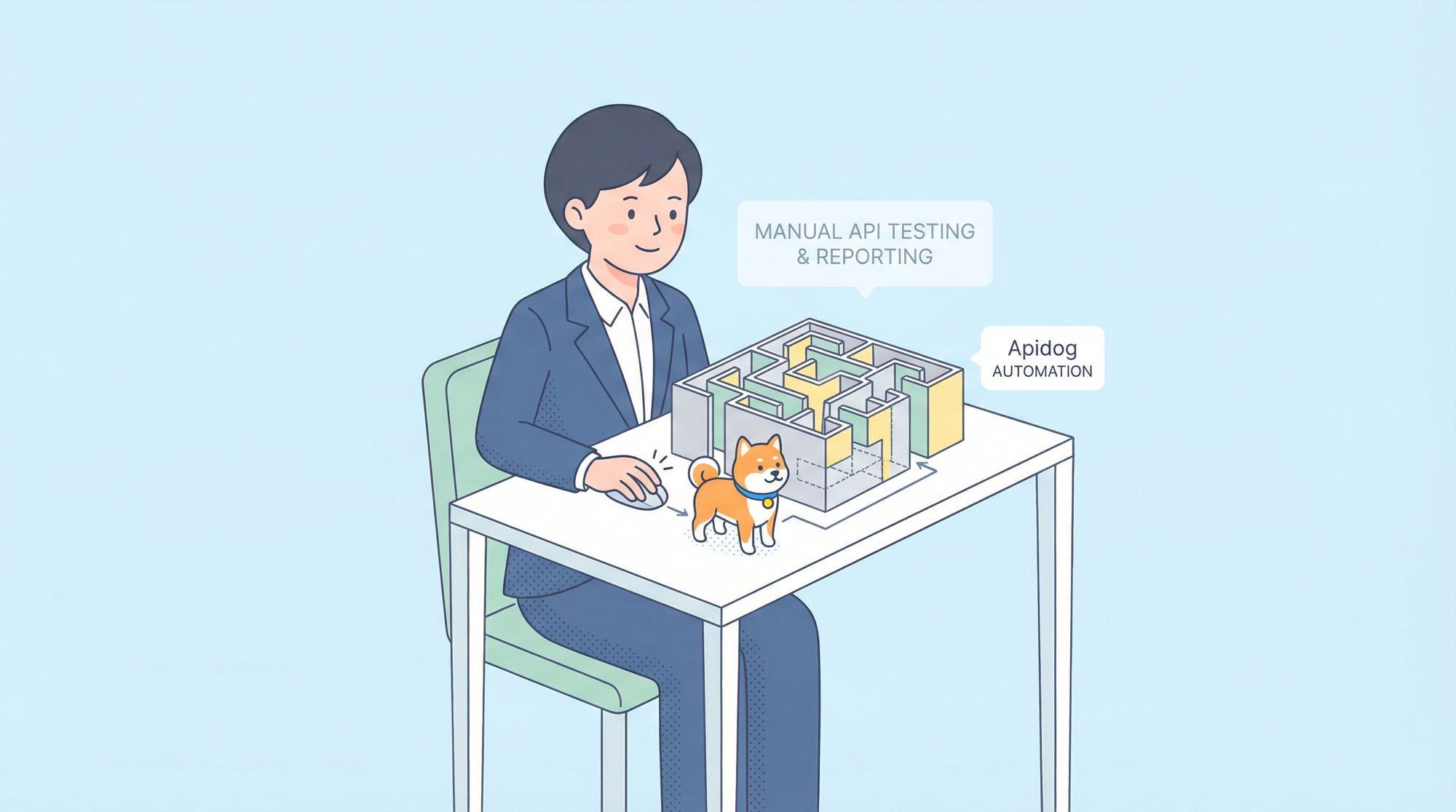
Testing APIs is crucial, but documenting the results? That's where the process often breaks down. You've just spent hours crafting perfect test cases, running them, and verifying responses. Now comes the tedious part screenshots, copying response data, pasting into spreadsheets, formatting tables, and emailing your team. By the time you're done, you're exhausted, and the report is already outdated.
What if your API testing tool could not only run your tests but also automatically generate a beautiful, comprehensive, and shareable test report? What if with one click, you could get a document that shows exactly what passed, what failed, response times, error details, and actionable insights?
That's exactly what Apidog delivers. It's the all-in-one API platform that completely automates the testing lifecycle, including the final, most time-consuming step: generating professional test reports.
Now, let's walk through exactly how Apidog turns complex test data into clear, actionable reports automatically.
The Traditional API Testing Report Nightmare
Before we dive into the solution, let's acknowledge the problem. Manual test reporting typically involves:
- Fragmented Data: Results are scattered across terminal outputs, browser dev tools, and different testing tools.
- Human Error: Manually copying status codes, response times, and error messages is prone to mistakes.
- Time Consumption: The act of compiling and formatting can take as long as running the tests themselves.
- Lack of Consistency: Every team member might format their reports differently, making it hard to compare results over time.
- Slow Feedback Loops: By the time a report is manually assembled and sent, developers might have already moved on, delaying bug fixes.
This process isn't just inefficient; it's unsustainable for agile teams that need fast, reliable feedback on API changes. Automation isn't a luxury here it's a necessity.
Why Automatic Test Reports Matter in API Testing
Before we talk about Apidog specifically, let’s take a step back.
Running API tests is important but understanding the results is what actually improves quality.
The Hidden Cost of Manual Test Reporting
Without automatic test reports, teams often:
- Manually summarize test results
- Copy-paste screenshots into documents
- Re-run tests just to verify outcomes
This leads to wasted time, inconsistent reporting, and missed issues.
Why Teams Need Automatic Test Reports
Automatic test reports provide:
- Instant visibility into API health
- Consistent documentation of test runs
- A single source of truth for QA and engineering
And that’s exactly where Apidog shines.
Apidog's Automated Testing Workflow: From Scenario to Report
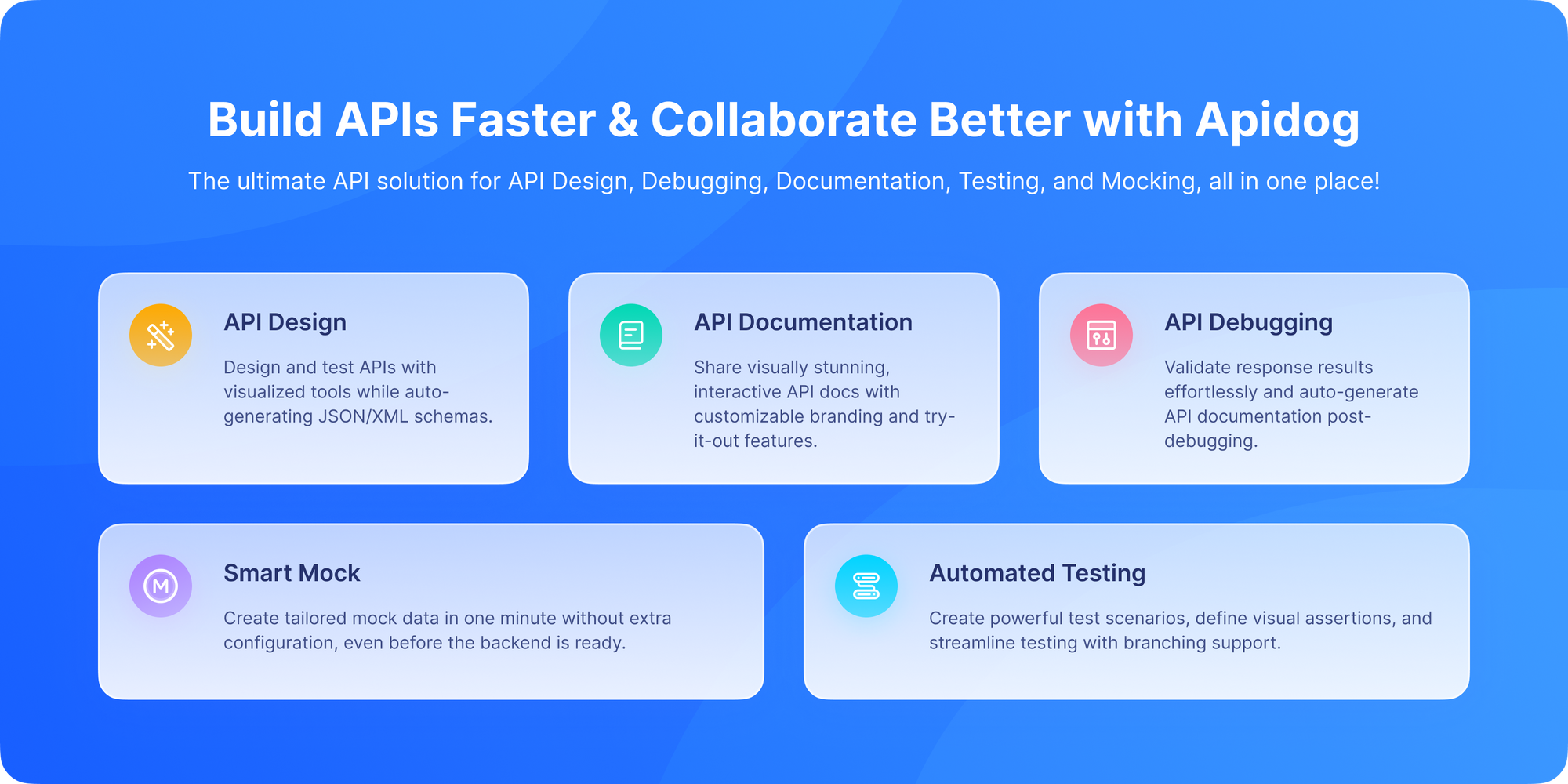
Apidog power lies in its integrated workflow. The report is not a separate feature; it's the natural, automatic output of a well-structured testing process. Let's follow the journey.
Step 1: Create a Test Scenario – The Blueprint

Everything begins with defining what you want to test. In Apidog, you don't just send random requests; you build Test Scenarios.
According to the Apidog documentation on creating a test scenario, a scenario is a sequence of API requests (like a user login, then fetching a profile, then placing an order) with built-in validation logic. You can:
- Drag and drop requests into a logical flow.
- Extract data from one response (like an authentication token) and use it in the next request automatically.
- Add Assertions to define what a "pass" looks like (e.g., status code must be
200, response body must contain a specific field, response time must be under 500ms).
This scenario is your executable test plan. It's the blueprint Apidog will follow.
Step 2: Run the Test Scenario – The Execution
Once your scenario is defined, running it is a single-click operation. As per the guide on running a test scenario, you can execute it on-demand directly within the Apidog interface.
But the real power is in automation. You can integrate these test scenarios into your CI/CD pipeline (like Jenkins, GitLab CI, or GitHub Actions). Every time code is pushed or a deployment is triggered, Apidog can automatically run your API test suite, ensuring no regression is introduced without manual intervention.
Step 3: The Magic Happens – Automatic Report Generation
This is where Apidog sets itself apart. You don't need to do anything extra. The moment a test scenario finishes running, Apidog automatically generates a detailed test report.
You don't click a "Generate Report" button. You don't export data. The report is simply there, ready for you to view, analyze, and share. It's an inherent part of the test execution process.
Inside an Apidog Automated Test Report: What You Get
So, what does this automatically generated report actually contain? According to the documentation on test reports, it's a comprehensive dashboard of your test run's health. Let's break down the key sections:
1. Executive Summary & Pass/Fail Metrics
Right at the top, you get an instant, visual overview.
- Total Tests/Requests: How many steps were in your scenario.
- Pass Rate: A clear percentage and often a pie chart showing passed vs. failed assertions.
- Total Duration: How long the entire test suite took to run.
This gives managers and stakeholders the high-level answer they need in seconds: "Did the tests pass?"
2. Detailed Request/Response Log
This is the heart of the report for developers and QA engineers. For every single request in your scenario, the report automatically logs:
- Request Details: URL, HTTP Method, Headers, and Body sent.
- Response Details: Status Code, Headers, and the full Response Body received.
- Assertion Results: A clear indicator (green check / red X) showing whether each validation rule you set up passed or failed.
- Response Time: The latency for that specific request, crucial for performance monitoring.
This eliminates all manual "what did we send? what did we get back?" documentation. It's all captured automatically.
3. Error Insights and Debugging Data
When a test fails, the report doesn't just say "it failed." It tells you why.
- It highlights which specific assertion didn't match (e.g., "Expected status code 200, but got 401").
- It shows you the actual erroneous response right next to the expectation, making debugging incredibly fast.
- No more guessing or trying to reproduce the error manually. The evidence is built into the report.
4. Performance Trends (Over Time)
If you run your tests regularly (e.g., in CI/CD), Apidog's reporting can help you track trends. You can see if response times are creeping up over successive builds, indicating a potential performance regression before it affects users.
How to Access and Use These Automated Reports
The process is designed for simplicity:
- Run Tests: Execute a test scenario manually or via CI/CD.
- View Report: Immediately after execution, navigate to the "Test Reports" section in Apidog. Your latest run will be listed there.
- Analyze: Click on the report to dive into the details described above.
- Share: Apidog allows you to share a link to the report with team members who may not even have Apidog accounts. They can view the full, interactive report in their browser. You can also export data if needed.
This seamless flow means the report becomes the central artifact for discussion between QA, development, and product teams.
Automated API Testing Feedback
The ultimate power is realized in a CI/CD pipeline. By following the guide on automated tests in Apidog, you can configure Apidog's CLI to run as a stage in your pipeline.
Here's the magic: when a test fails in the pipeline, the build can be marked as failed, and the link to the automatically generated Apidog test report can be posted directly into your team's Slack channel. The developer assigned to fix the issue has all the diagnostic information they need from the moment the failure occurs, slashing the "time to repair."
Conclusion: Reporting is Not a Separate Task
With traditional tools, reporting is a separate, manual phase that happens after testing. In Apidog, reporting is an integral, automatic output of testing.
By eliminating the grunt work of report generation, Apidog doesn't just save you time it changes the entire dynamic of API quality assurance. It enables faster releases, clearer communication, and more reliable services.
API testing shouldn’t end with raw results. It should end with clear, automatic insight. That’s exactly what Apidog delivers.
Stop spending your energy on documenting tests and start spending it on improving your API. Download Apidog for free and see how automatic test reporting can bring a new level of efficiency and clarity to your team's workflow. The report you need is already waiting for you at the end of your first test run.