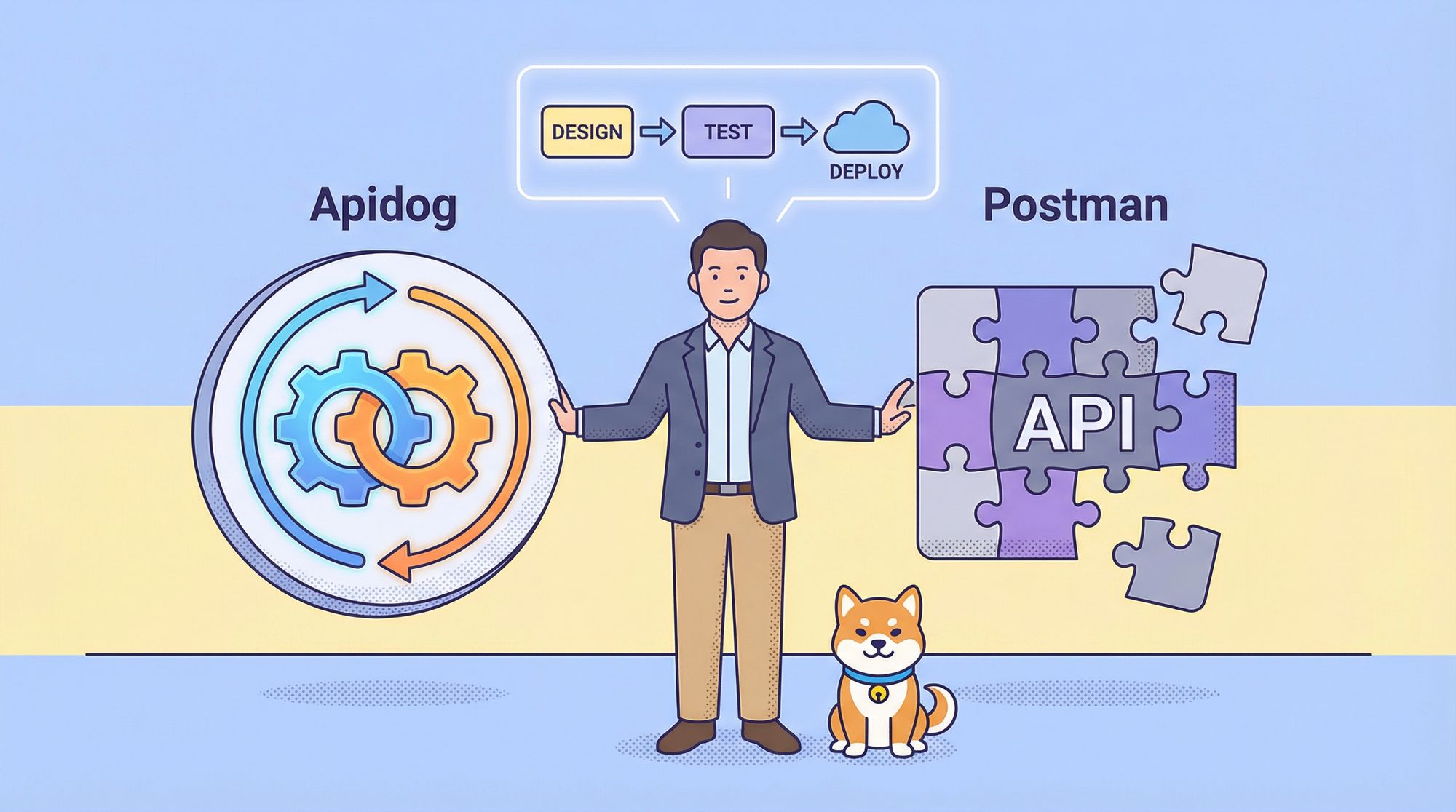
If you're torn between Apidog and Postman for your next project, you're not alone. Both are powerhouse API tools, but they cater to different needs—Postman shines for quick testing, while Apidog excels in team collaboration and full lifecycle management. In this guide, we'll compare Apidog vs Postman on Postman pricing, Postman free plan limitations, and more, with a feature table below. As of March 1, 2026, the Postman free plan is 1 user only—so we also show why Apidog is a better Postman alternative for teams.
Pro tip: The Postman free plan is now 1 user only. Need free collaboration for 2–4 people? Try Apidog—up to 4 users, unlimited test runs, and full API design, mock, and docs at $0. Sign up free (no credit card); import Postman collections and switch in minutes.
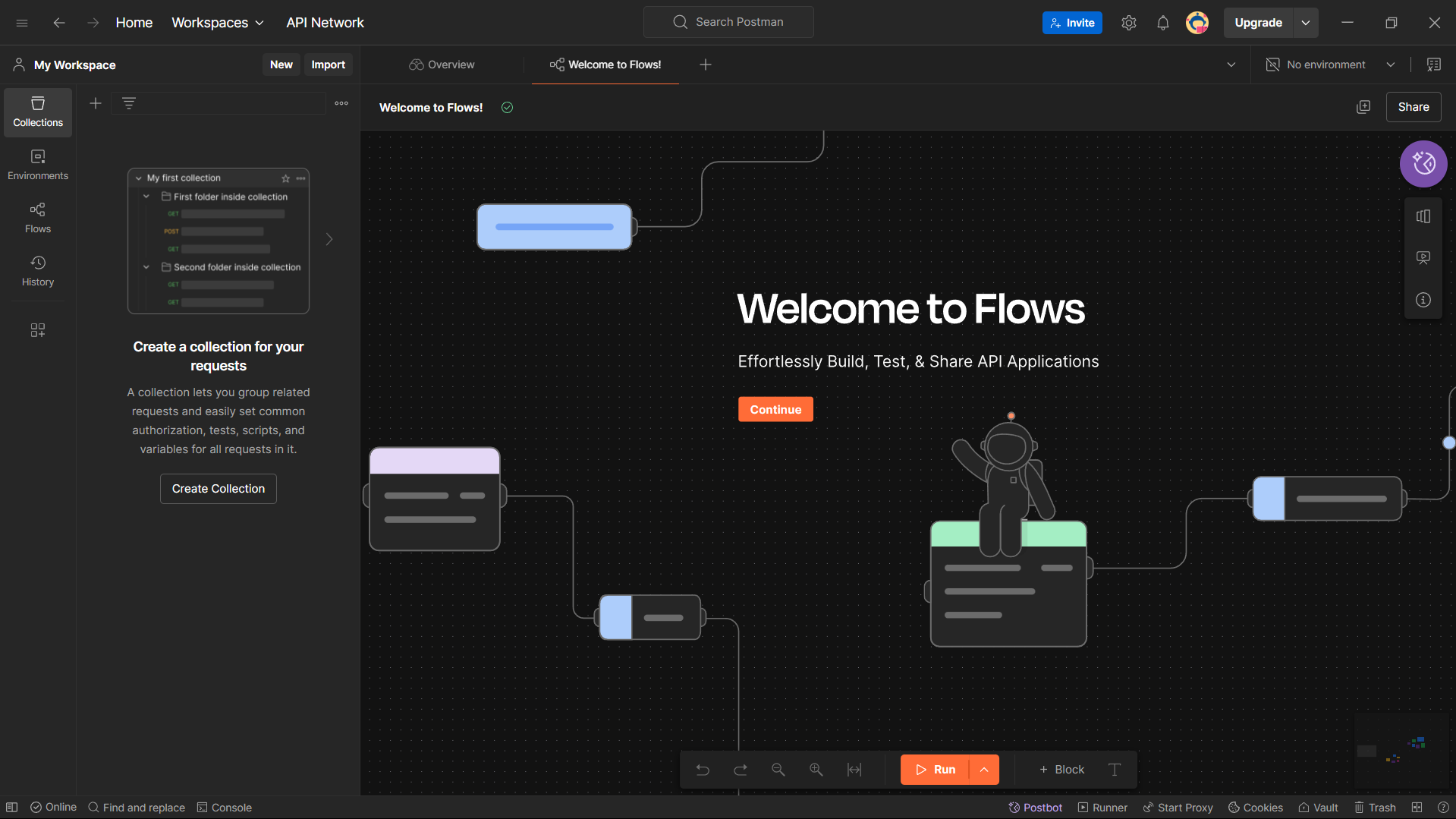
What Is Postman?
Postman is a veteran in the API world, launched in 2012 and now boasting over 30 million users. It's an all-in-one platform for API development, letting you design, test, and document APIs with ease. Key features include request chaining, environment management, automated testing, and mock servers. It's great for API consumers who need to send quick requests or organize collections. However, as we'll see in the Apidog vs Postman comparison, it has some drawbacks for evolving projects.
What Is Apidog?
Apidog, a rising star since 2023, is an integrated platform for API design, debugging, testing, and documentation. It emphasizes an "API Design-first" approach, syncing specs across the lifecycle to reduce errors. With visual tools, AI assistance, and unlimited runs, it's tailored for development teams. In the Apidog vs Postman debate, Apidog stands out for real-time updates and seamless collaboration, making it a fresh alternative for modern workflows.
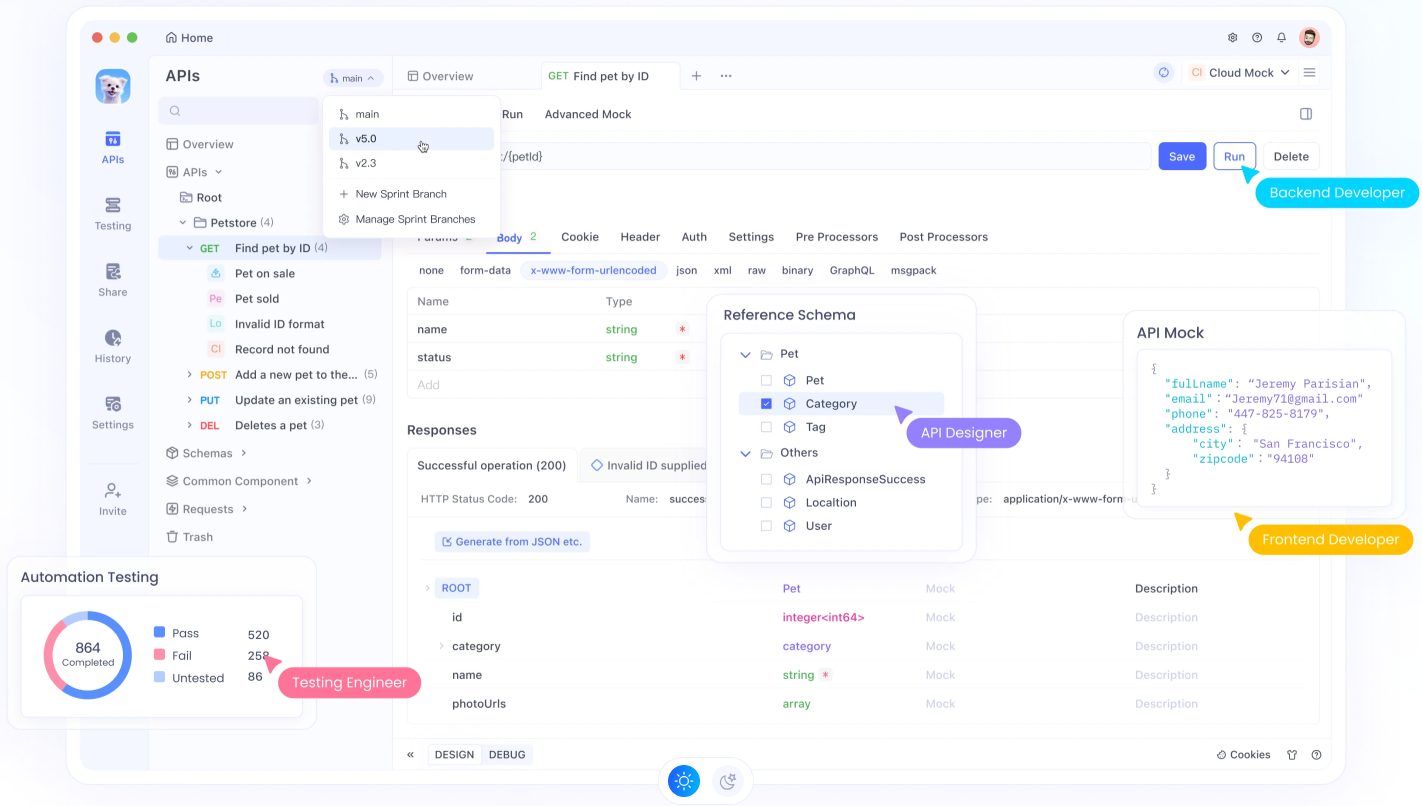
Postman Free Plan Change (March 2026): 1 User Only
On March 1, 2026, Postman updated its plans. The change that hits small teams hardest:
- Before: The Postman free plan could be used by multiple users (e.g. three people on one team).
- After: The Postman Free plan is limited to a single user. Teams with 2+ members must move to the Team plan (paid).
Users received emails like this:
"On March 1, 2026, we're updating our plans. These changes affect how the Free plan works for teams. You're currently using Postman on the Free plan with 3 users. Moving forward, the Free plan will be limited to a single user. If you want to continue using Postman with multiple users, you'll need to move to the Team plan."
So Postman is dead for small teams with more than 1 user on the free tier—there is no free path to collaboration. That's why Postman alternatives like Apidog (up to 4 users free) are getting a closer look.
Limitations of Postman
Beyond the new 1-user limit, Postman free plan limitations and product quirks can frustrate teams. In Apidog vs Postman comparisons, these stand out:
- 1 User Only on Free (March 2026): The Postman free plan allows one user—no free team collaboration. Any team of 2+ must pay Postman pricing for the Team plan ($14/user/month) or use a free Postman alternative.
- Run Limits: Free users get only 25 collection runs per month; paid tiers unlock more. Small teams hit this cap quickly.
- Detached Specs: API specs and collections are separate, so there's no single source of truth—extra overhead when APIs change.
- High Cost for Scale: Postman pricing starts at $14/user/month (Basic), $29 (Professional), $49 (Enterprise)—pricey for growing teams.
- Complex Interface: Code-focused UI can overwhelm beginners or non-coders.
These Postman free plan limitations and costs make Postman less ideal for collaborative teams; Apidog is a better Postman alternative for small teams that want free collaboration and unlimited runs.
Why Apidog Is Better Than Postman for Coding
In the Apidog vs Postman matchup for coding, Apidog pulls ahead with developer-centric features. Here's why it's superior:
- Real-Time Sync: Changes to API specs update requests and tests automatically, saving time on code adjustments.
- Visual Debugging: Connect to databases, reference other languages, and visualize flows—no more manual scripting like in Postman.
- Unlimited Testing: Run collections as often as needed without limits, perfect for iterative coding.
- AI Assistance: Generate schemas or tests with natural language prompts, speeding up coding workflows.
- Better Collaboration: Branches, versioning, and team features ensure consistent code across devs.
- Lower Cost: At $9/month vs Postman's $14, it's budget-friendly for coders.
Users on DEV Community praise Apidog for "streamlining code-debug cycles," making it a top pick for coding pros.
Pricing: Apidog vs Postman
Pricing is a key factor in Apidog vs Postman. Here's the breakdown:
Postman (2026):
- Free: 1 user only, 25 collection runs/month. No team collaboration.
- Basic (Team): $14/user/month (annual)—full collaboration, 10K mock/monitor requests.
- Professional: $29/user/month (annual)—RBAC, more private APIs, 90-day recovery.
- Enterprise: $49/user/month (annual)—SSO, governance, audit, enterprise support.
Apidog:
- Free: Up to 4 users, unlimited test/collection runs, full API client, mocking, docs. Real-time collaboration at $0.
- Basic: $9/user/month—unlimited members, 90-day history, 20 team projects.
- Professional: $18/user/month—advanced control, priority support.
- Enterprise: $27/user/month—SSO, compliance, 24/7 support.
Apidog wins on value: 4 users free (vs Postman free 1 user), unlimited runs (vs Postman's 25/month), and lower paid pricing ($9/$18/$27 vs Postman's $14/$29/$49). For teams hit by Postman free plan limitations, Apidog is one of the best free Postman alternatives.
Apidog vs Postman Feature Comparison Table
Let's compare Apidog vs Postman features side-by-side:
| Feature | Postman | Apidog |
|---|---|---|
| HTTP Requests | ✅ | ✅ |
| WebSocket | ✅ | ✅ |
| SOAP/GraphQL/gRPC/SSE | ✅ | ✅ |
| Visual API Design | 🚫 | ✅ |
| Import/Export OAS | ✅ | ✅ |
| Reusable Schemas | 🚫 | ✅ |
| Auto-Generate Examples | 🚫 | ✅ |
| Branches/Versioning | ✅ | ✅ |
| Pre/Post-Request Scripts | ✅ | ✅ |
| Response Validation | 🚫 | ✅ |
| Database Connections | 🚫 | ✅ |
| Multiple Services | 🚫 | ✅ |
| Reference Other Languages | 🚫 | ✅ |
| Visual Assertions | 🚫 | ✅ |
| CI/CD Integration | ✅ | ✅ |
| Users (free) | 1 only (Mar 2026) | Up to 4 |
| Run Collections | 25/month (free) | Unlimited |
| Scheduled Tasks | ✅ | ✅ |
| Performance Tests | ✅ | ✅ |
| Online Reports | 🚫 | ✅ |
| Self-Hosted Runner | 🚫 | ✅ |
| Custom Documentation | 🚫 | ✅ |
| Markdown Pages | 🚫 | ✅ |
| Smart Mock Engine | 🚫 | ✅ |
| Customized Mock Scripts | 🚫 | ✅ |
| Self-Hosted Mock Server | 🚫 | ✅ |
| IDE Plugins | VS Code | IDEA |
Apidog edges out with more developer tools, unlimited runs, and visual features—ideal for coding teams.
How Can You Get Started with Apidog?
Getting started with Apidog is straightforward. Head to apidog.com and sign up for a free account—use your email or GitHub. No credit card required. If you're on the Postman free plan with 2+ people, Apidog gives you up to 4 users and unlimited runs at $0; you can import Postman collections and switch in minutes.
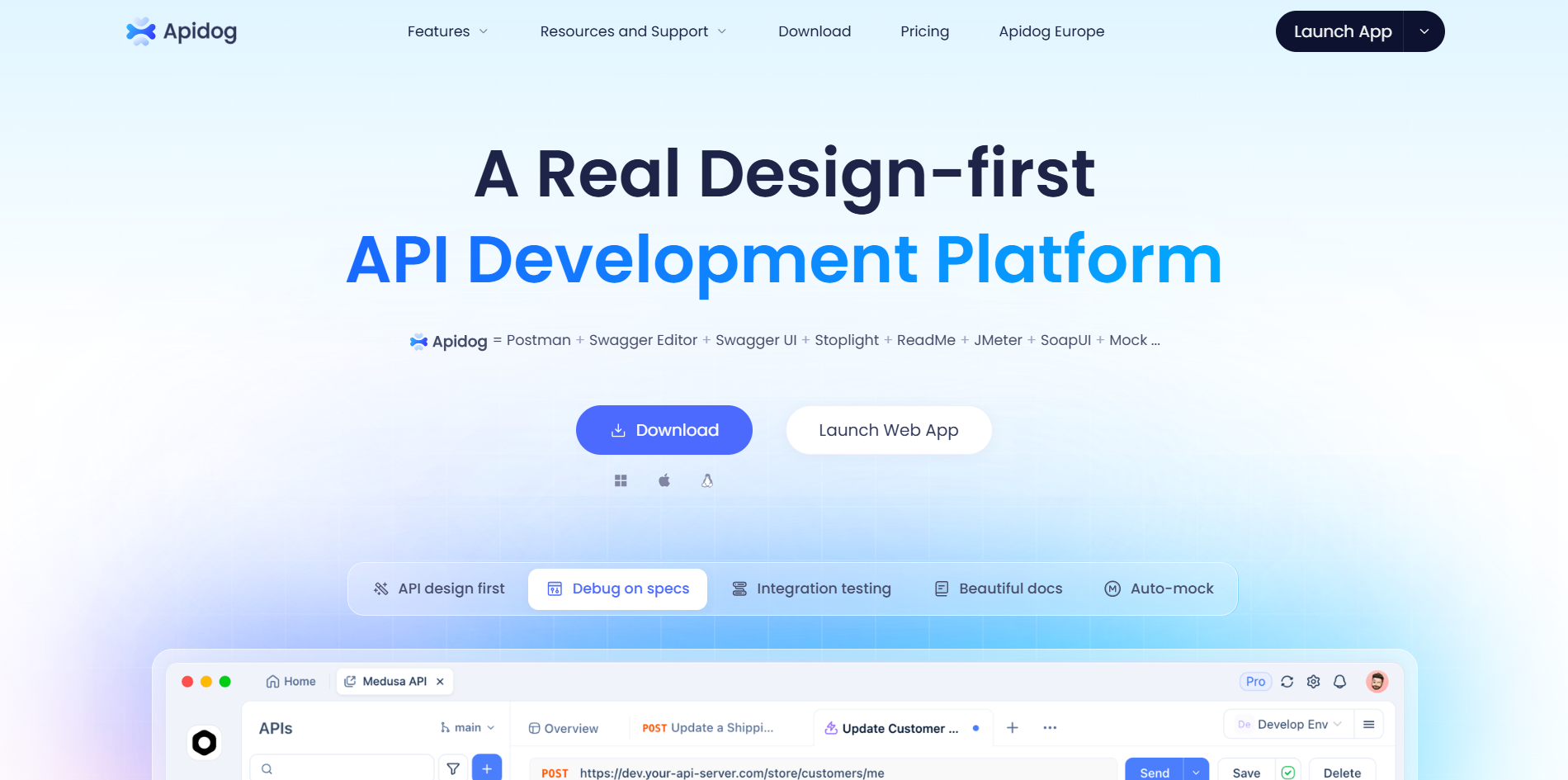
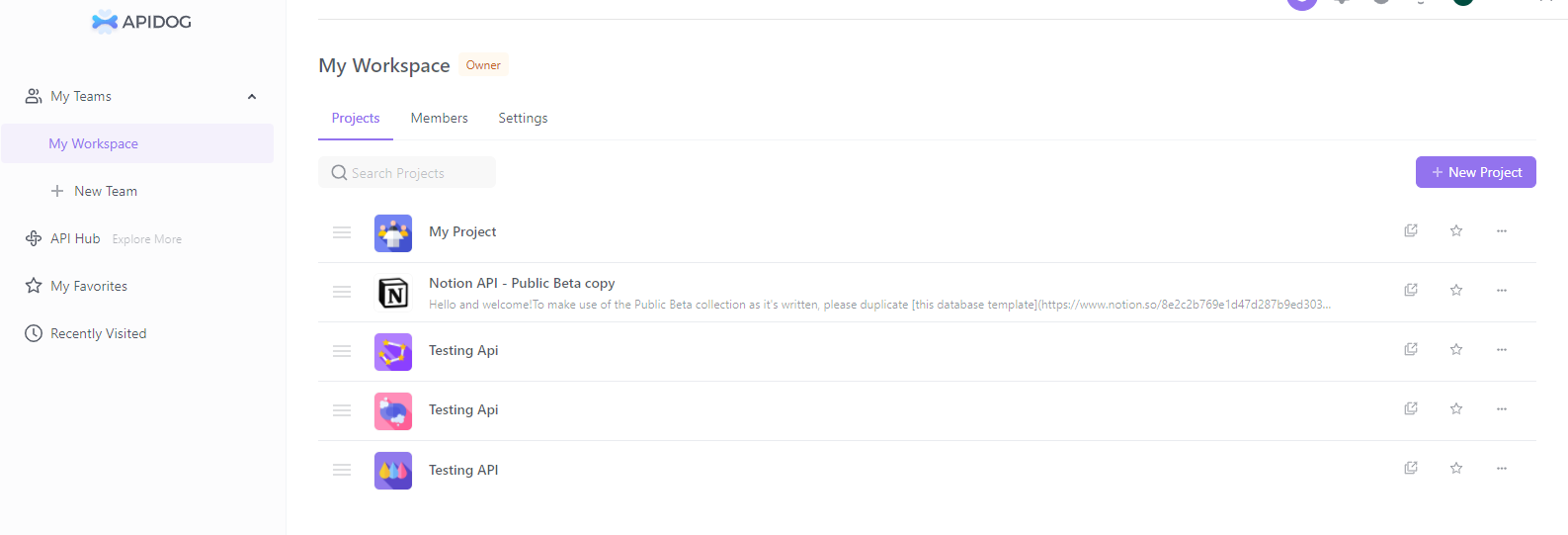
Once logged in, create a new workspace to organize your APIs (think of a workspace as a team hub). Then, set up your first project by clicking "New Project" and giving it a name.
Import your existing Postman collections via the "Import" button if you have any—Apidog supports JSON files seamlessly, more on this later. Add your APIs manually or via OpenAPI specs, design your requests, and start testing with the built-in debugger. Run your first test, check the results in the reports tab, and you're off!
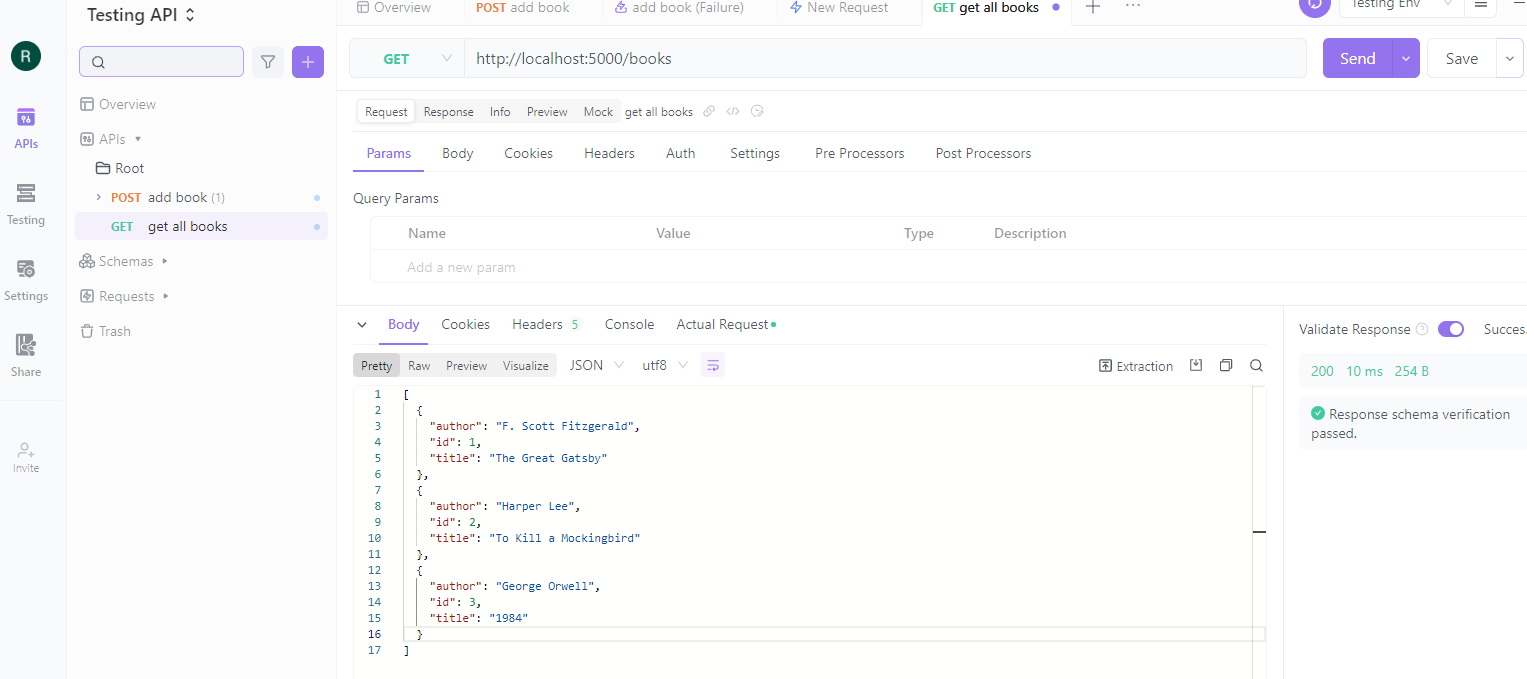
Apidog's intuitive interface makes transitioning smooth, so you can focus on building better APIs without encoding woes.
How to Make the Switch from Postman to Apidog
Ready to jump ship? If you have already been working with Postman, switching to Apidog is seamless and can be done in just a few steps. Whether you're migrating collections for better collaboration or escaping Postman's limitations, this process ensures your data transfers smoothly. Let's break it down with a bit more detail on each step.
Export from Postman
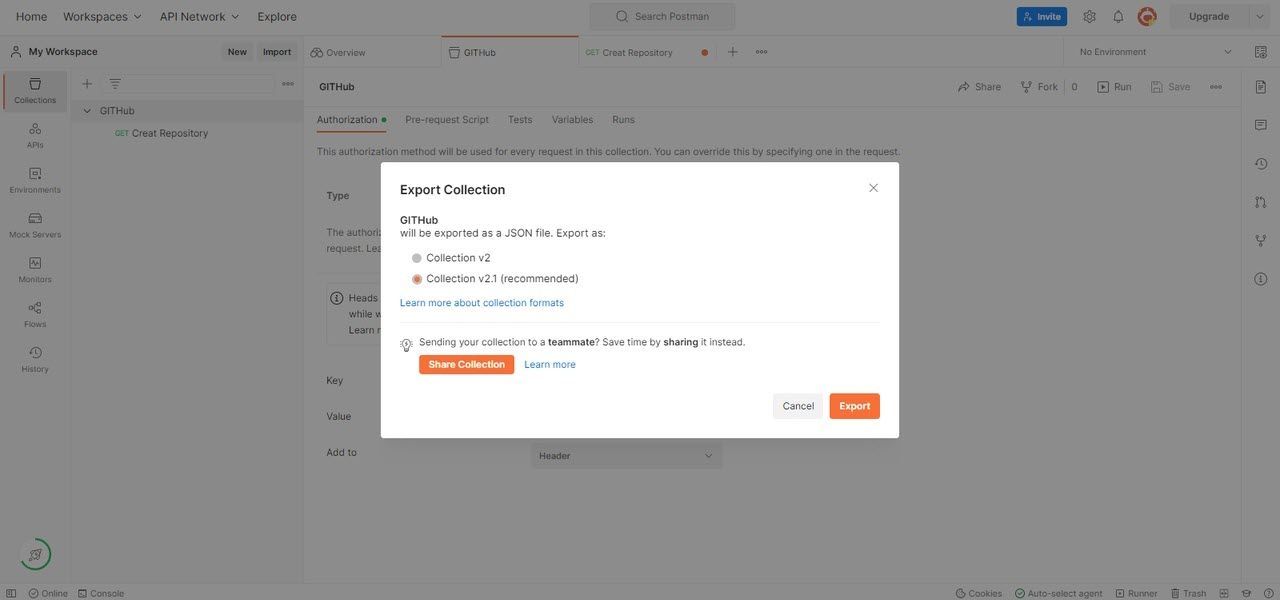
Start by exporting your existing collections from Postman to preserve all your hard work. In Postman, navigate to the collection you want to migrate in the sidebar. Click the three dots next to the collection name to open the menu, then select Export. In the export dialog, choose the Collection v2.1 format (JSON is recommended for compatibility) and click Export. Save the file to your local machine—this JSON file contains all your requests, variables, and tests, ready for import.
Import to Apidog
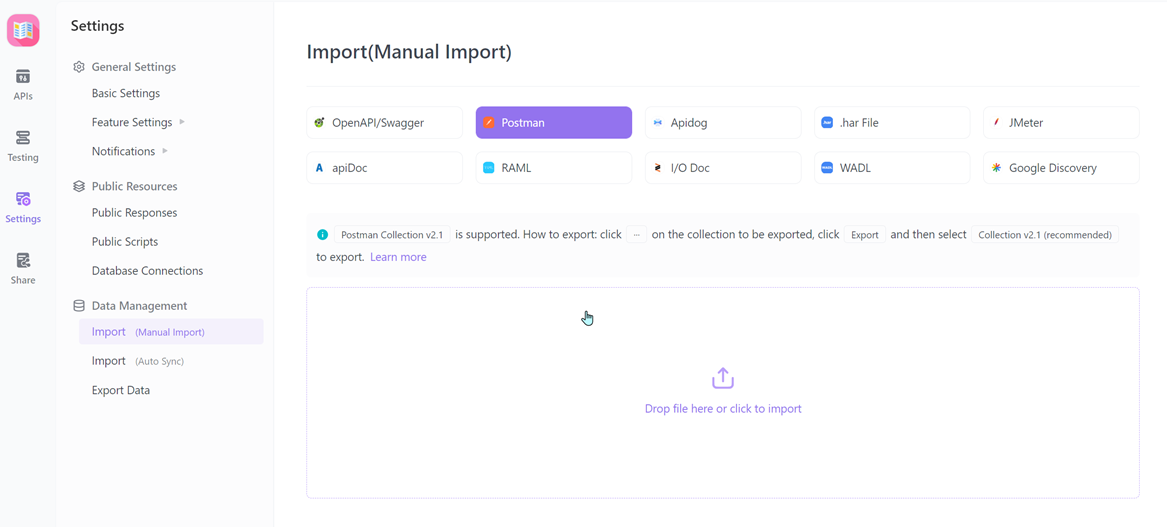
Now that you have your Postman collection exported, head over to Apidog to bring it in. Log into your Apidog account (or sign up if you're new) and navigate to Settings from the left menu. In the Settings page, find the Import Data option and click it. Select Postman as the source tool, then upload the JSON file you exported earlier. Apidog will automatically convert your requests, environments, and tests into its format, handling most of the heavy lifting so you don't lose any details.
Review and Update
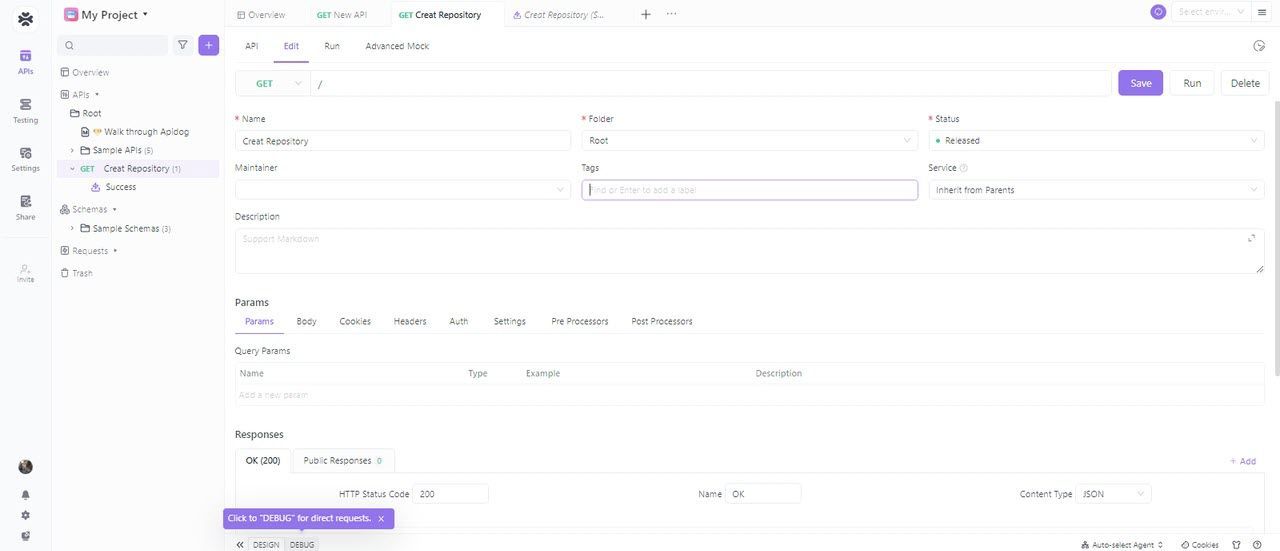
After the import completes, it's time to double-check everything and make enhancements. In Apidog, open your newly imported collections and scan for any discrepancies—Postman-specific scripts might need tweaks. Take advantage of Apidog's features to add enums for field restrictions, set up validations for responses, or even connect to databases for dynamic testing. Use the built-in debugger to run a quick test on a few requests, ensuring they work as expected and fixing any minor issues right away.
Collaborate and Test
With your collections in Apidog, invite your team to collaborate seamlessly. Share the project via Apidog's team features, where everyone can edit, comment, and track changes in real-time. Run unlimited tests without worrying about monthly limits—Apidog's powerful testing tools let you execute collections, performance tests, and scheduled runs for free. Finally, generate professional docs with custom layouts and versioning to keep everyone on the same page.
Apidog's resources (apidog.com/blog) ease the transition with tutorials and migration tips, making the switch even smoother.
Conclusion
In the Apidog vs Postman debate, Apidog shines for teams: real-time sync, unlimited runs, and up to 4 users free. From March 1, 2026, the Postman free plan is 1 user only—Postman is dead for small teams with more than 1 user on the free tier. Postman free plan limitations (25 runs, no collaboration) and Postman pricing ($14+ per user for teams) make Apidog a better Postman alternative. Sign up for Apidog for free and invite your team; you can import Postman collections and start testing in minutes.