API development is challenging on its own—but once multiple people join the process, things can get messy fast. Frontend developers, backend engineers, QA testers, and product managers all depend on the same APIs, yet staying aligned is often harder than writing the API itself. You’ve probably seen it happen: scattered Slack messages debating parameter names, mismatched environments, outdated collections, and the classic “it works locally” argument.
In today’s world, APIs are no longer built in isolation. Real progress happens when teams can design, test, and document APIs together without friction. Collaboration isn’t a bonus anymore—it’s a requirement.
That’s why choosing the right tooling for API design and testing matters. With the right platform, what used to be confusion and constant rework turns into a streamlined, predictable workflow. So which tools actually help teams build APIs together efficiently? Let’s break down the top contenders and see which one fits your team best.
Why Collaboration Is the Missing Ingredient in API Workflows
Before we dive into tools, let’s talk about why collaboration matters so much in API development.
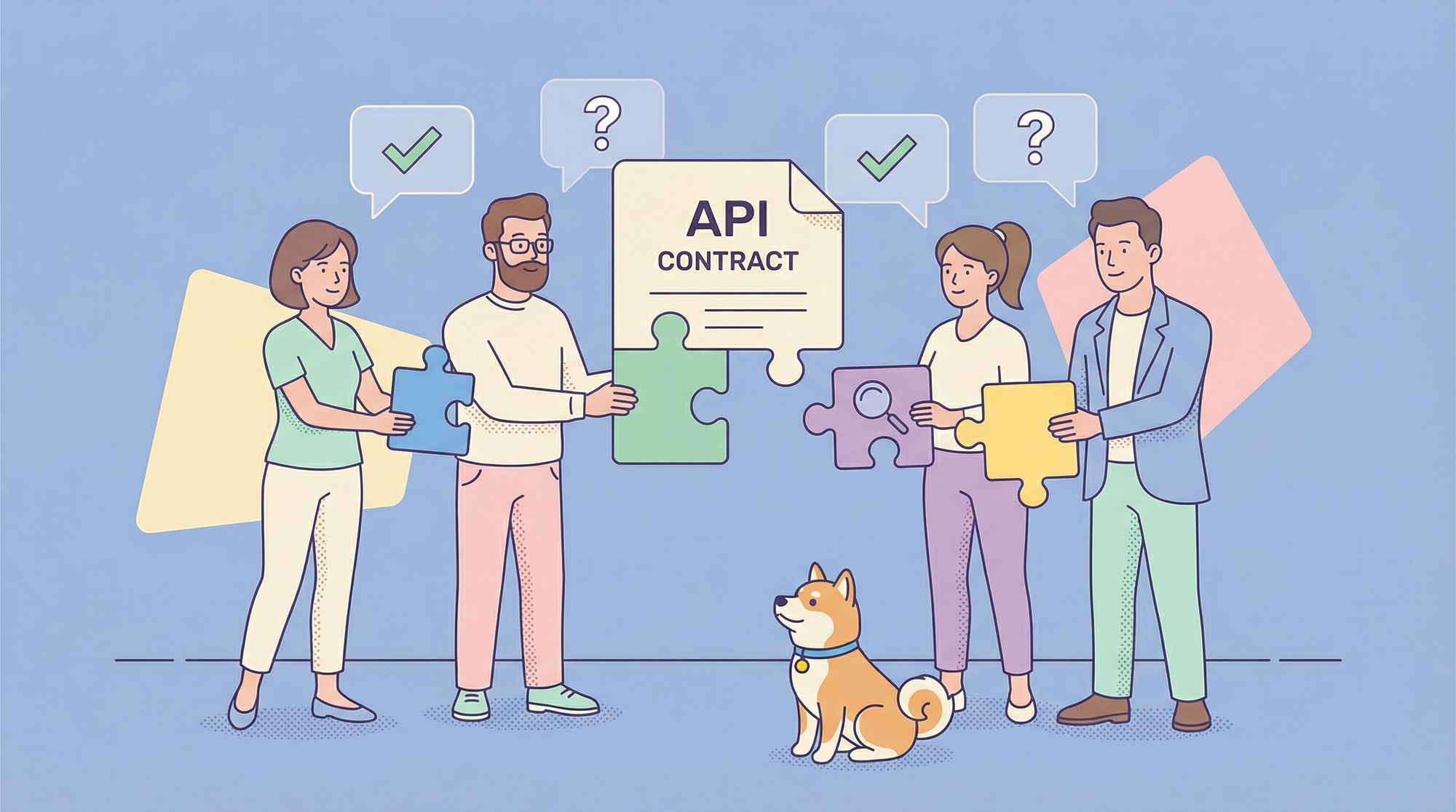
APIs aren’t just code. They’re contracts. And like any contract, they need input from all stakeholders:
- Product defines the user experience and business logic.
- Backend implements the logic and enforces security.
- Frontend consumes the API and surfaces errors.
- QA validates behavior across edge cases.
When these roles work in silos, you get:
- Mismatched expectations (“I thought
emailwas optional!”) - Late-stage integration bugs
- Redundant work (e.g., QA rewriting test cases after every spec change)
- Slower time-to-market
But when you design and test together from day one, magic happens:
- Fewer bugs make it to production
- Onboarding new team members becomes trivial
- Documentation stays accurate without manual upkeep
- Teams ship with confidence
What Makes a Tool "Collaborative"?
Before we list tools, let's define our criteria. A collaborative API tool isn't just a shared spreadsheet or a Google Doc. It needs specific features:
- Real-Time Collaboration: Multiple team members should be able to edit and comment simultaneously, like in Google Docs or Figma.
- Role-Based Access Control (RBAC): Not everyone needs admin rights. Designers, developers, and testers need different levels of access.
- Version History & Change Tracking: Who changed what, and when? The ability to revert and review is crucial.
- Centralized Source of Truth: One place for the API contract, mock server, tests, and documentation. No more hunting through emails, Slack, and Confluence.
- Integration with Development Workflow: It should fit into your existing Git, CI/CD, and project management tools.
With these principles in mind, let's evaluate the leaders.
6 Best Tools for Collaborative API Design and Testing
1. Apidog: The All-in-One API Collaboration Powerhouse
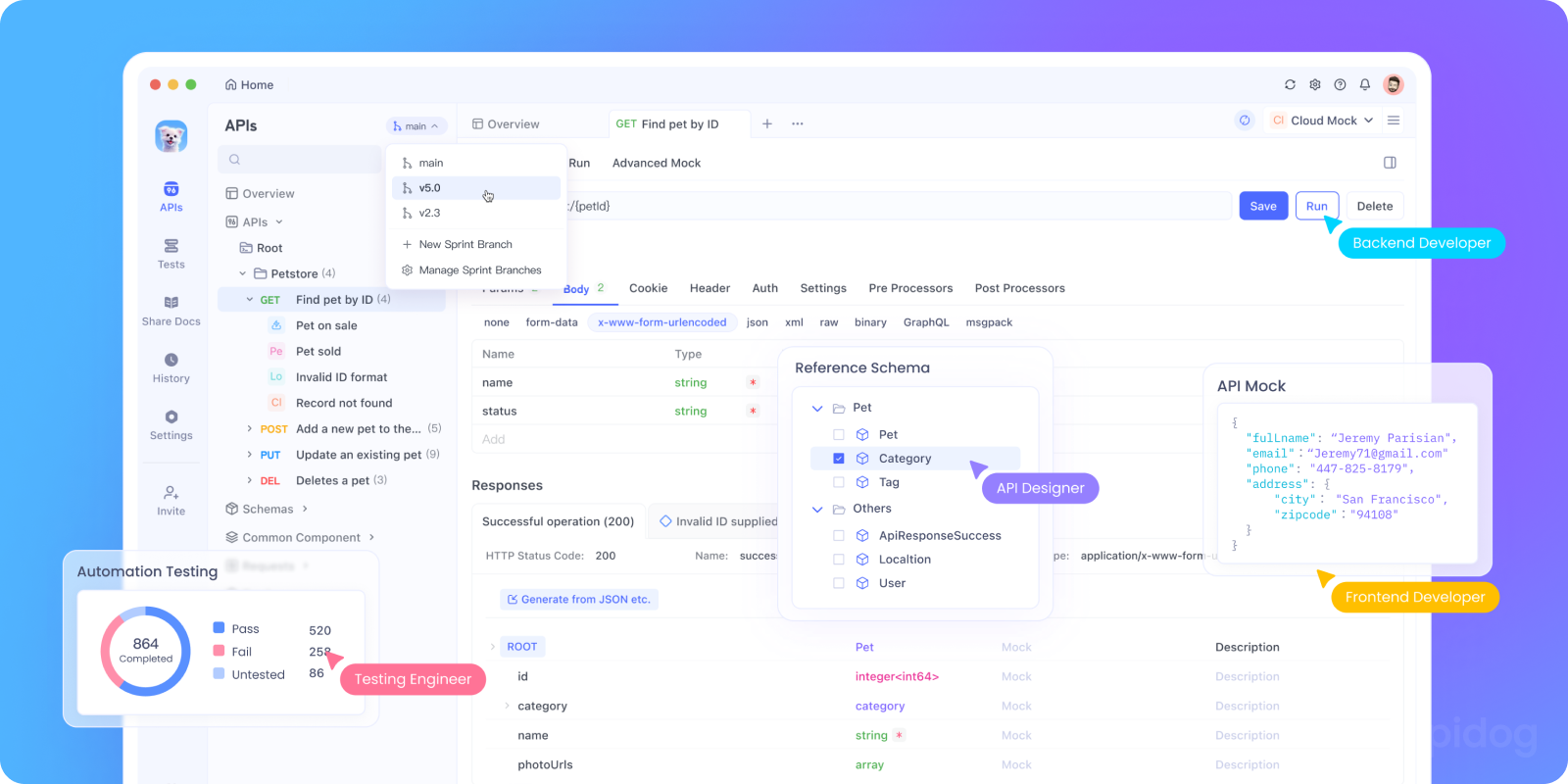
Philosophy:“Bring the entire API lifecycle together in one collaborative workspace.”
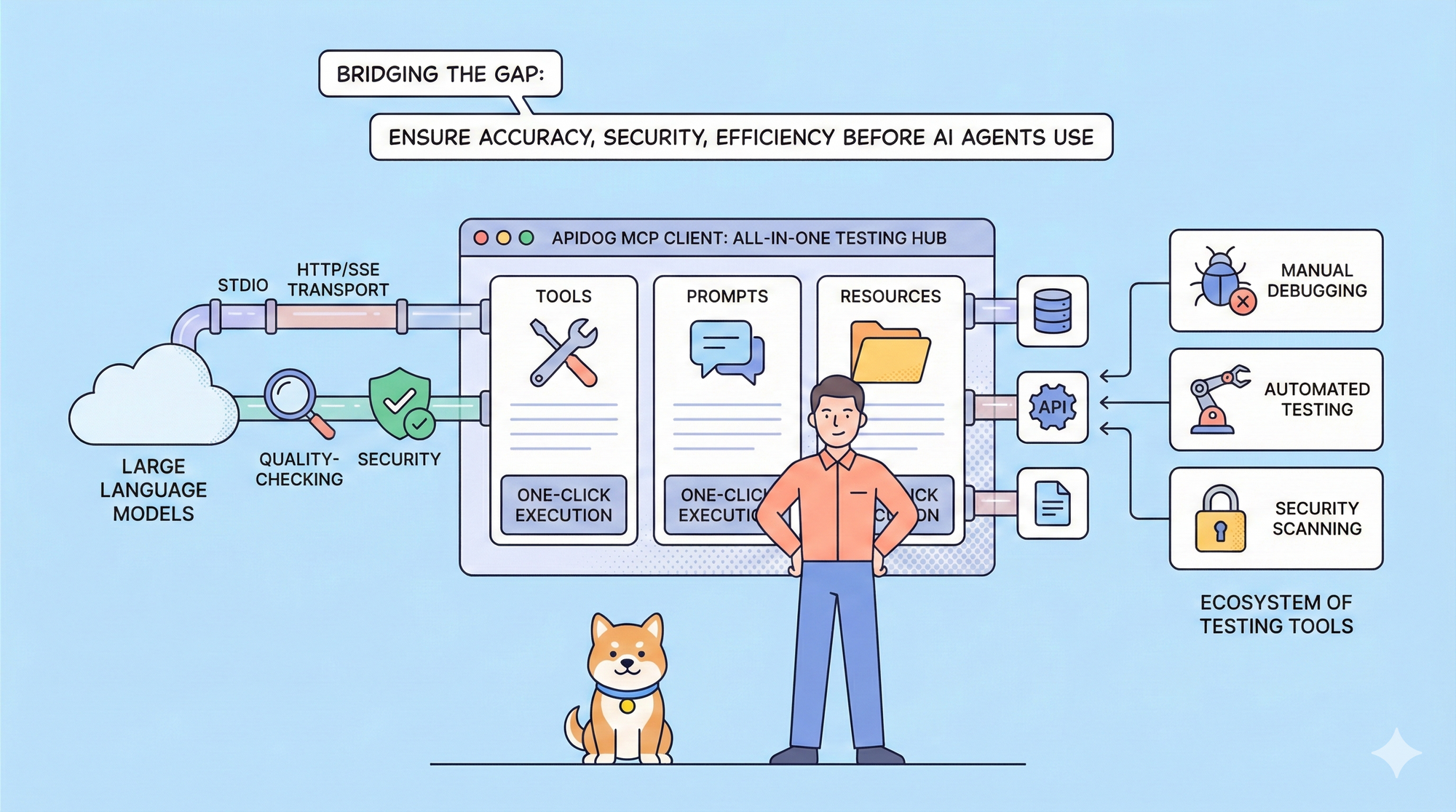
While older tools add collaboration as an afterthought, Apidog was designed from the ground up as a unified platform where teams can design, mock, test, debug and document APIs together—with collaboration built into every step.
Here’s why Apidog stands out for team-based API design and testing:
1. Real-Time API Design for Everyone
Design OpenAPI specs visually with drag-and-drop tools or switch to raw YAML/JSON editing. Changes sync instantly across the workspace, so product managers, frontend developers, and backend engineers always stay aligned.
2. Automatic Request Generation
As soon as you define an endpoint, Apidog generates ready-to-use API requests with sample bodies, headers, and authentication already filled in—no need to build requests manually.
3. Shared Test Collections with Secure Variables
Organize requests into shared collections and add JavaScript test scripts to validate responses. Sensitive values like {{api_key}} or {{jwt_token}} stay protected in encrypted environment variables—not mixed into the requests.
4. One-Click Mock Servers
Create a mock server from your API spec instantly. Frontend teams can start building right away, using the actual example responses defined in your API contract.
5. Built-In Collaboration Where It Matters
Add comments directly on endpoints, parameters, or test steps. Mention teammates, link tasks, and resolve issues right in Apidog—no more digging through Slack messages.
6. Live, Auto-Updating Documentation
Publish clean, interactive API docs that update automatically whenever your spec or collections change. Control access with role-based visibility options.
Bonus: Apidog is free to download and free for team use. Collaboration, testing, mocking, and documentation are all included—no locked “Pro-only” features.
Best For: Teams that want a single platform to manage the full API lifecycle without switching tools. Perfect for startups and agile teams that move fast and collaborate tightly.
2. Postman: The Testing Titan with Growing Team Features
Philosophy: "Start with powerful API testing and build collaboration around it."
Postman is the undisputed king of API testing. Its collaboration features, delivered through Postman Workspaces, have evolved significantly.
Key Collaboration Features:
- Team Workspaces: Share collections, environments, APIs, and monitors.
- Version Control for Collections: Fork, merge, and create pull requests for collections, bringing Git-like workflows to API testing.
- Public and Private API Networks: Share API documentation internally or with the world.
- Commenting: Add comments directly on requests, collections, or responses.
- Role-Based Access: Control who can view, edit, or manage shared elements.
Limitations for Design Collaboration: While Postman has added an "API" tab for defining schemas, it is still primarily a testing client that added design features. The design experience is not as fluid or visual as dedicated design-first tools. The collaboration is often centered on testing artifacts rather than the initial design contract.
Best For: Teams already deeply invested in the Postman ecosystem for testing who need to add collaboration on top of their existing workflows.
3. Stoplight Studio: The Design-First Specialist
Philosophy: "Design your API contract first with powerful tooling, then collaborate around that contract."
Stoplight is built for the design-first methodology. It uses the OpenAPI Specification (OAS) as its backbone and provides gorgeous, intuitive tools for designing APIs visually or by writing YAML/JSON.
Key Collaboration Features:
- Visual API Designer: A graphical editor that makes creating complex OpenAPI specs easy, promoting a shared understanding between technical and non-technical stakeholders.
- Style Guides & Linting: Enforce API design standards (naming conventions, patterns) across your entire team or organization. This is a killer feature for consistency.
- Git Integration: Stoplight treats your API specs as code. It integrates directly with GitHub, GitLab, etc., leveraging pull requests and code reviews for API changes.
- Documentation & Mocking: Generates beautiful documentation and mock servers automatically from your OpenAPI spec.
Limitations: The collaboration is heavily tied to the Git workflow, which is powerful for developers but can be a barrier for pure designers or product managers. Its testing capabilities are not as robust as Postman or Apidog.
Best For: Organizations committed to a strict design-first approach and a "spec-as-code" philosophy, especially those with large, complex APIs that need governance and style enforcement.
4. SwaggerHub: The Enterprise OpenAPI Hub
Philosophy: "Centralize and scale your OpenAPI workflow across the enterprise."
SwaggerHub is the hosted, collaborative version of the Swagger (OpenAPI) ecosystem. It takes the core Swagger tools (Editor, UI, Codegen) and adds team and enterprise features on top.
Key Collaboration Features:
- Centralized OpenAPI Hosting: A single source of truth for all your API definitions.
- Team & Organization Management: Structure workspaces for different teams, projects, or domains.
- Built-in API Governance: Similar to Stoplight, it offers style rule validation and standardization.
- Automated Sync & Codegen: Automatically generate server stubs and client SDKs from your API definitions and push them to connected repositories.
- Review and Commenting: Teams can review changes to API definitions before they are published.
Limitations: It is very much focused on the OpenAPI specification lifecycle. Its integrated testing capabilities are not as comprehensive as other all-in-one tools.
Best For: Large enterprises that are standardized on the OpenAPI specification and need a centralized platform to manage hundreds of APIs with strong governance requirements.
5. ReadMe: Docs-First, Not Design-First
ReadMe excels at publishing beautiful API documentation, and it can import OpenAPI specs.
But it’s not a design or testing tool. You can’t edit specs collaboratively or run automated tests. It’s a consumption layer, not a creation layer.
Best for: Developer portals and external documentation not internal API collaboration.
6. Redocly: Quality Gatekeeper, Not Collaborator
Redocly focuses on API quality and governance via CI/CD pipelines. It lints specs, enforces rules, and publishes docs.
But it offers no interactive design or testing environment. Collaboration happens in code reviews not live sessions.
Best for: Platform engineering teams enforcing API standards at scale.
Conclusion: Collaboration is the New Superpower
The quality of your APIs is directly tied to the quality of your team's collaboration. The right tool doesn't just make collaboration possible; it makes it effortless.
Whether you choose the integrated workspace of Apidog, the testing power of Postman, the design rigor of Stoplight, or the enterprise scale of SwaggerHub, the important thing is that you choose a tool designed for teamwork.
Investing in collaborative API tooling is no longer a luxury it's a necessity for building robust, consistent, and developer-friendly APIs. It’s the difference between a group of individuals working on an API and a true team building a product together. Start collaborating smarter today.