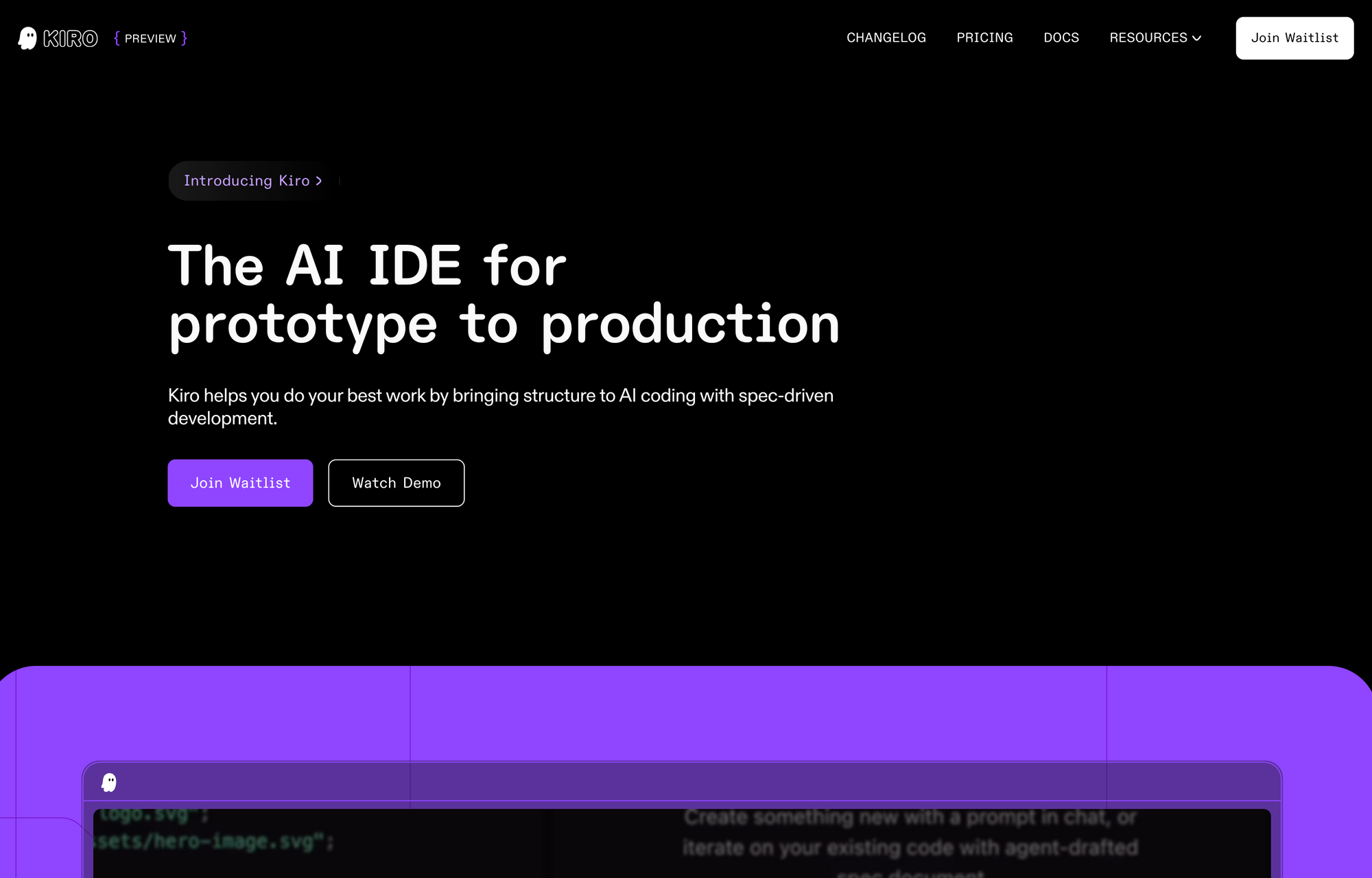
AI-powered coding IDEs are rapidly transforming the developer workflow—automating repetitive tasks and freeing engineers to focus on innovation. Amazon Web Services (AWS) has entered the race with Kiro, a new AI-driven Integrated Development Environment (IDE), now in preview as of July 14, 2025.
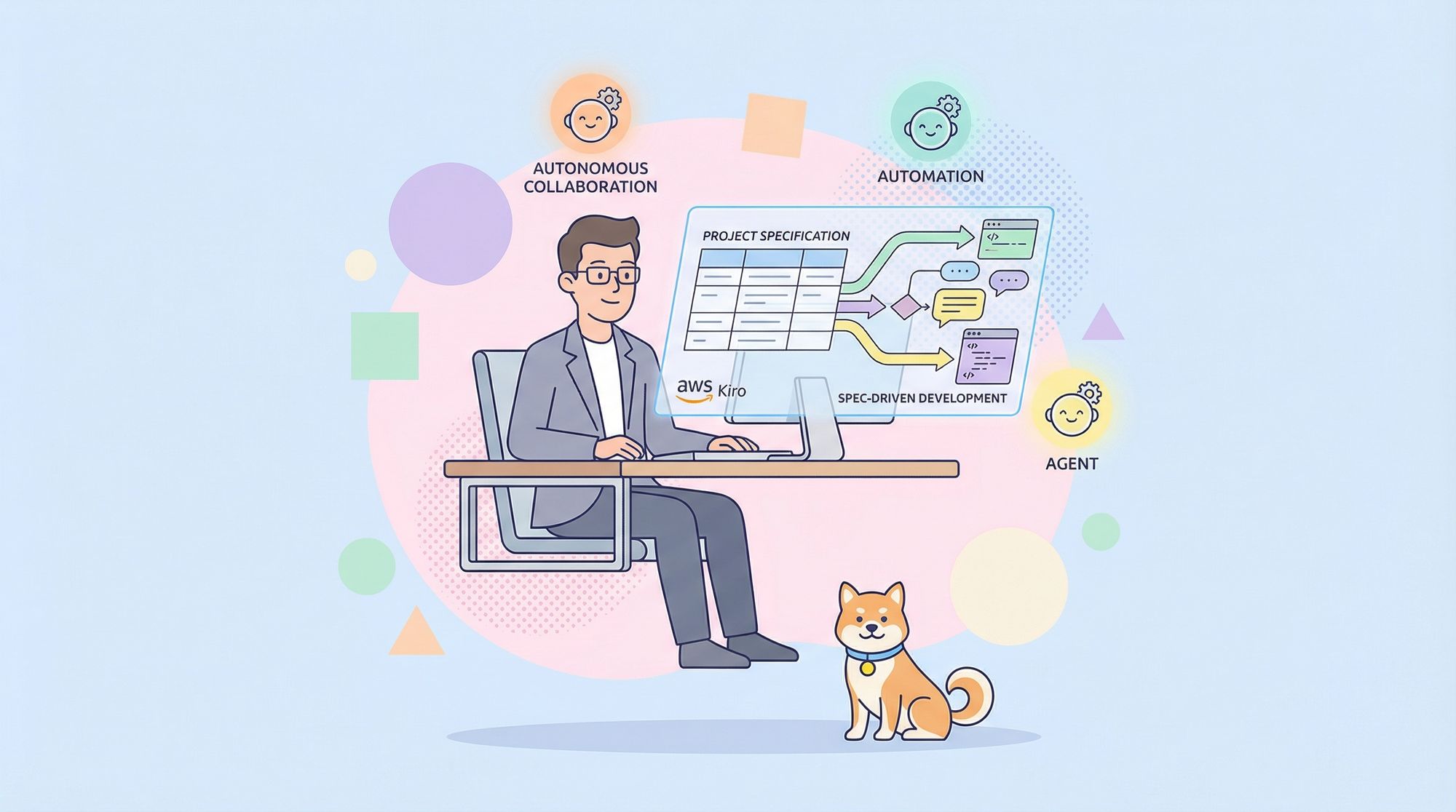
Kiro (pronounced “keer-oh”) brings a fresh approach called spec-driven development, designed to help teams move efficiently from idea to production-ready code. Unlike existing AI code assistants that focus on speed and code generation, Kiro prioritizes structured planning, robust documentation, and autonomous AI agents. This article breaks down Kiro’s unique features, compares it to tools like GitHub Copilot and Cursor, and explores how structured AI development can benefit API-focused engineering teams.
💡 Need an API testing tool that creates beautiful API documentation? Want an all-in-one developer platform for maximum productivity? Apidog replaces Postman at a much more affordable price!
Why Another AI Coding IDE? What Makes Kiro Different?
The market is full of AI code assistants—GitHub Copilot, Google’s Gemini Code Assist, and Cursor are all popular for their natural language code suggestions and autocomplete. These tools are great for rapid prototyping, but they often sacrifice maintainability, structure, and cross-team alignment.
Kiro aims to bridge this gap by focusing on:
- Structured project planning
- Comprehensive, always-updated documentation
- Agentic AI to automate code quality, testing, and compliance
- Seamless integration with familiar VS Code workflows
Built on the open-source Code OSS platform (underlying VS Code), Kiro lets developers keep their existing settings, themes, and plugins. What sets it apart is the use of autonomous AI agents that act as virtual teammates, handling tasks from requirements gathering to code review and documentation updates.
How Kiro's Spec-Driven Development Works
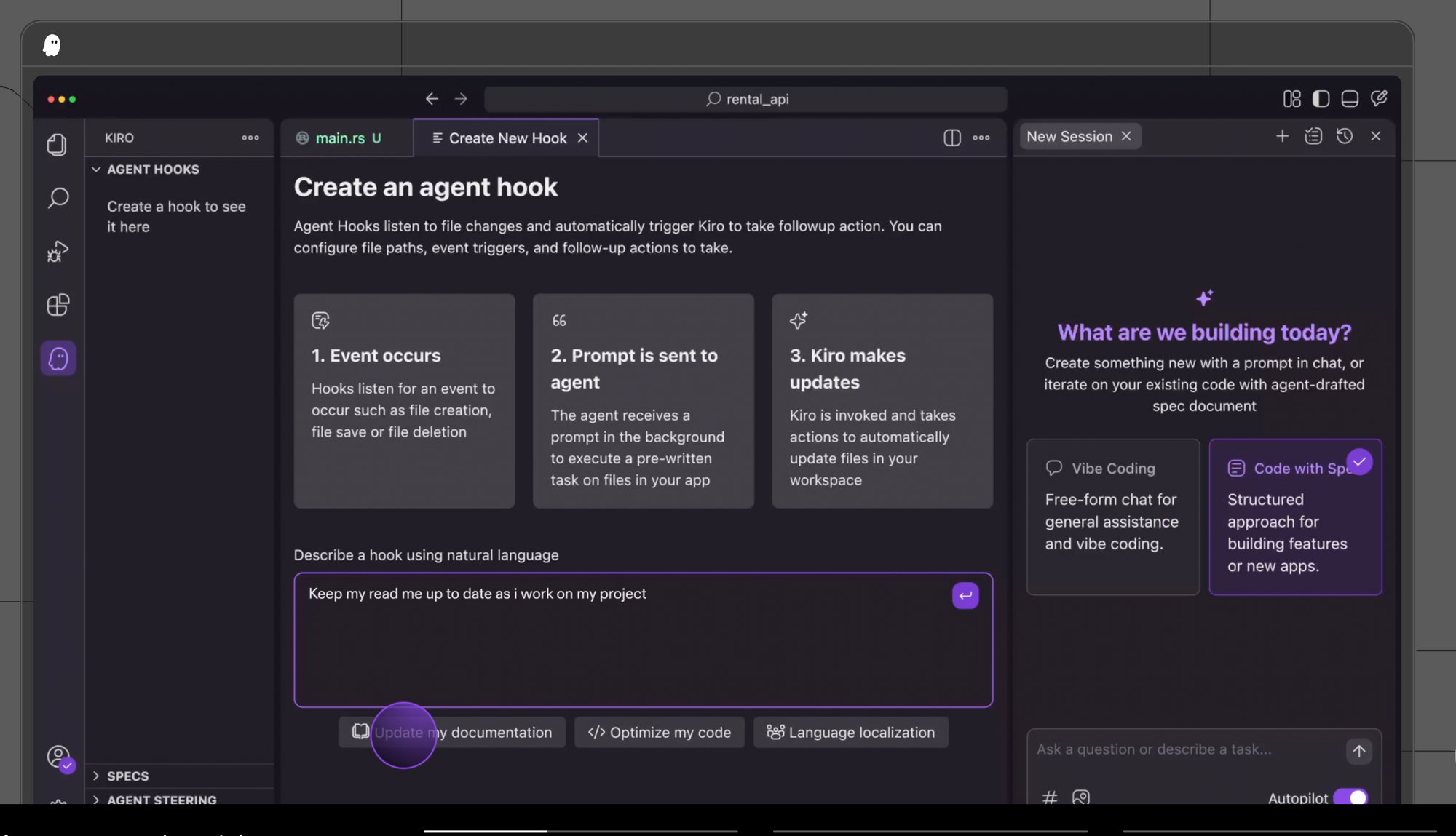
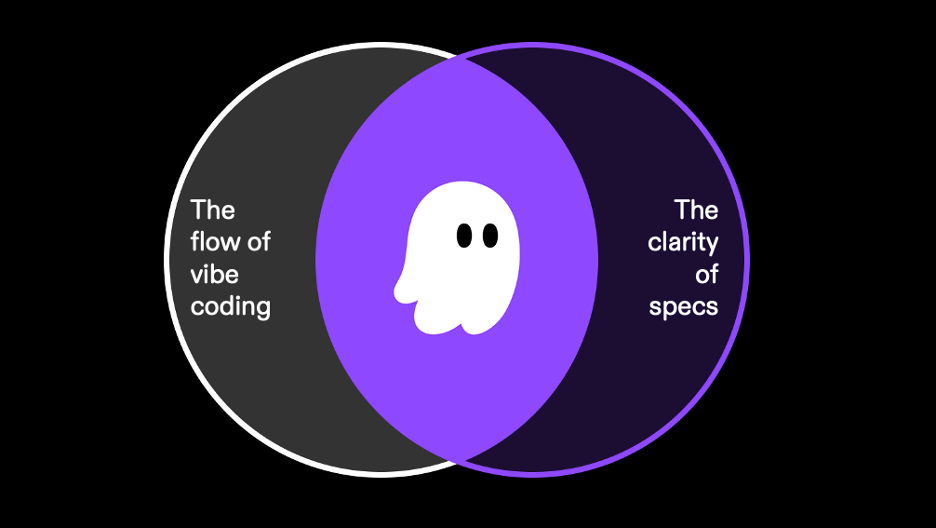
Moving Beyond "Vibe Coding"
Typical AI tools generate code quickly from prompts, but often miss the details that matter in real-world, long-lived applications—clear requirements, design artifacts, and traceable documentation. Kiro enforces a disciplined process:
1. High-Level Prompt:
You start with a clear instruction, e.g., “Build a product review API for an e-commerce platform.”
2. Automatic Requirements Generation:
Kiro’s AI breaks this down using the Easy Approach to Requirements Syntax (EARS), producing:
- User stories (e.g., users can submit a review, filter reviews by rating)
- Acceptance criteria and edge cases
3. Design Document Creation:
Kiro generates:
- Data flow diagrams
- TypeScript interfaces
- Database schemas
- API endpoint definitions
4. Task List Generation:
Finally, Kiro creates actionable tasks, each linked to a requirement or design element.
This process ensures your code is well-documented, requirements are clear, and implementation steps are traceable—from the first prompt to production deployment.
Kiro’s Agentic AI: Your Autonomous Coding Partner
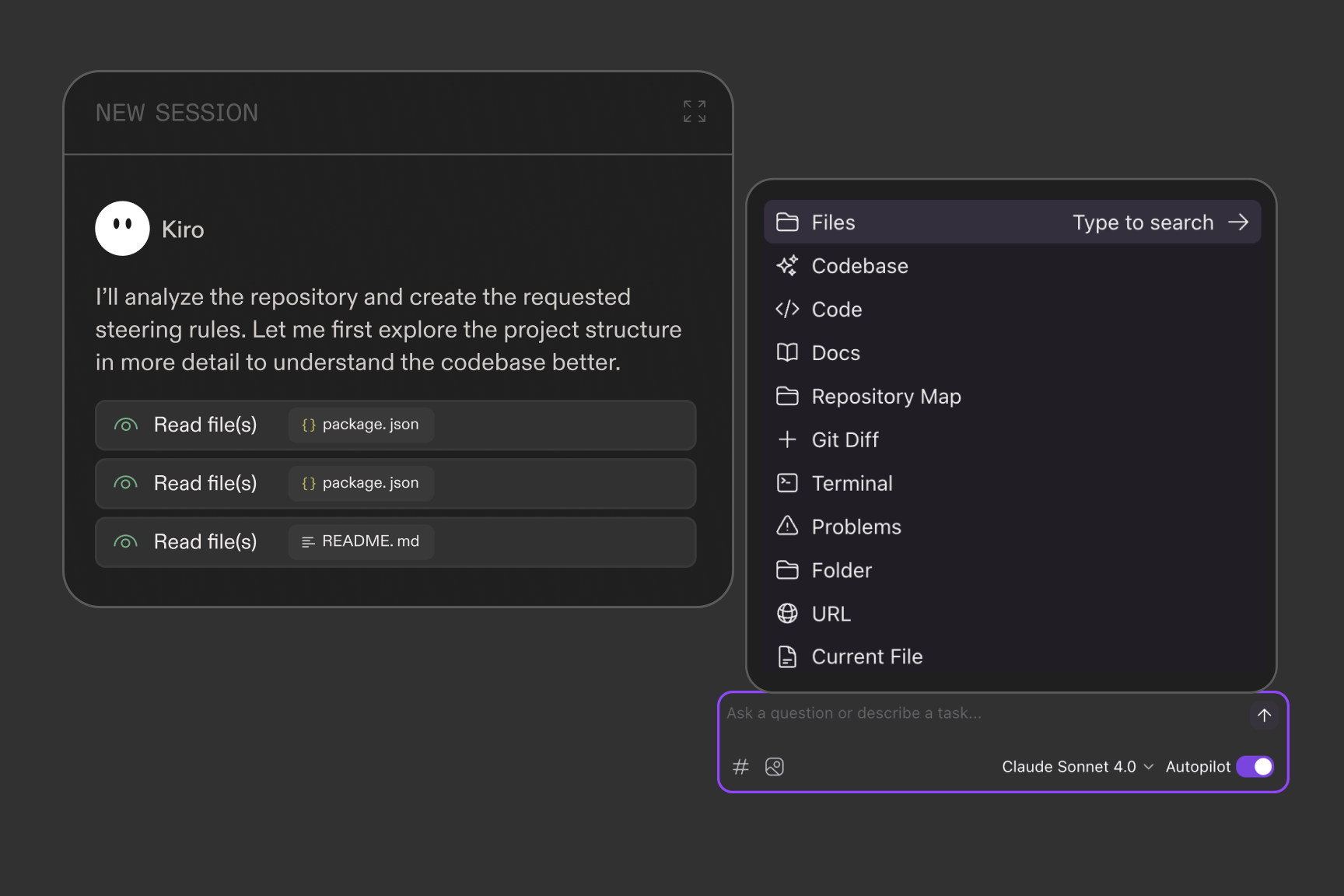
A major innovation in Kiro is its agentic AI system, powered by Anthropic’s Claude Sonnet 4 (with support for more models coming soon). Unlike assistants that need constant prompting, Kiro’s agents operate via event-driven hooks—reacting to file saves, code commits, and more.
Practical Examples:
-
Code Quality Enforcement:
Attach a hook to validate React components for Single Responsibility Principle on commit. The agent flags violations and suggests fixes automatically. -
Automated Documentation:
As code evolves, Kiro updates requirements and design docs in real-time, preventing knowledge loss when team members move on. -
Security & Compliance:
Define hooks to run security scans or enforce coding standards on every push.
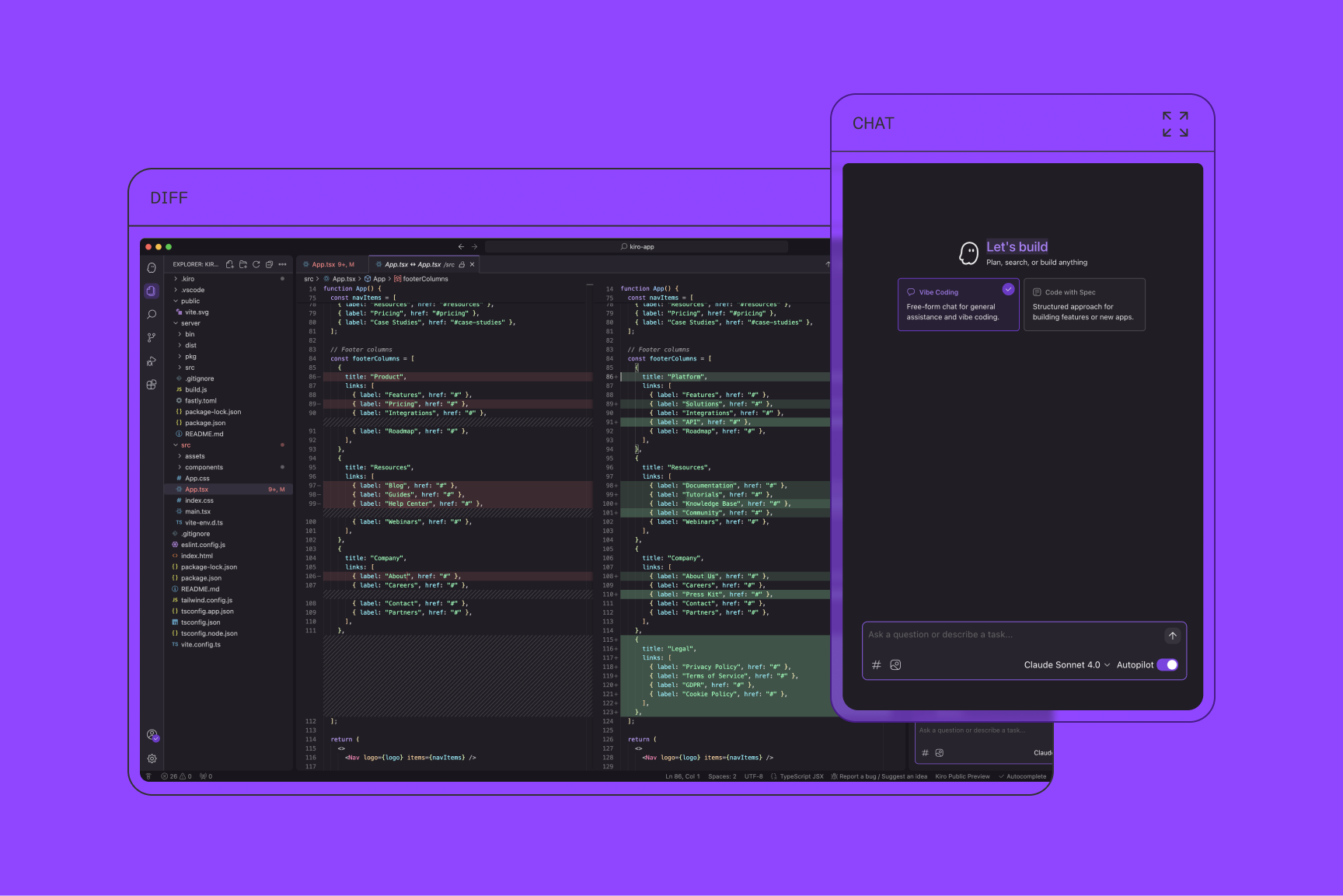
For API developers and backend teams, this means less manual oversight, consistent standards, and reduced technical debt—critical for production systems.
Multimodal Context: More Than Text Prompts
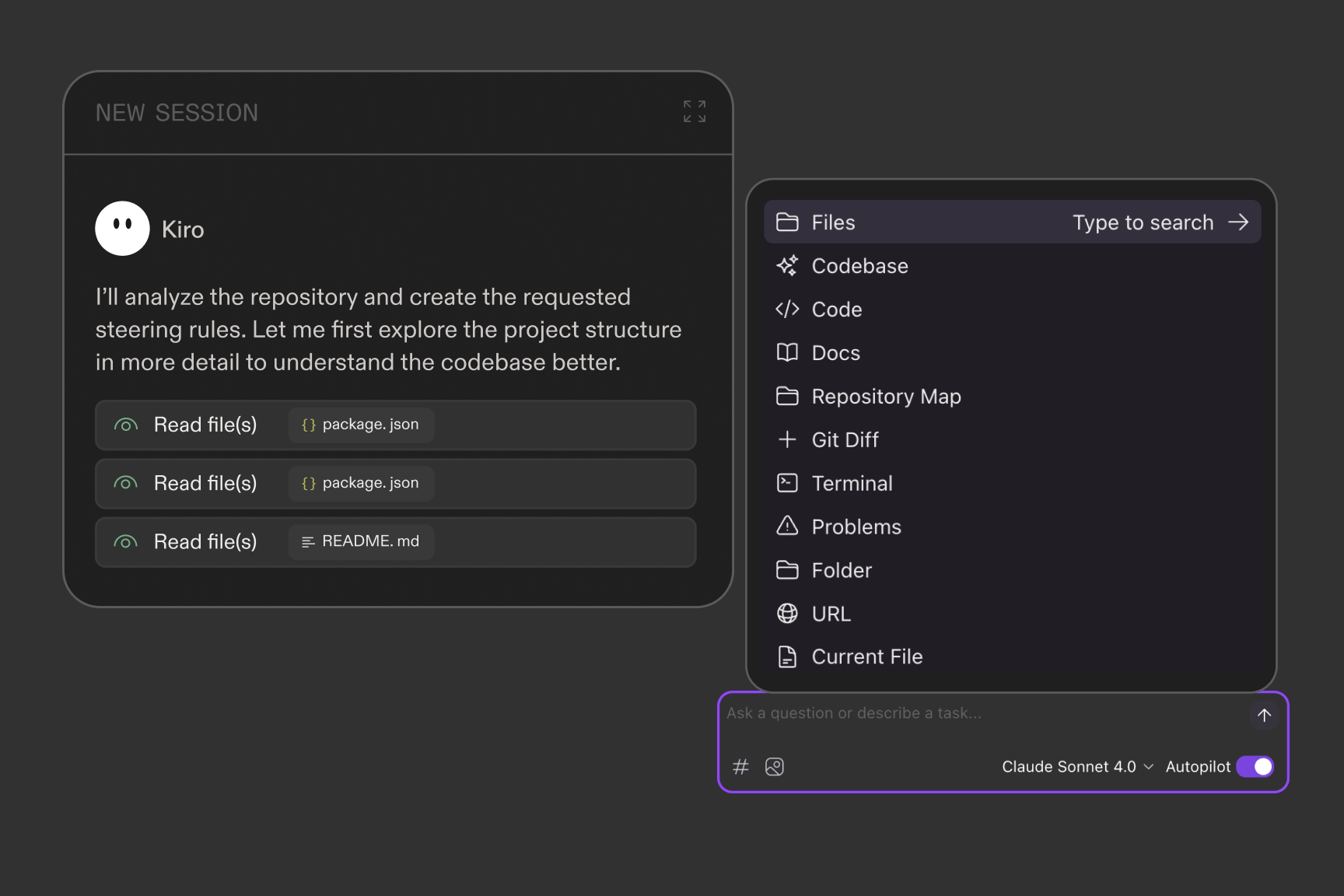
Kiro supports multimodal input, letting you provide not just text prompts but also diagrams, repo structures, and contextual data. This makes Kiro more aware of your project’s architecture, leading to better suggestions and automations.
Integration Example:
Use Kiro with the Model Context Protocol (MCP) to connect external tools, APIs, or databases. For instance, when building a serverless compliance auditor for product reviews, Kiro can integrate with Amazon’s Nova Premier Model, auto-generate compliance code, and maintain audit trails—all context-aware.
Kiro vs. Copilot, Cursor, and Claude Code: Which Is Best for Teams?
Kiro competes with established AI coding solutions:
| Feature | GitHub Copilot | Cursor | Kiro (AWS) |
|---|---|---|---|
| Code Suggestions | Yes (fast) | Yes (fast) | Yes (with context) |
| Refactoring | Basic | Advanced | Structured, agentic |
| Project Planning | No | Limited | Yes (spec-driven) |
| Documentation Sync | No | No | Yes (auto-updated) |
| Multimodal Input | No | No | Yes |
| AWS Integration | No | No | Deep (optional) |
Kiro is best suited for teams building complex, long-lived APIs or backend systems—especially where requirements, code quality, and documentation are non-negotiable. Its workflow is ideal for API engineers and QA leads who want traceability and maintainability from day one.
Potential Drawbacks:
- Proprietary (not fully open source)
- Relies on Claude models (may limit flexibility for some teams)
- AWS’s earlier tools (like Amazon Q Developer) had performance concerns, though Kiro is reported to be a significant improvement
Accessibility:
- Built on Code OSS, Kiro feels like VS Code
- Supports Open VSX-compatible plugins
- Log in via Google, GitHub, AWS SSO, or AWS Builder ID—no AWS account needed
Kiro also features an agentic chat interface for on-demand code questions, debugging, and quick code generation—supporting both rapid “vibe coding” and structured, spec-driven workflows.
Kiro.dev Pricing: Free and Paid Tiers
Preview Phase:
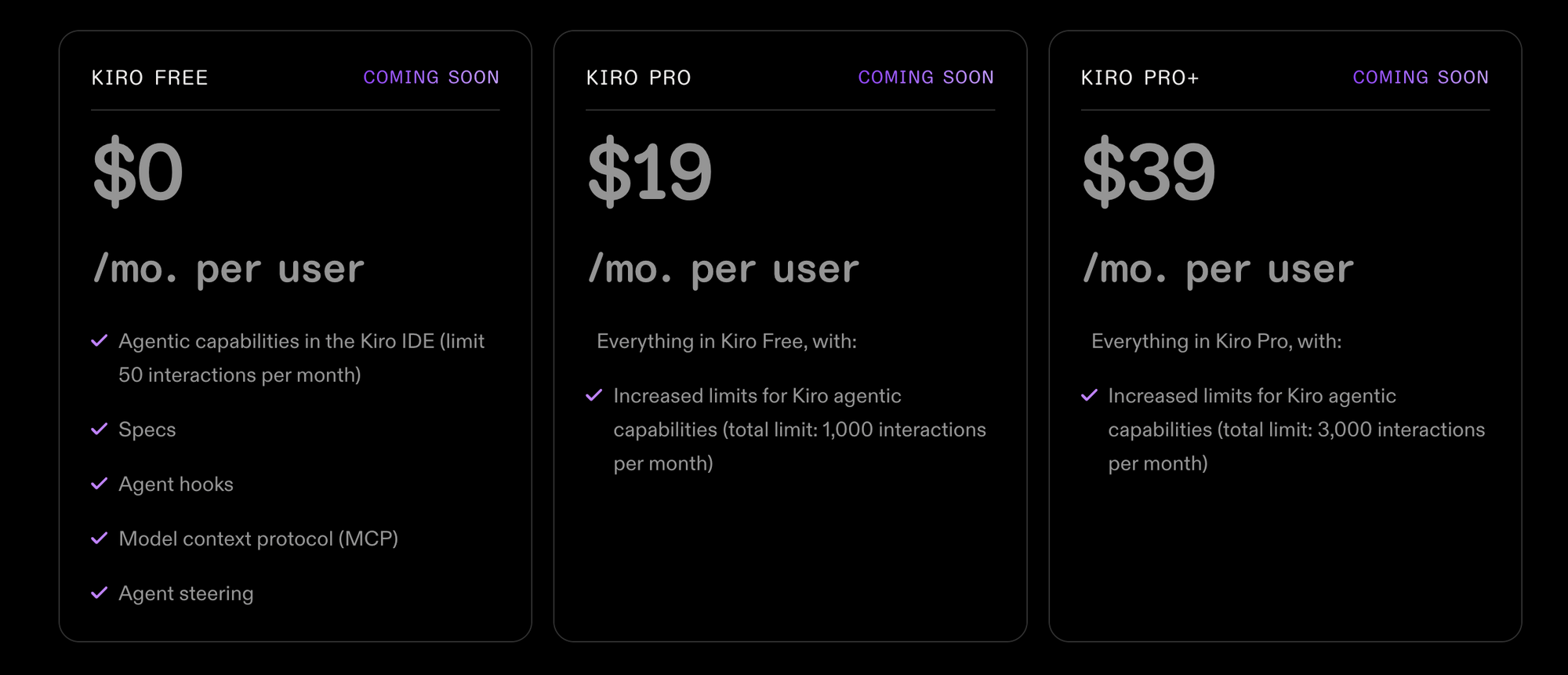
- Free, with a 50 agentic interaction/month limit
Post-Preview (Planned):
- Free Tier: 50 interactions/month
- Pro: $19/month, 1,000 interactions
- Pro+: $39/month, 3,000 interactions
- Amazon Q Developer Pro users: Kiro included at no extra cost
Each interaction can handle a complex task (e.g., generating code, updating docs), making the free tier ideal for testing or small projects.
Privacy:
- Free users can opt out of data collection for model training
- Paid users’ data remains private
This addresses a key concern for teams working with proprietary or sensitive codebases.
Should API Teams Switch to Kiro?
Kiro marks a new direction in AI-driven software development, especially for backend and API-focused teams. By enforcing structured specs, automating documentation, and integrating with familiar tools, it tackles real pain points: technical debt, requirements drift, and out-of-date docs.
Who should consider Kiro?
- Teams building production APIs or backend systems
- Engineering leads wanting traceable, maintainable code
- Organizations looking for AWS integration but cloud-agnostic flexibility
Looking forward, Kiro’s success will hinge on expanding model support, maintaining flexibility, and delivering on its promise of “viable code, not just vibe coding.”
For API testing, design, and documentation, Apidog remains a top choice—integrating seamlessly into structured, spec-driven workflows. For teams wanting an all-in-one platform to boost productivity and simplify collaboration, Apidog offers robust alternatives to legacy tools like Postman, at a much more affordable rate (see more).