
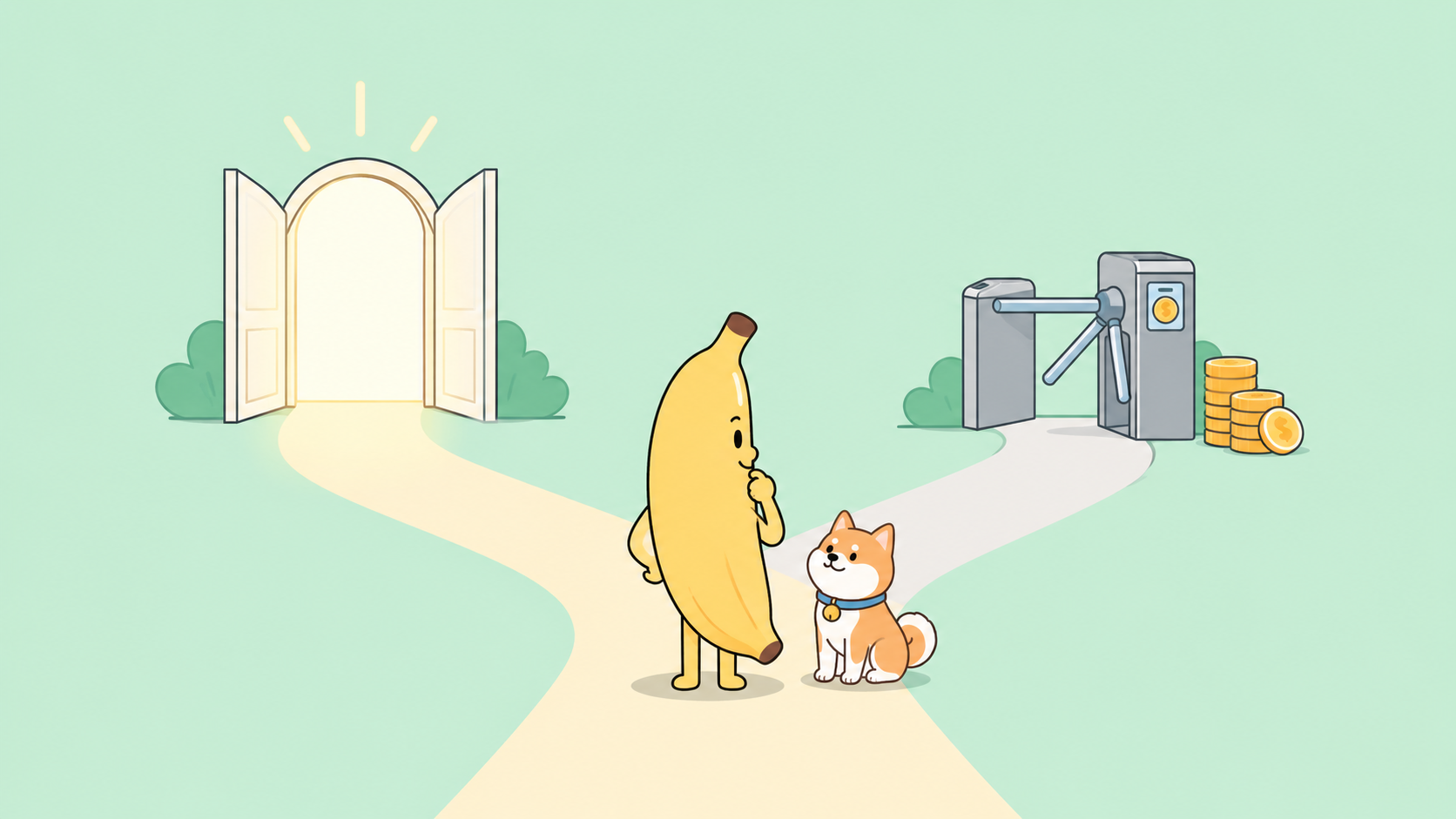
Google launched Nano Banana 2.1 on October 6, 2026, with a post from the Google AI Studio account saying the image model “outperforms our previous models across the board” and inviting people to “try it out today in ai.studio.” The first question most people asked: is it free?
The honest answer is “partly.” The Gemini API has no free tier for 2.1. Google AI Studio is free to use, but Google hasn’t said how much 2.1 a free account gets. The Gemini app and Google Flow offer free image generation, but neither help page lists 2.1 yet. This guide checks every route and shows the cheapest paid path for when free runs out.
If you’ll call the model from code, you also need a way to test requests without paying for retries. Apidog covers that, and we get to it near the end.
TL;DR: every route, checked October 7, 2026
| Route | Free? | Limits | Best for |
|---|---|---|---|
| Google AI Studio playground | AI Studio is free; free access to 2.1 not confirmed | Free plan gets a “modest quota,” no number published | Trying prompts before paying |
| Gemini API free tier | No | “Not available” | Nothing |
| Gemini app | Not confirmed for 2.1 | Nano Banana 2 is available to all users | Casual images |
| Google Flow | Not confirmed for 2.1 | Nano Banana 2 Lite is free | Images for video projects |
| Google Cloud $300 trial (Vertex AI) | Possibly, unconfirmed | 90 days, billing account needed | New Google Cloud accounts |
| Third-party sites | None verified | Unknown | Not recommended |
| Batch API (paid) | No, but cheap | $0.0168 per 1K image, up to 24h turnaround | Bulk generation |
Route 1: Google AI Studio, the most likely free option
Google AI Studio is the web playground for Gemini models, and it’s where Google pointed people on launch day. The 2.1 card on the Gemini API pricing page also carries a “Try it in Google AI Studio” link.
The pricing page states: “Google AI Studio usage is free of charge in all available regions.” The billing FAQ adds the condition: it “remains free of charge unless users link a paid API key for access to paid features.”
The catch is the quota. Google’s AI plans page gives free accounts a “modest quota” with “basic limits and access.” Google AI Pro gets a higher quota and “access to premium models like Gemini Pro, Nano Banana, and Lyria.” The page also says Pro and Ultra “unlock paid models and higher rate limits in the Google AI Studio Playground.” Google doesn’t say whether a free account can run 2.1, or how many images it gets.
What to do: sign in at ai.studio, open the Playground, pick Gemini Nano Banana 2.1, and run a prompt. If it generates, you have free access at Google’s quota. If it asks you to upgrade or link a paid key, the free route is closed for your account. Our guide on how to use Google AI Studio for free walks through the playground.
Two caveats:
- Free usage helps train Google’s models. The pricing page lists free tier data as “Used to improve our products: Yes”; paid tier data is “No.” Don’t upload client photos or unreleased product shots to a free account.
- Playground access isn’t API access. Google says AI plan benefits “apply only within the Google AI Studio web interface.” Code goes through the paid API.
Route 2: the Gemini API free tier (doesn’t exist)
On the pricing page, the free tier for gemini-nano-banana-2.1 reads “Not available” for input and output. Nano Banana 2, 2 Lite and Pro are the same. A free API key won’t generate 2.1 images; you need billing enabled. For new accounts, the billing FAQ says upgrading means “prepaying to add a minimum of $5” of credits.
Our walkthrough on getting a Gemini API key for free still works for text models. It won’t cover 2.1 images.
Route 3: the Gemini app (not confirmed for 2.1)
Google’s Gemini help page lists Nano Banana 2 for all users and Nano Banana Pro for Google AI Plus and higher. It doesn’t mention 2.1. Nokia Power User reported on October 6 that 2.1 “has begun surfacing directly inside Gemini apps,” but Google hasn’t confirmed that.
If you just need images and don’t mind the model, the free Gemini app with Nano Banana 2 works today. Our Nano Banana 2 free guide covers it.
Route 4: Google Flow (not confirmed for 2.1)
Flow, Google’s AI creative studio, is where 2.1 first appeared: users spotted it in the model picker on October 5, before Google pulled it and launched it the next day.
Flow’s help page calls Nano Banana 2 Lite “the default model available at no charge,” with Nano Banana 2 as the standard model and Pro as the default for AI Ultra subscribers. As of October 7, it doesn’t list 2.1.
Reports conflict. Nokia Power User says 2.1 generations in Flow “consume standard subscription credits.” OrcaRouter saw one user’s screenshot showing zero credits, and notes that reflects that account’s plan, not official pricing. Check the credit cost in Flow’s model picker before you generate.
Route 5: Google Cloud trial credits on Vertex AI (unconfirmed)
Nano Banana 2.1 also has a model page on Google Cloud’s Gemini Enterprise Agent Platform, formerly Vertex AI, with pay-as-you-go and provisioned throughput options. New Google Cloud customers can get a $300 Welcome credit that expires after 90 days.
What’s confirmed:
- The billing FAQ: “starting March 2026, Gemini API usage costs are specifically excluded from the $300 Google Cloud Free Trial program.”
- The Free Trial page (updated October 5, 2026): the credit “can’t pay for Gemini API in AI Studio costs” and can’t be used for partner models offered as managed APIs.
Neither page excludes Google’s own models on the Enterprise Agent Platform, so the credit may cover 2.1 there. No Google page confirms it for this model. Run a few test calls and check your Cloud billing report to see whether credits paid for them.
Route 6: third-party sites
Sites using the Nano Banana name already have 2.1 pages up, and some advertise free generations. We couldn’t verify that any run Google’s 2.1 model or what they do with uploads. None are Google products. If you try one, skip personal images.
The cheapest paid route: Batch API at $0.0168 per image
2.1 image output costs $30 per million tokens on Standard, and a 1K image is 1,120 tokens. The Batch API halves that.
| Resolution | Standard | Batch | Images per $1 (Batch) | Images per $5 (Batch) |
|---|---|---|---|---|
| 1K | $0.0336 | $0.0168 | about 59 | about 297 |
| 2K | $0.0504 | $0.0252 | about 39 | about 198 |
| 4K | $0.0756 | $0.0378 | about 26 | about 132 |
The $5 minimum prepay buys roughly 297 1K images at Batch rates. Nano Banana 2 costs $0.067 per 1K image on Standard, so 2.1 is half its price at every shared resolution.
Watch three things:
- Input costs more. $1.50 per million input tokens, three times Nano Banana 2. Edits with several reference images (up to 14) add up.
- Text and thinking output costs $7.50 per million tokens. An image-only response format drops the text reply.
- Batch is slow. Google’s docs mention “a turnaround of up to 24 hours.” Use it for bulk assets, not live features.
For the model comparison, see Nano Banana 2.1 vs Nano Banana 2 vs Pro. For code, read the Nano Banana 2.1 API guide.
Test the API without wasting credits
Every successful 2.1 call is billed. Google’s billing FAQ says requests failing with a 400 or 500 aren’t charged for tokens but still count against quota, so sloppy retries cost you time and rate limit. Here’s Google’s REST example:
curl -s -X POST "https://generativelanguage.googleapis.com/v1beta/interactions" \
  -H "x-goog-api-key: $GEMINI_API_KEY" \
  -H "Content-Type: application/json" \
  -d '{
    "model": "gemini-nano-banana-2.1",
    "input": [
      {"type": "text", "text": "Create a picture of a nano banana dish in a fancy restaurant with a Gemini theme"}
    ]
  }'
In Apidog:
- Import the cURL command into a new request. Apidog fills in URL, headers and body. Save it as your known-good reference.
- Store the key as an environment variable (
GEMINI_API_KEY) and reference it in thex-goog-api-keyheader. The key stays out of saved requests, and you can swap test and production projects. - Add assertions: a 200 status, and an image block in the response body. Pick the exact field path from the raw JSON of your first successful call.
- Save variants for 1K, 2K and reference-image edits, so you compare costs on purpose.
Apidog doesn’t make generation free. Each send is still a billed call. It removes the guesswork around that call.
FAQ
Is Nano Banana 2.1 free? Not on the Gemini API, where the free tier is “Not available.” AI Studio usage is free, but Google hasn’t confirmed a free 2.1 quota.
Is 2.1 free in the Gemini app? Not confirmed. Google’s help page lists Nano Banana 2 for all users, with no mention of 2.1.
Does Flow charge credits for 2.1? Google hasn’t said. Check the cost in Flow’s model picker. Nano Banana 2 Lite is free there.
Can I use the $300 Google Cloud credit? Not for the Gemini API or AI Studio. On the Enterprise Agent Platform it may apply, but that’s unconfirmed for 2.1.
What’s the cheapest way to generate lots of images? The Batch API: $0.0168 per 1K image, about 59 per dollar.
Bottom line
You can probably try Nano Banana 2.1 free in Google AI Studio, the route Google itself points to. Don’t build a plan on it: Google hasn’t published the free quota, and its AI plans page lists Nano Banana among premium models for subscribers. The Gemini app and Flow have free image models, but 2.1 isn’t documented in either yet.
When free runs out, the Batch API gives you about 59 1K images per dollar at half Nano Banana 2’s price. Set up the request once in Apidog, keep the key in an environment variable, and let assertions catch mistakes before you pay for them. For what changed in this model, read what Nano Banana 2.1 is.