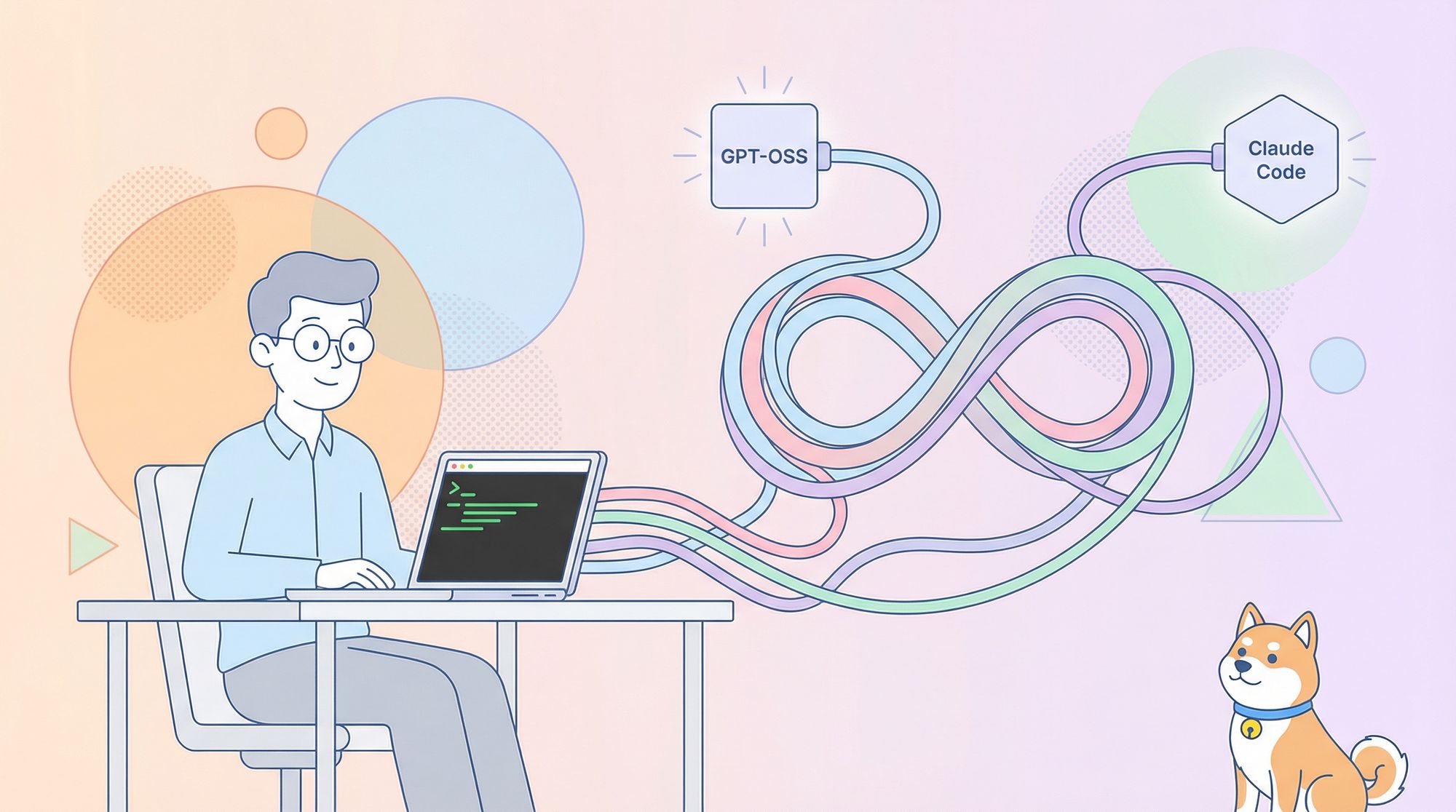
Supercharge your API development with open-source AI models—right from the command line. This guide shows API engineers and backend teams how to connect GPT-OSS, OpenAI’s open-weight coding model, to Claude Code for fast, cost-efficient code generation, analysis, and more.
Whether you want a private self-hosted setup, a managed proxy, or seamless model switching, we’ll walk through three practical integration methods: Hugging Face, OpenRouter, and LiteLLM. Master these integrations and level up your coding workflow—while keeping costs low and flexibility high.
💡 Looking for an API platform that generates beautiful API documentation and helps your developer team boost productivity? Apidog is your all-in-one solution, replacing Postman at a better price.
Why Pair GPT-OSS with Claude Code?
GPT-OSS is an open-weight large language model from OpenAI (20B and 120B variants), designed for code, reasoning, and agentic tasks. With a 128K token context window under Apache 2.0, it’s highly flexible for developer teams who value freedom and control.
Claude Code, Anthropic’s CLI tool (v0.5.3+), is a favorite among API developers for its conversational, context-rich code generation. By routing Claude Code to GPT-OSS with an OpenAI-compatible API, you unlock:
- Powerful code generation and analysis
- Open-source flexibility—no vendor lock-in
- Lower operational costs (no Anthropic subscription required)
- Familiar, productive workflow for your whole backend team
Prerequisites: What You Need
Before starting, make sure you have:
- Claude Code v0.5.3 or later: Check with
claude --version, install viapip install claude-code, or update withpip install --upgrade claude-code. - Hugging Face account: For self-hosting (Path A). Create a token at huggingface.co (Settings > Access Tokens).
- OpenRouter API key: Optional, for proxy setup (Path B). Get yours at openrouter.ai.
- Python 3.10+ and Docker: Needed for local deployments or LiteLLM (Path C).
- Basic CLI skills: Comfort with environment variables and command line workflows.
Method 1: Self-Host GPT-OSS via Hugging Face (Maximum Control)
Host GPT-OSS privately using Hugging Face Inference Endpoints for full control over data, scaling, and cost.
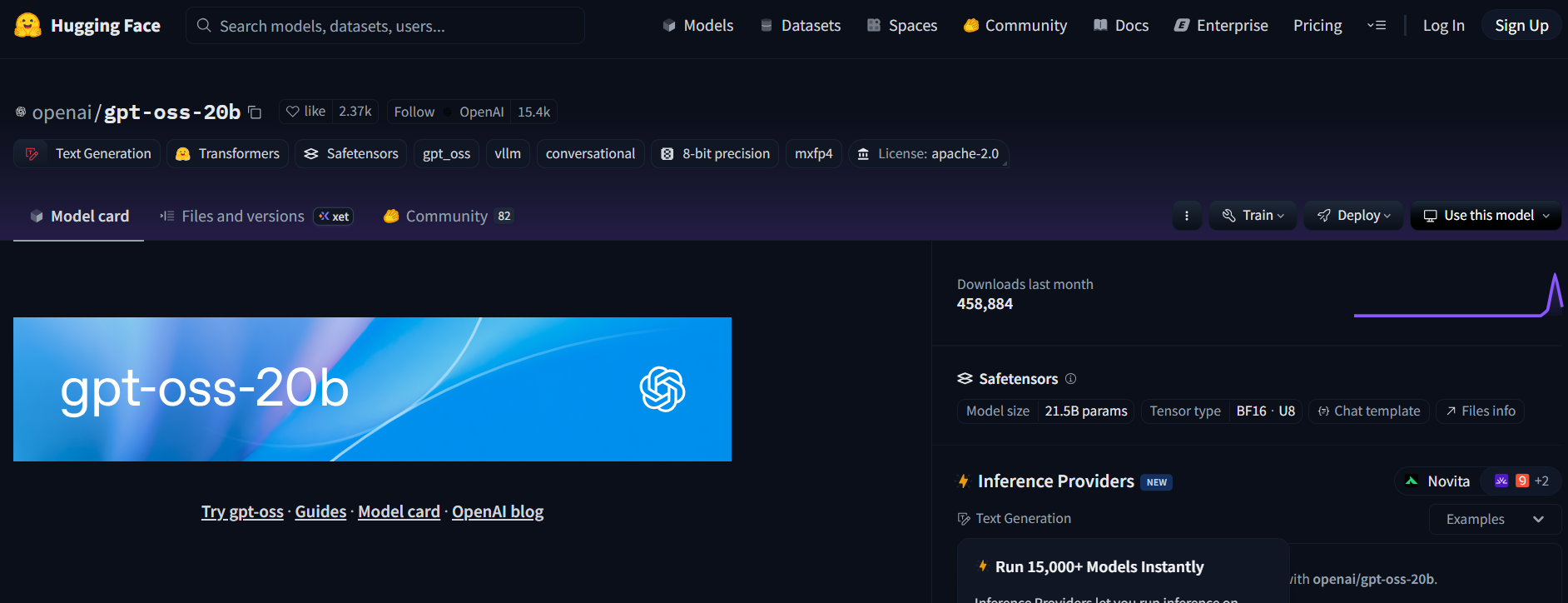
Step 1: Select and Access the Model
- Go to Hugging Face and find
openai/gpt-oss-20boropenai/gpt-oss-120b. - Accept the Apache 2.0 license.
- For code-centric tasks and lighter hardware, consider
Qwen/Qwen3-Coder-480B-A35B-Instruct(GGUF version).
Step 2: Deploy a Text Generation Inference Endpoint
- On the model page, click Deploy > Inference Endpoint.
- Choose the Text Generation Inference (TGI) template (v1.4.0+).
- Enable OpenAI compatibility (via the checkbox or
--enable-openaiin advanced settings). - Select hardware:
- A10G or CPU for 20B
- A100 for 120B
- Launch your endpoint.
Step 3: Gather Credentials
- Once running, copy:
- ENDPOINT_URL (e.g.,
https://<your-endpoint>.us-east-1.aws.endpoints.huggingface.cloud) - HF_API_TOKEN (from Hugging Face Settings > Access Tokens)
- Model ID (e.g.,
gpt-oss-20b)
- ENDPOINT_URL (e.g.,
Step 4: Configure Claude Code
Set environment variables in your shell:
export ANTHROPIC_BASE_URL="https://<your-endpoint>.us-east-1.aws.endpoints.huggingface.cloud"
export ANTHROPIC_AUTH_TOKEN="hf_xxxxxxxxxxxxxxxxx"
export ANTHROPIC_MODEL="gpt-oss-20b"  # or gpt-oss-120b
Replace <your-endpoint> and hf_xxxxxxxxxxxxxxxxx with your actual values.
Test your setup:
claude --model gpt-oss-20b
Claude Code will now stream answers from your GPT-OSS endpoint.
Step 5: Cost & Scaling Considerations
- Hugging Face Inference Endpoints auto-scale—monitor to avoid unexpected charges.
- A10G: ~$0.60/hr; A100: ~$3/hr; pause endpoints when idle.
- Local Option: Run TGI locally with Docker for zero cloud cost:
docker run --name tgi -p 8080:80 -e HF_TOKEN=hf_xxxxxxxxxxxxxxxxx ghcr.io/huggingface/text-generation-inference:latest --model-id openai/gpt-oss-20b --enable-openai
Set ANTHROPIC_BASE_URL="http://localhost:8080".
Method 2: Connect GPT-OSS via OpenRouter (Easiest Setup)
If you prefer a managed, no-DevOps approach, use OpenRouter to access GPT-OSS with minimal setup.
Step 1: Register & Choose Your Model
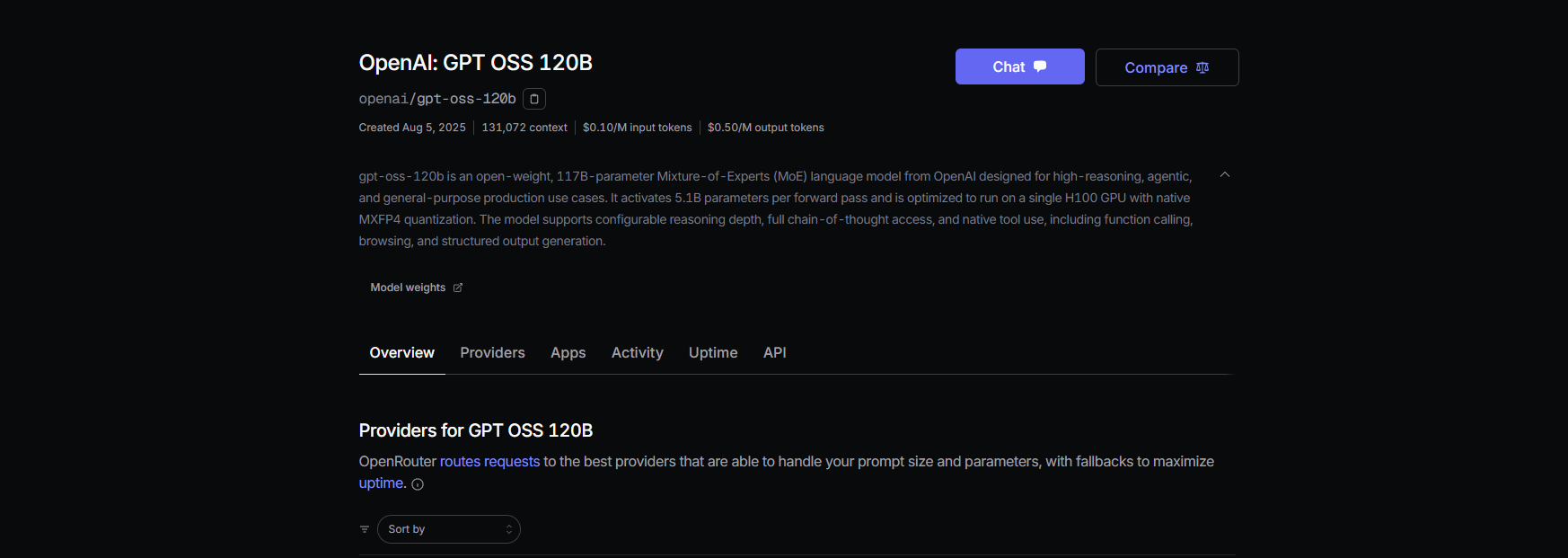
- Sign up at openrouter.ai and get your API key from the Keys section.
- Model slugs:
openai/gpt-oss-20bopenai/gpt-oss-120bqwen/qwen3-coder-480b(for Qwen’s coding model)
Step 2: Configure Claude Code
Set environment variables:
export ANTHROPIC_BASE_URL="https://openrouter.ai/api/v1"
export ANTHROPIC_AUTH_TOKEN="or_xxxxxxxxx"
export ANTHROPIC_MODEL="openai/gpt-oss-20b"
Replace or_xxxxxxxxx with your API key.
Test with:
claude --model openai/gpt-oss-20b
Claude Code will connect to GPT-OSS via OpenRouter’s unified endpoint.
Step 3: Pricing Insights
- OpenRouter Rates: Around $0.50/M input tokens and $2.00/M output tokens for GPT-OSS-120B—much cheaper than GPT-4 or Claude Opus.
- Billing: Only pay for what you use, with no infrastructure to manage.
Method 3: Use LiteLLM for Multi-Model Flexibility
Need to switch between GPT-OSS, Qwen, and Anthropic models in one workflow? LiteLLM acts as a smart proxy for unified model access.
Step 1: Install & Configure LiteLLM
Install:
pip install litellm
Create litellm.yaml with your model list:
model_list:
  - model_name: gpt-oss-20b
    litellm_params:
      model: openai/gpt-oss-20b
      api_key: or_xxxxxxxxx
      api_base: https://openrouter.ai/api/v1
  - model_name: qwen3-coder
    litellm_params:
      model: openrouter/qwen/qwen3-coder
      api_key: or_xxxxxxxxx
      api_base: https://openrouter.ai/api/v1
Start the proxy:
litellm --config litellm.yaml
Step 2: Point Claude Code to LiteLLM
Set:
export ANTHROPIC_BASE_URL="http://localhost:4000"
export ANTHROPIC_AUTH_TOKEN="litellm_master"
export ANTHROPIC_MODEL="gpt-oss-20b"
Test:
claude --model gpt-oss-20b
LiteLLM will send requests to GPT-OSS or other models as configured.
Step 3: Tips & More
- Use
simple-shufflerouting in LiteLLM to prevent model compatibility issues. - LiteLLM logs usage for transparency.
- Learn how to call LLM APIs with OpenAI format using LiteLLM for advanced setups.
Real-World Example: Using GPT-OSS in Claude Code
Put your integration to the test:
Generate a Flask REST API:
claude --model gpt-oss-20b "Write a Python REST API with Flask"
Sample output:
from flask import Flask, jsonify
app = Flask(__name__)

@app.route('/api', methods=['GET'])
def get_data():
    return jsonify({"message": "Hello from GPT-OSS!"})

if __name__ == '__main__':
    app.run(debug=True)
Analyze a codebase:
claude --model gpt-oss-20b "Summarize src/server.js"
GPT-OSS will provide a concise summary using its 128K context window.
Debug code:
claude --model gpt-oss-20b "Debug this buggy Python code: [paste code here]"
With an 87.3% HumanEval pass rate, GPT-OSS excels at diagnosing and fixing issues.
Troubleshooting Common Issues
- 404 errors on
/v1/chat/completions: Ensure OpenAI compatibility is enabled in TGI or check model availability in OpenRouter. - Empty responses: Confirm the
ANTHROPIC_MODELvalue matches the model slug. - 400 errors after model swap: Use
simple-shufflein LiteLLM. - Slow initial response: Warm up endpoints with a small prompt after scaling to zero.
- Claude Code crashes: Update to v0.5.3+ and verify all environment variables.
The Benefits: Why API Teams Choose GPT-OSS + Claude Code
- Lower your costs: OpenRouter’s rates are a fraction of proprietary LLMs, and self-hosted setups are free after hardware.
- Open licensing: Apache 2.0 lets you customize and deploy privately.
- Enhanced productivity: Claude Code’s CLI and GPT-OSS’s performance (94.2% MMLU, 96.6% AIME) streamline coding workflows.
- Flexibility: Easily switch between GPT-OSS, Qwen, and Anthropic models using LiteLLM or OpenRouter.
Apidog users report significant productivity gains when integrating AI coding tools. For teams handling complex APIs, combining Claude Code with GPT-OSS keeps your workflow efficient, scalable, and cost-effective.
The same OpenAI-compatible proxy pattern extends to other providers —wiring OpenClaw with Claude Code and Gemini 3 Pro follows nearly identical steps and adds Google's frontier model to your local coding rotation.
Conclusion: Start Building Smarter with GPT-OSS and Claude Code
You now have three proven ways to connect GPT-OSS with Claude Code—self-hosted, managed proxy, or hybrid model routing. Each path empowers API and backend engineers to automate code generation, debugging, and analysis with open-source AI.
Try integrating GPT-OSS today, experiment with code prompts, and share your results. For a unified platform that streamlines API design, testing, and collaboration, explore Apidog—trusted by teams who value speed, quality, and seamless documentation.
💡 Discover beautiful API documentation and maximize your team’s productivity with Apidog, the all-in-one platform that replaces Postman at a better price.