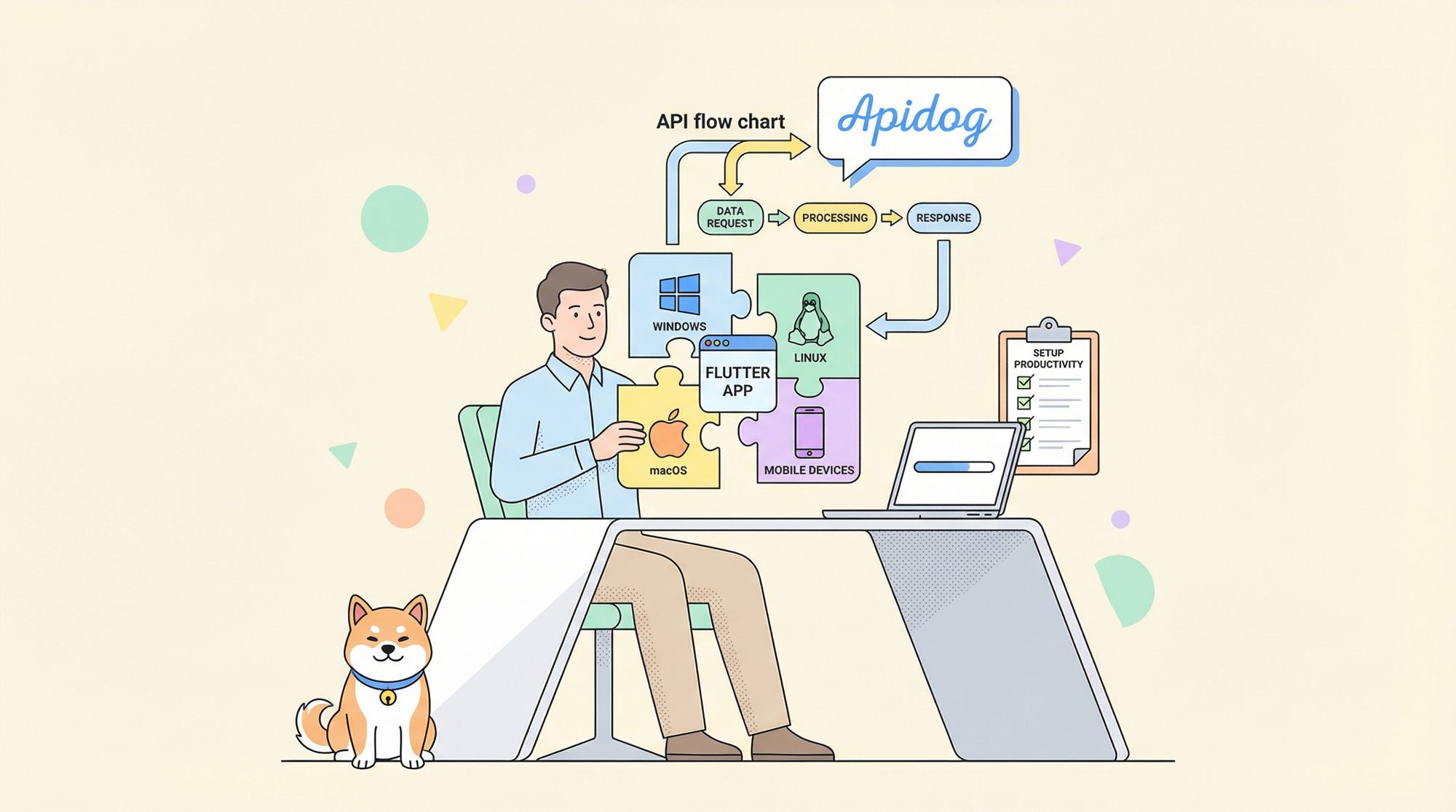
Flutter is Google’s popular UI toolkit for building cross-platform applications from a single codebase, enabling you to deliver native performance across mobile, web, and desktop. For API-focused developers and teams, setting up Flutter efficiently is key to rapid prototyping, robust integration, and team productivity. This guide walks you through installing Flutter on Windows, macOS, and Linux—plus how to optimize your API workflow with Apidog, a modern alternative to Postman.
Streamline Flutter API Development with Apidog
Developing Flutter apps often means frequent API integration and testing. Efficient API workflows can make or break your project velocity. Apidog is a comprehensive API development platform designed to simplify every stage of API work—from design to testing to documentation.
Key Advantages of Using Apidog
- Unified API Workspace: Design, document, test, and mock APIs in a single tool—no context switching.
- Intuitive Interface: User-friendly, powerful, and quick to learn.
- Instant Mock Servers: Generate mock APIs for rapid frontend-backend integration—no code required.
- Team Collaboration: Real-time updates keep your team in sync.
- OpenAPI Support: Seamlessly import/export OpenAPI specs for standardized API development.
- Auto-generated Documentation: Produce interactive, attractive API docs automatically.
- Advanced Testing: Script complex test flows for comprehensive validation.
Getting Started with Apidog
- Visit apidog.com and download Apidog for your OS.
- Sign up for a free account to enable cloud sync and team collaboration.
- Import your existing Postman collections or start new projects using Apidog’s streamlined interface.
Integrating Apidog into your Flutter workflow means fewer manual steps, more reliable API calls, and faster debugging.
What Is Flutter? Why Should API Developers Care?
Flutter empowers developers to build high-performance apps for Android, iOS, web, and desktop using a single Dart codebase. Its hot reload, widget-based architecture, and robust ecosystem make it a top choice for API-driven projects and rapid prototyping.
Before you can ship your first Flutter-powered API client or admin dashboard, you need to set up your development environment correctly.
Essential Flutter Setup Checklist
- Flutter SDK
- IDE: Visual Studio Code or Android Studio (with plugins)
- Platform Tools: Android, iOS, or desktop-specific dependencies
Below you’ll find detailed, OS-specific instructions tailored for backend engineers, QA, and API-centric teams.
Installing Flutter on Windows
System Requirements
- OS: Windows 10 or newer (64-bit)
- Disk Space: At least 1.64 GB (excluding IDE/tools)
- Required Tools: Windows PowerShell 5.0+, Git for Windows
Step 1: Download the Flutter SDK
- Go to the Flutter Windows install page.
- Download the latest
flutter_windows_[version]-stable.zip. - Extract to a suitable directory (e.g.,
C:\src\flutter). Avoid system folders that require admin rights.
Step 2: Add Flutter to Your System PATH
- Search “env” in Windows, select Edit the system environment variables.
- Click Environment Variables.
- In User variables, select Path → Edit → New.
- Add your Flutter bin path (e.g.,
C:\src\flutter\bin). - Click OK to save.
Step 3: Verify Installation
Open Command Prompt or PowerShell and run:
where flutter dart
flutter doctor
Address any issues flagged by flutter doctor.
Step 4: Android Studio Setup (for Android builds)
- Download Android Studio.
- Complete the setup wizard, installing the Android SDK and necessary build tools.
- Accept Android licenses:
flutter doctor --android-licenses
Step 5: Set Up Your Editor
- Install Visual Studio Code or Android Studio.
- For VS Code: Go to Extensions, search for “Flutter”, and install (Dart will be included).
- For Android Studio: Go to Preferences > Plugins, search for “Flutter”, and install.
Installing Flutter on macOS
System Requirements
- OS: macOS (64-bit)
- Disk Space: At least 2.8 GB
- Required Tools: bash, curl, git 2.x, mkdir, rm, unzip, which
Step 1: Download and Extract Flutter SDK
- Visit the Flutter macOS install page.
- Download the latest stable release.
- Extract to your dev folder (e.g.,
~/development):
cd ~/development
unzip ~/Downloads/flutter_macos_[version]-stable.zip
Step 2: Add Flutter to PATH
- Identify your shell:
echo $SHELL
- For
zsh, edit~/.zshrc; forbash, edit~/.bash_profile:
nano ~/.zshrc
export PATH="$PATH:~/development/flutter/bin"
source ~/.zshrc
Step 3: Run Flutter Doctor
flutter doctor
Resolve any setup warnings.
Step 4: Xcode Setup (for iOS development)
- Install Xcode from the App Store.
- Set up Xcode command-line tools:
sudo xcode-select --switch /Applications/Xcode.app/Contents/Developer
sudo xcodebuild -runFirstLaunch
sudo xcodebuild -license
open -a Simulator
Step 5: Android Studio Setup (for Android builds)
- Download and install Android Studio.
- Complete the setup wizard, install SDK and build tools.
- Accept Android licenses:
flutter doctor --android-licenses
Step 6: Install Your Editor
- Use VS Code or Android Studio.
- Install Flutter and Dart plugins.
Installing Flutter on Linux
System Requirements
- OS: Linux (64-bit) – Ubuntu, Debian, Fedora, CentOS, etc.
- Disk Space: At least 600 MB (excluding IDE/tools)
- Tools: bash, curl, file, git 2.x, mkdir, rm, unzip, which, xz-utils, zip
Step 1: Install Dependencies (example: Ubuntu/Debian)
sudo apt update
sudo apt install -y curl git unzip xz-utils zip libglu1-mesa
Step 2: Download and Extract Flutter SDK
- Visit Flutter Linux install page.
- Download the latest stable release and extract it:
cd ~/development
tar xf ~/Downloads/flutter_linux_[version]-stable.tar.xz
Step 3: Update Your PATH
- Determine your shell:
echo $SHELL
- Add Flutter to PATH in your shell profile (e.g.,
~/.bashrc):
nano ~/.bashrc
export PATH="$PATH:~/development/flutter/bin"
source ~/.bashrc
Step 4: Verify with Flutter Doctor
flutter doctor
Resolve any dependency or environment notices.
Step 5: Android Studio Setup
- Download and extract Android Studio.
- Run the installer:
cd android-studio/bin
./studio.sh
- Complete the setup and accept Android licenses:
flutter doctor --android-licenses
Step 6: Set Up Your Editor
- Install VS Code or use Android Studio.
- Add Flutter and Dart plugins for enhanced development experience.
Final Steps: Test Your Flutter Installation
- Open your terminal or Command Prompt.
- Run:
flutter doctor -v
- Address any flagged issues.
- Create a new Flutter project:
flutter create my_first_app
cd my_first_app
flutter run
If you see the default Flutter app on your simulator or device, your setup is complete.
With Flutter installed and your environment verified, the next challenge for teams managing multiple projects is keeping SDK versions consistent across machines —Flutter Version Manager (FVM) solves that directly, letting you pin and switch SDK versions per project without touching your global installation.
Conclusion: Build Faster, Test Smarter
With Flutter installed and your dev environment ready, you’re set to build scalable cross-platform apps with robust API integrations. Remember to keep your Flutter SDK up to date with:
flutter upgrade
and explore Flutter’s ecosystem for packages and plugins that fit your workflow.
For streamlined API testing and collaboration—especially on API-centric Flutter projects—consider integrating Apidog into your toolchain.