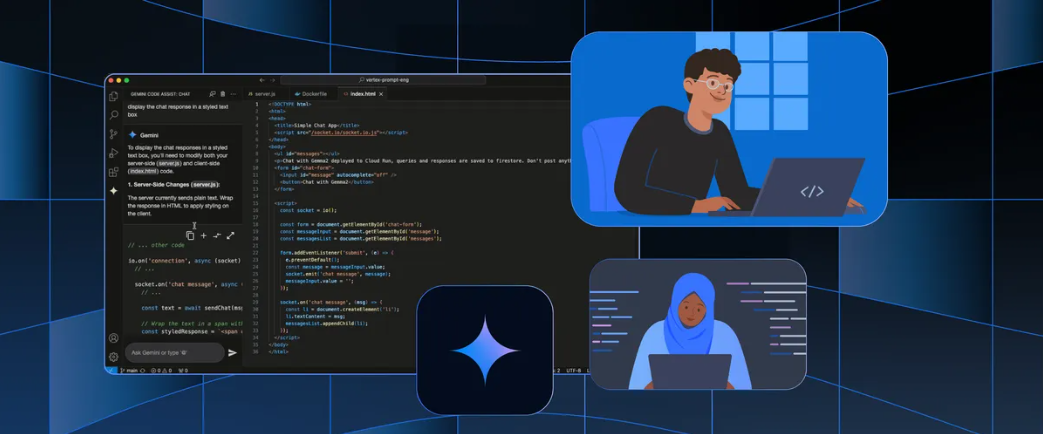
Are you looking to boost your coding productivity with AI—without the cost? Gemini Code Assist, powered by Google’s advanced Gemini model, brings real-time code suggestions, intelligent error detection, and seamless code generation right into your workflow. The best part? You can access many of its features for free using Visual Studio Code (VS Code).
Whether you’re an API developer, backend engineer, or technical team lead, this guide walks you through how to set up Gemini Code Assist in VS Code, make the most of its free tier, and even integrate with tools like GitHub and Apidog to streamline your API development experience.
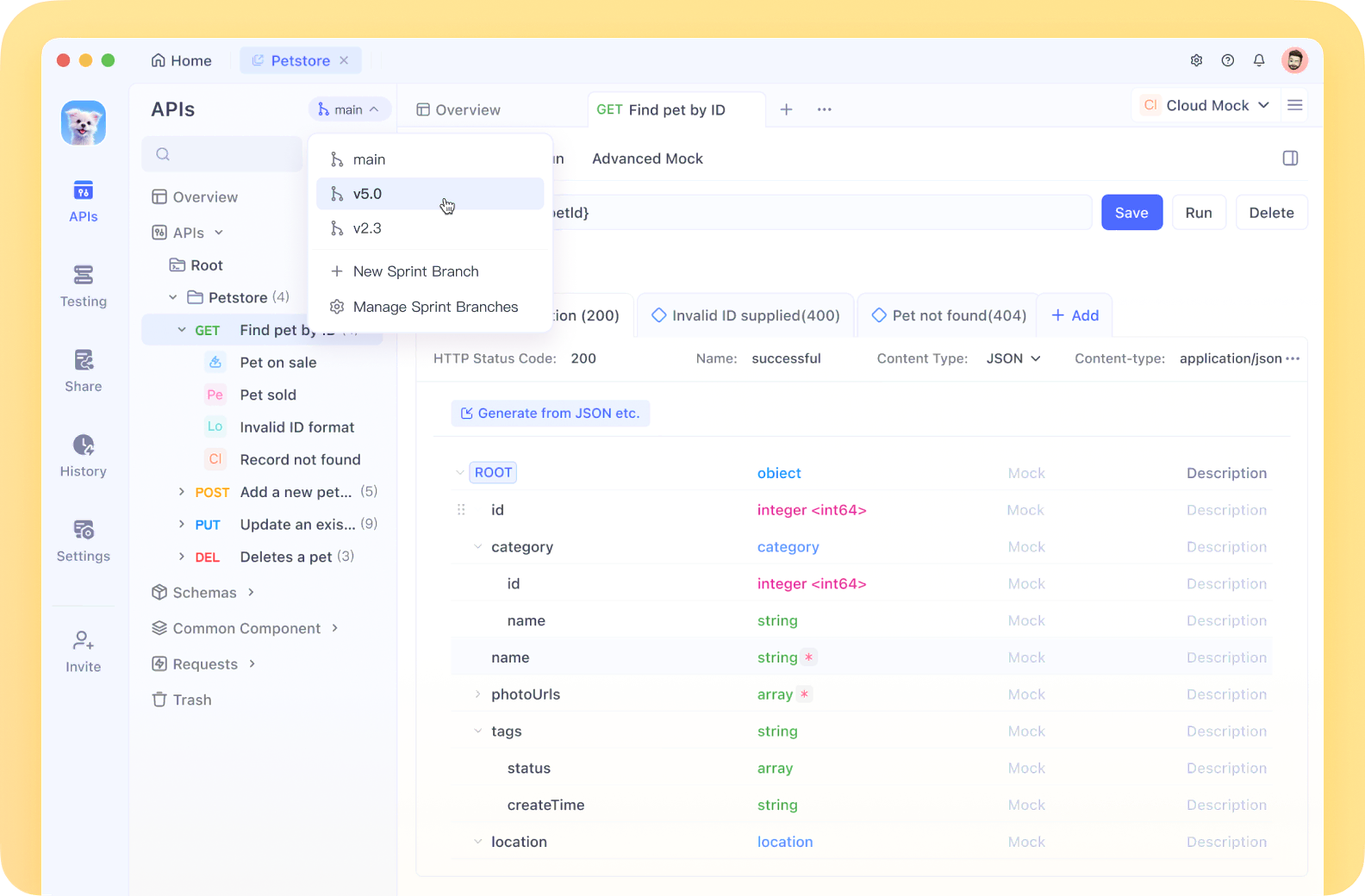
💡 Pro Tip: Apidog now supports MCP Server, letting you feed API docs directly to Agentic AI and supercharge your coding experience. MCP support is coming soon—check out Apidog to see how it can enhance your workflow, especially if you rely on automated API documentation and testing.
What Is Gemini Code Assist?
Gemini Code Assist is an AI-powered coding assistant built on Google’s Gemini model. Integrated within your code editor, it learns from your code context to provide:
- Smart code completion
- Real-time bug detection
- Code generation from plain English
- Refactoring suggestions
Core Benefits for Developers
Why do engineers choose Gemini Code Assist? Here’s how it helps:
-
Streamlined Development
- Predictive code completion as you type
- Generate functions or code blocks from comments or prompts
- Instant feedback on syntax or logic errors
-
Knowledge Transfer
- Clear, plain-English explanations for complex code
- AI-driven refactoring that keeps code readable and maintainable
-
Professional Output
- Consistent code quality, even across large teams
- Faster feature delivery—let the AI handle boilerplate
- Exposure to modern best practices and patterns
Step-by-Step: Install Gemini Code Assist for Free in VS Code
Ready to get started? Here’s how to enable Gemini Code Assist—at no cost—using Visual Studio Code and AI-powered extensions.
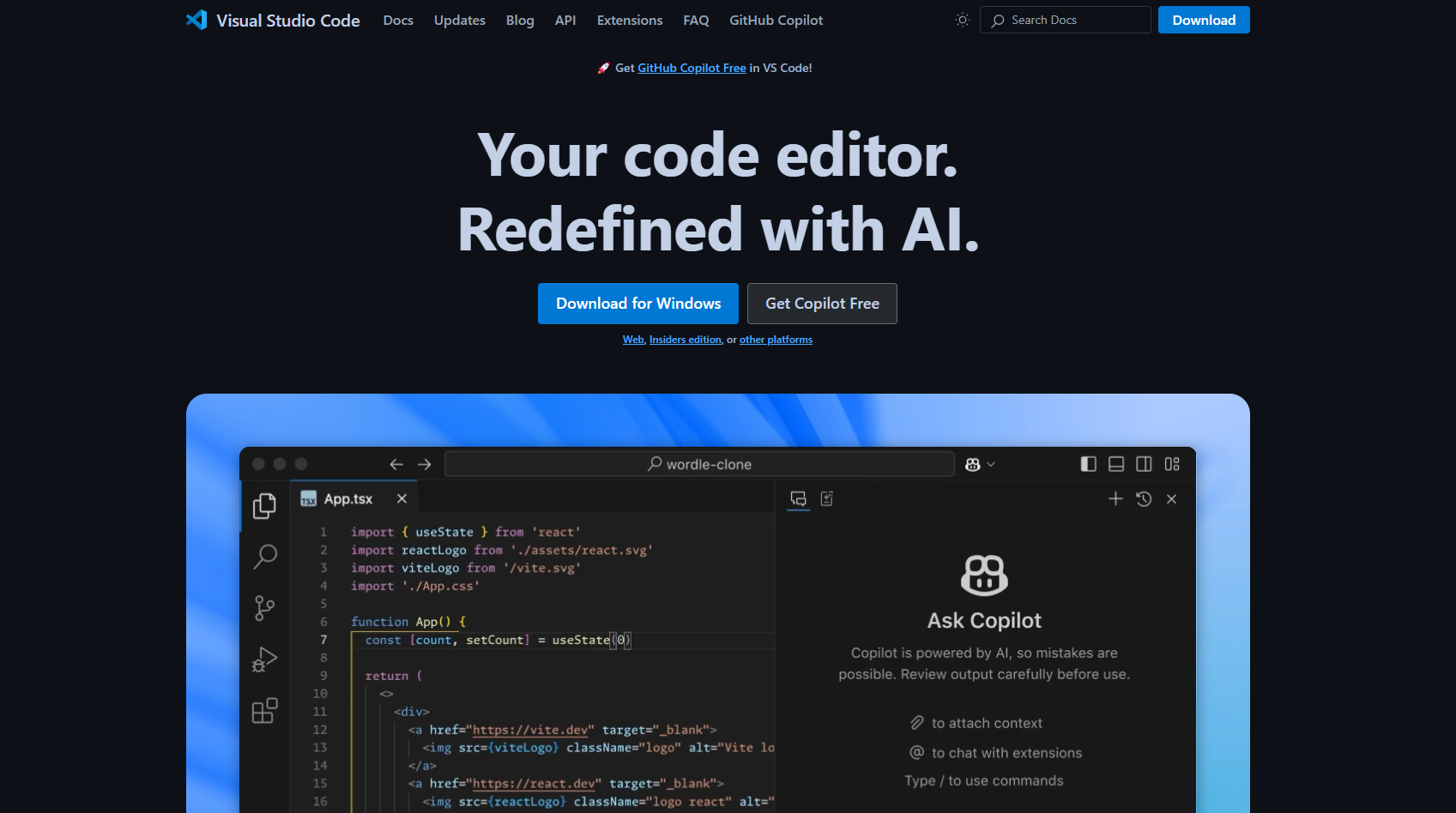
1. Install Visual Studio Code
If you haven’t already, download and install VS Code for your operating system.
2. Open VS Code Marketplace
- Click the Extensions icon in the sidebar
(Shortcut: Ctrl+Shift+X or Cmd+Shift+X)
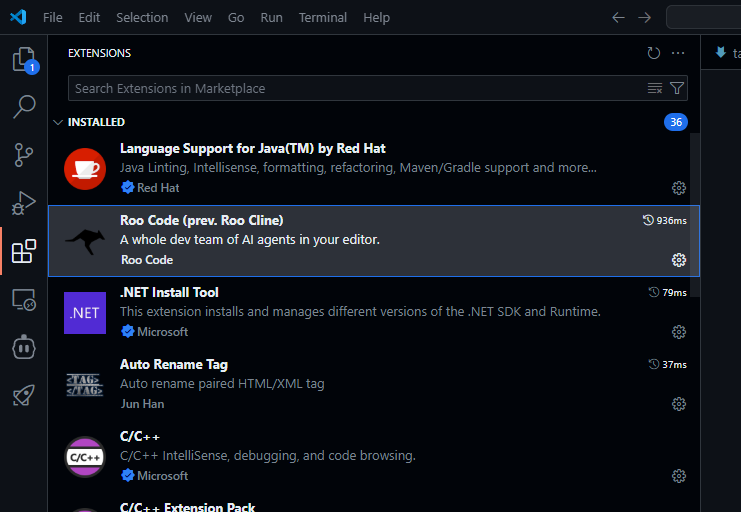
3. Search for Gemini Code Assist
- In the search bar, type
Gemini Code Assistor related keywords such asGoogle AI code completion. - Look for extensions that specifically mention Gemini, Google AI, or direct integration with Gemini models.
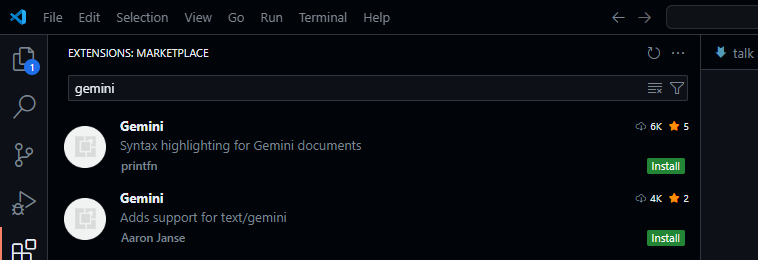
Tip: Extension names and free tier offerings may change over time. Check reviews and verify the publisher—extensions directly from Google are marked with a blue check.
4. Install the Official Extension
- Click Install on your chosen extension (preferably the official Google one).
- Confirm installation to add it to your VS Code setup.
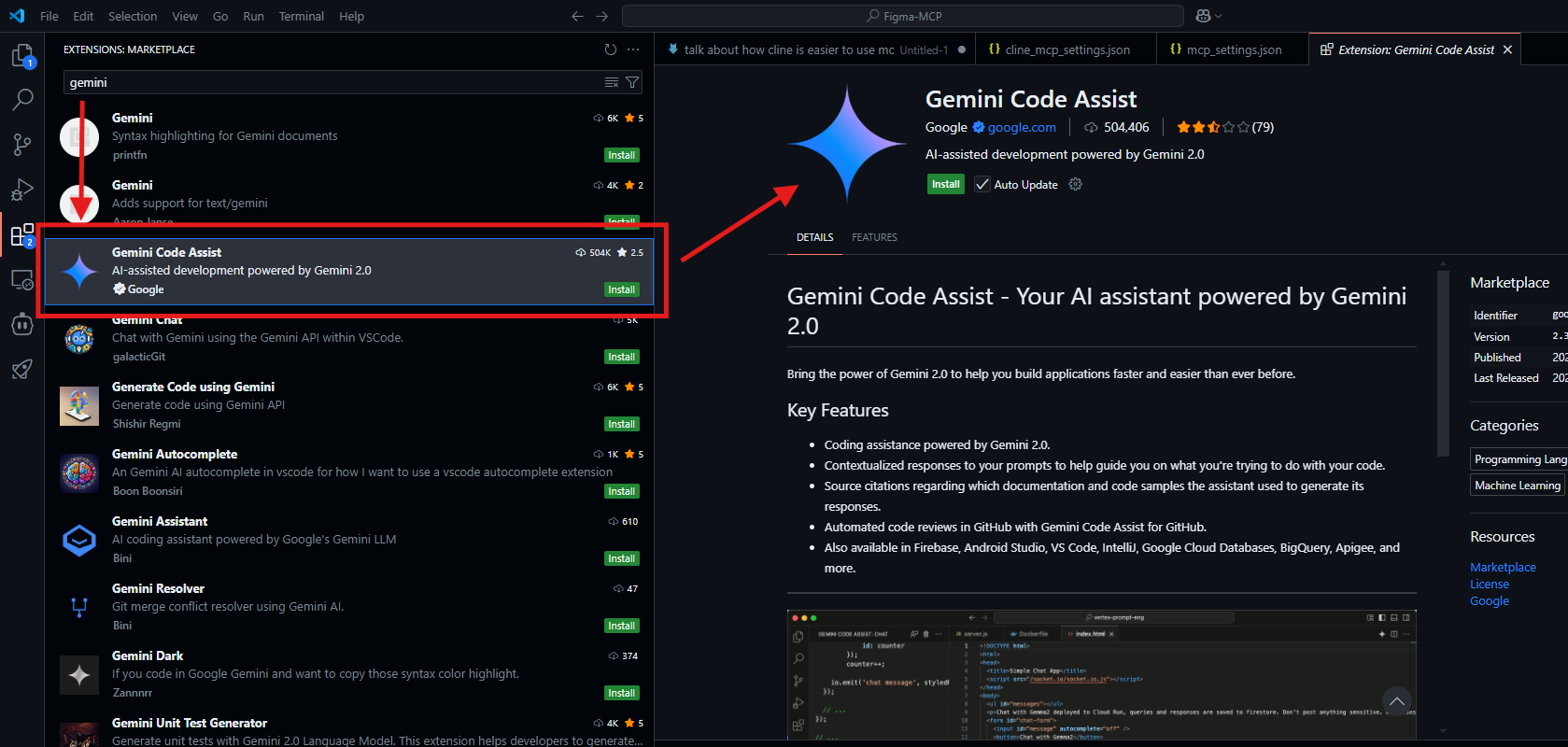
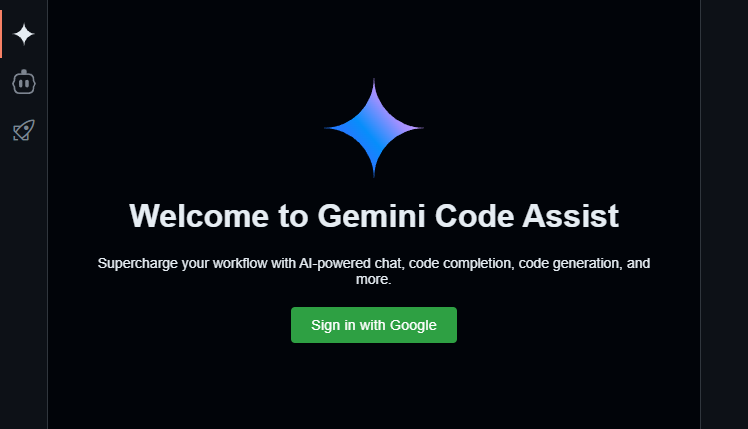
5. Sign in with Google
- Once installed, find the Gemini Code Assist icon in your sidebar.
- Click to activate—then sign in with your Google account to unlock AI features.
6. Reload VS Code (If Prompted)
- Some extensions require a reload to finish setup. Follow any prompts to restart VS Code.
7. Configure Extension Settings
- Depending on your chosen extension, you might need to:
- Connect to an AI service or provide an API key
- Adjust code assistance levels or select specific AI models
- Review privacy and data settings
8. Start Coding with Gemini Code Assist
- Open a code file and begin typing—Gemini Code Assist will provide inline suggestions, code completions, and explanations.
- Visual cues (such as grayed-out suggestions or pop-up code snippets) indicate available AI help.
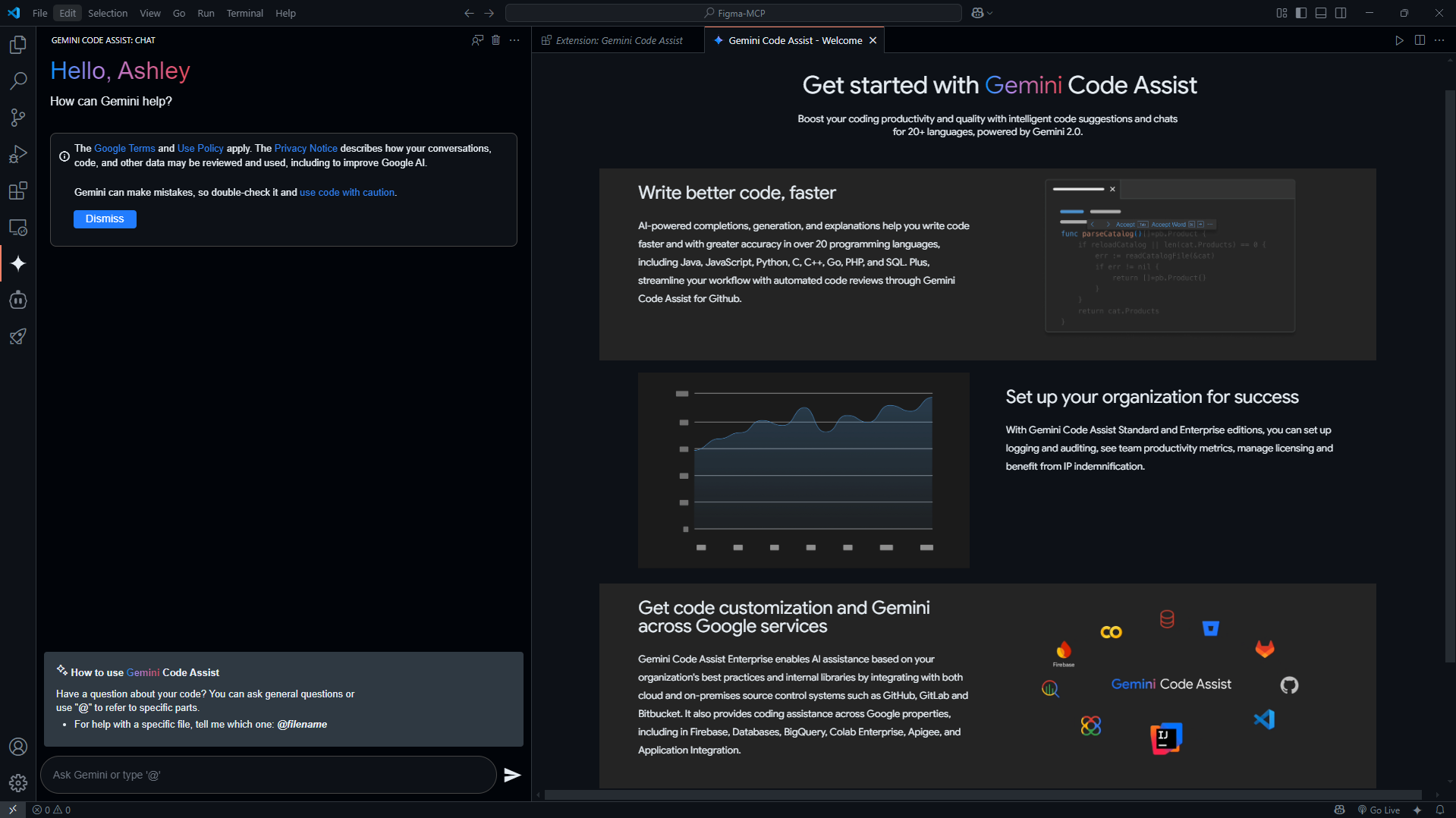
- Try generating functions, asking for code explanations, or letting the AI spot bugs as you work.
9. Monitor Usage Limits
- Free tiers often limit the number of monthly suggestions or code generations.
- Some extensions show a usage counter to help you track AI API calls.
Why Use This Method?
- Seamless Integration: Stay inside VS Code and keep your workflow uninterrupted.
- Customizable: Tweak settings to match your coding style.
- Cost-Effective: Free tier access makes it ideal for individual developers and small teams.
Potential Limitations
- Usage caps on free plans
- Some features may require a paid upgrade
- Quality and speed depend on the extension and model—choose official Google integrations where possible

For more on MCP servers and integrations, explore HiMCP.ai - Discover 1682+ MCP Servers.
Maximizing Free Gemini Code Assist Access: Pro Tips
To get the most value from Gemini Code Assist’s free tier:
- Prioritize High-Value Tasks: Use AI for generating tricky code, debugging, or refactoring rather than routine typing.
- Try Multiple Extensions: Compare different VS Code extensions to find the one with the best free limits, features, and Gemini model access.
- Contribute to Open Source: Many open-source projects integrate AI code tools; contribute back via documentation or bug fixes.
- Keep Updated: AI coding tools evolve rapidly—monitor new releases and free tier changes.
- Experiment Locally: If you have the hardware, try running open-source AI models locally to save API usage for the cloud.
How Apidog Complements Gemini Code Assist
While Gemini Code Assist speeds up code writing and review, Apidog streamlines your API workflow:
- MCP Server Support: Feed API docs directly to Agentic AI, enhancing intelligent code suggestions and automating API test generation.
- Unified Platform: Manage API documentation, testing, and collaboration alongside AI-driven coding.
- Free to Start: Explore Apidog’s free tier to see how it integrates with your development stack.
Stay tuned as Apidog expands its MCP support, making your AI-powered development process even smoother.
Conclusion
You don’t have to pay to harness the power of AI coding assistants. By leveraging Gemini Code Assist’s free tier within VS Code—and integrating with tools like Apidog—you can write, review, and ship code faster and more reliably. Try the steps above to set up your environment, and experience the next level of API development today.