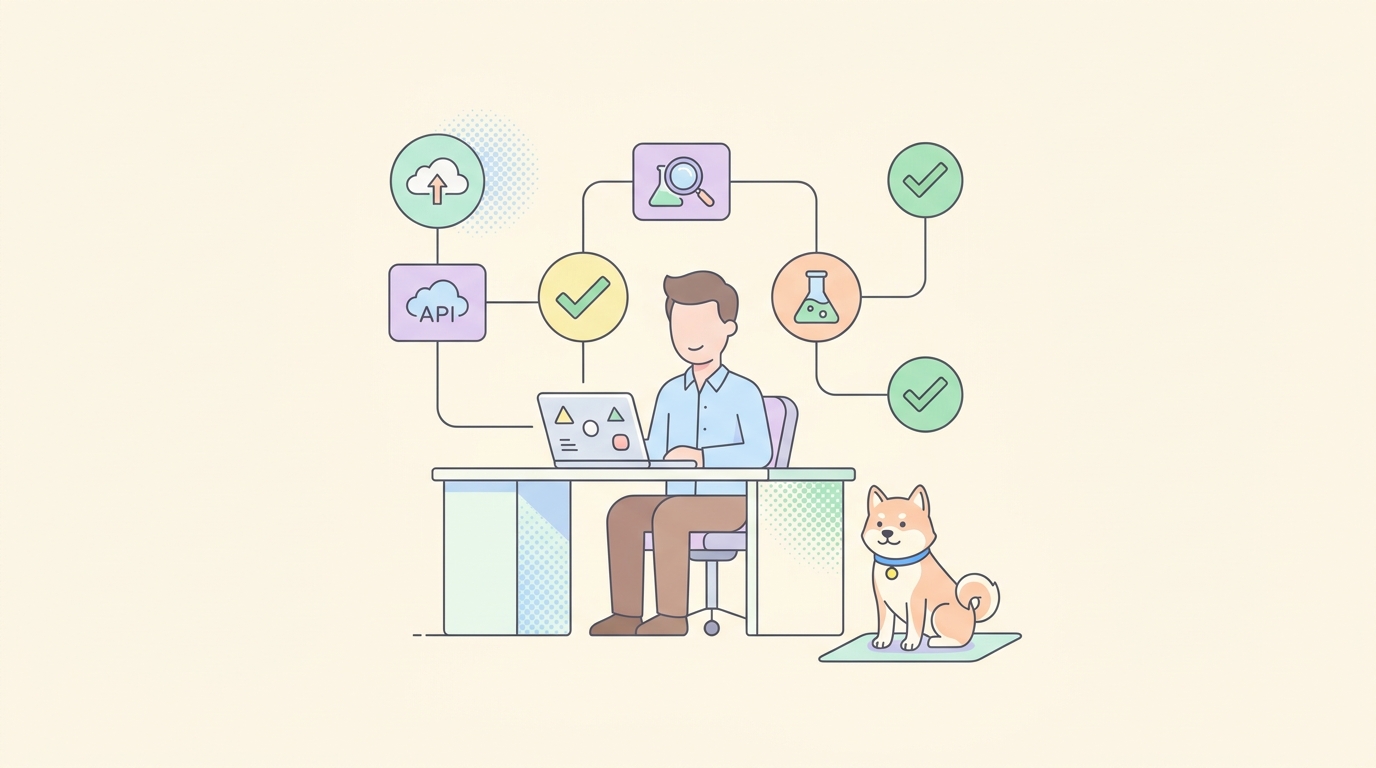
Apidog’s AI Agent Debugger is available in the latest Apidog client across all plans, including Free. The debugger lets you run AI agents against OpenAI and Anthropic models, connect MCP servers, inspect every model call and tool invocation in a Traces panel, and track per-run cost.
This article covers who can use the AI Agent Debugger, what it supports, what it does not support, how to enable it, and what stays the same about your existing Apidog projects.
What’s available
The AI Agent Debugger ships in the standard Apidog client. There is no separate license, no add-on plan, and no per-seat fee.
- Free, Basic, Professional, and Enterprise plans all include the AI Agent Debugger.
- The feature is enabled by default; nothing to toggle.
- You must be on the latest Apidog client version. Older clients do not have the AI Agent Debugger tab.
Supported model providers
| Provider | Status | Models |
|---|---|---|
| OpenAI | Supported | GPT-5.5, GPT-5.5 Instant, o-series, and any model on the OpenAI account |
| Anthropic | Supported | Claude 4.7 Sonnet, Claude 4.7 Opus, Claude 4.7 Haiku |
| Custom OpenAI-compatible endpoints | Supported via Base URL override | Any provider exposing an OpenAI-compatible API |
| Other providers (Google, Mistral, xAI) | On the roadmap | Not currently first-class |
MCP server connection methods
The debugger speaks the Model Context Protocol natively. Three transports are supported:
- STDIO. Local subprocess. Best for MCP servers under active development.
- HTTP Streamable. Hosted MCP servers reachable over HTTP.
- SSE. Legacy Server-Sent Events. Still common; supported for backward compatibility.
Authentication for MCP servers covers two patterns: standard headers (API key) and OAuth 2.0 (full token exchange).
What the debugger covers
The debugger captures the full execution chain of an agent run:
- Model calls with full request and response payloads.
- Model thinking traces, when the model exposes them (OpenAI o-series, Anthropic extended thinking).
- Tool invocations with parameter values and return data.
- MCP server traffic, listed in the Traces panel like any other tool call.
- Built-in tools:
bash,web_fetch,read,edit,write,grep,glob,kill_shell. - Per-run performance metrics: response time, input tokens, output tokens, estimated cost.
- Skills: saved bundles of system prompt + tool list + parameters for rerunning a scenario.
What the debugger does not cover
- Production observability. Use a dedicated observability tool for long-term traffic logging.
- Automated regression testing. For grids of prompts against fixtures, use a harness like Promptfoo.
- Agent-to-Agent (A2A) protocol traffic. For A2A, use Apidog’s separate A2A Debugger.
- MCP server validation in isolation. For testing a single MCP server’s tools and resources without an agent loop, use Apidog’s MCP server testing flow.
How to enable it
- Update Apidog to the latest version.
- Open Apidog and click AI Agent Debugger in the top tab bar.
- Select a model provider and model.
- Confirm the Base URL (auto-populates from the provider) or override it for a custom endpoint.
- Paste your API key.
- Click Run on an empty thread to confirm the connection.
No project-level configuration is required. The debugger runs in its own workspace.
What stays the same
- Existing Apidog projects, API definitions, and test suites are unaffected.
- The MCP server testing flow and the A2A Debugger continue to work in parallel.
- API endpoint debugging, mock servers, and OpenAPI editing are unchanged.
- Billing and plan tiers are unchanged; the AI Agent Debugger does not consume any new credit.
You pay for the underlying model API calls at whatever your OpenAI or Anthropic account is billed. Apidog does not surcharge for usage.
For Team and Enterprise admins
- The AI Agent Debugger is enabled per-user. Each member uses their own provider API key.
- API keys entered in the debugger are stored locally on each user’s client. They are not transmitted to Apidog servers.
- Workspace owners can centrally manage shared MCP server endpoints through standard Apidog environment variables.
- Audit and access controls for MCP servers follow the MCP server’s own authentication model (headers or OAuth 2.0).
Known limitations
- Provider expansion beyond OpenAI and Anthropic is on the roadmap; use the Base URL override for OpenAI-compatible providers in the meantime.
- Trace sharing is local only. To share a trace, copy the Raw view JSON or screenshot the panel.
- Cost estimation is a local approximation based on published model pricing; refer to your provider’s usage dashboard for billing.