
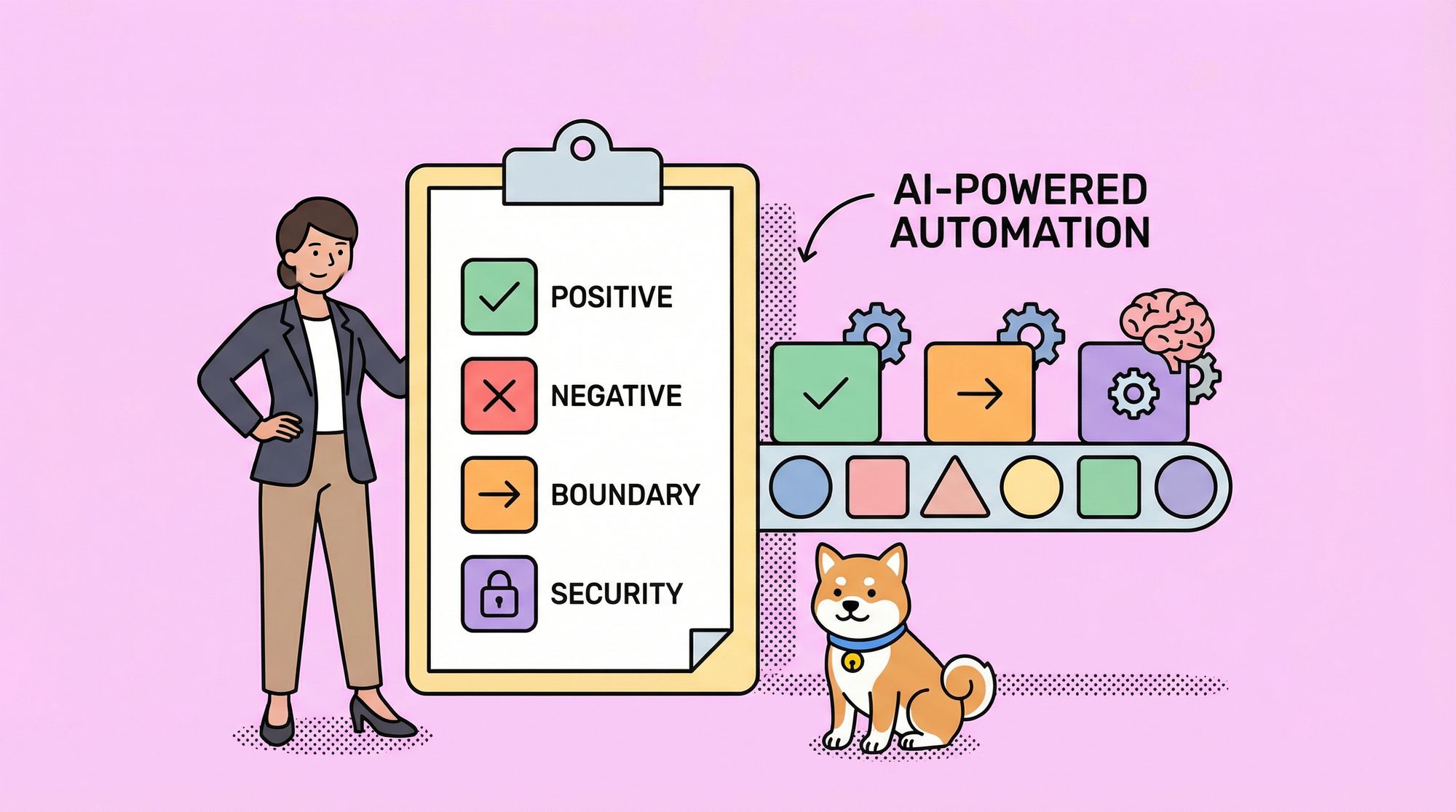
Manual API testing is time-consuming and error-prone. Writing test cases for every endpoint, edge case, and security scenario can take hours—time better spent building features. Apidog's AI test case generation feature changes the game, automatically creating comprehensive test suites from your API specifications in seconds.
Whether you're testing a simple REST endpoint or complex microservices, AI generates positive, negative, boundary, and security test cases tailored to your exact API specs. No more missed edge cases or repetitive scripting—just intelligent, thorough testing that scales with your development.
Why AI-Generated Test Cases Matter
Traditional testing approaches fall short in today's fast-paced development cycles:
- Manual scripting takes hours for comprehensive coverage
- Human oversight misses critical edge cases like boundary values or security vulnerabilities
- Maintenance overhead grows as APIs evolve and expand
- Inconsistent test quality across different team members
Apidog's AI feature analyzes your API specifications—endpoints, parameters, security schemes, etc. —and intelligently generates diverse test scenarios.
Quick Start: Generate Your First AI Test Cases
Step 1: Enable AI Features
1. Open Apidog and navigate to "Settings"
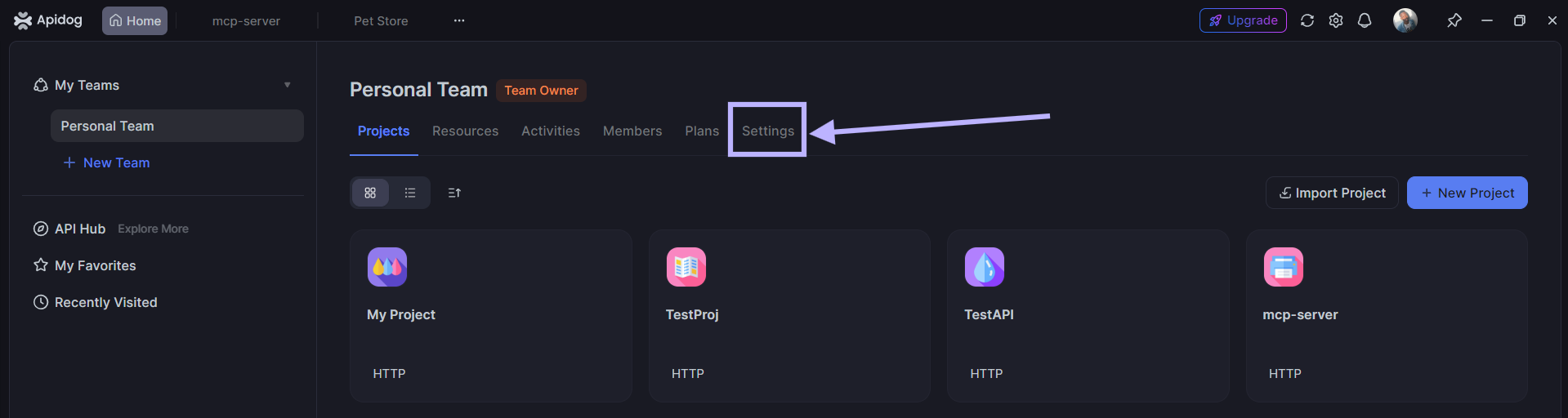
2. Turn on "Enable AI Features"
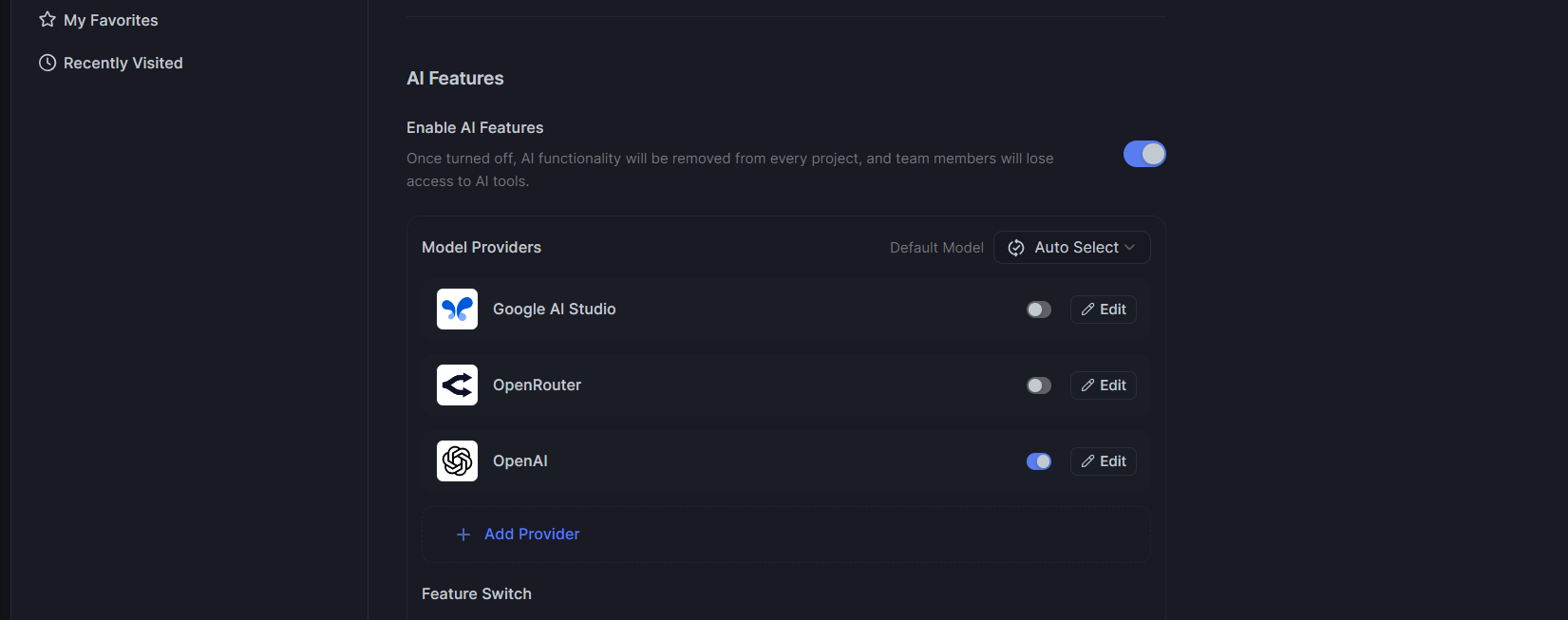
3. Add your AI provider (OpenAI, Claude, Gemini, or custom)
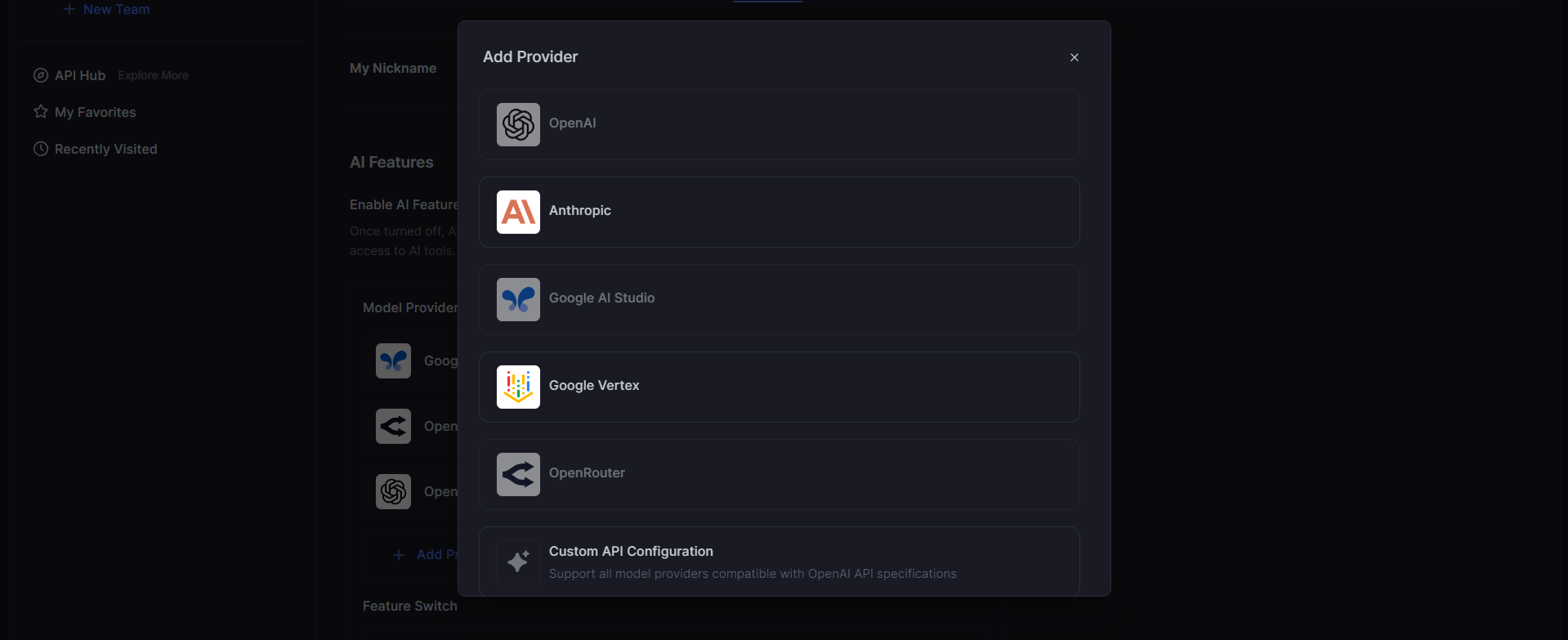
4. Paste your API key—Apidog encrypts it locally for security
Pro tip: Apidog's AI features are completely FREE—you only use your own AI model credits.
Step 2: Select Your API Endpoint
- Open any project or create a new one
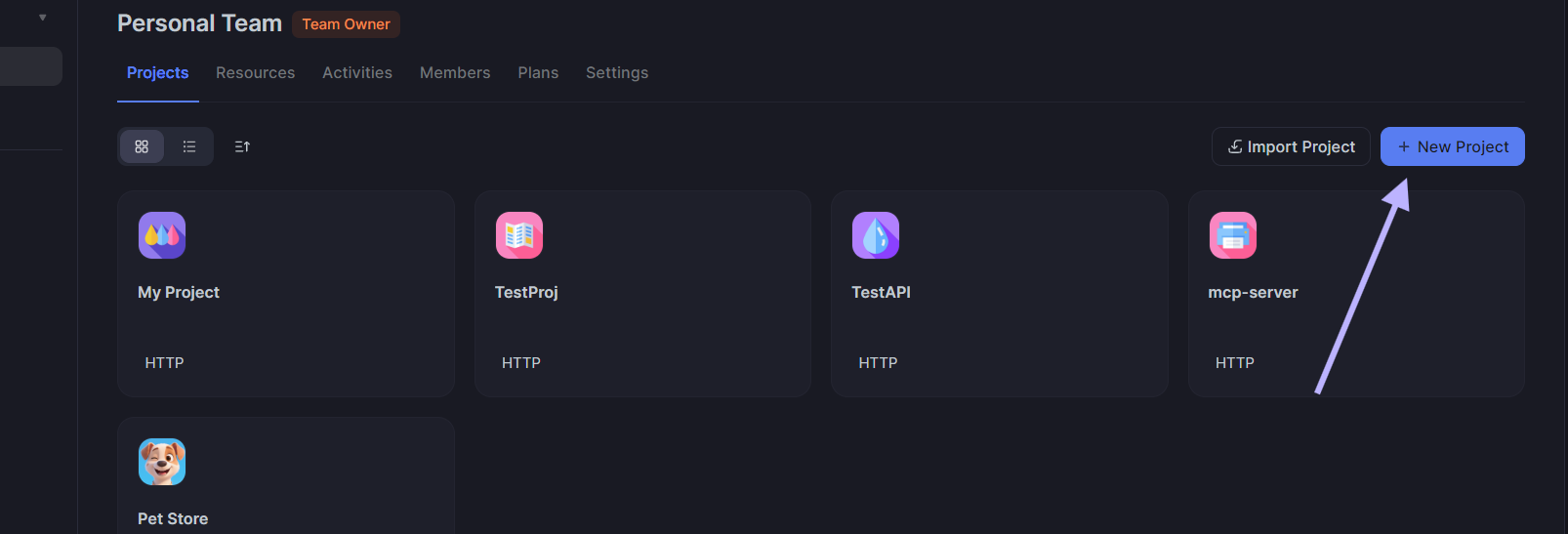
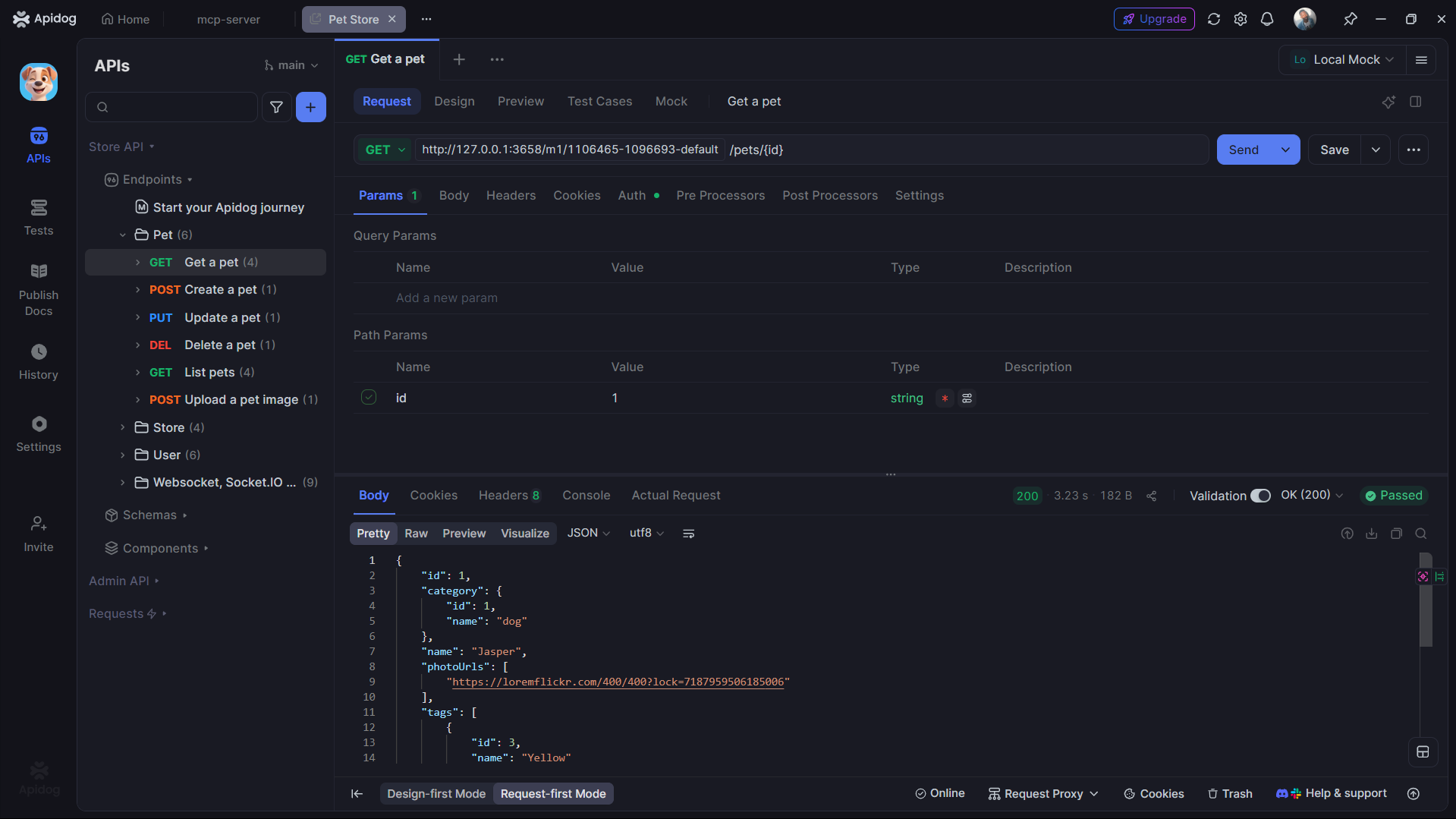
2. Choose an endpoint to test
3. Click the "Test Cases" tab
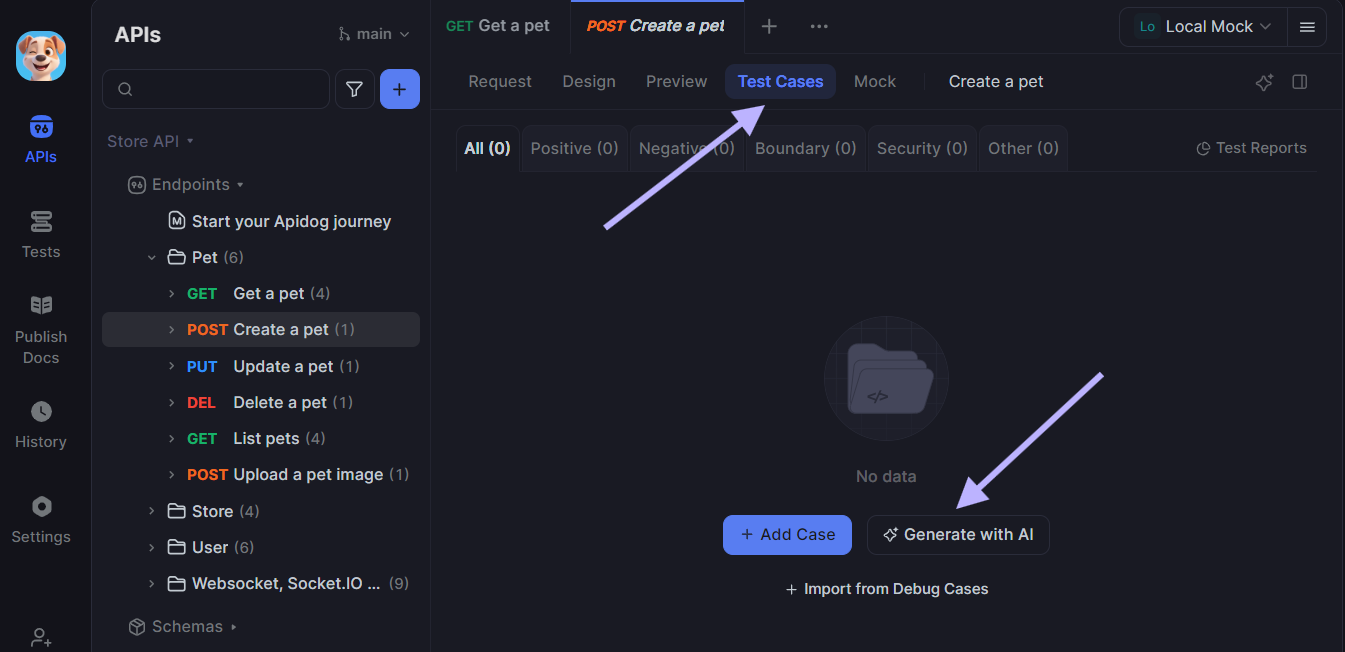
4. Hit the "Generate with AI" button
Step 3: Generate Test Cases Using AI
Choose test categories and configure the generation settings:
- Positive
- Negative
- Boundary
- Security
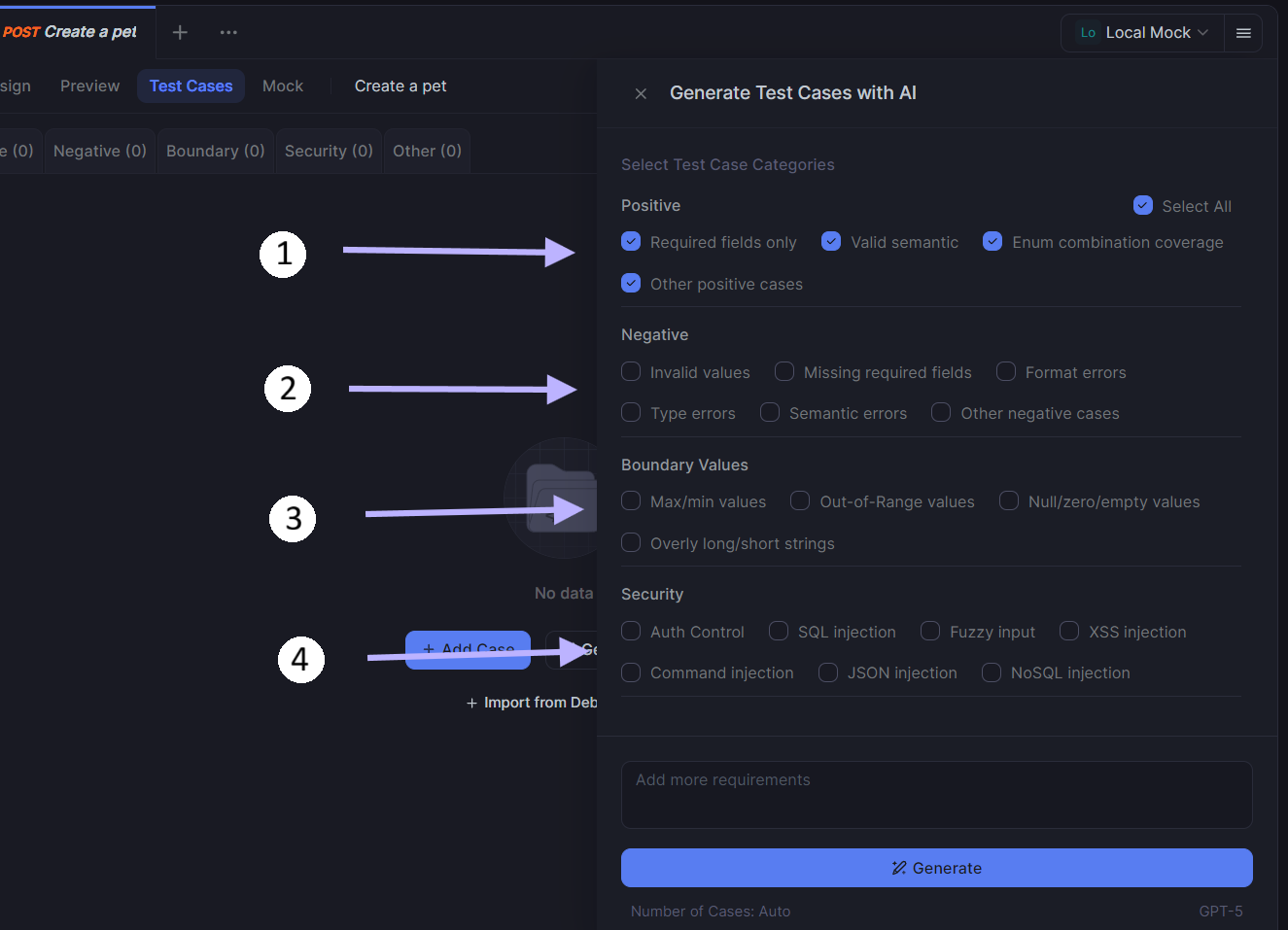
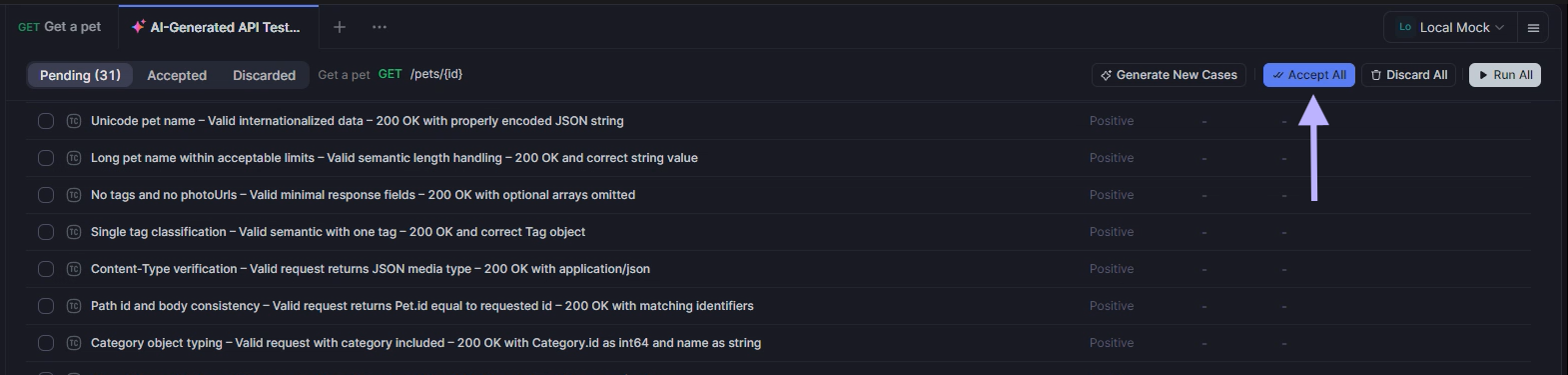
Click "Generate" and watch AI create 5-20 test cases per category in seconds. Each case includes:
- Realistic request payloads
- Expected response assertions
- Proper error handling validation
- Security vulnerability checks
Review, run, and accept the test cases you want—they're automatically saved to your project.
Advanced Features That Set Apidog Apart
- Smart Credential Handling: AI automatically configures authentication for protected endpoints, encrypting sensitive data locally.
- Bulk Generation: Create up to 80 test cases simultaneously across multiple categories and endpoints.
- Multiple AI Models: Compare results from different providers (GPT-4, Claude, Gemini) to find the best fit for your APIs.
- CI/CD Integration: Export generated tests for Jest, Postman, or run them directly in your deployment pipeline.
Start Testing APIs Smarter Today
Ready to transform your API testing workflow? Download Apidog for free and experience AI-powered test generation firsthand.
What you get:
- ✅ Unlimited AI test case generation based on your true API specifications
- ✅ Support for REST, GraphQL, and gRPC APIs
- ✅ Integration with popular CI/CD tools
- ✅ Team collaboration features
- ✅ Comprehensive API design and documentation tools
Sign up now to start testing your own APIs with AI automation.
Stop writing test cases manually. Let AI handle the heavy lifting while you focus on building great software.


